`) without being added, they'll see a "You are not a member of this team" message.

---
## Adding Members
The organisation admin must add members from the organisation page in Envio. Navigate to the **Members** page to see all users associated with your GitHub organisation, then grant access by selecting **Add** next to each person.
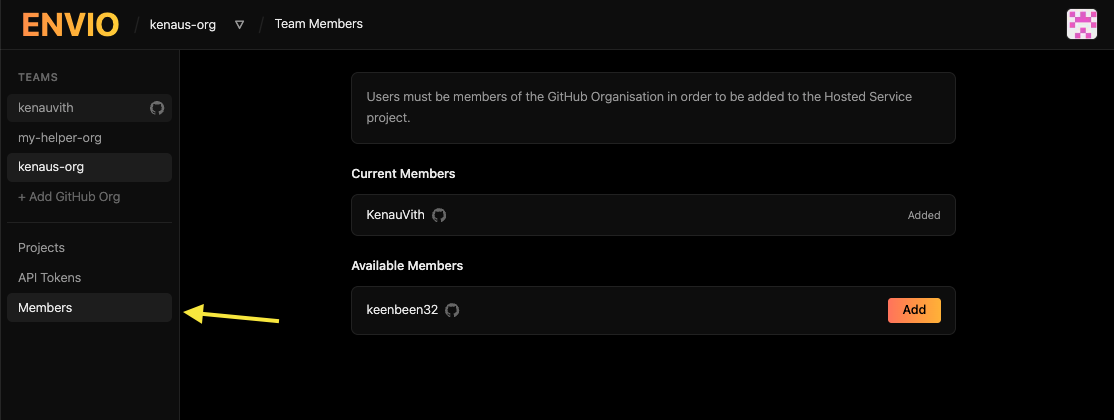
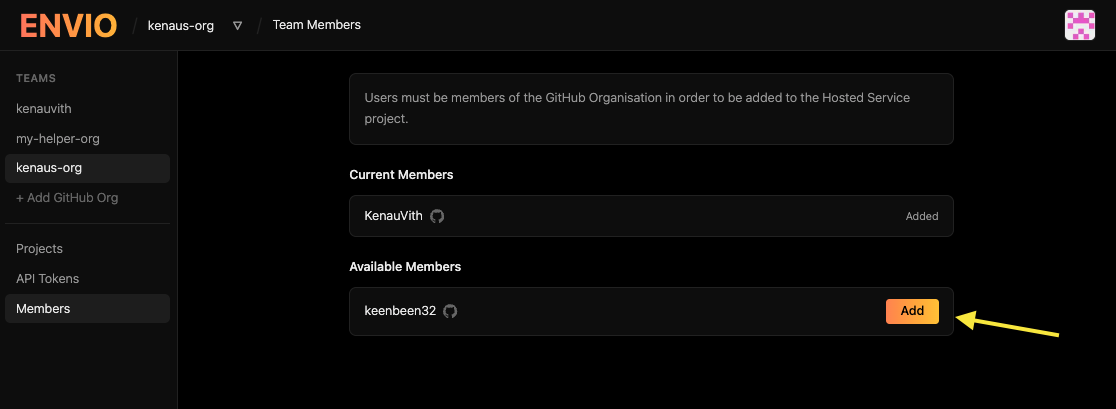
Once added, members should be able to access the organisation's page in the Envio Cloud UI and start creating projects!
---
---
# Self-Hosting Guide
> Learn how to self-host Envio indexers with Docker, PostgreSQL, and Hasura for full control.
# Self-Hosting Your Blockchain Indexer
:::info
This documentation page is actively being improved. Check back regularly for updates and additional information.
:::
While Envio offers a fully managed cloud hosting solution via [Envio Cloud](./hosted-service.md), you may prefer to run your blockchain indexer on your own infrastructure. This guide covers everything you need to know about self-hosting Envio indexers.
:::note
We deeply appreciate users who choose Envio Cloud, as it directly supports our team and helps us continue developing and improving Envio's technology. If your use case allows for it, please consider the hosted option.
:::
## Why Self-Host?
Self-hosting gives you:
- **Complete Control**: Manage your own infrastructure and configurations
- **Data Sovereignty**: Keep all indexed data within your own systems
:::warning Disclaimer
Self Hosting can be done with a variety of different infrastructure, tools and methods. The outline below is merely a starting point and does not offer a full production level solution. In some cases advanced knowledge of infrastructure, database management and networking may be required for a full production level solution.
:::
## Prerequisites
Before self-hosting, ensure you have:
- Docker installed on your host machine
- Sufficient storage for blockchain data and the indexer database
- Adequate CPU and memory resources (requirements vary based on chains and indexing complexity)
- Required HyperSync and/or RPC endpoints
- Envio API token for HyperSync access (`ENVIO_API_TOKEN`) — required for continued access. See [API Tokens](/docs/HyperSync/api-tokens).
## Getting Started
In general, if you want to self-host, you will likely use a Docker setup.
For a working example, check out the [local-docker-example repository](https://github.com/enviodev/local-docker-example).
It contains a minimal `Dockerfile` and `docker-compose.yaml` that configure the Envio indexer together with PostgreSQL and Hasura.
## Configuration Explained
The compose file in that repository sets up three main services:
1. **PostgreSQL Database** (`envio-postgres`): Stores your indexed data
2. **Hasura GraphQL Engine** (`graphql-engine`): Provides the GraphQL API for querying your data
3. **Envio Indexer** (`envio-indexer`): The core indexing service that processes blockchain data
### Environment Variables
The configuration uses environment variables with sensible defaults. For production, you should customize:
- Envio API token (`ENVIO_API_TOKEN`)
- Database credentials (`ENVIO_PG_PASSWORD`, `ENVIO_PG_USER`, etc.)
- Hasura admin secret (`HASURA_GRAPHQL_ADMIN_SECRET`)
- Resource limits based on your workload requirements
## Getting Help
If you encounter issues with self-hosting:
- Check the [Envio GitHub repository](https://github.com/enviodev/hyperindex) for known issues
- Join the [Envio Discord community](https://discord.gg/envio) for community support
:::tip
For most production use cases, we recommend using [Envio Cloud](./hosted-service.md) to benefit from automatic scaling, monitoring, and maintenance.
:::
---
# Licensing
> Learn how Envio's licensing lets developers self-host, use generated code, and stay open while protecting Envio Cloud.
## TL;DR
- Envio's licensing reflects open source ethos but is not OSI recognized.
- Developers can use Envio's services without vendor lock-in, either by self-hosting or specifying an RPC URL.
- The generated code is open and public
- Our license allows self-hosting but restricts third-party competition with Envio Cloud.
- Envio may consider open-sourcing in the future but prioritizes stakeholder interests and market traction.
## Our position
We're devs and we value OS ethos too, that's why our licensing mirrors a lot of the benefits from open source licensing however Envio and its products do not use a recognized open source license by the [OSI](https://opensource.org/), we are however public and open and our licensing reflects this.
Our future business model lies in Envio Cloud and HyperSync requests and so we are protecting this, but to ensure continuity and no vendor lock-in, developers are able to run and develop on their indexer without either. Either by self-hosting, which our license permits, or by specifying an RPC URL in their indexer configuration and thus bypassing HyperSync.
Envio is in its formative stages and though we may look to open-source the software in the future we are dedicated to ensuring the best interests of all stakeholders. Going open source is somewhat of a one-way function and it is easier to go open source than to proverbially go "closed source". Once we have gained more market traction we will review our position on going open source.
## HyperIndex End-User License Agreement (EULA)
This agreement describes the users' rights and the conditions upon which the Software and Generated Code may be used. The user should review the entire agreement, including any supplemental license terms that accompany the Software since all of the terms are important and together create this agreement that applies to them.
### 1. Definitions
**Software:** HyperIndex, a copyrightable work created by Envio and licensed under this End User License Agreement (“EULA”).
**Generated Code:** In the context of this license agreement, the term "generated code" refers to computer programming code that is produced automatically by the Software based on input provided by the user.
**Licensed Material:** The Software and Generated Code defined here will be collectively referred to as “Licensed Material”.
### 2. Installation and User Rights
**License:** The Software is provided under this EULA. By agreeing to the EULA terms, you are granted the right to install and operate one instance of the Software on your device (referred to as the licensed device), for the use of one individual at a time, on the condition that you adhere to all terms outlined in this agreement.
The licensor provides you with a non-exclusive, royalty-free, worldwide license that is non-sublicensable and non-transferable. This license allows you to use the Software subject to the limitations and conditions outlined in this EULA.
With one license, the user can only use the Software on a single device.
**Device:** In this agreement, "device" refers to a hardware system, whether physical or virtual, equipped with an internal storage device capable of executing the Software. This includes hardware partitions, which are considered individual devices for the purposes of this agreement. Updates may be provided to the Software, and these updates may alter the minimum hardware requirements necessary for the Software. It is the responsibility of users to comply with any changing hardware requirements.
**Updates:** The Software may be updated automatically. With each update, the EULA may be amended, and it is the users' responsibility to comply with the amendments.
**Limitations:** Envio reserves all rights, including those under intellectual property laws, not expressly granted in this agreement. For instance, this license does not confer upon you the right to, and you are prohibited from:
(i) Publishing, copying (other than the permitted backup copy), renting, leasing, or lending the Software;
(ii) Transferring the Software (except as permitted by this agreement);
(iii) Circumventing any technical restrictions or limitations in the Software;
(iv) Using the Software as server Software, for commercial hosting, making the Software available for simultaneous use by multiple users over a network, installing the Software on a server and allowing users to access it remotely, or installing the Software on a device solely for remote user use;
(v) Reverse engineering, decompiling, or disassembling the Software, or attempting to do so, except and only to the extent that the foregoing restriction is (a) permitted by applicable law; (b) permitted by licensing terms governing the use of open-source components that may be included with the Software and
(vi) When using the Software, you may not use any features in any manner that could interfere with anyone else's use of them, or attempt to gain unauthorized access to or use of any service, data, account, or network.
These limitations apply specifically to the Software and do not extend to the Generated Code. Details regarding the use of the Generated Code, including associated limitations, are provided below.
### 3. Use of the Generated Code
**Limitations:** Users can use, copy, distribute, make available, and create derivative works of the Generated Code freely, subject to the limitations and conditions specified below.
(i) The user is prohibited from offering the Generated Code or any software that includes the Generated Code to third parties as a hosted or managed service, where the service grants users access to a significant portion of the Software's features or functionality.
(ii) The user is not permitted to tamper with, alter, disable, or bypass the functionality of the license key in the Software. Additionally, the user may not eliminate or conceal any functionality within the Software that is safeguarded by the license key.
(iii) Any modification, removal, or concealment of licensing, copyright, or other notices belonging to the licensor in the Software is strictly forbidden. The use of the licensor's trademarks is subject to relevant laws.
**Credit:** If the user utilizes the Generated Code to develop and release new software, product, or service, the license agreement for said software, product, or service must include proper credit to HyperIndex.
**Liability:** Envio does not provide any assurance that the Generated Code functions correctly, nor does it assume any responsibility in this regard.
Additionally, it will be the responsibility of the user to assess whether the Generated Code is suitable for the products and services provided by the user. Envio will not bear any responsibility if the Generated Code is found unsuitable for the products and services provided by the user.
### 4. Additional Terms
**Disclaimer of Warranties and Limitation of Liability:**
(i) Unless expressly undertaken by the Licensor separately, the Licensed Material is provided on an as-is, as-available basis, and the Licensor makes no representations or warranties of any kind regarding the Licensed Material, whether express, implied, statutory, or otherwise. This encompasses, without limitation, warranties of title, merchantability, fitness for a particular purpose, non-infringement, absence of latent or other defects, accuracy, or the presence or absence of errors, whether known or discoverable. If disclaimers of warranties are not permitted in whole or in part, this disclaimer may not apply to You.
(ii) To the fullest extent permitted by law, under no circumstances shall the Licensor be liable to You under any legal theory (including, but not limited to, negligence) for any direct, special, indirect, incidental, consequential, punitive, exemplary, or other losses, costs, expenses, or damages arising from the use of the Licensed Material, even if the Licensor has been advised of the possibility of such losses, costs, expenses, or damages. If limitations of liability are not permitted in whole or in part, this limitation may not apply to You.
(iii) The disclaimers of warranties and limitations of liability outlined above shall be construed in a manner that most closely approximates an absolute disclaimer and waiver of all liability, to the fullest extent permitted by law.
**Applicable Law and Competent Courts:** This EULA shall be governed by and construed in accordance with the laws of England. The courts of England shall have exclusive jurisdiction to settle any dispute arising out of or in connection with this EULA.
**Additional Agreements:** If the user chooses to use the Software, it may be required to agree to additional terms or agreements outside of this EULA.
---
# Migrate from Alchemy to Envio
> Easily migrate your existing Alchemy subgraphs to Envio for 143x faster indexing than subgraphs, multichain support, and a better developer experience.
:::note
Note: Alchemy subgraphs sunset on Dec 8th, 2025. Envio is offering affected Alchemy users 2 months of free hosting on Envio, along with full white-glove migration support to help projects move over smoothly.
For more info on how you can start your free trial or book migration support, visit this [page](https://envio.dev/alchemy-migration) to learn more.
:::
Migrating Alchemy subgraphs to Envio’s HyperIndex is a simple and developer-friendly process. Alchemy subgraphs follow The Graph’s model and HyperIndex uses a very similar structure, so most of your existing setup can carry over cleanly.
If you're familiar with The Graph’s libraries, the migration process should be straightforward. You can also utilize tools like Cursor to speed things up. If you are new to HyperIndex, we strongly recommend starting with our [Quickstart](/docs/HyperIndex/quickstart) guide before you begin your migration from Alchemy.
## Why Migrate to Envio’s HyperIndex?
- **High Speed Performance**: 143x faster than subgraphs
- **Lower Costs**: Reduced infrastructure requirements and operational expenses
- **Better Developer Experience**: Simplified configuration and deployment
- **Multichain Native**: Index data across multiple EVM chains through a single HyperIndex project
- **Local Development**: Run your indexers locally for fast iteration and easier debugging
- **White Glove Migration Support**: Get direct support from the Envio team for a smoother migration.
- **GitOps Ready Deployments**: Link your GitHub repo and manage multiple deployments in a clean unified workflow
- **Advanced Features**: Access to features like external calls and block handlers
- **Seamless Integration**: Easily integrate existing GraphQL APIs and applications
## How to Migrate from Alchemy to Envio in 4 easy steps
This Migration consists of 4 major steps:
1. Create a HyperIndex Project
2. subgraph.yaml Migration to config.yaml
3. schema.graphql Migration
4. Event Handler Migration
### Create a HyperIndex Project
Start by spinning up a basic HyperIndex project with this command:
```bash
pnpx envio init template --name alchemy-migration --directory alchemy-migration --template greeter --api-token "YOUR_ENVIO_API_KEY"
```
Once the project is created, drop your API key into the .env file and you’re good to go.
### subgraph.yaml Migration to config.yaml
In HyperIndex, all project configuration lives in `config.yaml`. This is where you define contract addresses, the networks you want to index, and the specific events you want to track from those contracts.
Below is an example showing how a Uniswap V4 subgraph.yaml maps to a HyperIndex `config.yaml` in a real migration.
The Graph - `subgraph.yaml`
```yaml
specVersion: 0.0.4
description: Uniswap is a decentralized protocol for automated token exchange on Ethereum.
repository: https://github.com/Uniswap/v4-subgraph
schema:
file: ./schema.graphql
features:
- nonFatalErrors
- grafting
- kind: ethereum/contract
name: PositionManager
network: mainnet
source:
abi: PositionManager
address: "0xbD216513d74C8cf14cf4747E6AaA6420FF64ee9e"
startBlock: 21689089
mapping:
kind: ethereum/events
apiVersion: 0.0.7
language: wasm/assemblyscript
file: ./src/mappings/index.ts
entities:
- Position
abis:
- name: PositionManager
file: ./abis/PositionManager.json
eventHandlers:
- event: Subscription(indexed uint256,indexed address)
handler: handleSubscription
- event: Unsubscription(indexed uint256,indexed address)
handler: handleUnsubscription
- event: Transfer(indexed address,indexed address,indexed uint256)
handler: handleTransfer
```
HyperIndex - `config.yaml`
```yaml
# yaml-language-server: $schema=./node_modules/envio/evm.schema.json
name: uni-v4-indexer
chains:
- id: 1
start_block: 21689089
contracts:
- name: PositionManager
address: "0xbD216513d74C8cf14cf4747E6AaA6420FF64ee9e"
events:
- event: Subscription(uint256 indexed tokenId, address indexed subscriber)
- event: Unsubscription(uint256 indexed tokenId, address indexed subscriber)
- event: Transfer(address indexed from, address indexed to, uint256 indexed id)
```
If you hit any issues, check the [Configuration File](https://docs.envio.dev/docs/HyperIndex/configuration-file) docs or reach out to our team in [Discord](https://discord.gg/envio).
### schema.graphql Migration
This step is simple. You keep the entire file as is, with one small change: remove all `@entity` directives from your entities. Everything else stays the same.
### Event Handler Migration
This is the final step of the migration which consists of two parts:
- Moving from AssemblyScript to TypeScript
- Updating Subgraph syntax to HyperIndex syntax
#### AssemblyScript to TypeScript
HyperIndex uses TypeScript instead of AssemblyScript. Since AssemblyScript is a subset of TypeScript, you can simply copy most of your code over without worrying about major syntax changes.
#### Subgraph to HyperIndex
The HyperIndex workflow is very similar to Subgraphs, but there are a few important differences to keep in mind:
- Replace `ENTITY.save()` with `context.ENTITY.set(VALUES)`
- Handlers need to be async
- Use `await` when loading entities
As you start using HyperIndex, you’ll pick up the differences quickly.
Here is a code snippet to give you a sense of what these changes look like in practice.
The Graph - `eventHandler.ts`
```typescript
export function handleSubscription(event: SubscriptionEvent): void {
const subscription = new Subscribe(event.transaction.hash + event.logIndex);
subscription.tokenId = event.params.tokenId;
subscription.address = event.params.subscriber.toHexString();
subscription.logIndex = event.logIndex;
subscription.blockNumber = event.block.number;
subscription.position = event.params.tokenId;
subscription.save();
}
```
HyperIndex - `eventHandler.ts`
```typescript
import { indexer } from "envio";
indexer.onEvent(
{ contract: "PoolManager", event: "Subscription" },
async ({ event, context }) => {
const entity = {
id: event.transaction.hash + event.logIndex,
tokenId: event.params.tokenId,
address: event.params.subscriber,
blockNumber: event.block.number,
logIndex: event.logIndex,
position: event.params.tokenId,
};
context.Subscription.set(entity);
},
);
```
For a few extra tips on migrating from Alchemy to Envio, check out our other [migration guide](https://docs.envio.dev/docs/HyperIndex/migration-guide#extra-tips) in our docs.
## Share Your Learnings
If you come across anything useful during your migration, please feel free to contribute. Simply open a [PR](https://github.com/enviodev/docs/pulls) to this guide and help future developers.
## Getting Help
Join our [Discord](https://discord.gg/envio) if you need support. It is the fastest way to get direct help from the team and the community.
---
# Migrate from Ponder to Envio
> Easily migrate your existing subgraph to HyperIndex for up to 100x faster indexing speeds, multichain support, and a better developer experience.
# Migrate from Ponder to HyperIndex
> **Need help?** Reach out on [Discord](https://discord.gg/envio) for personalized migration assistance.
Migrating from Ponder to HyperIndex is straightforward — both frameworks use TypeScript, index EVM events, and expose a GraphQL API. The key differences are the config format, schema syntax, and entity operation API.
If you are new to HyperIndex, start with the [Quickstart](/docs/HyperIndex/quickstart) guide first.
:::tip Prefer AI-assisted migration?
For an assistant-led workflow, see [How to Migrate Using AI](./migrate-with-ai), which includes a shared process for Cursor and Claude Code.
:::
## Why Migrate to HyperIndex?
- **Up to 158x faster** historical sync via [HyperSync](/docs/HyperIndex/hypersync)
- **Multichain by default** — index any number of chains in one config
- **Same language** — your TypeScript logic transfers directly
## Migration Overview
Migration has three steps:
1. `ponder.config.ts` → `config.yaml`
2. `ponder.schema.ts` → `schema.graphql`
3. Event handlers — adapt syntax and entity operations
At any point, run:
```bash
pnpm envio codegen # validate config + schema, regenerate types
pnpm dev # run the indexer locally
```
---
## Step 0: Bootstrap the Project
```bash
pnpx envio init
```
This generates a `config.yaml`, a starter `schema.graphql`, and handler stubs. Use your Ponder project as the source of truth for contract addresses, ABIs, and events, then fill in the generated files.
---
## Step 1: `ponder.config.ts` → `config.yaml`
**Ponder**
```typescript
import { createConfig } from "ponder";
export default createConfig({
chains: {
mainnet: { id: 1, rpc: process.env.PONDER_RPC_URL_1 },
},
contracts: {
MyToken: {
abi: myTokenAbi,
chain: "mainnet",
address: "0xabc...",
startBlock: 18000000,
},
},
});
```
**HyperIndex (v3)**
```yaml
# yaml-language-server: $schema=./node_modules/envio/evm.schema.json
name: my-indexer
contracts:
- name: MyToken
abi_file_path: ./abis/MyToken.json
events:
- event: Transfer
- event: Approval
chains:
- id: 1
start_block: 0
contracts:
- name: MyToken
address:
- 0xabc...
start_block: 18000000
```
> **v2 note**: HyperIndex v2 uses `networks` instead of `chains`. See the [v2→v3 migration guide](/docs/HyperIndex/migrate-to-v3).
Key differences:
| Concept | Ponder | HyperIndex |
| --------------- | ------------------------------- | -------------------------------- |
| Config format | `ponder.config.ts` (TypeScript) | `config.yaml` (YAML) |
| Chain reference | Named + viem object | Numeric chain ID |
| RPC URL | In config | `RPC_URL_` env var |
| ABI source | TypeScript import | JSON file (`abi_file_path`) |
| Events to index | Inferred from handlers | Explicit `events:` list |
| Handler file | Inferred | Explicit `handler:` per contract |
**Convert your ABI**: Ponder uses TypeScript ABI exports (`as const`). HyperIndex needs a plain JSON file in `abis/`. Strip the `export const ... =` wrapper and `as const` and save as `.json`.
### Field selection — accessing transaction and block fields
By default, only a minimal set of fields is available on `event.transaction` and `event.block`. Fields like `event.transaction.hash` are `undefined` unless explicitly requested.
```yaml
events:
- event: Transfer
field_selection:
transaction_fields:
- hash
```
Or declare once at the top level to apply to all events:
```yaml
name: my-indexer
field_selection:
transaction_fields:
- hash
contracts:
# ...
```
See the full list of available fields in the [Configuration File](/docs/HyperIndex/config-schema-reference#fieldselection) docs.
---
## Step 2: `ponder.schema.ts` → `schema.graphql`
**Ponder**
```typescript
import { onchainTable, primaryKey, index } from "ponder";
export const token = onchainTable("token", (t) => ({
address: t.hex().primaryKey(),
symbol: t.text().notNull(),
balance: t.bigint().notNull(),
}));
export const transferEvent = onchainTable(
"transfer_event",
(t) => ({
id: t.text().primaryKey(),
from: t.hex().notNull(),
to: t.hex().notNull(),
amount: t.bigint().notNull(),
timestamp: t.integer().notNull(),
}),
(table) => ({
fromIdx: index().on(table.from),
}),
);
```
**HyperIndex**
```graphql
type Token {
id: ID!
symbol: String!
balance: BigInt!
}
type TransferEvent {
id: ID!
from: String! @index
to: String!
amount: BigInt!
timestamp: Int!
}
```
Type mapping:
| Ponder | HyperIndex GraphQL |
| ---------------------------------- | ------------------ |
| `t.hex()` | `String!` |
| `t.text()` | `String!` |
| `t.bigint()` | `BigInt!` |
| `t.integer()` | `Int!` |
| `t.boolean()` | `Boolean!` |
| `t.real()` / `t.doublePrecision()` | `Float!` |
| `t.hex().array()` | `Json!` |
**Primary keys**: HyperIndex requires a single `id: ID!` string field on every entity. For composite PKs (e.g. `owner + spender`), construct the ID string manually: `` `${owner}_${spender}` ``.
**Indexes**: Replace `index().on(column)` with an [`@index`](/docs/HyperIndex/schema) directive on the field.
**Relations**: Replace Ponder's `relations()` call with [`@derivedFrom`](/docs/HyperIndex/schema) on the parent entity:
```graphql
type Token {
id: ID!
transfers: [TransferEvent!]! @derivedFrom(field: "token_id")
}
```
See the full [Schema](/docs/HyperIndex/schema) docs.
## Step 3: Event Handlers
### Handler registration
**Ponder**
```typescript
import { ponder } from "ponder:registry";
ponder.on("MyToken:Transfer", async ({ event, context }) => {
// ...
});
```
**HyperIndex**
```typescript
import { indexer } from "envio";
indexer.onEvent(
{ contract: "MyToken", event: "Transfer" },
async ({ event, context }) => {
// ...
},
);
```
### Event data access
| Data | Ponder | HyperIndex |
| ---------------- | -------------------------------- | --------------------------------------------------- |
| Event parameters | `event.args.name` | `event.params.name` |
| Contract address | `event.log.address` | `event.srcAddress` |
| Chain ID | `context.chain.id` | `event.chainId` |
| Block number | `event.block.number` | `event.block.number` |
| Block timestamp | `event.block.timestamp` (bigint) | `event.block.timestamp` (number) |
| Tx hash | `event.transaction.hash` | `event.transaction.hash` ⚠️ needs `field_selection` |
### Entity operations
| Intent | Ponder | HyperIndex |
| --------------- | ----------------------------------------- | ------------------------------------------------------------------ |
| Insert | `context.db.insert(t).values({...})` | `context.Entity.set({ id, ...fields })` |
| Update | `context.db.update(t, pk).set({...})` | `get` → spread → `context.Entity.set({ ...existing, ...changes })` |
| Upsert | `.insert().values().onConflictDoUpdate()` | `context.Entity.getOrCreate({ id, ...defaults })` → `set` |
| Read (nullable) | `context.db.find(table, pk)` | `context.Entity.get(id)` |
| Read (throws) | manual null check | `context.Entity.getOrThrow(id)` |
**Full handler example**
_Ponder_
```typescript
ponder.on("MyToken:Transfer", async ({ event, context }) => {
await context.db.insert(transferEvent).values({
id: event.id,
from: event.args.from,
to: event.args.to,
amount: event.args.amount,
timestamp: Number(event.block.timestamp),
});
await context.db
.update(token, { address: event.args.to })
.set((row) => ({ balance: row.balance + event.args.amount }));
});
```
_HyperIndex_
```typescript
import { indexer } from "envio";
indexer.onEvent(
{ contract: "MyToken", event: "Transfer" },
async ({ event, context }) => {
context.TransferEvent.set({
id: `${event.transaction.hash}_${event.logIndex}`,
from: event.params.from,
to: event.params.to,
amount: event.params.amount,
timestamp: event.block.timestamp,
});
const token = await context.Token.getOrThrow(event.params.to);
context.Token.set({
...token,
balance: token.balance + event.params.amount,
});
},
);
```
> **Important**: Entity objects from `context.Entity.get()` are read-only. Always spread (`...existing`) and set new fields — never mutate directly.
See the [Event Handlers](/docs/HyperIndex/event-handlers) docs for the full API reference.
## Extra Tips
### Factory contracts (dynamic registration)
Replace Ponder's `factory()` helper in config with a [`contractRegister`](/docs/HyperIndex/dynamic-contracts) handler:
```typescript
import { indexer } from "envio";
// Registers each newly deployed contract for indexing
indexer.contractRegister(
{ contract: "MyFactory", event: "ContractCreated" },
({ event, context }) => {
context.chain.MyContract.add(event.params.contractAddress);
},
);
```
In `config.yaml`, omit the `address` field for the dynamically registered contract.
### External calls
Replace `context.client.readContract(...)` with the [Effect API](/docs/HyperIndex/effect-api) to safely isolate external calls from the sync path:
```typescript
import { createEffect, S } from "envio";
export const getSymbol = createEffect(
{
name: "getSymbol",
input: S.schema({ address: S.string, chainId: S.number }),
output: S.string,
cache: true,
},
async ({ input }) => {
/* viem call here */
},
);
// In handler:
const symbol = await context.effect(getSymbol, {
address,
chainId: event.chainId,
});
```
### Multichain
Add multiple entries under `chains:` and namespace your entity IDs by chain to prevent collisions:
```typescript
const id = `${event.chainId}_${event.params.tokenId}`;
```
See [Multichain Indexing](/docs/HyperIndex/multichain-indexing) for configuration details.
### Wildcard indexing
HyperIndex supports [wildcard indexing](/docs/HyperIndex/wildcard-indexing) — index events by signature across all contracts on a chain without specifying addresses.
## Validating Your Migration
Use the [Indexer Migration Validator](https://github.com/enviodev/indexer-migration-validator) CLI to compare entity data between your Ponder and HyperIndex endpoints field-by-field.
## Getting Help
- **Discord**: [discord.gg/envio](https://discord.gg/envio) — fastest way to get help
- **Docs**: [docs.envio.dev](/docs/HyperIndex/overview)
- **AI-friendly docs**: [HyperIndex complete reference](/docs/HyperIndex-LLM/hyperindex-complete)
---
# Migrate to HyperIndex V3
> Step-by-step instructions for upgrading an existing HyperIndex V2 project to V3.
# Migrate to HyperIndex V3
This guide is a plain, step-by-step checklist of every change required to upgrade an existing HyperIndex V2 project to V3. For an overview of new V3 capabilities, see [What's New in V3](./whats-new-in-v3).
Follow the steps in order. Each step is independent enough to skim, but Step 0 (preparation on V2) is strongly recommended before you start touching V3 code.
## Step 0: Prepare on V2 (Recommended)
Before upgrading to V3, prepare your project while still on V2:
1. Upgrade to `envio@2.32.6`.
2. Enable Preload Optimization in `config.yaml`:
```yaml
preload_handlers: true
```
3. If you were using loaders, migrate them to Preload Optimization following the [Migrating from Loaders](/docs/HyperIndex/preload-optimization#migrating-from-loaders) guide.
4. Verify your indexer still works with `pnpm dev`.
## Step 1: Update Node.js
Update Node.js to **22 or higher** (24 is recommended). Earlier versions are no longer supported.
## Step 2: Update `package.json`
1. Add `"type": "module"` (required — without it the project will fail to start with ESM import errors).
2. Set `engines.node` to `>=22.0.0`.
3. Update the `envio` dependency to the latest v3 release.
4. Remove the `optionalDependencies.generated` entry — the local `generated` package no longer exists. Types are emitted to `.envio/types.d.ts` (git-ignored) and wired up via a small `envio-env.d.ts` file at the project root. Everything previously imported from `generated` is now exported from `envio`.
```diff
- "optionalDependencies": {
- "generated": "./generated"
- },
```
5. Update dev tooling:
```json
{
"type": "module",
"engines": {
"node": ">=22.0.0"
},
"dependencies": {
"envio": "3.0.0"
},
"devDependencies": {
"@types/node": "24.12.2",
"typescript": "6.0.3",
"vitest": "4.1.0"
}
}
```
6. If you used `ts-node` for the start script, replace it with `envio start`:
```json
{
"scripts": {
"start": "envio start"
}
}
```
### Test runner
**Option A — Migrate to Vitest (recommended).**
```bash
pnpm remove ts-mocha ts-node mocha chai @types/mocha @types/chai
pnpm add -D vitest@4.0.16
```
```json
{
"scripts": {
"test": "vitest run"
},
"devDependencies": {
"vitest": "4.0.16"
}
}
```
Move tests from `test/Test.ts` to `src/indexer.test.ts` and update imports:
```typescript
// Before (mocha/chai)
import { describe, it } from "mocha";
import { expect } from "chai";
// After (vitest)
import { describe, it, expect } from "vitest";
import { createTestIndexer } from "envio";
```
**Option B — Keep Mocha.** Replace `ts-mocha`/`ts-node` with `tsx`:
```bash
pnpm remove ts-mocha ts-node
pnpm add -D tsx@4.21.0
```
```json
{
"scripts": {
"mocha": "tsc --noEmit && NODE_OPTIONS='--no-warnings --import tsx' mocha --exit test/**/*.ts"
}
}
```
## Step 3: Update `tsconfig.json`
Update for ESM:
```json
{
/* For details: https://www.totaltypescript.com/tsconfig-cheat-sheet */
"compilerOptions": {
/* Base Options: */
"esModuleInterop": true,
"skipLibCheck": true,
"target": "es2022",
"allowJs": true,
"resolveJsonModule": true,
"moduleDetection": "force",
"isolatedModules": true,
"verbatimModuleSyntax": true,
/* Strictness */
"strict": true,
"noUncheckedIndexedAccess": true,
"noImplicitOverride": true,
/* For running Envio: */
"module": "ESNext",
"moduleResolution": "bundler",
"noEmit": true,
/* Code doesn't run in the DOM: */
"lib": ["es2022"],
"types": ["node"]
}
}
```
:::tip
`verbatimModuleSyntax` and `noUncheckedIndexedAccess` are extra strictness. You can disable them to simplify the migration.
:::
## Step 4: Update `config.yaml`
### Renames
- `networks` → `chains`
- `confirmed_block_threshold` → `max_reorg_depth`
- `rpc_config` → `rpc` (now supports multiple URLs, `for: sync | realtime | fallback`, and WebSocket configuration)
```yaml
# Before
networks:
- id: 1
contracts:
- name: MyContract
events:
- event: Transfer(address indexed from, address indexed to, uint256 value)
# After
chains:
- id: 1
contracts:
- name: MyContract
events:
- event: Transfer(address indexed from, address indexed to, uint256 value)
```
### Removals
Remove these options if present:
- `unordered_multichain_mode` — unordered is now the only mode in V3. The V2 `multichain: ordered` opt-in has also been removed.
- `loaders` — Preload Optimization is now always enabled.
- `preload_handlers` — now always enabled.
- `preRegisterDynamicContracts` — no longer needed.
- `event_decoder` — the Rust-based decoder is now the only implementation.
- `output` — generated types are always emitted to `.envio/`.
### Replacements for environment variables
If you were using the `MAX_BATCH_SIZE` environment variable, switch to the config option:
```yaml
full_batch_size: 5000
```
### Optional: Automatic handler registration
Move handler files to `src/handlers/` and remove the explicit `handler` paths from `config.yaml`. The explicit `handler` field still works if you'd rather not move files immediately.
## Step 5: Update Environment Variables
### Add
If your indexer uses HyperSync (the default), set an API token:
1. Get a free API token at [envio.dev/app/api-tokens](https://envio.dev/app/api-tokens).
2. Set it in your environment:
```bash
export ENVIO_API_TOKEN=your_token_here
```
Or in a local `.env` file:
```env
ENVIO_API_TOKEN=your_token_here
```
### Remove
- `UNSTABLE__TEMP_UNORDERED_HEAD_MODE`
- `UNORDERED_MULTICHAIN_MODE`
- `MAX_BATCH_SIZE` (use `full_batch_size` in `config.yaml` instead)
- `ENVIO_INDEXING_BLOCK_LAG` (use the per-chain `block_lag` config option instead)
### Rename
- `TUI_OFF=true` → `ENVIO_TUI=false` (TUI is also auto-disabled in CI and under AI agents)
- `ENVIO_PG_PUBLIC_SCHEMA` → `ENVIO_PG_SCHEMA` (the old name is still supported until v4)
## Step 6: Update Handler Code
All contract-specific handler exports have been removed. Register every handler through the unified `indexer` value imported from `envio`.
### Migrate event handlers
```typescript
// Before
import { ERC20 } from "generated";
ERC20.Transfer.handler(
async ({ event, context }) => {
// ...
},
{
wildcard: true,
eventFilters: ({ chainId }) => [
{ from: ZERO_ADDRESS, to: WHITELIST[chainId] },
],
}
);
// After
import { indexer } from "envio";
indexer.onEvent(
{
contract: "ERC20",
event: "Transfer",
wildcard: true,
where: ({ chain }) => ({
params: [{ from: ZERO_ADDRESS, to: WHITELIST[chain.id] }],
}),
},
async ({ event, context }) => {
// ...
},
);
```
Notes:
- `eventFilters` is renamed to `where`.
- The `where` callback receives `{ chain }` (not `{ chainId }`) and must return `false`, `true`, or `{ params: [...], block?: { number: { _gte, _lte, _every } } }`.
- The previous array shorthand at the top level is no longer accepted — wrap it in `{ params: [...] }`.
#### Filtering by the contract's own addresses
In V2 the addresses configured (or dynamically registered) for the contract were passed into `eventFilters` as the `addresses` argument. In V3 they live on the chain object as `chain..addresses`, which also stays in sync with anything registered via `context.chain..add(...)`.
```typescript
// Before
import { Safe } from "generated";
Safe.Transfer.handler(async ({ event, context }) => {}, {
wildcard: true,
eventFilters: ({ addresses }) => [
{ from: addresses },
{ to: addresses },
],
});
// After
import { indexer } from "envio";
indexer.onEvent(
{
contract: "Safe",
event: "Transfer",
wildcard: true,
where: ({ chain }) => ({
params: [
{ from: chain.Safe.addresses },
{ to: chain.Safe.addresses },
],
}),
},
async ({ event, context }) => {},
);
```
### Migrate dynamic contract registration
```typescript
// Before
UniV3.PoolFactory.contractRegister(async ({ event, context }) => {
context.addPool(event.params.poolAddress);
});
// After
import { indexer } from "envio";
indexer.contractRegister(
{ contract: "UniV3", event: "PoolFactory" },
async ({ event, context }) => {
context.chain.Pool.add(event.params.poolAddress);
},
);
```
`context.add(address)` becomes `context.chain..add(address)`.
### Migrate block handlers
**Behavior change.** In V2, every `onBlock(...)` call ran on the single chain specified by its `chain` option, and you set `interval`, `startBlock`, and `endBlock` as top-level options. In V3, `indexer.onBlock(...)` runs on **every chain by default**. To match the V2 behavior of "this chain only, in this block range, every N blocks", you have to pass an explicit `where` callback that:
- Returns `false` for chains you don't want to run on (recovering V2's single-chain default).
- Returns `{ block: { number: { _gte, _lte, _every } } }` to express the start block, end block, and interval.
```typescript
// Before — V2 ran this only on chain 1, every 100 blocks, in a fixed range
import { onBlock } from "generated";
onBlock(
{
name: "Ranges",
chain: 1,
startBlock: 20_000_000,
endBlock: 22_000_000,
interval: 100,
},
async ({ block, context }) => {
// ...
},
);
// After — V3 runs on every chain by default; the where callback narrows
// back down to chain 1 and re-expresses the range/interval via _gte/_lte/_every.
import { indexer } from "envio";
indexer.onBlock(
{
name: "Ranges",
where: ({ chain }) => {
if (chain.id !== 1) return false;
return {
block: {
number: {
_gte: 20_000_000,
_lte: 22_000_000,
_every: 100,
},
},
};
},
},
async ({ block, context }) => {
// ...
},
);
```
If you actually want the handler to run on **every** chain (the new default), simply omit `where`. Inside a block handler, replace `block.chainId` with `context.chain.id`.
### Update the `getWhere` API
Switch to the GraphQL-style filter syntax:
```typescript
// Before
const transfers = await context.Transfer.getWhere.from.eq("0x123...");
const bigTransfers = await context.Transfer.getWhere.value.gt(1000n);
// After
const transfers = await context.Transfer.getWhere({ from: { _eq: "0x123..." } });
const bigTransfers = await context.Transfer.getWhere({ value: { _gt: 1000n } });
```
New operators are also available: `_gte`, `_lte`, `_in`.
### Rename and removal cheat sheet
| V2 (removed) | V3 |
| ----------------------------------------- | ----------------------------------------------------------- |
| `Contract.Event.handler(...)` | `indexer.onEvent({ contract, event, ...options }, handler)` |
| `Contract.Event.contractRegister(...)` | `indexer.contractRegister({ contract, event }, handler)` |
| `onBlock({ chain, ... }, handler)` | `indexer.onBlock({ name, where? }, handler)` |
| `context.add(addr)` | `context.chain..add(addr)` |
| `eventFilters` option | `where` callback returning `{ params: [...] }` |
| `experimental_createEffect` | `createEffect` |
| `block.chainId` (in block handlers) | `context.chain.id` |
| `transaction.kind` | `transaction.type` |
| `transaction.chainId` | `context.chain.id` or `event.chainId` |
| `chain` type | `ChainId` (now a union type) |
| `getGeneratedByChainId(...)` | `indexer.chains[chainId]` |
| `Entity.getWhere.field.eq(value)` | `Entity.getWhere({ field: { _eq: value } })` |
| `Entity.getWhere.field.gt(value)` | `Entity.getWhere({ field: { _gt: value } })` |
| `Entity.getWhere.field.lt(value)` | `Entity.getWhere({ field: { _lt: value } })` |
| Lowercased entity types (e.g. `transfer`) | Capitalized (`Transfer`) |
| `ERC20_Transfer_eventLog` | `EvmEvent<"ERC20", "Transfer">` |
| `ERC20_Transfer_block` | `EvmEvent<"ERC20", "Transfer">["block"]` |
| `MyEnum` (direct export) | `Enum<"MyEnum">` |
| `MyEntity` (direct export) | `Entity<"MyEntity">` (preferred; direct still exported) |
Other type changes:
- `Address` is now `` `0x${string}` `` instead of `string`.
- Entity array fields are typed as `readonly` — update any code that mutates them.
- `S.nullable` schema type now returns `T | null` instead of `T | undefined`.
- The internal `ContractType` enum was removed.
## Step 7: Update Tests
The `MockDb` testing API has been removed. Migrate to `createTestIndexer()` with `simulate`.
```diff
-import { TestHelpers, type User } from "generated";
-const { MockDb, Greeter, Addresses } = TestHelpers;
+import { createTestIndexer, type User, TestHelpers } from "envio";
+const { Addresses } = TestHelpers;
it("A NewGreeting event creates a User entity", async (t) => {
- const mockDbInitial = MockDb.createMockDb();
+ const indexer = createTestIndexer();
const userAddress = Addresses.defaultAddress;
const greeting = "Hi there";
- const mockNewGreetingEvent = Greeter.NewGreeting.createMockEvent({
- greeting: greeting,
- user: userAddress,
- });
-
- const updatedMockDb = await Greeter.NewGreeting.processEvent({
- event: mockNewGreetingEvent,
- mockDb: mockDbInitial,
- });
+ await indexer.process({
+ chains: {
+ 137: {
+ simulate: [
+ {
+ contract: "Greeter",
+ event: "NewGreeting",
+ params: { greeting, user: userAddress },
+ },
+ ],
+ },
+ },
+ });
const expectedUserEntity: User = {
id: userAddress,
latestGreeting: greeting,
numberOfGreetings: 1,
greetings: [greeting],
};
- const actualUserEntity = updatedMockDb.entities.User.get(userAddress);
+ const actualUserEntity = await indexer.User.getOrThrow(userAddress);
t.expect(actualUserEntity).toEqual(expectedUserEntity);
});
```
### MockDb migration cheat sheet
| Old (`MockDb`) | New (`createTestIndexer`) |
| ------------------------------------------- | --------------------------------------------------------------- |
| `MockDb.createMockDb()` | `createTestIndexer()` |
| `Contract.Event.createMockEvent({...})` | Inline in `simulate: [{ contract, event, params }]` |
| `Contract.Event.processEvent({event,mockDb})` | `indexer.process({ chains: { id: { simulate } } })` |
| `mockDb.entities.Entity.get(id)` | `await indexer.Entity.getOrThrow(id)` |
| `mockDb.entities.Entity.set({...})` | `indexer.Entity.set({...})` |
| Manual handler threading & event chaining | Automatic — pass multiple events in the `simulate` array |
## Step 8: Update CLI Usage
- `envio dev` no longer auto-resets the database. If you relied on this, run `envio dev -r` (or `--restart`) explicitly.
- `envio start` is now production-only. Continue using `envio dev` for local development.
- Changes in handler files no longer trigger codegen on `pnpm dev`.
## Step 9: Run Codegen and Verify
```bash
pnpm envio codegen
pnpm dev
```
Postgres column type changes (`raw_events.event_id`: `NUMERIC` → `BIGINT`, `raw_events.serial`: `SERIAL` → `BIGSERIAL`, `envio_chains.events_processed`: `INTEGER` → `BIGINT`, `envio_checkpoints.id`: `INTEGER` → `BIGINT`) are applied automatically — no action required. The deprecated `envio_chains._num_batches_fetched` column always returns `0`.
## Step 10: Update Agent Skills
Once the indexer is running, refresh the agent skills bundled with your project so agent-driven development stays aligned with V3's APIs:
```bash
pnpx envio skills update
```
This populates a `.claude/skills` folder in your project. The skills are consumed by Claude, Cursor, and other compatible agentic tooling. Re-run it whenever a new HyperIndex release ships new APIs.
## Quick Migration Checklist
**Prepare (on V2):**
- [ ] Upgrade to `envio@2.32.6`
- [ ] Enable `preload_handlers: true` in `config.yaml`
- [ ] Migrate from loaders if applicable ([guide](/docs/HyperIndex/preload-optimization#migrating-from-loaders))
- [ ] Verify indexer works with `pnpm dev`
**Dependencies:**
- [ ] Update Node.js to `>=22`
- [ ] **Add `"type": "module"` to `package.json`** ← Required for V3
- [ ] Update `envio` dependency to the latest v3 release
- [ ] Remove `optionalDependencies.generated` from `package.json`
- [ ] Update `engines.node` to `>=22.0.0`
- [ ] Update `tsconfig.json` for ESM support
- [ ] Migrate from mocha/chai to vitest (recommended) or replace `ts-mocha`/`ts-node` with `tsx`
**`config.yaml`:**
- [ ] Rename `networks` → `chains`
- [ ] Rename `confirmed_block_threshold` → `max_reorg_depth`
- [ ] Replace `rpc_config` with `rpc`
- [ ] Remove `unordered_multichain_mode` and any `multichain: ordered` opt-in (unordered is now the only mode)
- [ ] Remove `loaders` and `preload_handlers`
- [ ] Remove `preRegisterDynamicContracts`
- [ ] Remove `event_decoder`
- [ ] Remove `output` (types always written to `.envio/`)
**Environment variables:**
- [ ] Set `ENVIO_API_TOKEN` if using HyperSync ([get token](https://envio.dev/app/api-tokens))
- [ ] Remove `UNSTABLE__TEMP_UNORDERED_HEAD_MODE`
- [ ] Remove `UNORDERED_MULTICHAIN_MODE`
- [ ] Remove `MAX_BATCH_SIZE` (use `full_batch_size`)
- [ ] Remove `ENVIO_INDEXING_BLOCK_LAG` (use per-chain `block_lag`)
- [ ] Rename `TUI_OFF=true` → `ENVIO_TUI=false`
- [ ] Rename `ENVIO_PG_PUBLIC_SCHEMA` → `ENVIO_PG_SCHEMA`
**Handler code:**
- [ ] Migrate event handlers from `Contract.Event.handler(...)` to `indexer.onEvent({ contract, event, ...options }, handler)`
- [ ] Migrate dynamic contract registration to `indexer.contractRegister({ contract, event }, handler)`
- [ ] Replace `context.add(addr)` with `context.chain..add(addr)`
- [ ] Convert `eventFilters` to `where` returning `{ params: [...] }`
- [ ] Migrate block handlers to a single `indexer.onBlock` call (use `where` for chain-specific or interval filters)
- [ ] Use `where.block.number._gte` to override per-event start blocks if needed
- [ ] Replace `experimental_createEffect` with `createEffect`
- [ ] Replace `block.chainId` with `context.chain.id`
- [ ] Replace `transaction.kind` with `transaction.type`
- [ ] Replace `transaction.chainId` with `context.chain.id` or `event.chainId`
- [ ] Update `chain` type to `ChainId`
- [ ] Replace `getGeneratedByChainId` with `indexer.chains[chainId]`
- [ ] Update `Address` consumers — type is now `` `0x${string}` ``
- [ ] Replace lowercased entity imports with capitalized versions (e.g. `transfer` → `Transfer`)
- [ ] Update `getWhere` calls to GraphQL-style filter syntax
- [ ] Update any `S.nullable` usage — now returns `null` instead of `undefined`
- [ ] Replace contract-specific type exports with generics (`EvmEvent<"ERC20", "Transfer">`)
**Tests:**
- [ ] Migrate from `MockDb` to `createTestIndexer()`
**CLI:**
- [ ] Use `envio dev -r` if you relied on `envio dev` resetting the DB automatically
- [ ] Use `envio dev` for local development (`envio start` is production-only)
**Verify:**
- [ ] Run `pnpm envio codegen` and `pnpm dev`
**Agent skills:**
- [ ] Run `pnpx envio skills update` to refresh Claude/Cursor skills
## Getting Help
If you encounter any issues during migration, join our [Discord community](https://discord.gg/envio) for support.
---
# How to Migrate Using AI
> Use an AI programming assistant like Cursor or Claude Code with HyperIndex Claude skills to migrate your subgraph to Envio HyperIndex.
# How to Migrate Using AI
HyperIndex v3 includes built-in Claude skills that guide AI programming assistants through the full subgraph migration process, from understanding your existing logic to converting handlers and running quality checks. This is the recommended way to migrate complex subgraphs.
## Prerequisites
- An AI programming assistant (Cursor or Claude Code)
- pnpm installed
- HyperIndex v3 (Claude skills are available in v3)
## Step 1: Initialize a Boilerplate HyperIndex Indexer
Create a new HyperIndex indexer that indexes the same contracts and events as the subgraph you are migrating. Run the following in a new directory:
```bash
pnpx envio init
```
Follow the CLI prompts to set up the boilerplate indexer with the same contracts and events as your existing subgraph.
:::caution
The Claude skills are only available in HyperIndex v3. See the [v3 migration guide](./migrate-to-v3) for current install guidance.
:::
## Step 2: Set Up a Monorepo Structure
Create a parent directory that contains both your new HyperIndex boilerplate indexer and the existing subgraph repo you want to migrate:
```
my-migration/
├── my-subgraph/ # Your existing subgraph repo
└── my-hyperindex-indexer/ # The boilerplate HyperIndex indexer from Step 1
```
This structure gives your assistant visibility into both projects so it can read and understand your subgraph logic while writing the HyperIndex implementation.
## Step 3: Run Your AI Programming Assistant
Open the monorepo root with your AI programming assistant running there (for example, run Claude Code in the monorepo root or open the monorepo in Cursor). **Put your assistant in plan mode first**, then provide a prompt like the following (replace the repo names with your own):
```xml
This monorepo contains two indexers:
- `my-subgraph/` — an existing Graph Protocol subgraph indexer (source of truth)
- `my-hyperindex-indexer/` — a HyperIndex boilerplate scaffolded from the same
contracts (migration target)
Migrate the subgraph indexer to a fully working HyperIndex indexer.
Follow these phases in order:
Phase 1 — Plan
- Produce a migration plan mapping each subgraph component to its HyperIndex
equivalent.
- Flag anything that has no direct equivalent and propose a workaround.
- Do NOT write code yet.
Phase 2 — Implement
- Migrate the entire subgraph following the plan and skill guides.
- Process one handler file at a time.
- After each file, run `pnpm envio codegen` to validate, and verify it against
the migration checklist before moving on.
Phase 3 — Verify
- Walk through every checklist item from the migration skill and confirm it
passes.
- Run any available build or type check commands.
- List any items you could not complete and why.
- Only modify files in `my-hyperindex-indexer/`. Do not change the subgraph repo.
- Preserve all entity fields and event mappings from the subgraph.
- Do not skip or summarize checklist items — execute every one.
- If you are uncertain about a migration decision, pause and ask me.
```
:::tip
- After migration, run `pnpm dev` to verify the indexer runs correctly
- Use the [Indexer Migration Validator](https://github.com/enviodev/indexer-migration-validator) to compare outputs between your subgraph and the new HyperIndex indexer
:::
## Manual Migration
For a detailed manual migration guide covering the step by step conversion of subgraph.yaml, schema, and event handlers, see [Migrate from The Graph](./migration-guide).
---
# Migrate from The Graph to Envio
> Easily migrate your existing subgraph to HyperIndex for up to 100x faster indexing speeds, multichain support, and a better developer experience.
# Migrate from The Graph to Envio
:::info
Please reach out to our team on [Discord](https://discord.gg/envio) for personalized migration assistance.
:::
:::tip Already on HyperIndex V2?
This page covers migrating from The Graph to Envio. If you are upgrading an existing HyperIndex project from V2 to V3, follow the [Migrate to V3](./migrate-to-v3) guide instead. Some examples below still use the V2 handler syntax (`Contract.Event.handler(...)`, `networks:`); the V3 equivalents (`indexer.onEvent(...)`, `chains:`) are documented in that guide.
:::
## Introduction
Migrating your existing subgraph to Envio's HyperIndex is designed to be a developer-friendly process. HyperIndex draws strong inspiration from The Graph’s subgraph architecture, which makes the migration simple, especially with the help of coding assistants like Cursor and AI tools (don't forget to use our [ai friendly docs](/docs/HyperIndex-LLM/hyperindex-complete)).
The process is simple but requires a good understanding of the underlying concepts. If you are new to HyperIndex, we recommend starting with the [Quickstart](/docs/HyperIndex/quickstart) guide.
:::tip Prefer AI-assisted migration?
If you want an assistant-led workflow, see [How to Migrate Using AI](./migrate-with-ai) for a guided process that works in both Cursor and Claude Code.
:::
## Why Migrate to HyperIndex?
- **Superior Performance**: Up to 100x faster indexing speeds
- **Lower Costs**: Reduced infrastructure requirements and operational expenses
- **Better Developer Experience**: Simplified configuration and deployment
- **Advanced Features**: Access to capabilities not available in other indexing solutions
- **Seamless Integration**: Easy integration with existing GraphQL APIs and applications
## Subgraph to HyperIndex Migration Overview
Migration consists of three major steps:
1. Subgraph.yaml migration
1. Schema migration - near copy paste
1. Event handler migration
At any point in the migration run
`pnpm envio codegen`
to verify the `config.yaml` and `schema.graphql` files are valid.
or run
`pnpm dev`
to verify the indexer is running and indexing correctly.
### 0.5 Use `pnpx envio init` to generate a boilerplate
As a first step, we recommend using `pnpx envio init` to generate a boilerplate for your project. This will handle the creation of the `config.yaml` file and a basic `schema.graphql` file with generic handler functions.
### 1. `subgraph.yaml` → `config.yaml`
`pnpx envio init` will generate this for you. It's a simple configuration file conversion. Effectively specifying which contracts to index, which networks to index (multiple networks can be specified with envio) and which events from those contracts to index.
Take the following conversion as an example, where the `subgraph.yaml` file is converted to `config.yaml` the below comparisons is for the Uniswap v4 pool manager subgraph.
The Graph - `subgraph.yaml`
```yaml
specVersion: 0.0.4
description: Uniswap is a decentralized protocol for automated token exchange on Ethereum.
repository: https://github.com/Uniswap/v4-subgraph
schema:
file: ./schema.graphql
features:
- nonFatalErrors
- grafting
- kind: ethereum/contract
name: PositionManager
network: mainnet
source:
abi: PositionManager
address: "0xbD216513d74C8cf14cf4747E6AaA6420FF64ee9e"
startBlock: 21689089
mapping:
kind: ethereum/events
apiVersion: 0.0.7
language: wasm/assemblyscript
file: ./src/mappings/index.ts
entities:
- Position
abis:
- name: PositionManager
file: ./abis/PositionManager.json
eventHandlers:
- event: Subscription(indexed uint256,indexed address)
handler: handleSubscription
- event: Unsubscription(indexed uint256,indexed address)
handler: handleUnsubscription
- event: Transfer(indexed address,indexed address,indexed uint256)
handler: handleTransfer
```
HyperIndex - `config.yaml`
```yaml
# yaml-language-server: $schema=./node_modules/envio/evm.schema.json
name: uni-v4-indexer
networks:
- id: 1
start_block: 21689089
contracts:
- name: PositionManager
address: "0xbD216513d74C8cf14cf4747E6AaA6420FF64ee9e"
events:
- event: Subscription(uint256 indexed tokenId, address indexed subscriber)
- event: Unsubscription(uint256 indexed tokenId, address indexed subscriber)
- event: Transfer(address indexed from, address indexed to, uint256 indexed id)
```
For any potential hurdles, please refer to the [Configuration File](../HyperIndex/configuration-file) documentation.
## 2. Schema migration
`copy` & `paste` the schema from the subgraph to the HyperIndex config file.
Small nuance differences:
- You can remove the `@entity` directive
- [Enums](../HyperIndex/schema#enum-types)
- [BigDecimals](../HyperIndex/schema#working-with-bigdecimal)
## 3. Event handler migration
This consists of two parts
1. Converting assemblyscript to typescript
1. Converting the subgraph syntax to HyperIndex syntax
### 3.1 Converting Assemblyscript to Typescript
The subgraph uses assemblyscript to write event handlers. The HyperIndex syntax is usually in typescript. Since assemblyscript is a subset of typescript, it's quite simple to copy and paste the code, especially so for pure functions.
### 3.2 Converting the subgraph syntax to HyperIndex syntax
There are some subtle differences in the syntax of the subgraph and HyperIndex. Including but not limited to the following:
- Replace Entity.save() with context.Entity.set()
- Convert to async handler functions
- Use `await` for loading entities `const x = await context.Entity.get(id)`
- Use [dynamic contract registration](../HyperIndex/dynamic-contracts) to register contracts
The below code snippets can give you a basic idea of what this difference might look like.
The Graph - `eventHandler.ts`
```typescript
export function handleSubscription(event: SubscriptionEvent): void {
const subscription = new Subscribe(event.transaction.hash + event.logIndex);
subscription.tokenId = event.params.tokenId;
subscription.address = event.params.subscriber.toHexString();
subscription.logIndex = event.logIndex;
subscription.blockNumber = event.block.number;
subscription.position = event.params.tokenId;
subscription.save();
}
```
HyperIndex - `eventHandler.ts`
```typescript
PoolManager.Subscription.handler( async (event, context) => {
const entity = {
id: event.transaction.hash + event.logIndex,
tokenId: event.params.tokenId,
address: event.params.subscriber,
blockNumber: event.block.number,
logIndex: event.logIndex,
position: event.params.tokenId
}
context.Subscription.set(entity);
})
```
## Extra tips
HyperIndex is a powerful tool that can be used to index any contract. There are some features that are especially powerful that go above subgraph implementations and so in some cases you may want to optimise your migration to HyperIndex further to take advantage of these features. Here are some useful tips:
- Use `field_selection` to opt into optional transaction and block fields (e.g. `hash`, `status`, `gasUsed`) that are not included by default, see [Transaction receipts](#transaction-receipts) for a migration-focused example and the [field selection](../HyperIndex/configuration-file#field-selection) docs for the full list.
- Multichain indexing in V3 always runs in unordered mode, which is the most common need and provides better performance — see [Multichain Indexing](../HyperIndex/multichain-indexing). (In V2 this required setting `unordered_multichain_mode: true`; in V3 there is no opt-in, and the V2 `multichain: ordered` mode has been removed.)
- Use wildcard indexing to index by event signatures rather than by contract address.
- HyperIndex uses the standard GraphQL query language, whereas TheGraph uses a custom GraphQL syntax. You can read about the differences and how to convert queries in our [Query Conversion Guide](/docs/HyperIndex/query-conversion). We also provide a query converter tool for backwards compatibility with existing TheGraph queries.
- Loaders are a powerful feature to optimize historical sync performance. You can read more about them [here](../HyperIndex/loaders).
- HyperIndex is very flexible and can be used to index offchain data too or send messages to a queue etc for fetching external data, you can further optimise the fetching by using the [effects api](/docs/HyperIndex/effect-api)
### Transaction receipts
In The Graph, you opt into receipt data per-handler with `receipt: true` in `subgraph.yaml`:
```yaml
eventHandlers:
- event: Transfer(indexed address,indexed address,indexed uint256)
handler: handleTransfer
receipt: true
````
This makes `event.receipt` available inside the handler with fields like `status`, `gasUsed`, and `logs`.
In HyperIndex, receipt-level fields are part of `transaction_fields` and must be requested via `field_selection` in `config.yaml`. There is no separate receipt object — the fields are accessed directly on `event.transaction`:
```yaml
field_selection:
transaction_fields:
- hash
- status # 1 = success, 0 = reverted
- gasUsed
- cumulativeGasUsed
- contractAddress # non-null for contract-creation transactions
- logsBloom
```
```typescript
MyContract.Transfer.handler(async ({ event, context }) => {
const { status, gasUsed } = event.transaction;
// ...
});
```
See the full list of available `transaction_fields` in the [Configuration File](../HyperIndex/configuration-file#field-selection) docs.
## Validating Your Migration
After completing your migration, it's important to verify that your HyperIndex indexer produces the same data as your original subgraph. Use the [Indexer Migration Validator](https://github.com/enviodev/indexer-migration-validator) CLI tool to compare results between both endpoints and identify any discrepancies. The tool automatically generates entity configs from your GraphQL schema and provides detailed field-level analysis of differences.
## Share Your Learnings
If you discover helpful tips during your migration, we'd love contributions! Open a [PR](https://github.com/enviodev/docs) to this guide and help future developers.
## Getting Help
**Join Our Discord**: The fastest way to get personalized help is through our [Discord community](https://discord.gg/envio).
---
# HyperIndex: Fast Multichain Blockchain Indexer
> Explore HyperIndex, a blazing-fast multichain indexer for real-time blockchain data.
--watch-till-synced
envio-cloud deployment logs my-indexer --follow
```
Every command supports `-o json`, which makes it easy for assistants and scripts to parse results. Full reference: [Envio Cloud CLI](./envio-cloud-cli).
---
## Related Resources
- [MCP Server](./mcp-server)
- [LLM-friendly docs bundle](/docs/HyperIndex-LLM/hyperindex-complete)
- [Envio CLI reference](./cli-commands)
- [Envio Cloud CLI](./envio-cloud-cli)
- [Migrate Using AI](./migrate-with-ai)
- [HyperIndex v3 migration](./migrate-to-v3)
---
# Solana
> Early Solana support in HyperIndex. Slot Handler, Effect API, and Envio Cloud today; deeper instruction/log-level handlers in progress.
:::info Early — and the right moment to shape it
Solana support in HyperIndex is **early**. The slot handler, the Effect API, and Envio Cloud deployment all work today, and teams are using them for real workloads. The higher-level abstractions (instruction-level handlers, IDL-aware decoding, log handlers) are actively being built, and we'd rather help you pick the right path now than have you fight with an early prototype. **If you're evaluating Solana indexing, [reach out on Discord](https://discord.gg/envio)** — we can tell you which pieces are stable, which are still moving, and often suggest a better data path for your specific use case (NFTs, AMMs, token flows, wallet activity, custom programs, etc.).
:::
## What's supported today
- [Slot Handler](/docs/HyperIndex/block-handlers) — `indexer.onSlot` for slot-driven indexing.
- [Effect API](/docs/HyperIndex/effect-api) — pull additional data on demand from RPC or any source.
- [Envio Cloud](/docs/HyperIndex/hosted-service) — deploy and host Solana indexers the same way as EVM ones.
- **Raw Solana data via [HyperSync](/docs/HyperSync/solana)** — slots, transactions, instructions, logs, balances, token balances, rewards. Today HyperSync is consumed directly (Rust client or HTTP); we recommend it as the starting point for any workload that needs more than slot-level orchestration.
## Quickstart
```bash
pnpx envio init svm
```
## What's stable vs. what's still evolving
**Stable enough to build on**
- The `onSlot` handler API and the project layout produced by `envio init svm`.
- The Effect API for fetching slot data on demand.
- Envio Cloud deployment for Solana indexers.
- The underlying HyperSync query shape and table model (see [HyperSync for Solana](/docs/HyperSync/solana#whats-stable-vs-whats-still-evolving)).
**Still evolving — check in if you depend on these**
- Instruction-level and log-level handlers (today you fetch by slot and decode yourself, or query HyperSync directly).
- IDL-aware decoding and program-aware helpers inside HyperIndex.
- Reorg handling — HyperIndex Solana currently tracks **finalized slots only**, resulting in **~20s latency**.
- HyperSync as a first-class source inside HyperIndex (today the slot handler is RPC-driven; HyperSync is consumed directly).
If the piece you need is in the second list, please talk to us before building around the limitation — there's a good chance we can sequence the work to unblock you, or suggest a HyperSync-direct path that gets you the data you need today.
## Recommended path for new projects
For most Solana use cases today, the fastest path to useful data is:
1. **Start with [HyperSync for Solana](/docs/HyperSync/solana)** to validate that the raw data you need (instructions, accounts, logs, token balances) is available and shaped the way you expect.
2. **Use the HyperIndex `onSlot` handler + Effect API** for orchestration, state, and derived entities on top of that data.
3. **Tell us what you're building** — we'll point you at the right primitive and let you know what's about to land.
## Working with us
This is genuinely a good time to be a design partner on Solana:
- **[Discord](https://discord.gg/envio)** — fastest way to reach the team.
- Share a sample program, transaction signature, or the entities you need to index, and we'll map it to a concrete plan.
- Missing a field, decoder, or handler shape? File it on [GitHub](https://github.com/enviodev/hyperindex/issues) or tell us on Discord — early feedback shapes what ships next.
---
# 0G Newton Testnet
> Start indexing 0G Newton Testnet data with Envio. A blazing-fast, developer-friendly multichain blockchain indexer.
# 0G Newton Testnet
## Indexing 0G Newton Testnet Data with Envio via RPC
:::warning
RPC as a source is not as fast as HyperSync. It is important in production to source RPC data from reliable sources. We recommend our partners at [drpc.org](https://drpc.org). Below, we have provided a set of free endpoints sourced from chainlist.org. **We don't recommend using these in production** as they may be rate limited. We recommend [tweaking the RPC config](./rpc-sync) to accommodate potential rate limiting.
:::
We suggest getting the latest from [chainlist.org](https://chainlist.org).
### Overview
Envio supports 0G Newton Testnet through an RPC-based indexing approach. This method allows you to ingest blockchain data via an RPC endpoint by setting the RPC configuration.
---
### Defining Chain Configurations
To use 0G Newton Testnet, define the RPC configuration in your chain configuration file as follows:
:::info
You may need to adjust more parameters of the [rpc configuration](/docs/HyperIndex/rpc-sync) to support the specific rpc provider.
:::
```yaml
name: IndexerName # Specify indexer name
description: Indexer Description # Include indexer description
chains:
- id: 16600 # 0G Newton Testnet
rpc: https://0g-json-rpc-public.originstake.com
start_block: START_BLOCK_NUMBER # Specify the starting block
contracts:
- name: ContractName
address:
- "0xYourContractAddress1"
- "0xYourContractAddress2"
events:
- event: Event # Specify event
- event: Event
```
Want HyperSync for 0G Newton Testnet? Request network support here [Discord](https://discord.gg/envio)!
---
# Ab
> Start indexing Ab data with Envio. A blazing-fast, developer-friendly multichain blockchain indexer.
# Ab
## Indexing Ab Data with Envio
| **Field** | **Value** |
|-------------------------------|----------------------------------------------------------------------------------------------------|
| **Ab Chain ID** | 36888 |
| **HyperSync URL Endpoint** | [https://ab.hypersync.xyz](https://ab.hypersync.xyz) or [https://36888.hypersync.xyz](https://36888.hypersync.xyz) |
| **HyperRPC URL Endpoint** | [https://ab.rpc.hypersync.xyz](https://ab.rpc.hypersync.xyz) or [https://36888.rpc.hypersync.xyz](https://36888.rpc.hypersync.xyz) |
---
### Overview
Envio is a modular hyper-performant data indexing solution for Ab, enabling applications and developers to efficiently index and aggregate real-time and historical blockchain data. Envio offers three primary solutions for indexing and accessing large amounts of data: [HyperIndex](/docs/HyperIndex/overview) (a customizable indexing framework), [HyperSync](/docs/HyperSync/overview) (a real-time indexed data layer), and [HyperRPC](/docs/HyperRPC/overview-hyperrpc) (extremely fast read-only RPC).
HyperSync accelerates the synchronization of historical data on Ab, enabling what usually takes hours to sync millions of events to be completed in under a minute—up to 2000x faster than traditional RPC methods.
Designed to optimize the user experience, Envio offers automatic code generation, flexible language support, multi-chain data aggregation, and a reliable, cost-effective hosted service.
To get started, see our documentation or follow our quickstart [guide](/docs/HyperIndex/quickstart).
---
### Defining Chain Configurations
```yaml
name: IndexerName # Specify indexer name
description: Indexer Description # Include indexer description
chains:
- id: 36888 # Ab
start_block: START_BLOCK_NUMBER # Specify the starting block
contracts:
- name: ContractName
address:
- "0xYourContractAddress1"
- "0xYourContractAddress2"
events:
- event: Event # Specify event
- event: Event
```
With these steps completed, your application will be set to efficiently index Ab data using Envio’s blockchain indexer.
For more information on how to set up your config, define a schema, and write event handlers, refer to the guides section in our [documentation](/docs/HyperIndex/configuration-file).
### Support
Can’t find what you’re looking for or need support? Reach out to us on [Discord](https://discord.gg/envio); we’re always happy to help!
---
---
# Abstract
> Start indexing Abstract data with Envio. A blazing-fast, developer-friendly multichain blockchain indexer.
# Abstract
## Indexing Abstract Data with Envio
| **Field** | **Value** |
|-------------------------------|----------------------------------------------------------------------------------------------------|
| **Abstract Chain ID** | 2741 |
| **HyperSync URL Endpoint** | [https://abstract.hypersync.xyz](https://abstract.hypersync.xyz) or [https://2741.hypersync.xyz](https://2741.hypersync.xyz) |
| **HyperRPC URL Endpoint** | [https://abstract.rpc.hypersync.xyz](https://abstract.rpc.hypersync.xyz) or [https://2741.rpc.hypersync.xyz](https://2741.rpc.hypersync.xyz) |
---
### Overview
Envio is a modular hyper-performant data indexing solution for Abstract, enabling applications and developers to efficiently index and aggregate real-time and historical blockchain data. Envio offers three primary solutions for indexing and accessing large amounts of data: [HyperIndex](/docs/HyperIndex/overview) (a customizable indexing framework), [HyperSync](/docs/HyperSync/overview) (a real-time indexed data layer), and [HyperRPC](/docs/HyperRPC/overview-hyperrpc) (extremely fast read-only RPC).
HyperSync accelerates the synchronization of historical data on Abstract, enabling what usually takes hours to sync millions of events to be completed in under a minute—up to 2000x faster than traditional RPC methods.
Designed to optimize the user experience, Envio offers automatic code generation, flexible language support, multi-chain data aggregation, and a reliable, cost-effective hosted service.
To get started, see our documentation or follow our quickstart [guide](/docs/HyperIndex/quickstart).
---
### Defining Chain Configurations
```yaml
name: IndexerName # Specify indexer name
description: Indexer Description # Include indexer description
chains:
- id: 2741 # Abstract
start_block: START_BLOCK_NUMBER # Specify the starting block
contracts:
- name: ContractName
address:
- "0xYourContractAddress1"
- "0xYourContractAddress2"
events:
- event: Event # Specify event
- event: Event
```
With these steps completed, your application will be set to efficiently index Abstract data using Envio’s blockchain indexer.
For more information on how to set up your config, define a schema, and write event handlers, refer to the guides section in our [documentation](/docs/HyperIndex/configuration-file).
### Support
Can’t find what you’re looking for or need support? Reach out to us on [Discord](https://discord.gg/envio); we’re always happy to help!
---
---
# Aleph Zero EVM
> Start indexing Aleph Zero EVM data with Envio. A blazing-fast, developer-friendly multichain blockchain indexer.
# Aleph Zero EVM
## Indexing Aleph Zero EVM Data with Envio via RPC
:::warning
RPC as a source is not as fast as HyperSync. It is important in production to source RPC data from reliable sources. We recommend our partners at [drpc.org](https://drpc.org). Below, we have provided a set of free endpoints sourced from chainlist.org. **We don't recommend using these in production** as they may be rate limited. We recommend [tweaking the RPC config](./rpc-sync) to accommodate potential rate limiting.
:::
We suggest getting the latest from [chainlist.org](https://chainlist.org).
### Overview
Envio supports Aleph Zero EVM through an RPC-based indexing approach. This method allows you to ingest blockchain data via an RPC endpoint by setting the RPC configuration.
---
### Defining Chain Configurations
To use Aleph Zero EVM, define the RPC configuration in your chain configuration file as follows:
:::info
You may need to adjust more parameters of the [rpc configuration](/docs/HyperIndex/rpc-sync) to support the specific rpc provider.
:::
```yaml
name: IndexerName # Specify indexer name
description: Indexer Description # Include indexer description
chains:
- id: 41455 # Aleph Zero EVM
rpc: https://rpc.alephzero.raas.gelato.cloud
# rpc: https://alephzero.drpc.org # alternative
start_block: START_BLOCK_NUMBER # Specify the starting block
contracts:
- name: ContractName
address:
- "0xYourContractAddress1"
- "0xYourContractAddress2"
events:
- event: Event # Specify event
- event: Event
```
Want HyperSync for Aleph Zero EVM? Request network support here [Discord](https://discord.gg/envio)!
---
# Altlayer OP Demo Testnet
> Start indexing Altlayer OP Demo Testnet data with Envio. A blazing-fast, developer-friendly multichain blockchain indexer.
# Altlayer OP Demo Testnet
## Indexing Altlayer OP Demo Testnet Data with Envio via RPC
:::warning
RPC as a source is not as fast as HyperSync. It is important in production to source RPC data from reliable sources. We recommend our partners at [drpc.org](https://drpc.org). Below, we have provided a set of free endpoints sourced from chainlist.org. **We don't recommend using these in production** as they may be rate limited. We recommend [tweaking the RPC config](./rpc-sync) to accommodate potential rate limiting.
:::
We suggest getting the latest from [chainlist.org](https://chainlist.org).
### Overview
Envio supports Altlayer OP Demo Testnet through an RPC-based indexing approach. This method allows you to ingest blockchain data via an RPC endpoint by setting the RPC configuration.
---
### Defining Chain Configurations
To use Altlayer OP Demo Testnet, define the RPC configuration in your chain configuration file as follows:
:::info
You may need to adjust more parameters of the [rpc configuration](/docs/HyperIndex/rpc-sync) to support the specific rpc provider.
:::
```yaml
name: IndexerName # Specify indexer name
description: Indexer Description # Include indexer description
chains:
- id: 9997 # Altlayer OP Demo Testnet
rpc: https://rpc-altlayer.optestnet.io
# rpc: https://rpc-testnet-altlayer.com # alternative
# rpc: https://altlayer-rpc.io # alternative
start_block: START_BLOCK_NUMBER # Specify the starting block
contracts:
- name: ContractName
address:
- "0xYourContractAddress1"
- "0xYourContractAddress2"
events:
- event: Event # Specify event
- event: Event
```
Want HyperSync for Altlayer OP Demo Testnet? Request network support here [Discord](https://discord.gg/envio)!
---
# Ancient8
> Start indexing Ancient8 data with Envio. A blazing-fast, developer-friendly multichain blockchain indexer.
# Ancient8
## Indexing Ancient8 Data with Envio via RPC
:::warning
RPC as a source is not as fast as HyperSync. It is important in production to source RPC data from reliable sources. We recommend our partners at [drpc.org](https://drpc.org). Below, we have provided a set of free endpoints sourced from chainlist.org. **We don't recommend using these in production** as they may be rate limited. We recommend [tweaking the RPC config](./rpc-sync) to accommodate potential rate limiting.
:::
We suggest getting the latest from [chainlist.org](https://chainlist.org).
### Overview
Envio supports Ancient8 through an RPC-based indexing approach. This method allows you to ingest blockchain data via an RPC endpoint by setting the RPC configuration.
---
### Defining Chain Configurations
To use Ancient8, define the RPC configuration in your chain configuration file as follows:
:::info
You may need to adjust more parameters of the [rpc configuration](/docs/HyperIndex/rpc-sync) to support the specific rpc provider.
:::
```yaml
name: IndexerName # Specify indexer name
description: Indexer Description # Include indexer description
chains:
- id: 888888888 # Ancient8
rpc: https://rpc.ancient8.gg
start_block: START_BLOCK_NUMBER # Specify the starting block
contracts:
- name: ContractName
address:
- "0xYourContractAddress1"
- "0xYourContractAddress2"
events:
- event: Event # Specify event
- event: Event
```
Want HyperSync for Ancient8? Request network support here [Discord](https://discord.gg/envio)!
---
# Any EVM with RPC
# Any EVM with RPC 🐌
---
Any EVM-compatible chain can be indexed using an RPC as a source. This means that you can use any EVM-compatible chain as a data source for your indexer. This is particularly useful for chains that do not have a native HyperSync or HyperRPC solution.
### Defining Network Configurations
```yaml
name: IndexerName # Specify indexer name
description: Indexer Description # Include indexer description
chains:
- id: 1234567890
rpc: https://custom-network-rpc.com # RPC URL for that custom network
start_block: START_BLOCK_NUMBER # Specify the starting block
contracts:
- name: ContractName
address:
- "0xYourContractAddress1"
- "0xYourContractAddress2"
events:
- event: Event # Specify event
- event: Event
```
### Support
Can’t find what you’re looking for or need support? Reach out to us on [Discord](https://discord.gg/envio); we’re always happy to help!
:::info
The backbone of HyperIndex’s blazing-fast indexing speed lies in using HyperSync as a more performant and cost-effective data source to RPC for data retrieval. While RPCs are functional, and can be used in HyperIndex as a data source, they are far from efficient when it comes to querying large amounts of data (a time-consuming and resource-intensive endeavour).
HyperSync is significantly faster and more cost-effective than traditional RPC methods, allowing the retrieval of multiple blocks at once, and enabling sync speeds up to 1000x faster than RPC.
:::
---
---
# Arbitrum Blueberry
> Start indexing Arbitrum Blueberry data with Envio. A blazing-fast, developer-friendly multichain blockchain indexer.
# Arbitrum Blueberry
## Indexing Arbitrum Blueberry Data with Envio via RPC
:::warning
RPC as a source is not as fast as HyperSync. It is important in production to source RPC data from reliable sources. We recommend our partners at [drpc.org](https://drpc.org). Below, we have provided a set of free endpoints sourced from chainlist.org. **We don't recommend using these in production** as they may be rate limited. We recommend [tweaking the RPC config](./rpc-sync) to accommodate potential rate limiting.
:::
We suggest getting the latest from [chainlist.org](https://chainlist.org).
### Overview
Envio supports Arbitrum Blueberry through an RPC-based indexing approach. This method allows you to ingest blockchain data via an RPC endpoint by setting the RPC configuration.
---
### Defining Chain Configurations
To use Arbitrum Blueberry, define the RPC configuration in your chain configuration file as follows:
:::info
You may need to adjust more parameters of the [rpc configuration](/docs/HyperIndex/rpc-sync) to support the specific rpc provider.
:::
```yaml
name: IndexerName # Specify indexer name
description: Indexer Description # Include indexer description
chains:
- id: 88153591557 # Arbitrum Blueberry
rpc: https://rpc.arb-blueberry.gelato.digital
start_block: START_BLOCK_NUMBER # Specify the starting block
contracts:
- name: ContractName
address:
- "0xYourContractAddress1"
- "0xYourContractAddress2"
events:
- event: Event # Specify event
- event: Event
```
Want HyperSync for Arbitrum Blueberry? Request network support here [Discord](https://discord.gg/envio)!
---
# Arbitrum Nova
> Start indexing Arbitrum Nova data with Envio. A blazing-fast, developer-friendly multichain blockchain indexer.
# Arbitrum Nova
## Indexing Arbitrum Nova Data with Envio
| **Field** | **Value** |
|-------------------------------|----------------------------------------------------------------------------------------------------|
| **Arbitrum Nova Chain ID** | 42170 |
| **HyperSync URL Endpoint** | [https://arbitrum-nova.hypersync.xyz](https://arbitrum-nova.hypersync.xyz) or [https://42170.hypersync.xyz](https://42170.hypersync.xyz) |
| **HyperRPC URL Endpoint** | [https://arbitrum-nova.rpc.hypersync.xyz](https://arbitrum-nova.rpc.hypersync.xyz) or [https://42170.rpc.hypersync.xyz](https://42170.rpc.hypersync.xyz) |
---
### Overview
Envio is a modular hyper-performant data indexing solution for Arbitrum Nova, enabling applications and developers to efficiently index and aggregate real-time and historical blockchain data. Envio offers three primary solutions for indexing and accessing large amounts of data: [HyperIndex](/docs/HyperIndex/overview) (a customizable indexing framework), [HyperSync](/docs/HyperSync/overview) (a real-time indexed data layer), and [HyperRPC](/docs/HyperRPC/overview-hyperrpc) (extremely fast read-only RPC).
HyperSync accelerates the synchronization of historical data on Arbitrum Nova, enabling what usually takes hours to sync millions of events to be completed in under a minute—up to 2000x faster than traditional RPC methods.
Designed to optimize the user experience, Envio offers automatic code generation, flexible language support, multi-chain data aggregation, and a reliable, cost-effective hosted service.
To get started, see our documentation or follow our quickstart [guide](/docs/HyperIndex/quickstart).
---
### Defining Chain Configurations
```yaml
name: IndexerName # Specify indexer name
description: Indexer Description # Include indexer description
chains:
- id: 42170 # Arbitrum Nova
start_block: START_BLOCK_NUMBER # Specify the starting block
contracts:
- name: ContractName
address:
- "0xYourContractAddress1"
- "0xYourContractAddress2"
events:
- event: Event # Specify event
- event: Event
```
With these steps completed, your application will be set to efficiently index Arbitrum Nova data using Envio’s blockchain indexer.
For more information on how to set up your config, define a schema, and write event handlers, refer to the guides section in our [documentation](/docs/HyperIndex/configuration-file).
### Support
Can’t find what you’re looking for or need support? Reach out to us on [Discord](https://discord.gg/envio); we’re always happy to help!
---
---
# Arbitrum Sepolia
> Start indexing Arbitrum Sepolia data with Envio. A blazing-fast, developer-friendly multichain blockchain indexer.
# Arbitrum Sepolia
## Indexing Arbitrum Sepolia Data with Envio
| **Field** | **Value** |
|-------------------------------|----------------------------------------------------------------------------------------------------|
| **Arbitrum Sepolia Chain ID** | 421614 |
| **HyperSync URL Endpoint** | [https://arbitrum-sepolia.hypersync.xyz](https://arbitrum-sepolia.hypersync.xyz) or [https://421614.hypersync.xyz](https://421614.hypersync.xyz) |
| **HyperRPC URL Endpoint** | [https://arbitrum-sepolia.rpc.hypersync.xyz](https://arbitrum-sepolia.rpc.hypersync.xyz) or [https://421614.rpc.hypersync.xyz](https://421614.rpc.hypersync.xyz) |
---
### Overview
Envio is a modular hyper-performant data indexing solution for Arbitrum Sepolia, enabling applications and developers to efficiently index and aggregate real-time and historical blockchain data. Envio offers three primary solutions for indexing and accessing large amounts of data: [HyperIndex](/docs/HyperIndex/overview) (a customizable indexing framework), [HyperSync](/docs/HyperSync/overview) (a real-time indexed data layer), and [HyperRPC](/docs/HyperRPC/overview-hyperrpc) (extremely fast read-only RPC).
HyperSync accelerates the synchronization of historical data on Arbitrum Sepolia, enabling what usually takes hours to sync millions of events to be completed in under a minute—up to 2000x faster than traditional RPC methods.
Designed to optimize the user experience, Envio offers automatic code generation, flexible language support, multi-chain data aggregation, and a reliable, cost-effective hosted service.
To get started, see our documentation or follow our quickstart [guide](/docs/HyperIndex/quickstart).
---
### Defining Chain Configurations
```yaml
name: IndexerName # Specify indexer name
description: Indexer Description # Include indexer description
chains:
- id: 421614 # Arbitrum Sepolia
start_block: START_BLOCK_NUMBER # Specify the starting block
contracts:
- name: ContractName
address:
- "0xYourContractAddress1"
- "0xYourContractAddress2"
events:
- event: Event # Specify event
- event: Event
```
With these steps completed, your application will be set to efficiently index Arbitrum Sepolia data using Envio’s blockchain indexer.
For more information on how to set up your config, define a schema, and write event handlers, refer to the guides section in our [documentation](/docs/HyperIndex/configuration-file).
### Support
Can’t find what you’re looking for or need support? Reach out to us on [Discord](https://discord.gg/envio); we’re always happy to help!
---
---
# Arbitrum
> Start indexing Arbitrum data with Envio. A blazing-fast, developer-friendly multichain blockchain indexer.
# Arbitrum
## Indexing Arbitrum Data with Envio
| **Field** | **Value** |
|-------------------------------|----------------------------------------------------------------------------------------------------|
| **Arbitrum Chain ID** | 42161 |
| **HyperSync URL Endpoint** | [https://arbitrum.hypersync.xyz](https://arbitrum.hypersync.xyz) or [https://42161.hypersync.xyz](https://42161.hypersync.xyz) |
| **HyperRPC URL Endpoint** | [https://arbitrum.rpc.hypersync.xyz](https://arbitrum.rpc.hypersync.xyz) or [https://42161.rpc.hypersync.xyz](https://42161.rpc.hypersync.xyz) |
---
### Overview
Envio is a modular hyper-performant data indexing solution for Arbitrum, enabling applications and developers to efficiently index and aggregate real-time and historical blockchain data. Envio offers three primary solutions for indexing and accessing large amounts of data: [HyperIndex](/docs/HyperIndex/overview) (a customizable indexing framework), [HyperSync](/docs/HyperSync/overview) (a real-time indexed data layer), and [HyperRPC](/docs/HyperRPC/overview-hyperrpc) (extremely fast read-only RPC).
HyperSync accelerates the synchronization of historical data on Arbitrum, enabling what usually takes hours to sync millions of events to be completed in under a minute—up to 2000x faster than traditional RPC methods.
Designed to optimize the user experience, Envio offers automatic code generation, flexible language support, multi-chain data aggregation, and a reliable, cost-effective hosted service.
To get started, see our documentation or follow our quickstart [guide](/docs/HyperIndex/quickstart).
---
### Defining Chain Configurations
```yaml
name: IndexerName # Specify indexer name
description: Indexer Description # Include indexer description
chains:
- id: 42161 # Arbitrum
start_block: START_BLOCK_NUMBER # Specify the starting block
contracts:
- name: ContractName
address:
- "0xYourContractAddress1"
- "0xYourContractAddress2"
events:
- event: Event # Specify event
- event: Event
```
With these steps completed, your application will be set to efficiently index Arbitrum data using Envio’s blockchain indexer.
For more information on how to set up your config, define a schema, and write event handlers, refer to the guides section in our [documentation](/docs/HyperIndex/configuration-file).
### Support
Can’t find what you’re looking for or need support? Reach out to us on [Discord](https://discord.gg/envio); we’re always happy to help!
---
---
# Arc Testnet
> Start indexing Arc Testnet data with Envio. A blazing-fast, developer-friendly multichain blockchain indexer.
# Arc Testnet
## Indexing Arc Testnet Data with Envio
| **Field** | **Value** |
|-------------------------------|----------------------------------------------------------------------------------------------------|
| **Arc Testnet Chain ID** | 5042002 |
| **HyperSync URL Endpoint** | [https://arc-testnet.hypersync.xyz](https://arc-testnet.hypersync.xyz) or [https://5042002.hypersync.xyz](https://5042002.hypersync.xyz) |
| **HyperRPC URL Endpoint** | [https://arc-testnet.rpc.hypersync.xyz](https://arc-testnet.rpc.hypersync.xyz) or [https://5042002.rpc.hypersync.xyz](https://5042002.rpc.hypersync.xyz) |
---
### Overview
Envio is a modular hyper-performant data indexing solution for Arc Testnet, enabling applications and developers to efficiently index and aggregate real-time and historical blockchain data. Envio offers three primary solutions for indexing and accessing large amounts of data: [HyperIndex](/docs/HyperIndex/overview) (a customizable indexing framework), [HyperSync](/docs/HyperSync/overview) (a real-time indexed data layer), and [HyperRPC](/docs/HyperRPC/overview-hyperrpc) (extremely fast read-only RPC).
HyperSync accelerates the synchronization of historical data on Arc Testnet, enabling what usually takes hours to sync millions of events to be completed in under a minute—up to 2000x faster than traditional RPC methods.
Designed to optimize the user experience, Envio offers automatic code generation, flexible language support, multi-chain data aggregation, and a reliable, cost-effective hosted service.
To get started, see our documentation or follow our quickstart [guide](/docs/HyperIndex/quickstart).
---
### Defining Chain Configurations
```yaml
name: IndexerName # Specify indexer name
description: Indexer Description # Include indexer description
chains:
- id: 5042002 # Arc Testnet
start_block: START_BLOCK_NUMBER # Specify the starting block
contracts:
- name: ContractName
address:
- "0xYourContractAddress1"
- "0xYourContractAddress2"
events:
- event: Event # Specify event
- event: Event
```
With these steps completed, your application will be set to efficiently index Arc Testnet data using Envio’s blockchain indexer.
For more information on how to set up your config, define a schema, and write event handlers, refer to the guides section in our [documentation](/docs/HyperIndex/configuration-file).
### Support
Can’t find what you’re looking for or need support? Reach out to us on [Discord](https://discord.gg/envio); we’re always happy to help!
---
---
# Artela Testnet
> Start indexing Artela Testnet data with Envio. A blazing-fast, developer-friendly multichain blockchain indexer.
# Artela Testnet
## Indexing Artela Testnet Data with Envio via RPC
:::warning
RPC as a source is not as fast as HyperSync. It is important in production to source RPC data from reliable sources. We recommend our partners at [drpc.org](https://drpc.org). Below, we have provided a set of free endpoints sourced from chainlist.org. **We don't recommend using these in production** as they may be rate limited. We recommend [tweaking the RPC config](./rpc-sync) to accommodate potential rate limiting.
:::
We suggest getting the latest from [chainlist.org](https://chainlist.org).
### Overview
Envio supports Artela Testnet through an RPC-based indexing approach. This method allows you to ingest blockchain data via an RPC endpoint by setting the RPC configuration.
---
### Defining Chain Configurations
To use Artela Testnet, define the RPC configuration in your chain configuration file as follows:
:::info
You may need to adjust more parameters of the [rpc configuration](/docs/HyperIndex/rpc-sync) to support the specific rpc provider.
:::
```yaml
name: IndexerName # Specify indexer name
description: Indexer Description # Include indexer description
chains:
- id: 11822 # Artela Testnet
rpc: https://betanet-rpc1.artela.network
start_block: START_BLOCK_NUMBER # Specify the starting block
contracts:
- name: ContractName
address:
- "0xYourContractAddress1"
- "0xYourContractAddress2"
events:
- event: Event # Specify event
- event: Event
```
Want HyperSync for Artela Testnet? Request network support here [Discord](https://discord.gg/envio)!
---
# Arthera Mainnet
> Start indexing Arthera Mainnet data with Envio. A blazing-fast, developer-friendly multichain blockchain indexer.
# Arthera Mainnet
## Indexing Arthera Mainnet Data with Envio via RPC
:::warning
RPC as a source is not as fast as HyperSync. It is important in production to source RPC data from reliable sources. We recommend our partners at [drpc.org](https://drpc.org). Below, we have provided a set of free endpoints sourced from chainlist.org. **We don't recommend using these in production** as they may be rate limited. We recommend [tweaking the RPC config](./rpc-sync) to accommodate potential rate limiting.
:::
We suggest getting the latest from [chainlist.org](https://chainlist.org).
### Overview
Envio supports Arthera Mainnet through an RPC-based indexing approach. This method allows you to ingest blockchain data via an RPC endpoint by setting the RPC configuration.
---
### Defining Chain Configurations
To use Arthera Mainnet, define the RPC configuration in your chain configuration file as follows:
:::info
You may need to adjust more parameters of the [rpc configuration](/docs/HyperIndex/rpc-sync) to support the specific rpc provider.
:::
```yaml
name: IndexerName # Specify indexer name
description: Indexer Description # Include indexer description
chains:
- id: 10242 # Arthera Mainnet
rpc: https://rpc.arthera.net
start_block: START_BLOCK_NUMBER # Specify the starting block
contracts:
- name: ContractName
address:
- "0xYourContractAddress1"
- "0xYourContractAddress2"
events:
- event: Event # Specify event
- event: Event
```
Want HyperSync for Arthera Mainnet? Request network support here [Discord](https://discord.gg/envio)!
---
# Asset Chain Mainnet
> Start indexing Asset Chain Mainnet data with Envio. A blazing-fast, developer-friendly multichain blockchain indexer.
# Asset Chain Mainnet
## Indexing Asset Chain Mainnet Data with Envio via RPC
:::warning
RPC as a source is not as fast as HyperSync. It is important in production to source RPC data from reliable sources. We recommend our partners at [drpc.org](https://drpc.org). Below, we have provided a set of free endpoints sourced from chainlist.org. **We don't recommend using these in production** as they may be rate limited. We recommend [tweaking the RPC config](./rpc-sync) to accommodate potential rate limiting.
:::
We suggest getting the latest from [chainlist.org](https://chainlist.org).
### Overview
Envio supports Asset Chain Mainnet through an RPC-based indexing approach. This method allows you to ingest blockchain data via an RPC endpoint by setting the RPC configuration.
---
### Defining Chain Configurations
To use Asset Chain Mainnet, define the RPC configuration in your chain configuration file as follows:
:::info
You may need to adjust more parameters of the [rpc configuration](/docs/HyperIndex/rpc-sync) to support the specific rpc provider.
:::
```yaml
name: IndexerName # Specify indexer name
description: Indexer Description # Include indexer description
chains:
- id: 42420 # Asset Chain Mainnet
rpc: https://mainnet-rpc.assetchain.org
start_block: START_BLOCK_NUMBER # Specify the starting block
contracts:
- name: ContractName
address:
- "0xYourContractAddress1"
- "0xYourContractAddress2"
events:
- event: Event # Specify event
- event: Event
```
Want HyperSync for Asset Chain Mainnet? Request network support here [Discord](https://discord.gg/envio)!
---
# Astar zkEVM
> Start indexing Astar zkEVM data with Envio. A blazing-fast, developer-friendly multichain blockchain indexer.
# Astar zkEVM
## Indexing Astar zkEVM Data with Envio via RPC
:::warning
RPC as a source is not as fast as HyperSync. It is important in production to source RPC data from reliable sources. We recommend our partners at [drpc.org](https://drpc.org). Below, we have provided a set of free endpoints sourced from chainlist.org. **We don't recommend using these in production** as they may be rate limited. We recommend [tweaking the RPC config](./rpc-sync) to accommodate potential rate limiting.
:::
We suggest getting the latest from [chainlist.org](https://chainlist.org).
### Overview
Envio supports Astar zkEVM through an RPC-based indexing approach. This method allows you to ingest blockchain data via an RPC endpoint by setting the RPC configuration.
---
### Defining Chain Configurations
To use Astar zkEVM, define the RPC configuration in your chain configuration file as follows:
:::info
You may need to adjust more parameters of the [rpc configuration](/docs/HyperIndex/rpc-sync) to support the specific rpc provider.
:::
```yaml
name: IndexerName # Specify indexer name
description: Indexer Description # Include indexer description
chains:
- id: 3776 # Astar zkEVM
rpc: https://rpc.startale.com/astar-zkevm
start_block: START_BLOCK_NUMBER # Specify the starting block
contracts:
- name: ContractName
address:
- "0xYourContractAddress1"
- "0xYourContractAddress2"
events:
- event: Event # Specify event
- event: Event
```
Want HyperSync for Astar zkEVM? Request network support here [Discord](https://discord.gg/envio)!
---
# Astar zKyoto
> Start indexing Astar zKyoto data with Envio. A blazing-fast, developer-friendly multichain blockchain indexer.
# Astar zKyoto
## Indexing Astar zKyoto Data with Envio via RPC
:::warning
RPC as a source is not as fast as HyperSync. It is important in production to source RPC data from reliable sources. We recommend our partners at [drpc.org](https://drpc.org). Below, we have provided a set of free endpoints sourced from chainlist.org. **We don't recommend using these in production** as they may be rate limited. We recommend [tweaking the RPC config](./rpc-sync) to accommodate potential rate limiting.
:::
We suggest getting the latest from [chainlist.org](https://chainlist.org).
### Overview
Envio supports Astar zKyoto through an RPC-based indexing approach. This method allows you to ingest blockchain data via an RPC endpoint by setting the RPC configuration.
---
### Defining Chain Configurations
To use Astar zKyoto, define the RPC configuration in your chain configuration file as follows:
:::info
You may need to adjust more parameters of the [rpc configuration](/docs/HyperIndex/rpc-sync) to support the specific rpc provider.
:::
```yaml
name: IndexerName # Specify indexer name
description: Indexer Description # Include indexer description
chains:
- id: 6038361 # Astar zKyoto
rpc: https://rpc.startale.com/zkyoto
start_block: START_BLOCK_NUMBER # Specify the starting block
contracts:
- name: ContractName
address:
- "0xYourContractAddress1"
- "0xYourContractAddress2"
events:
- event: Event # Specify event
- event: Event
```
Want HyperSync for Astar zKyoto? Request network support here [Discord](https://discord.gg/envio)!
---
# Aurora Turbo
# Aurora Turbo
## Indexing Aurora Turbo Data with Envio
| **Field** | **Value** |
|-------------------------------|----------------------------------------------------------------------------------------------------|
| **Aurora Turbo Chain ID** | 1313161567 |
| **HyperSync URL Endpoint** | [https://aurora-turbo.hypersync.xyz](https://aurora-turbo.hypersync.xyz) or [https://1313161567.hypersync.xyz](https://1313161567.hypersync.xyz) |
| **HyperRPC URL Endpoint** | [https://aurora-turbo.rpc.hypersync.xyz](https://aurora-turbo.rpc.hypersync.xyz) or [https://1313161567.rpc.hypersync.xyz](https://1313161567.rpc.hypersync.xyz) |
---
### Tier
STONE 🪨
### Overview
Envio is a modular hyper-performant data indexing solution for Aurora Turbo, enabling applications and developers to efficiently index and aggregate real-time and historical blockchain data. Envio offers three primary solutions for indexing and accessing large amounts of data: [HyperIndex](/docs/HyperIndex/overview) (a customizable indexing framework), [HyperSync](/docs/HyperSync/overview) (a real-time indexed data layer), and [HyperRPC](/docs/HyperRPC/overview-hyperrpc) (extremely fast read-only RPC).
HyperSync accelerates the synchronization of historical data on Aurora Turbo, enabling what usually takes hours to sync millions of events to be completed in under a minute—up to 1000x faster than traditional RPC methods.
Designed to optimize the user experience, Envio offers automatic code generation, flexible language support, multi-chain data aggregation, and a reliable, cost-effective hosted cloud solution.
To get started, see our documentation or follow our quickstart [guide](/docs/HyperIndex/quickstart).
---
### Defining Network Configurations
```yaml
name: IndexerName # Specify indexer name
description: Indexer Description # Include indexer description
chains:
- id: 1313161567 # Aurora Turbo
start_block: START_BLOCK_NUMBER # Specify the starting block
contracts:
- name: ContractName
address:
- "0xYourContractAddress1"
- "0xYourContractAddress2"
events:
- event: Event # Specify event
- event: Event
```
With these steps completed, your application will be set to efficiently index Aurora Turbo data using Envio’s blockchain indexer.
For more information on how to set up your config, define a schema, and write event handlers, refer to the guides section in our [documentation](/docs/HyperIndex/configuration-file).
### Support
Can’t find what you’re looking for or need support? Reach out to us on [Discord](https://discord.gg/envio); we’re always happy to help!
---
---
# Aurora
> Start indexing Aurora data with Envio. A blazing-fast, developer-friendly multichain blockchain indexer.
# Aurora
## Indexing Aurora Data with Envio
| **Field** | **Value** |
|-------------------------------|----------------------------------------------------------------------------------------------------|
| **Aurora Chain ID** | 1313161554 |
| **HyperSync URL Endpoint** | [https://aurora.hypersync.xyz](https://aurora.hypersync.xyz) or [https://1313161554.hypersync.xyz](https://1313161554.hypersync.xyz) |
| **HyperRPC URL Endpoint** | [https://aurora.rpc.hypersync.xyz](https://aurora.rpc.hypersync.xyz) or [https://1313161554.rpc.hypersync.xyz](https://1313161554.rpc.hypersync.xyz) |
---
### Overview
Envio is a modular hyper-performant data indexing solution for Aurora, enabling applications and developers to efficiently index and aggregate real-time and historical blockchain data. Envio offers three primary solutions for indexing and accessing large amounts of data: [HyperIndex](/docs/HyperIndex/overview) (a customizable indexing framework), [HyperSync](/docs/HyperSync/overview) (a real-time indexed data layer), and [HyperRPC](/docs/HyperRPC/overview-hyperrpc) (extremely fast read-only RPC).
HyperSync accelerates the synchronization of historical data on Aurora, enabling what usually takes hours to sync millions of events to be completed in under a minute—up to 2000x faster than traditional RPC methods.
Designed to optimize the user experience, Envio offers automatic code generation, flexible language support, multi-chain data aggregation, and a reliable, cost-effective hosted service.
To get started, see our documentation or follow our quickstart [guide](/docs/HyperIndex/quickstart).
---
### Defining Chain Configurations
```yaml
name: IndexerName # Specify indexer name
description: Indexer Description # Include indexer description
chains:
- id: 1313161554 # Aurora
start_block: START_BLOCK_NUMBER # Specify the starting block
contracts:
- name: ContractName
address:
- "0xYourContractAddress1"
- "0xYourContractAddress2"
events:
- event: Event # Specify event
- event: Event
```
With these steps completed, your application will be set to efficiently index Aurora data using Envio’s blockchain indexer.
For more information on how to set up your config, define a schema, and write event handlers, refer to the guides section in our [documentation](/docs/HyperIndex/configuration-file).
### Support
Can’t find what you’re looking for or need support? Reach out to us on [Discord](https://discord.gg/envio); we’re always happy to help!
---
---
# Avalanche
> Start indexing Avalanche data with Envio. A blazing-fast, developer-friendly multichain blockchain indexer.
# Avalanche
## Indexing Avalanche Data with Envio
| **Field** | **Value** |
|-------------------------------|----------------------------------------------------------------------------------------------------|
| **Avalanche Chain ID** | 43114 |
| **HyperSync URL Endpoint** | [https://avalanche.hypersync.xyz](https://avalanche.hypersync.xyz) or [https://43114.hypersync.xyz](https://43114.hypersync.xyz) |
| **HyperRPC URL Endpoint** | [https://avalanche.rpc.hypersync.xyz](https://avalanche.rpc.hypersync.xyz) or [https://43114.rpc.hypersync.xyz](https://43114.rpc.hypersync.xyz) |
---
### Overview
Envio is a modular hyper-performant data indexing solution for Avalanche, enabling applications and developers to efficiently index and aggregate real-time and historical blockchain data. Envio offers three primary solutions for indexing and accessing large amounts of data: [HyperIndex](/docs/HyperIndex/overview) (a customizable indexing framework), [HyperSync](/docs/HyperSync/overview) (a real-time indexed data layer), and [HyperRPC](/docs/HyperRPC/overview-hyperrpc) (extremely fast read-only RPC).
HyperSync accelerates the synchronization of historical data on Avalanche, enabling what usually takes hours to sync millions of events to be completed in under a minute—up to 2000x faster than traditional RPC methods.
Designed to optimize the user experience, Envio offers automatic code generation, flexible language support, multi-chain data aggregation, and a reliable, cost-effective hosted service.
To get started, see our documentation or follow our quickstart [guide](/docs/HyperIndex/quickstart).
---
### Defining Chain Configurations
```yaml
name: IndexerName # Specify indexer name
description: Indexer Description # Include indexer description
chains:
- id: 43114 # Avalanche
start_block: START_BLOCK_NUMBER # Specify the starting block
contracts:
- name: ContractName
address:
- "0xYourContractAddress1"
- "0xYourContractAddress2"
events:
- event: Event # Specify event
- event: Event
```
With these steps completed, your application will be set to efficiently index Avalanche data using Envio’s blockchain indexer.
For more information on how to set up your config, define a schema, and write event handlers, refer to the guides section in our [documentation](/docs/HyperIndex/configuration-file).
### Support
Can’t find what you’re looking for or need support? Reach out to us on [Discord](https://discord.gg/envio); we’re always happy to help!
---
---
# B2 Hub Testnet
> Start indexing B2 Hub Testnet data with Envio. A blazing-fast, developer-friendly multichain blockchain indexer.
# B2 Hub Testnet
## Indexing B2 Hub Testnet Data with Envio via RPC
:::warning
RPC as a source is not as fast as HyperSync. It is important in production to source RPC data from reliable sources. We recommend our partners at [drpc.org](https://drpc.org). Below, we have provided a set of free endpoints sourced from chainlist.org. **We don't recommend using these in production** as they may be rate limited. We recommend [tweaking the RPC config](./rpc-sync) to accommodate potential rate limiting.
:::
We suggest getting the latest from [chainlist.org](https://chainlist.org).
### Overview
Envio supports B2 Hub Testnet through an RPC-based indexing approach. This method allows you to ingest blockchain data via an RPC endpoint by setting the RPC configuration.
---
### Defining Chain Configurations
To use B2 Hub Testnet, define the RPC configuration in your chain configuration file as follows:
:::info
You may need to adjust more parameters of the [rpc configuration](/docs/HyperIndex/rpc-sync) to support the specific rpc provider.
:::
```yaml
name: IndexerName # Specify indexer name
description: Indexer Description # Include indexer description
chains:
- id: 1113 # B2 Hub Testnet
rpc: https://testnet-hub-rpc.bsquared.network
start_block: START_BLOCK_NUMBER # Specify the starting block
contracts:
- name: ContractName
address:
- "0xYourContractAddress1"
- "0xYourContractAddress2"
events:
- event: Event # Specify event
- event: Event
```
Want HyperSync for B2 Hub Testnet? Request network support here [Discord](https://discord.gg/envio)!
---
# B2 Testnet
# B2 Testnet
## Indexing B2 Testnet Data with Envio
| **Field** | **Value** |
|-------------------------------|----------------------------------------------------------------------------------------------------|
| **B2 Testnet Chain ID** | 1123 |
| **HyperSync URL Endpoint** | [https://b2-testnet.hypersync.xyz](https://b2-testnet.hypersync.xyz) or [https://1123.hypersync.xyz](https://1123.hypersync.xyz) |
| **HyperRPC URL Endpoint** | [https://b2-testnet.rpc.hypersync.xyz](https://b2-testnet.rpc.hypersync.xyz) or [https://1123.rpc.hypersync.xyz](https://1123.rpc.hypersync.xyz) |
---
### Tier
undefined 🏗️
### Overview
Envio is a modular hyper-performant data indexing solution for B2 Testnet, enabling applications and developers to efficiently index and aggregate real-time and historical blockchain data. Envio offers three primary solutions for indexing and accessing large amounts of data: [HyperIndex](/docs/HyperIndex/overview) (a customizable indexing framework), [HyperSync](/docs/HyperSync/overview) (a real-time indexed data layer), and [HyperRPC](/docs/HyperRPC/overview-hyperrpc) (extremely fast read-only RPC).
HyperSync accelerates the synchronization of historical data on B2 Testnet, enabling what usually takes hours to sync millions of events to be completed in under a minute—up to 1000x faster than traditional RPC methods.
Designed to optimize the user experience, Envio offers automatic code generation, flexible language support, multi-chain data aggregation, and a reliable, cost-effective hosted cloud solution.
To get started, see our documentation or follow our quickstart [guide](/docs/HyperIndex/quickstart).
---
### Defining Network Configurations
```yaml
name: IndexerName # Specify indexer name
description: Indexer Description # Include indexer description
chains:
- id: 1123 # B2 Testnet
start_block: START_BLOCK_NUMBER # Specify the starting block
contracts:
- name: ContractName
address:
- "0xYourContractAddress1"
- "0xYourContractAddress2"
events:
- event: Event # Specify event
- event: Event
```
With these steps completed, your application will be set to efficiently index B2 Testnet data using Envio’s blockchain indexer.
For more information on how to set up your config, define a schema, and write event handlers, refer to the guides section in our [documentation](/docs/HyperIndex/configuration-file).
### Support
Can’t find what you’re looking for or need support? Reach out to us on [Discord](https://discord.gg/envio); we’re always happy to help!
---
---
# B3 Sepolia Testnet
> Start indexing B3 Sepolia Testnet data with Envio. A blazing-fast, developer-friendly multichain blockchain indexer.
# B3 Sepolia Testnet
## Indexing B3 Sepolia Testnet Data with Envio via RPC
:::warning
RPC as a source is not as fast as HyperSync. It is important in production to source RPC data from reliable sources. We recommend our partners at [drpc.org](https://drpc.org). Below, we have provided a set of free endpoints sourced from chainlist.org. **We don't recommend using these in production** as they may be rate limited. We recommend [tweaking the RPC config](./rpc-sync) to accommodate potential rate limiting.
:::
We suggest getting the latest from [chainlist.org](https://chainlist.org).
### Overview
Envio supports B3 Sepolia Testnet through an RPC-based indexing approach. This method allows you to ingest blockchain data via an RPC endpoint by setting the RPC configuration.
---
### Defining Chain Configurations
To use B3 Sepolia Testnet, define the RPC configuration in your chain configuration file as follows:
:::info
You may need to adjust more parameters of the [rpc configuration](/docs/HyperIndex/rpc-sync) to support the specific rpc provider.
:::
```yaml
name: IndexerName # Specify indexer name
description: Indexer Description # Include indexer description
chains:
- id: 1993 # B3 Sepolia Testnet
rpc: https://sepolia.b3.fun
start_block: START_BLOCK_NUMBER # Specify the starting block
contracts:
- name: ContractName
address:
- "0xYourContractAddress1"
- "0xYourContractAddress2"
events:
- event: Event # Specify event
- event: Event
```
Want HyperSync for B3 Sepolia Testnet? Request network support here [Discord](https://discord.gg/envio)!
---
# B3
> Start indexing B3 data with Envio. A blazing-fast, developer-friendly multichain blockchain indexer.
# B3
## Indexing B3 Data with Envio via RPC
:::warning
RPC as a source is not as fast as HyperSync. It is important in production to source RPC data from reliable sources. We recommend our partners at [drpc.org](https://drpc.org). Below, we have provided a set of free endpoints sourced from chainlist.org. **We don't recommend using these in production** as they may be rate limited. We recommend [tweaking the RPC config](./rpc-sync) to accommodate potential rate limiting.
:::
We suggest getting the latest from [chainlist.org](https://chainlist.org).
### Overview
Envio supports B3 through an RPC-based indexing approach. This method allows you to ingest blockchain data via an RPC endpoint by setting the RPC configuration.
---
### Defining Chain Configurations
To use B3, define the RPC configuration in your chain configuration file as follows:
:::info
You may need to adjust more parameters of the [rpc configuration](/docs/HyperIndex/rpc-sync) to support the specific rpc provider.
:::
```yaml
name: IndexerName # Specify indexer name
description: Indexer Description # Include indexer description
chains:
- id: 8333 # B3
rpc: https://mainnet-rpc.b3.fun
start_block: START_BLOCK_NUMBER # Specify the starting block
contracts:
- name: ContractName
address:
- "0xYourContractAddress1"
- "0xYourContractAddress2"
events:
- event: Event # Specify event
- event: Event
```
Want HyperSync for B3? Request network support here [Discord](https://discord.gg/envio)!
---
# Base Sepolia
> Start indexing Base Sepolia data with Envio. A blazing-fast, developer-friendly multichain blockchain indexer.
# Base Sepolia
## Indexing Base Sepolia Data with Envio
| **Field** | **Value** |
|-------------------------------|----------------------------------------------------------------------------------------------------|
| **Base Sepolia Chain ID** | 84532 |
| **HyperSync URL Endpoint** | [https://base-sepolia.hypersync.xyz](https://base-sepolia.hypersync.xyz) or [https://84532.hypersync.xyz](https://84532.hypersync.xyz) |
| **HyperRPC URL Endpoint** | [https://base-sepolia.rpc.hypersync.xyz](https://base-sepolia.rpc.hypersync.xyz) or [https://84532.rpc.hypersync.xyz](https://84532.rpc.hypersync.xyz) |
---
### Overview
Envio is a modular hyper-performant data indexing solution for Base Sepolia, enabling applications and developers to efficiently index and aggregate real-time and historical blockchain data. Envio offers three primary solutions for indexing and accessing large amounts of data: [HyperIndex](/docs/HyperIndex/overview) (a customizable indexing framework), [HyperSync](/docs/HyperSync/overview) (a real-time indexed data layer), and [HyperRPC](/docs/HyperRPC/overview-hyperrpc) (extremely fast read-only RPC).
HyperSync accelerates the synchronization of historical data on Base Sepolia, enabling what usually takes hours to sync millions of events to be completed in under a minute—up to 2000x faster than traditional RPC methods.
Designed to optimize the user experience, Envio offers automatic code generation, flexible language support, multi-chain data aggregation, and a reliable, cost-effective hosted service.
To get started, see our documentation or follow our quickstart [guide](/docs/HyperIndex/quickstart).
---
### Defining Chain Configurations
```yaml
name: IndexerName # Specify indexer name
description: Indexer Description # Include indexer description
chains:
- id: 84532 # Base Sepolia
start_block: START_BLOCK_NUMBER # Specify the starting block
contracts:
- name: ContractName
address:
- "0xYourContractAddress1"
- "0xYourContractAddress2"
events:
- event: Event # Specify event
- event: Event
```
With these steps completed, your application will be set to efficiently index Base Sepolia data using Envio’s blockchain indexer.
For more information on how to set up your config, define a schema, and write event handlers, refer to the guides section in our [documentation](/docs/HyperIndex/configuration-file).
### Support
Can’t find what you’re looking for or need support? Reach out to us on [Discord](https://discord.gg/envio); we’re always happy to help!
---
---
# Base
> Start indexing Base data with Envio. A blazing-fast, developer-friendly multichain blockchain indexer.
# Base
## Indexing Base Data with Envio
| **Field** | **Value** |
|-------------------------------|----------------------------------------------------------------------------------------------------|
| **Base Chain ID** | 8453 |
| **HyperSync URL Endpoint** | [https://base.hypersync.xyz](https://base.hypersync.xyz) or [https://8453.hypersync.xyz](https://8453.hypersync.xyz) |
| **HyperRPC URL Endpoint** | [https://base.rpc.hypersync.xyz](https://base.rpc.hypersync.xyz) or [https://8453.rpc.hypersync.xyz](https://8453.rpc.hypersync.xyz) |
---
### Overview
Envio is a modular hyper-performant data indexing solution for Base, enabling applications and developers to efficiently index and aggregate real-time and historical blockchain data. Envio offers three primary solutions for indexing and accessing large amounts of data: [HyperIndex](/docs/HyperIndex/overview) (a customizable indexing framework), [HyperSync](/docs/HyperSync/overview) (a real-time indexed data layer), and [HyperRPC](/docs/HyperRPC/overview-hyperrpc) (extremely fast read-only RPC).
HyperSync accelerates the synchronization of historical data on Base, enabling what usually takes hours to sync millions of events to be completed in under a minute—up to 2000x faster than traditional RPC methods.
Designed to optimize the user experience, Envio offers automatic code generation, flexible language support, multi-chain data aggregation, and a reliable, cost-effective hosted service.
To get started, see our documentation or follow our quickstart [guide](/docs/HyperIndex/quickstart).
---
### Defining Chain Configurations
```yaml
name: IndexerName # Specify indexer name
description: Indexer Description # Include indexer description
chains:
- id: 8453 # Base
start_block: START_BLOCK_NUMBER # Specify the starting block
contracts:
- name: ContractName
address:
- "0xYourContractAddress1"
- "0xYourContractAddress2"
events:
- event: Event # Specify event
- event: Event
```
With these steps completed, your application will be set to efficiently index Base data using Envio’s blockchain indexer.
For more information on how to set up your config, define a schema, and write event handlers, refer to the guides section in our [documentation](/docs/HyperIndex/configuration-file).
### Support
Can’t find what you’re looking for or need support? Reach out to us on [Discord](https://discord.gg/envio); we’re always happy to help!
---
---
# Beam
> Start indexing Beam data with Envio. A blazing-fast, developer-friendly multichain blockchain indexer.
# Beam
## Indexing Beam Data with Envio via RPC
:::warning
RPC as a source is not as fast as HyperSync. It is important in production to source RPC data from reliable sources. We recommend our partners at [drpc.org](https://drpc.org). Below, we have provided a set of free endpoints sourced from chainlist.org. **We don't recommend using these in production** as they may be rate limited. We recommend [tweaking the RPC config](./rpc-sync) to accommodate potential rate limiting.
:::
We suggest getting the latest from [chainlist.org](https://chainlist.org).
### Overview
Envio supports Beam through an RPC-based indexing approach. This method allows you to ingest blockchain data via an RPC endpoint by setting the RPC configuration.
---
### Defining Chain Configurations
To use Beam, define the RPC configuration in your chain configuration file as follows:
:::info
You may need to adjust more parameters of the [rpc configuration](/docs/HyperIndex/rpc-sync) to support the specific rpc provider.
:::
```yaml
name: IndexerName # Specify indexer name
description: Indexer Description # Include indexer description
chains:
- id: 4337 # Beam
rpc: https://build.onbeam.com/rpc
start_block: START_BLOCK_NUMBER # Specify the starting block
contracts:
- name: ContractName
address:
- "0xYourContractAddress1"
- "0xYourContractAddress2"
events:
- event: Event # Specify event
- event: Event
```
Want HyperSync for Beam? Request network support here [Discord](https://discord.gg/envio)!
---
# Berachain Artio Testnet
> Start indexing Berachain Artio Testnet data with Envio. A blazing-fast, developer-friendly multichain blockchain indexer.
# Berachain Artio Testnet
## Indexing Berachain Artio Testnet Data with Envio via RPC
:::warning
RPC as a source is not as fast as HyperSync. It is important in production to source RPC data from reliable sources. We recommend our partners at [drpc.org](https://drpc.org). Below, we have provided a set of free endpoints sourced from chainlist.org. **We don't recommend using these in production** as they may be rate limited. We recommend [tweaking the RPC config](./rpc-sync) to accommodate potential rate limiting.
:::
We suggest getting the latest from [chainlist.org](https://chainlist.org).
### Overview
Envio supports Berachain Artio Testnet through an RPC-based indexing approach. This method allows you to ingest blockchain data via an RPC endpoint by setting the RPC configuration.
---
### Defining Chain Configurations
To use Berachain Artio Testnet, define the RPC configuration in your chain configuration file as follows:
:::info
You may need to adjust more parameters of the [rpc configuration](/docs/HyperIndex/rpc-sync) to support the specific rpc provider.
:::
```yaml
name: IndexerName # Specify indexer name
description: Indexer Description # Include indexer description
chains:
- id: 80085 # Berachain Artio Testnet
rpc: https://artio.rpc.berachain.com
# rpc: https://rpc.ankr.com/berachain_testnet # alternative
start_block: START_BLOCK_NUMBER # Specify the starting block
contracts:
- name: ContractName
address:
- "0xYourContractAddress1"
- "0xYourContractAddress2"
events:
- event: Event # Specify event
- event: Event
```
Want HyperSync for Berachain Artio Testnet? Request network support here [Discord](https://discord.gg/envio)!
---
# Berachain Bartio
# Berachain Bartio
## Indexing Berachain Bartio Data with Envio
| **Field** | **Value** |
|-------------------------------|----------------------------------------------------------------------------------------------------|
| **Berachain Bartio Chain ID** | 80084 |
| **HyperSync URL Endpoint** | [https://berachain-bartio.hypersync.xyz](https://berachain-bartio.hypersync.xyz) or [https://80084.hypersync.xyz](https://80084.hypersync.xyz) |
| **HyperRPC URL Endpoint** | [https://berachain-bartio.rpc.hypersync.xyz](https://berachain-bartio.rpc.hypersync.xyz) or [https://80084.rpc.hypersync.xyz](https://80084.rpc.hypersync.xyz) |
---
### Tier
TESTNET 🎒
### Overview
Envio is a modular hyper-performant data indexing solution for Berachain Bartio, enabling applications and developers to efficiently index and aggregate real-time and historical blockchain data. Envio offers three primary solutions for indexing and accessing large amounts of data: [HyperIndex](/docs/HyperIndex/overview) (a customizable indexing framework), [HyperSync](/docs/HyperSync/overview) (a real-time indexed data layer), and [HyperRPC](/docs/HyperRPC/overview-hyperrpc) (extremely fast read-only RPC).
HyperSync accelerates the synchronization of historical data on Berachain Bartio, enabling what usually takes hours to sync millions of events to be completed in under a minute—up to 1000x faster than traditional RPC methods.
Designed to optimize the user experience, Envio offers automatic code generation, flexible language support, multi-chain data aggregation, and a reliable, cost-effective hosted cloud solution.
To get started, see our documentation or follow our quickstart [guide](/docs/HyperIndex/quickstart).
---
### Defining Network Configurations
```yaml
name: IndexerName # Specify indexer name
description: Indexer Description # Include indexer description
chains:
- id: 80084 # Berachain Bartio
start_block: START_BLOCK_NUMBER # Specify the starting block
contracts:
- name: ContractName
address:
- "0xYourContractAddress1"
- "0xYourContractAddress2"
events:
- event: Event # Specify event
- event: Event
```
With these steps completed, your application will be set to efficiently index Berachain Bartio data using Envio’s blockchain indexer.
For more information on how to set up your config, define a schema, and write event handlers, refer to the guides section in our [documentation](/docs/HyperIndex/configuration-file).
### Support
Can’t find what you’re looking for or need support? Reach out to us on [Discord](https://discord.gg/envio); we’re always happy to help!
---
---
# Berachain
> Start indexing Berachain data with Envio. A blazing-fast, developer-friendly multichain blockchain indexer.
# Berachain
## Indexing Berachain Data with Envio
| **Field** | **Value** |
|-------------------------------|----------------------------------------------------------------------------------------------------|
| **Berachain Chain ID** | 80094 |
| **HyperSync URL Endpoint** | [https://berachain.hypersync.xyz](https://berachain.hypersync.xyz) or [https://80094.hypersync.xyz](https://80094.hypersync.xyz) |
| **HyperRPC URL Endpoint** | [https://berachain.rpc.hypersync.xyz](https://berachain.rpc.hypersync.xyz) or [https://80094.rpc.hypersync.xyz](https://80094.rpc.hypersync.xyz) |
---
### Overview
Envio is a modular hyper-performant data indexing solution for Berachain, enabling applications and developers to efficiently index and aggregate real-time and historical blockchain data. Envio offers three primary solutions for indexing and accessing large amounts of data: [HyperIndex](/docs/HyperIndex/overview) (a customizable indexing framework), [HyperSync](/docs/HyperSync/overview) (a real-time indexed data layer), and [HyperRPC](/docs/HyperRPC/overview-hyperrpc) (extremely fast read-only RPC).
HyperSync accelerates the synchronization of historical data on Berachain, enabling what usually takes hours to sync millions of events to be completed in under a minute—up to 2000x faster than traditional RPC methods.
Designed to optimize the user experience, Envio offers automatic code generation, flexible language support, multi-chain data aggregation, and a reliable, cost-effective hosted service.
To get started, see our documentation or follow our quickstart [guide](/docs/HyperIndex/quickstart).
---
### Defining Chain Configurations
```yaml
name: IndexerName # Specify indexer name
description: Indexer Description # Include indexer description
chains:
- id: 80094 # Berachain
start_block: START_BLOCK_NUMBER # Specify the starting block
contracts:
- name: ContractName
address:
- "0xYourContractAddress1"
- "0xYourContractAddress2"
events:
- event: Event # Specify event
- event: Event
```
With these steps completed, your application will be set to efficiently index Berachain data using Envio’s blockchain indexer.
For more information on how to set up your config, define a schema, and write event handlers, refer to the guides section in our [documentation](/docs/HyperIndex/configuration-file).
### Support
Can’t find what you’re looking for or need support? Reach out to us on [Discord](https://discord.gg/envio); we’re always happy to help!
---
---
# BEVM Mainnet
> Start indexing BEVM Mainnet data with Envio. A blazing-fast, developer-friendly multichain blockchain indexer.
# BEVM Mainnet
## Indexing BEVM Mainnet Data with Envio via RPC
:::warning
RPC as a source is not as fast as HyperSync. It is important in production to source RPC data from reliable sources. We recommend our partners at [drpc.org](https://drpc.org). Below, we have provided a set of free endpoints sourced from chainlist.org. **We don't recommend using these in production** as they may be rate limited. We recommend [tweaking the RPC config](./rpc-sync) to accommodate potential rate limiting.
:::
We suggest getting the latest from [chainlist.org](https://chainlist.org).
### Overview
Envio supports BEVM Mainnet through an RPC-based indexing approach. This method allows you to ingest blockchain data via an RPC endpoint by setting the RPC configuration.
---
### Defining Chain Configurations
To use BEVM Mainnet, define the RPC configuration in your chain configuration file as follows:
:::info
You may need to adjust more parameters of the [rpc configuration](/docs/HyperIndex/rpc-sync) to support the specific rpc provider.
:::
```yaml
name: IndexerName # Specify indexer name
description: Indexer Description # Include indexer description
chains:
- id: 11501 # BEVM Mainnet
rpc: https://rpc-mainnet-1.bevm.io
# rpc: https://rpc-mainnet-2.bevm.io # alternative
start_block: START_BLOCK_NUMBER # Specify the starting block
contracts:
- name: ContractName
address:
- "0xYourContractAddress1"
- "0xYourContractAddress2"
events:
- event: Event # Specify event
- event: Event
```
Want HyperSync for BEVM Mainnet? Request network support here [Discord](https://discord.gg/envio)!
---
# BEVM Testnet
> Start indexing BEVM Testnet data with Envio. A blazing-fast, developer-friendly multichain blockchain indexer.
# BEVM Testnet
## Indexing BEVM Testnet Data with Envio via RPC
:::warning
RPC as a source is not as fast as HyperSync. It is important in production to source RPC data from reliable sources. We recommend our partners at [drpc.org](https://drpc.org). Below, we have provided a set of free endpoints sourced from chainlist.org. **We don't recommend using these in production** as they may be rate limited. We recommend [tweaking the RPC config](./rpc-sync) to accommodate potential rate limiting.
:::
We suggest getting the latest from [chainlist.org](https://chainlist.org).
### Overview
Envio supports BEVM Testnet through an RPC-based indexing approach. This method allows you to ingest blockchain data via an RPC endpoint by setting the RPC configuration.
---
### Defining Chain Configurations
To use BEVM Testnet, define the RPC configuration in your chain configuration file as follows:
:::info
You may need to adjust more parameters of the [rpc configuration](/docs/HyperIndex/rpc-sync) to support the specific rpc provider.
:::
```yaml
name: IndexerName # Specify indexer name
description: Indexer Description # Include indexer description
chains:
- id: 11503 # BEVM Testnet
rpc: https://testnet.bevm.io
start_block: START_BLOCK_NUMBER # Specify the starting block
contracts:
- name: ContractName
address:
- "0xYourContractAddress1"
- "0xYourContractAddress2"
events:
- event: Event # Specify event
- event: Event
```
Want HyperSync for BEVM Testnet? Request network support here [Discord](https://discord.gg/envio)!
---
# Bitfinity Mainnet
> Start indexing Bitfinity Mainnet data with Envio. A blazing-fast, developer-friendly multichain blockchain indexer.
# Bitfinity Mainnet
## Indexing Bitfinity Mainnet Data with Envio via RPC
:::warning
RPC as a source is not as fast as HyperSync. It is important in production to source RPC data from reliable sources. We recommend our partners at [drpc.org](https://drpc.org). Below, we have provided a set of free endpoints sourced from chainlist.org. **We don't recommend using these in production** as they may be rate limited. We recommend [tweaking the RPC config](./rpc-sync) to accommodate potential rate limiting.
:::
We suggest getting the latest from [chainlist.org](https://chainlist.org).
### Overview
Envio supports Bitfinity Mainnet through an RPC-based indexing approach. This method allows you to ingest blockchain data via an RPC endpoint by setting the RPC configuration.
---
### Defining Chain Configurations
To use Bitfinity Mainnet, define the RPC configuration in your chain configuration file as follows:
:::info
You may need to adjust more parameters of the [rpc configuration](/docs/HyperIndex/rpc-sync) to support the specific rpc provider.
:::
```yaml
name: IndexerName # Specify indexer name
description: Indexer Description # Include indexer description
chains:
- id: 355110 # Bitfinity Mainnet
rpc: https://mainnet.bitfinity.network
start_block: START_BLOCK_NUMBER # Specify the starting block
contracts:
- name: ContractName
address:
- "0xYourContractAddress1"
- "0xYourContractAddress2"
events:
- event: Event # Specify event
- event: Event
```
Want HyperSync for Bitfinity Mainnet? Request network support here [Discord](https://discord.gg/envio)!
---
# Bitfinity Testnet
> Start indexing Bitfinity Testnet data with Envio. A blazing-fast, developer-friendly multichain blockchain indexer.
# Bitfinity Testnet
## Indexing Bitfinity Testnet Data with Envio via RPC
:::warning
RPC as a source is not as fast as HyperSync. It is important in production to source RPC data from reliable sources. We recommend our partners at [drpc.org](https://drpc.org). Below, we have provided a set of free endpoints sourced from chainlist.org. **We don't recommend using these in production** as they may be rate limited. We recommend [tweaking the RPC config](./rpc-sync) to accommodate potential rate limiting.
:::
We suggest getting the latest from [chainlist.org](https://chainlist.org).
### Overview
Envio supports Bitfinity Testnet through an RPC-based indexing approach. This method allows you to ingest blockchain data via an RPC endpoint by setting the RPC configuration.
---
### Defining Chain Configurations
To use Bitfinity Testnet, define the RPC configuration in your chain configuration file as follows:
:::info
You may need to adjust more parameters of the [rpc configuration](/docs/HyperIndex/rpc-sync) to support the specific rpc provider.
:::
```yaml
name: IndexerName # Specify indexer name
description: Indexer Description # Include indexer description
chains:
- id: 355113 # Bitfinity Testnet
rpc: https://testnet.bitfinity.network
start_block: START_BLOCK_NUMBER # Specify the starting block
contracts:
- name: ContractName
address:
- "0xYourContractAddress1"
- "0xYourContractAddress2"
events:
- event: Event # Specify event
- event: Event
```
Want HyperSync for Bitfinity Testnet? Request network support here [Discord](https://discord.gg/envio)!
---
# Bitgert Mainnet
> Start indexing Bitgert Mainnet data with Envio. A blazing-fast, developer-friendly multichain blockchain indexer.
# Bitgert Mainnet
## Indexing Bitgert Mainnet Data with Envio via RPC
:::warning
RPC as a source is not as fast as HyperSync. It is important in production to source RPC data from reliable sources. We recommend our partners at [drpc.org](https://drpc.org). Below, we have provided a set of free endpoints sourced from chainlist.org. **We don't recommend using these in production** as they may be rate limited. We recommend [tweaking the RPC config](./rpc-sync) to accommodate potential rate limiting.
:::
We suggest getting the latest from [chainlist.org](https://chainlist.org).
### Overview
Envio supports Bitgert Mainnet through an RPC-based indexing approach. This method allows you to ingest blockchain data via an RPC endpoint by setting the RPC configuration.
---
### Defining Chain Configurations
To use Bitgert Mainnet, define the RPC configuration in your chain configuration file as follows:
:::info
You may need to adjust more parameters of the [rpc configuration](/docs/HyperIndex/rpc-sync) to support the specific rpc provider.
:::
```yaml
name: IndexerName # Specify indexer name
description: Indexer Description # Include indexer description
chains:
- id: 32520 # Bitgert Mainnet
rpc: https://rpc-bitgert.icecreamswap.com
# rpc: https://serverrpc.com # alternative
# rpc: https://chainrpc.com # alternative
start_block: START_BLOCK_NUMBER # Specify the starting block
contracts:
- name: ContractName
address:
- "0xYourContractAddress1"
- "0xYourContractAddress2"
events:
- event: Event # Specify event
- event: Event
```
Want HyperSync for Bitgert Mainnet? Request network support here [Discord](https://discord.gg/envio)!
---
# Bitlayer
> Start indexing Bitlayer data with Envio. A blazing-fast, developer-friendly multichain blockchain indexer.
# Bitlayer
## Indexing Bitlayer Data with Envio via RPC
:::warning
RPC as a source is not as fast as HyperSync. It is important in production to source RPC data from reliable sources. We recommend our partners at [drpc.org](https://drpc.org). Below, we have provided a set of free endpoints sourced from chainlist.org. **We don't recommend using these in production** as they may be rate limited. We recommend [tweaking the RPC config](./rpc-sync) to accommodate potential rate limiting.
:::
We suggest getting the latest from [chainlist.org](https://chainlist.org).
### Overview
Envio supports Bitlayer through an RPC-based indexing approach. This method allows you to ingest blockchain data via an RPC endpoint by setting the RPC configuration.
---
### Defining Chain Configurations
To use Bitlayer, define the RPC configuration in your chain configuration file as follows:
:::info
You may need to adjust more parameters of the [rpc configuration](/docs/HyperIndex/rpc-sync) to support the specific rpc provider.
:::
```yaml
name: IndexerName # Specify indexer name
description: Indexer Description # Include indexer description
chains:
- id: 200901 # Bitlayer
rpc: https://ws.bitlayer.org
# rpc: https://ws.bitlayer-rpc.com # alternative
start_block: START_BLOCK_NUMBER # Specify the starting block
contracts:
- name: ContractName
address:
- "0xYourContractAddress1"
- "0xYourContractAddress2"
events:
- event: Event # Specify event
- event: Event
```
Want HyperSync for Bitlayer? Request network support here [Discord](https://discord.gg/envio)!
---
# Blast Sepolia
> Start indexing Blast Sepolia data with Envio. A blazing-fast, developer-friendly multichain blockchain indexer.
# Blast Sepolia
## Indexing Blast Sepolia Data with Envio
| **Field** | **Value** |
|-------------------------------|----------------------------------------------------------------------------------------------------|
| **Blast Sepolia Chain ID** | 168587773 |
| **HyperSync URL Endpoint** | [https://blast-sepolia.hypersync.xyz](https://blast-sepolia.hypersync.xyz) or [https://168587773.hypersync.xyz](https://168587773.hypersync.xyz) |
| **HyperRPC URL Endpoint** | [https://blast-sepolia.rpc.hypersync.xyz](https://blast-sepolia.rpc.hypersync.xyz) or [https://168587773.rpc.hypersync.xyz](https://168587773.rpc.hypersync.xyz) |
---
### Overview
Envio is a modular hyper-performant data indexing solution for Blast Sepolia, enabling applications and developers to efficiently index and aggregate real-time and historical blockchain data. Envio offers three primary solutions for indexing and accessing large amounts of data: [HyperIndex](/docs/HyperIndex/overview) (a customizable indexing framework), [HyperSync](/docs/HyperSync/overview) (a real-time indexed data layer), and [HyperRPC](/docs/HyperRPC/overview-hyperrpc) (extremely fast read-only RPC).
HyperSync accelerates the synchronization of historical data on Blast Sepolia, enabling what usually takes hours to sync millions of events to be completed in under a minute—up to 2000x faster than traditional RPC methods.
Designed to optimize the user experience, Envio offers automatic code generation, flexible language support, multi-chain data aggregation, and a reliable, cost-effective hosted service.
To get started, see our documentation or follow our quickstart [guide](/docs/HyperIndex/quickstart).
---
### Defining Chain Configurations
```yaml
name: IndexerName # Specify indexer name
description: Indexer Description # Include indexer description
chains:
- id: 168587773 # Blast Sepolia
start_block: START_BLOCK_NUMBER # Specify the starting block
contracts:
- name: ContractName
address:
- "0xYourContractAddress1"
- "0xYourContractAddress2"
events:
- event: Event # Specify event
- event: Event
```
With these steps completed, your application will be set to efficiently index Blast Sepolia data using Envio’s blockchain indexer.
For more information on how to set up your config, define a schema, and write event handlers, refer to the guides section in our [documentation](/docs/HyperIndex/configuration-file).
### Support
Can’t find what you’re looking for or need support? Reach out to us on [Discord](https://discord.gg/envio); we’re always happy to help!
---
---
# Blast
> Start indexing Blast data with Envio. A blazing-fast, developer-friendly multichain blockchain indexer.
# Blast
## Indexing Blast Data with Envio
| **Field** | **Value** |
|-------------------------------|----------------------------------------------------------------------------------------------------|
| **Blast Chain ID** | 81457 |
| **HyperSync URL Endpoint** | [https://blast.hypersync.xyz](https://blast.hypersync.xyz) or [https://81457.hypersync.xyz](https://81457.hypersync.xyz) |
| **HyperRPC URL Endpoint** | [https://blast.rpc.hypersync.xyz](https://blast.rpc.hypersync.xyz) or [https://81457.rpc.hypersync.xyz](https://81457.rpc.hypersync.xyz) |
---
### Overview
Envio is a modular hyper-performant data indexing solution for Blast, enabling applications and developers to efficiently index and aggregate real-time and historical blockchain data. Envio offers three primary solutions for indexing and accessing large amounts of data: [HyperIndex](/docs/HyperIndex/overview) (a customizable indexing framework), [HyperSync](/docs/HyperSync/overview) (a real-time indexed data layer), and [HyperRPC](/docs/HyperRPC/overview-hyperrpc) (extremely fast read-only RPC).
HyperSync accelerates the synchronization of historical data on Blast, enabling what usually takes hours to sync millions of events to be completed in under a minute—up to 2000x faster than traditional RPC methods.
Designed to optimize the user experience, Envio offers automatic code generation, flexible language support, multi-chain data aggregation, and a reliable, cost-effective hosted service.
To get started, see our documentation or follow our quickstart [guide](/docs/HyperIndex/quickstart).
---
### Defining Chain Configurations
```yaml
name: IndexerName # Specify indexer name
description: Indexer Description # Include indexer description
chains:
- id: 81457 # Blast
start_block: START_BLOCK_NUMBER # Specify the starting block
contracts:
- name: ContractName
address:
- "0xYourContractAddress1"
- "0xYourContractAddress2"
events:
- event: Event # Specify event
- event: Event
```
With these steps completed, your application will be set to efficiently index Blast data using Envio’s blockchain indexer.
For more information on how to set up your config, define a schema, and write event handlers, refer to the guides section in our [documentation](/docs/HyperIndex/configuration-file).
### Support
Can’t find what you’re looking for or need support? Reach out to us on [Discord](https://discord.gg/envio); we’re always happy to help!
---
---
# BNB Smart Chain Testnet
# BNB Smart Chain Testnet
## Indexing BNB Smart Chain Testnet Data with Envio via RPC
:::warning
RPC as a source is not as fast as HyperSync. It is important in production to source RPC data from reliable sources. We recommend our partners at [drpc.org](https://drpc.org). Below, we have provided a set of free endpoints sourced from chainlist.org. **We don't recommend using these in production** as they may be rate limited. We recommend [tweaking the RPC config](./rpc-sync) to accommodate potential rate limiting.
:::
We suggest getting the latest from [chainlist.org](https://chainlist.org).
### Overview
Envio supports BNB Smart Chain Testnet through an RPC-based indexing approach. This method allows you to ingest blockchain data via an RPC endpoint by setting the RPC configuration.
---
### Defining Network Configurations
To use BNB Smart Chain Testnet, define the RPC configuration in your network configuration file as follows:
:::info
You may need to adjust more parameters of the [rpc configuration](./rpc-sync) to support the specific rpc provider.
:::
```yaml
name: IndexerName # Specify indexer name
description: Indexer Description # Include indexer description
chains:
- id: 97 # BNB Smart Chain Testnet
rpc: https://bsc-testnet.public.blastapi.io
start_block: START_BLOCK_NUMBER # Specify the starting block
contracts:
- name: ContractName
address:
- "0xYourContractAddress1"
- "0xYourContractAddress2"
events:
- event: Event # Specify event
- event: Event
```
Want HyperSync for BNB Smart Chain Testnet? Request network support here [Discord](https://discord.gg/envio)!
---
# BNB Smart Chain
# BNB Smart Chain
## Indexing BNB Smart Chain Data with Envio via RPC
:::warning
RPC as a source is not as fast as HyperSync. It is important in production to source RPC data from reliable sources. We recommend our partners at [drpc.org](https://drpc.org). Below, we have provided a set of free endpoints sourced from chainlist.org. **We don't recommend using these in production** as they may be rate limited. We recommend [tweaking the RPC config](./rpc-sync) to accommodate potential rate limiting.
:::
We suggest getting the latest from [chainlist.org](https://chainlist.org).
### Overview
Envio supports BNB Smart Chain through an RPC-based indexing approach. This method allows you to ingest blockchain data via an RPC endpoint by setting the RPC configuration.
---
### Defining Network Configurations
To use BNB Smart Chain, define the RPC configuration in your network configuration file as follows:
:::info
You may need to adjust more parameters of the [rpc configuration](./rpc-sync) to support the specific rpc provider.
:::
```yaml
name: IndexerName # Specify indexer name
description: Indexer Description # Include indexer description
chains:
- id: 56 # BNB Smart Chain
rpc: https://binance.llamarpc.com
# url: https://bsc.drpc.org # alternative
start_block: START_BLOCK_NUMBER # Specify the starting block
contracts:
- name: ContractName
address:
- "0xYourContractAddress1"
- "0xYourContractAddress2"
events:
- event: Event # Specify event
- event: Event
```
Want HyperSync for BNB Smart Chain? Request network support here [Discord](https://discord.gg/envio)!
---
# BOB Mainnet
> Start indexing BOB Mainnet data with Envio. A blazing-fast, developer-friendly multichain blockchain indexer.
# BOB Mainnet
## Indexing BOB Mainnet Data with Envio via RPC
:::warning
RPC as a source is not as fast as HyperSync. It is important in production to source RPC data from reliable sources. We recommend our partners at [drpc.org](https://drpc.org). Below, we have provided a set of free endpoints sourced from chainlist.org. **We don't recommend using these in production** as they may be rate limited. We recommend [tweaking the RPC config](./rpc-sync) to accommodate potential rate limiting.
:::
We suggest getting the latest from [chainlist.org](https://chainlist.org).
### Overview
Envio supports BOB Mainnet through an RPC-based indexing approach. This method allows you to ingest blockchain data via an RPC endpoint by setting the RPC configuration.
---
### Defining Chain Configurations
To use BOB Mainnet, define the RPC configuration in your chain configuration file as follows:
:::info
You may need to adjust more parameters of the [rpc configuration](/docs/HyperIndex/rpc-sync) to support the specific rpc provider.
:::
```yaml
name: IndexerName # Specify indexer name
description: Indexer Description # Include indexer description
chains:
- id: 60808 # BOB Mainnet
rpc: https://rpc.gobob.xyz
# rpc: https://bob.drpc.org # alternative
start_block: START_BLOCK_NUMBER # Specify the starting block
contracts:
- name: ContractName
address:
- "0xYourContractAddress1"
- "0xYourContractAddress2"
events:
- event: Event # Specify event
- event: Event
```
Want HyperSync for BOB Mainnet? Request network support here [Discord](https://discord.gg/envio)!
---
# Boba BNB Mainnet
> Start indexing Boba BNB Mainnet data with Envio. A blazing-fast, developer-friendly multichain blockchain indexer.
# Boba BNB Mainnet
## Indexing Boba BNB Mainnet Data with Envio via RPC
:::warning
RPC as a source is not as fast as HyperSync. It is important in production to source RPC data from reliable sources. We recommend our partners at [drpc.org](https://drpc.org). Below, we have provided a set of free endpoints sourced from chainlist.org. **We don't recommend using these in production** as they may be rate limited. We recommend [tweaking the RPC config](./rpc-sync) to accommodate potential rate limiting.
:::
We suggest getting the latest from [chainlist.org](https://chainlist.org).
### Overview
Envio supports Boba BNB Mainnet through an RPC-based indexing approach. This method allows you to ingest blockchain data via an RPC endpoint by setting the RPC configuration.
---
### Defining Chain Configurations
To use Boba BNB Mainnet, define the RPC configuration in your chain configuration file as follows:
:::info
You may need to adjust more parameters of the [rpc configuration](/docs/HyperIndex/rpc-sync) to support the specific rpc provider.
:::
```yaml
name: IndexerName # Specify indexer name
description: Indexer Description # Include indexer description
chains:
- id: 56288 # Boba BNB Mainnet
rpc: https://bnb.boba.network
# rpc: https://boba-bnb.drpc.org # alternative
start_block: START_BLOCK_NUMBER # Specify the starting block
contracts:
- name: ContractName
address:
- "0xYourContractAddress1"
- "0xYourContractAddress2"
events:
- event: Event # Specify event
- event: Event
```
Want HyperSync for Boba BNB Mainnet? Request network support here [Discord](https://discord.gg/envio)!
---
# Boba
> Start indexing Boba data with Envio. A blazing-fast, developer-friendly multichain blockchain indexer.
# Boba
## Indexing Boba Data with Envio
| **Field** | **Value** |
|-------------------------------|----------------------------------------------------------------------------------------------------|
| **Boba Chain ID** | 288 |
| **HyperSync URL Endpoint** | [https://boba.hypersync.xyz](https://boba.hypersync.xyz) or [https://288.hypersync.xyz](https://288.hypersync.xyz) |
| **HyperRPC URL Endpoint** | [https://boba.rpc.hypersync.xyz](https://boba.rpc.hypersync.xyz) or [https://288.rpc.hypersync.xyz](https://288.rpc.hypersync.xyz) |
---
### Overview
Envio is a modular hyper-performant data indexing solution for Boba, enabling applications and developers to efficiently index and aggregate real-time and historical blockchain data. Envio offers three primary solutions for indexing and accessing large amounts of data: [HyperIndex](/docs/HyperIndex/overview) (a customizable indexing framework), [HyperSync](/docs/HyperSync/overview) (a real-time indexed data layer), and [HyperRPC](/docs/HyperRPC/overview-hyperrpc) (extremely fast read-only RPC).
HyperSync accelerates the synchronization of historical data on Boba, enabling what usually takes hours to sync millions of events to be completed in under a minute—up to 2000x faster than traditional RPC methods.
Designed to optimize the user experience, Envio offers automatic code generation, flexible language support, multi-chain data aggregation, and a reliable, cost-effective hosted service.
To get started, see our documentation or follow our quickstart [guide](/docs/HyperIndex/quickstart).
---
### Defining Chain Configurations
```yaml
name: IndexerName # Specify indexer name
description: Indexer Description # Include indexer description
chains:
- id: 288 # Boba
start_block: START_BLOCK_NUMBER # Specify the starting block
contracts:
- name: ContractName
address:
- "0xYourContractAddress1"
- "0xYourContractAddress2"
events:
- event: Event # Specify event
- event: Event
```
With these steps completed, your application will be set to efficiently index Boba data using Envio’s blockchain indexer.
For more information on how to set up your config, define a schema, and write event handlers, refer to the guides section in our [documentation](/docs/HyperIndex/configuration-file).
### Support
Can’t find what you’re looking for or need support? Reach out to us on [Discord](https://discord.gg/envio); we’re always happy to help!
---
---
# Botanix Testnet
> Start indexing Botanix Testnet data with Envio. A blazing-fast, developer-friendly multichain blockchain indexer.
# Botanix Testnet
## Indexing Botanix Testnet Data with Envio via RPC
:::warning
RPC as a source is not as fast as HyperSync. It is important in production to source RPC data from reliable sources. We recommend our partners at [drpc.org](https://drpc.org). Below, we have provided a set of free endpoints sourced from chainlist.org. **We don't recommend using these in production** as they may be rate limited. We recommend [tweaking the RPC config](./rpc-sync) to accommodate potential rate limiting.
:::
We suggest getting the latest from [chainlist.org](https://chainlist.org).
### Overview
Envio supports Botanix Testnet through an RPC-based indexing approach. This method allows you to ingest blockchain data via an RPC endpoint by setting the RPC configuration.
---
### Defining Chain Configurations
To use Botanix Testnet, define the RPC configuration in your chain configuration file as follows:
:::info
You may need to adjust more parameters of the [rpc configuration](/docs/HyperIndex/rpc-sync) to support the specific rpc provider.
:::
```yaml
name: IndexerName # Specify indexer name
description: Indexer Description # Include indexer description
chains:
- id: 3636 # Botanix Testnet
rpc: https://node.botanixlabs.dev
start_block: START_BLOCK_NUMBER # Specify the starting block
contracts:
- name: ContractName
address:
- "0xYourContractAddress1"
- "0xYourContractAddress2"
events:
- event: Event # Specify event
- event: Event
```
Want HyperSync for Botanix Testnet? Request network support here [Discord](https://discord.gg/envio)!
---
# Bsc Testnet
> Start indexing Bsc Testnet data with Envio. A blazing-fast, developer-friendly multichain blockchain indexer.
# Bsc Testnet
## Indexing Bsc Testnet Data with Envio
| **Field** | **Value** |
|-------------------------------|----------------------------------------------------------------------------------------------------|
| **Bsc Testnet Chain ID** | 97 |
| **HyperSync URL Endpoint** | [https://bsc-testnet.hypersync.xyz](https://bsc-testnet.hypersync.xyz) or [https://97.hypersync.xyz](https://97.hypersync.xyz) |
| **HyperRPC URL Endpoint** | [https://bsc-testnet.rpc.hypersync.xyz](https://bsc-testnet.rpc.hypersync.xyz) or [https://97.rpc.hypersync.xyz](https://97.rpc.hypersync.xyz) |
---
### Overview
Envio is a modular hyper-performant data indexing solution for Bsc Testnet, enabling applications and developers to efficiently index and aggregate real-time and historical blockchain data. Envio offers three primary solutions for indexing and accessing large amounts of data: [HyperIndex](/docs/HyperIndex/overview) (a customizable indexing framework), [HyperSync](/docs/HyperSync/overview) (a real-time indexed data layer), and [HyperRPC](/docs/HyperRPC/overview-hyperrpc) (extremely fast read-only RPC).
HyperSync accelerates the synchronization of historical data on Bsc Testnet, enabling what usually takes hours to sync millions of events to be completed in under a minute—up to 2000x faster than traditional RPC methods.
Designed to optimize the user experience, Envio offers automatic code generation, flexible language support, multi-chain data aggregation, and a reliable, cost-effective hosted service.
To get started, see our documentation or follow our quickstart [guide](/docs/HyperIndex/quickstart).
---
### Defining Chain Configurations
```yaml
name: IndexerName # Specify indexer name
description: Indexer Description # Include indexer description
chains:
- id: 97 # Bsc Testnet
start_block: START_BLOCK_NUMBER # Specify the starting block
contracts:
- name: ContractName
address:
- "0xYourContractAddress1"
- "0xYourContractAddress2"
events:
- event: Event # Specify event
- event: Event
```
With these steps completed, your application will be set to efficiently index Bsc Testnet data using Envio’s blockchain indexer.
For more information on how to set up your config, define a schema, and write event handlers, refer to the guides section in our [documentation](/docs/HyperIndex/configuration-file).
### Support
Can’t find what you’re looking for or need support? Reach out to us on [Discord](https://discord.gg/envio); we’re always happy to help!
---
---
# Bsc
> Start indexing Bsc data with Envio. A blazing-fast, developer-friendly multichain blockchain indexer.
# Bsc
## Indexing Bsc Data with Envio
| **Field** | **Value** |
|-------------------------------|----------------------------------------------------------------------------------------------------|
| **Bsc Chain ID** | 56 |
| **HyperSync URL Endpoint** | [https://bsc.hypersync.xyz](https://bsc.hypersync.xyz) or [https://56.hypersync.xyz](https://56.hypersync.xyz) |
| **HyperRPC URL Endpoint** | [https://bsc.rpc.hypersync.xyz](https://bsc.rpc.hypersync.xyz) or [https://56.rpc.hypersync.xyz](https://56.rpc.hypersync.xyz) |
---
### Overview
Envio is a modular hyper-performant data indexing solution for Bsc, enabling applications and developers to efficiently index and aggregate real-time and historical blockchain data. Envio offers three primary solutions for indexing and accessing large amounts of data: [HyperIndex](/docs/HyperIndex/overview) (a customizable indexing framework), [HyperSync](/docs/HyperSync/overview) (a real-time indexed data layer), and [HyperRPC](/docs/HyperRPC/overview-hyperrpc) (extremely fast read-only RPC).
HyperSync accelerates the synchronization of historical data on Bsc, enabling what usually takes hours to sync millions of events to be completed in under a minute—up to 2000x faster than traditional RPC methods.
Designed to optimize the user experience, Envio offers automatic code generation, flexible language support, multi-chain data aggregation, and a reliable, cost-effective hosted service.
To get started, see our documentation or follow our quickstart [guide](/docs/HyperIndex/quickstart).
---
### Defining Chain Configurations
```yaml
name: IndexerName # Specify indexer name
description: Indexer Description # Include indexer description
chains:
- id: 56 # Bsc
start_block: START_BLOCK_NUMBER # Specify the starting block
contracts:
- name: ContractName
address:
- "0xYourContractAddress1"
- "0xYourContractAddress2"
events:
- event: Event # Specify event
- event: Event
```
With these steps completed, your application will be set to efficiently index Bsc data using Envio’s blockchain indexer.
For more information on how to set up your config, define a schema, and write event handlers, refer to the guides section in our [documentation](/docs/HyperIndex/configuration-file).
### Support
Can’t find what you’re looking for or need support? Reach out to us on [Discord](https://discord.gg/envio); we’re always happy to help!
---
---
# C1 Milkomeda
# C1 Milkomeda
## Indexing C1 Milkomeda Data with Envio
| **Field** | **Value** |
|-------------------------------|----------------------------------------------------------------------------------------------------|
| **C1 Milkomeda Chain ID** | 2001 |
| **HyperSync URL Endpoint** | [https://c1-milkomeda.hypersync.xyz](https://c1-milkomeda.hypersync.xyz) or [https://2001.hypersync.xyz](https://2001.hypersync.xyz) |
| **HyperRPC URL Endpoint** | [https://c1-milkomeda.rpc.hypersync.xyz](https://c1-milkomeda.rpc.hypersync.xyz) or [https://2001.rpc.hypersync.xyz](https://2001.rpc.hypersync.xyz) |
---
### Tier
BRONZE 🥉
### Overview
Envio is a modular hyper-performant data indexing solution for C1 Milkomeda, enabling applications and developers to efficiently index and aggregate real-time and historical blockchain data. Envio offers three primary solutions for indexing and accessing large amounts of data: [HyperIndex](/docs/HyperIndex/overview) (a customizable indexing framework), [HyperSync](/docs/HyperSync/overview) (a real-time indexed data layer), and [HyperRPC](/docs/HyperRPC/overview-hyperrpc) (extremely fast read-only RPC).
HyperSync accelerates the synchronization of historical data on C1 Milkomeda, enabling what usually takes hours to sync millions of events to be completed in under a minute—up to 1000x faster than traditional RPC methods.
Designed to optimize the user experience, Envio offers automatic code generation, flexible language support, multi-chain data aggregation, and a reliable, cost-effective hosted cloud solution.
To get started, see our documentation or follow our quickstart [guide](/docs/HyperIndex/quickstart).
---
### Defining Network Configurations
```yaml
name: IndexerName # Specify indexer name
description: Indexer Description # Include indexer description
chains:
- id: 2001 # C1 Milkomeda
start_block: START_BLOCK_NUMBER # Specify the starting block
contracts:
- name: ContractName
address:
- "0xYourContractAddress1"
- "0xYourContractAddress2"
events:
- event: Event # Specify event
- event: Event
```
With these steps completed, your application will be set to efficiently index C1 Milkomeda data using Envio’s blockchain indexer.
For more information on how to set up your config, define a schema, and write event handlers, refer to the guides section in our [documentation](/docs/HyperIndex/configuration-file).
### Support
Can’t find what you’re looking for or need support? Reach out to us on [Discord](https://discord.gg/envio); we’re always happy to help!
---
---
# Canto Testnet
> Start indexing Canto Testnet data with Envio. A blazing-fast, developer-friendly multichain blockchain indexer.
# Canto Testnet
## Indexing Canto Testnet Data with Envio via RPC
:::warning
RPC as a source is not as fast as HyperSync. It is important in production to source RPC data from reliable sources. We recommend our partners at [drpc.org](https://drpc.org). Below, we have provided a set of free endpoints sourced from chainlist.org. **We don't recommend using these in production** as they may be rate limited. We recommend [tweaking the RPC config](./rpc-sync) to accommodate potential rate limiting.
:::
We suggest getting the latest from [chainlist.org](https://chainlist.org).
### Overview
Envio supports Canto Testnet through an RPC-based indexing approach. This method allows you to ingest blockchain data via an RPC endpoint by setting the RPC configuration.
---
### Defining Chain Configurations
To use Canto Testnet, define the RPC configuration in your chain configuration file as follows:
:::info
You may need to adjust more parameters of the [rpc configuration](/docs/HyperIndex/rpc-sync) to support the specific rpc provider.
:::
```yaml
name: IndexerName # Specify indexer name
description: Indexer Description # Include indexer description
chains:
- id: 7701 # Canto Testnet
rpc: https://testnet-archive.plexnode.wtf
start_block: START_BLOCK_NUMBER # Specify the starting block
contracts:
- name: ContractName
address:
- "0xYourContractAddress1"
- "0xYourContractAddress2"
events:
- event: Event # Specify event
- event: Event
```
Want HyperSync for Canto Testnet? Request network support here [Discord](https://discord.gg/envio)!
---
# Canto
> Start indexing Canto data with Envio. A blazing-fast, developer-friendly multichain blockchain indexer.
# Canto
## Indexing Canto Data with Envio via RPC
:::warning
RPC as a source is not as fast as HyperSync. It is important in production to source RPC data from reliable sources. We recommend our partners at [drpc.org](https://drpc.org). Below, we have provided a set of free endpoints sourced from chainlist.org. **We don't recommend using these in production** as they may be rate limited. We recommend [tweaking the RPC config](./rpc-sync) to accommodate potential rate limiting.
:::
We suggest getting the latest from [chainlist.org](https://chainlist.org).
### Overview
Envio supports Canto through an RPC-based indexing approach. This method allows you to ingest blockchain data via an RPC endpoint by setting the RPC configuration.
---
### Defining Chain Configurations
To use Canto, define the RPC configuration in your chain configuration file as follows:
:::info
You may need to adjust more parameters of the [rpc configuration](/docs/HyperIndex/rpc-sync) to support the specific rpc provider.
:::
```yaml
name: IndexerName # Specify indexer name
description: Indexer Description # Include indexer description
chains:
- id: 7700 # Canto
rpc: https://canto.dexrouting.com
# rpc: https://canto.slingshot.finance # alternative
# rpc: https://canto-rpc.ansybl.io # alternative
start_block: START_BLOCK_NUMBER # Specify the starting block
contracts:
- name: ContractName
address:
- "0xYourContractAddress1"
- "0xYourContractAddress2"
events:
- event: Event # Specify event
- event: Event
```
Want HyperSync for Canto? Request network support here [Discord](https://discord.gg/envio)!
---
# Celo Alfajores Testnet
> Start indexing Celo Alfajores Testnet data with Envio. A blazing-fast, developer-friendly multichain blockchain indexer.
# Celo Alfajores Testnet
## Indexing Celo Alfajores Testnet Data with Envio via RPC
:::warning
RPC as a source is not as fast as HyperSync. It is important in production to source RPC data from reliable sources. We recommend our partners at [drpc.org](https://drpc.org). Below, we have provided a set of free endpoints sourced from chainlist.org. **We don't recommend using these in production** as they may be rate limited. We recommend [tweaking the RPC config](./rpc-sync) to accommodate potential rate limiting.
:::
We suggest getting the latest from [chainlist.org](https://chainlist.org).
### Overview
Envio supports Celo Alfajores Testnet through an RPC-based indexing approach. This method allows you to ingest blockchain data via an RPC endpoint by setting the RPC configuration.
---
### Defining Chain Configurations
To use Celo Alfajores Testnet, define the RPC configuration in your chain configuration file as follows:
:::info
You may need to adjust more parameters of the [rpc configuration](/docs/HyperIndex/rpc-sync) to support the specific rpc provider.
:::
```yaml
name: IndexerName # Specify indexer name
description: Indexer Description # Include indexer description
chains:
- id: 44787 # Celo Alfajores Testnet
rpc: https://alfajores-forno.celo-testnet.org
start_block: START_BLOCK_NUMBER # Specify the starting block
contracts:
- name: ContractName
address:
- "0xYourContractAddress1"
- "0xYourContractAddress2"
events:
- event: Event # Specify event
- event: Event
```
Want HyperSync for Celo Alfajores Testnet? Request network support here [Discord](https://discord.gg/envio)!
---
# Celo
> Start indexing Celo data with Envio. A blazing-fast, developer-friendly multichain blockchain indexer.
# Celo
## Indexing Celo Data with Envio
| **Field** | **Value** |
|-------------------------------|----------------------------------------------------------------------------------------------------|
| **Celo Chain ID** | 42220 |
| **HyperSync URL Endpoint** | [https://celo.hypersync.xyz](https://celo.hypersync.xyz) or [https://42220.hypersync.xyz](https://42220.hypersync.xyz) |
| **HyperRPC URL Endpoint** | [https://celo.rpc.hypersync.xyz](https://celo.rpc.hypersync.xyz) or [https://42220.rpc.hypersync.xyz](https://42220.rpc.hypersync.xyz) |
---
### Overview
Envio is a modular hyper-performant data indexing solution for Celo, enabling applications and developers to efficiently index and aggregate real-time and historical blockchain data. Envio offers three primary solutions for indexing and accessing large amounts of data: [HyperIndex](/docs/HyperIndex/overview) (a customizable indexing framework), [HyperSync](/docs/HyperSync/overview) (a real-time indexed data layer), and [HyperRPC](/docs/HyperRPC/overview-hyperrpc) (extremely fast read-only RPC).
HyperSync accelerates the synchronization of historical data on Celo, enabling what usually takes hours to sync millions of events to be completed in under a minute—up to 2000x faster than traditional RPC methods.
Designed to optimize the user experience, Envio offers automatic code generation, flexible language support, multi-chain data aggregation, and a reliable, cost-effective hosted service.
To get started, see our documentation or follow our quickstart [guide](/docs/HyperIndex/quickstart).
---
### Defining Chain Configurations
```yaml
name: IndexerName # Specify indexer name
description: Indexer Description # Include indexer description
chains:
- id: 42220 # Celo
start_block: START_BLOCK_NUMBER # Specify the starting block
contracts:
- name: ContractName
address:
- "0xYourContractAddress1"
- "0xYourContractAddress2"
events:
- event: Event # Specify event
- event: Event
```
With these steps completed, your application will be set to efficiently index Celo data using Envio’s blockchain indexer.
For more information on how to set up your config, define a schema, and write event handlers, refer to the guides section in our [documentation](/docs/HyperIndex/configuration-file).
### Support
Can’t find what you’re looking for or need support? Reach out to us on [Discord](https://discord.gg/envio); we’re always happy to help!
---
---
# Chainweb Testnet 20
# Chainweb Testnet 20
## Indexing Chainweb Testnet 20 Data with Envio
| **Field** | **Value** |
|-------------------------------|----------------------------------------------------------------------------------------------------|
| **Chainweb Testnet 20 Chain ID** | 5920 |
| **HyperSync URL Endpoint** | [https://chainweb-testnet-20.hypersync.xyz](https://chainweb-testnet-20.hypersync.xyz) or [https://5920.hypersync.xyz](https://5920.hypersync.xyz) |
| **HyperRPC URL Endpoint** | [https://chainweb-testnet-20.rpc.hypersync.xyz](https://chainweb-testnet-20.rpc.hypersync.xyz) or [https://5920.rpc.hypersync.xyz](https://5920.rpc.hypersync.xyz) |
---
### Tier
STONE 🪨
### Overview
Envio is a modular hyper-performant data indexing solution for Chainweb Testnet 20, enabling applications and developers to efficiently index and aggregate real-time and historical blockchain data. Envio offers three primary solutions for indexing and accessing large amounts of data: [HyperIndex](/docs/HyperIndex/overview) (a customizable indexing framework), [HyperSync](/docs/HyperSync/overview) (a real-time indexed data layer), and [HyperRPC](/docs/HyperRPC/overview-hyperrpc) (extremely fast read-only RPC).
HyperSync accelerates the synchronization of historical data on Chainweb Testnet 20, enabling what usually takes hours to sync millions of events to be completed in under a minute—up to 1000x faster than traditional RPC methods.
Designed to optimize the user experience, Envio offers automatic code generation, flexible language support, multi-chain data aggregation, and a reliable, cost-effective hosted cloud solution.
To get started, see our documentation or follow our quickstart [guide](/docs/HyperIndex/quickstart).
---
### Defining Network Configurations
```yaml
name: IndexerName # Specify indexer name
description: Indexer Description # Include indexer description
chains:
- id: 5920 # Chainweb Testnet 20
start_block: START_BLOCK_NUMBER # Specify the starting block
contracts:
- name: ContractName
address:
- "0xYourContractAddress1"
- "0xYourContractAddress2"
events:
- event: Event # Specify event
- event: Event
```
With these steps completed, your application will be set to efficiently index Chainweb Testnet 20 data using Envio’s blockchain indexer.
For more information on how to set up your config, define a schema, and write event handlers, refer to the guides section in our [documentation](/docs/HyperIndex/configuration-file).
### Support
Can’t find what you’re looking for or need support? Reach out to us on [Discord](https://discord.gg/envio); we’re always happy to help!
---
---
# Chainweb Testnet 21
# Chainweb Testnet 21
## Indexing Chainweb Testnet 21 Data with Envio
| **Field** | **Value** |
|-------------------------------|----------------------------------------------------------------------------------------------------|
| **Chainweb Testnet 21 Chain ID** | 5921 |
| **HyperSync URL Endpoint** | [https://chainweb-testnet-21.hypersync.xyz](https://chainweb-testnet-21.hypersync.xyz) or [https://5921.hypersync.xyz](https://5921.hypersync.xyz) |
| **HyperRPC URL Endpoint** | [https://chainweb-testnet-21.rpc.hypersync.xyz](https://chainweb-testnet-21.rpc.hypersync.xyz) or [https://5921.rpc.hypersync.xyz](https://5921.rpc.hypersync.xyz) |
---
### Tier
STONE 🪨
### Overview
Envio is a modular hyper-performant data indexing solution for Chainweb Testnet 21, enabling applications and developers to efficiently index and aggregate real-time and historical blockchain data. Envio offers three primary solutions for indexing and accessing large amounts of data: [HyperIndex](/docs/HyperIndex/overview) (a customizable indexing framework), [HyperSync](/docs/HyperSync/overview) (a real-time indexed data layer), and [HyperRPC](/docs/HyperRPC/overview-hyperrpc) (extremely fast read-only RPC).
HyperSync accelerates the synchronization of historical data on Chainweb Testnet 21, enabling what usually takes hours to sync millions of events to be completed in under a minute—up to 1000x faster than traditional RPC methods.
Designed to optimize the user experience, Envio offers automatic code generation, flexible language support, multi-chain data aggregation, and a reliable, cost-effective hosted cloud solution.
To get started, see our documentation or follow our quickstart [guide](/docs/HyperIndex/quickstart).
---
### Defining Network Configurations
```yaml
name: IndexerName # Specify indexer name
description: Indexer Description # Include indexer description
chains:
- id: 5921 # Chainweb Testnet 21
start_block: START_BLOCK_NUMBER # Specify the starting block
contracts:
- name: ContractName
address:
- "0xYourContractAddress1"
- "0xYourContractAddress2"
events:
- event: Event # Specify event
- event: Event
```
With these steps completed, your application will be set to efficiently index Chainweb Testnet 21 data using Envio’s blockchain indexer.
For more information on how to set up your config, define a schema, and write event handlers, refer to the guides section in our [documentation](/docs/HyperIndex/configuration-file).
### Support
Can’t find what you’re looking for or need support? Reach out to us on [Discord](https://discord.gg/envio); we’re always happy to help!
---
---
# Chainweb Testnet 22
# Chainweb Testnet 22
## Indexing Chainweb Testnet 22 Data with Envio
| **Field** | **Value** |
|-------------------------------|----------------------------------------------------------------------------------------------------|
| **Chainweb Testnet 22 Chain ID** | 5922 |
| **HyperSync URL Endpoint** | [https://chainweb-testnet-22.hypersync.xyz](https://chainweb-testnet-22.hypersync.xyz) or [https://5922.hypersync.xyz](https://5922.hypersync.xyz) |
| **HyperRPC URL Endpoint** | [https://chainweb-testnet-22.rpc.hypersync.xyz](https://chainweb-testnet-22.rpc.hypersync.xyz) or [https://5922.rpc.hypersync.xyz](https://5922.rpc.hypersync.xyz) |
---
### Tier
STONE 🪨
### Overview
Envio is a modular hyper-performant data indexing solution for Chainweb Testnet 22, enabling applications and developers to efficiently index and aggregate real-time and historical blockchain data. Envio offers three primary solutions for indexing and accessing large amounts of data: [HyperIndex](/docs/HyperIndex/overview) (a customizable indexing framework), [HyperSync](/docs/HyperSync/overview) (a real-time indexed data layer), and [HyperRPC](/docs/HyperRPC/overview-hyperrpc) (extremely fast read-only RPC).
HyperSync accelerates the synchronization of historical data on Chainweb Testnet 22, enabling what usually takes hours to sync millions of events to be completed in under a minute—up to 1000x faster than traditional RPC methods.
Designed to optimize the user experience, Envio offers automatic code generation, flexible language support, multi-chain data aggregation, and a reliable, cost-effective hosted cloud solution.
To get started, see our documentation or follow our quickstart [guide](/docs/HyperIndex/quickstart).
---
### Defining Network Configurations
```yaml
name: IndexerName # Specify indexer name
description: Indexer Description # Include indexer description
chains:
- id: 5922 # Chainweb Testnet 22
start_block: START_BLOCK_NUMBER # Specify the starting block
contracts:
- name: ContractName
address:
- "0xYourContractAddress1"
- "0xYourContractAddress2"
events:
- event: Event # Specify event
- event: Event
```
With these steps completed, your application will be set to efficiently index Chainweb Testnet 22 data using Envio’s blockchain indexer.
For more information on how to set up your config, define a schema, and write event handlers, refer to the guides section in our [documentation](/docs/HyperIndex/configuration-file).
### Support
Can’t find what you’re looking for or need support? Reach out to us on [Discord](https://discord.gg/envio); we’re always happy to help!
---
---
# Chainweb Testnet 23
# Chainweb Testnet 23
## Indexing Chainweb Testnet 23 Data with Envio
| **Field** | **Value** |
|-------------------------------|----------------------------------------------------------------------------------------------------|
| **Chainweb Testnet 23 Chain ID** | 5923 |
| **HyperSync URL Endpoint** | [https://chainweb-testnet-23.hypersync.xyz](https://chainweb-testnet-23.hypersync.xyz) or [https://5923.hypersync.xyz](https://5923.hypersync.xyz) |
| **HyperRPC URL Endpoint** | [https://chainweb-testnet-23.rpc.hypersync.xyz](https://chainweb-testnet-23.rpc.hypersync.xyz) or [https://5923.rpc.hypersync.xyz](https://5923.rpc.hypersync.xyz) |
---
### Tier
STONE 🪨
### Overview
Envio is a modular hyper-performant data indexing solution for Chainweb Testnet 23, enabling applications and developers to efficiently index and aggregate real-time and historical blockchain data. Envio offers three primary solutions for indexing and accessing large amounts of data: [HyperIndex](/docs/HyperIndex/overview) (a customizable indexing framework), [HyperSync](/docs/HyperSync/overview) (a real-time indexed data layer), and [HyperRPC](/docs/HyperRPC/overview-hyperrpc) (extremely fast read-only RPC).
HyperSync accelerates the synchronization of historical data on Chainweb Testnet 23, enabling what usually takes hours to sync millions of events to be completed in under a minute—up to 1000x faster than traditional RPC methods.
Designed to optimize the user experience, Envio offers automatic code generation, flexible language support, multi-chain data aggregation, and a reliable, cost-effective hosted cloud solution.
To get started, see our documentation or follow our quickstart [guide](/docs/HyperIndex/quickstart).
---
### Defining Network Configurations
```yaml
name: IndexerName # Specify indexer name
description: Indexer Description # Include indexer description
chains:
- id: 5923 # Chainweb Testnet 23
start_block: START_BLOCK_NUMBER # Specify the starting block
contracts:
- name: ContractName
address:
- "0xYourContractAddress1"
- "0xYourContractAddress2"
events:
- event: Event # Specify event
- event: Event
```
With these steps completed, your application will be set to efficiently index Chainweb Testnet 23 data using Envio’s blockchain indexer.
For more information on how to set up your config, define a schema, and write event handlers, refer to the guides section in our [documentation](/docs/HyperIndex/configuration-file).
### Support
Can’t find what you’re looking for or need support? Reach out to us on [Discord](https://discord.gg/envio); we’re always happy to help!
---
---
# Chainweb Testnet 24
# Chainweb Testnet 24
## Indexing Chainweb Testnet 24 Data with Envio
| **Field** | **Value** |
|-------------------------------|----------------------------------------------------------------------------------------------------|
| **Chainweb Testnet 24 Chain ID** | 5924 |
| **HyperSync URL Endpoint** | [https://chainweb-testnet-24.hypersync.xyz](https://chainweb-testnet-24.hypersync.xyz) or [https://5924.hypersync.xyz](https://5924.hypersync.xyz) |
| **HyperRPC URL Endpoint** | [https://chainweb-testnet-24.rpc.hypersync.xyz](https://chainweb-testnet-24.rpc.hypersync.xyz) or [https://5924.rpc.hypersync.xyz](https://5924.rpc.hypersync.xyz) |
---
### Tier
STONE 🪨
### Overview
Envio is a modular hyper-performant data indexing solution for Chainweb Testnet 24, enabling applications and developers to efficiently index and aggregate real-time and historical blockchain data. Envio offers three primary solutions for indexing and accessing large amounts of data: [HyperIndex](/docs/HyperIndex/overview) (a customizable indexing framework), [HyperSync](/docs/HyperSync/overview) (a real-time indexed data layer), and [HyperRPC](/docs/HyperRPC/overview-hyperrpc) (extremely fast read-only RPC).
HyperSync accelerates the synchronization of historical data on Chainweb Testnet 24, enabling what usually takes hours to sync millions of events to be completed in under a minute—up to 1000x faster than traditional RPC methods.
Designed to optimize the user experience, Envio offers automatic code generation, flexible language support, multi-chain data aggregation, and a reliable, cost-effective hosted cloud solution.
To get started, see our documentation or follow our quickstart [guide](/docs/HyperIndex/quickstart).
---
### Defining Network Configurations
```yaml
name: IndexerName # Specify indexer name
description: Indexer Description # Include indexer description
chains:
- id: 5924 # Chainweb Testnet 24
start_block: START_BLOCK_NUMBER # Specify the starting block
contracts:
- name: ContractName
address:
- "0xYourContractAddress1"
- "0xYourContractAddress2"
events:
- event: Event # Specify event
- event: Event
```
With these steps completed, your application will be set to efficiently index Chainweb Testnet 24 data using Envio’s blockchain indexer.
For more information on how to set up your config, define a schema, and write event handlers, refer to the guides section in our [documentation](/docs/HyperIndex/configuration-file).
### Support
Can’t find what you’re looking for or need support? Reach out to us on [Discord](https://discord.gg/envio); we’re always happy to help!
---
---
# Chiliz Testnet Spicy
> Start indexing Chiliz Testnet Spicy data with Envio. A blazing-fast, developer-friendly multichain blockchain indexer.
# Chiliz Testnet Spicy
## Indexing Chiliz Testnet Spicy Data with Envio via RPC
:::warning
RPC as a source is not as fast as HyperSync. It is important in production to source RPC data from reliable sources. We recommend our partners at [drpc.org](https://drpc.org). Below, we have provided a set of free endpoints sourced from chainlist.org. **We don't recommend using these in production** as they may be rate limited. We recommend [tweaking the RPC config](./rpc-sync) to accommodate potential rate limiting.
:::
We suggest getting the latest from [chainlist.org](https://chainlist.org).
### Overview
Envio supports Chiliz Testnet Spicy through an RPC-based indexing approach. This method allows you to ingest blockchain data via an RPC endpoint by setting the RPC configuration.
---
### Defining Chain Configurations
To use Chiliz Testnet Spicy, define the RPC configuration in your chain configuration file as follows:
:::info
You may need to adjust more parameters of the [rpc configuration](/docs/HyperIndex/rpc-sync) to support the specific rpc provider.
:::
```yaml
name: IndexerName # Specify indexer name
description: Indexer Description # Include indexer description
chains:
- id: 88882 # Chiliz Testnet Spicy
rpc: https://spicy-rpc.chiliz.com
start_block: START_BLOCK_NUMBER # Specify the starting block
contracts:
- name: ContractName
address:
- "0xYourContractAddress1"
- "0xYourContractAddress2"
events:
- event: Event # Specify event
- event: Event
```
Want HyperSync for Chiliz Testnet Spicy? Request network support here [Discord](https://discord.gg/envio)!
---
# Chiliz
> Start indexing Chiliz data with Envio. A blazing-fast, developer-friendly multichain blockchain indexer.
# Chiliz
## Indexing Chiliz Data with Envio
| **Field** | **Value** |
|-------------------------------|----------------------------------------------------------------------------------------------------|
| **Chiliz Chain ID** | 88888 |
| **HyperSync URL Endpoint** | [https://chiliz.hypersync.xyz](https://chiliz.hypersync.xyz) or [https://88888.hypersync.xyz](https://88888.hypersync.xyz) |
| **HyperRPC URL Endpoint** | [https://chiliz.rpc.hypersync.xyz](https://chiliz.rpc.hypersync.xyz) or [https://88888.rpc.hypersync.xyz](https://88888.rpc.hypersync.xyz) |
---
### Overview
Envio is a modular hyper-performant data indexing solution for Chiliz, enabling applications and developers to efficiently index and aggregate real-time and historical blockchain data. Envio offers three primary solutions for indexing and accessing large amounts of data: [HyperIndex](/docs/HyperIndex/overview) (a customizable indexing framework), [HyperSync](/docs/HyperSync/overview) (a real-time indexed data layer), and [HyperRPC](/docs/HyperRPC/overview-hyperrpc) (extremely fast read-only RPC).
HyperSync accelerates the synchronization of historical data on Chiliz, enabling what usually takes hours to sync millions of events to be completed in under a minute—up to 2000x faster than traditional RPC methods.
Designed to optimize the user experience, Envio offers automatic code generation, flexible language support, multi-chain data aggregation, and a reliable, cost-effective hosted service.
To get started, see our documentation or follow our quickstart [guide](/docs/HyperIndex/quickstart).
---
### Defining Chain Configurations
```yaml
name: IndexerName # Specify indexer name
description: Indexer Description # Include indexer description
chains:
- id: 88888 # Chiliz
start_block: START_BLOCK_NUMBER # Specify the starting block
contracts:
- name: ContractName
address:
- "0xYourContractAddress1"
- "0xYourContractAddress2"
events:
- event: Event # Specify event
- event: Event
```
With these steps completed, your application will be set to efficiently index Chiliz data using Envio’s blockchain indexer.
For more information on how to set up your config, define a schema, and write event handlers, refer to the guides section in our [documentation](/docs/HyperIndex/configuration-file).
### Support
Can’t find what you’re looking for or need support? Reach out to us on [Discord](https://discord.gg/envio); we’re always happy to help!
---
---
# Citrea Devnet
> Start indexing Citrea Devnet data with Envio. A blazing-fast, developer-friendly multichain blockchain indexer.
# Citrea Devnet
## Indexing Citrea Devnet Data with Envio via RPC
:::warning
RPC as a source is not as fast as HyperSync. It is important in production to source RPC data from reliable sources. We recommend our partners at [drpc.org](https://drpc.org). Below, we have provided a set of free endpoints sourced from chainlist.org. **We don't recommend using these in production** as they may be rate limited. We recommend [tweaking the RPC config](./rpc-sync) to accommodate potential rate limiting.
:::
We suggest getting the latest from [chainlist.org](https://chainlist.org).
### Overview
Envio supports Citrea Devnet through an RPC-based indexing approach. This method allows you to ingest blockchain data via an RPC endpoint by setting the RPC configuration.
---
### Defining Chain Configurations
To use Citrea Devnet, define the RPC configuration in your chain configuration file as follows:
:::info
You may need to adjust more parameters of the [rpc configuration](/docs/HyperIndex/rpc-sync) to support the specific rpc provider.
:::
```yaml
name: IndexerName # Specify indexer name
description: Indexer Description # Include indexer description
chains:
- id: 62298 # Citrea Devnet
rpc: https://rpc.devnet.citrea.xyz
start_block: START_BLOCK_NUMBER # Specify the starting block
contracts:
- name: ContractName
address:
- "0xYourContractAddress1"
- "0xYourContractAddress2"
events:
- event: Event # Specify event
- event: Event
```
Want HyperSync for Citrea Devnet? Request network support here [Discord](https://discord.gg/envio)!
---
# Citrea Testnet
> Start indexing Citrea Testnet data with Envio. A blazing-fast, developer-friendly multichain blockchain indexer.
# Citrea Testnet
## Indexing Citrea Testnet Data with Envio
| **Field** | **Value** |
|-------------------------------|----------------------------------------------------------------------------------------------------|
| **Citrea Testnet Chain ID** | 5115 |
| **HyperSync URL Endpoint** | [https://citrea-testnet.hypersync.xyz](https://citrea-testnet.hypersync.xyz) or [https://5115.hypersync.xyz](https://5115.hypersync.xyz) |
| **HyperRPC URL Endpoint** | [https://citrea-testnet.rpc.hypersync.xyz](https://citrea-testnet.rpc.hypersync.xyz) or [https://5115.rpc.hypersync.xyz](https://5115.rpc.hypersync.xyz) |
---
### Overview
Envio is a modular hyper-performant data indexing solution for Citrea Testnet, enabling applications and developers to efficiently index and aggregate real-time and historical blockchain data. Envio offers three primary solutions for indexing and accessing large amounts of data: [HyperIndex](/docs/HyperIndex/overview) (a customizable indexing framework), [HyperSync](/docs/HyperSync/overview) (a real-time indexed data layer), and [HyperRPC](/docs/HyperRPC/overview-hyperrpc) (extremely fast read-only RPC).
HyperSync accelerates the synchronization of historical data on Citrea Testnet, enabling what usually takes hours to sync millions of events to be completed in under a minute—up to 2000x faster than traditional RPC methods.
Designed to optimize the user experience, Envio offers automatic code generation, flexible language support, multi-chain data aggregation, and a reliable, cost-effective hosted service.
To get started, see our documentation or follow our quickstart [guide](/docs/HyperIndex/quickstart).
---
### Defining Chain Configurations
```yaml
name: IndexerName # Specify indexer name
description: Indexer Description # Include indexer description
chains:
- id: 5115 # Citrea Testnet
start_block: START_BLOCK_NUMBER # Specify the starting block
contracts:
- name: ContractName
address:
- "0xYourContractAddress1"
- "0xYourContractAddress2"
events:
- event: Event # Specify event
- event: Event
```
With these steps completed, your application will be set to efficiently index Citrea Testnet data using Envio’s blockchain indexer.
For more information on how to set up your config, define a schema, and write event handlers, refer to the guides section in our [documentation](/docs/HyperIndex/configuration-file).
### Support
Can’t find what you’re looking for or need support? Reach out to us on [Discord](https://discord.gg/envio); we’re always happy to help!
---
---
# Citrea
> Start indexing Citrea data with Envio. A blazing-fast, developer-friendly multichain blockchain indexer.
# Citrea
## Indexing Citrea Data with Envio
| **Field** | **Value** |
|-------------------------------|----------------------------------------------------------------------------------------------------|
| **Citrea Chain ID** | 4114 |
| **HyperSync URL Endpoint** | [https://citrea.hypersync.xyz](https://citrea.hypersync.xyz) or [https://4114.hypersync.xyz](https://4114.hypersync.xyz) |
| **HyperRPC URL Endpoint** | [https://citrea.rpc.hypersync.xyz](https://citrea.rpc.hypersync.xyz) or [https://4114.rpc.hypersync.xyz](https://4114.rpc.hypersync.xyz) |
---
### Overview
Envio is a modular hyper-performant data indexing solution for Citrea, enabling applications and developers to efficiently index and aggregate real-time and historical blockchain data. Envio offers three primary solutions for indexing and accessing large amounts of data: [HyperIndex](/docs/HyperIndex/overview) (a customizable indexing framework), [HyperSync](/docs/HyperSync/overview) (a real-time indexed data layer), and [HyperRPC](/docs/HyperRPC/overview-hyperrpc) (extremely fast read-only RPC).
HyperSync accelerates the synchronization of historical data on Citrea, enabling what usually takes hours to sync millions of events to be completed in under a minute—up to 2000x faster than traditional RPC methods.
Designed to optimize the user experience, Envio offers automatic code generation, flexible language support, multi-chain data aggregation, and a reliable, cost-effective hosted service.
To get started, see our documentation or follow our quickstart [guide](/docs/HyperIndex/quickstart).
---
### Defining Chain Configurations
```yaml
name: IndexerName # Specify indexer name
description: Indexer Description # Include indexer description
chains:
- id: 4114 # Citrea
start_block: START_BLOCK_NUMBER # Specify the starting block
contracts:
- name: ContractName
address:
- "0xYourContractAddress1"
- "0xYourContractAddress2"
events:
- event: Event # Specify event
- event: Event
```
With these steps completed, your application will be set to efficiently index Citrea data using Envio’s blockchain indexer.
For more information on how to set up your config, define a schema, and write event handlers, refer to the guides section in our [documentation](/docs/HyperIndex/configuration-file).
### Support
Can’t find what you’re looking for or need support? Reach out to us on [Discord](https://discord.gg/envio); we’re always happy to help!
---
---
# Core
> Start indexing Core data with Envio. A blazing-fast, developer-friendly multichain blockchain indexer.
# Core
## Indexing Core Data with Envio via RPC
:::warning
RPC as a source is not as fast as HyperSync. It is important in production to source RPC data from reliable sources. We recommend our partners at [drpc.org](https://drpc.org). Below, we have provided a set of free endpoints sourced from chainlist.org. **We don't recommend using these in production** as they may be rate limited. We recommend [tweaking the RPC config](./rpc-sync) to accommodate potential rate limiting.
:::
We suggest getting the latest from [chainlist.org](https://chainlist.org).
### Overview
Envio supports Core through an RPC-based indexing approach. This method allows you to ingest blockchain data via an RPC endpoint by setting the RPC configuration.
---
### Defining Chain Configurations
To use Core, define the RPC configuration in your chain configuration file as follows:
:::info
You may need to adjust more parameters of the [rpc configuration](/docs/HyperIndex/rpc-sync) to support the specific rpc provider.
:::
```yaml
name: IndexerName # Specify indexer name
description: Indexer Description # Include indexer description
chains:
- id: 1116 # Core
rpc: https://rpc.ankr.com/core
# rpc: https://rpc-core.icecreamswap.com # alternative
start_block: START_BLOCK_NUMBER # Specify the starting block
contracts:
- name: ContractName
address:
- "0xYourContractAddress1"
- "0xYourContractAddress2"
events:
- event: Event # Specify event
- event: Event
```
Want HyperSync for Core? Request network support here [Discord](https://discord.gg/envio)!
---
# Crab
# Crab
## Indexing Crab Data with Envio
| **Field** | **Value** |
|-------------------------------|----------------------------------------------------------------------------------------------------|
| **Crab Chain ID** | 44 |
| **HyperSync URL Endpoint** | [https://crab.hypersync.xyz](https://crab.hypersync.xyz) or [https://44.hypersync.xyz](https://44.hypersync.xyz) |
| **HyperRPC URL Endpoint** | [https://crab.rpc.hypersync.xyz](https://crab.rpc.hypersync.xyz) or [https://44.rpc.hypersync.xyz](https://44.rpc.hypersync.xyz) |
---
### Tier
STONE 🪨
### Overview
Envio is a modular hyper-performant data indexing solution for Crab, enabling applications and developers to efficiently index and aggregate real-time and historical blockchain data. Envio offers three primary solutions for indexing and accessing large amounts of data: [HyperIndex](/docs/HyperIndex/overview) (a customizable indexing framework), [HyperSync](/docs/HyperSync/overview) (a real-time indexed data layer), and [HyperRPC](/docs/HyperRPC/overview-hyperrpc) (extremely fast read-only RPC).
HyperSync accelerates the synchronization of historical data on Crab, enabling what usually takes hours to sync millions of events to be completed in under a minute—up to 1000x faster than traditional RPC methods.
Designed to optimize the user experience, Envio offers automatic code generation, flexible language support, multi-chain data aggregation, and a reliable, cost-effective hosted cloud solution.
To get started, see our documentation or follow our quickstart [guide](/docs/HyperIndex/quickstart).
---
### Defining Network Configurations
```yaml
name: IndexerName # Specify indexer name
description: Indexer Description # Include indexer description
chains:
- id: 44 # Crab
start_block: START_BLOCK_NUMBER # Specify the starting block
contracts:
- name: ContractName
address:
- "0xYourContractAddress1"
- "0xYourContractAddress2"
events:
- event: Event # Specify event
- event: Event
```
With these steps completed, your application will be set to efficiently index Crab data using Envio’s blockchain indexer.
For more information on how to set up your config, define a schema, and write event handlers, refer to the guides section in our [documentation](/docs/HyperIndex/configuration-file).
### Support
Can’t find what you’re looking for or need support? Reach out to us on [Discord](https://discord.gg/envio); we’re always happy to help!
---
---
# Creator Testnet
> Start indexing Creator Testnet data with Envio. A blazing-fast, developer-friendly multichain blockchain indexer.
# Creator Testnet
## Indexing Creator Testnet Data with Envio via RPC
:::warning
RPC as a source is not as fast as HyperSync. It is important in production to source RPC data from reliable sources. We recommend our partners at [drpc.org](https://drpc.org). Below, we have provided a set of free endpoints sourced from chainlist.org. **We don't recommend using these in production** as they may be rate limited. We recommend [tweaking the RPC config](./rpc-sync) to accommodate potential rate limiting.
:::
We suggest getting the latest from [chainlist.org](https://chainlist.org).
### Overview
Envio supports Creator Testnet through an RPC-based indexing approach. This method allows you to ingest blockchain data via an RPC endpoint by setting the RPC configuration.
---
### Defining Chain Configurations
To use Creator Testnet, define the RPC configuration in your chain configuration file as follows:
:::info
You may need to adjust more parameters of the [rpc configuration](/docs/HyperIndex/rpc-sync) to support the specific rpc provider.
:::
```yaml
name: IndexerName # Specify indexer name
description: Indexer Description # Include indexer description
chains:
- id: 66665 # Creator Testnet
rpc: https://rpc.creatorchain.io
start_block: START_BLOCK_NUMBER # Specify the starting block
contracts:
- name: ContractName
address:
- "0xYourContractAddress1"
- "0xYourContractAddress2"
events:
- event: Event # Specify event
- event: Event
```
Want HyperSync for Creator Testnet? Request network support here [Discord](https://discord.gg/envio)!
---
# Cronos ZKEVM Testnet
> Start indexing Cronos ZKEVM Testnet data with Envio. A blazing-fast, developer-friendly multichain blockchain indexer.
# Cronos ZKEVM Testnet
## Indexing Cronos ZKEVM Testnet Data with Envio via RPC
:::warning
RPC as a source is not as fast as HyperSync. It is important in production to source RPC data from reliable sources. We recommend our partners at [drpc.org](https://drpc.org). Below, we have provided a set of free endpoints sourced from chainlist.org. **We don't recommend using these in production** as they may be rate limited. We recommend [tweaking the RPC config](./rpc-sync) to accommodate potential rate limiting.
:::
We suggest getting the latest from [chainlist.org](https://chainlist.org).
### Overview
Envio supports Cronos ZKEVM Testnet through an RPC-based indexing approach. This method allows you to ingest blockchain data via an RPC endpoint by setting the RPC configuration.
---
### Defining Chain Configurations
To use Cronos ZKEVM Testnet, define the RPC configuration in your chain configuration file as follows:
:::info
You may need to adjust more parameters of the [rpc configuration](/docs/HyperIndex/rpc-sync) to support the specific rpc provider.
:::
```yaml
name: IndexerName # Specify indexer name
description: Indexer Description # Include indexer description
chains:
- id: 240 # Cronos ZKEVM Testnet
rpc: https://testnet.zkevm.cronos.org
start_block: START_BLOCK_NUMBER # Specify the starting block
contracts:
- name: ContractName
address:
- "0xYourContractAddress1"
- "0xYourContractAddress2"
events:
- event: Event # Specify event
- event: Event
```
Want HyperSync for Cronos ZKEVM Testnet? Request network support here [Discord](https://discord.gg/envio)!
---
# Cronos ZKEVM
> Start indexing Cronos ZKEVM data with Envio. A blazing-fast, developer-friendly multichain blockchain indexer.
# Cronos ZKEVM
## Indexing Cronos ZKEVM Data with Envio via RPC
:::warning
RPC as a source is not as fast as HyperSync. It is important in production to source RPC data from reliable sources. We recommend our partners at [drpc.org](https://drpc.org). Below, we have provided a set of free endpoints sourced from chainlist.org. **We don't recommend using these in production** as they may be rate limited. We recommend [tweaking the RPC config](./rpc-sync) to accommodate potential rate limiting.
:::
We suggest getting the latest from [chainlist.org](https://chainlist.org).
### Overview
Envio supports Cronos ZKEVM through an RPC-based indexing approach. This method allows you to ingest blockchain data via an RPC endpoint by setting the RPC configuration.
---
### Defining Chain Configurations
To use Cronos ZKEVM, define the RPC configuration in your chain configuration file as follows:
:::info
You may need to adjust more parameters of the [rpc configuration](/docs/HyperIndex/rpc-sync) to support the specific rpc provider.
:::
```yaml
name: IndexerName # Specify indexer name
description: Indexer Description # Include indexer description
chains:
- id: 388 # Cronos ZKEVM
rpc: https://mainnet.zkevm.cronos.org
start_block: START_BLOCK_NUMBER # Specify the starting block
contracts:
- name: ContractName
address:
- "0xYourContractAddress1"
- "0xYourContractAddress2"
events:
- event: Event # Specify event
- event: Event
```
Want HyperSync for Cronos ZKEVM? Request network support here [Discord](https://discord.gg/envio)!
---
# CrossFi Mainnet
> Start indexing CrossFi Mainnet data with Envio. A blazing-fast, developer-friendly multichain blockchain indexer.
# CrossFi Mainnet
## Indexing CrossFi Mainnet Data with Envio via RPC
:::warning
RPC as a source is not as fast as HyperSync. It is important in production to source RPC data from reliable sources. We recommend our partners at [drpc.org](https://drpc.org). Below, we have provided a set of free endpoints sourced from chainlist.org. **We don't recommend using these in production** as they may be rate limited. We recommend [tweaking the RPC config](./rpc-sync) to accommodate potential rate limiting.
:::
We suggest getting the latest from [chainlist.org](https://chainlist.org).
### Overview
Envio supports CrossFi Mainnet through an RPC-based indexing approach. This method allows you to ingest blockchain data via an RPC endpoint by setting the RPC configuration.
---
### Defining Chain Configurations
To use CrossFi Mainnet, define the RPC configuration in your chain configuration file as follows:
:::info
You may need to adjust more parameters of the [rpc configuration](/docs/HyperIndex/rpc-sync) to support the specific rpc provider.
:::
```yaml
name: IndexerName # Specify indexer name
description: Indexer Description # Include indexer description
chains:
- id: 4158 # CrossFi Mainnet
rpc: https://rpc.mainnet.ms
start_block: START_BLOCK_NUMBER # Specify the starting block
contracts:
- name: ContractName
address:
- "0xYourContractAddress1"
- "0xYourContractAddress2"
events:
- event: Event # Specify event
- event: Event
```
Want HyperSync for CrossFi Mainnet? Request network support here [Discord](https://discord.gg/envio)!
---
# CrossFi Testnet
> Start indexing CrossFi Testnet data with Envio. A blazing-fast, developer-friendly multichain blockchain indexer.
# CrossFi Testnet
## Indexing CrossFi Testnet Data with Envio via RPC
:::warning
RPC as a source is not as fast as HyperSync. It is important in production to source RPC data from reliable sources. We recommend our partners at [drpc.org](https://drpc.org). Below, we have provided a set of free endpoints sourced from chainlist.org. **We don't recommend using these in production** as they may be rate limited. We recommend [tweaking the RPC config](./rpc-sync) to accommodate potential rate limiting.
:::
We suggest getting the latest from [chainlist.org](https://chainlist.org).
### Overview
Envio supports CrossFi Testnet through an RPC-based indexing approach. This method allows you to ingest blockchain data via an RPC endpoint by setting the RPC configuration.
---
### Defining Chain Configurations
To use CrossFi Testnet, define the RPC configuration in your chain configuration file as follows:
:::info
You may need to adjust more parameters of the [rpc configuration](/docs/HyperIndex/rpc-sync) to support the specific rpc provider.
:::
```yaml
name: IndexerName # Specify indexer name
description: Indexer Description # Include indexer description
chains:
- id: 4157 # CrossFi Testnet
rpc: https://rpc.testnet.ms
start_block: START_BLOCK_NUMBER # Specify the starting block
contracts:
- name: ContractName
address:
- "0xYourContractAddress1"
- "0xYourContractAddress2"
events:
- event: Event # Specify event
- event: Event
```
Want HyperSync for CrossFi Testnet? Request network support here [Discord](https://discord.gg/envio)!
---
# Curtis
> Start indexing Curtis data with Envio. A blazing-fast, developer-friendly multichain blockchain indexer.
# Curtis
## Indexing Curtis Data with Envio
| **Field** | **Value** |
|-------------------------------|----------------------------------------------------------------------------------------------------|
| **Curtis Chain ID** | 33111 |
| **HyperSync URL Endpoint** | [https://curtis.hypersync.xyz](https://curtis.hypersync.xyz) or [https://33111.hypersync.xyz](https://33111.hypersync.xyz) |
| **HyperRPC URL Endpoint** | [https://curtis.rpc.hypersync.xyz](https://curtis.rpc.hypersync.xyz) or [https://33111.rpc.hypersync.xyz](https://33111.rpc.hypersync.xyz) |
---
### Overview
Envio is a modular hyper-performant data indexing solution for Curtis, enabling applications and developers to efficiently index and aggregate real-time and historical blockchain data. Envio offers three primary solutions for indexing and accessing large amounts of data: [HyperIndex](/docs/HyperIndex/overview) (a customizable indexing framework), [HyperSync](/docs/HyperSync/overview) (a real-time indexed data layer), and [HyperRPC](/docs/HyperRPC/overview-hyperrpc) (extremely fast read-only RPC).
HyperSync accelerates the synchronization of historical data on Curtis, enabling what usually takes hours to sync millions of events to be completed in under a minute—up to 2000x faster than traditional RPC methods.
Designed to optimize the user experience, Envio offers automatic code generation, flexible language support, multi-chain data aggregation, and a reliable, cost-effective hosted service.
To get started, see our documentation or follow our quickstart [guide](/docs/HyperIndex/quickstart).
---
### Defining Chain Configurations
```yaml
name: IndexerName # Specify indexer name
description: Indexer Description # Include indexer description
chains:
- id: 33111 # Curtis
start_block: START_BLOCK_NUMBER # Specify the starting block
contracts:
- name: ContractName
address:
- "0xYourContractAddress1"
- "0xYourContractAddress2"
events:
- event: Event # Specify event
- event: Event
```
With these steps completed, your application will be set to efficiently index Curtis data using Envio’s blockchain indexer.
For more information on how to set up your config, define a schema, and write event handlers, refer to the guides section in our [documentation](/docs/HyperIndex/configuration-file).
### Support
Can’t find what you’re looking for or need support? Reach out to us on [Discord](https://discord.gg/envio); we’re always happy to help!
---
---
# Cyber
> Start indexing Cyber data with Envio. A blazing-fast, developer-friendly multichain blockchain indexer.
# Cyber
## Indexing Cyber Data with Envio
| **Field** | **Value** |
|-------------------------------|----------------------------------------------------------------------------------------------------|
| **Cyber Chain ID** | 7560 |
| **HyperSync URL Endpoint** | [https://cyber.hypersync.xyz](https://cyber.hypersync.xyz) or [https://7560.hypersync.xyz](https://7560.hypersync.xyz) |
| **HyperRPC URL Endpoint** | [https://cyber.rpc.hypersync.xyz](https://cyber.rpc.hypersync.xyz) or [https://7560.rpc.hypersync.xyz](https://7560.rpc.hypersync.xyz) |
---
### Overview
Envio is a modular hyper-performant data indexing solution for Cyber, enabling applications and developers to efficiently index and aggregate real-time and historical blockchain data. Envio offers three primary solutions for indexing and accessing large amounts of data: [HyperIndex](/docs/HyperIndex/overview) (a customizable indexing framework), [HyperSync](/docs/HyperSync/overview) (a real-time indexed data layer), and [HyperRPC](/docs/HyperRPC/overview-hyperrpc) (extremely fast read-only RPC).
HyperSync accelerates the synchronization of historical data on Cyber, enabling what usually takes hours to sync millions of events to be completed in under a minute—up to 2000x faster than traditional RPC methods.
Designed to optimize the user experience, Envio offers automatic code generation, flexible language support, multi-chain data aggregation, and a reliable, cost-effective hosted service.
To get started, see our documentation or follow our quickstart [guide](/docs/HyperIndex/quickstart).
---
### Defining Chain Configurations
```yaml
name: IndexerName # Specify indexer name
description: Indexer Description # Include indexer description
chains:
- id: 7560 # Cyber
start_block: START_BLOCK_NUMBER # Specify the starting block
contracts:
- name: ContractName
address:
- "0xYourContractAddress1"
- "0xYourContractAddress2"
events:
- event: Event # Specify event
- event: Event
```
With these steps completed, your application will be set to efficiently index Cyber data using Envio’s blockchain indexer.
For more information on how to set up your config, define a schema, and write event handlers, refer to the guides section in our [documentation](/docs/HyperIndex/configuration-file).
### Support
Can’t find what you’re looking for or need support? Reach out to us on [Discord](https://discord.gg/envio); we’re always happy to help!
---
---
# Damon
# Damon
## Indexing Damon Data with Envio
| **Field** | **Value** |
|-------------------------------|----------------------------------------------------------------------------------------------------|
| **Damon Chain ID** | 341 |
| **HyperSync URL Endpoint** | [https://damon.hypersync.xyz](https://damon.hypersync.xyz) or [https://341.hypersync.xyz](https://341.hypersync.xyz) |
| **HyperRPC URL Endpoint** | [https://damon.rpc.hypersync.xyz](https://damon.rpc.hypersync.xyz) or [https://341.rpc.hypersync.xyz](https://341.rpc.hypersync.xyz) |
---
### Tier
STONE 🪨
### Overview
Envio is a modular hyper-performant data indexing solution for Damon, enabling applications and developers to efficiently index and aggregate real-time and historical blockchain data. Envio offers three primary solutions for indexing and accessing large amounts of data: [HyperIndex](/docs/HyperIndex/overview) (a customizable indexing framework), [HyperSync](/docs/HyperSync/overview) (a real-time indexed data layer), and [HyperRPC](/docs/HyperRPC/overview-hyperrpc) (extremely fast read-only RPC).
HyperSync accelerates the synchronization of historical data on Damon, enabling what usually takes hours to sync millions of events to be completed in under a minute—up to 1000x faster than traditional RPC methods.
Designed to optimize the user experience, Envio offers automatic code generation, flexible language support, multi-chain data aggregation, and a reliable, cost-effective hosted cloud solution.
To get started, see our documentation or follow our quickstart [guide](/docs/HyperIndex/quickstart).
---
### Defining Network Configurations
```yaml
name: IndexerName # Specify indexer name
description: Indexer Description # Include indexer description
chains:
- id: 341 # Damon
start_block: START_BLOCK_NUMBER # Specify the starting block
contracts:
- name: ContractName
address:
- "0xYourContractAddress1"
- "0xYourContractAddress2"
events:
- event: Event # Specify event
- event: Event
```
With these steps completed, your application will be set to efficiently index Damon data using Envio’s blockchain indexer.
For more information on how to set up your config, define a schema, and write event handlers, refer to the guides section in our [documentation](/docs/HyperIndex/configuration-file).
### Support
Can’t find what you’re looking for or need support? Reach out to us on [Discord](https://discord.gg/envio); we’re always happy to help!
---
---
# Darwinia
# Darwinia
## Indexing Darwinia Data with Envio
| **Field** | **Value** |
|-------------------------------|----------------------------------------------------------------------------------------------------|
| **Darwinia Chain ID** | 46 |
| **HyperSync URL Endpoint** | [https://darwinia.hypersync.xyz](https://darwinia.hypersync.xyz) or [https://46.hypersync.xyz](https://46.hypersync.xyz) |
| **HyperRPC URL Endpoint** | [https://darwinia.rpc.hypersync.xyz](https://darwinia.rpc.hypersync.xyz) or [https://46.rpc.hypersync.xyz](https://46.rpc.hypersync.xyz) |
---
### Tier
STONE 🪨
### Overview
Envio is a modular hyper-performant data indexing solution for Darwinia, enabling applications and developers to efficiently index and aggregate real-time and historical blockchain data. Envio offers three primary solutions for indexing and accessing large amounts of data: [HyperIndex](/docs/HyperIndex/overview) (a customizable indexing framework), [HyperSync](/docs/HyperSync/overview) (a real-time indexed data layer), and [HyperRPC](/docs/HyperRPC/overview-hyperrpc) (extremely fast read-only RPC).
HyperSync accelerates the synchronization of historical data on Darwinia, enabling what usually takes hours to sync millions of events to be completed in under a minute—up to 1000x faster than traditional RPC methods.
Designed to optimize the user experience, Envio offers automatic code generation, flexible language support, multi-chain data aggregation, and a reliable, cost-effective hosted cloud solution.
To get started, see our documentation or follow our quickstart [guide](/docs/HyperIndex/quickstart).
---
### Defining Network Configurations
```yaml
name: IndexerName # Specify indexer name
description: Indexer Description # Include indexer description
chains:
- id: 46 # Darwinia
start_block: START_BLOCK_NUMBER # Specify the starting block
contracts:
- name: ContractName
address:
- "0xYourContractAddress1"
- "0xYourContractAddress2"
events:
- event: Event # Specify event
- event: Event
```
With these steps completed, your application will be set to efficiently index Darwinia data using Envio’s blockchain indexer.
For more information on how to set up your config, define a schema, and write event handlers, refer to the guides section in our [documentation](/docs/HyperIndex/configuration-file).
### Support
Can’t find what you’re looking for or need support? Reach out to us on [Discord](https://discord.gg/envio); we’re always happy to help!
---
---
# Degen Chain
> Start indexing Degen Chain data with Envio. A blazing-fast, developer-friendly multichain blockchain indexer.
# Degen Chain
## Indexing Degen Chain Data with Envio via RPC
:::warning
RPC as a source is not as fast as HyperSync. It is important in production to source RPC data from reliable sources. We recommend our partners at [drpc.org](https://drpc.org). Below, we have provided a set of free endpoints sourced from chainlist.org. **We don't recommend using these in production** as they may be rate limited. We recommend [tweaking the RPC config](./rpc-sync) to accommodate potential rate limiting.
:::
We suggest getting the latest from [chainlist.org](https://chainlist.org).
### Overview
Envio supports Degen Chain through an RPC-based indexing approach. This method allows you to ingest blockchain data via an RPC endpoint by setting the RPC configuration.
---
### Defining Chain Configurations
To use Degen Chain, define the RPC configuration in your chain configuration file as follows:
:::info
You may need to adjust more parameters of the [rpc configuration](/docs/HyperIndex/rpc-sync) to support the specific rpc provider.
:::
```yaml
name: IndexerName # Specify indexer name
description: Indexer Description # Include indexer description
chains:
- id: 666666666 # Degen Chain
rpc: https://rpc.degen.tips
start_block: START_BLOCK_NUMBER # Specify the starting block
contracts:
- name: ContractName
address:
- "0xYourContractAddress1"
- "0xYourContractAddress2"
events:
- event: Event # Specify event
- event: Event
```
Want HyperSync for Degen Chain? Request network support here [Discord](https://discord.gg/envio)!
---
# DFK Chain
> Start indexing DFK Chain data with Envio. A blazing-fast, developer-friendly multichain blockchain indexer.
# DFK Chain
## Indexing DFK Chain Data with Envio via RPC
:::warning
RPC as a source is not as fast as HyperSync. It is important in production to source RPC data from reliable sources. We recommend our partners at [drpc.org](https://drpc.org). Below, we have provided a set of free endpoints sourced from chainlist.org. **We don't recommend using these in production** as they may be rate limited. We recommend [tweaking the RPC config](./rpc-sync) to accommodate potential rate limiting.
:::
We suggest getting the latest from [chainlist.org](https://chainlist.org).
### Overview
Envio supports DFK Chain through an RPC-based indexing approach. This method allows you to ingest blockchain data via an RPC endpoint by setting the RPC configuration.
---
### Defining Chain Configurations
To use DFK Chain, define the RPC configuration in your chain configuration file as follows:
:::info
You may need to adjust more parameters of the [rpc configuration](/docs/HyperIndex/rpc-sync) to support the specific rpc provider.
:::
```yaml
name: IndexerName # Specify indexer name
description: Indexer Description # Include indexer description
chains:
- id: 53935 # DFK Chain
rpc: https://subnets.avax.network/defi-kingdoms/dfk-chain/rpc
start_block: START_BLOCK_NUMBER # Specify the starting block
contracts:
- name: ContractName
address:
- "0xYourContractAddress1"
- "0xYourContractAddress2"
events:
- event: Event # Specify event
- event: Event
```
Want HyperSync for DFK Chain? Request network support here [Discord](https://discord.gg/envio)!
---
# Dogechain Mainnet
> Start indexing Dogechain Mainnet data with Envio. A blazing-fast, developer-friendly multichain blockchain indexer.
# Dogechain Mainnet
## Indexing Dogechain Mainnet Data with Envio via RPC
:::warning
RPC as a source is not as fast as HyperSync. It is important in production to source RPC data from reliable sources. We recommend our partners at [drpc.org](https://drpc.org). Below, we have provided a set of free endpoints sourced from chainlist.org. **We don't recommend using these in production** as they may be rate limited. We recommend [tweaking the RPC config](./rpc-sync) to accommodate potential rate limiting.
:::
We suggest getting the latest from [chainlist.org](https://chainlist.org).
### Overview
Envio supports Dogechain Mainnet through an RPC-based indexing approach. This method allows you to ingest blockchain data via an RPC endpoint by setting the RPC configuration.
---
### Defining Chain Configurations
To use Dogechain Mainnet, define the RPC configuration in your chain configuration file as follows:
:::info
You may need to adjust more parameters of the [rpc configuration](/docs/HyperIndex/rpc-sync) to support the specific rpc provider.
:::
```yaml
name: IndexerName # Specify indexer name
description: Indexer Description # Include indexer description
chains:
- id: 2000 # Dogechain Mainnet
rpc: https://rpc02-sg.dogechain.dog
# rpc: https://rpc-us.dogechain.dog # alternative
# rpc: https://rpc.dogechain.dog # alternative
start_block: START_BLOCK_NUMBER # Specify the starting block
contracts:
- name: ContractName
address:
- "0xYourContractAddress1"
- "0xYourContractAddress2"
events:
- event: Event # Specify event
- event: Event
```
Want HyperSync for Dogechain Mainnet? Request network support here [Discord](https://discord.gg/envio)!
---
# Dogechain Testnet
> Start indexing Dogechain Testnet data with Envio. A blazing-fast, developer-friendly multichain blockchain indexer.
# Dogechain Testnet
## Indexing Dogechain Testnet Data with Envio via RPC
:::warning
RPC as a source is not as fast as HyperSync. It is important in production to source RPC data from reliable sources. We recommend our partners at [drpc.org](https://drpc.org). Below, we have provided a set of free endpoints sourced from chainlist.org. **We don't recommend using these in production** as they may be rate limited. We recommend [tweaking the RPC config](./rpc-sync) to accommodate potential rate limiting.
:::
We suggest getting the latest from [chainlist.org](https://chainlist.org).
### Overview
Envio supports Dogechain Testnet through an RPC-based indexing approach. This method allows you to ingest blockchain data via an RPC endpoint by setting the RPC configuration.
---
### Defining Chain Configurations
To use Dogechain Testnet, define the RPC configuration in your chain configuration file as follows:
:::info
You may need to adjust more parameters of the [rpc configuration](/docs/HyperIndex/rpc-sync) to support the specific rpc provider.
:::
```yaml
name: IndexerName # Specify indexer name
description: Indexer Description # Include indexer description
chains:
- id: 568 # Dogechain Testnet
rpc: https://rpc-testnet.dogechain.dog
start_block: START_BLOCK_NUMBER # Specify the starting block
contracts:
- name: ContractName
address:
- "0xYourContractAddress1"
- "0xYourContractAddress2"
events:
- event: Event # Specify event
- event: Event
```
Want HyperSync for Dogechain Testnet? Request network support here [Discord](https://discord.gg/envio)!
---
# DOS Chain
> Start indexing DOS Chain data with Envio. A blazing-fast, developer-friendly multichain blockchain indexer.
# DOS Chain
## Indexing DOS Chain Data with Envio via RPC
:::warning
RPC as a source is not as fast as HyperSync. It is important in production to source RPC data from reliable sources. We recommend our partners at [drpc.org](https://drpc.org). Below, we have provided a set of free endpoints sourced from chainlist.org. **We don't recommend using these in production** as they may be rate limited. We recommend [tweaking the RPC config](./rpc-sync) to accommodate potential rate limiting.
:::
We suggest getting the latest from [chainlist.org](https://chainlist.org).
### Overview
Envio supports DOS Chain through an RPC-based indexing approach. This method allows you to ingest blockchain data via an RPC endpoint by setting the RPC configuration.
---
### Defining Chain Configurations
To use DOS Chain, define the RPC configuration in your chain configuration file as follows:
:::info
You may need to adjust more parameters of the [rpc configuration](/docs/HyperIndex/rpc-sync) to support the specific rpc provider.
:::
```yaml
name: IndexerName # Specify indexer name
description: Indexer Description # Include indexer description
chains:
- id: 7979 # DOS Chain
rpc: https://main.doschain.com
start_block: START_BLOCK_NUMBER # Specify the starting block
contracts:
- name: ContractName
address:
- "0xYourContractAddress1"
- "0xYourContractAddress2"
events:
- event: Event # Specify event
- event: Event
```
Want HyperSync for DOS Chain? Request network support here [Discord](https://discord.gg/envio)!
---
# Energy Web
> Start indexing Energy Web data with Envio. A blazing-fast, developer-friendly multichain blockchain indexer.
# Energy Web
## Indexing Energy Web Data with Envio via RPC
:::warning
RPC as a source is not as fast as HyperSync. It is important in production to source RPC data from reliable sources. We recommend our partners at [drpc.org](https://drpc.org). Below, we have provided a set of free endpoints sourced from chainlist.org. **We don't recommend using these in production** as they may be rate limited. We recommend [tweaking the RPC config](./rpc-sync) to accommodate potential rate limiting.
:::
We suggest getting the latest from [chainlist.org](https://chainlist.org).
### Overview
Envio supports Energy Web through an RPC-based indexing approach. This method allows you to ingest blockchain data via an RPC endpoint by setting the RPC configuration.
---
### Defining Chain Configurations
To use Energy Web, define the RPC configuration in your chain configuration file as follows:
:::info
You may need to adjust more parameters of the [rpc configuration](/docs/HyperIndex/rpc-sync) to support the specific rpc provider.
:::
```yaml
name: IndexerName # Specify indexer name
description: Indexer Description # Include indexer description
chains:
- id: 246 # Energy Web
rpc: https://rpc.energyweb.org
start_block: START_BLOCK_NUMBER # Specify the starting block
contracts:
- name: ContractName
address:
- "0xYourContractAddress1"
- "0xYourContractAddress2"
events:
- event: Event # Specify event
- event: Event
```
Want HyperSync for Energy Web? Request network support here [Discord](https://discord.gg/envio)!
---
# EOS
> Start indexing EOS data with Envio. A blazing-fast, developer-friendly multichain blockchain indexer.
# EOS
## Indexing EOS Data with Envio via RPC
:::warning
RPC as a source is not as fast as HyperSync. It is important in production to source RPC data from reliable sources. We recommend our partners at [drpc.org](https://drpc.org). Below, we have provided a set of free endpoints sourced from chainlist.org. **We don't recommend using these in production** as they may be rate limited. We recommend [tweaking the RPC config](./rpc-sync) to accommodate potential rate limiting.
:::
We suggest getting the latest from [chainlist.org](https://chainlist.org).
### Overview
Envio supports EOS through an RPC-based indexing approach. This method allows you to ingest blockchain data via an RPC endpoint by setting the RPC configuration.
---
### Defining Chain Configurations
To use EOS, define the RPC configuration in your chain configuration file as follows:
:::info
You may need to adjust more parameters of the [rpc configuration](/docs/HyperIndex/rpc-sync) to support the specific rpc provider.
:::
```yaml
name: IndexerName # Specify indexer name
description: Indexer Description # Include indexer description
chains:
- id: 17777 # EOS
rpc: https://api.evm.eosnetwork.com
start_block: START_BLOCK_NUMBER # Specify the starting block
contracts:
- name: ContractName
address:
- "0xYourContractAddress1"
- "0xYourContractAddress2"
events:
- event: Event # Specify event
- event: Event
```
Want HyperSync for EOS? Request network support here [Discord](https://discord.gg/envio)!
---
# Eth
> Start indexing Eth data with Envio. A blazing-fast, developer-friendly multichain blockchain indexer.
# Eth
## Indexing Eth Data with Envio
| **Field** | **Value** |
|-------------------------------|----------------------------------------------------------------------------------------------------|
| **Eth Chain ID** | 1 |
| **HyperSync URL Endpoint** | [https://eth.hypersync.xyz](https://eth.hypersync.xyz) or [https://1.hypersync.xyz](https://1.hypersync.xyz) |
| **HyperRPC URL Endpoint** | [https://eth.rpc.hypersync.xyz](https://eth.rpc.hypersync.xyz) or [https://1.rpc.hypersync.xyz](https://1.rpc.hypersync.xyz) |
---
### Overview
Envio is a modular hyper-performant data indexing solution for Eth, enabling applications and developers to efficiently index and aggregate real-time and historical blockchain data. Envio offers three primary solutions for indexing and accessing large amounts of data: [HyperIndex](/docs/HyperIndex/overview) (a customizable indexing framework), [HyperSync](/docs/HyperSync/overview) (a real-time indexed data layer), and [HyperRPC](/docs/HyperRPC/overview-hyperrpc) (extremely fast read-only RPC).
HyperSync accelerates the synchronization of historical data on Eth, enabling what usually takes hours to sync millions of events to be completed in under a minute—up to 2000x faster than traditional RPC methods.
Designed to optimize the user experience, Envio offers automatic code generation, flexible language support, multi-chain data aggregation, and a reliable, cost-effective hosted service.
To get started, see our documentation or follow our quickstart [guide](/docs/HyperIndex/quickstart).
---
### Defining Chain Configurations
```yaml
name: IndexerName # Specify indexer name
description: Indexer Description # Include indexer description
chains:
- id: 1 # Eth
start_block: START_BLOCK_NUMBER # Specify the starting block
contracts:
- name: ContractName
address:
- "0xYourContractAddress1"
- "0xYourContractAddress2"
events:
- event: Event # Specify event
- event: Event
```
With these steps completed, your application will be set to efficiently index Eth data using Envio’s blockchain indexer.
For more information on how to set up your config, define a schema, and write event handlers, refer to the guides section in our [documentation](/docs/HyperIndex/configuration-file).
### Support
Can’t find what you’re looking for or need support? Reach out to us on [Discord](https://discord.gg/envio); we’re always happy to help!
---
---
# Etherlink Testnet
> Start indexing Etherlink Testnet data with Envio. A blazing-fast, developer-friendly multichain blockchain indexer.
# Etherlink Testnet
## Indexing Etherlink Testnet Data with Envio via RPC
:::warning
RPC as a source is not as fast as HyperSync. It is important in production to source RPC data from reliable sources. We recommend our partners at [drpc.org](https://drpc.org). Below, we have provided a set of free endpoints sourced from chainlist.org. **We don't recommend using these in production** as they may be rate limited. We recommend [tweaking the RPC config](./rpc-sync) to accommodate potential rate limiting.
:::
We suggest getting the latest from [chainlist.org](https://chainlist.org).
### Overview
Envio supports Etherlink Testnet through an RPC-based indexing approach. This method allows you to ingest blockchain data via an RPC endpoint by setting the RPC configuration.
---
### Defining Chain Configurations
To use Etherlink Testnet, define the RPC configuration in your chain configuration file as follows:
:::info
You may need to adjust more parameters of the [rpc configuration](/docs/HyperIndex/rpc-sync) to support the specific rpc provider.
:::
```yaml
name: IndexerName # Specify indexer name
description: Indexer Description # Include indexer description
chains:
- id: 128123 # Etherlink Testnet
rpc: https://node.ghostnet.etherlink.com
start_block: START_BLOCK_NUMBER # Specify the starting block
contracts:
- name: ContractName
address:
- "0xYourContractAddress1"
- "0xYourContractAddress2"
events:
- event: Event # Specify event
- event: Event
```
Want HyperSync for Etherlink Testnet? Request network support here [Discord](https://discord.gg/envio)!
---
# Etherlink
> Start indexing Etherlink data with Envio. A blazing-fast, developer-friendly multichain blockchain indexer.
# Etherlink
## Indexing Etherlink Data with Envio
| **Field** | **Value** |
|-------------------------------|----------------------------------------------------------------------------------------------------|
| **Etherlink Chain ID** | 42793 |
| **HyperSync URL Endpoint** | [https://etherlink.hypersync.xyz](https://etherlink.hypersync.xyz) or [https://42793.hypersync.xyz](https://42793.hypersync.xyz) |
| **HyperRPC URL Endpoint** | [https://etherlink.rpc.hypersync.xyz](https://etherlink.rpc.hypersync.xyz) or [https://42793.rpc.hypersync.xyz](https://42793.rpc.hypersync.xyz) |
---
### Overview
Envio is a modular hyper-performant data indexing solution for Etherlink, enabling applications and developers to efficiently index and aggregate real-time and historical blockchain data. Envio offers three primary solutions for indexing and accessing large amounts of data: [HyperIndex](/docs/HyperIndex/overview) (a customizable indexing framework), [HyperSync](/docs/HyperSync/overview) (a real-time indexed data layer), and [HyperRPC](/docs/HyperRPC/overview-hyperrpc) (extremely fast read-only RPC).
HyperSync accelerates the synchronization of historical data on Etherlink, enabling what usually takes hours to sync millions of events to be completed in under a minute—up to 2000x faster than traditional RPC methods.
Designed to optimize the user experience, Envio offers automatic code generation, flexible language support, multi-chain data aggregation, and a reliable, cost-effective hosted service.
To get started, see our documentation or follow our quickstart [guide](/docs/HyperIndex/quickstart).
---
### Defining Chain Configurations
```yaml
name: IndexerName # Specify indexer name
description: Indexer Description # Include indexer description
chains:
- id: 42793 # Etherlink
start_block: START_BLOCK_NUMBER # Specify the starting block
contracts:
- name: ContractName
address:
- "0xYourContractAddress1"
- "0xYourContractAddress2"
events:
- event: Event # Specify event
- event: Event
```
With these steps completed, your application will be set to efficiently index Etherlink data using Envio’s blockchain indexer.
For more information on how to set up your config, define a schema, and write event handlers, refer to the guides section in our [documentation](/docs/HyperIndex/configuration-file).
### Support
Can’t find what you’re looking for or need support? Reach out to us on [Discord](https://discord.gg/envio); we’re always happy to help!
---
---
# Exosama
> Start indexing Exosama data with Envio. A blazing-fast, developer-friendly multichain blockchain indexer.
# Exosama
## Indexing Exosama Data with Envio via RPC
:::warning
RPC as a source is not as fast as HyperSync. It is important in production to source RPC data from reliable sources. We recommend our partners at [drpc.org](https://drpc.org). Below, we have provided a set of free endpoints sourced from chainlist.org. **We don't recommend using these in production** as they may be rate limited. We recommend [tweaking the RPC config](./rpc-sync) to accommodate potential rate limiting.
:::
We suggest getting the latest from [chainlist.org](https://chainlist.org).
### Overview
Envio supports Exosama through an RPC-based indexing approach. This method allows you to ingest blockchain data via an RPC endpoint by setting the RPC configuration.
---
### Defining Chain Configurations
To use Exosama, define the RPC configuration in your chain configuration file as follows:
:::info
You may need to adjust more parameters of the [rpc configuration](/docs/HyperIndex/rpc-sync) to support the specific rpc provider.
:::
```yaml
name: IndexerName # Specify indexer name
description: Indexer Description # Include indexer description
chains:
- id: 2109 # Exosama
rpc: https://rpc.exosama.com
start_block: START_BLOCK_NUMBER # Specify the starting block
contracts:
- name: ContractName
address:
- "0xYourContractAddress1"
- "0xYourContractAddress2"
events:
- event: Event # Specify event
- event: Event
```
Want HyperSync for Exosama? Request network support here [Discord](https://discord.gg/envio)!
---
# Extrabud
# Extrabud
## Indexing Extrabud Data with Envio
| **Field** | **Value** |
|-------------------------------|----------------------------------------------------------------------------------------------------|
| **Extrabud Chain ID** | 283027429 |
| **HyperSync URL Endpoint** | [https://extrabud.hypersync.xyz](https://extrabud.hypersync.xyz) or [https://283027429.hypersync.xyz](https://283027429.hypersync.xyz) |
| **HyperRPC URL Endpoint** | [https://extrabud.rpc.hypersync.xyz](https://extrabud.rpc.hypersync.xyz) or [https://283027429.rpc.hypersync.xyz](https://283027429.rpc.hypersync.xyz) |
---
### Tier
INTERNAL 🏗️
### Overview
Envio is a modular hyper-performant data indexing solution for Extrabud, enabling applications and developers to efficiently index and aggregate real-time and historical blockchain data. Envio offers three primary solutions for indexing and accessing large amounts of data: [HyperIndex](/docs/HyperIndex/overview) (a customizable indexing framework), [HyperSync](/docs/HyperSync/overview) (a real-time indexed data layer), and [HyperRPC](/docs/HyperRPC/overview-hyperrpc) (extremely fast read-only RPC).
HyperSync accelerates the synchronization of historical data on Extrabud, enabling what usually takes hours to sync millions of events to be completed in under a minute—up to 1000x faster than traditional RPC methods.
Designed to optimize the user experience, Envio offers automatic code generation, flexible language support, multi-chain data aggregation, and a reliable, cost-effective hosted cloud solution.
To get started, see our documentation or follow our quickstart [guide](/docs/HyperIndex/quickstart).
---
### Defining Network Configurations
```yaml
name: IndexerName # Specify indexer name
description: Indexer Description # Include indexer description
chains:
- id: 283027429 # Extrabud
start_block: START_BLOCK_NUMBER # Specify the starting block
contracts:
- name: ContractName
address:
- "0xYourContractAddress1"
- "0xYourContractAddress2"
events:
- event: Event # Specify event
- event: Event
```
With these steps completed, your application will be set to efficiently index Extrabud data using Envio’s blockchain indexer.
For more information on how to set up your config, define a schema, and write event handlers, refer to the guides section in our [documentation](/docs/HyperIndex/configuration-file).
### Support
Can’t find what you’re looking for or need support? Reach out to us on [Discord](https://discord.gg/envio); we’re always happy to help!
---
---
# Fantom Testnet
> Start indexing Fantom Testnet data with Envio. A blazing-fast, developer-friendly multichain blockchain indexer.
# Fantom Testnet
## Indexing Fantom Testnet Data with Envio via RPC
:::warning
RPC as a source is not as fast as HyperSync. It is important in production to source RPC data from reliable sources. We recommend our partners at [drpc.org](https://drpc.org). Below, we have provided a set of free endpoints sourced from chainlist.org. **We don't recommend using these in production** as they may be rate limited. We recommend [tweaking the RPC config](./rpc-sync) to accommodate potential rate limiting.
:::
We suggest getting the latest from [chainlist.org](https://chainlist.org).
### Overview
Envio supports Fantom Testnet through an RPC-based indexing approach. This method allows you to ingest blockchain data via an RPC endpoint by setting the RPC configuration.
---
### Defining Chain Configurations
To use Fantom Testnet, define the RPC configuration in your chain configuration file as follows:
:::info
You may need to adjust more parameters of the [rpc configuration](/docs/HyperIndex/rpc-sync) to support the specific rpc provider.
:::
```yaml
name: IndexerName # Specify indexer name
description: Indexer Description # Include indexer description
chains:
- id: 4002 # Fantom Testnet
rpc: https://rpc.ankr.com/fantom_testnet
# rpc: https://rpc.testnet.fantom.network # alternative
# rpc: https://fantom-testnet-rpc.publicnode.com # alternative
start_block: START_BLOCK_NUMBER # Specify the starting block
contracts:
- name: ContractName
address:
- "0xYourContractAddress1"
- "0xYourContractAddress2"
events:
- event: Event # Specify event
- event: Event
```
Want HyperSync for Fantom Testnet? Request network support here [Discord](https://discord.gg/envio)!
---
# Fantom
> Start indexing Fantom data with Envio. A blazing-fast, developer-friendly multichain blockchain indexer.
# Fantom
## Indexing Fantom Data with Envio
| **Field** | **Value** |
|-------------------------------|----------------------------------------------------------------------------------------------------|
| **Fantom Chain ID** | 250 |
| **HyperSync URL Endpoint** | [https://fantom.hypersync.xyz](https://fantom.hypersync.xyz) or [https://250.hypersync.xyz](https://250.hypersync.xyz) |
| **HyperRPC URL Endpoint** | [https://fantom.rpc.hypersync.xyz](https://fantom.rpc.hypersync.xyz) or [https://250.rpc.hypersync.xyz](https://250.rpc.hypersync.xyz) |
---
### Overview
Envio is a modular hyper-performant data indexing solution for Fantom, enabling applications and developers to efficiently index and aggregate real-time and historical blockchain data. Envio offers three primary solutions for indexing and accessing large amounts of data: [HyperIndex](/docs/HyperIndex/overview) (a customizable indexing framework), [HyperSync](/docs/HyperSync/overview) (a real-time indexed data layer), and [HyperRPC](/docs/HyperRPC/overview-hyperrpc) (extremely fast read-only RPC).
HyperSync accelerates the synchronization of historical data on Fantom, enabling what usually takes hours to sync millions of events to be completed in under a minute—up to 2000x faster than traditional RPC methods.
Designed to optimize the user experience, Envio offers automatic code generation, flexible language support, multi-chain data aggregation, and a reliable, cost-effective hosted service.
To get started, see our documentation or follow our quickstart [guide](/docs/HyperIndex/quickstart).
---
### Defining Chain Configurations
```yaml
name: IndexerName # Specify indexer name
description: Indexer Description # Include indexer description
chains:
- id: 250 # Fantom
start_block: START_BLOCK_NUMBER # Specify the starting block
contracts:
- name: ContractName
address:
- "0xYourContractAddress1"
- "0xYourContractAddress2"
events:
- event: Event # Specify event
- event: Event
```
With these steps completed, your application will be set to efficiently index Fantom data using Envio’s blockchain indexer.
For more information on how to set up your config, define a schema, and write event handlers, refer to the guides section in our [documentation](/docs/HyperIndex/configuration-file).
### Support
Can’t find what you’re looking for or need support? Reach out to us on [Discord](https://discord.gg/envio); we’re always happy to help!
---
---
# Flare Songbird
> Start indexing Flare Songbird data with Envio. A blazing-fast, developer-friendly multichain blockchain indexer.
# Flare Songbird
## Indexing Flare Songbird Data with Envio via RPC
:::warning
RPC as a source is not as fast as HyperSync. It is important in production to source RPC data from reliable sources. We recommend our partners at [drpc.org](https://drpc.org). Below, we have provided a set of free endpoints sourced from chainlist.org. **We don't recommend using these in production** as they may be rate limited. We recommend [tweaking the RPC config](./rpc-sync) to accommodate potential rate limiting.
:::
We suggest getting the latest from [chainlist.org](https://chainlist.org).
### Overview
Envio supports Flare Songbird through an RPC-based indexing approach. This method allows you to ingest blockchain data via an RPC endpoint by setting the RPC configuration.
---
### Defining Chain Configurations
To use Flare Songbird, define the RPC configuration in your chain configuration file as follows:
:::info
You may need to adjust more parameters of the [rpc configuration](/docs/HyperIndex/rpc-sync) to support the specific rpc provider.
:::
```yaml
name: IndexerName # Specify indexer name
description: Indexer Description # Include indexer description
chains:
- id: 19 # Flare Songbird
rpc: https://songbird-api.flare.network/ext/C/rpc
# rpc: https://songbird-api.flare.network/ext/C/rpc # alternative
# rpc: https://rpc.ftso.au/songbird # alternative
start_block: START_BLOCK_NUMBER # Specify the starting block
contracts:
- name: ContractName
address:
- "0xYourContractAddress1"
- "0xYourContractAddress2"
events:
- event: Event # Specify event
- event: Event
```
Want HyperSync for Flare Songbird? Request network support here [Discord](https://discord.gg/envio)!
---
# Flare
> Start indexing Flare data with Envio. A blazing-fast, developer-friendly multichain blockchain indexer.
# Flare
## Indexing Flare Data with Envio
| **Field** | **Value** |
|-------------------------------|----------------------------------------------------------------------------------------------------|
| **Flare Chain ID** | 14 |
| **HyperSync URL Endpoint** | [https://flare.hypersync.xyz](https://flare.hypersync.xyz) or [https://14.hypersync.xyz](https://14.hypersync.xyz) |
| **HyperRPC URL Endpoint** | [https://flare.rpc.hypersync.xyz](https://flare.rpc.hypersync.xyz) or [https://14.rpc.hypersync.xyz](https://14.rpc.hypersync.xyz) |
---
### Overview
Envio is a modular hyper-performant data indexing solution for Flare, enabling applications and developers to efficiently index and aggregate real-time and historical blockchain data. Envio offers three primary solutions for indexing and accessing large amounts of data: [HyperIndex](/docs/HyperIndex/overview) (a customizable indexing framework), [HyperSync](/docs/HyperSync/overview) (a real-time indexed data layer), and [HyperRPC](/docs/HyperRPC/overview-hyperrpc) (extremely fast read-only RPC).
HyperSync accelerates the synchronization of historical data on Flare, enabling what usually takes hours to sync millions of events to be completed in under a minute—up to 2000x faster than traditional RPC methods.
Designed to optimize the user experience, Envio offers automatic code generation, flexible language support, multi-chain data aggregation, and a reliable, cost-effective hosted service.
To get started, see our documentation or follow our quickstart [guide](/docs/HyperIndex/quickstart).
---
### Defining Chain Configurations
```yaml
name: IndexerName # Specify indexer name
description: Indexer Description # Include indexer description
chains:
- id: 14 # Flare
start_block: START_BLOCK_NUMBER # Specify the starting block
contracts:
- name: ContractName
address:
- "0xYourContractAddress1"
- "0xYourContractAddress2"
events:
- event: Event # Specify event
- event: Event
```
With these steps completed, your application will be set to efficiently index Flare data using Envio’s blockchain indexer.
For more information on how to set up your config, define a schema, and write event handlers, refer to the guides section in our [documentation](/docs/HyperIndex/configuration-file).
### Support
Can’t find what you’re looking for or need support? Reach out to us on [Discord](https://discord.gg/envio); we’re always happy to help!
---
---
# Flow Testnet
> Start indexing Flow Testnet data with Envio. A blazing-fast, developer-friendly multichain blockchain indexer.
# Flow Testnet
## Indexing Flow Testnet Data with Envio via RPC
:::warning
RPC as a source is not as fast as HyperSync. It is important in production to source RPC data from reliable sources. We recommend our partners at [drpc.org](https://drpc.org). Below, we have provided a set of free endpoints sourced from chainlist.org. **We don't recommend using these in production** as they may be rate limited. We recommend [tweaking the RPC config](./rpc-sync) to accommodate potential rate limiting.
:::
We suggest getting the latest from [chainlist.org](https://chainlist.org).
### Overview
Envio supports Flow Testnet through an RPC-based indexing approach. This method allows you to ingest blockchain data via an RPC endpoint by setting the RPC configuration.
---
### Defining Chain Configurations
To use Flow Testnet, define the RPC configuration in your chain configuration file as follows:
:::info
You may need to adjust more parameters of the [rpc configuration](/docs/HyperIndex/rpc-sync) to support the specific rpc provider.
:::
```yaml
name: IndexerName # Specify indexer name
description: Indexer Description # Include indexer description
chains:
- id: 545 # Flow Testnet
rpc: https://testnet.evm.nodes.onflow.org
start_block: START_BLOCK_NUMBER # Specify the starting block
contracts:
- name: ContractName
address:
- "0xYourContractAddress1"
- "0xYourContractAddress2"
events:
- event: Event # Specify event
- event: Event
```
Want HyperSync for Flow Testnet? Request network support here [Discord](https://discord.gg/envio)!
---
# Flow
> Start indexing Flow data with Envio. A blazing-fast, developer-friendly multichain blockchain indexer.
# Flow
## Indexing Flow Data with Envio via RPC
:::warning
RPC as a source is not as fast as HyperSync. It is important in production to source RPC data from reliable sources. We recommend our partners at [drpc.org](https://drpc.org). Below, we have provided a set of free endpoints sourced from chainlist.org. **We don't recommend using these in production** as they may be rate limited. We recommend [tweaking the RPC config](./rpc-sync) to accommodate potential rate limiting.
:::
We suggest getting the latest from [chainlist.org](https://chainlist.org).
### Overview
Envio supports Flow through an RPC-based indexing approach. This method allows you to ingest blockchain data via an RPC endpoint by setting the RPC configuration.
---
### Defining Chain Configurations
To use Flow, define the RPC configuration in your chain configuration file as follows:
:::info
You may need to adjust more parameters of the [rpc configuration](/docs/HyperIndex/rpc-sync) to support the specific rpc provider.
:::
```yaml
name: IndexerName # Specify indexer name
description: Indexer Description # Include indexer description
chains:
- id: 747 # Flow
rpc: https://mainnet.evm.nodes.onflow.org
start_block: START_BLOCK_NUMBER # Specify the starting block
contracts:
- name: ContractName
address:
- "0xYourContractAddress1"
- "0xYourContractAddress2"
events:
- event: Event # Specify event
- event: Event
```
Want HyperSync for Flow? Request network support here [Discord](https://discord.gg/envio)!
---
# Fraxtal
> Start indexing Fraxtal data with Envio. A blazing-fast, developer-friendly multichain blockchain indexer.
# Fraxtal
## Indexing Fraxtal Data with Envio
| **Field** | **Value** |
|-------------------------------|----------------------------------------------------------------------------------------------------|
| **Fraxtal Chain ID** | 252 |
| **HyperSync URL Endpoint** | [https://fraxtal.hypersync.xyz](https://fraxtal.hypersync.xyz) or [https://252.hypersync.xyz](https://252.hypersync.xyz) |
| **HyperRPC URL Endpoint** | [https://fraxtal.rpc.hypersync.xyz](https://fraxtal.rpc.hypersync.xyz) or [https://252.rpc.hypersync.xyz](https://252.rpc.hypersync.xyz) |
---
### Overview
Envio is a modular hyper-performant data indexing solution for Fraxtal, enabling applications and developers to efficiently index and aggregate real-time and historical blockchain data. Envio offers three primary solutions for indexing and accessing large amounts of data: [HyperIndex](/docs/HyperIndex/overview) (a customizable indexing framework), [HyperSync](/docs/HyperSync/overview) (a real-time indexed data layer), and [HyperRPC](/docs/HyperRPC/overview-hyperrpc) (extremely fast read-only RPC).
HyperSync accelerates the synchronization of historical data on Fraxtal, enabling what usually takes hours to sync millions of events to be completed in under a minute—up to 2000x faster than traditional RPC methods.
Designed to optimize the user experience, Envio offers automatic code generation, flexible language support, multi-chain data aggregation, and a reliable, cost-effective hosted service.
To get started, see our documentation or follow our quickstart [guide](/docs/HyperIndex/quickstart).
---
### Defining Chain Configurations
```yaml
name: IndexerName # Specify indexer name
description: Indexer Description # Include indexer description
chains:
- id: 252 # Fraxtal
start_block: START_BLOCK_NUMBER # Specify the starting block
contracts:
- name: ContractName
address:
- "0xYourContractAddress1"
- "0xYourContractAddress2"
events:
- event: Event # Specify event
- event: Event
```
With these steps completed, your application will be set to efficiently index Fraxtal data using Envio’s blockchain indexer.
For more information on how to set up your config, define a schema, and write event handlers, refer to the guides section in our [documentation](/docs/HyperIndex/configuration-file).
### Support
Can’t find what you’re looking for or need support? Reach out to us on [Discord](https://discord.gg/envio); we’re always happy to help!
---
---
# Fuel Mainnet
> Start indexing Fuel Mainnet data with Envio. A blazing-fast, developer-friendly multichain blockchain indexer.
# Fuel Mainnet
## Indexing Fuel Mainnet Data with Envio
| **Field** | **Value** |
|-------------------------------|----------------------------------------------------------------------------------------------------|
| **Fuel Mainnet Chain ID** | 9889 |
| **HyperSync URL Endpoint** | [https://fuel-mainnet.hypersync.xyz](https://fuel-mainnet.hypersync.xyz) or [https://9889.hypersync.xyz](https://9889.hypersync.xyz) |
| **HyperRPC URL Endpoint** | [https://fuel-mainnet.rpc.hypersync.xyz](https://fuel-mainnet.rpc.hypersync.xyz) or [https://9889.rpc.hypersync.xyz](https://9889.rpc.hypersync.xyz) |
---
### Overview
Envio is a modular hyper-performant data indexing solution for Fuel Mainnet, enabling applications and developers to efficiently index and aggregate real-time and historical blockchain data. Envio offers three primary solutions for indexing and accessing large amounts of data: [HyperIndex](/docs/HyperIndex/overview) (a customizable indexing framework), [HyperSync](/docs/HyperSync/overview) (a real-time indexed data layer), and [HyperRPC](/docs/HyperRPC/overview-hyperrpc) (extremely fast read-only RPC).
HyperSync accelerates the synchronization of historical data on Fuel Mainnet, enabling what usually takes hours to sync millions of events to be completed in under a minute—up to 2000x faster than traditional RPC methods.
Designed to optimize the user experience, Envio offers automatic code generation, flexible language support, multi-chain data aggregation, and a reliable, cost-effective hosted service.
To get started, see our documentation or follow our quickstart [guide](/docs/HyperIndex/quickstart).
---
### Defining Chain Configurations
```yaml
name: IndexerName # Specify indexer name
description: Indexer Description # Include indexer description
chains:
- id: 9889 # Fuel Mainnet
start_block: START_BLOCK_NUMBER # Specify the starting block
contracts:
- name: ContractName
address:
- "0xYourContractAddress1"
- "0xYourContractAddress2"
events:
- event: Event # Specify event
- event: Event
```
With these steps completed, your application will be set to efficiently index Fuel Mainnet data using Envio’s blockchain indexer.
For more information on how to set up your config, define a schema, and write event handlers, refer to the guides section in our [documentation](/docs/HyperIndex/configuration-file).
### Support
Can’t find what you’re looking for or need support? Reach out to us on [Discord](https://discord.gg/envio); we’re always happy to help!
---
---
# Fuel Testnet
> Start indexing Fuel Testnet data with Envio. A blazing-fast, developer-friendly multichain blockchain indexer.
# Fuel Testnet
## Indexing Fuel Testnet Data with Envio
| **Field** | **Value** |
|-------------------------------|----------------------------------------------------------------------------------------------------|
| **Fuel Testnet Chain ID** | undefined |
| **HyperSync URL Endpoint** | [https://fuel-testnet.hypersync.xyz](https://fuel-testnet.hypersync.xyz) or [https://undefined.hypersync.xyz](https://undefined.hypersync.xyz) |
| **HyperRPC URL Endpoint** | [https://fuel-testnet.rpc.hypersync.xyz](https://fuel-testnet.rpc.hypersync.xyz) or [https://undefined.rpc.hypersync.xyz](https://undefined.rpc.hypersync.xyz) |
---
### Overview
Envio is a modular hyper-performant data indexing solution for Fuel Testnet, enabling applications and developers to efficiently index and aggregate real-time and historical blockchain data. Envio offers three primary solutions for indexing and accessing large amounts of data: [HyperIndex](/docs/HyperIndex/overview) (a customizable indexing framework), [HyperSync](/docs/HyperSync/overview) (a real-time indexed data layer), and [HyperRPC](/docs/HyperRPC/overview-hyperrpc) (extremely fast read-only RPC).
HyperSync accelerates the synchronization of historical data on Fuel Testnet, enabling what usually takes hours to sync millions of events to be completed in under a minute—up to 2000x faster than traditional RPC methods.
Designed to optimize the user experience, Envio offers automatic code generation, flexible language support, multi-chain data aggregation, and a reliable, cost-effective hosted service.
To get started, see our documentation or follow our quickstart [guide](/docs/HyperIndex/quickstart).
---
### Defining Chain Configurations
```yaml
name: IndexerName # Specify indexer name
description: Indexer Description # Include indexer description
chains:
- id: undefined # Fuel Testnet
start_block: START_BLOCK_NUMBER # Specify the starting block
contracts:
- name: ContractName
address:
- "0xYourContractAddress1"
- "0xYourContractAddress2"
events:
- event: Event # Specify event
- event: Event
```
With these steps completed, your application will be set to efficiently index Fuel Testnet data using Envio’s blockchain indexer.
For more information on how to set up your config, define a schema, and write event handlers, refer to the guides section in our [documentation](/docs/HyperIndex/configuration-file).
### Support
Can’t find what you’re looking for or need support? Reach out to us on [Discord](https://discord.gg/envio); we’re always happy to help!
---
---
# Fuji
> Start indexing Fuji data with Envio. A blazing-fast, developer-friendly multichain blockchain indexer.
# Fuji
## Indexing Fuji Data with Envio
| **Field** | **Value** |
|-------------------------------|----------------------------------------------------------------------------------------------------|
| **Fuji Chain ID** | 43113 |
| **HyperSync URL Endpoint** | [https://fuji.hypersync.xyz](https://fuji.hypersync.xyz) or [https://43113.hypersync.xyz](https://43113.hypersync.xyz) |
| **HyperRPC URL Endpoint** | [https://fuji.rpc.hypersync.xyz](https://fuji.rpc.hypersync.xyz) or [https://43113.rpc.hypersync.xyz](https://43113.rpc.hypersync.xyz) |
---
### Overview
Envio is a modular hyper-performant data indexing solution for Fuji, enabling applications and developers to efficiently index and aggregate real-time and historical blockchain data. Envio offers three primary solutions for indexing and accessing large amounts of data: [HyperIndex](/docs/HyperIndex/overview) (a customizable indexing framework), [HyperSync](/docs/HyperSync/overview) (a real-time indexed data layer), and [HyperRPC](/docs/HyperRPC/overview-hyperrpc) (extremely fast read-only RPC).
HyperSync accelerates the synchronization of historical data on Fuji, enabling what usually takes hours to sync millions of events to be completed in under a minute—up to 2000x faster than traditional RPC methods.
Designed to optimize the user experience, Envio offers automatic code generation, flexible language support, multi-chain data aggregation, and a reliable, cost-effective hosted service.
To get started, see our documentation or follow our quickstart [guide](/docs/HyperIndex/quickstart).
---
### Defining Chain Configurations
```yaml
name: IndexerName # Specify indexer name
description: Indexer Description # Include indexer description
chains:
- id: 43113 # Fuji
start_block: START_BLOCK_NUMBER # Specify the starting block
contracts:
- name: ContractName
address:
- "0xYourContractAddress1"
- "0xYourContractAddress2"
events:
- event: Event # Specify event
- event: Event
```
With these steps completed, your application will be set to efficiently index Fuji data using Envio’s blockchain indexer.
For more information on how to set up your config, define a schema, and write event handlers, refer to the guides section in our [documentation](/docs/HyperIndex/configuration-file).
### Support
Can’t find what you’re looking for or need support? Reach out to us on [Discord](https://discord.gg/envio); we’re always happy to help!
---
---
# Galadriel Devnet
# Galadriel Devnet
## Indexing Galadriel Devnet Data with Envio
| **Field** | **Value** |
|-------------------------------|----------------------------------------------------------------------------------------------------|
| **Galadriel Devnet Chain ID** | 696969 |
| **HyperSync URL Endpoint** | [https://galadriel-devnet.hypersync.xyz](https://galadriel-devnet.hypersync.xyz) or [https://696969.hypersync.xyz](https://696969.hypersync.xyz) |
| **HyperRPC URL Endpoint** | [https://galadriel-devnet.rpc.hypersync.xyz](https://galadriel-devnet.rpc.hypersync.xyz) or [https://696969.rpc.hypersync.xyz](https://696969.rpc.hypersync.xyz) |
---
### Tier
TESTNET 🎒
### Overview
Envio is a modular hyper-performant data indexing solution for Galadriel Devnet, enabling applications and developers to efficiently index and aggregate real-time and historical blockchain data. Envio offers three primary solutions for indexing and accessing large amounts of data: [HyperIndex](/docs/HyperIndex/overview) (a customizable indexing framework), [HyperSync](/docs/HyperSync/overview) (a real-time indexed data layer), and [HyperRPC](/docs/HyperRPC/overview-hyperrpc) (extremely fast read-only RPC).
HyperSync accelerates the synchronization of historical data on Galadriel Devnet, enabling what usually takes hours to sync millions of events to be completed in under a minute—up to 1000x faster than traditional RPC methods.
Designed to optimize the user experience, Envio offers automatic code generation, flexible language support, multi-chain data aggregation, and a reliable, cost-effective hosted cloud solution.
To get started, see our documentation or follow our quickstart [guide](/docs/HyperIndex/quickstart).
---
### Defining Network Configurations
```yaml
name: IndexerName # Specify indexer name
description: Indexer Description # Include indexer description
chains:
- id: 696969 # Galadriel Devnet
start_block: START_BLOCK_NUMBER # Specify the starting block
contracts:
- name: ContractName
address:
- "0xYourContractAddress1"
- "0xYourContractAddress2"
events:
- event: Event # Specify event
- event: Event
```
With these steps completed, your application will be set to efficiently index Galadriel Devnet data using Envio’s blockchain indexer.
For more information on how to set up your config, define a schema, and write event handlers, refer to the guides section in our [documentation](/docs/HyperIndex/configuration-file).
### Support
Can’t find what you’re looking for or need support? Reach out to us on [Discord](https://discord.gg/envio); we’re always happy to help!
---
---
# Gnosis Chiado
> Start indexing Gnosis Chiado data with Envio. A blazing-fast, developer-friendly multichain blockchain indexer.
# Gnosis Chiado
## Indexing Gnosis Chiado Data with Envio
| **Field** | **Value** |
|-------------------------------|----------------------------------------------------------------------------------------------------|
| **Gnosis Chiado Chain ID** | 10200 |
| **HyperSync URL Endpoint** | [https://gnosis-chiado.hypersync.xyz](https://gnosis-chiado.hypersync.xyz) or [https://10200.hypersync.xyz](https://10200.hypersync.xyz) |
| **HyperRPC URL Endpoint** | [https://gnosis-chiado.rpc.hypersync.xyz](https://gnosis-chiado.rpc.hypersync.xyz) or [https://10200.rpc.hypersync.xyz](https://10200.rpc.hypersync.xyz) |
---
### Overview
Envio is a modular hyper-performant data indexing solution for Gnosis Chiado, enabling applications and developers to efficiently index and aggregate real-time and historical blockchain data. Envio offers three primary solutions for indexing and accessing large amounts of data: [HyperIndex](/docs/HyperIndex/overview) (a customizable indexing framework), [HyperSync](/docs/HyperSync/overview) (a real-time indexed data layer), and [HyperRPC](/docs/HyperRPC/overview-hyperrpc) (extremely fast read-only RPC).
HyperSync accelerates the synchronization of historical data on Gnosis Chiado, enabling what usually takes hours to sync millions of events to be completed in under a minute—up to 2000x faster than traditional RPC methods.
Designed to optimize the user experience, Envio offers automatic code generation, flexible language support, multi-chain data aggregation, and a reliable, cost-effective hosted service.
To get started, see our documentation or follow our quickstart [guide](/docs/HyperIndex/quickstart).
---
### Defining Chain Configurations
```yaml
name: IndexerName # Specify indexer name
description: Indexer Description # Include indexer description
chains:
- id: 10200 # Gnosis Chiado
start_block: START_BLOCK_NUMBER # Specify the starting block
contracts:
- name: ContractName
address:
- "0xYourContractAddress1"
- "0xYourContractAddress2"
events:
- event: Event # Specify event
- event: Event
```
With these steps completed, your application will be set to efficiently index Gnosis Chiado data using Envio’s blockchain indexer.
For more information on how to set up your config, define a schema, and write event handlers, refer to the guides section in our [documentation](/docs/HyperIndex/configuration-file).
### Support
Can’t find what you’re looking for or need support? Reach out to us on [Discord](https://discord.gg/envio); we’re always happy to help!
---
---
# Gnosis
> Start indexing Gnosis data with Envio. A blazing-fast, developer-friendly multichain blockchain indexer.
# Gnosis
## Indexing Gnosis Data with Envio
| **Field** | **Value** |
|-------------------------------|----------------------------------------------------------------------------------------------------|
| **Gnosis Chain ID** | 100 |
| **HyperSync URL Endpoint** | [https://gnosis.hypersync.xyz](https://gnosis.hypersync.xyz) or [https://100.hypersync.xyz](https://100.hypersync.xyz) |
| **HyperRPC URL Endpoint** | [https://gnosis.rpc.hypersync.xyz](https://gnosis.rpc.hypersync.xyz) or [https://100.rpc.hypersync.xyz](https://100.rpc.hypersync.xyz) |
---
### Overview
Envio is a modular hyper-performant data indexing solution for Gnosis, enabling applications and developers to efficiently index and aggregate real-time and historical blockchain data. Envio offers three primary solutions for indexing and accessing large amounts of data: [HyperIndex](/docs/HyperIndex/overview) (a customizable indexing framework), [HyperSync](/docs/HyperSync/overview) (a real-time indexed data layer), and [HyperRPC](/docs/HyperRPC/overview-hyperrpc) (extremely fast read-only RPC).
HyperSync accelerates the synchronization of historical data on Gnosis, enabling what usually takes hours to sync millions of events to be completed in under a minute—up to 2000x faster than traditional RPC methods.
Designed to optimize the user experience, Envio offers automatic code generation, flexible language support, multi-chain data aggregation, and a reliable, cost-effective hosted service.
To get started, see our documentation or follow our quickstart [guide](/docs/HyperIndex/quickstart).
---
### Defining Chain Configurations
```yaml
name: IndexerName # Specify indexer name
description: Indexer Description # Include indexer description
chains:
- id: 100 # Gnosis
start_block: START_BLOCK_NUMBER # Specify the starting block
contracts:
- name: ContractName
address:
- "0xYourContractAddress1"
- "0xYourContractAddress2"
events:
- event: Event # Specify event
- event: Event
```
With these steps completed, your application will be set to efficiently index Gnosis data using Envio’s blockchain indexer.
For more information on how to set up your config, define a schema, and write event handlers, refer to the guides section in our [documentation](/docs/HyperIndex/configuration-file).
### Support
Can’t find what you’re looking for or need support? Reach out to us on [Discord](https://discord.gg/envio); we’re always happy to help!
---
---
# Goerli
# Goerli
## Indexing Goerli Data with Envio
| **Field** | **Value** |
|-------------------------------|----------------------------------------------------------------------------------------------------|
| **Goerli Chain ID** | 5 |
| **HyperSync URL Endpoint** | [https://goerli.hypersync.xyz](https://goerli.hypersync.xyz) or [https://5.hypersync.xyz](https://5.hypersync.xyz) |
| **HyperRPC URL Endpoint** | [https://goerli.rpc.hypersync.xyz](https://goerli.rpc.hypersync.xyz) or [https://5.rpc.hypersync.xyz](https://5.rpc.hypersync.xyz) |
---
### Tier
TESTNET 🎒
### Overview
Envio is a modular hyper-performant data indexing solution for Goerli, enabling applications and developers to efficiently index and aggregate real-time and historical blockchain data. Envio offers three primary solutions for indexing and accessing large amounts of data: [HyperIndex](/docs/HyperIndex/overview) (a customizable indexing framework), [HyperSync](/docs/HyperSync/overview) (a real-time indexed data layer), and [HyperRPC](/docs/HyperRPC/overview-hyperrpc) (extremely fast read-only RPC).
HyperSync accelerates the synchronization of historical data on Goerli, enabling what usually takes hours to sync millions of events to be completed in under a minute—up to 1000x faster than traditional RPC methods.
Designed to optimize the user experience, Envio offers automatic code generation, flexible language support, multi-chain data aggregation, and a reliable, cost-effective hosted cloud solution.
To get started, see our documentation or follow our quickstart [guide](/docs/HyperIndex/quickstart).
---
### Defining Network Configurations
```yaml
name: IndexerName # Specify indexer name
description: Indexer Description # Include indexer description
chains:
- id: 5 # Goerli
start_block: START_BLOCK_NUMBER # Specify the starting block
contracts:
- name: ContractName
address:
- "0xYourContractAddress1"
- "0xYourContractAddress2"
events:
- event: Event # Specify event
- event: Event
```
With these steps completed, your application will be set to efficiently index Goerli data using Envio’s blockchain indexer.
For more information on how to set up your config, define a schema, and write event handlers, refer to the guides section in our [documentation](/docs/HyperIndex/configuration-file).
### Support
Can’t find what you’re looking for or need support? Reach out to us on [Discord](https://discord.gg/envio); we’re always happy to help!
---
---
# Gravity Alpha Mainnet
> Start indexing Gravity Alpha Mainnet data with Envio. A blazing-fast, developer-friendly multichain blockchain indexer.
# Gravity Alpha Mainnet
## Indexing Gravity Alpha Mainnet Data with Envio via RPC
:::warning
RPC as a source is not as fast as HyperSync. It is important in production to source RPC data from reliable sources. We recommend our partners at [drpc.org](https://drpc.org). Below, we have provided a set of free endpoints sourced from chainlist.org. **We don't recommend using these in production** as they may be rate limited. We recommend [tweaking the RPC config](./rpc-sync) to accommodate potential rate limiting.
:::
We suggest getting the latest from [chainlist.org](https://chainlist.org).
### Overview
Envio supports Gravity Alpha Mainnet through an RPC-based indexing approach. This method allows you to ingest blockchain data via an RPC endpoint by setting the RPC configuration.
---
### Defining Chain Configurations
To use Gravity Alpha Mainnet, define the RPC configuration in your chain configuration file as follows:
:::info
You may need to adjust more parameters of the [rpc configuration](/docs/HyperIndex/rpc-sync) to support the specific rpc provider.
:::
```yaml
name: IndexerName # Specify indexer name
description: Indexer Description # Include indexer description
chains:
- id: 1625 # Gravity Alpha Mainnet
rpc: https://rpc.gravity.xyz
# rpc: https://rpc.ankr.com/gravity # alternative
start_block: START_BLOCK_NUMBER # Specify the starting block
contracts:
- name: ContractName
address:
- "0xYourContractAddress1"
- "0xYourContractAddress2"
events:
- event: Event # Specify event
- event: Event
```
Want HyperSync for Gravity Alpha Mainnet? Request network support here [Discord](https://discord.gg/envio)!
---
# Harmony Shard 0
> Start indexing Harmony Shard 0 data with Envio. A blazing-fast, developer-friendly multichain blockchain indexer.
# Harmony Shard 0
## Indexing Harmony Shard 0 Data with Envio
| **Field** | **Value** |
|-------------------------------|----------------------------------------------------------------------------------------------------|
| **Harmony Shard 0 Chain ID** | 1666600000 |
| **HyperSync URL Endpoint** | [https://harmony-shard-0.hypersync.xyz](https://harmony-shard-0.hypersync.xyz) or [https://1666600000.hypersync.xyz](https://1666600000.hypersync.xyz) |
| **HyperRPC URL Endpoint** | [https://harmony-shard-0.rpc.hypersync.xyz](https://harmony-shard-0.rpc.hypersync.xyz) or [https://1666600000.rpc.hypersync.xyz](https://1666600000.rpc.hypersync.xyz) |
---
### Overview
Envio is a modular hyper-performant data indexing solution for Harmony Shard 0, enabling applications and developers to efficiently index and aggregate real-time and historical blockchain data. Envio offers three primary solutions for indexing and accessing large amounts of data: [HyperIndex](/docs/HyperIndex/overview) (a customizable indexing framework), [HyperSync](/docs/HyperSync/overview) (a real-time indexed data layer), and [HyperRPC](/docs/HyperRPC/overview-hyperrpc) (extremely fast read-only RPC).
HyperSync accelerates the synchronization of historical data on Harmony Shard 0, enabling what usually takes hours to sync millions of events to be completed in under a minute—up to 2000x faster than traditional RPC methods.
Designed to optimize the user experience, Envio offers automatic code generation, flexible language support, multi-chain data aggregation, and a reliable, cost-effective hosted service.
To get started, see our documentation or follow our quickstart [guide](/docs/HyperIndex/quickstart).
---
### Defining Chain Configurations
```yaml
name: IndexerName # Specify indexer name
description: Indexer Description # Include indexer description
chains:
- id: 1666600000 # Harmony Shard 0
start_block: START_BLOCK_NUMBER # Specify the starting block
contracts:
- name: ContractName
address:
- "0xYourContractAddress1"
- "0xYourContractAddress2"
events:
- event: Event # Specify event
- event: Event
```
With these steps completed, your application will be set to efficiently index Harmony Shard 0 data using Envio’s blockchain indexer.
For more information on how to set up your config, define a schema, and write event handlers, refer to the guides section in our [documentation](/docs/HyperIndex/configuration-file).
### Support
Can’t find what you’re looking for or need support? Reach out to us on [Discord](https://discord.gg/envio); we’re always happy to help!
---
---
# Heco Chain
> Start indexing Heco Chain data with Envio. A blazing-fast, developer-friendly multichain blockchain indexer.
# Heco Chain
## Indexing Heco Chain Data with Envio via RPC
:::warning
RPC as a source is not as fast as HyperSync. It is important in production to source RPC data from reliable sources. We recommend our partners at [drpc.org](https://drpc.org). Below, we have provided a set of free endpoints sourced from chainlist.org. **We don't recommend using these in production** as they may be rate limited. We recommend [tweaking the RPC config](./rpc-sync) to accommodate potential rate limiting.
:::
We suggest getting the latest from [chainlist.org](https://chainlist.org).
### Overview
Envio supports Heco Chain through an RPC-based indexing approach. This method allows you to ingest blockchain data via an RPC endpoint by setting the RPC configuration.
---
### Defining Chain Configurations
To use Heco Chain, define the RPC configuration in your chain configuration file as follows:
:::info
You may need to adjust more parameters of the [rpc configuration](/docs/HyperIndex/rpc-sync) to support the specific rpc provider.
:::
```yaml
name: IndexerName # Specify indexer name
description: Indexer Description # Include indexer description
chains:
- id: 128 # Heco Chain
rpc: https://http-mainnet.hecochain.com
# rpc: https://heco.drpc.org # alternative
start_block: START_BLOCK_NUMBER # Specify the starting block
contracts:
- name: ContractName
address:
- "0xYourContractAddress1"
- "0xYourContractAddress2"
events:
- event: Event # Specify event
- event: Event
```
Want HyperSync for Heco Chain? Request network support here [Discord](https://discord.gg/envio)!
---
# Holesky Token Test
# Holesky Token Test
## Indexing Holesky Token Test Data with Envio
| **Field** | **Value** |
|-------------------------------|----------------------------------------------------------------------------------------------------|
| **Holesky Token Test Chain ID** | 17000 |
| **HyperSync URL Endpoint** | [https://holesky-token-test.hypersync.xyz](https://holesky-token-test.hypersync.xyz) or [https://17000.hypersync.xyz](https://17000.hypersync.xyz) |
| **HyperRPC URL Endpoint** | [https://holesky-token-test.rpc.hypersync.xyz](https://holesky-token-test.rpc.hypersync.xyz) or [https://17000.rpc.hypersync.xyz](https://17000.rpc.hypersync.xyz) |
---
### Tier
HIDDEN 🔒
### Overview
Envio is a modular hyper-performant data indexing solution for Holesky Token Test, enabling applications and developers to efficiently index and aggregate real-time and historical blockchain data. Envio offers three primary solutions for indexing and accessing large amounts of data: [HyperIndex](/docs/HyperIndex/overview) (a customizable indexing framework), [HyperSync](/docs/HyperSync/overview) (a real-time indexed data layer), and [HyperRPC](/docs/HyperRPC/overview-hyperrpc) (extremely fast read-only RPC).
HyperSync accelerates the synchronization of historical data on Holesky Token Test, enabling what usually takes hours to sync millions of events to be completed in under a minute—up to 1000x faster than traditional RPC methods.
Designed to optimize the user experience, Envio offers automatic code generation, flexible language support, multi-chain data aggregation, and a reliable, cost-effective hosted cloud solution.
To get started, see our documentation or follow our quickstart [guide](/docs/HyperIndex/quickstart).
---
### Defining Network Configurations
```yaml
name: IndexerName # Specify indexer name
description: Indexer Description # Include indexer description
chains:
- id: 17000 # Holesky Token Test
start_block: START_BLOCK_NUMBER # Specify the starting block
contracts:
- name: ContractName
address:
- "0xYourContractAddress1"
- "0xYourContractAddress2"
events:
- event: Event # Specify event
- event: Event
```
With these steps completed, your application will be set to efficiently index Holesky Token Test data using Envio’s blockchain indexer.
For more information on how to set up your config, define a schema, and write event handlers, refer to the guides section in our [documentation](/docs/HyperIndex/configuration-file).
### Support
Can’t find what you’re looking for or need support? Reach out to us on [Discord](https://discord.gg/envio); we’re always happy to help!
---
---
# Holesky
> Start indexing Holesky data with Envio. A blazing-fast, developer-friendly multichain blockchain indexer.
# Holesky
## Indexing Holesky Data with Envio
| **Field** | **Value** |
|-------------------------------|----------------------------------------------------------------------------------------------------|
| **Holesky Chain ID** | 17000 |
| **HyperSync URL Endpoint** | [https://holesky.hypersync.xyz](https://holesky.hypersync.xyz) or [https://17000.hypersync.xyz](https://17000.hypersync.xyz) |
| **HyperRPC URL Endpoint** | [https://holesky.rpc.hypersync.xyz](https://holesky.rpc.hypersync.xyz) or [https://17000.rpc.hypersync.xyz](https://17000.rpc.hypersync.xyz) |
---
### Overview
Envio is a modular hyper-performant data indexing solution for Holesky, enabling applications and developers to efficiently index and aggregate real-time and historical blockchain data. Envio offers three primary solutions for indexing and accessing large amounts of data: [HyperIndex](/docs/HyperIndex/overview) (a customizable indexing framework), [HyperSync](/docs/HyperSync/overview) (a real-time indexed data layer), and [HyperRPC](/docs/HyperRPC/overview-hyperrpc) (extremely fast read-only RPC).
HyperSync accelerates the synchronization of historical data on Holesky, enabling what usually takes hours to sync millions of events to be completed in under a minute—up to 2000x faster than traditional RPC methods.
Designed to optimize the user experience, Envio offers automatic code generation, flexible language support, multi-chain data aggregation, and a reliable, cost-effective hosted service.
To get started, see our documentation or follow our quickstart [guide](/docs/HyperIndex/quickstart).
---
### Defining Chain Configurations
```yaml
name: IndexerName # Specify indexer name
description: Indexer Description # Include indexer description
chains:
- id: 17000 # Holesky
start_block: START_BLOCK_NUMBER # Specify the starting block
contracts:
- name: ContractName
address:
- "0xYourContractAddress1"
- "0xYourContractAddress2"
events:
- event: Event # Specify event
- event: Event
```
With these steps completed, your application will be set to efficiently index Holesky data using Envio’s blockchain indexer.
For more information on how to set up your config, define a schema, and write event handlers, refer to the guides section in our [documentation](/docs/HyperIndex/configuration-file).
### Support
Can’t find what you’re looking for or need support? Reach out to us on [Discord](https://discord.gg/envio); we’re always happy to help!
---
---
# Hoodi
> Start indexing Hoodi data with Envio. A blazing-fast, developer-friendly multichain blockchain indexer.
# Hoodi
## Indexing Hoodi Data with Envio
| **Field** | **Value** |
|-------------------------------|----------------------------------------------------------------------------------------------------|
| **Hoodi Chain ID** | 560048 |
| **HyperSync URL Endpoint** | [https://hoodi.hypersync.xyz](https://hoodi.hypersync.xyz) or [https://560048.hypersync.xyz](https://560048.hypersync.xyz) |
| **HyperRPC URL Endpoint** | [https://hoodi.rpc.hypersync.xyz](https://hoodi.rpc.hypersync.xyz) or [https://560048.rpc.hypersync.xyz](https://560048.rpc.hypersync.xyz) |
---
### Overview
Envio is a modular hyper-performant data indexing solution for Hoodi, enabling applications and developers to efficiently index and aggregate real-time and historical blockchain data. Envio offers three primary solutions for indexing and accessing large amounts of data: [HyperIndex](/docs/HyperIndex/overview) (a customizable indexing framework), [HyperSync](/docs/HyperSync/overview) (a real-time indexed data layer), and [HyperRPC](/docs/HyperRPC/overview-hyperrpc) (extremely fast read-only RPC).
HyperSync accelerates the synchronization of historical data on Hoodi, enabling what usually takes hours to sync millions of events to be completed in under a minute—up to 2000x faster than traditional RPC methods.
Designed to optimize the user experience, Envio offers automatic code generation, flexible language support, multi-chain data aggregation, and a reliable, cost-effective hosted service.
To get started, see our documentation or follow our quickstart [guide](/docs/HyperIndex/quickstart).
---
### Defining Chain Configurations
```yaml
name: IndexerName # Specify indexer name
description: Indexer Description # Include indexer description
chains:
- id: 560048 # Hoodi
start_block: START_BLOCK_NUMBER # Specify the starting block
contracts:
- name: ContractName
address:
- "0xYourContractAddress1"
- "0xYourContractAddress2"
events:
- event: Event # Specify event
- event: Event
```
With these steps completed, your application will be set to efficiently index Hoodi data using Envio’s blockchain indexer.
For more information on how to set up your config, define a schema, and write event handlers, refer to the guides section in our [documentation](/docs/HyperIndex/configuration-file).
### Support
Can’t find what you’re looking for or need support? Reach out to us on [Discord](https://discord.gg/envio); we’re always happy to help!
---
---
# Hyperliquid Temp
# Hyperliquid Temp
## Indexing Hyperliquid Temp Data with Envio
| **Field** | **Value** |
|-------------------------------|----------------------------------------------------------------------------------------------------|
| **Hyperliquid Temp Chain ID** | 645748 |
| **HyperSync URL Endpoint** | [https://hyperliquid-temp.hypersync.xyz](https://hyperliquid-temp.hypersync.xyz) or [https://645748.hypersync.xyz](https://645748.hypersync.xyz) |
| **HyperRPC URL Endpoint** | [https://hyperliquid-temp.rpc.hypersync.xyz](https://hyperliquid-temp.rpc.hypersync.xyz) or [https://645748.rpc.hypersync.xyz](https://645748.rpc.hypersync.xyz) |
---
### Tier
BRONZE 🥉
### Overview
Envio is a modular hyper-performant data indexing solution for Hyperliquid Temp, enabling applications and developers to efficiently index and aggregate real-time and historical blockchain data. Envio offers three primary solutions for indexing and accessing large amounts of data: [HyperIndex](/docs/HyperIndex/overview) (a customizable indexing framework), [HyperSync](/docs/HyperSync/overview) (a real-time indexed data layer), and [HyperRPC](/docs/HyperRPC/overview-hyperrpc) (extremely fast read-only RPC).
HyperSync accelerates the synchronization of historical data on Hyperliquid Temp, enabling what usually takes hours to sync millions of events to be completed in under a minute—up to 1000x faster than traditional RPC methods.
Designed to optimize the user experience, Envio offers automatic code generation, flexible language support, multi-chain data aggregation, and a reliable, cost-effective hosted cloud solution.
To get started, see our documentation or follow our quickstart [guide](/docs/HyperIndex/quickstart).
---
### Defining Network Configurations
```yaml
name: IndexerName # Specify indexer name
description: Indexer Description # Include indexer description
chains:
- id: 645748 # Hyperliquid Temp
start_block: START_BLOCK_NUMBER # Specify the starting block
contracts:
- name: ContractName
address:
- "0xYourContractAddress1"
- "0xYourContractAddress2"
events:
- event: Event # Specify event
- event: Event
```
With these steps completed, your application will be set to efficiently index Hyperliquid Temp data using Envio’s blockchain indexer.
For more information on how to set up your config, define a schema, and write event handlers, refer to the guides section in our [documentation](/docs/HyperIndex/configuration-file).
### Support
Can’t find what you’re looking for or need support? Reach out to us on [Discord](https://discord.gg/envio); we’re always happy to help!
---
---
# Hyperliquid
> Start indexing Hyperliquid data with Envio. A blazing-fast, developer-friendly multichain blockchain indexer.
# Hyperliquid
## Indexing Hyperliquid Data with Envio
| **Field** | **Value** |
|-------------------------------|----------------------------------------------------------------------------------------------------|
| **Hyperliquid Chain ID** | 999 |
| **HyperSync URL Endpoint** | [https://hyperliquid.hypersync.xyz](https://hyperliquid.hypersync.xyz) or [https://999.hypersync.xyz](https://999.hypersync.xyz) |
| **HyperRPC URL Endpoint** | [https://hyperliquid.rpc.hypersync.xyz](https://hyperliquid.rpc.hypersync.xyz) or [https://999.rpc.hypersync.xyz](https://999.rpc.hypersync.xyz) |
---
### Overview
Envio is a modular hyper-performant data indexing solution for Hyperliquid, enabling applications and developers to efficiently index and aggregate real-time and historical blockchain data. Envio offers three primary solutions for indexing and accessing large amounts of data: [HyperIndex](/docs/HyperIndex/overview) (a customizable indexing framework), [HyperSync](/docs/HyperSync/overview) (a real-time indexed data layer), and [HyperRPC](/docs/HyperRPC/overview-hyperrpc) (extremely fast read-only RPC).
HyperSync accelerates the synchronization of historical data on Hyperliquid, enabling what usually takes hours to sync millions of events to be completed in under a minute—up to 2000x faster than traditional RPC methods.
Designed to optimize the user experience, Envio offers automatic code generation, flexible language support, multi-chain data aggregation, and a reliable, cost-effective hosted service.
To get started, see our documentation or follow our quickstart [guide](/docs/HyperIndex/quickstart).
---
### Defining Chain Configurations
```yaml
name: IndexerName # Specify indexer name
description: Indexer Description # Include indexer description
chains:
- id: 999 # Hyperliquid
start_block: START_BLOCK_NUMBER # Specify the starting block
contracts:
- name: ContractName
address:
- "0xYourContractAddress1"
- "0xYourContractAddress2"
events:
- event: Event # Specify event
- event: Event
```
With these steps completed, your application will be set to efficiently index Hyperliquid data using Envio’s blockchain indexer.
For more information on how to set up your config, define a schema, and write event handlers, refer to the guides section in our [documentation](/docs/HyperIndex/configuration-file).
### Support
Can’t find what you’re looking for or need support? Reach out to us on [Discord](https://discord.gg/envio); we’re always happy to help!
---
---
# Immutable zkEVM Testnet
> Start indexing Immutable zkEVM Testnet data with Envio. A blazing-fast, developer-friendly multichain blockchain indexer.
# Immutable zkEVM Testnet
## Indexing Immutable zkEVM Testnet Data with Envio via RPC
:::warning
RPC as a source is not as fast as HyperSync. It is important in production to source RPC data from reliable sources. We recommend our partners at [drpc.org](https://drpc.org). Below, we have provided a set of free endpoints sourced from chainlist.org. **We don't recommend using these in production** as they may be rate limited. We recommend [tweaking the RPC config](./rpc-sync) to accommodate potential rate limiting.
:::
We suggest getting the latest from [chainlist.org](https://chainlist.org).
### Overview
Envio supports Immutable zkEVM Testnet through an RPC-based indexing approach. This method allows you to ingest blockchain data via an RPC endpoint by setting the RPC configuration.
---
### Defining Chain Configurations
To use Immutable zkEVM Testnet, define the RPC configuration in your chain configuration file as follows:
:::info
You may need to adjust more parameters of the [rpc configuration](/docs/HyperIndex/rpc-sync) to support the specific rpc provider.
:::
```yaml
name: IndexerName # Specify indexer name
description: Indexer Description # Include indexer description
chains:
- id: 13473 # Immutable zkEVM Testnet
rpc: https://rpc.testnet.immutable.com
# rpc: https://immutable-zkevm-testnet.drpc.org # alternative
# rpc: https://immutable-zkevm-testnet.drpc.org # alternative
start_block: START_BLOCK_NUMBER # Specify the starting block
contracts:
- name: ContractName
address:
- "0xYourContractAddress1"
- "0xYourContractAddress2"
events:
- event: Event # Specify event
- event: Event
```
Want HyperSync for Immutable zkEVM Testnet? Request network support here [Discord](https://discord.gg/envio)!
---
# Immutable zkEVM
> Start indexing Immutable zkEVM data with Envio. A blazing-fast, developer-friendly multichain blockchain indexer.
# Immutable zkEVM
## Indexing Immutable zkEVM Data with Envio via RPC
:::warning
RPC as a source is not as fast as HyperSync. It is important in production to source RPC data from reliable sources. We recommend our partners at [drpc.org](https://drpc.org). Below, we have provided a set of free endpoints sourced from chainlist.org. **We don't recommend using these in production** as they may be rate limited. We recommend [tweaking the RPC config](./rpc-sync) to accommodate potential rate limiting.
:::
We suggest getting the latest from [chainlist.org](https://chainlist.org).
### Overview
Envio supports Immutable zkEVM through an RPC-based indexing approach. This method allows you to ingest blockchain data via an RPC endpoint by setting the RPC configuration.
---
### Defining Chain Configurations
To use Immutable zkEVM, define the RPC configuration in your chain configuration file as follows:
:::info
You may need to adjust more parameters of the [rpc configuration](/docs/HyperIndex/rpc-sync) to support the specific rpc provider.
:::
```yaml
name: IndexerName # Specify indexer name
description: Indexer Description # Include indexer description
chains:
- id: 13371 # Immutable zkEVM
rpc: https://immutable-zkevm.drpc.org
# rpc: https://rpc.immutable.com # alternative
# rpc: https://immutable.gateway.tenderly.co # alternative
start_block: START_BLOCK_NUMBER # Specify the starting block
contracts:
- name: ContractName
address:
- "0xYourContractAddress1"
- "0xYourContractAddress2"
events:
- event: Event # Specify event
- event: Event
```
Want HyperSync for Immutable zkEVM? Request network support here [Discord](https://discord.gg/envio)!
---
# Incentiv
# Incentiv
## Indexing Incentiv Data with Envio
| **Field** | **Value** |
|-------------------------------|----------------------------------------------------------------------------------------------------|
| **Incentiv Chain ID** | 24101 |
| **HyperSync URL Endpoint** | [https://incentiv.hypersync.xyz](https://incentiv.hypersync.xyz) or [https://24101.hypersync.xyz](https://24101.hypersync.xyz) |
| **HyperRPC URL Endpoint** | [https://incentiv.rpc.hypersync.xyz](https://incentiv.rpc.hypersync.xyz) or [https://24101.rpc.hypersync.xyz](https://24101.rpc.hypersync.xyz) |
---
### Tier
STONE 🪨
### Overview
Envio is a modular hyper-performant data indexing solution for Incentiv, enabling applications and developers to efficiently index and aggregate real-time and historical blockchain data. Envio offers three primary solutions for indexing and accessing large amounts of data: [HyperIndex](/docs/HyperIndex/overview) (a customizable indexing framework), [HyperSync](/docs/HyperSync/overview) (a real-time indexed data layer), and [HyperRPC](/docs/HyperRPC/overview-hyperrpc) (extremely fast read-only RPC).
HyperSync accelerates the synchronization of historical data on Incentiv, enabling what usually takes hours to sync millions of events to be completed in under a minute—up to 1000x faster than traditional RPC methods.
Designed to optimize the user experience, Envio offers automatic code generation, flexible language support, multi-chain data aggregation, and a reliable, cost-effective hosted cloud solution.
To get started, see our documentation or follow our quickstart [guide](/docs/HyperIndex/quickstart).
---
### Defining Network Configurations
```yaml
name: IndexerName # Specify indexer name
description: Indexer Description # Include indexer description
chains:
- id: 24101 # Incentiv
start_block: START_BLOCK_NUMBER # Specify the starting block
contracts:
- name: ContractName
address:
- "0xYourContractAddress1"
- "0xYourContractAddress2"
events:
- event: Event # Specify event
- event: Event
```
With these steps completed, your application will be set to efficiently index Incentiv data using Envio’s blockchain indexer.
For more information on how to set up your config, define a schema, and write event handlers, refer to the guides section in our [documentation](/docs/HyperIndex/configuration-file).
### Support
Can’t find what you’re looking for or need support? Reach out to us on [Discord](https://discord.gg/envio); we’re always happy to help!
---
---
# Supported Networks
HyperIndex natively supports indexing any EVM blockchain out of the box. As a developer you can start indexing and querying your smart contract data across any EVM-compatible L1, L2, or L3 blockchain using HyperIndex.
HyperIndex also supports data indexing on [Fuel](/docs/HyperIndex/fuel/fuel.md).
:::info
The backbone of HyperIndex’s blazing-fast indexing speed lies in using HyperSync as a more performant and cost-effective data source to RPC for data retrieval. While RPCs are functional, and can be used in HyperIndex as a data source, they are far from efficient when it comes to querying large amounts of data (a time-consuming and resource-intensive endeavour).
HyperSync is significantly faster and more cost-effective than traditional RPC methods, allowing the retrieval of multiple blocks at once, and enabling sync speeds up to 1000x faster than RPC.
:::
If a [network is supported](/docs/HyperSync/hypersync-supported-networks) on HyperSync, then HyperSync is used by default as the data source. This means developers don't additionally need to worry about RPCs, rate-limiting, etc. This is especially valuable for multi-chain apps.
If the network that you want to index is not supported on HyperSync, please navigate to [RPC Data Source](/docs/HyperIndex/Advanced/rpc-sync.md) for more information to use RPC as a data source.
You can also request a network to be added to HyperSync in the [Discord](https://discord.gg/envio).
---
---
# Injective
> Start indexing Injective data with Envio. A blazing-fast, developer-friendly multichain blockchain indexer.
# Injective
## Indexing Injective Data with Envio
| **Field** | **Value** |
|-------------------------------|----------------------------------------------------------------------------------------------------|
| **Injective Chain ID** | 1776 |
| **HyperSync URL Endpoint** | [https://injective.hypersync.xyz](https://injective.hypersync.xyz) or [https://1776.hypersync.xyz](https://1776.hypersync.xyz) |
| **HyperRPC URL Endpoint** | [https://injective.rpc.hypersync.xyz](https://injective.rpc.hypersync.xyz) or [https://1776.rpc.hypersync.xyz](https://1776.rpc.hypersync.xyz) |
---
### Overview
Envio is a modular hyper-performant data indexing solution for Injective, enabling applications and developers to efficiently index and aggregate real-time and historical blockchain data. Envio offers three primary solutions for indexing and accessing large amounts of data: [HyperIndex](/docs/HyperIndex/overview) (a customizable indexing framework), [HyperSync](/docs/HyperSync/overview) (a real-time indexed data layer), and [HyperRPC](/docs/HyperRPC/overview-hyperrpc) (extremely fast read-only RPC).
HyperSync accelerates the synchronization of historical data on Injective, enabling what usually takes hours to sync millions of events to be completed in under a minute—up to 2000x faster than traditional RPC methods.
Designed to optimize the user experience, Envio offers automatic code generation, flexible language support, multi-chain data aggregation, and a reliable, cost-effective hosted service.
To get started, see our documentation or follow our quickstart [guide](/docs/HyperIndex/quickstart).
---
### Defining Chain Configurations
```yaml
name: IndexerName # Specify indexer name
description: Indexer Description # Include indexer description
chains:
- id: 1776 # Injective
start_block: START_BLOCK_NUMBER # Specify the starting block
contracts:
- name: ContractName
address:
- "0xYourContractAddress1"
- "0xYourContractAddress2"
events:
- event: Event # Specify event
- event: Event
```
With these steps completed, your application will be set to efficiently index Injective data using Envio’s blockchain indexer.
For more information on how to set up your config, define a schema, and write event handlers, refer to the guides section in our [documentation](/docs/HyperIndex/configuration-file).
### Support
Can’t find what you’re looking for or need support? Reach out to us on [Discord](https://discord.gg/envio); we’re always happy to help!
---
---
# Ink
> Start indexing Ink data with Envio. A blazing-fast, developer-friendly multichain blockchain indexer.
# Ink
## Indexing Ink Data with Envio
| **Field** | **Value** |
|-------------------------------|----------------------------------------------------------------------------------------------------|
| **Ink Chain ID** | 57073 |
| **HyperSync URL Endpoint** | [https://ink.hypersync.xyz](https://ink.hypersync.xyz) or [https://57073.hypersync.xyz](https://57073.hypersync.xyz) |
| **HyperRPC URL Endpoint** | [https://ink.rpc.hypersync.xyz](https://ink.rpc.hypersync.xyz) or [https://57073.rpc.hypersync.xyz](https://57073.rpc.hypersync.xyz) |
---
### Overview
Envio is a modular hyper-performant data indexing solution for Ink, enabling applications and developers to efficiently index and aggregate real-time and historical blockchain data. Envio offers three primary solutions for indexing and accessing large amounts of data: [HyperIndex](/docs/HyperIndex/overview) (a customizable indexing framework), [HyperSync](/docs/HyperSync/overview) (a real-time indexed data layer), and [HyperRPC](/docs/HyperRPC/overview-hyperrpc) (extremely fast read-only RPC).
HyperSync accelerates the synchronization of historical data on Ink, enabling what usually takes hours to sync millions of events to be completed in under a minute—up to 2000x faster than traditional RPC methods.
Designed to optimize the user experience, Envio offers automatic code generation, flexible language support, multi-chain data aggregation, and a reliable, cost-effective hosted service.
To get started, see our documentation or follow our quickstart [guide](/docs/HyperIndex/quickstart).
---
### Defining Chain Configurations
```yaml
name: IndexerName # Specify indexer name
description: Indexer Description # Include indexer description
chains:
- id: 57073 # Ink
start_block: START_BLOCK_NUMBER # Specify the starting block
contracts:
- name: ContractName
address:
- "0xYourContractAddress1"
- "0xYourContractAddress2"
events:
- event: Event # Specify event
- event: Event
```
With these steps completed, your application will be set to efficiently index Ink data using Envio’s blockchain indexer.
For more information on how to set up your config, define a schema, and write event handlers, refer to the guides section in our [documentation](/docs/HyperIndex/configuration-file).
### Support
Can’t find what you’re looking for or need support? Reach out to us on [Discord](https://discord.gg/envio); we’re always happy to help!
---
---
# Internal Test Chain
# Internal Test Chain
## Indexing Internal Test Chain Data with Envio
| **Field** | **Value** |
|-------------------------------|----------------------------------------------------------------------------------------------------|
| **Internal Test Chain Chain ID** | 16858666 |
| **HyperSync URL Endpoint** | [https://internal-test-chain.hypersync.xyz](https://internal-test-chain.hypersync.xyz) or [https://16858666.hypersync.xyz](https://16858666.hypersync.xyz) |
| **HyperRPC URL Endpoint** | [https://internal-test-chain.rpc.hypersync.xyz](https://internal-test-chain.rpc.hypersync.xyz) or [https://16858666.rpc.hypersync.xyz](https://16858666.rpc.hypersync.xyz) |
---
### Tier
HIDDEN 🔒
### Overview
Envio is a modular hyper-performant data indexing solution for Internal Test Chain, enabling applications and developers to efficiently index and aggregate real-time and historical blockchain data. Envio offers three primary solutions for indexing and accessing large amounts of data: [HyperIndex](/docs/HyperIndex/overview) (a customizable indexing framework), [HyperSync](/docs/HyperSync/overview) (a real-time indexed data layer), and [HyperRPC](/docs/HyperRPC/overview-hyperrpc) (extremely fast read-only RPC).
HyperSync accelerates the synchronization of historical data on Internal Test Chain, enabling what usually takes hours to sync millions of events to be completed in under a minute—up to 1000x faster than traditional RPC methods.
Designed to optimize the user experience, Envio offers automatic code generation, flexible language support, multi-chain data aggregation, and a reliable, cost-effective hosted cloud solution.
To get started, see our documentation or follow our quickstart [guide](/docs/HyperIndex/quickstart).
---
### Defining Network Configurations
```yaml
name: IndexerName # Specify indexer name
description: Indexer Description # Include indexer description
chains:
- id: 16858666 # Internal Test Chain
start_block: START_BLOCK_NUMBER # Specify the starting block
contracts:
- name: ContractName
address:
- "0xYourContractAddress1"
- "0xYourContractAddress2"
events:
- event: Event # Specify event
- event: Event
```
With these steps completed, your application will be set to efficiently index Internal Test Chain data using Envio’s blockchain indexer.
For more information on how to set up your config, define a schema, and write event handlers, refer to the guides section in our [documentation](/docs/HyperIndex/configuration-file).
### Support
Can’t find what you’re looking for or need support? Reach out to us on [Discord](https://discord.gg/envio); we’re always happy to help!
---
---
# Iotex Network
> Start indexing Iotex Network data with Envio. A blazing-fast, developer-friendly multichain blockchain indexer.
# Iotex Network
## Indexing Iotex Network Data with Envio via RPC
:::warning
RPC as a source is not as fast as HyperSync. It is important in production to source RPC data from reliable sources. We recommend our partners at [drpc.org](https://drpc.org). Below, we have provided a set of free endpoints sourced from chainlist.org. **We don't recommend using these in production** as they may be rate limited. We recommend [tweaking the RPC config](./rpc-sync) to accommodate potential rate limiting.
:::
We suggest getting the latest from [chainlist.org](https://chainlist.org).
### Overview
Envio supports Iotex Network through an RPC-based indexing approach. This method allows you to ingest blockchain data via an RPC endpoint by setting the RPC configuration.
---
### Defining Chain Configurations
To use Iotex Network, define the RPC configuration in your chain configuration file as follows:
:::info
You may need to adjust more parameters of the [rpc configuration](/docs/HyperIndex/rpc-sync) to support the specific rpc provider.
:::
```yaml
name: IndexerName # Specify indexer name
description: Indexer Description # Include indexer description
chains:
- id: 4689 # Iotex Network
rpc: https://rpc.ankr.com/iotex
# rpc: https://iotex-network.rpc.thirdweb.com # alternative
# rpc: https://babel-api.mainnet.iotex.one # alternative
start_block: START_BLOCK_NUMBER # Specify the starting block
contracts:
- name: ContractName
address:
- "0xYourContractAddress1"
- "0xYourContractAddress2"
events:
- event: Event # Specify event
- event: Event
```
Want HyperSync for Iotex Network? Request network support here [Discord](https://discord.gg/envio)!
---
# Japan Open Chain
> Start indexing Japan Open Chain data with Envio. A blazing-fast, developer-friendly multichain blockchain indexer.
# Japan Open Chain
## Indexing Japan Open Chain Data with Envio via RPC
:::warning
RPC as a source is not as fast as HyperSync. It is important in production to source RPC data from reliable sources. We recommend our partners at [drpc.org](https://drpc.org). Below, we have provided a set of free endpoints sourced from chainlist.org. **We don't recommend using these in production** as they may be rate limited. We recommend [tweaking the RPC config](./rpc-sync) to accommodate potential rate limiting.
:::
We suggest getting the latest from [chainlist.org](https://chainlist.org).
### Overview
Envio supports Japan Open Chain through an RPC-based indexing approach. This method allows you to ingest blockchain data via an RPC endpoint by setting the RPC configuration.
---
### Defining Chain Configurations
To use Japan Open Chain, define the RPC configuration in your chain configuration file as follows:
:::info
You may need to adjust more parameters of the [rpc configuration](/docs/HyperIndex/rpc-sync) to support the specific rpc provider.
:::
```yaml
name: IndexerName # Specify indexer name
description: Indexer Description # Include indexer description
chains:
- id: 81 # Japan Open Chain
rpc: https://rpc-1.japanopenchain.org:8545
# rpc: https://rpc-2.japanopenchain.org:8545 # alternative
# rpc: https://rpc-3.japanopenchain.org # alternative
start_block: START_BLOCK_NUMBER # Specify the starting block
contracts:
- name: ContractName
address:
- "0xYourContractAddress1"
- "0xYourContractAddress2"
events:
- event: Event # Specify event
- event: Event
```
Want HyperSync for Japan Open Chain? Request network support here [Discord](https://discord.gg/envio)!
---
# Kaia
> Start indexing Kaia data with Envio. A blazing-fast, developer-friendly multichain blockchain indexer.
# Kaia
## Indexing Kaia Data with Envio via RPC
:::warning
RPC as a source is not as fast as HyperSync. It is important in production to source RPC data from reliable sources. We recommend our partners at [drpc.org](https://drpc.org). Below, we have provided a set of free endpoints sourced from chainlist.org. **We don't recommend using these in production** as they may be rate limited. We recommend [tweaking the RPC config](./rpc-sync) to accommodate potential rate limiting.
:::
We suggest getting the latest from [chainlist.org](https://chainlist.org).
### Overview
Envio supports Kaia through an RPC-based indexing approach. This method allows you to ingest blockchain data via an RPC endpoint by setting the RPC configuration.
---
### Defining Chain Configurations
To use Kaia, define the RPC configuration in your chain configuration file as follows:
:::info
You may need to adjust more parameters of the [rpc configuration](/docs/HyperIndex/rpc-sync) to support the specific rpc provider.
:::
```yaml
name: IndexerName # Specify indexer name
description: Indexer Description # Include indexer description
chains:
- id: 8217 # Kaia
rpc: https://kaia.blockpi.network/v1/rpc/public
# rpc: https://public-en.node.kaia.io # alternative
# rpc: https://klaytn.drpc.org # alternative
start_block: START_BLOCK_NUMBER # Specify the starting block
contracts:
- name: ContractName
address:
- "0xYourContractAddress1"
- "0xYourContractAddress2"
events:
- event: Event # Specify event
- event: Event
```
Want HyperSync for Kaia? Request network support here [Discord](https://discord.gg/envio)!
---
# Kakarot Starknet Sepolia
> Start indexing Kakarot Starknet Sepolia data with Envio. A blazing-fast, developer-friendly multichain blockchain indexer.
# Kakarot Starknet Sepolia
## Indexing Kakarot Starknet Sepolia Data with Envio via RPC
:::warning
RPC as a source is not as fast as HyperSync. It is important in production to source RPC data from reliable sources. We recommend our partners at [drpc.org](https://drpc.org). Below, we have provided a set of free endpoints sourced from chainlist.org. **We don't recommend using these in production** as they may be rate limited. We recommend [tweaking the RPC config](./rpc-sync) to accommodate potential rate limiting.
:::
We suggest getting the latest from [chainlist.org](https://chainlist.org).
### Overview
Envio supports Kakarot Starknet Sepolia through an RPC-based indexing approach. This method allows you to ingest blockchain data via an RPC endpoint by setting the RPC configuration.
---
### Defining Chain Configurations
To use Kakarot Starknet Sepolia, define the RPC configuration in your chain configuration file as follows:
:::info
You may need to adjust more parameters of the [rpc configuration](/docs/HyperIndex/rpc-sync) to support the specific rpc provider.
:::
```yaml
name: IndexerName # Specify indexer name
description: Indexer Description # Include indexer description
chains:
- id: 920637907288165 # Kakarot Starknet Sepolia
rpc: https://sepolia-rpc.kakarot.org
start_block: START_BLOCK_NUMBER # Specify the starting block
contracts:
- name: ContractName
address:
- "0xYourContractAddress1"
- "0xYourContractAddress2"
events:
- event: Event # Specify event
- event: Event
```
Want HyperSync for Kakarot Starknet Sepolia? Request network support here [Discord](https://discord.gg/envio)!
---
# Katana
> Start indexing Katana data with Envio. A blazing-fast, developer-friendly multichain blockchain indexer.
# Katana
## Indexing Katana Data with Envio
| **Field** | **Value** |
|-------------------------------|----------------------------------------------------------------------------------------------------|
| **Katana Chain ID** | 747474 |
| **HyperSync URL Endpoint** | [https://katana.hypersync.xyz](https://katana.hypersync.xyz) or [https://747474.hypersync.xyz](https://747474.hypersync.xyz) |
| **HyperRPC URL Endpoint** | [https://katana.rpc.hypersync.xyz](https://katana.rpc.hypersync.xyz) or [https://747474.rpc.hypersync.xyz](https://747474.rpc.hypersync.xyz) |
---
### Overview
Envio is a modular hyper-performant data indexing solution for Katana, enabling applications and developers to efficiently index and aggregate real-time and historical blockchain data. Envio offers three primary solutions for indexing and accessing large amounts of data: [HyperIndex](/docs/HyperIndex/overview) (a customizable indexing framework), [HyperSync](/docs/HyperSync/overview) (a real-time indexed data layer), and [HyperRPC](/docs/HyperRPC/overview-hyperrpc) (extremely fast read-only RPC).
HyperSync accelerates the synchronization of historical data on Katana, enabling what usually takes hours to sync millions of events to be completed in under a minute—up to 2000x faster than traditional RPC methods.
Designed to optimize the user experience, Envio offers automatic code generation, flexible language support, multi-chain data aggregation, and a reliable, cost-effective hosted service.
To get started, see our documentation or follow our quickstart [guide](/docs/HyperIndex/quickstart).
---
### Defining Chain Configurations
```yaml
name: IndexerName # Specify indexer name
description: Indexer Description # Include indexer description
chains:
- id: 747474 # Katana
start_block: START_BLOCK_NUMBER # Specify the starting block
contracts:
- name: ContractName
address:
- "0xYourContractAddress1"
- "0xYourContractAddress2"
events:
- event: Event # Specify event
- event: Event
```
With these steps completed, your application will be set to efficiently index Katana data using Envio’s blockchain indexer.
For more information on how to set up your config, define a schema, and write event handlers, refer to the guides section in our [documentation](/docs/HyperIndex/configuration-file).
### Support
Can’t find what you’re looking for or need support? Reach out to us on [Discord](https://discord.gg/envio); we’re always happy to help!
---
---
# Kroma
> Start indexing Kroma data with Envio. A blazing-fast, developer-friendly multichain blockchain indexer.
# Kroma
## Indexing Kroma Data with Envio
| **Field** | **Value** |
|-------------------------------|----------------------------------------------------------------------------------------------------|
| **Kroma Chain ID** | 255 |
| **HyperSync URL Endpoint** | [https://kroma.hypersync.xyz](https://kroma.hypersync.xyz) or [https://255.hypersync.xyz](https://255.hypersync.xyz) |
| **HyperRPC URL Endpoint** | [https://kroma.rpc.hypersync.xyz](https://kroma.rpc.hypersync.xyz) or [https://255.rpc.hypersync.xyz](https://255.rpc.hypersync.xyz) |
---
### Overview
Envio is a modular hyper-performant data indexing solution for Kroma, enabling applications and developers to efficiently index and aggregate real-time and historical blockchain data. Envio offers three primary solutions for indexing and accessing large amounts of data: [HyperIndex](/docs/HyperIndex/overview) (a customizable indexing framework), [HyperSync](/docs/HyperSync/overview) (a real-time indexed data layer), and [HyperRPC](/docs/HyperRPC/overview-hyperrpc) (extremely fast read-only RPC).
HyperSync accelerates the synchronization of historical data on Kroma, enabling what usually takes hours to sync millions of events to be completed in under a minute—up to 2000x faster than traditional RPC methods.
Designed to optimize the user experience, Envio offers automatic code generation, flexible language support, multi-chain data aggregation, and a reliable, cost-effective hosted service.
To get started, see our documentation or follow our quickstart [guide](/docs/HyperIndex/quickstart).
---
### Defining Chain Configurations
```yaml
name: IndexerName # Specify indexer name
description: Indexer Description # Include indexer description
chains:
- id: 255 # Kroma
start_block: START_BLOCK_NUMBER # Specify the starting block
contracts:
- name: ContractName
address:
- "0xYourContractAddress1"
- "0xYourContractAddress2"
events:
- event: Event # Specify event
- event: Event
```
With these steps completed, your application will be set to efficiently index Kroma data using Envio’s blockchain indexer.
For more information on how to set up your config, define a schema, and write event handlers, refer to the guides section in our [documentation](/docs/HyperIndex/configuration-file).
### Support
Can’t find what you’re looking for or need support? Reach out to us on [Discord](https://discord.gg/envio); we’re always happy to help!
---
---
# LayerEdge Testnet
> Start indexing LayerEdge Testnet data with Envio. A blazing-fast, developer-friendly multichain blockchain indexer.
# LayerEdge Testnet
## Indexing LayerEdge Testnet Data with Envio via RPC
:::warning
RPC as a source is not as fast as HyperSync. It is important in production to source RPC data from reliable sources. We recommend our partners at [drpc.org](https://drpc.org). Below, we have provided a set of free endpoints sourced from chainlist.org. **We don't recommend using these in production** as they may be rate limited. We recommend [tweaking the RPC config](./rpc-sync) to accommodate potential rate limiting.
:::
We suggest getting the latest from [chainlist.org](https://chainlist.org).
### Overview
Envio supports LayerEdge Testnet through an RPC-based indexing approach. This method allows you to ingest blockchain data via an RPC endpoint by setting the RPC configuration.
---
### Defining Chain Configurations
To use LayerEdge Testnet, define the RPC configuration in your chain configuration file as follows:
:::info
You may need to adjust more parameters of the [rpc configuration](/docs/HyperIndex/rpc-sync) to support the specific rpc provider.
:::
```yaml
name: IndexerName # Specify indexer name
description: Indexer Description # Include indexer description
chains:
- id: 3456 # LayerEdge Testnet
rpc: https://testnet-rpc.layeredge.io
start_block: START_BLOCK_NUMBER # Specify the starting block
contracts:
- name: ContractName
address:
- "0xYourContractAddress1"
- "0xYourContractAddress2"
events:
- event: Event # Specify event
- event: Event
```
Want HyperSync for LayerEdge Testnet? Request network support here [Discord](https://discord.gg/envio)!
---
# Lightlink Pegasus Testnet
> Start indexing Lightlink Pegasus Testnet data with Envio. A blazing-fast, developer-friendly multichain blockchain indexer.
# Lightlink Pegasus Testnet
## Indexing Lightlink Pegasus Testnet Data with Envio via RPC
:::warning
RPC as a source is not as fast as HyperSync. It is important in production to source RPC data from reliable sources. We recommend our partners at [drpc.org](https://drpc.org). Below, we have provided a set of free endpoints sourced from chainlist.org. **We don't recommend using these in production** as they may be rate limited. We recommend [tweaking the RPC config](./rpc-sync) to accommodate potential rate limiting.
:::
We suggest getting the latest from [chainlist.org](https://chainlist.org).
### Overview
Envio supports Lightlink Pegasus Testnet through an RPC-based indexing approach. This method allows you to ingest blockchain data via an RPC endpoint by setting the RPC configuration.
---
### Defining Chain Configurations
To use Lightlink Pegasus Testnet, define the RPC configuration in your chain configuration file as follows:
:::info
You may need to adjust more parameters of the [rpc configuration](/docs/HyperIndex/rpc-sync) to support the specific rpc provider.
:::
```yaml
name: IndexerName # Specify indexer name
description: Indexer Description # Include indexer description
chains:
- id: 1891 # Lightlink Pegasus Testnet
rpc: https://replicator.pegasus.lightlink.io/rpc/v1
# rpc: https://endpoints.omniatech.io/v1/lightlink/pegasus/public # alternative
start_block: START_BLOCK_NUMBER # Specify the starting block
contracts:
- name: ContractName
address:
- "0xYourContractAddress1"
- "0xYourContractAddress2"
events:
- event: Event # Specify event
- event: Event
```
Want HyperSync for Lightlink Pegasus Testnet? Request network support here [Discord](https://discord.gg/envio)!
---
# Lightlink Phoenix
> Start indexing Lightlink Phoenix data with Envio. A blazing-fast, developer-friendly multichain blockchain indexer.
# Lightlink Phoenix
## Indexing Lightlink Phoenix Data with Envio via RPC
:::warning
RPC as a source is not as fast as HyperSync. It is important in production to source RPC data from reliable sources. We recommend our partners at [drpc.org](https://drpc.org). Below, we have provided a set of free endpoints sourced from chainlist.org. **We don't recommend using these in production** as they may be rate limited. We recommend [tweaking the RPC config](./rpc-sync) to accommodate potential rate limiting.
:::
We suggest getting the latest from [chainlist.org](https://chainlist.org).
### Overview
Envio supports Lightlink Phoenix through an RPC-based indexing approach. This method allows you to ingest blockchain data via an RPC endpoint by setting the RPC configuration.
---
### Defining Chain Configurations
To use Lightlink Phoenix, define the RPC configuration in your chain configuration file as follows:
:::info
You may need to adjust more parameters of the [rpc configuration](/docs/HyperIndex/rpc-sync) to support the specific rpc provider.
:::
```yaml
name: IndexerName # Specify indexer name
description: Indexer Description # Include indexer description
chains:
- id: 1890 # Lightlink Phoenix
rpc: https://replicator.phoenix.lightlink.io/rpc/v1
# rpc: https://endpoints.omniatech.io/v1/lightlink/phoenix/public # alternative
start_block: START_BLOCK_NUMBER # Specify the starting block
contracts:
- name: ContractName
address:
- "0xYourContractAddress1"
- "0xYourContractAddress2"
events:
- event: Event # Specify event
- event: Event
```
Want HyperSync for Lightlink Phoenix? Request network support here [Discord](https://discord.gg/envio)!
---
# Lightlink
# Lightlink
## Indexing Lightlink Data with Envio
| **Field** | **Value** |
|-------------------------------|----------------------------------------------------------------------------------------------------|
| **Lightlink Chain ID** | 1890 |
| **HyperSync URL Endpoint** | [https://lightlink.hypersync.xyz](https://lightlink.hypersync.xyz) or [https://1890.hypersync.xyz](https://1890.hypersync.xyz) |
| **HyperRPC URL Endpoint** | [https://lightlink.rpc.hypersync.xyz](https://lightlink.rpc.hypersync.xyz) or [https://1890.rpc.hypersync.xyz](https://1890.rpc.hypersync.xyz) |
---
### Tier
STONE 🪨
### Overview
Envio is a modular hyper-performant data indexing solution for Lightlink, enabling applications and developers to efficiently index and aggregate real-time and historical blockchain data. Envio offers three primary solutions for indexing and accessing large amounts of data: [HyperIndex](/docs/HyperIndex/overview) (a customizable indexing framework), [HyperSync](/docs/HyperSync/overview) (a real-time indexed data layer), and [HyperRPC](/docs/HyperRPC/overview-hyperrpc) (extremely fast read-only RPC).
HyperSync accelerates the synchronization of historical data on Lightlink, enabling what usually takes hours to sync millions of events to be completed in under a minute—up to 1000x faster than traditional RPC methods.
Designed to optimize the user experience, Envio offers automatic code generation, flexible language support, multi-chain data aggregation, and a reliable, cost-effective hosted cloud solution.
To get started, see our documentation or follow our quickstart [guide](/docs/HyperIndex/quickstart).
---
### Defining Network Configurations
```yaml
name: IndexerName # Specify indexer name
description: Indexer Description # Include indexer description
chains:
- id: 1890 # Lightlink
start_block: START_BLOCK_NUMBER # Specify the starting block
contracts:
- name: ContractName
address:
- "0xYourContractAddress1"
- "0xYourContractAddress2"
events:
- event: Event # Specify event
- event: Event
```
With these steps completed, your application will be set to efficiently index Lightlink data using Envio’s blockchain indexer.
For more information on how to set up your config, define a schema, and write event handlers, refer to the guides section in our [documentation](/docs/HyperIndex/configuration-file).
### Support
Can’t find what you’re looking for or need support? Reach out to us on [Discord](https://discord.gg/envio); we’re always happy to help!
---
---
# Linea
> Start indexing Linea data with Envio. A blazing-fast, developer-friendly multichain blockchain indexer.
# Linea
## Indexing Linea Data with Envio
| **Field** | **Value** |
|-------------------------------|----------------------------------------------------------------------------------------------------|
| **Linea Chain ID** | 59144 |
| **HyperSync URL Endpoint** | [https://linea.hypersync.xyz](https://linea.hypersync.xyz) or [https://59144.hypersync.xyz](https://59144.hypersync.xyz) |
| **HyperRPC URL Endpoint** | [https://linea.rpc.hypersync.xyz](https://linea.rpc.hypersync.xyz) or [https://59144.rpc.hypersync.xyz](https://59144.rpc.hypersync.xyz) |
---
### Overview
Envio is a modular hyper-performant data indexing solution for Linea, enabling applications and developers to efficiently index and aggregate real-time and historical blockchain data. Envio offers three primary solutions for indexing and accessing large amounts of data: [HyperIndex](/docs/HyperIndex/overview) (a customizable indexing framework), [HyperSync](/docs/HyperSync/overview) (a real-time indexed data layer), and [HyperRPC](/docs/HyperRPC/overview-hyperrpc) (extremely fast read-only RPC).
HyperSync accelerates the synchronization of historical data on Linea, enabling what usually takes hours to sync millions of events to be completed in under a minute—up to 2000x faster than traditional RPC methods.
Designed to optimize the user experience, Envio offers automatic code generation, flexible language support, multi-chain data aggregation, and a reliable, cost-effective hosted service.
To get started, see our documentation or follow our quickstart [guide](/docs/HyperIndex/quickstart).
---
### Defining Chain Configurations
```yaml
name: IndexerName # Specify indexer name
description: Indexer Description # Include indexer description
chains:
- id: 59144 # Linea
start_block: START_BLOCK_NUMBER # Specify the starting block
contracts:
- name: ContractName
address:
- "0xYourContractAddress1"
- "0xYourContractAddress2"
events:
- event: Event # Specify event
- event: Event
```
With these steps completed, your application will be set to efficiently index Linea data using Envio’s blockchain indexer.
For more information on how to set up your config, define a schema, and write event handlers, refer to the guides section in our [documentation](/docs/HyperIndex/configuration-file).
### Support
Can’t find what you’re looking for or need support? Reach out to us on [Discord](https://discord.gg/envio); we’re always happy to help!
---
---
# Lisk
> Start indexing Lisk data with Envio. A blazing-fast, developer-friendly multichain blockchain indexer.
# Lisk
## Indexing Lisk Data with Envio
| **Field** | **Value** |
|-------------------------------|----------------------------------------------------------------------------------------------------|
| **Lisk Chain ID** | 1135 |
| **HyperSync URL Endpoint** | [https://lisk.hypersync.xyz](https://lisk.hypersync.xyz) or [https://1135.hypersync.xyz](https://1135.hypersync.xyz) |
| **HyperRPC URL Endpoint** | [https://lisk.rpc.hypersync.xyz](https://lisk.rpc.hypersync.xyz) or [https://1135.rpc.hypersync.xyz](https://1135.rpc.hypersync.xyz) |
---
### Overview
Envio is a modular hyper-performant data indexing solution for Lisk, enabling applications and developers to efficiently index and aggregate real-time and historical blockchain data. Envio offers three primary solutions for indexing and accessing large amounts of data: [HyperIndex](/docs/HyperIndex/overview) (a customizable indexing framework), [HyperSync](/docs/HyperSync/overview) (a real-time indexed data layer), and [HyperRPC](/docs/HyperRPC/overview-hyperrpc) (extremely fast read-only RPC).
HyperSync accelerates the synchronization of historical data on Lisk, enabling what usually takes hours to sync millions of events to be completed in under a minute—up to 2000x faster than traditional RPC methods.
Designed to optimize the user experience, Envio offers automatic code generation, flexible language support, multi-chain data aggregation, and a reliable, cost-effective hosted service.
To get started, see our documentation or follow our quickstart [guide](/docs/HyperIndex/quickstart).
---
### Defining Chain Configurations
```yaml
name: IndexerName # Specify indexer name
description: Indexer Description # Include indexer description
chains:
- id: 1135 # Lisk
start_block: START_BLOCK_NUMBER # Specify the starting block
contracts:
- name: ContractName
address:
- "0xYourContractAddress1"
- "0xYourContractAddress2"
events:
- event: Event # Specify event
- event: Event
```
With these steps completed, your application will be set to efficiently index Lisk data using Envio’s blockchain indexer.
For more information on how to set up your config, define a schema, and write event handlers, refer to the guides section in our [documentation](/docs/HyperIndex/configuration-file).
### Support
Can’t find what you’re looking for or need support? Reach out to us on [Discord](https://discord.gg/envio); we’re always happy to help!
---
---
# Local network - Anvil
# Local network - Anvil
---
A local network can be used as a data source for your indexer. You simply need to specify the local network.
### Defining Network Configurations
```yaml
name: IndexerName # Specify indexer name
description: Indexer Description # Include indexer description
chains:
- id: 31337 # Local Anvil network default chainId
rpc: http://localhost:8545 # RPC URL for your local Anvil network
start_block: START_BLOCK_NUMBER # Specify the starting block
contracts:
- name: ContractName
address:
- "0xYourContractAddress1"
- "0xYourContractAddress2"
events:
- event: Event # Specify event
- event: Event
```
---
---
# Local network - Hardhat
# Local network - Hardhat
---
A local network can be used as a data source for your indexer. You simply need to specify the local network.
### Defining Network Configurations
```yaml
name: IndexerName # Specify indexer name
description: Indexer Description # Include indexer description
chains:
- id: 31337 # Local Hardhat network default chainId
rpc: http://localhost:8545 # RPC URL for your local Hardhat network
start_block: START_BLOCK_NUMBER # Specify the starting block
contracts:
- name: ContractName
address:
- "0xYourContractAddress1"
- "0xYourContractAddress2"
events:
- event: Event # Specify event
- event: Event
```
--
---
# Lukso Testnet
> Start indexing Lukso Testnet data with Envio. A blazing-fast, developer-friendly multichain blockchain indexer.
# Lukso Testnet
## Indexing Lukso Testnet Data with Envio
| **Field** | **Value** |
|-------------------------------|----------------------------------------------------------------------------------------------------|
| **Lukso Testnet Chain ID** | 4201 |
| **HyperSync URL Endpoint** | [https://lukso-testnet.hypersync.xyz](https://lukso-testnet.hypersync.xyz) or [https://4201.hypersync.xyz](https://4201.hypersync.xyz) |
| **HyperRPC URL Endpoint** | [https://lukso-testnet.rpc.hypersync.xyz](https://lukso-testnet.rpc.hypersync.xyz) or [https://4201.rpc.hypersync.xyz](https://4201.rpc.hypersync.xyz) |
---
### Overview
Envio is a modular hyper-performant data indexing solution for Lukso Testnet, enabling applications and developers to efficiently index and aggregate real-time and historical blockchain data. Envio offers three primary solutions for indexing and accessing large amounts of data: [HyperIndex](/docs/HyperIndex/overview) (a customizable indexing framework), [HyperSync](/docs/HyperSync/overview) (a real-time indexed data layer), and [HyperRPC](/docs/HyperRPC/overview-hyperrpc) (extremely fast read-only RPC).
HyperSync accelerates the synchronization of historical data on Lukso Testnet, enabling what usually takes hours to sync millions of events to be completed in under a minute—up to 2000x faster than traditional RPC methods.
Designed to optimize the user experience, Envio offers automatic code generation, flexible language support, multi-chain data aggregation, and a reliable, cost-effective hosted service.
To get started, see our documentation or follow our quickstart [guide](/docs/HyperIndex/quickstart).
---
### Defining Chain Configurations
```yaml
name: IndexerName # Specify indexer name
description: Indexer Description # Include indexer description
chains:
- id: 4201 # Lukso Testnet
start_block: START_BLOCK_NUMBER # Specify the starting block
contracts:
- name: ContractName
address:
- "0xYourContractAddress1"
- "0xYourContractAddress2"
events:
- event: Event # Specify event
- event: Event
```
With these steps completed, your application will be set to efficiently index Lukso Testnet data using Envio’s blockchain indexer.
For more information on how to set up your config, define a schema, and write event handlers, refer to the guides section in our [documentation](/docs/HyperIndex/configuration-file).
### Support
Can’t find what you’re looking for or need support? Reach out to us on [Discord](https://discord.gg/envio); we’re always happy to help!
---
---
# Lukso
> Start indexing Lukso data with Envio. A blazing-fast, developer-friendly multichain blockchain indexer.
# Lukso
## Indexing Lukso Data with Envio
| **Field** | **Value** |
|-------------------------------|----------------------------------------------------------------------------------------------------|
| **Lukso Chain ID** | 42 |
| **HyperSync URL Endpoint** | [https://lukso.hypersync.xyz](https://lukso.hypersync.xyz) or [https://42.hypersync.xyz](https://42.hypersync.xyz) |
| **HyperRPC URL Endpoint** | [https://lukso.rpc.hypersync.xyz](https://lukso.rpc.hypersync.xyz) or [https://42.rpc.hypersync.xyz](https://42.rpc.hypersync.xyz) |
---
### Overview
Envio is a modular hyper-performant data indexing solution for Lukso, enabling applications and developers to efficiently index and aggregate real-time and historical blockchain data. Envio offers three primary solutions for indexing and accessing large amounts of data: [HyperIndex](/docs/HyperIndex/overview) (a customizable indexing framework), [HyperSync](/docs/HyperSync/overview) (a real-time indexed data layer), and [HyperRPC](/docs/HyperRPC/overview-hyperrpc) (extremely fast read-only RPC).
HyperSync accelerates the synchronization of historical data on Lukso, enabling what usually takes hours to sync millions of events to be completed in under a minute—up to 2000x faster than traditional RPC methods.
Designed to optimize the user experience, Envio offers automatic code generation, flexible language support, multi-chain data aggregation, and a reliable, cost-effective hosted service.
To get started, see our documentation or follow our quickstart [guide](/docs/HyperIndex/quickstart).
---
### Defining Chain Configurations
```yaml
name: IndexerName # Specify indexer name
description: Indexer Description # Include indexer description
chains:
- id: 42 # Lukso
start_block: START_BLOCK_NUMBER # Specify the starting block
contracts:
- name: ContractName
address:
- "0xYourContractAddress1"
- "0xYourContractAddress2"
events:
- event: Event # Specify event
- event: Event
```
With these steps completed, your application will be set to efficiently index Lukso data using Envio’s blockchain indexer.
For more information on how to set up your config, define a schema, and write event handlers, refer to the guides section in our [documentation](/docs/HyperIndex/configuration-file).
### Support
Can’t find what you’re looking for or need support? Reach out to us on [Discord](https://discord.gg/envio); we’re always happy to help!
---
---
# Manta Pacific Sepolia
> Start indexing Manta Pacific Sepolia data with Envio. A blazing-fast, developer-friendly multichain blockchain indexer.
# Manta Pacific Sepolia
## Indexing Manta Pacific Sepolia Data with Envio via RPC
:::warning
RPC as a source is not as fast as HyperSync. It is important in production to source RPC data from reliable sources. We recommend our partners at [drpc.org](https://drpc.org). Below, we have provided a set of free endpoints sourced from chainlist.org. **We don't recommend using these in production** as they may be rate limited. We recommend [tweaking the RPC config](./rpc-sync) to accommodate potential rate limiting.
:::
We suggest getting the latest from [chainlist.org](https://chainlist.org).
### Overview
Envio supports Manta Pacific Sepolia through an RPC-based indexing approach. This method allows you to ingest blockchain data via an RPC endpoint by setting the RPC configuration.
---
### Defining Chain Configurations
To use Manta Pacific Sepolia, define the RPC configuration in your chain configuration file as follows:
:::info
You may need to adjust more parameters of the [rpc configuration](/docs/HyperIndex/rpc-sync) to support the specific rpc provider.
:::
```yaml
name: IndexerName # Specify indexer name
description: Indexer Description # Include indexer description
chains:
- id: 3441006 # Manta Pacific Sepolia
rpc: https://pacific-rpc.sepolia-testnet.manta.network/http
# rpc: https://endpoints.omniatech.io/v1/manta-pacific/sepolia/public # alternative
start_block: START_BLOCK_NUMBER # Specify the starting block
contracts:
- name: ContractName
address:
- "0xYourContractAddress1"
- "0xYourContractAddress2"
events:
- event: Event # Specify event
- event: Event
```
Want HyperSync for Manta Pacific Sepolia? Request network support here [Discord](https://discord.gg/envio)!
---
# Manta
> Start indexing Manta data with Envio. A blazing-fast, developer-friendly multichain blockchain indexer.
# Manta
## Indexing Manta Data with Envio
| **Field** | **Value** |
|-------------------------------|----------------------------------------------------------------------------------------------------|
| **Manta Chain ID** | 169 |
| **HyperSync URL Endpoint** | [https://manta.hypersync.xyz](https://manta.hypersync.xyz) or [https://169.hypersync.xyz](https://169.hypersync.xyz) |
| **HyperRPC URL Endpoint** | [https://manta.rpc.hypersync.xyz](https://manta.rpc.hypersync.xyz) or [https://169.rpc.hypersync.xyz](https://169.rpc.hypersync.xyz) |
---
### Overview
Envio is a modular hyper-performant data indexing solution for Manta, enabling applications and developers to efficiently index and aggregate real-time and historical blockchain data. Envio offers three primary solutions for indexing and accessing large amounts of data: [HyperIndex](/docs/HyperIndex/overview) (a customizable indexing framework), [HyperSync](/docs/HyperSync/overview) (a real-time indexed data layer), and [HyperRPC](/docs/HyperRPC/overview-hyperrpc) (extremely fast read-only RPC).
HyperSync accelerates the synchronization of historical data on Manta, enabling what usually takes hours to sync millions of events to be completed in under a minute—up to 2000x faster than traditional RPC methods.
Designed to optimize the user experience, Envio offers automatic code generation, flexible language support, multi-chain data aggregation, and a reliable, cost-effective hosted service.
To get started, see our documentation or follow our quickstart [guide](/docs/HyperIndex/quickstart).
---
### Defining Chain Configurations
```yaml
name: IndexerName # Specify indexer name
description: Indexer Description # Include indexer description
chains:
- id: 169 # Manta
start_block: START_BLOCK_NUMBER # Specify the starting block
contracts:
- name: ContractName
address:
- "0xYourContractAddress1"
- "0xYourContractAddress2"
events:
- event: Event # Specify event
- event: Event
```
With these steps completed, your application will be set to efficiently index Manta data using Envio’s blockchain indexer.
For more information on how to set up your config, define a schema, and write event handlers, refer to the guides section in our [documentation](/docs/HyperIndex/configuration-file).
### Support
Can’t find what you’re looking for or need support? Reach out to us on [Discord](https://discord.gg/envio); we’re always happy to help!
---
---
# Mantle
> Start indexing Mantle data with Envio. A blazing-fast, developer-friendly multichain blockchain indexer.
# Mantle
## Indexing Mantle Data with Envio
| **Field** | **Value** |
|-------------------------------|----------------------------------------------------------------------------------------------------|
| **Mantle Chain ID** | 5000 |
| **HyperSync URL Endpoint** | [https://mantle.hypersync.xyz](https://mantle.hypersync.xyz) or [https://5000.hypersync.xyz](https://5000.hypersync.xyz) |
| **HyperRPC URL Endpoint** | [https://mantle.rpc.hypersync.xyz](https://mantle.rpc.hypersync.xyz) or [https://5000.rpc.hypersync.xyz](https://5000.rpc.hypersync.xyz) |
---
### Overview
Envio is a modular hyper-performant data indexing solution for Mantle, enabling applications and developers to efficiently index and aggregate real-time and historical blockchain data. Envio offers three primary solutions for indexing and accessing large amounts of data: [HyperIndex](/docs/HyperIndex/overview) (a customizable indexing framework), [HyperSync](/docs/HyperSync/overview) (a real-time indexed data layer), and [HyperRPC](/docs/HyperRPC/overview-hyperrpc) (extremely fast read-only RPC).
HyperSync accelerates the synchronization of historical data on Mantle, enabling what usually takes hours to sync millions of events to be completed in under a minute—up to 2000x faster than traditional RPC methods.
Designed to optimize the user experience, Envio offers automatic code generation, flexible language support, multi-chain data aggregation, and a reliable, cost-effective hosted service.
To get started, see our documentation or follow our quickstart [guide](/docs/HyperIndex/quickstart).
---
### Defining Chain Configurations
```yaml
name: IndexerName # Specify indexer name
description: Indexer Description # Include indexer description
chains:
- id: 5000 # Mantle
start_block: START_BLOCK_NUMBER # Specify the starting block
contracts:
- name: ContractName
address:
- "0xYourContractAddress1"
- "0xYourContractAddress2"
events:
- event: Event # Specify event
- event: Event
```
With these steps completed, your application will be set to efficiently index Mantle data using Envio’s blockchain indexer.
For more information on how to set up your config, define a schema, and write event handlers, refer to the guides section in our [documentation](/docs/HyperIndex/configuration-file).
### Support
Can’t find what you’re looking for or need support? Reach out to us on [Discord](https://discord.gg/envio); we’re always happy to help!
---
---
# Megaeth Testnet
> Start indexing Megaeth Testnet data with Envio. A blazing-fast, developer-friendly multichain blockchain indexer.
# Megaeth Testnet
## Indexing Megaeth Testnet Data with Envio
| **Field** | **Value** |
|-------------------------------|----------------------------------------------------------------------------------------------------|
| **Megaeth Testnet Chain ID** | 6342 |
| **HyperSync URL Endpoint** | [https://megaeth-testnet.hypersync.xyz](https://megaeth-testnet.hypersync.xyz) or [https://6342.hypersync.xyz](https://6342.hypersync.xyz) |
| **HyperRPC URL Endpoint** | [https://megaeth-testnet.rpc.hypersync.xyz](https://megaeth-testnet.rpc.hypersync.xyz) or [https://6342.rpc.hypersync.xyz](https://6342.rpc.hypersync.xyz) |
---
### Overview
Envio is a modular hyper-performant data indexing solution for Megaeth Testnet, enabling applications and developers to efficiently index and aggregate real-time and historical blockchain data. Envio offers three primary solutions for indexing and accessing large amounts of data: [HyperIndex](/docs/HyperIndex/overview) (a customizable indexing framework), [HyperSync](/docs/HyperSync/overview) (a real-time indexed data layer), and [HyperRPC](/docs/HyperRPC/overview-hyperrpc) (extremely fast read-only RPC).
HyperSync accelerates the synchronization of historical data on Megaeth Testnet, enabling what usually takes hours to sync millions of events to be completed in under a minute—up to 2000x faster than traditional RPC methods.
Designed to optimize the user experience, Envio offers automatic code generation, flexible language support, multi-chain data aggregation, and a reliable, cost-effective hosted service.
To get started, see our documentation or follow our quickstart [guide](/docs/HyperIndex/quickstart).
---
### Defining Chain Configurations
```yaml
name: IndexerName # Specify indexer name
description: Indexer Description # Include indexer description
chains:
- id: 6342 # Megaeth Testnet
start_block: START_BLOCK_NUMBER # Specify the starting block
contracts:
- name: ContractName
address:
- "0xYourContractAddress1"
- "0xYourContractAddress2"
events:
- event: Event # Specify event
- event: Event
```
With these steps completed, your application will be set to efficiently index Megaeth Testnet data using Envio’s blockchain indexer.
For more information on how to set up your config, define a schema, and write event handlers, refer to the guides section in our [documentation](/docs/HyperIndex/configuration-file).
### Support
Can’t find what you’re looking for or need support? Reach out to us on [Discord](https://discord.gg/envio); we’re always happy to help!
---
---
# Megaeth Testnet1
# Megaeth Testnet1
## Indexing Megaeth Testnet1 Data with Envio
| **Field** | **Value** |
|-------------------------------|----------------------------------------------------------------------------------------------------|
| **Megaeth Testnet1 Chain ID** | 645749 |
| **HyperSync URL Endpoint** | [https://megaeth-testnet1.hypersync.xyz](https://megaeth-testnet1.hypersync.xyz) or [https://645749.hypersync.xyz](https://645749.hypersync.xyz) |
| **HyperRPC URL Endpoint** | [https://megaeth-testnet1.rpc.hypersync.xyz](https://megaeth-testnet1.rpc.hypersync.xyz) or [https://645749.rpc.hypersync.xyz](https://645749.rpc.hypersync.xyz) |
---
### Tier
EXPERIMENTAL 🏗️
### Overview
Envio is a modular hyper-performant data indexing solution for Megaeth Testnet1, enabling applications and developers to efficiently index and aggregate real-time and historical blockchain data. Envio offers three primary solutions for indexing and accessing large amounts of data: [HyperIndex](/docs/HyperIndex/overview) (a customizable indexing framework), [HyperSync](/docs/HyperSync/overview) (a real-time indexed data layer), and [HyperRPC](/docs/HyperRPC/overview-hyperrpc) (extremely fast read-only RPC).
HyperSync accelerates the synchronization of historical data on Megaeth Testnet1, enabling what usually takes hours to sync millions of events to be completed in under a minute—up to 1000x faster than traditional RPC methods.
Designed to optimize the user experience, Envio offers automatic code generation, flexible language support, multi-chain data aggregation, and a reliable, cost-effective hosted cloud solution.
To get started, see our documentation or follow our quickstart [guide](/docs/HyperIndex/quickstart).
---
### Defining Network Configurations
```yaml
name: IndexerName # Specify indexer name
description: Indexer Description # Include indexer description
chains:
- id: 645749 # Megaeth Testnet1
start_block: START_BLOCK_NUMBER # Specify the starting block
contracts:
- name: ContractName
address:
- "0xYourContractAddress1"
- "0xYourContractAddress2"
events:
- event: Event # Specify event
- event: Event
```
With these steps completed, your application will be set to efficiently index Megaeth Testnet1 data using Envio’s blockchain indexer.
For more information on how to set up your config, define a schema, and write event handlers, refer to the guides section in our [documentation](/docs/HyperIndex/configuration-file).
### Support
Can’t find what you’re looking for or need support? Reach out to us on [Discord](https://discord.gg/envio); we’re always happy to help!
---
---
# Megaeth Testnet2
> Start indexing Megaeth Testnet2 data with Envio. A blazing-fast, developer-friendly multichain blockchain indexer.
# Megaeth Testnet2
## Indexing Megaeth Testnet2 Data with Envio
| **Field** | **Value** |
|-------------------------------|----------------------------------------------------------------------------------------------------|
| **Megaeth Testnet2 Chain ID** | 6343 |
| **HyperSync URL Endpoint** | [https://megaeth-testnet2.hypersync.xyz](https://megaeth-testnet2.hypersync.xyz) or [https://6343.hypersync.xyz](https://6343.hypersync.xyz) |
| **HyperRPC URL Endpoint** | [https://megaeth-testnet2.rpc.hypersync.xyz](https://megaeth-testnet2.rpc.hypersync.xyz) or [https://6343.rpc.hypersync.xyz](https://6343.rpc.hypersync.xyz) |
---
### Overview
Envio is a modular hyper-performant data indexing solution for Megaeth Testnet2, enabling applications and developers to efficiently index and aggregate real-time and historical blockchain data. Envio offers three primary solutions for indexing and accessing large amounts of data: [HyperIndex](/docs/HyperIndex/overview) (a customizable indexing framework), [HyperSync](/docs/HyperSync/overview) (a real-time indexed data layer), and [HyperRPC](/docs/HyperRPC/overview-hyperrpc) (extremely fast read-only RPC).
HyperSync accelerates the synchronization of historical data on Megaeth Testnet2, enabling what usually takes hours to sync millions of events to be completed in under a minute—up to 2000x faster than traditional RPC methods.
Designed to optimize the user experience, Envio offers automatic code generation, flexible language support, multi-chain data aggregation, and a reliable, cost-effective hosted service.
To get started, see our documentation or follow our quickstart [guide](/docs/HyperIndex/quickstart).
---
### Defining Chain Configurations
```yaml
name: IndexerName # Specify indexer name
description: Indexer Description # Include indexer description
chains:
- id: 6343 # Megaeth Testnet2
start_block: START_BLOCK_NUMBER # Specify the starting block
contracts:
- name: ContractName
address:
- "0xYourContractAddress1"
- "0xYourContractAddress2"
events:
- event: Event # Specify event
- event: Event
```
With these steps completed, your application will be set to efficiently index Megaeth Testnet2 data using Envio’s blockchain indexer.
For more information on how to set up your config, define a schema, and write event handlers, refer to the guides section in our [documentation](/docs/HyperIndex/configuration-file).
### Support
Can’t find what you’re looking for or need support? Reach out to us on [Discord](https://discord.gg/envio); we’re always happy to help!
---
---
# Megaeth
> Start indexing Megaeth data with Envio. A blazing-fast, developer-friendly multichain blockchain indexer.
# Megaeth
## Indexing Megaeth Data with Envio
| **Field** | **Value** |
|-------------------------------|----------------------------------------------------------------------------------------------------|
| **Megaeth Chain ID** | 4326 |
| **HyperSync URL Endpoint** | [https://megaeth.hypersync.xyz](https://megaeth.hypersync.xyz) or [https://4326.hypersync.xyz](https://4326.hypersync.xyz) |
| **HyperRPC URL Endpoint** | [https://megaeth.rpc.hypersync.xyz](https://megaeth.rpc.hypersync.xyz) or [https://4326.rpc.hypersync.xyz](https://4326.rpc.hypersync.xyz) |
---
### Overview
Envio is a modular hyper-performant data indexing solution for Megaeth, enabling applications and developers to efficiently index and aggregate real-time and historical blockchain data. Envio offers three primary solutions for indexing and accessing large amounts of data: [HyperIndex](/docs/HyperIndex/overview) (a customizable indexing framework), [HyperSync](/docs/HyperSync/overview) (a real-time indexed data layer), and [HyperRPC](/docs/HyperRPC/overview-hyperrpc) (extremely fast read-only RPC).
HyperSync accelerates the synchronization of historical data on Megaeth, enabling what usually takes hours to sync millions of events to be completed in under a minute—up to 2000x faster than traditional RPC methods.
Designed to optimize the user experience, Envio offers automatic code generation, flexible language support, multi-chain data aggregation, and a reliable, cost-effective hosted service.
To get started, see our documentation or follow our quickstart [guide](/docs/HyperIndex/quickstart).
---
### Defining Chain Configurations
```yaml
name: IndexerName # Specify indexer name
description: Indexer Description # Include indexer description
chains:
- id: 4326 # Megaeth
start_block: START_BLOCK_NUMBER # Specify the starting block
contracts:
- name: ContractName
address:
- "0xYourContractAddress1"
- "0xYourContractAddress2"
events:
- event: Event # Specify event
- event: Event
```
With these steps completed, your application will be set to efficiently index Megaeth data using Envio’s blockchain indexer.
For more information on how to set up your config, define a schema, and write event handlers, refer to the guides section in our [documentation](/docs/HyperIndex/configuration-file).
### Support
Can’t find what you’re looking for or need support? Reach out to us on [Discord](https://discord.gg/envio); we’re always happy to help!
---
---
# Merlin
> Start indexing Merlin data with Envio. A blazing-fast, developer-friendly multichain blockchain indexer.
# Merlin
## Indexing Merlin Data with Envio
| **Field** | **Value** |
|-------------------------------|----------------------------------------------------------------------------------------------------|
| **Merlin Chain ID** | 4200 |
| **HyperSync URL Endpoint** | [https://merlin.hypersync.xyz](https://merlin.hypersync.xyz) or [https://4200.hypersync.xyz](https://4200.hypersync.xyz) |
| **HyperRPC URL Endpoint** | [https://merlin.rpc.hypersync.xyz](https://merlin.rpc.hypersync.xyz) or [https://4200.rpc.hypersync.xyz](https://4200.rpc.hypersync.xyz) |
---
### Overview
Envio is a modular hyper-performant data indexing solution for Merlin, enabling applications and developers to efficiently index and aggregate real-time and historical blockchain data. Envio offers three primary solutions for indexing and accessing large amounts of data: [HyperIndex](/docs/HyperIndex/overview) (a customizable indexing framework), [HyperSync](/docs/HyperSync/overview) (a real-time indexed data layer), and [HyperRPC](/docs/HyperRPC/overview-hyperrpc) (extremely fast read-only RPC).
HyperSync accelerates the synchronization of historical data on Merlin, enabling what usually takes hours to sync millions of events to be completed in under a minute—up to 2000x faster than traditional RPC methods.
Designed to optimize the user experience, Envio offers automatic code generation, flexible language support, multi-chain data aggregation, and a reliable, cost-effective hosted service.
To get started, see our documentation or follow our quickstart [guide](/docs/HyperIndex/quickstart).
---
### Defining Chain Configurations
```yaml
name: IndexerName # Specify indexer name
description: Indexer Description # Include indexer description
chains:
- id: 4200 # Merlin
start_block: START_BLOCK_NUMBER # Specify the starting block
contracts:
- name: ContractName
address:
- "0xYourContractAddress1"
- "0xYourContractAddress2"
events:
- event: Event # Specify event
- event: Event
```
With these steps completed, your application will be set to efficiently index Merlin data using Envio’s blockchain indexer.
For more information on how to set up your config, define a schema, and write event handlers, refer to the guides section in our [documentation](/docs/HyperIndex/configuration-file).
### Support
Can’t find what you’re looking for or need support? Reach out to us on [Discord](https://discord.gg/envio); we’re always happy to help!
---
---
# Metall2
> Start indexing Metall2 data with Envio. A blazing-fast, developer-friendly multichain blockchain indexer.
# Metall2
## Indexing Metall2 Data with Envio
| **Field** | **Value** |
|-------------------------------|----------------------------------------------------------------------------------------------------|
| **Metall2 Chain ID** | 1750 |
| **HyperSync URL Endpoint** | [https://metall2.hypersync.xyz](https://metall2.hypersync.xyz) or [https://1750.hypersync.xyz](https://1750.hypersync.xyz) |
| **HyperRPC URL Endpoint** | [https://metall2.rpc.hypersync.xyz](https://metall2.rpc.hypersync.xyz) or [https://1750.rpc.hypersync.xyz](https://1750.rpc.hypersync.xyz) |
---
### Overview
Envio is a modular hyper-performant data indexing solution for Metall2, enabling applications and developers to efficiently index and aggregate real-time and historical blockchain data. Envio offers three primary solutions for indexing and accessing large amounts of data: [HyperIndex](/docs/HyperIndex/overview) (a customizable indexing framework), [HyperSync](/docs/HyperSync/overview) (a real-time indexed data layer), and [HyperRPC](/docs/HyperRPC/overview-hyperrpc) (extremely fast read-only RPC).
HyperSync accelerates the synchronization of historical data on Metall2, enabling what usually takes hours to sync millions of events to be completed in under a minute—up to 2000x faster than traditional RPC methods.
Designed to optimize the user experience, Envio offers automatic code generation, flexible language support, multi-chain data aggregation, and a reliable, cost-effective hosted service.
To get started, see our documentation or follow our quickstart [guide](/docs/HyperIndex/quickstart).
---
### Defining Chain Configurations
```yaml
name: IndexerName # Specify indexer name
description: Indexer Description # Include indexer description
chains:
- id: 1750 # Metall2
start_block: START_BLOCK_NUMBER # Specify the starting block
contracts:
- name: ContractName
address:
- "0xYourContractAddress1"
- "0xYourContractAddress2"
events:
- event: Event # Specify event
- event: Event
```
With these steps completed, your application will be set to efficiently index Metall2 data using Envio’s blockchain indexer.
For more information on how to set up your config, define a schema, and write event handlers, refer to the guides section in our [documentation](/docs/HyperIndex/configuration-file).
### Support
Can’t find what you’re looking for or need support? Reach out to us on [Discord](https://discord.gg/envio); we’re always happy to help!
---
---
# Meter Mainnet
> Start indexing Meter Mainnet data with Envio. A blazing-fast, developer-friendly multichain blockchain indexer.
# Meter Mainnet
## Indexing Meter Mainnet Data with Envio via RPC
:::warning
RPC as a source is not as fast as HyperSync. It is important in production to source RPC data from reliable sources. We recommend our partners at [drpc.org](https://drpc.org). Below, we have provided a set of free endpoints sourced from chainlist.org. **We don't recommend using these in production** as they may be rate limited. We recommend [tweaking the RPC config](./rpc-sync) to accommodate potential rate limiting.
:::
We suggest getting the latest from [chainlist.org](https://chainlist.org).
### Overview
Envio supports Meter Mainnet through an RPC-based indexing approach. This method allows you to ingest blockchain data via an RPC endpoint by setting the RPC configuration.
---
### Defining Chain Configurations
To use Meter Mainnet, define the RPC configuration in your chain configuration file as follows:
:::info
You may need to adjust more parameters of the [rpc configuration](/docs/HyperIndex/rpc-sync) to support the specific rpc provider.
:::
```yaml
name: IndexerName # Specify indexer name
description: Indexer Description # Include indexer description
chains:
- id: 82 # Meter Mainnet
rpc: https://rpc.meter.io
# rpc: https://meter.blockpi.network/v1/rpc/public # alternative
start_block: START_BLOCK_NUMBER # Specify the starting block
contracts:
- name: ContractName
address:
- "0xYourContractAddress1"
- "0xYourContractAddress2"
events:
- event: Event # Specify event
- event: Event
```
Want HyperSync for Meter Mainnet? Request network support here [Discord](https://discord.gg/envio)!
---
# Meter Testnet
> Start indexing Meter Testnet data with Envio. A blazing-fast, developer-friendly multichain blockchain indexer.
# Meter Testnet
## Indexing Meter Testnet Data with Envio via RPC
:::warning
RPC as a source is not as fast as HyperSync. It is important in production to source RPC data from reliable sources. We recommend our partners at [drpc.org](https://drpc.org). Below, we have provided a set of free endpoints sourced from chainlist.org. **We don't recommend using these in production** as they may be rate limited. We recommend [tweaking the RPC config](./rpc-sync) to accommodate potential rate limiting.
:::
We suggest getting the latest from [chainlist.org](https://chainlist.org).
### Overview
Envio supports Meter Testnet through an RPC-based indexing approach. This method allows you to ingest blockchain data via an RPC endpoint by setting the RPC configuration.
---
### Defining Chain Configurations
To use Meter Testnet, define the RPC configuration in your chain configuration file as follows:
:::info
You may need to adjust more parameters of the [rpc configuration](/docs/HyperIndex/rpc-sync) to support the specific rpc provider.
:::
```yaml
name: IndexerName # Specify indexer name
description: Indexer Description # Include indexer description
chains:
- id: 83 # Meter Testnet
rpc: https://rpctest.meter.io
start_block: START_BLOCK_NUMBER # Specify the starting block
contracts:
- name: ContractName
address:
- "0xYourContractAddress1"
- "0xYourContractAddress2"
events:
- event: Event # Specify event
- event: Event
```
Want HyperSync for Meter Testnet? Request network support here [Discord](https://discord.gg/envio)!
---
# Metis
# Metis
## Indexing Metis Data with Envio
| **Field** | **Value** |
|-------------------------------|----------------------------------------------------------------------------------------------------|
| **Metis Chain ID** | 1088 |
| **HyperSync URL Endpoint** | [https://metis.hypersync.xyz](https://metis.hypersync.xyz) or [https://1088.hypersync.xyz](https://1088.hypersync.xyz) |
| **HyperRPC URL Endpoint** | [https://metis.rpc.hypersync.xyz](https://metis.rpc.hypersync.xyz) or [https://1088.rpc.hypersync.xyz](https://1088.rpc.hypersync.xyz) |
---
### Tier
STONE 🪨
### Overview
Envio is a modular hyper-performant data indexing solution for Metis, enabling applications and developers to efficiently index and aggregate real-time and historical blockchain data. Envio offers three primary solutions for indexing and accessing large amounts of data: [HyperIndex](/docs/HyperIndex/overview) (a customizable indexing framework), [HyperSync](/docs/HyperSync/overview) (a real-time indexed data layer), and [HyperRPC](/docs/HyperRPC/overview-hyperrpc) (extremely fast read-only RPC).
HyperSync accelerates the synchronization of historical data on Metis, enabling what usually takes hours to sync millions of events to be completed in under a minute—up to 1000x faster than traditional RPC methods.
Designed to optimize the user experience, Envio offers automatic code generation, flexible language support, multi-chain data aggregation, and a reliable, cost-effective hosted cloud solution.
To get started, see our documentation or follow our quickstart [guide](/docs/HyperIndex/quickstart).
---
### Defining Network Configurations
```yaml
name: IndexerName # Specify indexer name
description: Indexer Description # Include indexer description
chains:
- id: 1088 # Metis
start_block: START_BLOCK_NUMBER # Specify the starting block
contracts:
- name: ContractName
address:
- "0xYourContractAddress1"
- "0xYourContractAddress2"
events:
- event: Event # Specify event
- event: Event
```
With these steps completed, your application will be set to efficiently index Metis data using Envio’s blockchain indexer.
For more information on how to set up your config, define a schema, and write event handlers, refer to the guides section in our [documentation](/docs/HyperIndex/configuration-file).
### Support
Can’t find what you’re looking for or need support? Reach out to us on [Discord](https://discord.gg/envio); we’re always happy to help!
---
---
# Mev Commit
# Mev Commit
## Indexing Mev Commit Data with Envio
| **Field** | **Value** |
|-------------------------------|----------------------------------------------------------------------------------------------------|
| **Mev Commit Chain ID** | 17864 |
| **HyperSync URL Endpoint** | [https://mev-commit.hypersync.xyz](https://mev-commit.hypersync.xyz) or [https://17864.hypersync.xyz](https://17864.hypersync.xyz) |
| **HyperRPC URL Endpoint** | [https://mev-commit.rpc.hypersync.xyz](https://mev-commit.rpc.hypersync.xyz) or [https://17864.rpc.hypersync.xyz](https://17864.rpc.hypersync.xyz) |
---
### Tier
STONE 🪨
### Overview
Envio is a modular hyper-performant data indexing solution for Mev Commit, enabling applications and developers to efficiently index and aggregate real-time and historical blockchain data. Envio offers three primary solutions for indexing and accessing large amounts of data: [HyperIndex](/docs/HyperIndex/overview) (a customizable indexing framework), [HyperSync](/docs/HyperSync/overview) (a real-time indexed data layer), and [HyperRPC](/docs/HyperRPC/overview-hyperrpc) (extremely fast read-only RPC).
HyperSync accelerates the synchronization of historical data on Mev Commit, enabling what usually takes hours to sync millions of events to be completed in under a minute—up to 1000x faster than traditional RPC methods.
Designed to optimize the user experience, Envio offers automatic code generation, flexible language support, multi-chain data aggregation, and a reliable, cost-effective hosted cloud solution.
To get started, see our documentation or follow our quickstart [guide](/docs/HyperIndex/quickstart).
---
### Defining Network Configurations
```yaml
name: IndexerName # Specify indexer name
description: Indexer Description # Include indexer description
chains:
- id: 17864 # Mev Commit
start_block: START_BLOCK_NUMBER # Specify the starting block
contracts:
- name: ContractName
address:
- "0xYourContractAddress1"
- "0xYourContractAddress2"
events:
- event: Event # Specify event
- event: Event
```
With these steps completed, your application will be set to efficiently index Mev Commit data using Envio’s blockchain indexer.
For more information on how to set up your config, define a schema, and write event handlers, refer to the guides section in our [documentation](/docs/HyperIndex/configuration-file).
### Support
Can’t find what you’re looking for or need support? Reach out to us on [Discord](https://discord.gg/envio); we’re always happy to help!
---
---
# Mint Mainnet
> Start indexing Mint Mainnet data with Envio. A blazing-fast, developer-friendly multichain blockchain indexer.
# Mint Mainnet
## Indexing Mint Mainnet Data with Envio via RPC
:::warning
RPC as a source is not as fast as HyperSync. It is important in production to source RPC data from reliable sources. We recommend our partners at [drpc.org](https://drpc.org). Below, we have provided a set of free endpoints sourced from chainlist.org. **We don't recommend using these in production** as they may be rate limited. We recommend [tweaking the RPC config](./rpc-sync) to accommodate potential rate limiting.
:::
We suggest getting the latest from [chainlist.org](https://chainlist.org).
### Overview
Envio supports Mint Mainnet through an RPC-based indexing approach. This method allows you to ingest blockchain data via an RPC endpoint by setting the RPC configuration.
---
### Defining Chain Configurations
To use Mint Mainnet, define the RPC configuration in your chain configuration file as follows:
:::info
You may need to adjust more parameters of the [rpc configuration](/docs/HyperIndex/rpc-sync) to support the specific rpc provider.
:::
```yaml
name: IndexerName # Specify indexer name
description: Indexer Description # Include indexer description
chains:
- id: 185 # Mint Mainnet
rpc: https://asia.rpc.mintchain.io
# rpc: https://global.rpc.mintchain.io # alternative
# rpc: https://rpc.mintchain.io # alternative
start_block: START_BLOCK_NUMBER # Specify the starting block
contracts:
- name: ContractName
address:
- "0xYourContractAddress1"
- "0xYourContractAddress2"
events:
- event: Event # Specify event
- event: Event
```
Want HyperSync for Mint Mainnet? Request network support here [Discord](https://discord.gg/envio)!
---
# Mode
> Start indexing Mode data with Envio. A blazing-fast, developer-friendly multichain blockchain indexer.
# Mode
## Indexing Mode Data with Envio
| **Field** | **Value** |
|-------------------------------|----------------------------------------------------------------------------------------------------|
| **Mode Chain ID** | 34443 |
| **HyperSync URL Endpoint** | [https://mode.hypersync.xyz](https://mode.hypersync.xyz) or [https://34443.hypersync.xyz](https://34443.hypersync.xyz) |
| **HyperRPC URL Endpoint** | [https://mode.rpc.hypersync.xyz](https://mode.rpc.hypersync.xyz) or [https://34443.rpc.hypersync.xyz](https://34443.rpc.hypersync.xyz) |
---
### Overview
Envio is a modular hyper-performant data indexing solution for Mode, enabling applications and developers to efficiently index and aggregate real-time and historical blockchain data. Envio offers three primary solutions for indexing and accessing large amounts of data: [HyperIndex](/docs/HyperIndex/overview) (a customizable indexing framework), [HyperSync](/docs/HyperSync/overview) (a real-time indexed data layer), and [HyperRPC](/docs/HyperRPC/overview-hyperrpc) (extremely fast read-only RPC).
HyperSync accelerates the synchronization of historical data on Mode, enabling what usually takes hours to sync millions of events to be completed in under a minute—up to 2000x faster than traditional RPC methods.
Designed to optimize the user experience, Envio offers automatic code generation, flexible language support, multi-chain data aggregation, and a reliable, cost-effective hosted service.
To get started, see our documentation or follow our quickstart [guide](/docs/HyperIndex/quickstart).
---
### Defining Chain Configurations
```yaml
name: IndexerName # Specify indexer name
description: Indexer Description # Include indexer description
chains:
- id: 34443 # Mode
start_block: START_BLOCK_NUMBER # Specify the starting block
contracts:
- name: ContractName
address:
- "0xYourContractAddress1"
- "0xYourContractAddress2"
events:
- event: Event # Specify event
- event: Event
```
With these steps completed, your application will be set to efficiently index Mode data using Envio’s blockchain indexer.
For more information on how to set up your config, define a schema, and write event handlers, refer to the guides section in our [documentation](/docs/HyperIndex/configuration-file).
### Support
Can’t find what you’re looking for or need support? Reach out to us on [Discord](https://discord.gg/envio); we’re always happy to help!
---
---
# Monad Testnet Backup
# Monad Testnet Backup
## Indexing Monad Testnet Backup Data with Envio
| **Field** | **Value** |
|-------------------------------|----------------------------------------------------------------------------------------------------|
| **Monad Testnet Backup Chain ID** | 10143333333 |
| **HyperSync URL Endpoint** | [https://monad-testnet-backup.hypersync.xyz](https://monad-testnet-backup.hypersync.xyz) or [https://10143333333.hypersync.xyz](https://10143333333.hypersync.xyz) |
| **HyperRPC URL Endpoint** | [https://monad-testnet-backup.rpc.hypersync.xyz](https://monad-testnet-backup.rpc.hypersync.xyz) or [https://10143333333.rpc.hypersync.xyz](https://10143333333.rpc.hypersync.xyz) |
---
### Tier
HIDDEN 🔒
### Overview
Envio is a modular hyper-performant data indexing solution for Monad Testnet Backup, enabling applications and developers to efficiently index and aggregate real-time and historical blockchain data. Envio offers three primary solutions for indexing and accessing large amounts of data: [HyperIndex](/docs/HyperIndex/overview) (a customizable indexing framework), [HyperSync](/docs/HyperSync/overview) (a real-time indexed data layer), and [HyperRPC](/docs/HyperRPC/overview-hyperrpc) (extremely fast read-only RPC).
HyperSync accelerates the synchronization of historical data on Monad Testnet Backup, enabling what usually takes hours to sync millions of events to be completed in under a minute—up to 1000x faster than traditional RPC methods.
Designed to optimize the user experience, Envio offers automatic code generation, flexible language support, multi-chain data aggregation, and a reliable, cost-effective hosted cloud solution.
To get started, see our documentation or follow our quickstart [guide](/docs/HyperIndex/quickstart).
---
### Defining Network Configurations
```yaml
name: IndexerName # Specify indexer name
description: Indexer Description # Include indexer description
chains:
- id: 10143333333 # Monad Testnet Backup
start_block: START_BLOCK_NUMBER # Specify the starting block
contracts:
- name: ContractName
address:
- "0xYourContractAddress1"
- "0xYourContractAddress2"
events:
- event: Event # Specify event
- event: Event
```
With these steps completed, your application will be set to efficiently index Monad Testnet Backup data using Envio’s blockchain indexer.
For more information on how to set up your config, define a schema, and write event handlers, refer to the guides section in our [documentation](/docs/HyperIndex/configuration-file).
### Support
Can’t find what you’re looking for or need support? Reach out to us on [Discord](https://discord.gg/envio); we’re always happy to help!
---
---
# Monad Testnet
> Start indexing Monad Testnet data with Envio. A blazing-fast, developer-friendly multichain blockchain indexer.
# Monad Testnet
## Indexing Monad Testnet Data with Envio
| **Field** | **Value** |
|-------------------------------|----------------------------------------------------------------------------------------------------|
| **Monad Testnet Chain ID** | 10143 |
| **HyperSync URL Endpoint** | [https://monad-testnet.hypersync.xyz](https://monad-testnet.hypersync.xyz) or [https://10143.hypersync.xyz](https://10143.hypersync.xyz) |
| **HyperRPC URL Endpoint** | [https://monad-testnet.rpc.hypersync.xyz](https://monad-testnet.rpc.hypersync.xyz) or [https://10143.rpc.hypersync.xyz](https://10143.rpc.hypersync.xyz) |
---
### Overview
Envio is a modular hyper-performant data indexing solution for Monad Testnet, enabling applications and developers to efficiently index and aggregate real-time and historical blockchain data. Envio offers three primary solutions for indexing and accessing large amounts of data: [HyperIndex](/docs/HyperIndex/overview) (a customizable indexing framework), [HyperSync](/docs/HyperSync/overview) (a real-time indexed data layer), and [HyperRPC](/docs/HyperRPC/overview-hyperrpc) (extremely fast read-only RPC).
HyperSync accelerates the synchronization of historical data on Monad Testnet, enabling what usually takes hours to sync millions of events to be completed in under a minute—up to 2000x faster than traditional RPC methods.
Designed to optimize the user experience, Envio offers automatic code generation, flexible language support, multi-chain data aggregation, and a reliable, cost-effective hosted service.
To get started, see our documentation or follow our quickstart [guide](/docs/HyperIndex/quickstart).
---
### Defining Chain Configurations
```yaml
name: IndexerName # Specify indexer name
description: Indexer Description # Include indexer description
chains:
- id: 10143 # Monad Testnet
start_block: START_BLOCK_NUMBER # Specify the starting block
contracts:
- name: ContractName
address:
- "0xYourContractAddress1"
- "0xYourContractAddress2"
events:
- event: Event # Specify event
- event: Event
```
With these steps completed, your application will be set to efficiently index Monad Testnet data using Envio’s blockchain indexer.
For more information on how to set up your config, define a schema, and write event handlers, refer to the guides section in our [documentation](/docs/HyperIndex/configuration-file).
### Support
Can’t find what you’re looking for or need support? Reach out to us on [Discord](https://discord.gg/envio); we’re always happy to help!
---
---
# Monad
> Start indexing Monad data with Envio. A blazing-fast, developer-friendly multichain blockchain indexer.
# Monad
## Indexing Monad Data with Envio
| **Field** | **Value** |
|-------------------------------|----------------------------------------------------------------------------------------------------|
| **Monad Chain ID** | 143 |
| **HyperSync URL Endpoint** | [https://monad.hypersync.xyz](https://monad.hypersync.xyz) or [https://143.hypersync.xyz](https://143.hypersync.xyz) |
| **HyperRPC URL Endpoint** | [https://monad.rpc.hypersync.xyz](https://monad.rpc.hypersync.xyz) or [https://143.rpc.hypersync.xyz](https://143.rpc.hypersync.xyz) |
---
### Overview
Envio is a modular hyper-performant data indexing solution for Monad, enabling applications and developers to efficiently index and aggregate real-time and historical blockchain data. Envio offers three primary solutions for indexing and accessing large amounts of data: [HyperIndex](/docs/HyperIndex/overview) (a customizable indexing framework), [HyperSync](/docs/HyperSync/overview) (a real-time indexed data layer), and [HyperRPC](/docs/HyperRPC/overview-hyperrpc) (extremely fast read-only RPC).
HyperSync accelerates the synchronization of historical data on Monad, enabling what usually takes hours to sync millions of events to be completed in under a minute—up to 2000x faster than traditional RPC methods.
Designed to optimize the user experience, Envio offers automatic code generation, flexible language support, multi-chain data aggregation, and a reliable, cost-effective hosted service.
To get started, see our documentation or follow our quickstart [guide](/docs/HyperIndex/quickstart).
---
### Defining Chain Configurations
```yaml
name: IndexerName # Specify indexer name
description: Indexer Description # Include indexer description
chains:
- id: 143 # Monad
start_block: START_BLOCK_NUMBER # Specify the starting block
contracts:
- name: ContractName
address:
- "0xYourContractAddress1"
- "0xYourContractAddress2"
events:
- event: Event # Specify event
- event: Event
```
With these steps completed, your application will be set to efficiently index Monad data using Envio’s blockchain indexer.
For more information on how to set up your config, define a schema, and write event handlers, refer to the guides section in our [documentation](/docs/HyperIndex/configuration-file).
### Support
Can’t find what you’re looking for or need support? Reach out to us on [Discord](https://discord.gg/envio); we’re always happy to help!
---
---
# Moonbase Alpha
> Start indexing Moonbase Alpha data with Envio. A blazing-fast, developer-friendly multichain blockchain indexer.
# Moonbase Alpha
## Indexing Moonbase Alpha Data with Envio
| **Field** | **Value** |
|-------------------------------|----------------------------------------------------------------------------------------------------|
| **Moonbase Alpha Chain ID** | 1287 |
| **HyperSync URL Endpoint** | [https://moonbase-alpha.hypersync.xyz](https://moonbase-alpha.hypersync.xyz) or [https://1287.hypersync.xyz](https://1287.hypersync.xyz) |
| **HyperRPC URL Endpoint** | [https://moonbase-alpha.rpc.hypersync.xyz](https://moonbase-alpha.rpc.hypersync.xyz) or [https://1287.rpc.hypersync.xyz](https://1287.rpc.hypersync.xyz) |
---
### Tier
STONE 🪨
### Overview
Envio is a modular hyper-performant data indexing solution for Moonbase Alpha, enabling applications and developers to efficiently index and aggregate real-time and historical blockchain data. Envio offers three primary solutions for indexing and accessing large amounts of data: [HyperIndex](/docs/HyperIndex/overview) (a customizable indexing framework), [HyperSync](/docs/HyperSync/overview) (a real-time indexed data layer), and [HyperRPC](/docs/HyperRPC/overview-hyperrpc) (extremely fast read-only RPC).
HyperSync accelerates the synchronization of historical data on Moonbase Alpha, enabling what usually takes hours to sync millions of events to be completed in under a minute—up to 2000x faster than traditional RPC methods.
Designed to optimize the user experience, Envio offers automatic code generation, flexible language support, multi-chain data aggregation, and a reliable, cost-effective hosted cloud solution.
To get started, see our documentation or follow our quickstart [guide](/docs/HyperIndex/quickstart).
---
### Defining Network Configurations
```yaml
name: IndexerName # Specify indexer name
description: Indexer Description # Include indexer description
chains:
- id: 1287 # Moonbase Alpha
start_block: START_BLOCK_NUMBER # Specify the starting block
contracts:
- name: ContractName
address:
- "0xYourContractAddress1"
- "0xYourContractAddress2"
events:
- event: Event # Specify event
- event: Event
```
With these steps completed, your application will be set to efficiently index Moonbase Alpha data using Envio’s blockchain indexer.
For more information on how to set up your config, define a schema, and write event handlers, refer to the guides section in our [documentation](/docs/HyperIndex/configuration-file).
### Support
Can’t find what you’re looking for or need support? Reach out to us on [Discord](https://discord.gg/envio); we’re always happy to help!
---
---
# Moonbeam
> Start indexing Moonbeam data with Envio. A blazing-fast, developer-friendly multichain blockchain indexer.
# Moonbeam
## Indexing Moonbeam Data with Envio
| **Field** | **Value** |
|-------------------------------|----------------------------------------------------------------------------------------------------|
| **Moonbeam Chain ID** | 1284 |
| **HyperSync URL Endpoint** | [https://moonbeam.hypersync.xyz](https://moonbeam.hypersync.xyz) or [https://1284.hypersync.xyz](https://1284.hypersync.xyz) |
| **HyperRPC URL Endpoint** | [https://moonbeam.rpc.hypersync.xyz](https://moonbeam.rpc.hypersync.xyz) or [https://1284.rpc.hypersync.xyz](https://1284.rpc.hypersync.xyz) |
---
### Overview
Envio is a modular hyper-performant data indexing solution for Moonbeam, enabling applications and developers to efficiently index and aggregate real-time and historical blockchain data. Envio offers three primary solutions for indexing and accessing large amounts of data: [HyperIndex](/docs/HyperIndex/overview) (a customizable indexing framework), [HyperSync](/docs/HyperSync/overview) (a real-time indexed data layer), and [HyperRPC](/docs/HyperRPC/overview-hyperrpc) (extremely fast read-only RPC).
HyperSync accelerates the synchronization of historical data on Moonbeam, enabling what usually takes hours to sync millions of events to be completed in under a minute—up to 2000x faster than traditional RPC methods.
Designed to optimize the user experience, Envio offers automatic code generation, flexible language support, multi-chain data aggregation, and a reliable, cost-effective hosted service.
To get started, see our documentation or follow our quickstart [guide](/docs/HyperIndex/quickstart).
---
### Defining Chain Configurations
```yaml
name: IndexerName # Specify indexer name
description: Indexer Description # Include indexer description
chains:
- id: 1284 # Moonbeam
start_block: START_BLOCK_NUMBER # Specify the starting block
contracts:
- name: ContractName
address:
- "0xYourContractAddress1"
- "0xYourContractAddress2"
events:
- event: Event # Specify event
- event: Event
```
With these steps completed, your application will be set to efficiently index Moonbeam data using Envio’s blockchain indexer.
For more information on how to set up your config, define a schema, and write event handlers, refer to the guides section in our [documentation](/docs/HyperIndex/configuration-file).
### Support
Can’t find what you’re looking for or need support? Reach out to us on [Discord](https://discord.gg/envio); we’re always happy to help!
---
---
# Morph Holesky
# Morph Holesky
## Indexing Morph Holesky Data with Envio
| **Field** | **Value** |
|-------------------------------|----------------------------------------------------------------------------------------------------|
| **Morph Holesky Chain ID** | 2810 |
| **HyperSync URL Endpoint** | [https://morph-holesky.hypersync.xyz](https://morph-holesky.hypersync.xyz) or [https://2810.hypersync.xyz](https://2810.hypersync.xyz) |
| **HyperRPC URL Endpoint** | [https://morph-holesky.rpc.hypersync.xyz](https://morph-holesky.rpc.hypersync.xyz) or [https://2810.rpc.hypersync.xyz](https://2810.rpc.hypersync.xyz) |
---
### Tier
TESTNET 🎒
### Overview
Envio is a modular hyper-performant data indexing solution for Morph Holesky, enabling applications and developers to efficiently index and aggregate real-time and historical blockchain data. Envio offers three primary solutions for indexing and accessing large amounts of data: [HyperIndex](/docs/HyperIndex/overview) (a customizable indexing framework), [HyperSync](/docs/HyperSync/overview) (a real-time indexed data layer), and [HyperRPC](/docs/HyperRPC/overview-hyperrpc) (extremely fast read-only RPC).
HyperSync accelerates the synchronization of historical data on Morph Holesky, enabling what usually takes hours to sync millions of events to be completed in under a minute—up to 1000x faster than traditional RPC methods.
Designed to optimize the user experience, Envio offers automatic code generation, flexible language support, multi-chain data aggregation, and a reliable, cost-effective hosted cloud solution.
To get started, see our documentation or follow our quickstart [guide](/docs/HyperIndex/quickstart).
---
### Defining Network Configurations
```yaml
name: IndexerName # Specify indexer name
description: Indexer Description # Include indexer description
chains:
- id: 2810 # Morph Holesky
start_block: START_BLOCK_NUMBER # Specify the starting block
contracts:
- name: ContractName
address:
- "0xYourContractAddress1"
- "0xYourContractAddress2"
events:
- event: Event # Specify event
- event: Event
```
With these steps completed, your application will be set to efficiently index Morph Holesky data using Envio’s blockchain indexer.
For more information on how to set up your config, define a schema, and write event handlers, refer to the guides section in our [documentation](/docs/HyperIndex/configuration-file).
### Support
Can’t find what you’re looking for or need support? Reach out to us on [Discord](https://discord.gg/envio); we’re always happy to help!
---
---
# Morph Testnet
# Morph Testnet
## Indexing Morph Testnet Data with Envio
| **Field** | **Value** |
|-------------------------------|----------------------------------------------------------------------------------------------------|
| **Morph Testnet Chain ID** | 2810 |
| **HyperSync URL Endpoint** | [https://morph-testnet.hypersync.xyz](https://morph-testnet.hypersync.xyz) or [https://2810.hypersync.xyz](https://2810.hypersync.xyz) |
| **HyperRPC URL Endpoint** | [https://morph-testnet.rpc.hypersync.xyz](https://morph-testnet.rpc.hypersync.xyz) or [https://2810.rpc.hypersync.xyz](https://2810.rpc.hypersync.xyz) |
---
### Tier
EXPERIMENTAL 🏗️
### Overview
Envio is a modular hyper-performant data indexing solution for Morph Testnet, enabling applications and developers to efficiently index and aggregate real-time and historical blockchain data. Envio offers three primary solutions for indexing and accessing large amounts of data: [HyperIndex](/docs/HyperIndex/overview) (a customizable indexing framework), [HyperSync](/docs/HyperSync/overview) (a real-time indexed data layer), and [HyperRPC](/docs/HyperRPC/overview-hyperrpc) (extremely fast read-only RPC).
HyperSync accelerates the synchronization of historical data on Morph Testnet, enabling what usually takes hours to sync millions of events to be completed in under a minute—up to 1000x faster than traditional RPC methods.
Designed to optimize the user experience, Envio offers automatic code generation, flexible language support, multi-chain data aggregation, and a reliable, cost-effective hosted cloud solution.
To get started, see our documentation or follow our quickstart [guide](/docs/HyperIndex/quickstart).
---
### Defining Network Configurations
```yaml
name: IndexerName # Specify indexer name
description: Indexer Description # Include indexer description
chains:
- id: 2810 # Morph Testnet
start_block: START_BLOCK_NUMBER # Specify the starting block
contracts:
- name: ContractName
address:
- "0xYourContractAddress1"
- "0xYourContractAddress2"
events:
- event: Event # Specify event
- event: Event
```
With these steps completed, your application will be set to efficiently index Morph Testnet data using Envio’s blockchain indexer.
For more information on how to set up your config, define a schema, and write event handlers, refer to the guides section in our [documentation](/docs/HyperIndex/configuration-file).
### Support
Can’t find what you’re looking for or need support? Reach out to us on [Discord](https://discord.gg/envio); we’re always happy to help!
---
---
# Morph
> Start indexing Morph data with Envio. A blazing-fast, developer-friendly multichain blockchain indexer.
# Morph
## Indexing Morph Data with Envio
| **Field** | **Value** |
|-------------------------------|----------------------------------------------------------------------------------------------------|
| **Morph Chain ID** | 2818 |
| **HyperSync URL Endpoint** | [https://morph.hypersync.xyz](https://morph.hypersync.xyz) or [https://2818.hypersync.xyz](https://2818.hypersync.xyz) |
| **HyperRPC URL Endpoint** | [https://morph.rpc.hypersync.xyz](https://morph.rpc.hypersync.xyz) or [https://2818.rpc.hypersync.xyz](https://2818.rpc.hypersync.xyz) |
---
### Overview
Envio is a modular hyper-performant data indexing solution for Morph, enabling applications and developers to efficiently index and aggregate real-time and historical blockchain data. Envio offers three primary solutions for indexing and accessing large amounts of data: [HyperIndex](/docs/HyperIndex/overview) (a customizable indexing framework), [HyperSync](/docs/HyperSync/overview) (a real-time indexed data layer), and [HyperRPC](/docs/HyperRPC/overview-hyperrpc) (extremely fast read-only RPC).
HyperSync accelerates the synchronization of historical data on Morph, enabling what usually takes hours to sync millions of events to be completed in under a minute—up to 2000x faster than traditional RPC methods.
Designed to optimize the user experience, Envio offers automatic code generation, flexible language support, multi-chain data aggregation, and a reliable, cost-effective hosted service.
To get started, see our documentation or follow our quickstart [guide](/docs/HyperIndex/quickstart).
---
### Defining Chain Configurations
```yaml
name: IndexerName # Specify indexer name
description: Indexer Description # Include indexer description
chains:
- id: 2818 # Morph
start_block: START_BLOCK_NUMBER # Specify the starting block
contracts:
- name: ContractName
address:
- "0xYourContractAddress1"
- "0xYourContractAddress2"
events:
- event: Event # Specify event
- event: Event
```
With these steps completed, your application will be set to efficiently index Morph data using Envio’s blockchain indexer.
For more information on how to set up your config, define a schema, and write event handlers, refer to the guides section in our [documentation](/docs/HyperIndex/configuration-file).
### Support
Can’t find what you’re looking for or need support? Reach out to us on [Discord](https://discord.gg/envio); we’re always happy to help!
---
---
# Mosaic Matrix
# Mosaic Matrix
## Indexing Mosaic Matrix Data with Envio
| **Field** | **Value** |
|-------------------------------|----------------------------------------------------------------------------------------------------|
| **Mosaic Matrix Chain ID** | 41454 |
| **HyperSync URL Endpoint** | [https://mosaic-matrix.hypersync.xyz](https://mosaic-matrix.hypersync.xyz) or [https://41454.hypersync.xyz](https://41454.hypersync.xyz) |
| **HyperRPC URL Endpoint** | [https://mosaic-matrix.rpc.hypersync.xyz](https://mosaic-matrix.rpc.hypersync.xyz) or [https://41454.rpc.hypersync.xyz](https://41454.rpc.hypersync.xyz) |
---
### Tier
HIDDEN 🔒
### Overview
Envio is a modular hyper-performant data indexing solution for Mosaic Matrix, enabling applications and developers to efficiently index and aggregate real-time and historical blockchain data. Envio offers three primary solutions for indexing and accessing large amounts of data: [HyperIndex](/docs/HyperIndex/overview) (a customizable indexing framework), [HyperSync](/docs/HyperSync/overview) (a real-time indexed data layer), and [HyperRPC](/docs/HyperRPC/overview-hyperrpc) (extremely fast read-only RPC).
HyperSync accelerates the synchronization of historical data on Mosaic Matrix, enabling what usually takes hours to sync millions of events to be completed in under a minute—up to 1000x faster than traditional RPC methods.
Designed to optimize the user experience, Envio offers automatic code generation, flexible language support, multi-chain data aggregation, and a reliable, cost-effective hosted cloud solution.
To get started, see our documentation or follow our quickstart [guide](/docs/HyperIndex/quickstart).
---
### Defining Network Configurations
```yaml
name: IndexerName # Specify indexer name
description: Indexer Description # Include indexer description
chains:
- id: 41454 # Mosaic Matrix
start_block: START_BLOCK_NUMBER # Specify the starting block
contracts:
- name: ContractName
address:
- "0xYourContractAddress1"
- "0xYourContractAddress2"
events:
- event: Event # Specify event
- event: Event
```
With these steps completed, your application will be set to efficiently index Mosaic Matrix data using Envio’s blockchain indexer.
For more information on how to set up your config, define a schema, and write event handlers, refer to the guides section in our [documentation](/docs/HyperIndex/configuration-file).
### Support
Can’t find what you’re looking for or need support? Reach out to us on [Discord](https://discord.gg/envio); we’re always happy to help!
---
---
# Nautilus
> Start indexing Nautilus data with Envio. A blazing-fast, developer-friendly multichain blockchain indexer.
# Nautilus
## Indexing Nautilus Data with Envio via RPC
:::warning
RPC as a source is not as fast as HyperSync. It is important in production to source RPC data from reliable sources. We recommend our partners at [drpc.org](https://drpc.org). Below, we have provided a set of free endpoints sourced from chainlist.org. **We don't recommend using these in production** as they may be rate limited. We recommend [tweaking the RPC config](./rpc-sync) to accommodate potential rate limiting.
:::
We suggest getting the latest from [chainlist.org](https://chainlist.org).
### Overview
Envio supports Nautilus through an RPC-based indexing approach. This method allows you to ingest blockchain data via an RPC endpoint by setting the RPC configuration.
---
### Defining Chain Configurations
To use Nautilus, define the RPC configuration in your chain configuration file as follows:
:::info
You may need to adjust more parameters of the [rpc configuration](/docs/HyperIndex/rpc-sync) to support the specific rpc provider.
:::
```yaml
name: IndexerName # Specify indexer name
description: Indexer Description # Include indexer description
chains:
- id: 22222 # Nautilus
rpc: https://api.nautilus.nautchain.xyz
start_block: START_BLOCK_NUMBER # Specify the starting block
contracts:
- name: ContractName
address:
- "0xYourContractAddress1"
- "0xYourContractAddress2"
events:
- event: Event # Specify event
- event: Event
```
Want HyperSync for Nautilus? Request network support here [Discord](https://discord.gg/envio)!
---
# Neo X Testnet
> Start indexing Neo X Testnet data with Envio. A blazing-fast, developer-friendly multichain blockchain indexer.
# Neo X Testnet
## Indexing Neo X Testnet Data with Envio via RPC
:::warning
RPC as a source is not as fast as HyperSync. It is important in production to source RPC data from reliable sources. We recommend our partners at [drpc.org](https://drpc.org). Below, we have provided a set of free endpoints sourced from chainlist.org. **We don't recommend using these in production** as they may be rate limited. We recommend [tweaking the RPC config](./rpc-sync) to accommodate potential rate limiting.
:::
We suggest getting the latest from [chainlist.org](https://chainlist.org).
### Overview
Envio supports Neo X Testnet through an RPC-based indexing approach. This method allows you to ingest blockchain data via an RPC endpoint by setting the RPC configuration.
---
### Defining Chain Configurations
To use Neo X Testnet, define the RPC configuration in your chain configuration file as follows:
:::info
You may need to adjust more parameters of the [rpc configuration](/docs/HyperIndex/rpc-sync) to support the specific rpc provider.
:::
```yaml
name: IndexerName # Specify indexer name
description: Indexer Description # Include indexer description
chains:
- id: 12227332 # Neo X Testnet
rpc: https://testnet.rpc.banelabs.org
start_block: START_BLOCK_NUMBER # Specify the starting block
contracts:
- name: ContractName
address:
- "0xYourContractAddress1"
- "0xYourContractAddress2"
events:
- event: Event # Specify event
- event: Event
```
Want HyperSync for Neo X Testnet? Request network support here [Discord](https://discord.gg/envio)!
---
# Neon Evm
# Neon Evm
## Indexing Neon Evm Data with Envio
| **Field** | **Value** |
|-------------------------------|----------------------------------------------------------------------------------------------------|
| **Neon Evm Chain ID** | 245022934 |
| **HyperSync URL Endpoint** | [https://neon-evm.hypersync.xyz](https://neon-evm.hypersync.xyz) or [https://245022934.hypersync.xyz](https://245022934.hypersync.xyz) |
| **HyperRPC URL Endpoint** | [https://neon-evm.rpc.hypersync.xyz](https://neon-evm.rpc.hypersync.xyz) or [https://245022934.rpc.hypersync.xyz](https://245022934.rpc.hypersync.xyz) |
---
### Tier
EXPERIMENTAL 🧪
### Overview
Envio is a modular hyper-performant data indexing solution for Neon Evm, enabling applications and developers to efficiently index and aggregate real-time and historical blockchain data. Envio offers three primary solutions for indexing and accessing large amounts of data: [HyperIndex](/docs/HyperIndex/overview) (a customizable indexing framework), [HyperSync](/docs/HyperSync/overview) (a real-time indexed data layer), and [HyperRPC](/docs/HyperRPC/overview-hyperrpc) (extremely fast read-only RPC).
HyperSync accelerates the synchronization of historical data on Neon Evm, enabling what usually takes hours to sync millions of events to be completed in under a minute—up to 1000x faster than traditional RPC methods.
Designed to optimize the user experience, Envio offers automatic code generation, flexible language support, multi-chain data aggregation, and a reliable, cost-effective hosted cloud solution.
To get started, see our documentation or follow our quickstart [guide](/docs/HyperIndex/quickstart).
---
### Defining Network Configurations
```yaml
name: IndexerName # Specify indexer name
description: Indexer Description # Include indexer description
chains:
- id: 245022934 # Neon Evm
start_block: START_BLOCK_NUMBER # Specify the starting block
contracts:
- name: ContractName
address:
- "0xYourContractAddress1"
- "0xYourContractAddress2"
events:
- event: Event # Specify event
- event: Event
```
With these steps completed, your application will be set to efficiently index Neon Evm data using Envio’s blockchain indexer.
For more information on how to set up your config, define a schema, and write event handlers, refer to the guides section in our [documentation](/docs/HyperIndex/configuration-file).
### Support
Can’t find what you’re looking for or need support? Reach out to us on [Discord](https://discord.gg/envio); we’re always happy to help!
---
---
# Nibiru Testnet
> Start indexing Nibiru Testnet data with Envio. A blazing-fast, developer-friendly multichain blockchain indexer.
# Nibiru Testnet
## Indexing Nibiru Testnet Data with Envio via RPC
:::warning
RPC as a source is not as fast as HyperSync. It is important in production to source RPC data from reliable sources. We recommend our partners at [drpc.org](https://drpc.org). Below, we have provided a set of free endpoints sourced from chainlist.org. **We don't recommend using these in production** as they may be rate limited. We recommend [tweaking the RPC config](./rpc-sync) to accommodate potential rate limiting.
:::
We suggest getting the latest from [chainlist.org](https://chainlist.org).
### Overview
Envio supports Nibiru Testnet through an RPC-based indexing approach. This method allows you to ingest blockchain data via an RPC endpoint by setting the RPC configuration.
---
### Defining Chain Configurations
To use Nibiru Testnet, define the RPC configuration in your chain configuration file as follows:
:::info
You may need to adjust more parameters of the [rpc configuration](/docs/HyperIndex/rpc-sync) to support the specific rpc provider.
:::
```yaml
name: IndexerName # Specify indexer name
description: Indexer Description # Include indexer description
chains:
- id: 7210 # Nibiru Testnet
rpc: https://evm-rpc.testnet-1.nibiru.fi
start_block: START_BLOCK_NUMBER # Specify the starting block
contracts:
- name: ContractName
address:
- "0xYourContractAddress1"
- "0xYourContractAddress2"
events:
- event: Event # Specify event
- event: Event
```
Want HyperSync for Nibiru Testnet? Request network support here [Discord](https://discord.gg/envio)!
---
# Now Chaint
> Start indexing Now Chaint data with Envio. A blazing-fast, developer-friendly multichain blockchain indexer.
# Now Chaint
## Indexing Now Chaint Data with Envio via RPC
:::warning
RPC as a source is not as fast as HyperSync. It is important in production to source RPC data from reliable sources. We recommend our partners at [drpc.org](https://drpc.org). Below, we have provided a set of free endpoints sourced from chainlist.org. **We don't recommend using these in production** as they may be rate limited. We recommend [tweaking the RPC config](./rpc-sync) to accommodate potential rate limiting.
:::
We suggest getting the latest from [chainlist.org](https://chainlist.org).
### Overview
Envio supports Now Chaint through an RPC-based indexing approach. This method allows you to ingest blockchain data via an RPC endpoint by setting the RPC configuration.
---
### Defining Chain Configurations
To use Now Chaint, define the RPC configuration in your chain configuration file as follows:
:::info
You may need to adjust more parameters of the [rpc configuration](/docs/HyperIndex/rpc-sync) to support the specific rpc provider.
:::
```yaml
name: IndexerName # Specify indexer name
description: Indexer Description # Include indexer description
chains:
- id: 2488 # Now Chaint
rpc: https://rpc.nowscan.io
start_block: START_BLOCK_NUMBER # Specify the starting block
contracts:
- name: ContractName
address:
- "0xYourContractAddress1"
- "0xYourContractAddress2"
events:
- event: Event # Specify event
- event: Event
```
Want HyperSync for Now Chaint? Request network support here [Discord](https://discord.gg/envio)!
---
# Oasis Emerald
> Start indexing Oasis Emerald data with Envio. A blazing-fast, developer-friendly multichain blockchain indexer.
# Oasis Emerald
## Indexing Oasis Emerald Data with Envio via RPC
:::warning
RPC as a source is not as fast as HyperSync. It is important in production to source RPC data from reliable sources. We recommend our partners at [drpc.org](https://drpc.org). Below, we have provided a set of free endpoints sourced from chainlist.org. **We don't recommend using these in production** as they may be rate limited. We recommend [tweaking the RPC config](./rpc-sync) to accommodate potential rate limiting.
:::
We suggest getting the latest from [chainlist.org](https://chainlist.org).
### Overview
Envio supports Oasis Emerald through an RPC-based indexing approach. This method allows you to ingest blockchain data via an RPC endpoint by setting the RPC configuration.
---
### Defining Chain Configurations
To use Oasis Emerald, define the RPC configuration in your chain configuration file as follows:
:::info
You may need to adjust more parameters of the [rpc configuration](/docs/HyperIndex/rpc-sync) to support the specific rpc provider.
:::
```yaml
name: IndexerName # Specify indexer name
description: Indexer Description # Include indexer description
chains:
- id: 42262 # Oasis Emerald
rpc: https://emerald.oasis.io
# rpc: https://1rpc.io/oasis/emerald # alternative
start_block: START_BLOCK_NUMBER # Specify the starting block
contracts:
- name: ContractName
address:
- "0xYourContractAddress1"
- "0xYourContractAddress2"
events:
- event: Event # Specify event
- event: Event
```
Want HyperSync for Oasis Emerald? Request network support here [Discord](https://discord.gg/envio)!
---
# Oasis Sapphire
> Start indexing Oasis Sapphire data with Envio. A blazing-fast, developer-friendly multichain blockchain indexer.
# Oasis Sapphire
## Indexing Oasis Sapphire Data with Envio via RPC
:::warning
RPC as a source is not as fast as HyperSync. It is important in production to source RPC data from reliable sources. We recommend our partners at [drpc.org](https://drpc.org). Below, we have provided a set of free endpoints sourced from chainlist.org. **We don't recommend using these in production** as they may be rate limited. We recommend [tweaking the RPC config](./rpc-sync) to accommodate potential rate limiting.
:::
We suggest getting the latest from [chainlist.org](https://chainlist.org).
### Overview
Envio supports Oasis Sapphire through an RPC-based indexing approach. This method allows you to ingest blockchain data via an RPC endpoint by setting the RPC configuration.
---
### Defining Chain Configurations
To use Oasis Sapphire, define the RPC configuration in your chain configuration file as follows:
:::info
You may need to adjust more parameters of the [rpc configuration](/docs/HyperIndex/rpc-sync) to support the specific rpc provider.
:::
```yaml
name: IndexerName # Specify indexer name
description: Indexer Description # Include indexer description
chains:
- id: 23294 # Oasis Sapphire
rpc: https://1rpc.io/oasis/sapphire
# rpc: https://sapphire.oasis.io # alternative
start_block: START_BLOCK_NUMBER # Specify the starting block
contracts:
- name: ContractName
address:
- "0xYourContractAddress1"
- "0xYourContractAddress2"
events:
- event: Event # Specify event
- event: Event
```
Want HyperSync for Oasis Sapphire? Request network support here [Discord](https://discord.gg/envio)!
---
# ONIGIRI Subnet
> Start indexing ONIGIRI Subnet data with Envio. A blazing-fast, developer-friendly multichain blockchain indexer.
# ONIGIRI Subnet
## Indexing ONIGIRI Subnet Data with Envio via RPC
:::warning
RPC as a source is not as fast as HyperSync. It is important in production to source RPC data from reliable sources. We recommend our partners at [drpc.org](https://drpc.org). Below, we have provided a set of free endpoints sourced from chainlist.org. **We don't recommend using these in production** as they may be rate limited. We recommend [tweaking the RPC config](./rpc-sync) to accommodate potential rate limiting.
:::
We suggest getting the latest from [chainlist.org](https://chainlist.org).
### Overview
Envio supports ONIGIRI Subnet through an RPC-based indexing approach. This method allows you to ingest blockchain data via an RPC endpoint by setting the RPC configuration.
---
### Defining Chain Configurations
To use ONIGIRI Subnet, define the RPC configuration in your chain configuration file as follows:
:::info
You may need to adjust more parameters of the [rpc configuration](/docs/HyperIndex/rpc-sync) to support the specific rpc provider.
:::
```yaml
name: IndexerName # Specify indexer name
description: Indexer Description # Include indexer description
chains:
- id: 5040 # ONIGIRI Subnet
rpc: https://subnets.avax.network/onigiri/mainnet/rpc
start_block: START_BLOCK_NUMBER # Specify the starting block
contracts:
- name: ContractName
address:
- "0xYourContractAddress1"
- "0xYourContractAddress2"
events:
- event: Event # Specify event
- event: Event
```
Want HyperSync for ONIGIRI Subnet? Request network support here [Discord](https://discord.gg/envio)!
---
# ONIGIRI Test Subnet
> Start indexing ONIGIRI Test Subnet data with Envio. A blazing-fast, developer-friendly multichain blockchain indexer.
# ONIGIRI Test Subnet
## Indexing ONIGIRI Test Subnet Data with Envio via RPC
:::warning
RPC as a source is not as fast as HyperSync. It is important in production to source RPC data from reliable sources. We recommend our partners at [drpc.org](https://drpc.org). Below, we have provided a set of free endpoints sourced from chainlist.org. **We don't recommend using these in production** as they may be rate limited. We recommend [tweaking the RPC config](./rpc-sync) to accommodate potential rate limiting.
:::
We suggest getting the latest from [chainlist.org](https://chainlist.org).
### Overview
Envio supports ONIGIRI Test Subnet through an RPC-based indexing approach. This method allows you to ingest blockchain data via an RPC endpoint by setting the RPC configuration.
---
### Defining Chain Configurations
To use ONIGIRI Test Subnet, define the RPC configuration in your chain configuration file as follows:
:::info
You may need to adjust more parameters of the [rpc configuration](/docs/HyperIndex/rpc-sync) to support the specific rpc provider.
:::
```yaml
name: IndexerName # Specify indexer name
description: Indexer Description # Include indexer description
chains:
- id: 5039 # ONIGIRI Test Subnet
rpc: https://subnets.avax.network/onigiri/testnet/rpc
start_block: START_BLOCK_NUMBER # Specify the starting block
contracts:
- name: ContractName
address:
- "0xYourContractAddress1"
- "0xYourContractAddress2"
events:
- event: Event # Specify event
- event: Event
```
Want HyperSync for ONIGIRI Test Subnet? Request network support here [Discord](https://discord.gg/envio)!
---
# Ontology Mainnet
> Start indexing Ontology Mainnet data with Envio. A blazing-fast, developer-friendly multichain blockchain indexer.
# Ontology Mainnet
## Indexing Ontology Mainnet Data with Envio via RPC
:::warning
RPC as a source is not as fast as HyperSync. It is important in production to source RPC data from reliable sources. We recommend our partners at [drpc.org](https://drpc.org). Below, we have provided a set of free endpoints sourced from chainlist.org. **We don't recommend using these in production** as they may be rate limited. We recommend [tweaking the RPC config](./rpc-sync) to accommodate potential rate limiting.
:::
We suggest getting the latest from [chainlist.org](https://chainlist.org).
### Overview
Envio supports Ontology Mainnet through an RPC-based indexing approach. This method allows you to ingest blockchain data via an RPC endpoint by setting the RPC configuration.
---
### Defining Chain Configurations
To use Ontology Mainnet, define the RPC configuration in your chain configuration file as follows:
:::info
You may need to adjust more parameters of the [rpc configuration](/docs/HyperIndex/rpc-sync) to support the specific rpc provider.
:::
```yaml
name: IndexerName # Specify indexer name
description: Indexer Description # Include indexer description
chains:
- id: 58 # Ontology Mainnet
rpc: https://dappnode1.ont.io:10339
# rpc: https://dappnode2.ont.io:10339 # alternative
# rpc: https://dappnode3.ont.io:10339 # alternative
start_block: START_BLOCK_NUMBER # Specify the starting block
contracts:
- name: ContractName
address:
- "0xYourContractAddress1"
- "0xYourContractAddress2"
events:
- event: Event # Specify event
- event: Event
```
Want HyperSync for Ontology Mainnet? Request network support here [Discord](https://discord.gg/envio)!
---
# Ontology Testnet
> Start indexing Ontology Testnet data with Envio. A blazing-fast, developer-friendly multichain blockchain indexer.
# Ontology Testnet
## Indexing Ontology Testnet Data with Envio via RPC
:::warning
RPC as a source is not as fast as HyperSync. It is important in production to source RPC data from reliable sources. We recommend our partners at [drpc.org](https://drpc.org). Below, we have provided a set of free endpoints sourced from chainlist.org. **We don't recommend using these in production** as they may be rate limited. We recommend [tweaking the RPC config](./rpc-sync) to accommodate potential rate limiting.
:::
We suggest getting the latest from [chainlist.org](https://chainlist.org).
### Overview
Envio supports Ontology Testnet through an RPC-based indexing approach. This method allows you to ingest blockchain data via an RPC endpoint by setting the RPC configuration.
---
### Defining Chain Configurations
To use Ontology Testnet, define the RPC configuration in your chain configuration file as follows:
:::info
You may need to adjust more parameters of the [rpc configuration](/docs/HyperIndex/rpc-sync) to support the specific rpc provider.
:::
```yaml
name: IndexerName # Specify indexer name
description: Indexer Description # Include indexer description
chains:
- id: 5851 # Ontology Testnet
rpc: https://polaris1.ont.io:10339
# rpc: https://polaris2.ont.io:10339 # alternative
# rpc: https://polaris3.ont.io:10339 # alternative
start_block: START_BLOCK_NUMBER # Specify the starting block
contracts:
- name: ContractName
address:
- "0xYourContractAddress1"
- "0xYourContractAddress2"
events:
- event: Event # Specify event
- event: Event
```
Want HyperSync for Ontology Testnet? Request network support here [Discord](https://discord.gg/envio)!
---
# OP Celestia Raspberry
> Start indexing OP Celestia Raspberry data with Envio. A blazing-fast, developer-friendly multichain blockchain indexer.
# OP Celestia Raspberry
## Indexing OP Celestia Raspberry Data with Envio via RPC
:::warning
RPC as a source is not as fast as HyperSync. It is important in production to source RPC data from reliable sources. We recommend our partners at [drpc.org](https://drpc.org). Below, we have provided a set of free endpoints sourced from chainlist.org. **We don't recommend using these in production** as they may be rate limited. We recommend [tweaking the RPC config](./rpc-sync) to accommodate potential rate limiting.
:::
We suggest getting the latest from [chainlist.org](https://chainlist.org).
### Overview
Envio supports OP Celestia Raspberry through an RPC-based indexing approach. This method allows you to ingest blockchain data via an RPC endpoint by setting the RPC configuration.
---
### Defining Chain Configurations
To use OP Celestia Raspberry, define the RPC configuration in your chain configuration file as follows:
:::info
You may need to adjust more parameters of the [rpc configuration](/docs/HyperIndex/rpc-sync) to support the specific rpc provider.
:::
```yaml
name: IndexerName # Specify indexer name
description: Indexer Description # Include indexer description
chains:
- id: 123420111 # OP Celestia Raspberry
rpc: https://rpc.opcelestia-raspberry.gelato.digital
start_block: START_BLOCK_NUMBER # Specify the starting block
contracts:
- name: ContractName
address:
- "0xYourContractAddress1"
- "0xYourContractAddress2"
events:
- event: Event # Specify event
- event: Event
```
Want HyperSync for OP Celestia Raspberry? Request network support here [Discord](https://discord.gg/envio)!
---
# opBNB Mainnet
# opBNB Mainnet
## Indexing opBNB Mainnet Data with Envio via RPC
:::warning
RPC as a source is not as fast as HyperSync. It is important in production to source RPC data from reliable sources. We recommend our partners at [drpc.org](https://drpc.org). Below, we have provided a set of free endpoints sourced from chainlist.org. **We don't recommend using these in production** as they may be rate limited. We recommend [tweaking the RPC config](./rpc-sync) to accommodate potential rate limiting.
:::
We suggest getting the latest from [chainlist.org](https://chainlist.org).
### Overview
Envio supports opBNB Mainnet through an RPC-based indexing approach. This method allows you to ingest blockchain data via an RPC endpoint by setting the RPC configuration.
---
### Defining Network Configurations
To use opBNB Mainnet, define the RPC configuration in your network configuration file as follows:
:::info
You may need to adjust more parameters of the [rpc configuration](./rpc-sync) to support the specific rpc provider.
:::
```yaml
name: IndexerName # Specify indexer name
description: Indexer Description # Include indexer description
chains:
- id: 204 # opBNB Mainnet
rpc: https://opbnb-rpc.publicnode.com
# url: https://opbnb.drpc.org # alternative
start_block: START_BLOCK_NUMBER # Specify the starting block
contracts:
- name: ContractName
address:
- "0xYourContractAddress1"
- "0xYourContractAddress2"
events:
- event: Event # Specify event
- event: Event
```
Want HyperSync for opBNB Mainnet? Request network support here [Discord](https://discord.gg/envio)!
---
# Opbnb
> Start indexing Opbnb data with Envio. A blazing-fast, developer-friendly multichain blockchain indexer.
# Opbnb
## Indexing Opbnb Data with Envio
| **Field** | **Value** |
|-------------------------------|----------------------------------------------------------------------------------------------------|
| **Opbnb Chain ID** | 204 |
| **HyperSync URL Endpoint** | [https://opbnb.hypersync.xyz](https://opbnb.hypersync.xyz) or [https://204.hypersync.xyz](https://204.hypersync.xyz) |
| **HyperRPC URL Endpoint** | [https://opbnb.rpc.hypersync.xyz](https://opbnb.rpc.hypersync.xyz) or [https://204.rpc.hypersync.xyz](https://204.rpc.hypersync.xyz) |
---
### Overview
Envio is a modular hyper-performant data indexing solution for Opbnb, enabling applications and developers to efficiently index and aggregate real-time and historical blockchain data. Envio offers three primary solutions for indexing and accessing large amounts of data: [HyperIndex](/docs/HyperIndex/overview) (a customizable indexing framework), [HyperSync](/docs/HyperSync/overview) (a real-time indexed data layer), and [HyperRPC](/docs/HyperRPC/overview-hyperrpc) (extremely fast read-only RPC).
HyperSync accelerates the synchronization of historical data on Opbnb, enabling what usually takes hours to sync millions of events to be completed in under a minute—up to 2000x faster than traditional RPC methods.
Designed to optimize the user experience, Envio offers automatic code generation, flexible language support, multi-chain data aggregation, and a reliable, cost-effective hosted service.
To get started, see our documentation or follow our quickstart [guide](/docs/HyperIndex/quickstart).
---
### Defining Chain Configurations
```yaml
name: IndexerName # Specify indexer name
description: Indexer Description # Include indexer description
chains:
- id: 204 # Opbnb
start_block: START_BLOCK_NUMBER # Specify the starting block
contracts:
- name: ContractName
address:
- "0xYourContractAddress1"
- "0xYourContractAddress2"
events:
- event: Event # Specify event
- event: Event
```
With these steps completed, your application will be set to efficiently index Opbnb data using Envio’s blockchain indexer.
For more information on how to set up your config, define a schema, and write event handlers, refer to the guides section in our [documentation](/docs/HyperIndex/configuration-file).
### Support
Can’t find what you’re looking for or need support? Reach out to us on [Discord](https://discord.gg/envio); we’re always happy to help!
---
---
# Optimism Sepolia
> Start indexing Optimism Sepolia data with Envio. A blazing-fast, developer-friendly multichain blockchain indexer.
# Optimism Sepolia
## Indexing Optimism Sepolia Data with Envio
| **Field** | **Value** |
|-------------------------------|----------------------------------------------------------------------------------------------------|
| **Optimism Sepolia Chain ID** | 11155420 |
| **HyperSync URL Endpoint** | [https://optimism-sepolia.hypersync.xyz](https://optimism-sepolia.hypersync.xyz) or [https://11155420.hypersync.xyz](https://11155420.hypersync.xyz) |
| **HyperRPC URL Endpoint** | [https://optimism-sepolia.rpc.hypersync.xyz](https://optimism-sepolia.rpc.hypersync.xyz) or [https://11155420.rpc.hypersync.xyz](https://11155420.rpc.hypersync.xyz) |
---
### Overview
Envio is a modular hyper-performant data indexing solution for Optimism Sepolia, enabling applications and developers to efficiently index and aggregate real-time and historical blockchain data. Envio offers three primary solutions for indexing and accessing large amounts of data: [HyperIndex](/docs/HyperIndex/overview) (a customizable indexing framework), [HyperSync](/docs/HyperSync/overview) (a real-time indexed data layer), and [HyperRPC](/docs/HyperRPC/overview-hyperrpc) (extremely fast read-only RPC).
HyperSync accelerates the synchronization of historical data on Optimism Sepolia, enabling what usually takes hours to sync millions of events to be completed in under a minute—up to 2000x faster than traditional RPC methods.
Designed to optimize the user experience, Envio offers automatic code generation, flexible language support, multi-chain data aggregation, and a reliable, cost-effective hosted service.
To get started, see our documentation or follow our quickstart [guide](/docs/HyperIndex/quickstart).
---
### Defining Chain Configurations
```yaml
name: IndexerName # Specify indexer name
description: Indexer Description # Include indexer description
chains:
- id: 11155420 # Optimism Sepolia
start_block: START_BLOCK_NUMBER # Specify the starting block
contracts:
- name: ContractName
address:
- "0xYourContractAddress1"
- "0xYourContractAddress2"
events:
- event: Event # Specify event
- event: Event
```
With these steps completed, your application will be set to efficiently index Optimism Sepolia data using Envio’s blockchain indexer.
For more information on how to set up your config, define a schema, and write event handlers, refer to the guides section in our [documentation](/docs/HyperIndex/configuration-file).
### Support
Can’t find what you’re looking for or need support? Reach out to us on [Discord](https://discord.gg/envio); we’re always happy to help!
---
---
# Optimism
> Start indexing Optimism data with Envio. A blazing-fast, developer-friendly multichain blockchain indexer.
# Optimism
## Indexing Optimism Data with Envio
| **Field** | **Value** |
|-------------------------------|----------------------------------------------------------------------------------------------------|
| **Optimism Chain ID** | 10 |
| **HyperSync URL Endpoint** | [https://optimism.hypersync.xyz](https://optimism.hypersync.xyz) or [https://10.hypersync.xyz](https://10.hypersync.xyz) |
| **HyperRPC URL Endpoint** | [https://optimism.rpc.hypersync.xyz](https://optimism.rpc.hypersync.xyz) or [https://10.rpc.hypersync.xyz](https://10.rpc.hypersync.xyz) |
---
### Overview
Envio is a modular hyper-performant data indexing solution for Optimism, enabling applications and developers to efficiently index and aggregate real-time and historical blockchain data. Envio offers three primary solutions for indexing and accessing large amounts of data: [HyperIndex](/docs/HyperIndex/overview) (a customizable indexing framework), [HyperSync](/docs/HyperSync/overview) (a real-time indexed data layer), and [HyperRPC](/docs/HyperRPC/overview-hyperrpc) (extremely fast read-only RPC).
HyperSync accelerates the synchronization of historical data on Optimism, enabling what usually takes hours to sync millions of events to be completed in under a minute—up to 2000x faster than traditional RPC methods.
Designed to optimize the user experience, Envio offers automatic code generation, flexible language support, multi-chain data aggregation, and a reliable, cost-effective hosted service.
To get started, see our documentation or follow our quickstart [guide](/docs/HyperIndex/quickstart).
---
### Defining Chain Configurations
```yaml
name: IndexerName # Specify indexer name
description: Indexer Description # Include indexer description
chains:
- id: 10 # Optimism
start_block: START_BLOCK_NUMBER # Specify the starting block
contracts:
- name: ContractName
address:
- "0xYourContractAddress1"
- "0xYourContractAddress2"
events:
- event: Event # Specify event
- event: Event
```
With these steps completed, your application will be set to efficiently index Optimism data using Envio’s blockchain indexer.
For more information on how to set up your config, define a schema, and write event handlers, refer to the guides section in our [documentation](/docs/HyperIndex/configuration-file).
### Support
Can’t find what you’re looking for or need support? Reach out to us on [Discord](https://discord.gg/envio); we’re always happy to help!
---
---
# Optopia
> Start indexing Optopia data with Envio. A blazing-fast, developer-friendly multichain blockchain indexer.
# Optopia
## Indexing Optopia Data with Envio via RPC
:::warning
RPC as a source is not as fast as HyperSync. It is important in production to source RPC data from reliable sources. We recommend our partners at [drpc.org](https://drpc.org). Below, we have provided a set of free endpoints sourced from chainlist.org. **We don't recommend using these in production** as they may be rate limited. We recommend [tweaking the RPC config](./rpc-sync) to accommodate potential rate limiting.
:::
We suggest getting the latest from [chainlist.org](https://chainlist.org).
### Overview
Envio supports Optopia through an RPC-based indexing approach. This method allows you to ingest blockchain data via an RPC endpoint by setting the RPC configuration.
---
### Defining Chain Configurations
To use Optopia, define the RPC configuration in your chain configuration file as follows:
:::info
You may need to adjust more parameters of the [rpc configuration](/docs/HyperIndex/rpc-sync) to support the specific rpc provider.
:::
```yaml
name: IndexerName # Specify indexer name
description: Indexer Description # Include indexer description
chains:
- id: 62050 # Optopia
rpc: https://rpc-mainnet.optopia.ai
# rpc: https://rpc-mainnet-2.optopia.ai # alternative
start_block: START_BLOCK_NUMBER # Specify the starting block
contracts:
- name: ContractName
address:
- "0xYourContractAddress1"
- "0xYourContractAddress2"
events:
- event: Event # Specify event
- event: Event
```
Want HyperSync for Optopia? Request network support here [Discord](https://discord.gg/envio)!
---
# Peaq
> Start indexing Peaq data with Envio. A blazing-fast, developer-friendly multichain blockchain indexer.
# Peaq
## Indexing Peaq Data with Envio via RPC
:::warning
RPC as a source is not as fast as HyperSync. It is important in production to source RPC data from reliable sources. We recommend our partners at [drpc.org](https://drpc.org). Below, we have provided a set of free endpoints sourced from chainlist.org. **We don't recommend using these in production** as they may be rate limited. We recommend [tweaking the RPC config](./rpc-sync) to accommodate potential rate limiting.
:::
We suggest getting the latest from [chainlist.org](https://chainlist.org).
### Overview
Envio supports Peaq through an RPC-based indexing approach. This method allows you to ingest blockchain data via an RPC endpoint by setting the RPC configuration.
---
### Defining Chain Configurations
To use Peaq, define the RPC configuration in your chain configuration file as follows:
:::info
You may need to adjust more parameters of the [rpc configuration](/docs/HyperIndex/rpc-sync) to support the specific rpc provider.
:::
```yaml
name: IndexerName # Specify indexer name
description: Indexer Description # Include indexer description
chains:
- id: 3338 # Peaq
rpc: https://evm.peaq.network
# rpc: https://peaq.api.onfinality.io/public # alternative
# rpc: https://peaq-rpc.publicnode.com # alternative
start_block: START_BLOCK_NUMBER # Specify the starting block
contracts:
- name: ContractName
address:
- "0xYourContractAddress1"
- "0xYourContractAddress2"
events:
- event: Event # Specify event
- event: Event
```
Want HyperSync for Peaq? Request network support here [Discord](https://discord.gg/envio)!
---
# Pharos Devnet
# Pharos Devnet
## Indexing Pharos Devnet Data with Envio
| **Field** | **Value** |
|-------------------------------|----------------------------------------------------------------------------------------------------|
| **Pharos Devnet Chain ID** | 50002 |
| **HyperSync URL Endpoint** | [https://pharos-devnet.hypersync.xyz](https://pharos-devnet.hypersync.xyz) or [https://50002.hypersync.xyz](https://50002.hypersync.xyz) |
| **HyperRPC URL Endpoint** | [https://pharos-devnet.rpc.hypersync.xyz](https://pharos-devnet.rpc.hypersync.xyz) or [https://50002.rpc.hypersync.xyz](https://50002.rpc.hypersync.xyz) |
---
### Tier
STONE 🪨
### Overview
Envio is a modular hyper-performant data indexing solution for Pharos Devnet, enabling applications and developers to efficiently index and aggregate real-time and historical blockchain data. Envio offers three primary solutions for indexing and accessing large amounts of data: [HyperIndex](/docs/HyperIndex/overview) (a customizable indexing framework), [HyperSync](/docs/HyperSync/overview) (a real-time indexed data layer), and [HyperRPC](/docs/HyperRPC/overview-hyperrpc) (extremely fast read-only RPC).
HyperSync accelerates the synchronization of historical data on Pharos Devnet, enabling what usually takes hours to sync millions of events to be completed in under a minute—up to 1000x faster than traditional RPC methods.
Designed to optimize the user experience, Envio offers automatic code generation, flexible language support, multi-chain data aggregation, and a reliable, cost-effective hosted cloud solution.
To get started, see our documentation or follow our quickstart [guide](/docs/HyperIndex/quickstart).
---
### Defining Network Configurations
```yaml
name: IndexerName # Specify indexer name
description: Indexer Description # Include indexer description
chains:
- id: 50002 # Pharos Devnet
start_block: START_BLOCK_NUMBER # Specify the starting block
contracts:
- name: ContractName
address:
- "0xYourContractAddress1"
- "0xYourContractAddress2"
events:
- event: Event # Specify event
- event: Event
```
With these steps completed, your application will be set to efficiently index Pharos Devnet data using Envio’s blockchain indexer.
For more information on how to set up your config, define a schema, and write event handlers, refer to the guides section in our [documentation](/docs/HyperIndex/configuration-file).
### Support
Can’t find what you’re looking for or need support? Reach out to us on [Discord](https://discord.gg/envio); we’re always happy to help!
---
---
# Plasma
> Start indexing Plasma data with Envio. A blazing-fast, developer-friendly multichain blockchain indexer.
# Plasma
## Indexing Plasma Data with Envio
| **Field** | **Value** |
|-------------------------------|----------------------------------------------------------------------------------------------------|
| **Plasma Chain ID** | 9745 |
| **HyperSync URL Endpoint** | [https://plasma.hypersync.xyz](https://plasma.hypersync.xyz) or [https://9745.hypersync.xyz](https://9745.hypersync.xyz) |
| **HyperRPC URL Endpoint** | [https://plasma.rpc.hypersync.xyz](https://plasma.rpc.hypersync.xyz) or [https://9745.rpc.hypersync.xyz](https://9745.rpc.hypersync.xyz) |
---
### Overview
Envio is a modular hyper-performant data indexing solution for Plasma, enabling applications and developers to efficiently index and aggregate real-time and historical blockchain data. Envio offers three primary solutions for indexing and accessing large amounts of data: [HyperIndex](/docs/HyperIndex/overview) (a customizable indexing framework), [HyperSync](/docs/HyperSync/overview) (a real-time indexed data layer), and [HyperRPC](/docs/HyperRPC/overview-hyperrpc) (extremely fast read-only RPC).
HyperSync accelerates the synchronization of historical data on Plasma, enabling what usually takes hours to sync millions of events to be completed in under a minute—up to 2000x faster than traditional RPC methods.
Designed to optimize the user experience, Envio offers automatic code generation, flexible language support, multi-chain data aggregation, and a reliable, cost-effective hosted service.
To get started, see our documentation or follow our quickstart [guide](/docs/HyperIndex/quickstart).
---
### Defining Chain Configurations
```yaml
name: IndexerName # Specify indexer name
description: Indexer Description # Include indexer description
chains:
- id: 9745 # Plasma
start_block: START_BLOCK_NUMBER # Specify the starting block
contracts:
- name: ContractName
address:
- "0xYourContractAddress1"
- "0xYourContractAddress2"
events:
- event: Event # Specify event
- event: Event
```
With these steps completed, your application will be set to efficiently index Plasma data using Envio’s blockchain indexer.
For more information on how to set up your config, define a schema, and write event handlers, refer to the guides section in our [documentation](/docs/HyperIndex/configuration-file).
### Support
Can’t find what you’re looking for or need support? Reach out to us on [Discord](https://discord.gg/envio); we’re always happy to help!
---
---
# Plume
> Start indexing Plume data with Envio. A blazing-fast, developer-friendly multichain blockchain indexer.
# Plume
## Indexing Plume Data with Envio
| **Field** | **Value** |
|-------------------------------|----------------------------------------------------------------------------------------------------|
| **Plume Chain ID** | 98866 |
| **HyperSync URL Endpoint** | [https://plume.hypersync.xyz](https://plume.hypersync.xyz) or [https://98866.hypersync.xyz](https://98866.hypersync.xyz) |
| **HyperRPC URL Endpoint** | [https://plume.rpc.hypersync.xyz](https://plume.rpc.hypersync.xyz) or [https://98866.rpc.hypersync.xyz](https://98866.rpc.hypersync.xyz) |
---
### Overview
Envio is a modular hyper-performant data indexing solution for Plume, enabling applications and developers to efficiently index and aggregate real-time and historical blockchain data. Envio offers three primary solutions for indexing and accessing large amounts of data: [HyperIndex](/docs/HyperIndex/overview) (a customizable indexing framework), [HyperSync](/docs/HyperSync/overview) (a real-time indexed data layer), and [HyperRPC](/docs/HyperRPC/overview-hyperrpc) (extremely fast read-only RPC).
HyperSync accelerates the synchronization of historical data on Plume, enabling what usually takes hours to sync millions of events to be completed in under a minute—up to 2000x faster than traditional RPC methods.
Designed to optimize the user experience, Envio offers automatic code generation, flexible language support, multi-chain data aggregation, and a reliable, cost-effective hosted service.
To get started, see our documentation or follow our quickstart [guide](/docs/HyperIndex/quickstart).
---
### Defining Chain Configurations
```yaml
name: IndexerName # Specify indexer name
description: Indexer Description # Include indexer description
chains:
- id: 98866 # Plume
start_block: START_BLOCK_NUMBER # Specify the starting block
contracts:
- name: ContractName
address:
- "0xYourContractAddress1"
- "0xYourContractAddress2"
events:
- event: Event # Specify event
- event: Event
```
With these steps completed, your application will be set to efficiently index Plume data using Envio’s blockchain indexer.
For more information on how to set up your config, define a schema, and write event handlers, refer to the guides section in our [documentation](/docs/HyperIndex/configuration-file).
### Support
Can’t find what you’re looking for or need support? Reach out to us on [Discord](https://discord.gg/envio); we’re always happy to help!
---
---
# Polygon Amoy
> Start indexing Polygon Amoy data with Envio. A blazing-fast, developer-friendly multichain blockchain indexer.
# Polygon Amoy
## Indexing Polygon Amoy Data with Envio
| **Field** | **Value** |
|-------------------------------|----------------------------------------------------------------------------------------------------|
| **Polygon Amoy Chain ID** | 80002 |
| **HyperSync URL Endpoint** | [https://polygon-amoy.hypersync.xyz](https://polygon-amoy.hypersync.xyz) or [https://80002.hypersync.xyz](https://80002.hypersync.xyz) |
| **HyperRPC URL Endpoint** | [https://polygon-amoy.rpc.hypersync.xyz](https://polygon-amoy.rpc.hypersync.xyz) or [https://80002.rpc.hypersync.xyz](https://80002.rpc.hypersync.xyz) |
---
### Overview
Envio is a modular hyper-performant data indexing solution for Polygon Amoy, enabling applications and developers to efficiently index and aggregate real-time and historical blockchain data. Envio offers three primary solutions for indexing and accessing large amounts of data: [HyperIndex](/docs/HyperIndex/overview) (a customizable indexing framework), [HyperSync](/docs/HyperSync/overview) (a real-time indexed data layer), and [HyperRPC](/docs/HyperRPC/overview-hyperrpc) (extremely fast read-only RPC).
HyperSync accelerates the synchronization of historical data on Polygon Amoy, enabling what usually takes hours to sync millions of events to be completed in under a minute—up to 2000x faster than traditional RPC methods.
Designed to optimize the user experience, Envio offers automatic code generation, flexible language support, multi-chain data aggregation, and a reliable, cost-effective hosted service.
To get started, see our documentation or follow our quickstart [guide](/docs/HyperIndex/quickstart).
---
### Defining Chain Configurations
```yaml
name: IndexerName # Specify indexer name
description: Indexer Description # Include indexer description
chains:
- id: 80002 # Polygon Amoy
start_block: START_BLOCK_NUMBER # Specify the starting block
contracts:
- name: ContractName
address:
- "0xYourContractAddress1"
- "0xYourContractAddress2"
events:
- event: Event # Specify event
- event: Event
```
With these steps completed, your application will be set to efficiently index Polygon Amoy data using Envio’s blockchain indexer.
For more information on how to set up your config, define a schema, and write event handlers, refer to the guides section in our [documentation](/docs/HyperIndex/configuration-file).
### Support
Can’t find what you’re looking for or need support? Reach out to us on [Discord](https://discord.gg/envio); we’re always happy to help!
---
---
# Polygon zkEVM Cardona Testnet
> Start indexing Polygon zkEVM Cardona Testnet data with Envio. A blazing-fast, developer-friendly multichain blockchain indexer.
# Polygon zkEVM Cardona Testnet
## Indexing Polygon zkEVM Cardona Testnet Data with Envio via RPC
:::warning
RPC as a source is not as fast as HyperSync. It is important in production to source RPC data from reliable sources. We recommend our partners at [drpc.org](https://drpc.org). Below, we have provided a set of free endpoints sourced from chainlist.org. **We don't recommend using these in production** as they may be rate limited. We recommend [tweaking the RPC config](./rpc-sync) to accommodate potential rate limiting.
:::
We suggest getting the latest from [chainlist.org](https://chainlist.org).
### Overview
Envio supports Polygon zkEVM Cardona Testnet through an RPC-based indexing approach. This method allows you to ingest blockchain data via an RPC endpoint by setting the RPC configuration.
---
### Defining Chain Configurations
To use Polygon zkEVM Cardona Testnet, define the RPC configuration in your chain configuration file as follows:
:::info
You may need to adjust more parameters of the [rpc configuration](/docs/HyperIndex/rpc-sync) to support the specific rpc provider.
:::
```yaml
name: IndexerName # Specify indexer name
description: Indexer Description # Include indexer description
chains:
- id: 2442 # Polygon zkEVM Cardona Testnet
rpc: https://rpc.cardona.zkevm-rpc.com
# rpc: https://polygon-zkevm-cardona.blockpi.network/v1/rpc/private # alternative
start_block: START_BLOCK_NUMBER # Specify the starting block
contracts:
- name: ContractName
address:
- "0xYourContractAddress1"
- "0xYourContractAddress2"
events:
- event: Event # Specify event
- event: Event
```
Want HyperSync for Polygon zkEVM Cardona Testnet? Request network support here [Discord](https://discord.gg/envio)!
---
# Polygon Zkevm
> Start indexing Polygon Zkevm data with Envio. A blazing-fast, developer-friendly multichain blockchain indexer.
# Polygon Zkevm
## Indexing Polygon Zkevm Data with Envio
| **Field** | **Value** |
|-------------------------------|----------------------------------------------------------------------------------------------------|
| **Polygon Zkevm Chain ID** | 1101 |
| **HyperSync URL Endpoint** | [https://polygon-zkevm.hypersync.xyz](https://polygon-zkevm.hypersync.xyz) or [https://1101.hypersync.xyz](https://1101.hypersync.xyz) |
| **HyperRPC URL Endpoint** | [https://polygon-zkevm.rpc.hypersync.xyz](https://polygon-zkevm.rpc.hypersync.xyz) or [https://1101.rpc.hypersync.xyz](https://1101.rpc.hypersync.xyz) |
---
### Overview
Envio is a modular hyper-performant data indexing solution for Polygon Zkevm, enabling applications and developers to efficiently index and aggregate real-time and historical blockchain data. Envio offers three primary solutions for indexing and accessing large amounts of data: [HyperIndex](/docs/HyperIndex/overview) (a customizable indexing framework), [HyperSync](/docs/HyperSync/overview) (a real-time indexed data layer), and [HyperRPC](/docs/HyperRPC/overview-hyperrpc) (extremely fast read-only RPC).
HyperSync accelerates the synchronization of historical data on Polygon Zkevm, enabling what usually takes hours to sync millions of events to be completed in under a minute—up to 2000x faster than traditional RPC methods.
Designed to optimize the user experience, Envio offers automatic code generation, flexible language support, multi-chain data aggregation, and a reliable, cost-effective hosted service.
To get started, see our documentation or follow our quickstart [guide](/docs/HyperIndex/quickstart).
---
### Defining Chain Configurations
```yaml
name: IndexerName # Specify indexer name
description: Indexer Description # Include indexer description
chains:
- id: 1101 # Polygon Zkevm
start_block: START_BLOCK_NUMBER # Specify the starting block
contracts:
- name: ContractName
address:
- "0xYourContractAddress1"
- "0xYourContractAddress2"
events:
- event: Event # Specify event
- event: Event
```
With these steps completed, your application will be set to efficiently index Polygon Zkevm data using Envio’s blockchain indexer.
For more information on how to set up your config, define a schema, and write event handlers, refer to the guides section in our [documentation](/docs/HyperIndex/configuration-file).
### Support
Can’t find what you’re looking for or need support? Reach out to us on [Discord](https://discord.gg/envio); we’re always happy to help!
---
---
# Polygon
> Start indexing Polygon data with Envio. A blazing-fast, developer-friendly multichain blockchain indexer.
# Polygon
## Indexing Polygon Data with Envio
| **Field** | **Value** |
|-------------------------------|----------------------------------------------------------------------------------------------------|
| **Polygon Chain ID** | 137 |
| **HyperSync URL Endpoint** | [https://polygon.hypersync.xyz](https://polygon.hypersync.xyz) or [https://137.hypersync.xyz](https://137.hypersync.xyz) |
| **HyperRPC URL Endpoint** | [https://polygon.rpc.hypersync.xyz](https://polygon.rpc.hypersync.xyz) or [https://137.rpc.hypersync.xyz](https://137.rpc.hypersync.xyz) |
---
### Overview
Envio is a modular hyper-performant data indexing solution for Polygon, enabling applications and developers to efficiently index and aggregate real-time and historical blockchain data. Envio offers three primary solutions for indexing and accessing large amounts of data: [HyperIndex](/docs/HyperIndex/overview) (a customizable indexing framework), [HyperSync](/docs/HyperSync/overview) (a real-time indexed data layer), and [HyperRPC](/docs/HyperRPC/overview-hyperrpc) (extremely fast read-only RPC).
HyperSync accelerates the synchronization of historical data on Polygon, enabling what usually takes hours to sync millions of events to be completed in under a minute—up to 2000x faster than traditional RPC methods.
Designed to optimize the user experience, Envio offers automatic code generation, flexible language support, multi-chain data aggregation, and a reliable, cost-effective hosted service.
To get started, see our documentation or follow our quickstart [guide](/docs/HyperIndex/quickstart).
---
### Defining Chain Configurations
```yaml
name: IndexerName # Specify indexer name
description: Indexer Description # Include indexer description
chains:
- id: 137 # Polygon
start_block: START_BLOCK_NUMBER # Specify the starting block
contracts:
- name: ContractName
address:
- "0xYourContractAddress1"
- "0xYourContractAddress2"
events:
- event: Event # Specify event
- event: Event
```
With these steps completed, your application will be set to efficiently index Polygon data using Envio’s blockchain indexer.
For more information on how to set up your config, define a schema, and write event handlers, refer to the guides section in our [documentation](/docs/HyperIndex/configuration-file).
### Support
Can’t find what you’re looking for or need support? Reach out to us on [Discord](https://discord.gg/envio); we’re always happy to help!
---
---
# Public Goods Network
> Start indexing Public Goods Network data with Envio. A blazing-fast, developer-friendly multichain blockchain indexer.
# Public Goods Network
## Indexing Public Goods Network Data with Envio via RPC
:::warning
RPC as a source is not as fast as HyperSync. It is important in production to source RPC data from reliable sources. We recommend our partners at [drpc.org](https://drpc.org). Below, we have provided a set of free endpoints sourced from chainlist.org. **We don't recommend using these in production** as they may be rate limited. We recommend [tweaking the RPC config](./rpc-sync) to accommodate potential rate limiting.
:::
We suggest getting the latest from [chainlist.org](https://chainlist.org).
### Overview
Envio supports Public Goods Network through an RPC-based indexing approach. This method allows you to ingest blockchain data via an RPC endpoint by setting the RPC configuration.
---
### Defining Chain Configurations
To use Public Goods Network, define the RPC configuration in your chain configuration file as follows:
:::info
You may need to adjust more parameters of the [rpc configuration](/docs/HyperIndex/rpc-sync) to support the specific rpc provider.
:::
```yaml
name: IndexerName # Specify indexer name
description: Indexer Description # Include indexer description
chains:
- id: 424 # Public Goods Network
rpc: https://rpc.publicgoods.network
start_block: START_BLOCK_NUMBER # Specify the starting block
contracts:
- name: ContractName
address:
- "0xYourContractAddress1"
- "0xYourContractAddress2"
events:
- event: Event # Specify event
- event: Event
```
Want HyperSync for Public Goods Network? Request network support here [Discord](https://discord.gg/envio)!
---
# PulseChain
> Start indexing PulseChain data with Envio. A blazing-fast, developer-friendly multichain blockchain indexer.
# PulseChain
## Indexing PulseChain Data with Envio via RPC
:::warning
RPC as a source is not as fast as HyperSync. It is important in production to source RPC data from reliable sources. We recommend our partners at [drpc.org](https://drpc.org). Below, we have provided a set of free endpoints sourced from chainlist.org. **We don't recommend using these in production** as they may be rate limited. We recommend [tweaking the RPC config](./rpc-sync) to accommodate potential rate limiting.
:::
We suggest getting the latest from [chainlist.org](https://chainlist.org).
### Overview
Envio supports PulseChain through an RPC-based indexing approach. This method allows you to ingest blockchain data via an RPC endpoint by setting the RPC configuration.
---
### Defining Chain Configurations
To use PulseChain, define the RPC configuration in your chain configuration file as follows:
:::info
You may need to adjust more parameters of the [rpc configuration](/docs/HyperIndex/rpc-sync) to support the specific rpc provider.
:::
```yaml
name: IndexerName # Specify indexer name
description: Indexer Description # Include indexer description
chains:
- id: 369 # PulseChain
rpc: https://rpc.pulsechain.com
# rpc: https://pulsechain-rpc.publicnode.com # alternative
# rpc: https://rpc-pulsechain.g4mm4.io # alternative
start_block: START_BLOCK_NUMBER # Specify the starting block
contracts:
- name: ContractName
address:
- "0xYourContractAddress1"
- "0xYourContractAddress2"
events:
- event: Event # Specify event
- event: Event
```
Want HyperSync for PulseChain? Request network support here [Discord](https://discord.gg/envio)!
---
# Puppynet Shibarium
> Start indexing Puppynet Shibarium data with Envio. A blazing-fast, developer-friendly multichain blockchain indexer.
# Puppynet Shibarium
## Indexing Puppynet Shibarium Data with Envio via RPC
:::warning
RPC as a source is not as fast as HyperSync. It is important in production to source RPC data from reliable sources. We recommend our partners at [drpc.org](https://drpc.org). Below, we have provided a set of free endpoints sourced from chainlist.org. **We don't recommend using these in production** as they may be rate limited. We recommend [tweaking the RPC config](./rpc-sync) to accommodate potential rate limiting.
:::
We suggest getting the latest from [chainlist.org](https://chainlist.org).
### Overview
Envio supports Puppynet Shibarium through an RPC-based indexing approach. This method allows you to ingest blockchain data via an RPC endpoint by setting the RPC configuration.
---
### Defining Chain Configurations
To use Puppynet Shibarium, define the RPC configuration in your chain configuration file as follows:
:::info
You may need to adjust more parameters of the [rpc configuration](/docs/HyperIndex/rpc-sync) to support the specific rpc provider.
:::
```yaml
name: IndexerName # Specify indexer name
description: Indexer Description # Include indexer description
chains:
- id: 157 # Puppynet Shibarium
rpc: https://puppynet.shibrpc.com
start_block: START_BLOCK_NUMBER # Specify the starting block
contracts:
- name: ContractName
address:
- "0xYourContractAddress1"
- "0xYourContractAddress2"
events:
- event: Event # Specify event
- event: Event
```
Want HyperSync for Puppynet Shibarium? Request network support here [Discord](https://discord.gg/envio)!
---
# Ronin
> Start indexing Ronin data with Envio. A blazing-fast, developer-friendly multichain blockchain indexer.
# Ronin
## Indexing Ronin Data with Envio via RPC
:::warning
RPC as a source is not as fast as HyperSync. It is important in production to source RPC data from reliable sources. We recommend our partners at [drpc.org](https://drpc.org). Below, we have provided a set of free endpoints sourced from chainlist.org. **We don't recommend using these in production** as they may be rate limited. We recommend [tweaking the RPC config](./rpc-sync) to accommodate potential rate limiting.
:::
We suggest getting the latest from [chainlist.org](https://chainlist.org).
### Overview
Envio supports Ronin through an RPC-based indexing approach. This method allows you to ingest blockchain data via an RPC endpoint by setting the RPC configuration.
---
### Defining Chain Configurations
To use Ronin, define the RPC configuration in your chain configuration file as follows:
:::info
You may need to adjust more parameters of the [rpc configuration](/docs/HyperIndex/rpc-sync) to support the specific rpc provider.
:::
```yaml
name: IndexerName # Specify indexer name
description: Indexer Description # Include indexer description
chains:
- id: 2020 # Ronin
rpc: https://ronin.drpc.org
# rpc: https://ronin.lgns.net/rpc # alternative
# rpc: https://api.roninchain.com/rpc # alternative
start_block: START_BLOCK_NUMBER # Specify the starting block
contracts:
- name: ContractName
address:
- "0xYourContractAddress1"
- "0xYourContractAddress2"
events:
- event: Event # Specify event
- event: Event
```
Want HyperSync for Ronin? Request network support here [Discord](https://discord.gg/envio)!
---
# Rootstock
> Start indexing Rootstock data with Envio. A blazing-fast, developer-friendly multichain blockchain indexer.
# Rootstock
## Indexing Rootstock Data with Envio
| **Field** | **Value** |
|-------------------------------|----------------------------------------------------------------------------------------------------|
| **Rootstock Chain ID** | 30 |
| **HyperSync URL Endpoint** | [https://rootstock.hypersync.xyz](https://rootstock.hypersync.xyz) or [https://30.hypersync.xyz](https://30.hypersync.xyz) |
| **HyperRPC URL Endpoint** | [https://rootstock.rpc.hypersync.xyz](https://rootstock.rpc.hypersync.xyz) or [https://30.rpc.hypersync.xyz](https://30.rpc.hypersync.xyz) |
---
### Overview
Envio is a modular hyper-performant data indexing solution for Rootstock, enabling applications and developers to efficiently index and aggregate real-time and historical blockchain data. Envio offers three primary solutions for indexing and accessing large amounts of data: [HyperIndex](/docs/HyperIndex/overview) (a customizable indexing framework), [HyperSync](/docs/HyperSync/overview) (a real-time indexed data layer), and [HyperRPC](/docs/HyperRPC/overview-hyperrpc) (extremely fast read-only RPC).
HyperSync accelerates the synchronization of historical data on Rootstock, enabling what usually takes hours to sync millions of events to be completed in under a minute—up to 2000x faster than traditional RPC methods.
Designed to optimize the user experience, Envio offers automatic code generation, flexible language support, multi-chain data aggregation, and a reliable, cost-effective hosted service.
To get started, see our documentation or follow our quickstart [guide](/docs/HyperIndex/quickstart).
---
### Defining Chain Configurations
```yaml
name: IndexerName # Specify indexer name
description: Indexer Description # Include indexer description
chains:
- id: 30 # Rootstock
start_block: START_BLOCK_NUMBER # Specify the starting block
contracts:
- name: ContractName
address:
- "0xYourContractAddress1"
- "0xYourContractAddress2"
events:
- event: Event # Specify event
- event: Event
```
With these steps completed, your application will be set to efficiently index Rootstock data using Envio’s blockchain indexer.
For more information on how to set up your config, define a schema, and write event handlers, refer to the guides section in our [documentation](/docs/HyperIndex/configuration-file).
### Support
Can’t find what you’re looking for or need support? Reach out to us on [Discord](https://discord.gg/envio); we’re always happy to help!
---
---
# Saakuru
> Start indexing Saakuru data with Envio. A blazing-fast, developer-friendly multichain blockchain indexer.
# Saakuru
## Indexing Saakuru Data with Envio
| **Field** | **Value** |
|-------------------------------|----------------------------------------------------------------------------------------------------|
| **Saakuru Chain ID** | 7225878 |
| **HyperSync URL Endpoint** | [https://saakuru.hypersync.xyz](https://saakuru.hypersync.xyz) or [https://7225878.hypersync.xyz](https://7225878.hypersync.xyz) |
| **HyperRPC URL Endpoint** | [https://saakuru.rpc.hypersync.xyz](https://saakuru.rpc.hypersync.xyz) or [https://7225878.rpc.hypersync.xyz](https://7225878.rpc.hypersync.xyz) |
---
### Overview
Envio is a modular hyper-performant data indexing solution for Saakuru, enabling applications and developers to efficiently index and aggregate real-time and historical blockchain data. Envio offers three primary solutions for indexing and accessing large amounts of data: [HyperIndex](/docs/HyperIndex/overview) (a customizable indexing framework), [HyperSync](/docs/HyperSync/overview) (a real-time indexed data layer), and [HyperRPC](/docs/HyperRPC/overview-hyperrpc) (extremely fast read-only RPC).
HyperSync accelerates the synchronization of historical data on Saakuru, enabling what usually takes hours to sync millions of events to be completed in under a minute—up to 2000x faster than traditional RPC methods.
Designed to optimize the user experience, Envio offers automatic code generation, flexible language support, multi-chain data aggregation, and a reliable, cost-effective hosted service.
To get started, see our documentation or follow our quickstart [guide](/docs/HyperIndex/quickstart).
---
### Defining Chain Configurations
```yaml
name: IndexerName # Specify indexer name
description: Indexer Description # Include indexer description
chains:
- id: 7225878 # Saakuru
start_block: START_BLOCK_NUMBER # Specify the starting block
contracts:
- name: ContractName
address:
- "0xYourContractAddress1"
- "0xYourContractAddress2"
events:
- event: Event # Specify event
- event: Event
```
With these steps completed, your application will be set to efficiently index Saakuru data using Envio’s blockchain indexer.
For more information on how to set up your config, define a schema, and write event handlers, refer to the guides section in our [documentation](/docs/HyperIndex/configuration-file).
### Support
Can’t find what you’re looking for or need support? Reach out to us on [Discord](https://discord.gg/envio); we’re always happy to help!
---
---
# SatoshiVM
> Start indexing SatoshiVM data with Envio. A blazing-fast, developer-friendly multichain blockchain indexer.
# SatoshiVM
## Indexing SatoshiVM Data with Envio via RPC
:::warning
RPC as a source is not as fast as HyperSync. It is important in production to source RPC data from reliable sources. We recommend our partners at [drpc.org](https://drpc.org). Below, we have provided a set of free endpoints sourced from chainlist.org. **We don't recommend using these in production** as they may be rate limited. We recommend [tweaking the RPC config](./rpc-sync) to accommodate potential rate limiting.
:::
We suggest getting the latest from [chainlist.org](https://chainlist.org).
### Overview
Envio supports SatoshiVM through an RPC-based indexing approach. This method allows you to ingest blockchain data via an RPC endpoint by setting the RPC configuration.
---
### Defining Chain Configurations
To use SatoshiVM, define the RPC configuration in your chain configuration file as follows:
:::info
You may need to adjust more parameters of the [rpc configuration](/docs/HyperIndex/rpc-sync) to support the specific rpc provider.
:::
```yaml
name: IndexerName # Specify indexer name
description: Indexer Description # Include indexer description
chains:
- id: 3109 # SatoshiVM
rpc: https://alpha-rpc-node-http.svmscan.io
start_block: START_BLOCK_NUMBER # Specify the starting block
contracts:
- name: ContractName
address:
- "0xYourContractAddress1"
- "0xYourContractAddress2"
events:
- event: Event # Specify event
- event: Event
```
Want HyperSync for SatoshiVM? Request network support here [Discord](https://discord.gg/envio)!
---
# Scroll Sepolia
> Start indexing Scroll Sepolia data with Envio. A blazing-fast, developer-friendly multichain blockchain indexer.
# Scroll Sepolia
## Indexing Scroll Sepolia Data with Envio via RPC
:::warning
RPC as a source is not as fast as HyperSync. It is important in production to source RPC data from reliable sources. We recommend our partners at [drpc.org](https://drpc.org). Below, we have provided a set of free endpoints sourced from chainlist.org. **We don't recommend using these in production** as they may be rate limited. We recommend [tweaking the RPC config](./rpc-sync) to accommodate potential rate limiting.
:::
We suggest getting the latest from [chainlist.org](https://chainlist.org).
### Overview
Envio supports Scroll Sepolia through an RPC-based indexing approach. This method allows you to ingest blockchain data via an RPC endpoint by setting the RPC configuration.
---
### Defining Chain Configurations
To use Scroll Sepolia, define the RPC configuration in your chain configuration file as follows:
:::info
You may need to adjust more parameters of the [rpc configuration](/docs/HyperIndex/rpc-sync) to support the specific rpc provider.
:::
```yaml
name: IndexerName # Specify indexer name
description: Indexer Description # Include indexer description
chains:
- id: 534351 # Scroll Sepolia
rpc: https://rpc.ankr.com/scroll_sepolia_testnet
# rpc: https://sepolia-rpc.scroll.io # alternative
# rpc: https://scroll-sepolia-rpc.publicnode.com # alternative
start_block: START_BLOCK_NUMBER # Specify the starting block
contracts:
- name: ContractName
address:
- "0xYourContractAddress1"
- "0xYourContractAddress2"
events:
- event: Event # Specify event
- event: Event
```
Want HyperSync for Scroll Sepolia? Request network support here [Discord](https://discord.gg/envio)!
---
# Scroll
> Start indexing Scroll data with Envio. A blazing-fast, developer-friendly multichain blockchain indexer.
# Scroll
## Indexing Scroll Data with Envio
| **Field** | **Value** |
|-------------------------------|----------------------------------------------------------------------------------------------------|
| **Scroll Chain ID** | 534352 |
| **HyperSync URL Endpoint** | [https://scroll.hypersync.xyz](https://scroll.hypersync.xyz) or [https://534352.hypersync.xyz](https://534352.hypersync.xyz) |
| **HyperRPC URL Endpoint** | [https://scroll.rpc.hypersync.xyz](https://scroll.rpc.hypersync.xyz) or [https://534352.rpc.hypersync.xyz](https://534352.rpc.hypersync.xyz) |
---
### Overview
Envio is a modular hyper-performant data indexing solution for Scroll, enabling applications and developers to efficiently index and aggregate real-time and historical blockchain data. Envio offers three primary solutions for indexing and accessing large amounts of data: [HyperIndex](/docs/HyperIndex/overview) (a customizable indexing framework), [HyperSync](/docs/HyperSync/overview) (a real-time indexed data layer), and [HyperRPC](/docs/HyperRPC/overview-hyperrpc) (extremely fast read-only RPC).
HyperSync accelerates the synchronization of historical data on Scroll, enabling what usually takes hours to sync millions of events to be completed in under a minute—up to 2000x faster than traditional RPC methods.
Designed to optimize the user experience, Envio offers automatic code generation, flexible language support, multi-chain data aggregation, and a reliable, cost-effective hosted service.
To get started, see our documentation or follow our quickstart [guide](/docs/HyperIndex/quickstart).
---
### Defining Chain Configurations
```yaml
name: IndexerName # Specify indexer name
description: Indexer Description # Include indexer description
chains:
- id: 534352 # Scroll
start_block: START_BLOCK_NUMBER # Specify the starting block
contracts:
- name: ContractName
address:
- "0xYourContractAddress1"
- "0xYourContractAddress2"
events:
- event: Event # Specify event
- event: Event
```
With these steps completed, your application will be set to efficiently index Scroll data using Envio’s blockchain indexer.
For more information on how to set up your config, define a schema, and write event handlers, refer to the guides section in our [documentation](/docs/HyperIndex/configuration-file).
### Support
Can’t find what you’re looking for or need support? Reach out to us on [Discord](https://discord.gg/envio); we’re always happy to help!
---
---
# Sei Testnet
> Start indexing Sei Testnet data with Envio. A blazing-fast, developer-friendly multichain blockchain indexer.
# Sei Testnet
## Indexing Sei Testnet Data with Envio
| **Field** | **Value** |
|-------------------------------|----------------------------------------------------------------------------------------------------|
| **Sei Testnet Chain ID** | 1328 |
| **HyperSync URL Endpoint** | [https://sei-testnet.hypersync.xyz](https://sei-testnet.hypersync.xyz) or [https://1328.hypersync.xyz](https://1328.hypersync.xyz) |
| **HyperRPC URL Endpoint** | [https://sei-testnet.rpc.hypersync.xyz](https://sei-testnet.rpc.hypersync.xyz) or [https://1328.rpc.hypersync.xyz](https://1328.rpc.hypersync.xyz) |
---
### Overview
Envio is a modular hyper-performant data indexing solution for Sei Testnet, enabling applications and developers to efficiently index and aggregate real-time and historical blockchain data. Envio offers three primary solutions for indexing and accessing large amounts of data: [HyperIndex](/docs/HyperIndex/overview) (a customizable indexing framework), [HyperSync](/docs/HyperSync/overview) (a real-time indexed data layer), and [HyperRPC](/docs/HyperRPC/overview-hyperrpc) (extremely fast read-only RPC).
HyperSync accelerates the synchronization of historical data on Sei Testnet, enabling what usually takes hours to sync millions of events to be completed in under a minute—up to 2000x faster than traditional RPC methods.
Designed to optimize the user experience, Envio offers automatic code generation, flexible language support, multi-chain data aggregation, and a reliable, cost-effective hosted service.
To get started, see our documentation or follow our quickstart [guide](/docs/HyperIndex/quickstart).
---
### Defining Chain Configurations
```yaml
name: IndexerName # Specify indexer name
description: Indexer Description # Include indexer description
chains:
- id: 1328 # Sei Testnet
start_block: START_BLOCK_NUMBER # Specify the starting block
contracts:
- name: ContractName
address:
- "0xYourContractAddress1"
- "0xYourContractAddress2"
events:
- event: Event # Specify event
- event: Event
```
With these steps completed, your application will be set to efficiently index Sei Testnet data using Envio’s blockchain indexer.
For more information on how to set up your config, define a schema, and write event handlers, refer to the guides section in our [documentation](/docs/HyperIndex/configuration-file).
### Support
Can’t find what you’re looking for or need support? Reach out to us on [Discord](https://discord.gg/envio); we’re always happy to help!
---
---
# Sei
> Start indexing Sei data with Envio. A blazing-fast, developer-friendly multichain blockchain indexer.
# Sei
## Indexing Sei Data with Envio
| **Field** | **Value** |
|-------------------------------|----------------------------------------------------------------------------------------------------|
| **Sei Chain ID** | 1329 |
| **HyperSync URL Endpoint** | [https://sei.hypersync.xyz](https://sei.hypersync.xyz) or [https://1329.hypersync.xyz](https://1329.hypersync.xyz) |
| **HyperRPC URL Endpoint** | [https://sei.rpc.hypersync.xyz](https://sei.rpc.hypersync.xyz) or [https://1329.rpc.hypersync.xyz](https://1329.rpc.hypersync.xyz) |
---
### Overview
Envio is a modular hyper-performant data indexing solution for Sei, enabling applications and developers to efficiently index and aggregate real-time and historical blockchain data. Envio offers three primary solutions for indexing and accessing large amounts of data: [HyperIndex](/docs/HyperIndex/overview) (a customizable indexing framework), [HyperSync](/docs/HyperSync/overview) (a real-time indexed data layer), and [HyperRPC](/docs/HyperRPC/overview-hyperrpc) (extremely fast read-only RPC).
HyperSync accelerates the synchronization of historical data on Sei, enabling what usually takes hours to sync millions of events to be completed in under a minute—up to 2000x faster than traditional RPC methods.
Designed to optimize the user experience, Envio offers automatic code generation, flexible language support, multi-chain data aggregation, and a reliable, cost-effective hosted service.
To get started, see our documentation or follow our quickstart [guide](/docs/HyperIndex/quickstart).
---
### Defining Chain Configurations
```yaml
name: IndexerName # Specify indexer name
description: Indexer Description # Include indexer description
chains:
- id: 1329 # Sei
start_block: START_BLOCK_NUMBER # Specify the starting block
contracts:
- name: ContractName
address:
- "0xYourContractAddress1"
- "0xYourContractAddress2"
events:
- event: Event # Specify event
- event: Event
```
With these steps completed, your application will be set to efficiently index Sei data using Envio’s blockchain indexer.
For more information on how to set up your config, define a schema, and write event handlers, refer to the guides section in our [documentation](/docs/HyperIndex/configuration-file).
### Support
Can’t find what you’re looking for or need support? Reach out to us on [Discord](https://discord.gg/envio); we’re always happy to help!
---
---
# Sentient Testnet
> Start indexing Sentient Testnet data with Envio. A blazing-fast, developer-friendly multichain blockchain indexer.
# Sentient Testnet
## Indexing Sentient Testnet Data with Envio
| **Field** | **Value** |
|-------------------------------|----------------------------------------------------------------------------------------------------|
| **Sentient Testnet Chain ID** | 1184075182 |
| **HyperSync URL Endpoint** | [https://sentient-testnet.hypersync.xyz](https://sentient-testnet.hypersync.xyz) or [https://1184075182.hypersync.xyz](https://1184075182.hypersync.xyz) |
| **HyperRPC URL Endpoint** | [https://sentient-testnet.rpc.hypersync.xyz](https://sentient-testnet.rpc.hypersync.xyz) or [https://1184075182.rpc.hypersync.xyz](https://1184075182.rpc.hypersync.xyz) |
---
### Tier
STONE 🪨
### Overview
Envio is a modular hyper-performant data indexing solution for Sentient Testnet, enabling applications and developers to efficiently index and aggregate real-time and historical blockchain data. Envio offers three primary solutions for indexing and accessing large amounts of data: [HyperIndex](/docs/HyperIndex/overview) (a customizable indexing framework), [HyperSync](/docs/HyperSync/overview) (a real-time indexed data layer), and [HyperRPC](/docs/HyperRPC/overview-hyperrpc) (extremely fast read-only RPC).
HyperSync accelerates the synchronization of historical data on Sentient Testnet, enabling what usually takes hours to sync millions of events to be completed in under a minute—up to 2000x faster than traditional RPC methods.
Designed to optimize the user experience, Envio offers automatic code generation, flexible language support, multi-chain data aggregation, and a reliable, cost-effective hosted service.
To get started, see our documentation or follow our quickstart [guide](/docs/HyperIndex/quickstart).
---
### Defining Network Configurations
```yaml
name: IndexerName # Specify indexer name
description: Indexer Description # Include indexer description
chains:
- id: 1184075182 # Sentient Testnet
start_block: START_BLOCK_NUMBER # Specify the starting block
contracts:
- name: ContractName
address:
- "0xYourContractAddress1"
- "0xYourContractAddress2"
events:
- event: Event # Specify event
- event: Event
```
With these steps completed, your application will be set to efficiently index Sentient Testnet data using Envio’s blockchain indexer.
For more information on how to set up your config, define a schema, and write event handlers, refer to the guides section in our [documentation](/docs/HyperIndex/configuration-file).
### Support
Can’t find what you’re looking for or need support? Reach out to us on [Discord](https://discord.gg/envio); we’re always happy to help!
---
---
# Sentient
> Start indexing Sentient data with Envio. A blazing-fast, developer-friendly multichain blockchain indexer.
# Sentient
## Indexing Sentient Data with Envio
| **Field** | **Value** |
|-------------------------------|----------------------------------------------------------------------------------------------------|
| **Sentient Chain ID** | 6767 |
| **HyperSync URL Endpoint** | [https://sentient.hypersync.xyz](https://sentient.hypersync.xyz) or [https://6767.hypersync.xyz](https://6767.hypersync.xyz) |
| **HyperRPC URL Endpoint** | [https://sentient.rpc.hypersync.xyz](https://sentient.rpc.hypersync.xyz) or [https://6767.rpc.hypersync.xyz](https://6767.rpc.hypersync.xyz) |
---
### Tier
STONE 🪨
### Overview
Envio is a modular hyper-performant data indexing solution for Sentient, enabling applications and developers to efficiently index and aggregate real-time and historical blockchain data. Envio offers three primary solutions for indexing and accessing large amounts of data: [HyperIndex](/docs/HyperIndex/overview) (a customizable indexing framework), [HyperSync](/docs/HyperSync/overview) (a real-time indexed data layer), and [HyperRPC](/docs/HyperRPC/overview-hyperrpc) (extremely fast read-only RPC).
HyperSync accelerates the synchronization of historical data on Sentient, enabling what usually takes hours to sync millions of events to be completed in under a minute—up to 2000x faster than traditional RPC methods.
Designed to optimize the user experience, Envio offers automatic code generation, flexible language support, multi-chain data aggregation, and a reliable, cost-effective hosted service.
To get started, see our documentation or follow our quickstart [guide](/docs/HyperIndex/quickstart).
---
### Defining Network Configurations
```yaml
name: IndexerName # Specify indexer name
description: Indexer Description # Include indexer description
chains:
- id: 6767 # Sentient
start_block: START_BLOCK_NUMBER # Specify the starting block
contracts:
- name: ContractName
address:
- "0xYourContractAddress1"
- "0xYourContractAddress2"
events:
- event: Event # Specify event
- event: Event
```
With these steps completed, your application will be set to efficiently index Sentient data using Envio’s blockchain indexer.
For more information on how to set up your config, define a schema, and write event handlers, refer to the guides section in our [documentation](/docs/HyperIndex/configuration-file).
### Support
Can’t find what you’re looking for or need support? Reach out to us on [Discord](https://discord.gg/envio); we’re always happy to help!
---
---
# Sepolia Temp Eip 7702
# Sepolia Temp Eip 7702
## Indexing Sepolia Temp Eip 7702 Data with Envio
| **Field** | **Value** |
|-------------------------------|----------------------------------------------------------------------------------------------------|
| **Sepolia Temp Eip 7702 Chain ID** | 21155111 |
| **HyperSync URL Endpoint** | [https://sepolia-temp-eip-7702.hypersync.xyz](https://sepolia-temp-eip-7702.hypersync.xyz) or [https://21155111.hypersync.xyz](https://21155111.hypersync.xyz) |
| **HyperRPC URL Endpoint** | [https://sepolia-temp-eip-7702.rpc.hypersync.xyz](https://sepolia-temp-eip-7702.rpc.hypersync.xyz) or [https://21155111.rpc.hypersync.xyz](https://21155111.rpc.hypersync.xyz) |
---
### Tier
HIDDEN 🔒
### Overview
Envio is a modular hyper-performant data indexing solution for Sepolia Temp Eip 7702, enabling applications and developers to efficiently index and aggregate real-time and historical blockchain data. Envio offers three primary solutions for indexing and accessing large amounts of data: [HyperIndex](/docs/HyperIndex/overview) (a customizable indexing framework), [HyperSync](/docs/HyperSync/overview) (a real-time indexed data layer), and [HyperRPC](/docs/HyperRPC/overview-hyperrpc) (extremely fast read-only RPC).
HyperSync accelerates the synchronization of historical data on Sepolia Temp Eip 7702, enabling what usually takes hours to sync millions of events to be completed in under a minute—up to 1000x faster than traditional RPC methods.
Designed to optimize the user experience, Envio offers automatic code generation, flexible language support, multi-chain data aggregation, and a reliable, cost-effective hosted cloud solution.
To get started, see our documentation or follow our quickstart [guide](/docs/HyperIndex/quickstart).
---
### Defining Network Configurations
```yaml
name: IndexerName # Specify indexer name
description: Indexer Description # Include indexer description
chains:
- id: 21155111 # Sepolia Temp Eip 7702
start_block: START_BLOCK_NUMBER # Specify the starting block
contracts:
- name: ContractName
address:
- "0xYourContractAddress1"
- "0xYourContractAddress2"
events:
- event: Event # Specify event
- event: Event
```
With these steps completed, your application will be set to efficiently index Sepolia Temp Eip 7702 data using Envio’s blockchain indexer.
For more information on how to set up your config, define a schema, and write event handlers, refer to the guides section in our [documentation](/docs/HyperIndex/configuration-file).
### Support
Can’t find what you’re looking for or need support? Reach out to us on [Discord](https://discord.gg/envio); we’re always happy to help!
---
---
# Sepolia
> Start indexing Sepolia data with Envio. A blazing-fast, developer-friendly multichain blockchain indexer.
# Sepolia
## Indexing Sepolia Data with Envio
| **Field** | **Value** |
|-------------------------------|----------------------------------------------------------------------------------------------------|
| **Sepolia Chain ID** | 11155111 |
| **HyperSync URL Endpoint** | [https://sepolia.hypersync.xyz](https://sepolia.hypersync.xyz) or [https://11155111.hypersync.xyz](https://11155111.hypersync.xyz) |
| **HyperRPC URL Endpoint** | [https://sepolia.rpc.hypersync.xyz](https://sepolia.rpc.hypersync.xyz) or [https://11155111.rpc.hypersync.xyz](https://11155111.rpc.hypersync.xyz) |
---
### Overview
Envio is a modular hyper-performant data indexing solution for Sepolia, enabling applications and developers to efficiently index and aggregate real-time and historical blockchain data. Envio offers three primary solutions for indexing and accessing large amounts of data: [HyperIndex](/docs/HyperIndex/overview) (a customizable indexing framework), [HyperSync](/docs/HyperSync/overview) (a real-time indexed data layer), and [HyperRPC](/docs/HyperRPC/overview-hyperrpc) (extremely fast read-only RPC).
HyperSync accelerates the synchronization of historical data on Sepolia, enabling what usually takes hours to sync millions of events to be completed in under a minute—up to 2000x faster than traditional RPC methods.
Designed to optimize the user experience, Envio offers automatic code generation, flexible language support, multi-chain data aggregation, and a reliable, cost-effective hosted service.
To get started, see our documentation or follow our quickstart [guide](/docs/HyperIndex/quickstart).
---
### Defining Chain Configurations
```yaml
name: IndexerName # Specify indexer name
description: Indexer Description # Include indexer description
chains:
- id: 11155111 # Sepolia
start_block: START_BLOCK_NUMBER # Specify the starting block
contracts:
- name: ContractName
address:
- "0xYourContractAddress1"
- "0xYourContractAddress2"
events:
- event: Event # Specify event
- event: Event
```
With these steps completed, your application will be set to efficiently index Sepolia data using Envio’s blockchain indexer.
For more information on how to set up your config, define a schema, and write event handlers, refer to the guides section in our [documentation](/docs/HyperIndex/configuration-file).
### Support
Can’t find what you’re looking for or need support? Reach out to us on [Discord](https://discord.gg/envio); we’re always happy to help!
---
---
# Shibarium
> Start indexing Shibarium data with Envio. A blazing-fast, developer-friendly multichain blockchain indexer.
# Shibarium
## Indexing Shibarium Data with Envio via RPC
:::warning
RPC as a source is not as fast as HyperSync. It is important in production to source RPC data from reliable sources. We recommend our partners at [drpc.org](https://drpc.org). Below, we have provided a set of free endpoints sourced from chainlist.org. **We don't recommend using these in production** as they may be rate limited. We recommend [tweaking the RPC config](./rpc-sync) to accommodate potential rate limiting.
:::
We suggest getting the latest from [chainlist.org](https://chainlist.org).
### Overview
Envio supports Shibarium through an RPC-based indexing approach. This method allows you to ingest blockchain data via an RPC endpoint by setting the RPC configuration.
---
### Defining Chain Configurations
To use Shibarium, define the RPC configuration in your chain configuration file as follows:
:::info
You may need to adjust more parameters of the [rpc configuration](/docs/HyperIndex/rpc-sync) to support the specific rpc provider.
:::
```yaml
name: IndexerName # Specify indexer name
description: Indexer Description # Include indexer description
chains:
- id: 109 # Shibarium
rpc: https://www.shibrpc.com
start_block: START_BLOCK_NUMBER # Specify the starting block
contracts:
- name: ContractName
address:
- "0xYourContractAddress1"
- "0xYourContractAddress2"
events:
- event: Event # Specify event
- event: Event
```
Want HyperSync for Shibarium? Request network support here [Discord](https://discord.gg/envio)!
---
# Shimmer Evm
> Start indexing Shimmer Evm data with Envio. A blazing-fast, developer-friendly multichain blockchain indexer.
# Shimmer Evm
## Indexing Shimmer Evm Data with Envio
| **Field** | **Value** |
|-------------------------------|----------------------------------------------------------------------------------------------------|
| **Shimmer Evm Chain ID** | 148 |
| **HyperSync URL Endpoint** | [https://shimmer-evm.hypersync.xyz](https://shimmer-evm.hypersync.xyz) or [https://148.hypersync.xyz](https://148.hypersync.xyz) |
| **HyperRPC URL Endpoint** | [https://shimmer-evm.rpc.hypersync.xyz](https://shimmer-evm.rpc.hypersync.xyz) or [https://148.rpc.hypersync.xyz](https://148.rpc.hypersync.xyz) |
---
### Overview
Envio is a modular hyper-performant data indexing solution for Shimmer Evm, enabling applications and developers to efficiently index and aggregate real-time and historical blockchain data. Envio offers three primary solutions for indexing and accessing large amounts of data: [HyperIndex](/docs/HyperIndex/overview) (a customizable indexing framework), [HyperSync](/docs/HyperSync/overview) (a real-time indexed data layer), and [HyperRPC](/docs/HyperRPC/overview-hyperrpc) (extremely fast read-only RPC).
HyperSync accelerates the synchronization of historical data on Shimmer Evm, enabling what usually takes hours to sync millions of events to be completed in under a minute—up to 2000x faster than traditional RPC methods.
Designed to optimize the user experience, Envio offers automatic code generation, flexible language support, multi-chain data aggregation, and a reliable, cost-effective hosted service.
To get started, see our documentation or follow our quickstart [guide](/docs/HyperIndex/quickstart).
---
### Defining Chain Configurations
```yaml
name: IndexerName # Specify indexer name
description: Indexer Description # Include indexer description
chains:
- id: 148 # Shimmer Evm
start_block: START_BLOCK_NUMBER # Specify the starting block
contracts:
- name: ContractName
address:
- "0xYourContractAddress1"
- "0xYourContractAddress2"
events:
- event: Event # Specify event
- event: Event
```
With these steps completed, your application will be set to efficiently index Shimmer Evm data using Envio’s blockchain indexer.
For more information on how to set up your config, define a schema, and write event handlers, refer to the guides section in our [documentation](/docs/HyperIndex/configuration-file).
### Support
Can’t find what you’re looking for or need support? Reach out to us on [Discord](https://discord.gg/envio); we’re always happy to help!
---
---
# Skale Europa
> Start indexing Skale Europa data with Envio. A blazing-fast, developer-friendly multichain blockchain indexer.
# Skale Europa
## Indexing Skale Europa Data with Envio via RPC
:::warning
RPC as a source is not as fast as HyperSync. It is important in production to source RPC data from reliable sources. We recommend our partners at [drpc.org](https://drpc.org). Below, we have provided a set of free endpoints sourced from chainlist.org. **We don't recommend using these in production** as they may be rate limited. We recommend [tweaking the RPC config](./rpc-sync) to accommodate potential rate limiting.
:::
We suggest getting the latest from [chainlist.org](https://chainlist.org).
### Overview
Envio supports Skale Europa through an RPC-based indexing approach. This method allows you to ingest blockchain data via an RPC endpoint by setting the RPC configuration.
---
### Defining Chain Configurations
To use Skale Europa, define the RPC configuration in your chain configuration file as follows:
:::info
You may need to adjust more parameters of the [rpc configuration](/docs/HyperIndex/rpc-sync) to support the specific rpc provider.
:::
```yaml
name: IndexerName # Specify indexer name
description: Indexer Description # Include indexer description
chains:
- id: 2046399126 # Skale Europa
rpc: https://mainnet.skalenodes.com/v1/elated-tan-skat
start_block: START_BLOCK_NUMBER # Specify the starting block
contracts:
- name: ContractName
address:
- "0xYourContractAddress1"
- "0xYourContractAddress2"
events:
- event: Event # Specify event
- event: Event
```
Want HyperSync for Skale Europa? Request network support here [Discord](https://discord.gg/envio)!
---
# Soneium
> Start indexing Soneium data with Envio. A blazing-fast, developer-friendly multichain blockchain indexer.
# Soneium
## Indexing Soneium Data with Envio
| **Field** | **Value** |
|-------------------------------|----------------------------------------------------------------------------------------------------|
| **Soneium Chain ID** | 1868 |
| **HyperSync URL Endpoint** | [https://soneium.hypersync.xyz](https://soneium.hypersync.xyz) or [https://1868.hypersync.xyz](https://1868.hypersync.xyz) |
| **HyperRPC URL Endpoint** | [https://soneium.rpc.hypersync.xyz](https://soneium.rpc.hypersync.xyz) or [https://1868.rpc.hypersync.xyz](https://1868.rpc.hypersync.xyz) |
---
### Overview
Envio is a modular hyper-performant data indexing solution for Soneium, enabling applications and developers to efficiently index and aggregate real-time and historical blockchain data. Envio offers three primary solutions for indexing and accessing large amounts of data: [HyperIndex](/docs/HyperIndex/overview) (a customizable indexing framework), [HyperSync](/docs/HyperSync/overview) (a real-time indexed data layer), and [HyperRPC](/docs/HyperRPC/overview-hyperrpc) (extremely fast read-only RPC).
HyperSync accelerates the synchronization of historical data on Soneium, enabling what usually takes hours to sync millions of events to be completed in under a minute—up to 2000x faster than traditional RPC methods.
Designed to optimize the user experience, Envio offers automatic code generation, flexible language support, multi-chain data aggregation, and a reliable, cost-effective hosted service.
To get started, see our documentation or follow our quickstart [guide](/docs/HyperIndex/quickstart).
---
### Defining Chain Configurations
```yaml
name: IndexerName # Specify indexer name
description: Indexer Description # Include indexer description
chains:
- id: 1868 # Soneium
start_block: START_BLOCK_NUMBER # Specify the starting block
contracts:
- name: ContractName
address:
- "0xYourContractAddress1"
- "0xYourContractAddress2"
events:
- event: Event # Specify event
- event: Event
```
With these steps completed, your application will be set to efficiently index Soneium data using Envio’s blockchain indexer.
For more information on how to set up your config, define a schema, and write event handlers, refer to the guides section in our [documentation](/docs/HyperIndex/configuration-file).
### Support
Can’t find what you’re looking for or need support? Reach out to us on [Discord](https://discord.gg/envio); we’re always happy to help!
---
---
# Sonic Testnet
> Start indexing Sonic Testnet data with Envio. A blazing-fast, developer-friendly multichain blockchain indexer.
# Sonic Testnet
## Indexing Sonic Testnet Data with Envio
| **Field** | **Value** |
|-------------------------------|----------------------------------------------------------------------------------------------------|
| **Sonic Testnet Chain ID** | 14601 |
| **HyperSync URL Endpoint** | [https://sonic-testnet.hypersync.xyz](https://sonic-testnet.hypersync.xyz) or [https://14601.hypersync.xyz](https://14601.hypersync.xyz) |
| **HyperRPC URL Endpoint** | [https://sonic-testnet.rpc.hypersync.xyz](https://sonic-testnet.rpc.hypersync.xyz) or [https://14601.rpc.hypersync.xyz](https://14601.rpc.hypersync.xyz) |
---
### Overview
Envio is a modular hyper-performant data indexing solution for Sonic Testnet, enabling applications and developers to efficiently index and aggregate real-time and historical blockchain data. Envio offers three primary solutions for indexing and accessing large amounts of data: [HyperIndex](/docs/HyperIndex/overview) (a customizable indexing framework), [HyperSync](/docs/HyperSync/overview) (a real-time indexed data layer), and [HyperRPC](/docs/HyperRPC/overview-hyperrpc) (extremely fast read-only RPC).
HyperSync accelerates the synchronization of historical data on Sonic Testnet, enabling what usually takes hours to sync millions of events to be completed in under a minute—up to 2000x faster than traditional RPC methods.
Designed to optimize the user experience, Envio offers automatic code generation, flexible language support, multi-chain data aggregation, and a reliable, cost-effective hosted service.
To get started, see our documentation or follow our quickstart [guide](/docs/HyperIndex/quickstart).
---
### Defining Chain Configurations
```yaml
name: IndexerName # Specify indexer name
description: Indexer Description # Include indexer description
chains:
- id: 14601 # Sonic Testnet
start_block: START_BLOCK_NUMBER # Specify the starting block
contracts:
- name: ContractName
address:
- "0xYourContractAddress1"
- "0xYourContractAddress2"
events:
- event: Event # Specify event
- event: Event
```
With these steps completed, your application will be set to efficiently index Sonic Testnet data using Envio’s blockchain indexer.
For more information on how to set up your config, define a schema, and write event handlers, refer to the guides section in our [documentation](/docs/HyperIndex/configuration-file).
### Support
Can’t find what you’re looking for or need support? Reach out to us on [Discord](https://discord.gg/envio); we’re always happy to help!
---
---
# Sonic
> Start indexing Sonic data with Envio. A blazing-fast, developer-friendly multichain blockchain indexer.
# Sonic
## Indexing Sonic Data with Envio
| **Field** | **Value** |
|-------------------------------|----------------------------------------------------------------------------------------------------|
| **Sonic Chain ID** | 146 |
| **HyperSync URL Endpoint** | [https://sonic.hypersync.xyz](https://sonic.hypersync.xyz) or [https://146.hypersync.xyz](https://146.hypersync.xyz) |
| **HyperRPC URL Endpoint** | [https://sonic.rpc.hypersync.xyz](https://sonic.rpc.hypersync.xyz) or [https://146.rpc.hypersync.xyz](https://146.rpc.hypersync.xyz) |
---
### Overview
Envio is a modular hyper-performant data indexing solution for Sonic, enabling applications and developers to efficiently index and aggregate real-time and historical blockchain data. Envio offers three primary solutions for indexing and accessing large amounts of data: [HyperIndex](/docs/HyperIndex/overview) (a customizable indexing framework), [HyperSync](/docs/HyperSync/overview) (a real-time indexed data layer), and [HyperRPC](/docs/HyperRPC/overview-hyperrpc) (extremely fast read-only RPC).
HyperSync accelerates the synchronization of historical data on Sonic, enabling what usually takes hours to sync millions of events to be completed in under a minute—up to 2000x faster than traditional RPC methods.
Designed to optimize the user experience, Envio offers automatic code generation, flexible language support, multi-chain data aggregation, and a reliable, cost-effective hosted service.
To get started, see our documentation or follow our quickstart [guide](/docs/HyperIndex/quickstart).
---
### Defining Chain Configurations
```yaml
name: IndexerName # Specify indexer name
description: Indexer Description # Include indexer description
chains:
- id: 146 # Sonic
start_block: START_BLOCK_NUMBER # Specify the starting block
contracts:
- name: ContractName
address:
- "0xYourContractAddress1"
- "0xYourContractAddress2"
events:
- event: Event # Specify event
- event: Event
```
With these steps completed, your application will be set to efficiently index Sonic data using Envio’s blockchain indexer.
For more information on how to set up your config, define a schema, and write event handlers, refer to the guides section in our [documentation](/docs/HyperIndex/configuration-file).
### Support
Can’t find what you’re looking for or need support? Reach out to us on [Discord](https://discord.gg/envio); we’re always happy to help!
---
---
# Sophon Testnet
> Start indexing Sophon Testnet data with Envio. A blazing-fast, developer-friendly multichain blockchain indexer.
# Sophon Testnet
## Indexing Sophon Testnet Data with Envio
| **Field** | **Value** |
|-------------------------------|----------------------------------------------------------------------------------------------------|
| **Sophon Testnet Chain ID** | 531050104 |
| **HyperSync URL Endpoint** | [https://sophon-testnet.hypersync.xyz](https://sophon-testnet.hypersync.xyz) or [https://531050104.hypersync.xyz](https://531050104.hypersync.xyz) |
| **HyperRPC URL Endpoint** | [https://sophon-testnet.rpc.hypersync.xyz](https://sophon-testnet.rpc.hypersync.xyz) or [https://531050104.rpc.hypersync.xyz](https://531050104.rpc.hypersync.xyz) |
---
### Overview
Envio is a modular hyper-performant data indexing solution for Sophon Testnet, enabling applications and developers to efficiently index and aggregate real-time and historical blockchain data. Envio offers three primary solutions for indexing and accessing large amounts of data: [HyperIndex](/docs/HyperIndex/overview) (a customizable indexing framework), [HyperSync](/docs/HyperSync/overview) (a real-time indexed data layer), and [HyperRPC](/docs/HyperRPC/overview-hyperrpc) (extremely fast read-only RPC).
HyperSync accelerates the synchronization of historical data on Sophon Testnet, enabling what usually takes hours to sync millions of events to be completed in under a minute—up to 2000x faster than traditional RPC methods.
Designed to optimize the user experience, Envio offers automatic code generation, flexible language support, multi-chain data aggregation, and a reliable, cost-effective hosted service.
To get started, see our documentation or follow our quickstart [guide](/docs/HyperIndex/quickstart).
---
### Defining Chain Configurations
```yaml
name: IndexerName # Specify indexer name
description: Indexer Description # Include indexer description
chains:
- id: 531050104 # Sophon Testnet
start_block: START_BLOCK_NUMBER # Specify the starting block
contracts:
- name: ContractName
address:
- "0xYourContractAddress1"
- "0xYourContractAddress2"
events:
- event: Event # Specify event
- event: Event
```
With these steps completed, your application will be set to efficiently index Sophon Testnet data using Envio’s blockchain indexer.
For more information on how to set up your config, define a schema, and write event handlers, refer to the guides section in our [documentation](/docs/HyperIndex/configuration-file).
### Support
Can’t find what you’re looking for or need support? Reach out to us on [Discord](https://discord.gg/envio); we’re always happy to help!
---
---
# Sophon
> Start indexing Sophon data with Envio. A blazing-fast, developer-friendly multichain blockchain indexer.
# Sophon
## Indexing Sophon Data with Envio
| **Field** | **Value** |
|-------------------------------|----------------------------------------------------------------------------------------------------|
| **Sophon Chain ID** | 50104 |
| **HyperSync URL Endpoint** | [https://sophon.hypersync.xyz](https://sophon.hypersync.xyz) or [https://50104.hypersync.xyz](https://50104.hypersync.xyz) |
| **HyperRPC URL Endpoint** | [https://sophon.rpc.hypersync.xyz](https://sophon.rpc.hypersync.xyz) or [https://50104.rpc.hypersync.xyz](https://50104.rpc.hypersync.xyz) |
---
### Overview
Envio is a modular hyper-performant data indexing solution for Sophon, enabling applications and developers to efficiently index and aggregate real-time and historical blockchain data. Envio offers three primary solutions for indexing and accessing large amounts of data: [HyperIndex](/docs/HyperIndex/overview) (a customizable indexing framework), [HyperSync](/docs/HyperSync/overview) (a real-time indexed data layer), and [HyperRPC](/docs/HyperRPC/overview-hyperrpc) (extremely fast read-only RPC).
HyperSync accelerates the synchronization of historical data on Sophon, enabling what usually takes hours to sync millions of events to be completed in under a minute—up to 2000x faster than traditional RPC methods.
Designed to optimize the user experience, Envio offers automatic code generation, flexible language support, multi-chain data aggregation, and a reliable, cost-effective hosted service.
To get started, see our documentation or follow our quickstart [guide](/docs/HyperIndex/quickstart).
---
### Defining Chain Configurations
```yaml
name: IndexerName # Specify indexer name
description: Indexer Description # Include indexer description
chains:
- id: 50104 # Sophon
start_block: START_BLOCK_NUMBER # Specify the starting block
contracts:
- name: ContractName
address:
- "0xYourContractAddress1"
- "0xYourContractAddress2"
events:
- event: Event # Specify event
- event: Event
```
With these steps completed, your application will be set to efficiently index Sophon data using Envio’s blockchain indexer.
For more information on how to set up your config, define a schema, and write event handlers, refer to the guides section in our [documentation](/docs/HyperIndex/configuration-file).
### Support
Can’t find what you’re looking for or need support? Reach out to us on [Discord](https://discord.gg/envio); we’re always happy to help!
---
---
# Status Sepolia
> Start indexing Status Sepolia data with Envio. A blazing-fast, developer-friendly multichain blockchain indexer.
# Status Sepolia
## Indexing Status Sepolia Data with Envio
| **Field** | **Value** |
|-------------------------------|----------------------------------------------------------------------------------------------------|
| **Status Sepolia Chain ID** | 1660990954 |
| **HyperSync URL Endpoint** | [https://status-sepolia.hypersync.xyz](https://status-sepolia.hypersync.xyz) or [https://1660990954.hypersync.xyz](https://1660990954.hypersync.xyz) |
| **HyperRPC URL Endpoint** | [https://status-sepolia.rpc.hypersync.xyz](https://status-sepolia.rpc.hypersync.xyz) or [https://1660990954.rpc.hypersync.xyz](https://1660990954.rpc.hypersync.xyz) |
---
### Overview
Envio is a modular hyper-performant data indexing solution for Status Sepolia, enabling applications and developers to efficiently index and aggregate real-time and historical blockchain data. Envio offers three primary solutions for indexing and accessing large amounts of data: [HyperIndex](/docs/HyperIndex/overview) (a customizable indexing framework), [HyperSync](/docs/HyperSync/overview) (a real-time indexed data layer), and [HyperRPC](/docs/HyperRPC/overview-hyperrpc) (extremely fast read-only RPC).
HyperSync accelerates the synchronization of historical data on Status Sepolia, enabling what usually takes hours to sync millions of events to be completed in under a minute—up to 2000x faster than traditional RPC methods.
Designed to optimize the user experience, Envio offers automatic code generation, flexible language support, multi-chain data aggregation, and a reliable, cost-effective hosted service.
To get started, see our documentation or follow our quickstart [guide](/docs/HyperIndex/quickstart).
---
### Defining Chain Configurations
```yaml
name: IndexerName # Specify indexer name
description: Indexer Description # Include indexer description
chains:
- id: 1660990954 # Status Sepolia
start_block: START_BLOCK_NUMBER # Specify the starting block
contracts:
- name: ContractName
address:
- "0xYourContractAddress1"
- "0xYourContractAddress2"
events:
- event: Event # Specify event
- event: Event
```
With these steps completed, your application will be set to efficiently index Status Sepolia data using Envio’s blockchain indexer.
For more information on how to set up your config, define a schema, and write event handlers, refer to the guides section in our [documentation](/docs/HyperIndex/configuration-file).
### Support
Can’t find what you’re looking for or need support? Reach out to us on [Discord](https://discord.gg/envio); we’re always happy to help!
---
---
# StratoVM Testnet
> Start indexing StratoVM Testnet data with Envio. A blazing-fast, developer-friendly multichain blockchain indexer.
# StratoVM Testnet
## Indexing StratoVM Testnet Data with Envio via RPC
:::warning
RPC as a source is not as fast as HyperSync. It is important in production to source RPC data from reliable sources. We recommend our partners at [drpc.org](https://drpc.org). Below, we have provided a set of free endpoints sourced from chainlist.org. **We don't recommend using these in production** as they may be rate limited. We recommend [tweaking the RPC config](./rpc-sync) to accommodate potential rate limiting.
:::
We suggest getting the latest from [chainlist.org](https://chainlist.org).
### Overview
Envio supports StratoVM Testnet through an RPC-based indexing approach. This method allows you to ingest blockchain data via an RPC endpoint by setting the RPC configuration.
---
### Defining Chain Configurations
To use StratoVM Testnet, define the RPC configuration in your chain configuration file as follows:
:::info
You may need to adjust more parameters of the [rpc configuration](/docs/HyperIndex/rpc-sync) to support the specific rpc provider.
:::
```yaml
name: IndexerName # Specify indexer name
description: Indexer Description # Include indexer description
chains:
- id: 93747 # StratoVM Testnet
rpc: https://rpc.stratovm.io
start_block: START_BLOCK_NUMBER # Specify the starting block
contracts:
- name: ContractName
address:
- "0xYourContractAddress1"
- "0xYourContractAddress2"
events:
- event: Event # Specify event
- event: Event
```
Want HyperSync for StratoVM Testnet? Request network support here [Discord](https://discord.gg/envio)!
---
# Superseed Sepolia Testnet
> Start indexing Superseed Sepolia Testnet data with Envio. A blazing-fast, developer-friendly multichain blockchain indexer.
# Superseed Sepolia Testnet
## Indexing Superseed Sepolia Testnet Data with Envio via RPC
:::warning
RPC as a source is not as fast as HyperSync. It is important in production to source RPC data from reliable sources. We recommend our partners at [drpc.org](https://drpc.org). Below, we have provided a set of free endpoints sourced from chainlist.org. **We don't recommend using these in production** as they may be rate limited. We recommend [tweaking the RPC config](./rpc-sync) to accommodate potential rate limiting.
:::
We suggest getting the latest from [chainlist.org](https://chainlist.org).
### Overview
Envio supports Superseed Sepolia Testnet through an RPC-based indexing approach. This method allows you to ingest blockchain data via an RPC endpoint by setting the RPC configuration.
---
### Defining Chain Configurations
To use Superseed Sepolia Testnet, define the RPC configuration in your chain configuration file as follows:
:::info
You may need to adjust more parameters of the [rpc configuration](/docs/HyperIndex/rpc-sync) to support the specific rpc provider.
:::
```yaml
name: IndexerName # Specify indexer name
description: Indexer Description # Include indexer description
chains:
- id: 53302 # Superseed Sepolia Testnet
rpc: https://sepolia.superseed.xyz
start_block: START_BLOCK_NUMBER # Specify the starting block
contracts:
- name: ContractName
address:
- "0xYourContractAddress1"
- "0xYourContractAddress2"
events:
- event: Event # Specify event
- event: Event
```
Want HyperSync for Superseed Sepolia Testnet? Request network support here [Discord](https://discord.gg/envio)!
---
# Superseed
> Start indexing Superseed data with Envio. A blazing-fast, developer-friendly multichain blockchain indexer.
# Superseed
## Indexing Superseed Data with Envio
| **Field** | **Value** |
|-------------------------------|----------------------------------------------------------------------------------------------------|
| **Superseed Chain ID** | 5330 |
| **HyperSync URL Endpoint** | [https://superseed.hypersync.xyz](https://superseed.hypersync.xyz) or [https://5330.hypersync.xyz](https://5330.hypersync.xyz) |
| **HyperRPC URL Endpoint** | [https://superseed.rpc.hypersync.xyz](https://superseed.rpc.hypersync.xyz) or [https://5330.rpc.hypersync.xyz](https://5330.rpc.hypersync.xyz) |
---
### Overview
Envio is a modular hyper-performant data indexing solution for Superseed, enabling applications and developers to efficiently index and aggregate real-time and historical blockchain data. Envio offers three primary solutions for indexing and accessing large amounts of data: [HyperIndex](/docs/HyperIndex/overview) (a customizable indexing framework), [HyperSync](/docs/HyperSync/overview) (a real-time indexed data layer), and [HyperRPC](/docs/HyperRPC/overview-hyperrpc) (extremely fast read-only RPC).
HyperSync accelerates the synchronization of historical data on Superseed, enabling what usually takes hours to sync millions of events to be completed in under a minute—up to 2000x faster than traditional RPC methods.
Designed to optimize the user experience, Envio offers automatic code generation, flexible language support, multi-chain data aggregation, and a reliable, cost-effective hosted service.
To get started, see our documentation or follow our quickstart [guide](/docs/HyperIndex/quickstart).
---
### Defining Chain Configurations
```yaml
name: IndexerName # Specify indexer name
description: Indexer Description # Include indexer description
chains:
- id: 5330 # Superseed
start_block: START_BLOCK_NUMBER # Specify the starting block
contracts:
- name: ContractName
address:
- "0xYourContractAddress1"
- "0xYourContractAddress2"
events:
- event: Event # Specify event
- event: Event
```
With these steps completed, your application will be set to efficiently index Superseed data using Envio’s blockchain indexer.
For more information on how to set up your config, define a schema, and write event handlers, refer to the guides section in our [documentation](/docs/HyperIndex/configuration-file).
### Support
Can’t find what you’re looking for or need support? Reach out to us on [Discord](https://discord.gg/envio); we’re always happy to help!
---
---
# Swell
> Start indexing Swell data with Envio. A blazing-fast, developer-friendly multichain blockchain indexer.
# Swell
## Indexing Swell Data with Envio
| **Field** | **Value** |
|-------------------------------|----------------------------------------------------------------------------------------------------|
| **Swell Chain ID** | 1923 |
| **HyperSync URL Endpoint** | [https://swell.hypersync.xyz](https://swell.hypersync.xyz) or [https://1923.hypersync.xyz](https://1923.hypersync.xyz) |
| **HyperRPC URL Endpoint** | [https://swell.rpc.hypersync.xyz](https://swell.rpc.hypersync.xyz) or [https://1923.rpc.hypersync.xyz](https://1923.rpc.hypersync.xyz) |
---
### Overview
Envio is a modular hyper-performant data indexing solution for Swell, enabling applications and developers to efficiently index and aggregate real-time and historical blockchain data. Envio offers three primary solutions for indexing and accessing large amounts of data: [HyperIndex](/docs/HyperIndex/overview) (a customizable indexing framework), [HyperSync](/docs/HyperSync/overview) (a real-time indexed data layer), and [HyperRPC](/docs/HyperRPC/overview-hyperrpc) (extremely fast read-only RPC).
HyperSync accelerates the synchronization of historical data on Swell, enabling what usually takes hours to sync millions of events to be completed in under a minute—up to 2000x faster than traditional RPC methods.
Designed to optimize the user experience, Envio offers automatic code generation, flexible language support, multi-chain data aggregation, and a reliable, cost-effective hosted service.
To get started, see our documentation or follow our quickstart [guide](/docs/HyperIndex/quickstart).
---
### Defining Chain Configurations
```yaml
name: IndexerName # Specify indexer name
description: Indexer Description # Include indexer description
chains:
- id: 1923 # Swell
start_block: START_BLOCK_NUMBER # Specify the starting block
contracts:
- name: ContractName
address:
- "0xYourContractAddress1"
- "0xYourContractAddress2"
events:
- event: Event # Specify event
- event: Event
```
With these steps completed, your application will be set to efficiently index Swell data using Envio’s blockchain indexer.
For more information on how to set up your config, define a schema, and write event handlers, refer to the guides section in our [documentation](/docs/HyperIndex/configuration-file).
### Support
Can’t find what you’re looking for or need support? Reach out to us on [Discord](https://discord.gg/envio); we’re always happy to help!
---
---
# Taiko
> Start indexing Taiko data with Envio. A blazing-fast, developer-friendly multichain blockchain indexer.
# Taiko
## Indexing Taiko Data with Envio via RPC
:::warning
RPC as a source is not as fast as HyperSync. It is important in production to source RPC data from reliable sources. We recommend our partners at [drpc.org](https://drpc.org). Below, we have provided a set of free endpoints sourced from chainlist.org. **We don't recommend using these in production** as they may be rate limited. We recommend [tweaking the RPC config](./rpc-sync) to accommodate potential rate limiting.
:::
We suggest getting the latest from [chainlist.org](https://chainlist.org).
### Overview
Envio supports Taiko through an RPC-based indexing approach. This method allows you to ingest blockchain data via an RPC endpoint by setting the RPC configuration.
---
### Defining Chain Configurations
To use Taiko, define the RPC configuration in your chain configuration file as follows:
:::info
You may need to adjust more parameters of the [rpc configuration](/docs/HyperIndex/rpc-sync) to support the specific rpc provider.
:::
```yaml
name: IndexerName # Specify indexer name
description: Indexer Description # Include indexer description
chains:
- id: 167000 # Taiko
rpc: https://taiko-mainnet.gateway.tenderly.co
# rpc: https://rpc.ankr.com/taiko # alternative
# rpc: https://taiko.drpc.org # alternative
start_block: START_BLOCK_NUMBER # Specify the starting block
contracts:
- name: ContractName
address:
- "0xYourContractAddress1"
- "0xYourContractAddress2"
events:
- event: Event # Specify event
- event: Event
```
Want HyperSync for Taiko? Request network support here [Discord](https://discord.gg/envio)!
---
# Tangle
# Tangle
## Indexing Tangle Data with Envio
| **Field** | **Value** |
|-------------------------------|----------------------------------------------------------------------------------------------------|
| **Tangle Chain ID** | 5845 |
| **HyperSync URL Endpoint** | [https://tangle.hypersync.xyz](https://tangle.hypersync.xyz) or [https://5845.hypersync.xyz](https://5845.hypersync.xyz) |
| **HyperRPC URL Endpoint** | [https://tangle.rpc.hypersync.xyz](https://tangle.rpc.hypersync.xyz) or [https://5845.rpc.hypersync.xyz](https://5845.rpc.hypersync.xyz) |
---
### Tier
STONE 🪨
### Overview
Envio is a modular hyper-performant data indexing solution for Tangle, enabling applications and developers to efficiently index and aggregate real-time and historical blockchain data. Envio offers three primary solutions for indexing and accessing large amounts of data: [HyperIndex](/docs/HyperIndex/overview) (a customizable indexing framework), [HyperSync](/docs/HyperSync/overview) (a real-time indexed data layer), and [HyperRPC](/docs/HyperRPC/overview-hyperrpc) (extremely fast read-only RPC).
HyperSync accelerates the synchronization of historical data on Tangle, enabling what usually takes hours to sync millions of events to be completed in under a minute—up to 1000x faster than traditional RPC methods.
Designed to optimize the user experience, Envio offers automatic code generation, flexible language support, multi-chain data aggregation, and a reliable, cost-effective hosted cloud solution.
To get started, see our documentation or follow our quickstart [guide](/docs/HyperIndex/quickstart).
---
### Defining Network Configurations
```yaml
name: IndexerName # Specify indexer name
description: Indexer Description # Include indexer description
chains:
- id: 5845 # Tangle
start_block: START_BLOCK_NUMBER # Specify the starting block
contracts:
- name: ContractName
address:
- "0xYourContractAddress1"
- "0xYourContractAddress2"
events:
- event: Event # Specify event
- event: Event
```
With these steps completed, your application will be set to efficiently index Tangle data using Envio’s blockchain indexer.
For more information on how to set up your config, define a schema, and write event handlers, refer to the guides section in our [documentation](/docs/HyperIndex/configuration-file).
### Support
Can’t find what you’re looking for or need support? Reach out to us on [Discord](https://discord.gg/envio); we’re always happy to help!
---
---
# Tanssi Demo
> Start indexing Tanssi Demo data with Envio. A blazing-fast, developer-friendly multichain blockchain indexer.
# Tanssi Demo
## Indexing Tanssi Demo Data with Envio via RPC
:::warning
RPC as a source is not as fast as HyperSync. It is important in production to source RPC data from reliable sources. We recommend our partners at [drpc.org](https://drpc.org). Below, we have provided a set of free endpoints sourced from chainlist.org. **We don't recommend using these in production** as they may be rate limited. We recommend [tweaking the RPC config](./rpc-sync) to accommodate potential rate limiting.
:::
We suggest getting the latest from [chainlist.org](https://chainlist.org).
### Overview
Envio supports Tanssi Demo through an RPC-based indexing approach. This method allows you to ingest blockchain data via an RPC endpoint by setting the RPC configuration.
---
### Defining Chain Configurations
To use Tanssi Demo, define the RPC configuration in your chain configuration file as follows:
:::info
You may need to adjust more parameters of the [rpc configuration](/docs/HyperIndex/rpc-sync) to support the specific rpc provider.
:::
```yaml
name: IndexerName # Specify indexer name
description: Indexer Description # Include indexer description
chains:
- id: 5678 # Tanssi Demo
rpc: https://fraa-dancebox-3001-rpc.a.dancebox.tanssi.network
start_block: START_BLOCK_NUMBER # Specify the starting block
contracts:
- name: ContractName
address:
- "0xYourContractAddress1"
- "0xYourContractAddress2"
events:
- event: Event # Specify event
- event: Event
```
Want HyperSync for Tanssi Demo? Request network support here [Discord](https://discord.gg/envio)!
---
# Taraxa
> Start indexing Taraxa data with Envio. A blazing-fast, developer-friendly multichain blockchain indexer.
# Taraxa
## Indexing Taraxa Data with Envio
| **Field** | **Value** |
|-------------------------------|----------------------------------------------------------------------------------------------------|
| **Taraxa Chain ID** | 841 |
| **HyperSync URL Endpoint** | [https://taraxa.hypersync.xyz](https://taraxa.hypersync.xyz) or [https://841.hypersync.xyz](https://841.hypersync.xyz) |
| **HyperRPC URL Endpoint** | [https://taraxa.rpc.hypersync.xyz](https://taraxa.rpc.hypersync.xyz) or [https://841.rpc.hypersync.xyz](https://841.rpc.hypersync.xyz) |
---
### Overview
Envio is a modular hyper-performant data indexing solution for Taraxa, enabling applications and developers to efficiently index and aggregate real-time and historical blockchain data. Envio offers three primary solutions for indexing and accessing large amounts of data: [HyperIndex](/docs/HyperIndex/overview) (a customizable indexing framework), [HyperSync](/docs/HyperSync/overview) (a real-time indexed data layer), and [HyperRPC](/docs/HyperRPC/overview-hyperrpc) (extremely fast read-only RPC).
HyperSync accelerates the synchronization of historical data on Taraxa, enabling what usually takes hours to sync millions of events to be completed in under a minute—up to 2000x faster than traditional RPC methods.
Designed to optimize the user experience, Envio offers automatic code generation, flexible language support, multi-chain data aggregation, and a reliable, cost-effective hosted service.
To get started, see our documentation or follow our quickstart [guide](/docs/HyperIndex/quickstart).
---
### Defining Chain Configurations
```yaml
name: IndexerName # Specify indexer name
description: Indexer Description # Include indexer description
chains:
- id: 841 # Taraxa
start_block: START_BLOCK_NUMBER # Specify the starting block
contracts:
- name: ContractName
address:
- "0xYourContractAddress1"
- "0xYourContractAddress2"
events:
- event: Event # Specify event
- event: Event
```
With these steps completed, your application will be set to efficiently index Taraxa data using Envio’s blockchain indexer.
For more information on how to set up your config, define a schema, and write event handlers, refer to the guides section in our [documentation](/docs/HyperIndex/configuration-file).
### Support
Can’t find what you’re looking for or need support? Reach out to us on [Discord](https://discord.gg/envio); we’re always happy to help!
---
---
# Telos EVM Mainnet
> Start indexing Telos EVM Mainnet data with Envio. A blazing-fast, developer-friendly multichain blockchain indexer.
# Telos EVM Mainnet
## Indexing Telos EVM Mainnet Data with Envio via RPC
:::warning
RPC as a source is not as fast as HyperSync. It is important in production to source RPC data from reliable sources. We recommend our partners at [drpc.org](https://drpc.org). Below, we have provided a set of free endpoints sourced from chainlist.org. **We don't recommend using these in production** as they may be rate limited. We recommend [tweaking the RPC config](./rpc-sync) to accommodate potential rate limiting.
:::
We suggest getting the latest from [chainlist.org](https://chainlist.org).
### Overview
Envio supports Telos EVM Mainnet through an RPC-based indexing approach. This method allows you to ingest blockchain data via an RPC endpoint by setting the RPC configuration.
---
### Defining Chain Configurations
To use Telos EVM Mainnet, define the RPC configuration in your chain configuration file as follows:
:::info
You may need to adjust more parameters of the [rpc configuration](/docs/HyperIndex/rpc-sync) to support the specific rpc provider.
:::
```yaml
name: IndexerName # Specify indexer name
description: Indexer Description # Include indexer description
chains:
- id: 40 # Telos EVM Mainnet
rpc: https://rpc.telos.net
# rpc: https://telos.drpc.org # alternative
# rpc: https://mainnet.telos.net/evm # alternative
start_block: START_BLOCK_NUMBER # Specify the starting block
contracts:
- name: ContractName
address:
- "0xYourContractAddress1"
- "0xYourContractAddress2"
events:
- event: Event # Specify event
- event: Event
```
Want HyperSync for Telos EVM Mainnet? Request network support here [Discord](https://discord.gg/envio)!
---
# Telos EVM Testnet
> Start indexing Telos EVM Testnet data with Envio. A blazing-fast, developer-friendly multichain blockchain indexer.
# Telos EVM Testnet
## Indexing Telos EVM Testnet Data with Envio via RPC
:::warning
RPC as a source is not as fast as HyperSync. It is important in production to source RPC data from reliable sources. We recommend our partners at [drpc.org](https://drpc.org). Below, we have provided a set of free endpoints sourced from chainlist.org. **We don't recommend using these in production** as they may be rate limited. We recommend [tweaking the RPC config](./rpc-sync) to accommodate potential rate limiting.
:::
We suggest getting the latest from [chainlist.org](https://chainlist.org).
### Overview
Envio supports Telos EVM Testnet through an RPC-based indexing approach. This method allows you to ingest blockchain data via an RPC endpoint by setting the RPC configuration.
---
### Defining Chain Configurations
To use Telos EVM Testnet, define the RPC configuration in your chain configuration file as follows:
:::info
You may need to adjust more parameters of the [rpc configuration](/docs/HyperIndex/rpc-sync) to support the specific rpc provider.
:::
```yaml
name: IndexerName # Specify indexer name
description: Indexer Description # Include indexer description
chains:
- id: 41 # Telos EVM Testnet
rpc: https://testnet.telos.net/evm
# rpc: https://telos-testnet.drpc.org # alternative
start_block: START_BLOCK_NUMBER # Specify the starting block
contracts:
- name: ContractName
address:
- "0xYourContractAddress1"
- "0xYourContractAddress2"
events:
- event: Event # Specify event
- event: Event
```
Want HyperSync for Telos EVM Testnet? Request network support here [Discord](https://discord.gg/envio)!
---
# Tempo Testnet (Andantino)
# Tempo Testnet (Andantino)
## Indexing Tempo Testnet (Andantino) Data with Envio via RPC
:::warning
RPC as a source is not as fast as HyperSync. It is important in production to source RPC data from reliable sources. We recommend our partners at [drpc.org](https://drpc.org). Below, we have provided a set of free endpoints sourced from chainlist.org. **We don't recommend using these in production** as they may be rate limited. We recommend [tweaking the RPC config](./rpc-sync) to accommodate potential rate limiting.
:::
We suggest getting the latest from [chainlist.org](https://chainlist.org).
### Overview
Envio supports Tempo Testnet (Andantino) through an RPC-based indexing approach. This method allows you to ingest blockchain data via an RPC endpoint by setting the RPC configuration.
---
### Defining Network Configurations
To use Tempo Testnet (Andantino), define the RPC configuration in your network configuration file as follows:
:::info
You may need to adjust more parameters of the [rpc configuration](./rpc-sync) to support the specific rpc provider.
:::
```yaml
name: IndexerName # Specify indexer name
description: Indexer Description # Include indexer description
chains:
- id: 42429 # Tempo Testnet (Andantino)
rpc: https://rpc.testnet.tempo.xyz
start_block: START_BLOCK_NUMBER # Specify the starting block
contracts:
- name: ContractName
address:
- "0xYourContractAddress1"
- "0xYourContractAddress2"
events:
- event: Event # Specify event
- event: Event
```
Want HyperSync for Tempo Testnet (Andantino)? Request network support here [Discord](https://discord.gg/envio)!
---
# Tempo Testnet
> Start indexing Tempo Testnet data with Envio. A blazing-fast, developer-friendly multichain blockchain indexer.
# Tempo Testnet
## Indexing Tempo Testnet Data with Envio via RPC
:::warning
RPC as a source is not as fast as HyperSync. It is important in production to source RPC data from reliable sources. We recommend our partners at [drpc.org](https://drpc.org). Below, we have provided a set of free endpoints sourced from chainlist.org. **We don't recommend using these in production** as they may be rate limited. We recommend [tweaking the RPC config](./rpc-sync) to accommodate potential rate limiting.
:::
We suggest getting the latest from [chainlist.org](https://chainlist.org).
### Overview
Envio supports Tempo Testnet through an RPC-based indexing approach. This method allows you to ingest blockchain data via an RPC endpoint by setting the RPC configuration.
---
### Defining Chain Configurations
To use Tempo Testnet, define the RPC configuration in your chain configuration file as follows:
:::info
You may need to adjust more parameters of the [rpc configuration](/docs/HyperIndex/rpc-sync) to support the specific rpc provider.
:::
```yaml
name: IndexerName # Specify indexer name
description: Indexer Description # Include indexer description
chains:
- id: 42429 # Tempo Testnet
rpc: https://rpc.testnet.tempo.xyz
start_block: START_BLOCK_NUMBER # Specify the starting block
contracts:
- name: ContractName
address:
- "0xYourContractAddress1"
- "0xYourContractAddress2"
events:
- event: Event # Specify event
- event: Event
```
Want HyperSync for Tempo Testnet? Request network support here [Discord](https://discord.gg/envio)!
---
# Tempo
> Start indexing Tempo data with Envio. A blazing-fast, developer-friendly multichain blockchain indexer.
# Tempo
## Indexing Tempo Data with Envio
| **Field** | **Value** |
|-------------------------------|----------------------------------------------------------------------------------------------------|
| **Tempo Chain ID** | 4217 |
| **HyperSync URL Endpoint** | [https://tempo.hypersync.xyz](https://tempo.hypersync.xyz) or [https://4217.hypersync.xyz](https://4217.hypersync.xyz) |
| **HyperRPC URL Endpoint** | [https://tempo.rpc.hypersync.xyz](https://tempo.rpc.hypersync.xyz) or [https://4217.rpc.hypersync.xyz](https://4217.rpc.hypersync.xyz) |
---
### Overview
Envio is a modular hyper-performant data indexing solution for Tempo, enabling applications and developers to efficiently index and aggregate real-time and historical blockchain data. Envio offers three primary solutions for indexing and accessing large amounts of data: [HyperIndex](/docs/HyperIndex/overview) (a customizable indexing framework), [HyperSync](/docs/HyperSync/overview) (a real-time indexed data layer), and [HyperRPC](/docs/HyperRPC/overview-hyperrpc) (extremely fast read-only RPC).
HyperSync accelerates the synchronization of historical data on Tempo, enabling what usually takes hours to sync millions of events to be completed in under a minute—up to 2000x faster than traditional RPC methods.
Designed to optimize the user experience, Envio offers automatic code generation, flexible language support, multi-chain data aggregation, and a reliable, cost-effective hosted service.
To get started, see our documentation or follow our quickstart [guide](/docs/HyperIndex/quickstart).
---
### Defining Chain Configurations
```yaml
name: IndexerName # Specify indexer name
description: Indexer Description # Include indexer description
chains:
- id: 4217 # Tempo
start_block: START_BLOCK_NUMBER # Specify the starting block
contracts:
- name: ContractName
address:
- "0xYourContractAddress1"
- "0xYourContractAddress2"
events:
- event: Event # Specify event
- event: Event
```
With these steps completed, your application will be set to efficiently index Tempo data using Envio’s blockchain indexer.
For more information on how to set up your config, define a schema, and write event handlers, refer to the guides section in our [documentation](/docs/HyperIndex/configuration-file).
### Support
Can’t find what you’re looking for or need support? Reach out to us on [Discord](https://discord.gg/envio); we’re always happy to help!
---
---
# Torus Mainnet
> Start indexing Torus Mainnet data with Envio. A blazing-fast, developer-friendly multichain blockchain indexer.
# Torus Mainnet
## Indexing Torus Mainnet Data with Envio via RPC
:::warning
RPC as a source is not as fast as HyperSync. It is important in production to source RPC data from reliable sources. We recommend our partners at [drpc.org](https://drpc.org). Below, we have provided a set of free endpoints sourced from chainlist.org. **We don't recommend using these in production** as they may be rate limited. We recommend [tweaking the RPC config](./rpc-sync) to accommodate potential rate limiting.
:::
We suggest getting the latest from [chainlist.org](https://chainlist.org).
### Overview
Envio supports Torus Mainnet through an RPC-based indexing approach. This method allows you to ingest blockchain data via an RPC endpoint by setting the RPC configuration.
---
### Defining Chain Configurations
To use Torus Mainnet, define the RPC configuration in your chain configuration file as follows:
:::info
You may need to adjust more parameters of the [rpc configuration](/docs/HyperIndex/rpc-sync) to support the specific rpc provider.
:::
```yaml
name: IndexerName # Specify indexer name
description: Indexer Description # Include indexer description
chains:
- id: 8192 # Torus Mainnet
rpc: https://rpc.toruschain.com
start_block: START_BLOCK_NUMBER # Specify the starting block
contracts:
- name: ContractName
address:
- "0xYourContractAddress1"
- "0xYourContractAddress2"
events:
- event: Event # Specify event
- event: Event
```
Want HyperSync for Torus Mainnet? Request network support here [Discord](https://discord.gg/envio)!
---
# Torus Testnet
> Start indexing Torus Testnet data with Envio. A blazing-fast, developer-friendly multichain blockchain indexer.
# Torus Testnet
## Indexing Torus Testnet Data with Envio via RPC
:::warning
RPC as a source is not as fast as HyperSync. It is important in production to source RPC data from reliable sources. We recommend our partners at [drpc.org](https://drpc.org). Below, we have provided a set of free endpoints sourced from chainlist.org. **We don't recommend using these in production** as they may be rate limited. We recommend [tweaking the RPC config](./rpc-sync) to accommodate potential rate limiting.
:::
We suggest getting the latest from [chainlist.org](https://chainlist.org).
### Overview
Envio supports Torus Testnet through an RPC-based indexing approach. This method allows you to ingest blockchain data via an RPC endpoint by setting the RPC configuration.
---
### Defining Chain Configurations
To use Torus Testnet, define the RPC configuration in your chain configuration file as follows:
:::info
You may need to adjust more parameters of the [rpc configuration](/docs/HyperIndex/rpc-sync) to support the specific rpc provider.
:::
```yaml
name: IndexerName # Specify indexer name
description: Indexer Description # Include indexer description
chains:
- id: 8194 # Torus Testnet
rpc: https://rpc.testnet.toruschain.com
start_block: START_BLOCK_NUMBER # Specify the starting block
contracts:
- name: ContractName
address:
- "0xYourContractAddress1"
- "0xYourContractAddress2"
events:
- event: Event # Specify event
- event: Event
```
Want HyperSync for Torus Testnet? Request network support here [Discord](https://discord.gg/envio)!
---
# Unichain Sepolia
# Unichain Sepolia
## Indexing Unichain Sepolia Data with Envio
| **Field** | **Value** |
|-------------------------------|----------------------------------------------------------------------------------------------------|
| **Unichain Sepolia Chain ID** | 1301 |
| **HyperSync URL Endpoint** | [https://unichain-sepolia.hypersync.xyz](https://unichain-sepolia.hypersync.xyz) or [https://1301.hypersync.xyz](https://1301.hypersync.xyz) |
| **HyperRPC URL Endpoint** | [https://unichain-sepolia.rpc.hypersync.xyz](https://unichain-sepolia.rpc.hypersync.xyz) or [https://1301.rpc.hypersync.xyz](https://1301.rpc.hypersync.xyz) |
---
### Tier
TESTNET 🎒
### Overview
Envio is a modular hyper-performant data indexing solution for Unichain Sepolia, enabling applications and developers to efficiently index and aggregate real-time and historical blockchain data. Envio offers three primary solutions for indexing and accessing large amounts of data: [HyperIndex](/docs/HyperIndex/overview) (a customizable indexing framework), [HyperSync](/docs/HyperSync/overview) (a real-time indexed data layer), and [HyperRPC](/docs/HyperRPC/overview-hyperrpc) (extremely fast read-only RPC).
HyperSync accelerates the synchronization of historical data on Unichain Sepolia, enabling what usually takes hours to sync millions of events to be completed in under a minute—up to 1000x faster than traditional RPC methods.
Designed to optimize the user experience, Envio offers automatic code generation, flexible language support, multi-chain data aggregation, and a reliable, cost-effective hosted cloud solution.
To get started, see our documentation or follow our quickstart [guide](/docs/HyperIndex/quickstart).
---
### Defining Network Configurations
```yaml
name: IndexerName # Specify indexer name
description: Indexer Description # Include indexer description
chains:
- id: 1301 # Unichain Sepolia
start_block: START_BLOCK_NUMBER # Specify the starting block
contracts:
- name: ContractName
address:
- "0xYourContractAddress1"
- "0xYourContractAddress2"
events:
- event: Event # Specify event
- event: Event
```
With these steps completed, your application will be set to efficiently index Unichain Sepolia data using Envio’s blockchain indexer.
For more information on how to set up your config, define a schema, and write event handlers, refer to the guides section in our [documentation](/docs/HyperIndex/configuration-file).
### Support
Can’t find what you’re looking for or need support? Reach out to us on [Discord](https://discord.gg/envio); we’re always happy to help!
---
---
# Unichain
> Start indexing Unichain data with Envio. A blazing-fast, developer-friendly multichain blockchain indexer.
# Unichain
## Indexing Unichain Data with Envio
| **Field** | **Value** |
|-------------------------------|----------------------------------------------------------------------------------------------------|
| **Unichain Chain ID** | 130 |
| **HyperSync URL Endpoint** | [https://unichain.hypersync.xyz](https://unichain.hypersync.xyz) or [https://130.hypersync.xyz](https://130.hypersync.xyz) |
| **HyperRPC URL Endpoint** | [https://unichain.rpc.hypersync.xyz](https://unichain.rpc.hypersync.xyz) or [https://130.rpc.hypersync.xyz](https://130.rpc.hypersync.xyz) |
---
### Overview
Envio is a modular hyper-performant data indexing solution for Unichain, enabling applications and developers to efficiently index and aggregate real-time and historical blockchain data. Envio offers three primary solutions for indexing and accessing large amounts of data: [HyperIndex](/docs/HyperIndex/overview) (a customizable indexing framework), [HyperSync](/docs/HyperSync/overview) (a real-time indexed data layer), and [HyperRPC](/docs/HyperRPC/overview-hyperrpc) (extremely fast read-only RPC).
HyperSync accelerates the synchronization of historical data on Unichain, enabling what usually takes hours to sync millions of events to be completed in under a minute—up to 2000x faster than traditional RPC methods.
Designed to optimize the user experience, Envio offers automatic code generation, flexible language support, multi-chain data aggregation, and a reliable, cost-effective hosted service.
To get started, see our documentation or follow our quickstart [guide](/docs/HyperIndex/quickstart).
---
### Defining Chain Configurations
```yaml
name: IndexerName # Specify indexer name
description: Indexer Description # Include indexer description
chains:
- id: 130 # Unichain
start_block: START_BLOCK_NUMBER # Specify the starting block
contracts:
- name: ContractName
address:
- "0xYourContractAddress1"
- "0xYourContractAddress2"
events:
- event: Event # Specify event
- event: Event
```
With these steps completed, your application will be set to efficiently index Unichain data using Envio’s blockchain indexer.
For more information on how to set up your config, define a schema, and write event handlers, refer to the guides section in our [documentation](/docs/HyperIndex/configuration-file).
### Support
Can’t find what you’re looking for or need support? Reach out to us on [Discord](https://discord.gg/envio); we’re always happy to help!
---
---
# Unicorn Ultra Nebulas Testnet
> Start indexing Unicorn Ultra Nebulas Testnet data with Envio. A blazing-fast, developer-friendly multichain blockchain indexer.
# Unicorn Ultra Nebulas Testnet
## Indexing Unicorn Ultra Nebulas Testnet Data with Envio via RPC
:::warning
RPC as a source is not as fast as HyperSync. It is important in production to source RPC data from reliable sources. We recommend our partners at [drpc.org](https://drpc.org). Below, we have provided a set of free endpoints sourced from chainlist.org. **We don't recommend using these in production** as they may be rate limited. We recommend [tweaking the RPC config](./rpc-sync) to accommodate potential rate limiting.
:::
We suggest getting the latest from [chainlist.org](https://chainlist.org).
### Overview
Envio supports Unicorn Ultra Nebulas Testnet through an RPC-based indexing approach. This method allows you to ingest blockchain data via an RPC endpoint by setting the RPC configuration.
---
### Defining Chain Configurations
To use Unicorn Ultra Nebulas Testnet, define the RPC configuration in your chain configuration file as follows:
:::info
You may need to adjust more parameters of the [rpc configuration](/docs/HyperIndex/rpc-sync) to support the specific rpc provider.
:::
```yaml
name: IndexerName # Specify indexer name
description: Indexer Description # Include indexer description
chains:
- id: 2484 # Unicorn Ultra Nebulas Testnet
rpc: https://rpc-nebulas-testnet.uniultra.xyz
start_block: START_BLOCK_NUMBER # Specify the starting block
contracts:
- name: ContractName
address:
- "0xYourContractAddress1"
- "0xYourContractAddress2"
events:
- event: Event # Specify event
- event: Event
```
Want HyperSync for Unicorn Ultra Nebulas Testnet? Request network support here [Discord](https://discord.gg/envio)!
---
# Velas Mainnet
> Start indexing Velas Mainnet data with Envio. A blazing-fast, developer-friendly multichain blockchain indexer.
# Velas Mainnet
## Indexing Velas Mainnet Data with Envio via RPC
:::warning
RPC as a source is not as fast as HyperSync. It is important in production to source RPC data from reliable sources. We recommend our partners at [drpc.org](https://drpc.org). Below, we have provided a set of free endpoints sourced from chainlist.org. **We don't recommend using these in production** as they may be rate limited. We recommend [tweaking the RPC config](./rpc-sync) to accommodate potential rate limiting.
:::
We suggest getting the latest from [chainlist.org](https://chainlist.org).
### Overview
Envio supports Velas Mainnet through an RPC-based indexing approach. This method allows you to ingest blockchain data via an RPC endpoint by setting the RPC configuration.
---
### Defining Chain Configurations
To use Velas Mainnet, define the RPC configuration in your chain configuration file as follows:
:::info
You may need to adjust more parameters of the [rpc configuration](/docs/HyperIndex/rpc-sync) to support the specific rpc provider.
:::
```yaml
name: IndexerName # Specify indexer name
description: Indexer Description # Include indexer description
chains:
- id: 106 # Velas Mainnet
rpc: https://evmexplorer.velas.com/rpc
# rpc: https://explorer.velas.com/rpc # alternative
start_block: START_BLOCK_NUMBER # Specify the starting block
contracts:
- name: ContractName
address:
- "0xYourContractAddress1"
- "0xYourContractAddress2"
events:
- event: Event # Specify event
- event: Event
```
Want HyperSync for Velas Mainnet? Request network support here [Discord](https://discord.gg/envio)!
---
# Viction
> Start indexing Viction data with Envio. A blazing-fast, developer-friendly multichain blockchain indexer.
# Viction
## Indexing Viction Data with Envio via RPC
:::warning
RPC as a source is not as fast as HyperSync. It is important in production to source RPC data from reliable sources. We recommend our partners at [drpc.org](https://drpc.org). Below, we have provided a set of free endpoints sourced from chainlist.org. **We don't recommend using these in production** as they may be rate limited. We recommend [tweaking the RPC config](./rpc-sync) to accommodate potential rate limiting.
:::
We suggest getting the latest from [chainlist.org](https://chainlist.org).
### Overview
Envio supports Viction through an RPC-based indexing approach. This method allows you to ingest blockchain data via an RPC endpoint by setting the RPC configuration.
---
### Defining Chain Configurations
To use Viction, define the RPC configuration in your chain configuration file as follows:
:::info
You may need to adjust more parameters of the [rpc configuration](/docs/HyperIndex/rpc-sync) to support the specific rpc provider.
:::
```yaml
name: IndexerName # Specify indexer name
description: Indexer Description # Include indexer description
chains:
- id: 88 # Viction
rpc: https://rpc.viction.xyz
# rpc: https://viction.drpc.org # alternative
# rpc: https://viction.drpc.org # alternative
start_block: START_BLOCK_NUMBER # Specify the starting block
contracts:
- name: ContractName
address:
- "0xYourContractAddress1"
- "0xYourContractAddress2"
events:
- event: Event # Specify event
- event: Event
```
Want HyperSync for Viction? Request network support here [Discord](https://discord.gg/envio)!
---
# Worldchain
> Start indexing Worldchain data with Envio. A blazing-fast, developer-friendly multichain blockchain indexer.
# Worldchain
## Indexing Worldchain Data with Envio
| **Field** | **Value** |
|-------------------------------|----------------------------------------------------------------------------------------------------|
| **Worldchain Chain ID** | 480 |
| **HyperSync URL Endpoint** | [https://worldchain.hypersync.xyz](https://worldchain.hypersync.xyz) or [https://480.hypersync.xyz](https://480.hypersync.xyz) |
| **HyperRPC URL Endpoint** | [https://worldchain.rpc.hypersync.xyz](https://worldchain.rpc.hypersync.xyz) or [https://480.rpc.hypersync.xyz](https://480.rpc.hypersync.xyz) |
---
### Overview
Envio is a modular hyper-performant data indexing solution for Worldchain, enabling applications and developers to efficiently index and aggregate real-time and historical blockchain data. Envio offers three primary solutions for indexing and accessing large amounts of data: [HyperIndex](/docs/HyperIndex/overview) (a customizable indexing framework), [HyperSync](/docs/HyperSync/overview) (a real-time indexed data layer), and [HyperRPC](/docs/HyperRPC/overview-hyperrpc) (extremely fast read-only RPC).
HyperSync accelerates the synchronization of historical data on Worldchain, enabling what usually takes hours to sync millions of events to be completed in under a minute—up to 2000x faster than traditional RPC methods.
Designed to optimize the user experience, Envio offers automatic code generation, flexible language support, multi-chain data aggregation, and a reliable, cost-effective hosted service.
To get started, see our documentation or follow our quickstart [guide](/docs/HyperIndex/quickstart).
---
### Defining Chain Configurations
```yaml
name: IndexerName # Specify indexer name
description: Indexer Description # Include indexer description
chains:
- id: 480 # Worldchain
start_block: START_BLOCK_NUMBER # Specify the starting block
contracts:
- name: ContractName
address:
- "0xYourContractAddress1"
- "0xYourContractAddress2"
events:
- event: Event # Specify event
- event: Event
```
With these steps completed, your application will be set to efficiently index Worldchain data using Envio’s blockchain indexer.
For more information on how to set up your config, define a schema, and write event handlers, refer to the guides section in our [documentation](/docs/HyperIndex/configuration-file).
### Support
Can’t find what you’re looking for or need support? Reach out to us on [Discord](https://discord.gg/envio); we’re always happy to help!
---
---
# X Layer Mainnet
> Start indexing X Layer Mainnet data with Envio. A blazing-fast, developer-friendly multichain blockchain indexer.
# X Layer Mainnet
## Indexing X Layer Mainnet Data with Envio via RPC
:::warning
RPC as a source is not as fast as HyperSync. It is important in production to source RPC data from reliable sources. We recommend our partners at [drpc.org](https://drpc.org). Below, we have provided a set of free endpoints sourced from chainlist.org. **We don't recommend using these in production** as they may be rate limited. We recommend [tweaking the RPC config](./rpc-sync) to accommodate potential rate limiting.
:::
We suggest getting the latest from [chainlist.org](https://chainlist.org).
### Overview
Envio supports X Layer Mainnet through an RPC-based indexing approach. This method allows you to ingest blockchain data via an RPC endpoint by setting the RPC configuration.
---
### Defining Chain Configurations
To use X Layer Mainnet, define the RPC configuration in your chain configuration file as follows:
:::info
You may need to adjust more parameters of the [rpc configuration](/docs/HyperIndex/rpc-sync) to support the specific rpc provider.
:::
```yaml
name: IndexerName # Specify indexer name
description: Indexer Description # Include indexer description
chains:
- id: 196 # X Layer Mainnet
rpc: https://xlayer.drpc.org
# rpc: https://endpoints.omniatech.io/v1/xlayer/mainnet/public # alternative
# rpc: https://xlayerrpc.okx.com # alternative
start_block: START_BLOCK_NUMBER # Specify the starting block
contracts:
- name: ContractName
address:
- "0xYourContractAddress1"
- "0xYourContractAddress2"
events:
- event: Event # Specify event
- event: Event
```
Want HyperSync for X Layer Mainnet? Request network support here [Discord](https://discord.gg/envio)!
---
# X Layer Testnet
> Start indexing X Layer Testnet data with Envio. A blazing-fast, developer-friendly multichain blockchain indexer.
# X Layer Testnet
## Indexing X Layer Testnet Data with Envio via RPC
:::warning
RPC as a source is not as fast as HyperSync. It is important in production to source RPC data from reliable sources. We recommend our partners at [drpc.org](https://drpc.org). Below, we have provided a set of free endpoints sourced from chainlist.org. **We don't recommend using these in production** as they may be rate limited. We recommend [tweaking the RPC config](./rpc-sync) to accommodate potential rate limiting.
:::
We suggest getting the latest from [chainlist.org](https://chainlist.org).
### Overview
Envio supports X Layer Testnet through an RPC-based indexing approach. This method allows you to ingest blockchain data via an RPC endpoint by setting the RPC configuration.
---
### Defining Chain Configurations
To use X Layer Testnet, define the RPC configuration in your chain configuration file as follows:
:::info
You may need to adjust more parameters of the [rpc configuration](/docs/HyperIndex/rpc-sync) to support the specific rpc provider.
:::
```yaml
name: IndexerName # Specify indexer name
description: Indexer Description # Include indexer description
chains:
- id: 195 # X Layer Testnet
rpc: https://endpoints.omniatech.io/v1/xlayer/testnet/public
# rpc: https://xlayertestrpc.okx.com # alternative
# rpc: https://testrpc.xlayer.tech # alternative
start_block: START_BLOCK_NUMBER # Specify the starting block
contracts:
- name: ContractName
address:
- "0xYourContractAddress1"
- "0xYourContractAddress2"
events:
- event: Event # Specify event
- event: Event
```
Want HyperSync for X Layer Testnet? Request network support here [Discord](https://discord.gg/envio)!
---
# X Layer
# X Layer
## Indexing X Layer Data with Envio
| **Field** | **Value** |
|-------------------------------|----------------------------------------------------------------------------------------------------|
| **X Layer Chain ID** | 196 |
| **HyperSync URL Endpoint** | [https://x-layer.hypersync.xyz](https://x-layer.hypersync.xyz) or [https://196.hypersync.xyz](https://196.hypersync.xyz) |
| **HyperRPC URL Endpoint** | [https://x-layer.rpc.hypersync.xyz](https://x-layer.rpc.hypersync.xyz) or [https://196.rpc.hypersync.xyz](https://196.rpc.hypersync.xyz) |
---
### Tier
BRONZE 🏗️
### Overview
Envio is a modular hyper-performant data indexing solution for X Layer, enabling applications and developers to efficiently index and aggregate real-time and historical blockchain data. Envio offers three primary solutions for indexing and accessing large amounts of data: [HyperIndex](/docs/HyperIndex/overview) (a customizable indexing framework), [HyperSync](/docs/HyperSync/overview) (a real-time indexed data layer), and [HyperRPC](/docs/HyperRPC/overview-hyperrpc) (extremely fast read-only RPC).
HyperSync accelerates the synchronization of historical data on X Layer, enabling what usually takes hours to sync millions of events to be completed in under a minute—up to 1000x faster than traditional RPC methods.
Designed to optimize the user experience, Envio offers automatic code generation, flexible language support, multi-chain data aggregation, and a reliable, cost-effective hosted cloud solution.
To get started, see our documentation or follow our quickstart [guide](/docs/HyperIndex/quickstart).
---
### Defining Network Configurations
```yaml
name: IndexerName # Specify indexer name
description: Indexer Description # Include indexer description
chains:
- id: 196 # X Layer
start_block: START_BLOCK_NUMBER # Specify the starting block
contracts:
- name: ContractName
address:
- "0xYourContractAddress1"
- "0xYourContractAddress2"
events:
- event: Event # Specify event
- event: Event
```
With these steps completed, your application will be set to efficiently index X Layer data using Envio’s blockchain indexer.
For more information on how to set up your config, define a schema, and write event handlers, refer to the guides section in our [documentation](/docs/HyperIndex/configuration-file).
### Support
Can’t find what you’re looking for or need support? Reach out to us on [Discord](https://discord.gg/envio); we’re always happy to help!
---
---
# XDC Apothem Testnet
# XDC Apothem Testnet
## Indexing XDC Apothem Testnet Data with Envio via RPC
:::warning
RPC as a source is not as fast as HyperSync. It is important in production to source RPC data from reliable sources. We recommend our partners at [drpc.org](https://drpc.org). Below, we have provided a set of free endpoints sourced from chainlist.org. **We don't recommend using these in production** as they may be rate limited. We recommend [tweaking the RPC config](./rpc-sync) to accommodate potential rate limiting.
:::
We suggest getting the latest from [chainlist.org](https://chainlist.org).
### Overview
Envio supports XDC Apothem Testnet through an RPC-based indexing approach. This method allows you to ingest blockchain data via an RPC endpoint by setting the RPC configuration.
---
### Defining Network Configurations
To use XDC Apothem Testnet, define the RPC configuration in your network configuration file as follows:
:::info
You may need to adjust more parameters of the [rpc configuration](./rpc-sync) to support the specific rpc provider.
:::
```yaml
name: IndexerName # Specify indexer name
description: Indexer Description # Include indexer description
chains:
- id: 51 # XDC Apothem Testnet
rpc: https://earpc.apothem.network
# url: https://erpc.apothem.network # alternative,
# url: https://apothem.xdcrpc.com # alternative
start_block: START_BLOCK_NUMBER # Specify the starting block
contracts:
- name: ContractName
address:
- "0xYourContractAddress1"
- "0xYourContractAddress2"
events:
- event: Event # Specify event
- event: Event
```
Want HyperSync for XDC Apothem Testnet? Request network support here [Discord](https://discord.gg/envio)!
---
# XDC Network
# XDC Network
## Indexing XDC Network Data with Envio via RPC
:::warning
RPC as a source is not as fast as HyperSync. It is important in production to source RPC data from reliable sources. We recommend our partners at [drpc.org](https://drpc.org). Below, we have provided a set of free endpoints sourced from chainlist.org. **We don't recommend using these in production** as they may be rate limited. We recommend [tweaking the RPC config](./rpc-sync) to accommodate potential rate limiting.
:::
We suggest getting the latest from [chainlist.org](https://chainlist.org).
### Overview
Envio supports XDC Network through an RPC-based indexing approach. This method allows you to ingest blockchain data via an RPC endpoint by setting the RPC configuration.
---
### Defining Network Configurations
To use XDC Network, define the RPC configuration in your network configuration file as follows:
:::info
You may need to adjust more parameters of the [rpc configuration](./rpc-sync) to support the specific rpc provider.
:::
```yaml
name: IndexerName # Specify indexer name
description: Indexer Description # Include indexer description
chains:
- id: 50 # XDC Network
rpc: https://rpc.ankr.com/xdc
# url: https://erpc.xdcrpc.com # alternative,
# url: https://rpc.xdcrpc.com # alternative
start_block: START_BLOCK_NUMBER # Specify the starting block
contracts:
- name: ContractName
address:
- "0xYourContractAddress1"
- "0xYourContractAddress2"
events:
- event: Event # Specify event
- event: Event
```
Want HyperSync for XDC Network? Request network support here [Discord](https://discord.gg/envio)!
---
# Xdc Testnet
> Start indexing Xdc Testnet data with Envio. A blazing-fast, developer-friendly multichain blockchain indexer.
# Xdc Testnet
## Indexing Xdc Testnet Data with Envio
| **Field** | **Value** |
|-------------------------------|----------------------------------------------------------------------------------------------------|
| **Xdc Testnet Chain ID** | 51 |
| **HyperSync URL Endpoint** | [https://xdc-testnet.hypersync.xyz](https://xdc-testnet.hypersync.xyz) or [https://51.hypersync.xyz](https://51.hypersync.xyz) |
| **HyperRPC URL Endpoint** | [https://xdc-testnet.rpc.hypersync.xyz](https://xdc-testnet.rpc.hypersync.xyz) or [https://51.rpc.hypersync.xyz](https://51.rpc.hypersync.xyz) |
---
### Overview
Envio is a modular hyper-performant data indexing solution for Xdc Testnet, enabling applications and developers to efficiently index and aggregate real-time and historical blockchain data. Envio offers three primary solutions for indexing and accessing large amounts of data: [HyperIndex](/docs/HyperIndex/overview) (a customizable indexing framework), [HyperSync](/docs/HyperSync/overview) (a real-time indexed data layer), and [HyperRPC](/docs/HyperRPC/overview-hyperrpc) (extremely fast read-only RPC).
HyperSync accelerates the synchronization of historical data on Xdc Testnet, enabling what usually takes hours to sync millions of events to be completed in under a minute—up to 2000x faster than traditional RPC methods.
Designed to optimize the user experience, Envio offers automatic code generation, flexible language support, multi-chain data aggregation, and a reliable, cost-effective hosted service.
To get started, see our documentation or follow our quickstart [guide](/docs/HyperIndex/quickstart).
---
### Defining Chain Configurations
```yaml
name: IndexerName # Specify indexer name
description: Indexer Description # Include indexer description
chains:
- id: 51 # Xdc Testnet
start_block: START_BLOCK_NUMBER # Specify the starting block
contracts:
- name: ContractName
address:
- "0xYourContractAddress1"
- "0xYourContractAddress2"
events:
- event: Event # Specify event
- event: Event
```
With these steps completed, your application will be set to efficiently index Xdc Testnet data using Envio’s blockchain indexer.
For more information on how to set up your config, define a schema, and write event handlers, refer to the guides section in our [documentation](/docs/HyperIndex/configuration-file).
### Support
Can’t find what you’re looking for or need support? Reach out to us on [Discord](https://discord.gg/envio); we’re always happy to help!
---
---
# Xdc
> Start indexing Xdc data with Envio. A blazing-fast, developer-friendly multichain blockchain indexer.
# Xdc
## Indexing Xdc Data with Envio
| **Field** | **Value** |
|-------------------------------|----------------------------------------------------------------------------------------------------|
| **Xdc Chain ID** | 50 |
| **HyperSync URL Endpoint** | [https://xdc.hypersync.xyz](https://xdc.hypersync.xyz) or [https://50.hypersync.xyz](https://50.hypersync.xyz) |
| **HyperRPC URL Endpoint** | [https://xdc.rpc.hypersync.xyz](https://xdc.rpc.hypersync.xyz) or [https://50.rpc.hypersync.xyz](https://50.rpc.hypersync.xyz) |
---
### Overview
Envio is a modular hyper-performant data indexing solution for Xdc, enabling applications and developers to efficiently index and aggregate real-time and historical blockchain data. Envio offers three primary solutions for indexing and accessing large amounts of data: [HyperIndex](/docs/HyperIndex/overview) (a customizable indexing framework), [HyperSync](/docs/HyperSync/overview) (a real-time indexed data layer), and [HyperRPC](/docs/HyperRPC/overview-hyperrpc) (extremely fast read-only RPC).
HyperSync accelerates the synchronization of historical data on Xdc, enabling what usually takes hours to sync millions of events to be completed in under a minute—up to 2000x faster than traditional RPC methods.
Designed to optimize the user experience, Envio offers automatic code generation, flexible language support, multi-chain data aggregation, and a reliable, cost-effective hosted service.
To get started, see our documentation or follow our quickstart [guide](/docs/HyperIndex/quickstart).
---
### Defining Chain Configurations
```yaml
name: IndexerName # Specify indexer name
description: Indexer Description # Include indexer description
chains:
- id: 50 # Xdc
start_block: START_BLOCK_NUMBER # Specify the starting block
contracts:
- name: ContractName
address:
- "0xYourContractAddress1"
- "0xYourContractAddress2"
events:
- event: Event # Specify event
- event: Event
```
With these steps completed, your application will be set to efficiently index Xdc data using Envio’s blockchain indexer.
For more information on how to set up your config, define a schema, and write event handlers, refer to the guides section in our [documentation](/docs/HyperIndex/configuration-file).
### Support
Can’t find what you’re looking for or need support? Reach out to us on [Discord](https://discord.gg/envio); we’re always happy to help!
---
---
# Zeta Testnet
> Start indexing Zeta Testnet data with Envio. A blazing-fast, developer-friendly multichain blockchain indexer.
# Zeta Testnet
## Indexing Zeta Testnet Data with Envio via RPC
:::warning
RPC as a source is not as fast as HyperSync. It is important in production to source RPC data from reliable sources. We recommend our partners at [drpc.org](https://drpc.org). Below, we have provided a set of free endpoints sourced from chainlist.org. **We don't recommend using these in production** as they may be rate limited. We recommend [tweaking the RPC config](./rpc-sync) to accommodate potential rate limiting.
:::
We suggest getting the latest from [chainlist.org](https://chainlist.org).
### Overview
Envio supports Zeta Testnet through an RPC-based indexing approach. This method allows you to ingest blockchain data via an RPC endpoint by setting the RPC configuration.
---
### Defining Chain Configurations
To use Zeta Testnet, define the RPC configuration in your chain configuration file as follows:
:::info
You may need to adjust more parameters of the [rpc configuration](/docs/HyperIndex/rpc-sync) to support the specific rpc provider.
:::
```yaml
name: IndexerName # Specify indexer name
description: Indexer Description # Include indexer description
chains:
- id: 7001 # Zeta Testnet
rpc: https://zetachain-testnet.public.blastapi.io
# rpc: https://zeta-chain-testnet.drpc.org # alternative
# rpc: https://zetachain-athens.g.allthatnode.com/archive/evm # alternative
start_block: START_BLOCK_NUMBER # Specify the starting block
contracts:
- name: ContractName
address:
- "0xYourContractAddress1"
- "0xYourContractAddress2"
events:
- event: Event # Specify event
- event: Event
```
Want HyperSync for Zeta Testnet? Request network support here [Discord](https://discord.gg/envio)!
---
# Zeta
> Start indexing Zeta data with Envio. A blazing-fast, developer-friendly multichain blockchain indexer.
# Zeta
## Indexing Zeta Data with Envio
| **Field** | **Value** |
|-------------------------------|----------------------------------------------------------------------------------------------------|
| **Zeta Chain ID** | 7000 |
| **HyperSync URL Endpoint** | [https://zeta.hypersync.xyz](https://zeta.hypersync.xyz) or [https://7000.hypersync.xyz](https://7000.hypersync.xyz) |
| **HyperRPC URL Endpoint** | [https://zeta.rpc.hypersync.xyz](https://zeta.rpc.hypersync.xyz) or [https://7000.rpc.hypersync.xyz](https://7000.rpc.hypersync.xyz) |
---
### Overview
Envio is a modular hyper-performant data indexing solution for Zeta, enabling applications and developers to efficiently index and aggregate real-time and historical blockchain data. Envio offers three primary solutions for indexing and accessing large amounts of data: [HyperIndex](/docs/HyperIndex/overview) (a customizable indexing framework), [HyperSync](/docs/HyperSync/overview) (a real-time indexed data layer), and [HyperRPC](/docs/HyperRPC/overview-hyperrpc) (extremely fast read-only RPC).
HyperSync accelerates the synchronization of historical data on Zeta, enabling what usually takes hours to sync millions of events to be completed in under a minute—up to 2000x faster than traditional RPC methods.
Designed to optimize the user experience, Envio offers automatic code generation, flexible language support, multi-chain data aggregation, and a reliable, cost-effective hosted service.
To get started, see our documentation or follow our quickstart [guide](/docs/HyperIndex/quickstart).
---
### Defining Chain Configurations
```yaml
name: IndexerName # Specify indexer name
description: Indexer Description # Include indexer description
chains:
- id: 7000 # Zeta
start_block: START_BLOCK_NUMBER # Specify the starting block
contracts:
- name: ContractName
address:
- "0xYourContractAddress1"
- "0xYourContractAddress2"
events:
- event: Event # Specify event
- event: Event
```
With these steps completed, your application will be set to efficiently index Zeta data using Envio’s blockchain indexer.
For more information on how to set up your config, define a schema, and write event handlers, refer to the guides section in our [documentation](/docs/HyperIndex/configuration-file).
### Support
Can’t find what you’re looking for or need support? Reach out to us on [Discord](https://discord.gg/envio); we’re always happy to help!
---
---
# Zircuit
> Start indexing Zircuit data with Envio. A blazing-fast, developer-friendly multichain blockchain indexer.
# Zircuit
## Indexing Zircuit Data with Envio
| **Field** | **Value** |
|-------------------------------|----------------------------------------------------------------------------------------------------|
| **Zircuit Chain ID** | 48900 |
| **HyperSync URL Endpoint** | [https://zircuit.hypersync.xyz](https://zircuit.hypersync.xyz) or [https://48900.hypersync.xyz](https://48900.hypersync.xyz) |
| **HyperRPC URL Endpoint** | [https://zircuit.rpc.hypersync.xyz](https://zircuit.rpc.hypersync.xyz) or [https://48900.rpc.hypersync.xyz](https://48900.rpc.hypersync.xyz) |
---
### Overview
Envio is a modular hyper-performant data indexing solution for Zircuit, enabling applications and developers to efficiently index and aggregate real-time and historical blockchain data. Envio offers three primary solutions for indexing and accessing large amounts of data: [HyperIndex](/docs/HyperIndex/overview) (a customizable indexing framework), [HyperSync](/docs/HyperSync/overview) (a real-time indexed data layer), and [HyperRPC](/docs/HyperRPC/overview-hyperrpc) (extremely fast read-only RPC).
HyperSync accelerates the synchronization of historical data on Zircuit, enabling what usually takes hours to sync millions of events to be completed in under a minute—up to 2000x faster than traditional RPC methods.
Designed to optimize the user experience, Envio offers automatic code generation, flexible language support, multi-chain data aggregation, and a reliable, cost-effective hosted service.
To get started, see our documentation or follow our quickstart [guide](/docs/HyperIndex/quickstart).
---
### Defining Chain Configurations
```yaml
name: IndexerName # Specify indexer name
description: Indexer Description # Include indexer description
chains:
- id: 48900 # Zircuit
start_block: START_BLOCK_NUMBER # Specify the starting block
contracts:
- name: ContractName
address:
- "0xYourContractAddress1"
- "0xYourContractAddress2"
events:
- event: Event # Specify event
- event: Event
```
With these steps completed, your application will be set to efficiently index Zircuit data using Envio’s blockchain indexer.
For more information on how to set up your config, define a schema, and write event handlers, refer to the guides section in our [documentation](/docs/HyperIndex/configuration-file).
### Support
Can’t find what you’re looking for or need support? Reach out to us on [Discord](https://discord.gg/envio); we’re always happy to help!
---
---
# ZkLink Nova Mainnet
> Start indexing ZkLink Nova Mainnet data with Envio. A blazing-fast, developer-friendly multichain blockchain indexer.
# ZkLink Nova Mainnet
## Indexing ZkLink Nova Mainnet Data with Envio via RPC
:::warning
RPC as a source is not as fast as HyperSync. It is important in production to source RPC data from reliable sources. We recommend our partners at [drpc.org](https://drpc.org). Below, we have provided a set of free endpoints sourced from chainlist.org. **We don't recommend using these in production** as they may be rate limited. We recommend [tweaking the RPC config](./rpc-sync) to accommodate potential rate limiting.
:::
We suggest getting the latest from [chainlist.org](https://chainlist.org).
### Overview
Envio supports ZkLink Nova Mainnet through an RPC-based indexing approach. This method allows you to ingest blockchain data via an RPC endpoint by setting the RPC configuration.
---
### Defining Chain Configurations
To use ZkLink Nova Mainnet, define the RPC configuration in your chain configuration file as follows:
:::info
You may need to adjust more parameters of the [rpc configuration](/docs/HyperIndex/rpc-sync) to support the specific rpc provider.
:::
```yaml
name: IndexerName # Specify indexer name
description: Indexer Description # Include indexer description
chains:
- id: 810180 # ZkLink Nova Mainnet
rpc: https://rpc.zklink.io
start_block: START_BLOCK_NUMBER # Specify the starting block
contracts:
- name: ContractName
address:
- "0xYourContractAddress1"
- "0xYourContractAddress2"
events:
- event: Event # Specify event
- event: Event
```
Want HyperSync for ZkLink Nova Mainnet? Request network support here [Discord](https://discord.gg/envio)!
---
# ZkSync Sepolia Testnet
> Start indexing ZkSync Sepolia Testnet data with Envio. A blazing-fast, developer-friendly multichain blockchain indexer.
# ZkSync Sepolia Testnet
## Indexing ZkSync Sepolia Testnet Data with Envio via RPC
:::warning
RPC as a source is not as fast as HyperSync. It is important in production to source RPC data from reliable sources. We recommend our partners at [drpc.org](https://drpc.org). Below, we have provided a set of free endpoints sourced from chainlist.org. **We don't recommend using these in production** as they may be rate limited. We recommend [tweaking the RPC config](./rpc-sync) to accommodate potential rate limiting.
:::
We suggest getting the latest from [chainlist.org](https://chainlist.org).
### Overview
Envio supports ZkSync Sepolia Testnet through an RPC-based indexing approach. This method allows you to ingest blockchain data via an RPC endpoint by setting the RPC configuration.
---
### Defining Chain Configurations
To use ZkSync Sepolia Testnet, define the RPC configuration in your chain configuration file as follows:
:::info
You may need to adjust more parameters of the [rpc configuration](/docs/HyperIndex/rpc-sync) to support the specific rpc provider.
:::
```yaml
name: IndexerName # Specify indexer name
description: Indexer Description # Include indexer description
chains:
- id: 300 # ZkSync Sepolia Testnet
rpc: https://zksync-era-sepolia.blockpi.network/v1/rpc/private
# rpc: https://zksync-sepolia.drpc.org # alternative
# rpc: https://sepolia.era.zksync.dev # alternative
start_block: START_BLOCK_NUMBER # Specify the starting block
contracts:
- name: ContractName
address:
- "0xYourContractAddress1"
- "0xYourContractAddress2"
events:
- event: Event # Specify event
- event: Event
```
Want HyperSync for ZkSync Sepolia Testnet? Request network support here [Discord](https://discord.gg/envio)!
---
# Zksync
> Start indexing Zksync data with Envio. A blazing-fast, developer-friendly multichain blockchain indexer.
# Zksync
## Indexing Zksync Data with Envio
| **Field** | **Value** |
|-------------------------------|----------------------------------------------------------------------------------------------------|
| **Zksync Chain ID** | 324 |
| **HyperSync URL Endpoint** | [https://zksync.hypersync.xyz](https://zksync.hypersync.xyz) or [https://324.hypersync.xyz](https://324.hypersync.xyz) |
| **HyperRPC URL Endpoint** | [https://zksync.rpc.hypersync.xyz](https://zksync.rpc.hypersync.xyz) or [https://324.rpc.hypersync.xyz](https://324.rpc.hypersync.xyz) |
---
### Overview
Envio is a modular hyper-performant data indexing solution for Zksync, enabling applications and developers to efficiently index and aggregate real-time and historical blockchain data. Envio offers three primary solutions for indexing and accessing large amounts of data: [HyperIndex](/docs/HyperIndex/overview) (a customizable indexing framework), [HyperSync](/docs/HyperSync/overview) (a real-time indexed data layer), and [HyperRPC](/docs/HyperRPC/overview-hyperrpc) (extremely fast read-only RPC).
HyperSync accelerates the synchronization of historical data on Zksync, enabling what usually takes hours to sync millions of events to be completed in under a minute—up to 2000x faster than traditional RPC methods.
Designed to optimize the user experience, Envio offers automatic code generation, flexible language support, multi-chain data aggregation, and a reliable, cost-effective hosted service.
To get started, see our documentation or follow our quickstart [guide](/docs/HyperIndex/quickstart).
---
### Defining Chain Configurations
```yaml
name: IndexerName # Specify indexer name
description: Indexer Description # Include indexer description
chains:
- id: 324 # Zksync
start_block: START_BLOCK_NUMBER # Specify the starting block
contracts:
- name: ContractName
address:
- "0xYourContractAddress1"
- "0xYourContractAddress2"
events:
- event: Event # Specify event
- event: Event
```
With these steps completed, your application will be set to efficiently index Zksync data using Envio’s blockchain indexer.
For more information on how to set up your config, define a schema, and write event handlers, refer to the guides section in our [documentation](/docs/HyperIndex/configuration-file).
### Support
Can’t find what you’re looking for or need support? Reach out to us on [Discord](https://discord.gg/envio); we’re always happy to help!
---
---
# Zora Sepolia
> Start indexing Zora Sepolia data with Envio. A blazing-fast, developer-friendly multichain blockchain indexer.
# Zora Sepolia
## Indexing Zora Sepolia Data with Envio via RPC
:::warning
RPC as a source is not as fast as HyperSync. It is important in production to source RPC data from reliable sources. We recommend our partners at [drpc.org](https://drpc.org). Below, we have provided a set of free endpoints sourced from chainlist.org. **We don't recommend using these in production** as they may be rate limited. We recommend [tweaking the RPC config](./rpc-sync) to accommodate potential rate limiting.
:::
We suggest getting the latest from [chainlist.org](https://chainlist.org).
### Overview
Envio supports Zora Sepolia through an RPC-based indexing approach. This method allows you to ingest blockchain data via an RPC endpoint by setting the RPC configuration.
---
### Defining Chain Configurations
To use Zora Sepolia, define the RPC configuration in your chain configuration file as follows:
:::info
You may need to adjust more parameters of the [rpc configuration](/docs/HyperIndex/rpc-sync) to support the specific rpc provider.
:::
```yaml
name: IndexerName # Specify indexer name
description: Indexer Description # Include indexer description
chains:
- id: 999999999 # Zora Sepolia
rpc: https://sepolia.rpc.zora.energy
start_block: START_BLOCK_NUMBER # Specify the starting block
contracts:
- name: ContractName
address:
- "0xYourContractAddress1"
- "0xYourContractAddress2"
events:
- event: Event # Specify event
- event: Event
```
Want HyperSync for Zora Sepolia? Request network support here [Discord](https://discord.gg/envio)!
---
# Zora
> Start indexing Zora data with Envio. A blazing-fast, developer-friendly multichain blockchain indexer.
# Zora
## Indexing Zora Data with Envio
| **Field** | **Value** |
|-------------------------------|----------------------------------------------------------------------------------------------------|
| **Zora Chain ID** | 7777777 |
| **HyperSync URL Endpoint** | [https://zora.hypersync.xyz](https://zora.hypersync.xyz) or [https://7777777.hypersync.xyz](https://7777777.hypersync.xyz) |
| **HyperRPC URL Endpoint** | [https://zora.rpc.hypersync.xyz](https://zora.rpc.hypersync.xyz) or [https://7777777.rpc.hypersync.xyz](https://7777777.rpc.hypersync.xyz) |
---
### Overview
Envio is a modular hyper-performant data indexing solution for Zora, enabling applications and developers to efficiently index and aggregate real-time and historical blockchain data. Envio offers three primary solutions for indexing and accessing large amounts of data: [HyperIndex](/docs/HyperIndex/overview) (a customizable indexing framework), [HyperSync](/docs/HyperSync/overview) (a real-time indexed data layer), and [HyperRPC](/docs/HyperRPC/overview-hyperrpc) (extremely fast read-only RPC).
HyperSync accelerates the synchronization of historical data on Zora, enabling what usually takes hours to sync millions of events to be completed in under a minute—up to 2000x faster than traditional RPC methods.
Designed to optimize the user experience, Envio offers automatic code generation, flexible language support, multi-chain data aggregation, and a reliable, cost-effective hosted service.
To get started, see our documentation or follow our quickstart [guide](/docs/HyperIndex/quickstart).
---
### Defining Chain Configurations
```yaml
name: IndexerName # Specify indexer name
description: Indexer Description # Include indexer description
chains:
- id: 7777777 # Zora
start_block: START_BLOCK_NUMBER # Specify the starting block
contracts:
- name: ContractName
address:
- "0xYourContractAddress1"
- "0xYourContractAddress2"
events:
- event: Event # Specify event
- event: Event
```
With these steps completed, your application will be set to efficiently index Zora data using Envio’s blockchain indexer.
For more information on how to set up your config, define a schema, and write event handlers, refer to the guides section in our [documentation](/docs/HyperIndex/configuration-file).
### Support
Can’t find what you’re looking for or need support? Reach out to us on [Discord](https://discord.gg/envio); we’re always happy to help!
---
---
# Terms of service
> Read the Terms and Conditions for using Envio services.
# Terms of Service
Last updated: Feb 06, 2025
_The fine print: Please note these terms are intended to protect us, where adverse outcomes arise we will do our best to use generally accepted reason and logic as our first port of call._
1. **Introduction and Acceptance of Terms**
Welcome to Envio! By accessing or using our website and services, you agree to abide by these Terms of Service. If you do not agree with any part of these terms, you may not use our services.
2. **Description of Services**
Envio provides the following services:
- A development framework named HyperIndex.
- Envio Cloud, a hosted service for deploying and hosting HyperIndex indexers.
- Low-level read-only API accessible as Hypersync and HyperRPC.
3. **User Accounts**
Users may create accounts to access and utilize our services. By creating an account, you agree to provide accurate and up-to-date information. You are responsible for maintaining the security of your account credentials.
4. **Payments and Refunds**
Our services are provided on a paid basis. By subscribing or making a payment, you agree to the applicable fees and billing terms.
Billing & Payment: Fees are charged upfront based on the selected plan. Any additional unit fees exceeding the included base usage will be billed separately at the end of the monthly billing cycle. Should the additional unit fees exceed a significant threshold, we reserve the right to charge for accrued units at a point in time before the end of the billing cycle. Payments must be made via the payment methods we support.
No Refunds: All payments are non-refundable. We do not provide refunds or credits for any unused service, partial subscription periods, downgrades, or cancellations.
Pricing Changes: We reserve the right to modify our pricing at any time. Any changes will be communicated in advance and will take effect at the start of the next billing cycle.
Cancellation: Subscriptions can be canceled at any time, but cancellations take effect at the end of the current monthly billing cycle for monthly subscriptions. For annual subscriptions, cancellations will take effect at the end of the current annual billing cycle. Previously paid fees will not be refunded.
Failed Payments & Account Suspension: If a payment fails, we may retry the charge or suspend access to our services until the outstanding amount is settled. Continued failure to make payment may result in account termination.
By using our services, you acknowledge and agree to these payment terms.
5. **Termination**
Envio reserves the right to terminate user accounts or suspend access to our services at our discretion. Users will be notified in advance of any such actions unless deemed necessary for security or legal reasons.
6. **Governing Law and Dispute Resolution**
These terms and any disputes arising from or related to them shall be governed by and construed in accordance with the laws of the United Kingdom. Any disputes shall be resolved through arbitration in the jurisdiction of the United Kingdom.
7. **Changes to Terms**
Envio reserves the right to update or modify these terms at any time. Changes will be effective upon posting on our website. It is your responsibility to review these terms periodically for any updates. Your continued use of our services after the posting of changes constitutes your acceptance of such changes.
8. **Prohibited Conduct**
Users are prohibited from engaging in the following conduct while using Envio's website and services:
- Violating any applicable laws or regulations.
- Transmitting any content that is unlawful, harmful, threatening, abusive, harassing, defamatory, vulgar, obscene, or otherwise objectionable.
- Attempting to gain unauthorized access to other users' accounts or to any part of Envio's systems.
- Interfering with or disrupting the operation of Envio's website or services.
- Engaging in any activity that could harm, disable, overburden, or impair Envio's servers or networks.
- Uploading or transmitting any viruses, worms, or other malicious code.
- Violating the intellectual property rights of Envio or any third party.
9. **Privacy Policy**
Envio is committed to protecting the privacy and security of our users' personal information. Our Privacy Policy outlines how we collect, use, and safeguard user data. By using our website and services, you agree to the terms of our Privacy Policy. Please review our [Privacy Policy](privacy-policy) carefully to understand how we handle your information.
10. **Disclaimer of Warranties**
Envio's products are provided "as is" and without warranties of any kind. We make no guarantees regarding the reliability, availability, or performance of our services. Users utilize our services at their own risk.
11. **Limitation of Liability**
Envio shall not be liable for any damages arising from the use or inability to use our services, including but not limited to direct, indirect, incidental, consequential, or punitive damages.
12. **Indemnification**
Users agree to indemnify and hold harmless Envio, its affiliates, and their respective officers, directors, employees, and agents from any claims, damages, losses, or liabilities arising out of their use of our services or violation of these terms.
---
# Common Issues
> Discover quick fixes and proven solutions for setup, runtime, and configuration issues in Envio.
# Common Issues and Troubleshooting
This guide helps you identify and resolve common issues you might encounter when working with Envio HyperIndex. If you don't find a solution to your problem here, please join our [Discord community](https://discord.gg/envio) for additional support.
## Table of Contents
- [Setup and Configuration Issues](#setup-and-configuration-issues)
- [Module Not Found Errors](#cannot-find-module-errors-on-pnpm-start)
- [Smart Contract Updates](#smart-contract-updated-after-the-initial-codegen)
- [Node.js Version Compatibility](#using-the-correct-version-of-nodejs)
- [Runtime Issues](#runtime-issues)
- [Indexer Start Block Issues](#indexer-not-starting-at-the-specified-start-block)
- [Tables Not Registered in Hasura](#tables-for-entities-are-not-registered-on-hasura)
- [RPC-Related Issues](#rpc-related-issues)
- [Debugging a Stuck Indexer](#debugging-a-stuck-indexer)
- [Indexer Not Making Progress](#indexer-not-making-progress)
- [Rate Limiting on Hosted Service](#rate-limiting-on-hosted-service)
- [HTTP 429 Errors](#http-429-errors-when-querying-your-endpoint)
- [Hasura Authentication](#hasura-authentication)
- [Cannot Log In to the Hasura Console](#cannot-log-in-to-the-hasura-console)
- [Infrastructure Conflicts](#infrastructure-conflicts)
- [Local Postgres Conflicts](#postgres-running-locally)
- [Missing Events](#missing-events)
- [Events Not Appearing in Indexed Data](#events-not-appearing-in-indexed-data)
## Setup and Configuration Issues
### Cannot find module errors on `pnpm start`
**Problem:** Errors like `Cannot find module` when starting your blockchain indexer indicate missing generated files.
**Cause:** The indexer cannot find necessary files, typically because the code generation step was skipped after cloning the repository.
**Solution:**
1. Delete the `generated` folder if it exists
2. Run the code generation command:
```bash
pnpm codegen
```
> **Important:** Always run `pnpm codegen` immediately after cloning an indexer repository using Envio.
### Using Envio inside a monorepo
**Problem:** Your indexer lives inside a larger monorepo and you see `Cannot find module` or missing-generated-code errors even after running `pnpm codegen`.
**Cause:** `pnpm-workspace.yaml` doesn't include both your indexer root and its generated output directory.
**Solution:** Add both `` and `/generated` to the `packages` list in `pnpm-workspace.yaml`, for example:
```yaml
packages:
- "apps/*"
- "packages/*"
- "envio-indexer"
- "envio-indexer/generated"
```
### Smart contract updated after the initial codegen
**Problem:** Changes to smart contracts aren't reflected in your blockchain indexer.
**Cause:** When smart contracts are modified after initial setup, the ABIs need to be regenerated and the indexer needs to be updated.
**Solution:**
1. Re-export smart contract ABIs (example using Hardhat):
```bash
cd contracts/
pnpm hardhat export-abi
```
2. Verify that the ABI directory in `config.yaml` points to the correct location where ABIs were freshly generated
3. Run codegen again:
```bash
pnpm codegen
```
### Using the correct version of Node.js
**Problem:** Compatibility issues or unexpected errors when running the indexer.
**Solution:** Envio requires Node.js v22 or newer. If you're using Node.js v16 or older, please update:
```bash
# Using nvm (recommended)
nvm install 22
nvm use 22
# Or download directly from https://nodejs.org/
```
## Runtime Issues
### Indexer not starting at the specified start block
**Problem:** The indexer runs but doesn't start from the `start_block` defined in your configuration.
**Cause:** This typically happens when the indexer's state is persisted from a previous run.
**Solution:** Stop the indexer completely before restarting:
```bash
# First stop the indexer
pnpm envio stop
# Then restart it
pnpm dev
```
### Tables for entities are not registered on Hasura
**Problem:** Entity tables defined in your schema don't appear in Hasura.
**Cause:** Database schema might be out of sync with your entity definitions.
**Solution:** Reset the indexer environment to recreate the necessary tables:
```bash
# Stop the indexer
pnpm envio stop
# Restart it (this will recreate tables)
pnpm dev
```
### RPC-Related issues
**Problem:** The indexer shows warnings such as:
- `Error getting events, will retry after backoff time`
- `Failed Combined Query Filter from block`
- `Issue while running fetching batch of events from the RPC. Will wait ()ms and try again.`
**Cause:** Issues connecting to or retrieving data from the blockchain RPC endpoint.
**Solutions:**
1. **Recommended:** Use [HyperSync](../Advanced/hypersync.md) if your network is supported, as it provides better performance and reliability
2. If HyperSync isn't an option, try:
- Using a different RPC endpoint in your `config.yaml`
- Verifying your RPC endpoint is stable and has archive data if needed
- Checking if your RPC provider has rate limits you're exceeding
```yaml
# Example of updating RPC in config.yaml
network:
# Replace with a more reliable RPC
rpc_url: "https://mainnet.infura.io/v3/YOUR-API-KEY"
```
## Debugging a Stuck Indexer
### Indexer not making progress
**Problem:** Your indexer appears frozen — the block counter stops advancing, or sync has been running far longer than expected with no visible progress.
**First step — check the logs:**
The most important thing to do is check your indexer logs for errors or warnings. Logs will almost always point you to the root cause.
- **Locally:** Check the terminal output from `pnpm dev` for error messages or stack traces.
- **Envio Cloud:** Go to your deployment in the [Envio Cloud dashboard](https://envio.dev/app) and open the **Logs** tab.
If the logs don't reveal an obvious error, work through the common causes below:
1. **RPC rate limiting or connectivity issues**
- If using RPC sync, your provider may be throttling requests. Check your RPC provider's dashboard for 429 errors or usage spikes.
- Try switching to a different RPC endpoint or using [HyperSync](../Advanced/hypersync.md) if your network is supported.
2. **Large blocks or high event density**
- Some blocks contain an unusually large number of events (e.g., airdrop blocks, protocol launches). The indexer may appear stuck while processing them.
- Check the logs for the current block number — if it's advancing slowly rather than frozen, the indexer is likely processing a dense block range.
3. **Handler errors causing silent failures**
- An unhandled error in your event handler can cause the indexer to stall. Look for error messages or stack traces in the logs that point to a specific handler or event.
4. **Memory pressure**
- Processing very large datasets or having expensive handler logic (e.g., many `eth_call` requests) can cause memory issues. See the [performance optimization guide](../Advanced/performance/index.md) for tuning options.
**If running on Envio Cloud:**
- Check the deployment logs in the [Envio Cloud dashboard](https://envio.dev/app) for error details.
- If the deployment is unrecoverable, you can delete it and redeploy from the dashboard.
- Consider running the same configuration locally first to reproduce and debug the issue before redeploying.
## Rate Limiting on Hosted Service
### HTTP 429 errors when querying your endpoint
**Problem:** You receive `429 Too Many Requests` responses when querying your hosted GraphQL endpoint, or your queries are being throttled.
**Cause:** Envio Cloud applies rate limits to GraphQL query endpoints based on your plan tier. This protects shared infrastructure and ensures fair usage across all deployments.
**What to check:**
1. **Confirm it's a query rate limit (not an RPC issue)**
- Rate limiting applies to your _GraphQL query endpoint_, not to the indexer's data ingestion. If your indexer is slow to sync, that's a different issue — see [Debugging a Stuck Indexer](#debugging-a-stuck-indexer).
2. **Check your plan's limits**
- Review your current plan in the [Envio Cloud dashboard](https://envio.dev/app) under your deployment settings. Higher-tier plans include higher query rate limits. See [Billing & Plans](../Hosted_Service/hosted-service-billing.mdx) for details.
3. **Reduce query frequency from your application**
- If your frontend or backend polls the endpoint frequently, consider adding caching, reducing poll intervals, or using [WebSocket subscriptions](../Advanced/websockets.md) for real-time updates instead of polling.
4. **Check for unexpected traffic**
- Ensure your endpoint URL hasn't been shared publicly or isn't being hit by an unintended client. You can restrict access — see the [Hosted Service features](../Hosted_Service/hosted-service-features.md) for endpoint security options.
5. **Upgrade your plan**
- If you consistently hit rate limits, consider upgrading to a higher tier for increased query throughput.
## Hasura Authentication
### Cannot log in to the Hasura console
**Problem:** You're prompted for an admin secret or password when accessing the Hasura console, and don't know what it is.
**Local development:**
When running locally with `pnpm dev`, the default Hasura admin secret is `testing`. Access the console at `http://localhost:8080` and enter `testing` when prompted.
You can customize this by setting the `HASURA_GRAPHQL_ADMIN_SECRET` environment variable before starting your indexer.
**Envio Cloud (hosted):**
On Envio Cloud, you **do not need the Hasura admin secret** to query your data. Your deployed indexer exposes a public GraphQL endpoint that you can query directly without authentication:
```
https://indexer.dev.hyperindex.xyz//v1/graphql
```
The Hasura console UI is not exposed on hosted deployments. To explore your data, use the GraphQL playground available in the [Envio Cloud dashboard](https://envio.dev/app), or query the endpoint directly from your application or tools like Postman.
If you need to restrict access to your endpoint, see the [Hosted Service features](../Hosted_Service/hosted-service-features.md) for security options.
## Infrastructure Conflicts
### Postgres running locally
**Problem:** Conflicts when Postgres is already running on port 5432.
**Cause:** The default Postgres port (5432) is already in use by another instance.
**Solution:** Configure Envio to use a different port by setting environment variables:
```bash
# Option 1: Set variables inline
ENVIO_PG_PORT=5433 pnpm codegen
ENVIO_PG_PORT=5433 pnpm dev
# Option 2: Export variables for the session
export ENVIO_PG_PORT=5433
pnpm codegen
pnpm dev
```
You can further customize your Postgres connection with these additional environment variables:
- `ENVIO_PG_PASSWORD`: Set a custom password
- `ENVIO_PG_USER`: Set a custom username
- `ENVIO_PG_DATABASE`: Set a custom database name
## Missing Events
### Events not appearing in indexed data
**Problem:** Some expected events are missing from your indexed data, or event counts don't match what you see on-chain.
**Common causes:**
1. **Incorrect `start_block`**
- If your `start_block` is set after the block where the event was emitted, it will be missed. Verify that the start block in your `config.yaml` is at or before the contract's deployment block.
2. **ABI mismatch**
- If the ABI in your config doesn't match the contract's actual event signature, events won't be decoded. Double-check that your ABI file is up to date and matches the deployed contract.
3. **Missing contract address**
- For multi-address or dynamic contract setups, ensure all relevant addresses are registered. If using [dynamic contracts](../Advanced/dynamic-contracts.md), verify that the `contractRegister` handler is correctly adding addresses.
4. **RPC provider issues**
- Some RPC providers may return incomplete log data, especially for older blocks. Try switching to a different RPC endpoint or use [HyperSync](../Advanced/hypersync.md) for more reliable data retrieval.
5. **Reorg handling**
- During chain reorganizations, events from orphaned blocks may temporarily appear and then be removed. If `rollback_on_reorg` is enabled (default), the indexer will handle this automatically. See [Reorg Support](../Advanced/reorgs-support.md).
**How to verify:**
- Check the indexer logs for any skipped blocks or error messages
- Test with a small block range locally to isolate the issue
---
---
# Error Codes
> Explore Envio HyperIndex error codes with clear explanations and quick fixes for common issues.
# Envio Error Codes
This guide provides a comprehensive list of error codes you may encounter when using Envio HyperIndex. Each error includes an explanation and recommended actions to resolve the issue.
## How to Use This Guide
When encountering an error in Envio, you'll receive an error code (like `EE101`). Use this guide to:
1. Locate the error code by category or by searching for the specific code
2. Read the explanation to understand what caused the error
3. Follow the recommended steps to resolve the issue
If you can't resolve an error after following the suggestions, please reach out for support on our [Discord community](https://discord.gg/envio).
## Error Categories
Envio error codes are categorized by their first digits:
| Error Code Range | Category | Description |
| ------------------- | ------------------------ | ---------------------------------------------------------------- |
| `EE100` - `EE199` | Configuration File | Issues with the configuration file format, parameters, or values |
| `EE200` - `EE299` | Schema File | Problems with GraphQL schema definition |
| `EE300` - `EE399` | ABI File | Issues with smart contract ABI files or event definitions |
| `EE400` - `EE499` | Initialization Arguments | Problems with initialization parameters or directories |
| `EE500` - `EE599` | Event Handling | Issues with event handler files or functions |
| `EE600` - `EE699` | Event Syncing | Problems with event synchronization process |
| `EE700` - `EE799` | Database Functions | Issues with database operations |
| `EE800` - `EE899` | Database Migrations | Problems with database schema migrations or tracking |
| `EE900` - `EE999` | Contract Interface | Issues related to smart contract interfaces |
| `EE1000` - `EE1099` | Chain Manager | Problems with blockchain network connections |
| `EE1100` - `EE1199` | Lazy Loader | General errors related to the loading process |
## Initialization-Related Errors
### Configuration File Errors (EE100-EE111)
#### `EE100`: Invalid Addresses
**Issue**: The configuration file contains invalid smart contract addresses.
**Solution**: Verify all contract addresses in your configuration file. Ensure they:
- Match the correct format for the blockchain (0x-prefixed for EVM chains)
- Are valid addresses for the specified network
- Have the correct length (42 characters including '0x' for EVM)
#### `EE101`: Non-Unique Contract Names
**Issue**: The configuration file contains duplicate contract names.
**Solution**: Each contract in your configuration must have a unique name. Review your config.yaml and ensure all contract names are unique.
#### `EE102`: Reserved Words in Configuration File
**Issue**: Your configuration uses reserved programming words that conflict with Envio's code generation.
**Solution**:
- Review the [reserved words list](./reserved-words) for JavaScript, TypeScript, and ReScript
- Rename any contract or event names that use reserved words
- Choose descriptive names that don't conflict with programming languages
#### `EE103`: Parse Event Error
**Issue**: Envio couldn't parse event signatures in your configuration.
**Solution**:
- Check your event signatures in the configuration file
- Ensure they match the format in your ABI
- Refer to the [configuration guide](configuration-file) for correct event definition syntax
#### `EE104`: Resolve Config Path
**Issue**: Envio couldn't find your configuration file at the specified path.
**Solution**:
- Verify that your configuration file exists in the correct directory
- Ensure the file is named correctly (usually `config.yaml`)
- Check for file permission issues
#### `EE105`: Deserialize Config
**Issue**: Your configuration file contains invalid YAML syntax.
**Solution**:
- Check your YAML file for syntax errors
- Ensure proper indentation and structure
- Validate your YAML using a linter or validator
#### `EE106`: Undefined Network Config
**Issue**: No `hypersync_config` or `rpc` defined for the chain specified in your configuration.
**Solution**:
- Add either a HyperSync or RPC configuration for your chain
- See the [HyperSync Data Source](./hypersync) or [RPC Data Source](./rpc-sync) documentation
- Example:
```yaml
chains:
- id: 1
rpc: https://eth-mainnet.g.alchemy.com/v2/YOUR_API_KEY
```
#### `EE108`: Invalid Postgres Database Name
**Issue**: The Postgres database name provided doesn't meet requirements.
**Solution**: Provide a database name that:
- Begins with a letter or underscore
- Contains only letters, numbers, and underscores (no spaces)
- Has a maximum length of 63 characters
#### `EE109`: Incorrect RPC URL Format
**Issue**: The RPC URL in your configuration has an invalid format.
**Solution**:
- Ensure all RPC URLs start with either `http://` or `https://`
- Verify the URL is correctly formatted and accessible
- Example: `https://eth-mainnet.g.alchemy.com/v2/YOUR_API_KEY`
#### `EE110`: End Block Not Greater Than Start Block
**Issue**: Your configuration specifies an end block that is less than or equal to the start block.
**Solution**: If providing an end block, ensure it's greater than the start block:
```yaml
start_block: 10000000
end_block: 20000000 # Must be greater than start_block
```
#### `EE111`: Invalid Characters in Contract or Event Names
**Issue**: Contract or event names contain invalid characters.
**Solution**: Use only alphanumeric characters and underscores in contract and event names.
### Schema File Errors (EE200-EE217)
#### `EE200`: Schema File Read Error
**Issue**: Envio couldn't read the schema file.
**Solution**:
- Ensure the schema file exists at the expected location
- Check file permissions
- Verify the file isn't corrupted
#### `EE201`: Schema Parse Error
**Issue**: The schema file contains syntax errors.
**Solution**:
- Check for GraphQL syntax errors in your schema.graphql file
- Ensure all entities and fields are properly defined
- Validate your GraphQL schema with a schema validator
#### `EE202`: Multiple `@derivedFrom` Directives
**Issue**: An entity field has more than one `@derivedFrom` directive.
**Solution**: Use only one `@derivedFrom` directive per entity. Review your schema and remove duplicate directives.
#### `EE203`: Missing Field Argument for `@derivedFrom`
**Issue**: A `@derivedFrom` directive is missing the required `field` argument.
**Solution**: Add the `field` argument to your `@derivedFrom` directive:
```graphql
type User {
id: ID!
orders: [Order!]! @derivedFrom(field: "user")
}
```
#### `EE204`: Invalid `@derivedFrom` Argument
**Issue**: The `field` argument in `@derivedFrom` has an invalid value.
**Solution**: Ensure the `field` argument contains a valid string value that matches a field name in the referenced entity.
#### `EE207`: Undefined Type
**Issue**: The schema contains an undefined type.
**Solution**: Use only supported scalar types or defined entity types:
- `ID`
- `String`
- `Int`
- `Float`
- `Boolean`
- `Bytes`
- `BigInt`
#### `EE208`: Unsupported Nullable Scalars
**Issue**: The schema contains nullable scalar types inside lists.
**Solution**: Use non-nullable scalars in lists by adding `!` after the type:
```graphql
# Incorrect
items: [String]
# Correct
items: [String!]!
```
#### `EE209`: Unsupported Multidimensional Lists
**Issue**: The schema contains nullable multidimensional list types.
**Solution**: Ensure inner list types are non-nullable:
```graphql
# Incorrect
matrix: [[Int]]
# Correct
matrix: [[Int!]!]!
```
#### `EE210`: Reserved Words in Schema File
**Issue**: The schema uses reserved programming words.
**Solution**:
- Check the [reserved words list](./reserved-words)
- Rename any entities or fields using reserved words
- Choose alternative descriptive names
#### `EE211`: Unsupported Arrays of Entities
**Issue**: The schema uses unsupported array syntax for entity relationships.
**Solution**: Use one of the supported methods for entity references as outlined in the [schema documentation](../Guides/schema-file.md).
#### `EE212`: Reserved Enum Names
**Issue**: The schema uses enum names that conflict with Envio's internal enums.
**Solution**: Check the [internal reserved types list](./reserved-words#envio-internal-reserved-types) and rename conflicting enums.
#### `EE213`: Duplicate Enum Values
**Issue**: An enum in the schema contains duplicate values.
**Solution**: Ensure all values within each enum type are unique.
#### `EE214`: Naming Conflicts Between Enums and Entities
**Issue**: The schema has enums and entities with the same names.
**Solution**: Ensure all enum and entity names are unique within the schema.
#### `EE215`: Incorrectly Placed Directive
**Issue**: A directive is used in an incorrect location in the schema.
**Solution**: Ensure directives are placed on appropriate schema elements according to GraphQL specifications.
#### `EE216`: Incorrect Directive Parameters
**Issue**: A directive has incorrect parameter labels or count.
**Solution**: Verify that all directive parameters match the expected format and count.
#### `EE217`: Incorrect Directive Parameter Type
**Issue**: A directive parameter has an invalid type.
**Solution**: Ensure parameter values match the expected types for each directive.
### ABI File Errors (EE300-EE305)
#### `EE300`: Event ABI Parse Error
**Issue**: Cannot parse the ABI for specified contract events.
**Solution**:
- Verify the ABI file contains valid JSON
- Ensure the ABI includes all events referenced in your configuration
- Check for syntax errors in your ABI file
#### `EE301`: Missing ABI File Path
**Issue**: No ABI file path specified for a contract.
**Solution**: Add the `abi_file_path` property in your configuration for each contract:
```yaml
contracts:
- name: MyContract
abi_file_path: ./abis/MyContract.json
```
#### `EE302`: Invalid ABI File Path
**Issue**: The specified ABI file path is invalid or inaccessible.
**Solution**:
- Verify the ABI file exists at the specified path
- Ensure the path is relative to your project directory
- Check file permissions
#### `EE303`: Missing Event in ABI
**Issue**: An event referenced in your configuration doesn't exist in the ABI.
**Solution**:
- Ensure the event name matches exactly what's in the ABI
- Verify the ABI includes all events you want to track
- If using a human-readable ABI, check event signature formatting
#### `EE304`: Mismatched Event Signature
**Issue**: Event signature in configuration doesn't match the ABI.
**Solution**: Ensure event signatures in your configuration match exactly what's in the ABI file.
#### `EE305`: ABI Config Mismatch
**Issue**: Event parameters in configuration don't match ABI definition.
**Solution**: Verify that event parameters in your configuration match the types and order defined in the ABI.
### Initialization Arguments Errors (EE400-EE402)
#### `EE400`: Invalid Directory Name
**Issue**: A specified directory name contains invalid characters.
**Solution**: Use directory names without special characters like `/`, `\`, `:`, `*`, `?`, `"`, `<`, `>`, `|`.
#### `EE401`: Directory Already Exists
**Issue**: Trying to create a directory that already exists.
**Solution**: Use a different directory name or remove the existing directory if appropriate.
#### `EE402`: Invalid Subgraph ID
**Issue**: The subgraph ID for migration is invalid.
**Solution**: Provide a valid subgraph ID that starts with "Qm".
## Event-Related Errors
### Event Handling Errors (EE500)
#### `EE500`: Event Handler File Not Found
**Issue**: Envio couldn't find or import the event handler file.
**Solution**:
- Ensure the handler file exists in the correct directory
- Verify the file path in your configuration
- Make sure the handler file is compiled correctly
- Refer to the [event handlers documentation](./event-handlers) for proper setup
### Event Syncing Errors (EE600)
#### `EE600`: Top Level Error During Event Processing
**Issue**: An unexpected error occurred while processing events.
**Solution**:
- Check your event handler logic for errors
- Review recent changes to your blockchain indexer
- If unable to resolve, contact support through [Discord](https://discord.gg/envio) with error details
## Database-Related Errors
For database-related errors (EE700-EE808), you can often resolve issues by resetting the database migration:
```bash
pnpm envio local db-migrate setup
```
### Database Function Errors (EE700)
#### `EE700`: Database Row Parse Error
**Issue**: Unable to parse rows from the database.
**Solution**:
- Check entity definitions in your schema
- Verify data types match between schema and database
- Reset database migrations using the command above
### Database Migration Errors (EE800-EE808)
#### `EE800`: Raw Table Creation Error
**Issue**: Error creating raw events table in database.
**Solution**: Reset database migrations using the command above.
#### `EE801`: Dynamic Contracts Table Creation Error
**Issue**: Error creating dynamic contracts table.
**Solution**: Reset database migrations using the command above.
#### `EE802`: Entity Tables Creation Error
**Issue**: Error creating entity tables.
**Solution**:
- Check your schema for invalid entity definitions
- Reset database migrations
#### `EE803`: Tracking Tables Error
**Issue**: Error tracking tables in database.
**Solution**: Reset database migrations using the command above.
#### `EE804`: Drop Entity Tables Error
**Issue**: Error dropping entity tables.
**Solution**:
- Check if any other processes are using the database
- Reset database migrations
#### `EE805`: Drop Tables Except Raw Error
**Issue**: Error dropping all tables except raw events table.
**Solution**: Reset database migrations using the command above.
#### `EE806`: Clear Metadata Error
**Issue**: Error clearing metadata.
**Solution**:
- Reset database migrations
- Note: Indexing may still work, but you might have issues querying data in Hasura
#### `EE807`: Table Tracking Error
**Issue**: Error tracking a table in Hasura.
**Solution**:
- Reset database migrations
- Note: Indexing may still work, but you might have issues querying data in Hasura
#### `EE808`: View Permissions Error
**Issue**: Error setting up view permissions.
**Solution**:
- Reset database migrations
- Note: Indexing may still work, but you might have issues querying data in Hasura
## Contract-Related Errors
#### `EE900`: Undefined Contract
**Issue**: Referencing a contract that isn't defined in configuration.
**Solution**:
- Verify all contract names in your handlers match those in the configuration file
- Check for typos in contract names
#### `EE901`: Interface Mapping Error
**Issue**: Contract name not found in interface mapping (unexpected internal error).
**Solution**: Contact support through [Discord](https://discord.gg/envio) for assistance.
## Network-Related Errors
#### `EE1000`: Undefined Chain
**Issue**: Using a chain ID that isn't defined or supported.
**Solution**:
- Use a valid chain ID in your configuration file
- Check if the network is supported by Envio
- Verify chain ID matches the intended network
## General Errors
#### `EE1100`: Promise Timeout
**Issue**: A long-running operation timed out.
**Solution**:
- Check network connectivity
- Verify RPC endpoint performance
- Consider increasing timeouts if possible
- If persists, contact support through [Discord](https://discord.gg/envio)
---
---
# Logging
> Learn how to configure and use Envio HyperIndex logging to monitor performance and troubleshoot efficiently.
# Logging in Envio HyperIndex
Effective logging is essential for monitoring your blockchain indexer's performance, diagnosing issues, and gathering insights. The Envio indexer uses [pino](https://github.com/pinojs/pino/), a high-performance logging library for JavaScript. These logs can be integrated with analytics tools such as [Kibana](https://www.elastic.co/what-is/kibana) to generate metrics and visualizations.
## Table of Contents
- [User Logging](#users) - How to implement logging in your event handlers
- [Configuration & Output Formats](#metrics-debugging-and-troubleshooting) - Configuring log output and formats
- [Log Levels](#developer-logging) - Understanding available log levels
- [Troubleshooting](#troubleshooting) - Common issues and solutions
## Users
When implementing handlers for your indexer, use the logging functions provided in the context object. These functions allow you to record events and errors at different severity levels.
### Available Logging Methods
- `.log.debug` - For detailed debugging information
- `.log.info` - For general information about application flow
- `.log.warn` - For potentially problematic situations
- `.log.error` - For error events that might still allow the application to continue
### Examples by Language
```typescript
// Inside your handler
context.log.debug(
`Processing event with block hash: ${event.blockHash} (debug)`
);
context.log.info(`Processing event with block hash: ${event.blockHash} (info)`);
context.log.warn(`Potential issue with event: ${event.blockHash} (warn)`);
context.log.error(`Failed to process event: ${event.blockHash} (error)`);
// With exception:
context.log.error(
`Failed to process event: ${event.blockHash}`,
new Error("Error processing event")
);
// You can also provide an object as the second argument for structured logging:
context.log.info("Processing blockchain event", {
type: "info",
extra: "Additional debugging context",
data: { blockHash: event.blockHash },
});
```
## Metrics, Debugging, and Troubleshooting
The Envio indexer provides flexible logging configurations to suit different environments and use cases.
### Output Formats
The default output format is human-readable with color-coded log levels (`console-pretty`). You can modify the output format using environment variables:
```bash
# Available log strategies
LOG_STRATEGY="console-pretty" # Default: Human-readable logs with colors in terminal
LOG_STRATEGY="ecs-file" # ECS format logs to file (standard for Elastic Stack)
LOG_STRATEGY="ecs-console" # ECS format logs to console
LOG_STRATEGY="file-only" # Logs to file in Pino format (most efficient)
LOG_STRATEGY="console-raw" # Raw Pino format logs to console
LOG_STRATEGY="both-prettyconsole" # Pretty logs to console, Pino format to file
# Specify log file location when using file output
LOG_FILE=""
```
For production environments or detailed analytics, consider integrating logs with Kibana or similar tools. We're developing Kibana dashboards for self-hosting and UI dashboards for our hosting solution. If you have specific dashboard requirements, please [contact us on Discord](https://discord.gg/envio).
## Developer Logging
### Log Levels
The indexer supports the following log levels in ascending order of severity:
```
- trace # Most verbose level, detailed tracing information
- debug # Debugging information for developers
- info # General information about system operation
- udebug # User-level debug logs
- uinfo # User-level info logs
- uwarn # User-level warning logs
- uerror # User-level error logs
- warn # System warning logs
- error # System error logs
- fatal # Critical errors causing system shutdown
```
> **Note**: Log levels prefixed with `u` (like `udebug`) are user-level logs emitted from the context for handlers or loaders.
### Configuring Log Levels
Set log levels using these environment variables:
```bash
LOG_LEVEL="info" # Controls log level for console output (default: "info")
FILE_LOG_LEVEL="trace" # Controls log level for file output (default: "trace")
```
Example:
```bash
export LOG_LEVEL="trace" # Set console log level to the most verbose option
```
### Troubleshooting
When debugging issues in development:
1. **Terminal UI Issues**: The Terminal UI may sometimes hide errors. To disable it:
```bash
export ENVIO_TUI="false" # Or use --tui-off flag when starting
```
2. **Log Visibility**: To maintain the Terminal UI while capturing detailed logs:
```bash
export LOG_STRATEGY="both-prettyconsole"
export LOG_FILE="./debug.log"
```
This approach allows you to view essential information in the UI while capturing comprehensive logs for troubleshooting.
---
---
# Reserved Words
> Learn which reserved words in Envio cause validation errors and how to rename them safely.
# Reserved Words in Envio
## Overview
When creating your Envio indexer, certain words cannot be used in entity names, field names, contract names, or event names because they are reserved by the underlying programming languages or by Envio itself. Using these reserved words will trigger validation errors (such as `EE102` for configuration files or `EE210` for schema files).
Reserved words in Envio are taken from JavaScript, TypeScript, and ReScript because Envio generates code in these languages to power your blockchain indexer. Using these reserved words would create syntax conflicts in the generated code.
## Why This Matters
When you define names in your:
- `config.yaml` file (for contracts and events)
- `schema.graphql` file (for entities and fields)
Envio automatically generates code based on these names. If you use reserved words, the generated code will contain syntax errors and will not compile, causing your indexer to fail.
## Common Error Scenarios
If you use reserved words, you'll encounter these errors:
- **Error `EE102`**: Reserved words in the configuration file
- **Error `EE210`**: Reserved words in the schema file
- **Error `EE212`**: Reserved enum names that conflict with Envio internal types
## How to Fix Reserved Word Errors
When you encounter these errors, you need to rename the offending identifiers:
1. Identify which names in your configuration or schema are using reserved words
2. Choose alternative names that aren't reserved
3. Update all references to these names in your code
4. Run codegen again to regenerate the code
### Example Problem
```yaml
# In config.yaml
contracts:
- name: class # Error: 'class' is a reserved word in JavaScript
abi_file_path: ./abis/MyContract.json
```
```graphql
# In schema.graphql
type interface { # Error: 'interface' is a reserved word in JavaScript and TypeScript
id: ID!
name: String!
}
```
### Example Solution
```yaml
# Fixed config.yaml
contracts:
- name: ClassContract # Good: Not a reserved word
abi_file_path: ./abis/MyContract.json
```
```graphql
# Fixed schema.graphql
type UserInterface { # Good: Not a reserved word
id: ID!
name: String!
}
```
## Tips for Avoiding Reserved Word Conflicts
- Use camelCase or PascalCase for naming (e.g., `userAccount` instead of `class`)
- Add a prefix or suffix to potentially conflicting names (e.g., `userInterface` instead of `interface`)
- Use domain-specific terms that are less likely to be programming keywords
- When in doubt, check against the lists below before finalizing your schema or configuration
## Complete List of Reserved Words
### JavaScript Reserved Words
These keywords cannot be used as identifiers in your Envio configuration or schema:
```
abstract, arguments, await, boolean, break, byte, case, catch, char,
class, const, continue, debugger, default, delete, do, double, else,
enum, eval, export, extends, false, final, finally, float, for, function,
goto, if, implements, import, in, instanceof, int, interface, let, long,
native, new, null, package, private, protected, public, return, short,
static, super, switch, synchronized, this, throw, throws, transient, true,
try, typeof, var, void, volatile, while, with, yield
```
### TypeScript Reserved Words
In addition to JavaScript keywords, these TypeScript-specific keywords are also reserved:
```
any, as, boolean, break, case, catch, class, const, constructor, continue,
declare, default, delete, do, else, enum, export, extends, false, finally,
for, from, function, get, if, implements, import, in, instanceof, interface,
let, module, new, null, number, of, package, private, protected, public,
require, return, set, static, string, super, switch, symbol, this, throw,
true, try, type, typeof, var, void, while, with, yield
```
### ReScript Reserved Words
These ReScript-specific keywords are also reserved:
```
and, as, assert, constraint, else, exception, external, false, for, if, in,
include, lazy, let, module, mutable, of, open, rec, switch, true, try, type,
when, while, with
```
### Envio Internal Reserved Types
These types are used internally by Envio and cannot be used as enum or entity names:
```
EVENT_TYPE
CONTRACT_TYPE
```
## Best Practices
1. **Use descriptive names** that are unlikely to be programming keywords
2. **Check these lists** before finalizing your schema design
3. **Run validation early** with `pnpm codegen` to catch issues before spending time on implementation
4. **Use prefixes for domain entities** (e.g., `TokenTransfer` instead of `Transfer`)
If you encounter persistent issues with reserved words or need help refactoring your schema to avoid them, please reach out for support on our [Discord community](https://discord.gg/envio).
---
---
# Indexing Greeter Contract Using Envio
> Learn how to build and run a multi-chain indexer that tracks Greeter contract events using Envio.
## Introduction
This tutorial provides a step-by-step guide to indexing a simple Greeter smart contract deployed on multiple blockchains. You'll learn how to set up and run a multichain indexer using Envio's template system.
### What is the Greeter Contract?
The [Greeter contract](https://github.com/Float-Capital/hardhat-template) is a straightforward smart contract that allows users to store greeting messages on the blockchain. For this tutorial, we'll be indexing instances of this contract deployed on both **Polygon** and **Linea** networks.
### What You'll Build
By the end of this tutorial, you'll have:
- A functioning multichain indexer that tracks greeting events
- The ability to query these events through a GraphQL endpoint
- Experience with Envio's core indexing functionality
## Prerequisites
Before starting, ensure you have the following installed:
- **[Node.js](https://nodejs.org/en/download/current)** _(v22 or newer recommended)_
- **[pnpm](https://pnpm.io/installation)** _(recommended but not required)_
- **[Docker Desktop](https://www.docker.com/products/docker-desktop/)** _(required to run the Envio indexer locally)_
> **Note:** Docker is specifically required to run your blockchain indexer locally. You can skip Docker installation if you plan only to use Envio Cloud.
## Step 1: Initialize Your Project
First, let's create a new project using Envio's Greeter template:
1. Open your terminal and run:
```bash
pnpx envio init
```
2. When prompted for a directory, you can press Enter to use the current directory or specify another path:
```
? Set the directory: (.) .
```
3. Choose your preferred programming language for event handlers:
```
? Which language would you like to use?
> JavaScript
TypeScript
ReScript
```
4. Select the **Template** initialization option:
```
? Choose an initialization option
> Template
Contract Import
```
5. Choose the **Greeter** template:
```
? Which template would you like to use?
> Greeter
Erc20
```
After completing these steps, Envio will generate all the necessary files for your indexer project.
## Step 2: Understanding the Generated Files
Let's examine the key files that were created:
### `config.yaml`
This configuration file defines which networks and contracts to index:
```yaml
# Partial example
chains:
- id: 137 # Polygon
# ... Polygon chain settings
contracts:
- name: Greeter
address: "0x9D02A17dE4E68545d3a58D3a20BbBE0399E05c9c"
# ... contract settings
- id: 59144 # Linea
# ... Linea chain settings
contracts:
- name: Greeter
address: "0xdEe21B97AB77a16B4b236F952e586cf8408CF32A"
# ... contract settings
```
### `schema.graphql`
This schema defines the data structures for the indexed events:
```graphql
type Greeting {
id: ID!
user: String!
greeting: String!
blockNumber: Int!
blockTimestamp: Int!
transactionHash: String!
}
type User {
id: ID!
latestGreeting: String!
numberOfGreetings: Int!
greetings: [String!]!
}
```
### `src/handlers` (or `.ts`/`.res`)
This file contains the logic to process events emitted by the Greeter contract.
## Step 3: Start Your Indexer
> **Important:** Make sure Docker Desktop is running before proceeding.
1. Start the indexer with:
```bash
pnpm dev
```
This command:
- Launches Docker containers for the database and Hasura
- Sets up your local development environment
- Begins indexing data from the specified contracts
- Opens a terminal UI to monitor indexing progress
The indexer will retrieve data from both Polygon and Linea blockchains, starting from the blocks specified in your `config.yaml` file.
## Step 4: Interact with the Contracts
To see your indexer in action, you can write new greetings to the blockchain:
### For Polygon:
1. Visit the contract on [Polygonscan](https://polygonscan.com/address/0x9D02A17dE4E68545d3a58D3a20BbBE0399E05c9c#writeContract)
2. Connect your wallet
3. Use the `setGreeting` function to write a new greeting
4. Submit the transaction
### For Linea:
1. Visit the contract on [Lineascan](https://lineascan.build/address/0xdEe21B97AB77a16B4b236F952e586cf8408CF32A#writeContract)
2. Connect your wallet
3. Use the `setGreeting` function to write a new greeting
4. Submit the transaction
Since this is a multichain example, you can interact with both contracts to see how Envio handles data from different blockchains simultaneously.
## Step 5: Query the Indexed Data
Now you can explore the data your indexer has captured:
1. Open Hasura at [http://localhost:8080](http://localhost:8080)
2. When prompted for authentication, use the password: `testing`
3. Navigate to the **Data** tab to browse the database tables
4. Or use the **API** tab to write GraphQL queries
### Example Query
Try this query to see the latest greetings:
```graphql
query GetGreetings {
Greeting(limit: 10, order_by: { blockTimestamp: desc }) {
id
user
greeting
blockNumber
blockTimestamp
transactionHash
}
}
```
## Step 6: Deploy to Production (Optional)
When you're ready to move from local development to production:
1. Visit [Envio Cloud](https://envio.dev/app/login)
2. Follow the steps to deploy your indexer
3. Get a production GraphQL endpoint for your application
For detailed deployment instructions, see the [Envio Cloud documentation](../Hosted_Service/hosted-service.md).
## What You've Learned
By completing this tutorial, you've learned:
- How to initialize an Envio project from a template
- How indexers process data from multiple blockchains
- How to query indexed data using GraphQL
- The basic structure of an Envio indexing project
## Next Steps
Now that you've mastered the basics, you can:
- Try the [Contract Import](../contract-import.md) feature to index any deployed contract
- Customize the event handlers to implement more complex indexing logic
- Add relationships between entities in your schema
- Explore the [Advanced Querying](../Advanced/loaders.md) features
- Create aggregated statistics from your indexed data
For more tutorials and examples, visit the [Envio Documentation](https://docs.envio.dev/) or join our [Discord community](https://discord.gg/envio) for support.
---
# Getting Price Data in Your Indexer
> Learn how to fetch and integrate token price data in your indexer using oracles, DEX pools, and APIs.
# Getting Price Data in Your Indexer
## Introduction
Many blockchain applications require price data to calculate values such as:
- Historical token transfer values in USD
- Total value locked (TVL) in DeFi protocols over time
- Portfolio valuations at specific points in time
This tutorial explores three different approaches to incorporating price data into your Envio indexer, using a real-world example of tracking ETH deposits into a Uniswap V3 liquidity pool on the Blast blockchain.
> **TL;DR:** The complete code for this tutorial is available in [this GitHub repository](https://github.com/enviodev/price-data).
## What You'll Learn
In this tutorial, you'll:
- Compare three different methods for accessing token price data
- Analyze the tradeoffs between accuracy, decentralization, and performance
- Implement a multi-source price feed in an Envio indexer
- Build a practical example indexing Uniswap V3 liquidity events with price context
## Price Data Methods Compared
There are three primary methods to access price data within your indexer:
| Method | Description | Speed | Accuracy | Decentralization |
| -------------- | -------------------------------------------- | ----- | ----------- | ---------------- |
| Oracles | On-chain price feeds (e.g., API3, Chainlink) | Fast | Medium | Medium |
| DEX Pools | Swap events from decentralized exchanges | Fast | Medium-High | High |
| Off-chain APIs | External services (e.g., CoinGecko) | Slow | High | Low |
Let's explore each method in detail.
## Method 1: Using Oracle Price Feeds
Oracle networks provide on-chain price data through specialized smart contracts. For this tutorial, we'll use [API3](https://api3.org/) price feeds on Blast.
### How Oracles Work
Oracle services like API3 maintain a network of data providers that push price updates to on-chain contracts. These updates typically occur:
- At regular time intervals
- When price deviations exceed a predefined threshold (e.g., 1%)
- When manually triggered by network participants
### Finding the Right Oracle Feed
To locate the ETH/USD price feed using API3 on Blast:
1. Identify the API3 contract address: [`0x709944a48cAf83535e43471680fDA4905FB3920a`](https://blastscan.io/address/0x709944a48cAf83535e43471680fDA4905FB3920a)
2. Find the data feed ID for ETH/USD:
- The dAPI name "ETH/USD" as bytes32: `0x4554482f55534400000000000000000000000000000000000000000000000000`
- Using the [`dapiNameToDataFeedId`](https://blastscan.io/address/0x709944a48cAf83535e43471680fDA4905FB3920a#readContract#F8) function, this maps to `0x3efb3990846102448c3ee2e47d22f1e5433cd45fa56901abe7ab3ffa054f70b5`
3. Monitor the `UpdatedBeaconSetWithBeacons` events with this data feed ID to get price updates
### Oracle Advantages and Limitations
**Advantages:**
- Fast indexing (no external API calls required)
- Moderate decentralization
- Generally reliable data
**Limitations:**
- Updates only on significant price changes
- Limited token coverage (mainly high-liquidity pairs)
- Minor accuracy tradeoffs
## Method 2: Using DEX Pool Swap Events
Decentralized exchanges like Uniswap provide price data through swap events. We'll use the USDB/WETH pool on Blast to derive ETH pricing.
### Locating the Right DEX Pool
First, we need to find the specific Uniswap V3 pool for USDB/WETH:
```typescript
import { createPublicClient, http, parseAbi, getContract } from "viem";
import { blast } from "viem/chains";
const usdb = "0x4300000000000000000000000000000000000003";
const weth = "0x4300000000000000000000000000000000000004";
const factoryAddress = "0x792edAdE80af5fC680d96a2eD80A44247D2Cf6Fd";
const factoryAbi = parseAbi([
"function getPool( address tokenA, address tokenB, uint24 fee ) external view returns (address pool)",
]);
const providerUrl = "https://rpc.ankr.com/blast";
const poolBips = 3000; // 0.3%. This is measured in hundredths of a bip
const client = createPublicClient({
chain: blast,
transport: http(providerUrl),
});
const factoryContract = getContract({
abi: factoryAbi,
address: factoryAddress,
client: client,
});
(async () => {
const poolAddress = await factoryContract.read.getPool([
usdb,
weth,
poolBips,
]);
console.log(poolAddress);
})();
```
> **Tip:** You can also manually find the pool address using the [`getPool`](https://blastscan.io/address/0x792edAdE80af5fC680d96a2eD80A44247D2Cf6Fd#readContract#F2) function on a block explorer.
Running this code reveals the USDB/WETH pool is at [`0xf52B4b69123CbcF07798AE8265642793b2E8990C`](https://blastscan.io/address/0xf52B4b69123CbcF07798AE8265642793b2E8990C).
### Getting Price Data From Swap Events
Uniswap V3 emits `Swap` events containing price information in the `sqrtPriceX96` field. To convert this to a price, we'll use a formula in our event handler.
### DEX Advantages and Limitations
**Advantages:**
- Very decentralized
- High update frequency
- Wide token coverage
**Limitations:**
- Susceptible to price impact and manipulation (especially in low-liquidity pools)
- Requires extra calculations to derive prices
- May require multiple pools for cross-pair calculations
## Method 3: Using Off-chain APIs
External price APIs like [CoinGecko](https://www.coingecko.com/en/api) provide comprehensive token price data but require HTTP calls from your indexer.
### Making API Requests
Here's a simple function to fetch historical ETH prices from CoinGecko:
```typescript
const COIN_GECKO_API_KEY = process.env.COIN_GECKO_API_KEY;
async function fetchEthPriceFromUnix(
unix: number,
token = "ethereum"
): Promise {
// convert unix to date dd-mm-yyyy
const _date = new Date(unix * 1000);
const date = _date.toISOString().slice(0, 10).split("-").reverse().join("-");
return fetchEthPrice(date.slice(0, 10), token);
}
async function fetchEthPrice(
date: string,
token = "ethereum"
): Promise {
const options = {
method: "GET",
headers: {
accept: "application/json",
"x-cg-demo-api-key": COIN_GECKO_API_KEY,
},
};
return fetch(
`https://api.coingecko.com/api/v3/coins/${token}/history?date=${date}&localization=false`,
options as any
)
.then((res) => res.json())
.then((res: any) => {
const usdPrice = res.market_data.current_price.usd;
console.log(`ETH price on ${date}: ${usdPrice}`);
return usdPrice;
})
.catch((err) => console.error(err));
}
export default fetchEthPriceFromUnix;
```
> **Note:** The free CoinGecko API only provides daily price data (at 00:00 UTC), not block-by-block precision. For production use, consider a paid API with more granular historical data.
### Off-chain API Advantages and Limitations
**Advantages:**
- Highest accuracy (with paid APIs)
- Most comprehensive token coverage
- No susceptibility to on-chain manipulation
**Limitations:**
- Significantly slows indexing speed due to API calls
- Centralized data source
- May require paid subscriptions for full functionality
## Building a Multi-Source Price Feed Indexer
Now let's build an indexer that compares all three methods when tracking Uniswap V3 liquidity pool deposits.
### Step 1: Initialize Your Indexer
Create a new Envio indexer project:
```bash
pnpx envio init
```
### Step 2: Configure Your Indexer
Edit your `config.yaml` file to track both the API3 oracle and the Uniswap V3 pool:
```yaml
# yaml-language-server: $schema=./node_modules/envio/evm.schema.json
name: envio-indexer
chains:
- id: 81457
start_block: 11000000
contracts:
- name: Api3ServerV1
address:
- "0x709944a48cAf83535e43471680fDA4905FB3920a"
events:
- event: UpdatedBeaconSetWithBeacons(bytes32 indexed beaconSetId, int224 value, uint32 timestamp)
- name: UniswapV3Pool
address:
- "0xf52B4b69123CbcF07798AE8265642793b2E8990C"
events:
- event: Swap(address indexed sender, address indexed recipient, int256 amount0, int256 amount1, uint160 sqrtPriceX96, uint128 liquidity, int24 tick)
- event: Mint(address sender, address indexed owner, int24 indexed tickLower, int24 indexed tickUpper, uint128 amount, uint256 amount0, uint256 amount1)
field_selection:
transaction_fields:
- "hash"
```
> **Important:** The `field_selection` section is needed to include transaction hashes in your indexed data.
### Step 3: Define Your Schema
Create a schema that captures price data from all three sources:
```graphql
type OraclePoolPrice {
id: ID!
value: BigInt!
timestamp: BigInt!
block: Int!
}
type UniswapV3PoolPrice {
id: ID!
sqrtPriceX96: BigInt!
timestamp: Int!
block: Int!
}
type EthDeposited {
id: ID!
timestamp: Int!
block: Int!
oraclePrice: Float!
poolPrice: Float!
offChainPrice: Float!
offchainOracleDiff: Float!
depositedPool: Float!
depositedOffchain: Float!
depositedOracle: Float!
txHash: String!
}
```
### Step 4: Implement Event Handlers
Create event handlers to process data from all three sources:
```typescript
import { indexer, type Entity } from "envio";
import fetchEthPriceFromUnix from "./request";
let latestOraclePrice = 0;
let latestPoolPrice = 0;
indexer.onEvent(
{ contract: "Api3ServerV1", event: "UpdatedBeaconSetWithBeacons" },
async ({ event, context }) => {
// Filter out the beacon set for the ETH/USD price
if (
event.params.beaconSetId !=
"0x3efb3990846102448c3ee2e47d22f1e5433cd45fa56901abe7ab3ffa054f70b5"
) {
return;
}
const entity: Entity<"OraclePoolPrice"> = {
id: `${event.chainId}-${event.block.number}-${event.logIndex}`,
value: event.params.value,
timestamp: event.params.timestamp,
block: event.block.number,
};
latestOraclePrice = Number(event.params.value) / Number(10 ** 18);
context.OraclePoolPrice.set(entity);
},
);
indexer.onEvent(
{ contract: "UniswapV3Pool", event: "Swap" },
async ({ event, context }) => {
const entity: Entity<"UniswapV3PoolPrice"> = {
id: `${event.chainId}-${event.block.number}-${event.logIndex}`,
sqrtPriceX96: event.params.sqrtPriceX96,
timestamp: event.block.timestamp,
block: event.block.number,
};
latestPoolPrice = Number(
(2n ** 192n) /
(BigInt(event.params.sqrtPriceX96) * BigInt(event.params.sqrtPriceX96))
);
context.UniswapV3PoolPrice.set(entity);
},
);
indexer.onEvent(
{ contract: "UniswapV3Pool", event: "Mint" },
async ({ event, context }) => {
const offChainPrice = await fetchEthPriceFromUnix(event.block.timestamp);
const ethDepositedUsdPool =
(latestPoolPrice * Number(event.params.amount1)) / 10 ** 18;
const ethDepositedUsdOffchain =
(offChainPrice * Number(event.params.amount1)) / 10 ** 18;
const ethDepositedUsdOracle =
(latestOraclePrice * Number(event.params.amount1)) / 10 ** 18;
const ethDeposited: Entity<"EthDeposited"> = {
id: `${event.chainId}-${event.block.number}-${event.logIndex}`,
timestamp: event.block.timestamp,
block: event.block.number,
oraclePrice: round(latestOraclePrice),
poolPrice: round(latestPoolPrice),
offChainPrice: round(offChainPrice),
depositedPool: round(ethDepositedUsdPool),
depositedOffchain: round(ethDepositedUsdOffchain),
depositedOracle: round(ethDepositedUsdOracle),
offchainOracleDiff: round(
((ethDepositedUsdOffchain - ethDepositedUsdOracle) /
ethDepositedUsdOffchain) *
100
),
txHash: event.transaction.hash,
};
context.EthDeposited.set(ethDeposited);
},
);
function round(value: number) {
return Math.round(value * 100) / 100;
}
```
### Step 5: Run Your Indexer
Start your indexer with:
```bash
pnpm dev
```
This will begin indexing data from block 11,000,000 on Blast.
### Step 6: Analyze the Results
After running your indexer, you can query the data in Hasura to compare the three price data sources:
```graphql
query ComparePrices {
EthDeposited(order_by: { block: desc }, limit: 10) {
block
timestamp
oraclePrice
poolPrice
offChainPrice
depositedPool
depositedOffchain
depositedOracle
offchainOracleDiff
txHash
}
}
```
## Results Analysis
When comparing our three price data sources, we found:

Looking at the `offchainOracleDiff` column, we can see that oracle and off-chain prices typically align closely but can deviate by as much as 17.98% in some cases.
For the highlighted transaction ([0xe7e79ddf29ed2f0ea8cb5bb4ffdab1ea23d0a3a0a57cacfa875f0d15768ba37d](https://blastscan.io/tx/0xe7e79ddf29ed2f0ea8cb5bb4ffdab1ea23d0a3a0a57cacfa875f0d15768ba37d)), we can compare our calculated values:
- **Actual value** (from block explorer): $2,358.27
- **DEX pool value** (`depositedPool`): $2,117.07
- **Off-chain API value** (`depositedOffchain`): $2,156.15
This demonstrates that even the most accurate methods have limitations.
## Conclusion: Choosing the Right Method
Based on our analysis, here are some recommendations for choosing a price data method:
### Use Oracle or DEX Pools when:
- Indexing speed is critical
- Absolute precision isn't required
- You're working with high-liquidity tokens
### Use Off-chain APIs when:
- Price accuracy is paramount
- Indexing speed is less important
- You can implement effective caching
### For maximum accuracy while maintaining performance:
- Combine multiple methods and aggregate results
- Use high-volume DEX pools on major networks
- Cache API results to avoid redundant calls
## Next Steps
To further enhance your price data indexing:
1. **Implement caching** for off-chain API calls
2. **Cross-reference multiple DEX pools** for better accuracy
3. **Consider time-weighted average prices (TWAP)** instead of spot prices
4. **Use multichain indexing** to access higher-liquidity pools on major networks
By carefully choosing and implementing the right price data strategy, you can build robust indexers that provide accurate financial data for your blockchain applications.
---
# Indexing ERC20 Token Transfers on Base
> Learn how to index and query USDC ERC20 transfers on Base using Envio.
## Introduction
In this tutorial, you'll learn how to index ERC20 token transfers on the Base network using Envio HyperIndex. By leveraging the no-code [contract import](https://docs.envio.dev/docs/HyperIndex/quickstart) feature, you'll be able to quickly analyze USDC transfer activity, including identifying the largest transfers.
We'll create an indexer that tracks all USDC token transfers on Base by extracting the `Transfer` events emitted by the USDC contract. The entire process takes less than 5 minutes to set up and start querying data.
VIDEO
## Prerequisites
Before starting, ensure you have the following installed:
- **[Node.js](https://nodejs.org/en/download/current)** _(v22 or newer recommended)_
- **[pnpm](https://pnpm.io/installation)** _(recommended but not required)_
- **[Docker Desktop](https://www.docker.com/products/docker-desktop/)** _(required to run the Envio indexer locally)_
> **Note:** Docker is specifically required to run your blockchain indexer locally. You can skip Docker installation if you plan only to use Envio Cloud.
## Step 1: Initialize Your Indexer
1. Open your terminal in an empty directory and run:
```bash
pnpx envio init
```
2. Name your indexer (we'll use "usdc-base-transfer-indexer" in this example):
VIDEO
## Prerequisites
Before starting, ensure you have the following installed:
- **[Node.js](https://nodejs.org/en/download/current)** _(v22 or newer recommended)_
- **[pnpm](https://pnpm.io/installation)** _(recommended but not required)_
- **[Docker Desktop](https://www.docker.com/products/docker-desktop/)** _(required to run the Envio indexer locally)_
> **Note:** Docker is specifically required to run your blockchain indexer locally. You can skip Docker installation if you plan only to use Envio Cloud.
## Step 1: Initialize Your Indexer
1. Open your terminal in an empty directory and run:
```bash
pnpx envio init
```
2. Name your indexer (we'll use "optimism-bridge-indexer" in this example):
```
:::
:::note
*These are HyperRPC endpoints. For HyperSync endpoints, see [HyperSync Supported Networks](/docs/HyperSync/hypersync-supported-networks).*
:::
Here is a table of the currently supported networks on HyperRPC and their respective URL endpoints.
| Network Name | Network ID | URL |
| ------------------------- | --------------- | ---------------------------------------------------------------------------------------- |
| Ab | 36888 | https://ab.rpc.hypersync.xyz or https://36888.rpc.hypersync.xyz |
| Abstract | 2741 | https://abstract.rpc.hypersync.xyz or https://2741.rpc.hypersync.xyz |
| Arbitrum | 42161 | https://arbitrum.rpc.hypersync.xyz or https://42161.rpc.hypersync.xyz |
| Arbitrum Nova | 42170 | https://arbitrum-nova.rpc.hypersync.xyz or https://42170.rpc.hypersync.xyz |
| Arbitrum Sepolia | 421614 | https://arbitrum-sepolia.rpc.hypersync.xyz or https://421614.rpc.hypersync.xyz |
| Arc Testnet | 5042002 | https://arc-testnet.rpc.hypersync.xyz or https://5042002.rpc.hypersync.xyz |
| Aurora | 1313161554 | https://aurora.rpc.hypersync.xyz or https://1313161554.rpc.hypersync.xyz |
| Avalanche | 43114 | https://avalanche.rpc.hypersync.xyz or https://43114.rpc.hypersync.xyz |
| Base | 8453 | https://base.rpc.hypersync.xyz or https://8453.rpc.hypersync.xyz |
| Base Sepolia | 84532 | https://base-sepolia.rpc.hypersync.xyz or https://84532.rpc.hypersync.xyz |
| Base Traces* | 8453 | https://base-traces.rpc.hypersync.xyz or https://8453-traces.rpc.hypersync.xyz |
| Berachain | 80094 | https://berachain.rpc.hypersync.xyz or https://80094.rpc.hypersync.xyz |
| Blast | 81457 | https://blast.rpc.hypersync.xyz or https://81457.rpc.hypersync.xyz |
| Blast Sepolia | 168587773 | https://blast-sepolia.rpc.hypersync.xyz or https://168587773.rpc.hypersync.xyz |
| Boba | 288 | https://boba.rpc.hypersync.xyz or https://288.rpc.hypersync.xyz |
| Bsc | 56 | https://bsc.rpc.hypersync.xyz or https://56.rpc.hypersync.xyz |
| Bsc Testnet | 97 | https://bsc-testnet.rpc.hypersync.xyz or https://97.rpc.hypersync.xyz |
| Celo | 42220 | https://celo.rpc.hypersync.xyz or https://42220.rpc.hypersync.xyz |
| Chiliz | 88888 | https://chiliz.rpc.hypersync.xyz or https://88888.rpc.hypersync.xyz |
| Citrea | 4114 | https://citrea.rpc.hypersync.xyz or https://4114.rpc.hypersync.xyz |
| Citrea Testnet | 5115 | https://citrea-testnet.rpc.hypersync.xyz or https://5115.rpc.hypersync.xyz |
| Curtis | 33111 | https://curtis.rpc.hypersync.xyz or https://33111.rpc.hypersync.xyz |
| Cyber | 7560 | https://cyber.rpc.hypersync.xyz or https://7560.rpc.hypersync.xyz |
| Eth Traces | 1 | https://eth-traces.rpc.hypersync.xyz or https://1-traces.rpc.hypersync.xyz |
| Ethereum Mainnet | 1 | https://eth.rpc.hypersync.xyz or https://1.rpc.hypersync.xyz |
| Etherlink | 42793 | https://etherlink.rpc.hypersync.xyz or https://42793.rpc.hypersync.xyz |
| Fantom | 250 | https://fantom.rpc.hypersync.xyz or https://250.rpc.hypersync.xyz |
| Flare | 14 | https://flare.rpc.hypersync.xyz or https://14.rpc.hypersync.xyz |
| Fraxtal | 252 | https://fraxtal.rpc.hypersync.xyz or https://252.rpc.hypersync.xyz |
| Fuji | 43113 | https://fuji.rpc.hypersync.xyz or https://43113.rpc.hypersync.xyz |
| Gnosis | 100 | https://gnosis.rpc.hypersync.xyz or https://100.rpc.hypersync.xyz |
| Gnosis Chiado | 10200 | https://gnosis-chiado.rpc.hypersync.xyz or https://10200.rpc.hypersync.xyz |
| Harmony Shard 0 | 1666600000 | https://harmony-shard-0.rpc.hypersync.xyz or https://1666600000.rpc.hypersync.xyz |
| Holesky | 17000 | https://holesky.rpc.hypersync.xyz or https://17000.rpc.hypersync.xyz |
| Hoodi | 560048 | https://hoodi.rpc.hypersync.xyz or https://560048.rpc.hypersync.xyz |
| Hyperliquid | 999 | https://hyperliquid.rpc.hypersync.xyz or https://999.rpc.hypersync.xyz |
| Injective* | 1776 | https://injective.rpc.hypersync.xyz or https://1776.rpc.hypersync.xyz |
| Ink | 57073 | https://ink.rpc.hypersync.xyz or https://57073.rpc.hypersync.xyz |
| Katana | 747474 | https://katana.rpc.hypersync.xyz or https://747474.rpc.hypersync.xyz |
| Kroma | 255 | https://kroma.rpc.hypersync.xyz or https://255.rpc.hypersync.xyz |
| Linea | 59144 | https://linea.rpc.hypersync.xyz or https://59144.rpc.hypersync.xyz |
| Lisk | 1135 | https://lisk.rpc.hypersync.xyz or https://1135.rpc.hypersync.xyz |
| Lukso | 42 | https://lukso.rpc.hypersync.xyz or https://42.rpc.hypersync.xyz |
| Lukso Testnet | 4201 | https://lukso-testnet.rpc.hypersync.xyz or https://4201.rpc.hypersync.xyz |
| Manta | 169 | https://manta.rpc.hypersync.xyz or https://169.rpc.hypersync.xyz |
| Mantle | 5000 | https://mantle.rpc.hypersync.xyz or https://5000.rpc.hypersync.xyz |
| Megaeth | 4326 | https://megaeth.rpc.hypersync.xyz or https://4326.rpc.hypersync.xyz |
| Megaeth Testnet | 6342 | https://megaeth-testnet.rpc.hypersync.xyz or https://6342.rpc.hypersync.xyz |
| Megaeth Testnet2 | 6343 | https://megaeth-testnet2.rpc.hypersync.xyz or https://6343.rpc.hypersync.xyz |
| Merlin | 4200 | https://merlin.rpc.hypersync.xyz or https://4200.rpc.hypersync.xyz |
| Metall2 | 1750 | https://metall2.rpc.hypersync.xyz or https://1750.rpc.hypersync.xyz |
| Mode | 34443 | https://mode.rpc.hypersync.xyz or https://34443.rpc.hypersync.xyz |
| Monad | 143 | https://monad.rpc.hypersync.xyz or https://143.rpc.hypersync.xyz |
| Monad Testnet | 10143 | https://monad-testnet.rpc.hypersync.xyz or https://10143.rpc.hypersync.xyz |
| Moonbeam | 1284 | https://moonbeam.rpc.hypersync.xyz or https://1284.rpc.hypersync.xyz |
| Morph | 2818 | https://morph.rpc.hypersync.xyz or https://2818.rpc.hypersync.xyz |
| Opbnb | 204 | https://opbnb.rpc.hypersync.xyz or https://204.rpc.hypersync.xyz |
| Optimism | 10 | https://optimism.rpc.hypersync.xyz or https://10.rpc.hypersync.xyz |
| Optimism Sepolia | 11155420 | https://optimism-sepolia.rpc.hypersync.xyz or https://11155420.rpc.hypersync.xyz |
| Plasma | 9745 | https://plasma.rpc.hypersync.xyz or https://9745.rpc.hypersync.xyz |
| Plume | 98866 | https://plume.rpc.hypersync.xyz or https://98866.rpc.hypersync.xyz |
| Polygon | 137 | https://polygon.rpc.hypersync.xyz or https://137.rpc.hypersync.xyz |
| Polygon Amoy | 80002 | https://polygon-amoy.rpc.hypersync.xyz or https://80002.rpc.hypersync.xyz |
| Polygon zkEVM | 1101 | https://polygon-zkevm.rpc.hypersync.xyz or https://1101.rpc.hypersync.xyz |
| Rootstock | 30 | https://rootstock.rpc.hypersync.xyz or https://30.rpc.hypersync.xyz |
| Saakuru | 7225878 | https://saakuru.rpc.hypersync.xyz or https://7225878.rpc.hypersync.xyz |
| Scroll | 534352 | https://scroll.rpc.hypersync.xyz or https://534352.rpc.hypersync.xyz |
| Sei* | 1329 | https://sei.rpc.hypersync.xyz or https://1329.rpc.hypersync.xyz |
| Sei Testnet* | 1328 | https://sei-testnet.rpc.hypersync.xyz or https://1328.rpc.hypersync.xyz |
| Sepolia | 11155111 | https://sepolia.rpc.hypersync.xyz or https://11155111.rpc.hypersync.xyz |
| Shimmer Evm | 148 | https://shimmer-evm.rpc.hypersync.xyz or https://148.rpc.hypersync.xyz |
| Soneium | 1868 | https://soneium.rpc.hypersync.xyz or https://1868.rpc.hypersync.xyz |
| Sonic | 146 | https://sonic.rpc.hypersync.xyz or https://146.rpc.hypersync.xyz |
| Sonic Testnet | 14601 | https://sonic-testnet.rpc.hypersync.xyz or https://14601.rpc.hypersync.xyz |
| Sophon | 50104 | https://sophon.rpc.hypersync.xyz or https://50104.rpc.hypersync.xyz |
| Sophon Testnet | 531050104 | https://sophon-testnet.rpc.hypersync.xyz or https://531050104.rpc.hypersync.xyz |
| Status Sepolia | 1660990954 | https://status-sepolia.rpc.hypersync.xyz or https://1660990954.rpc.hypersync.xyz |
| Superseed | 5330 | https://superseed.rpc.hypersync.xyz or https://5330.rpc.hypersync.xyz |
| Swell | 1923 | https://swell.rpc.hypersync.xyz or https://1923.rpc.hypersync.xyz |
| Taraxa | 841 | https://taraxa.rpc.hypersync.xyz or https://841.rpc.hypersync.xyz |
| Tempo | 4217 | https://tempo.rpc.hypersync.xyz or https://4217.rpc.hypersync.xyz |
| Unichain | 130 | https://unichain.rpc.hypersync.xyz or https://130.rpc.hypersync.xyz |
| Worldchain | 480 | https://worldchain.rpc.hypersync.xyz or https://480.rpc.hypersync.xyz |
| Xdc | 50 | https://xdc.rpc.hypersync.xyz or https://50.rpc.hypersync.xyz |
| Xdc Testnet | 51 | https://xdc-testnet.rpc.hypersync.xyz or https://51.rpc.hypersync.xyz |
| Zeta | 7000 | https://zeta.rpc.hypersync.xyz or https://7000.rpc.hypersync.xyz |
| Zircuit | 48900 | https://zircuit.rpc.hypersync.xyz or https://48900.rpc.hypersync.xyz |
| ZKsync | 324 | https://zksync.rpc.hypersync.xyz or https://324.rpc.hypersync.xyz |
| Zora | 7777777 | https://zora.rpc.hypersync.xyz or https://7777777.rpc.hypersync.xyz |
**Notes:**
- **Base Traces***: Start block: 39000000 (earlier blocks available on request)
- **Injective***: Start block: 129846180 (non-evm before that)
- **Sei***: Start block: 79123881 (non-evm before that)
- **Sei Testnet***: Start block: 186100000 (non-evm before that)
---
# Overview
> Explore HyperRPC, fast read-only RPC for data-heavy blockchain queries and analytics.
# HyperRPC: Ultra-Fast Read-Only RPC
HyperRPC is an extremely fast read-only RPC designed specifically for data-intensive blockchain tasks. Built from the ground up to optimize performance, it offers a simple drop-in solution with dramatic speed improvements over traditional nodes.
:::info HyperSync vs. HyperRPC
**For most use cases, we recommend using [HyperSync](/docs/HyperSync/overview) over HyperRPC.**
HyperSync provides significantly faster performance and much greater flexibility in how you query and filter blockchain data. Behind the scenes, HyperRPC actually uses HyperSync to fulfill requests.
**When to use HyperRPC:**
- When you need a simple drop-in replacement for existing RPC-based code
- When you don't have time for a deeper integration
- When you're working with tools that expect standard JSON-RPC interfaces
**When to use HyperSync:**
- When performance is critical (HyperSync is much faster)
- When you need advanced filtering capabilities
- When you want more control over data formatting and field selection
- For new projects where you're designing the data access layer
:::
## Table of Contents
- [What is HyperRPC?](#what-is-hyperrpc)
- [Performance Advantages](#performance-advantages)
- [Supported Methods](#supported-methods)
- [Supported Networks](#supported-networks)
- [Getting Started](#getting-started)
- [Development Status](#development-status)
## What is HyperRPC?
HyperRPC is a specialized JSON-RPC endpoint that focuses exclusively on **read operations** to deliver exceptional performance. By optimizing specifically for data retrieval workflows, HyperRPC can significantly outperform traditional nodes for data-intensive applications.
Key characteristics:
- **Read-only**: Optimized for data retrieval (cannot send transactions)
- **Drop-in compatible**: Works with existing tooling that uses standard RPC methods
- **Specialized**: Designed specifically for data-intensive operations like `eth_getLogs`
## Performance Advantages
Early benchmarks show that HyperRPC can deliver up to **5x performance improvement** for data-intensive operations compared to traditional nodes like `geth`, `erigon`, and `reth`.
This performance boost is particularly noticeable for:
- Historical data queries
- Log event filtering
- Block and transaction retrievals
- Analytics applications
## Supported Methods
HyperRPC currently supports the following Ethereum JSON-RPC methods:
| Category | Methods |
| -------------------- | ------------------------------------------------------------------------------------------------------------------------------------------------------- |
| **Chain Data** | `eth_chainId`
```
- If you don't have a token yet, you can generate one through the [Envio Dashboard](https://envio.dev/app/api-tokens).
3. **Use Like a Standard RPC**:
```javascript
// Example: Fetching logs with HyperRPC
const response = await fetch("https://100.rpc.hypersync.xyz/", {
method: "POST",
headers: { "Content-Type": "application/json" },
body: JSON.stringify({
jsonrpc: "2.0",
id: 1,
method: "eth_getLogs",
params: [
{
fromBlock: "0x1000000",
toBlock: "0x1000100",
address: "0xYourContractAddress",
},
],
}),
});
```
4. **Provide Feedback**:
Your testing and feedback are incredibly valuable as we continue to improve HyperRPC. Let us know about your experience in our [Discord](https://discord.gg/envio).
## Development Status
:::caution Important Notice
- HyperRPC is under active development to further improve performance and stability
- It is designed for read-only operations and does not support all standard RPC methods
- It has not yet undergone formal security audits
- We welcome questions and feedback in our [Discord](https://discord.gg/envio)
:::
---
---
# HyperIndex Complete Documentation
> Complete reference documentation for HyperIndex - Envio's blazing-fast multichain blockchain indexer. Covers setup, configuration, event handlers, multichain indexing, GraphQL APIs, and migration from TheGraph, Ponder, SQD, SubQuery, and more.
# HyperIndex Complete Documentation
This document contains all HyperIndex documentation consolidated into a single file for LLM consumption.
---
::::info Key Facts - HyperIndex
| | |
|---|---|
| **What it is** | A blazing-fast, developer-friendly multichain blockchain indexer that transforms on-chain events into structured, queryable databases with GraphQL APIs |
| **Data engine** | Powered by HyperSync - up to 2000x faster than traditional RPC endpoints |
| **Performance** | Ranked #1 fastest indexer in independent Sentio benchmarks (April 2025) - up to 6x faster than the nearest competitor, 63x faster than TheGraph |
| **Supported chains** | 70+ EVM chains and Fuel, with new networks added regularly; all EVM-compatible chains supported via RPC |
| **Languages** | TypeScript, JavaScript, ReScript |
| **Key files** | `config.yaml` (indexer settings), `schema.graphql` (data schema), `src/EventHandlers.*` (event logic) |
| **Prerequisites** | Node.js v22+, pnpm v8+, Docker Desktop (local dev only) |
| **Deployment** | Hosted service (managed, no API token needed) or self-hosted |
| **API token** | Required for local dev and self-hosted deployments from 3 November 2025 via `ENVIO_API_TOKEN` env variable |
| **Query interface** | GraphQL API auto-generated from your schema |
| **Multichain** | Native multichain indexing with `unordered_multichain_mode` support |
| **Wildcard indexing** | Index by event signature rather than contract address |
| **Migration** | Straightforward migration path from TheGraph subgraphs |
| **Get started** | `pnpx envio init` |
| **Support** | [Discord](https://discord.gg/envio) · [GitHub](https://github.com/enviodev) |
::::
## Overview
**File:** `overview.md`
**HyperIndex** is a blazing-fast, developer-friendly multichain indexer, optimized for both local development and reliable hosted deployment. It empowers developers to effortlessly build robust backends for blockchain applications.
:::info HyperIndex & HyperSync
**HyperIndex** is Envio's full-featured blockchain indexing framework that transforms on-chain events into structured, queryable databases with GraphQL APIs.
**HyperSync** is the high-performance data engine that powers HyperIndex. It provides the raw blockchain data access layer, delivering up to 2000x faster performance than traditional RPC endpoints.
While HyperIndex gives you a complete indexing solution with schema management and event handling, HyperSync can be used directly for custom data pipelines and specialized applications.
:::
## Feature Roadmap
Upcoming features on our development roadmap:
- **Isolated Multichain Mode**
- **Polished Solana Support**
- **Indexing 1,000,000+ events per second**
## 🔗 Quick Links
- [GitHub Repository](https://github.com/enviodev/hyperindex) ⭐
- [Join our Discord Community](https://discord.gg/envio)
---
## Contract Import
**File:** `contract-import.md`
The **Quickstart** enables you to instantly autogenerate a powerful blockchain indexer and start querying blockchain data in minutes. This is the fastest and easiest way to begin using HyperIndex.
**Example:** Autogenerate an indexer for the Eigenlayer contract and index its entire history in less than 5 minutes by simply running `pnpx envio init` and providing the contract address from [Etherscan](https://etherscan.io/address/0x858646372cc42e1a627fce94aa7a7033e7cf075a).
## Getting Started
Run the following command to initialize your blockchain indexer:
```bash
pnpx envio init
```
You'll then follow interactive prompts to customize your indexer.
## Indexer Initialization Options
During initialization, you'll be presented with two options:
- **Contract Import** _(recommended for existing smart contracts)_
- **Template**
Choose the **Contract Import** option to auto-generate indexers directly from smart contracts.
```bash
? Choose an initialization option
Template
> Contract Import
[↑↓ to move, enter to select]
```
### 2. Local ABI Import
Choose this method if the contract ABI is unavailable from a block explorer or you're using an unverified contract.
#### Steps:
**a. Select Local ABI**
```bash
? Would you like to import from a block explorer or a local abi?
Block Explorer
> Local ABI
[↑↓ to move, enter to select]
```
**b. Specify ABI JSON file**
Provide the path to your local ABI file (JSON format):
```bash
? What is the path to your json abi file?
```
**c. Select events to index**
```bash
? Which events would you like to index?
> [x] ClaimRewards(address indexed from, address indexed reward, uint256 amount)
[x] Deposit(address indexed from, uint256 indexed tokenId, uint256 amount)
[space to select, → to select all, ← to deselect all]
```
**d. Choose blockchain**
Specify the blockchain your contract is deployed on:
```bash
? Choose network:
> ethereum-mainnet
goerli
optimism
base
bsc
gnosis
[Custom Network ID]
[↑↓ to move, enter to select]
```
**e. Enter contract details**
- **Contract name**
```bash
? What is the name of this contract?
```
- **Contract address**
```bash
? What is the address of the contract?
[Use proxy address if ABI is for a proxy implementation]
```
**f. Finish or add more contracts**
Complete the import process or continue adding contracts:
```bash
? Would you like to add another contract?
> I'm finished
Add a new address for same contract on same network
Add a new network for same contract
Add a new contract (with a different ABI)
```
**Congratulations!** Your HyperIndex indexer is now ready to run and query data!
Next step: Running your Indexer locally or Deploying to Envio Cloud.
---
## Quickstart With Ai
**File:** `quickstart-with-ai.md`
Build an Envio HyperIndex indexer end-to-end with an AI coding assistant.
Most developers now reach for an AI coding assistant before they open a file. This guide walks through an AI-centric flow for creating, developing, and deploying a HyperIndex indexer. It is semi-generic, so any capable AI coding assistant (Cursor, Windsurf, Copilot Agent, Continue, etc.) will work. That said, **we've seen the best results with [Claude Code](https://claude.com/claude-code)** and recommend starting there.
:::tip Prefer the interactive flow?
If you'd rather drive the CLI yourself, see the Quickstart.
:::
## Step 1. Give the Assistant Access to the Envio Docs (MCP)
Envio ships a Model Context Protocol server so your AI assistant can search and read Envio documentation directly instead of guessing from stale training data.
**Claude Code:**
```bash
claude mcp add --transport http envio-docs https://docs.envio.dev/mcp
```
**Cursor / VS Code / other MCP clients**, add the endpoint to your MCP config:
```json
{
"mcpServers": {
"envio-docs": {
"url": "https://docs.envio.dev/mcp"
}
}
}
```
Full setup details in the MCP Server guide. If your assistant doesn't support MCP, you can still point it at the LLM-friendly docs bundle.
## Step 3. Develop with the Built-in Claude Skills
HyperIndex v3 ships with **Claude skills** that teach AI assistants how HyperIndex works: config, schema, handlers, loaders, dynamic contracts, testing, and migration checklists. When an assistant is attached to a v3 project, it can read these skills directly instead of inventing patterns.
A productive loop with skills + the docs MCP looks like:
1. Describe the behavior you want in plain English.
2. Let the assistant edit `config.yaml`, `schema.graphql`, and `src/handlers`.
3. Ask it to run `pnpm envio codegen` and `pnpm dev` to validate.
4. Iterate on failures together.
The three files you'll spend most of your time in:
- **`config.yaml`**: networks, contracts, events
- **`schema.graphql`**: entities and relationships
- **`src/handlers`**: per-event logic
## Step 5. Deploy Programmatically with `envio-cloud`
Once your indexer runs locally, the `envio-cloud` CLI lets an assistant (or a CI job) deploy and manage the hosted indexer without opening the dashboard.
```bash
npm install -g envio-cloud
envio-cloud login --token $ENVIO_GITHUB_TOKEN
envio-cloud indexer add --name my-indexer --repo my-repo
envio-cloud deployment status my-indexer --watch-till-synced
envio-cloud deployment logs my-indexer --follow
```
Every command supports `-o json`, which makes it easy for assistants and scripts to parse results. Full reference: Envio Cloud CLI.
---
## What's New in HyperIndex V3
**File:** `whats-new-in-v3.md`
15 full months have passed since the official HyperIndex v2.0.0. Since then, we have shipped [32 minor releases](https://github.com/enviodev/hyperindex/releases) and multiple patches with **zero breaking changes** to the documented API. We also received PRs from 6 external contributors, grew from 1 GitHub star to over 470, and saw many big projects rely on HyperIndex.
HyperIndex V3 focuses on modernizing the codebase and laying the foundation for many more months of development. This page describes everything that's new. To upgrade an existing project from V2, follow the Migrate to V3 guide.
## New Features
### Unified Handlers API
In V3 all handler registrations now happen through a single `indexer` value. Contract-specific exports (`ERC20.Transfer.handler`, `UniV3.PoolFactory.contractRegister`, etc.) have been removed in favor of `indexer.onEvent`, `indexer.contractRegister`, and `indexer.onBlock`.
**Event handlers** with `indexer.onEvent`:
```typescript
indexer.onEvent(
{
contract: "ERC20",
event: "Transfer",
wildcard: true,
where: ({ chain }) => ({
params: [
{ from: chain.Safe.addresses },
{ to: chain.Safe.addresses },
],
}),
},
async ({ event, context }) => {
// Handler logic
},
);
```
**Dynamic contracts** with `indexer.contractRegister`:
```typescript
indexer.contractRegister(
{
contract: "UniV3",
event: "PoolFactory",
},
async ({ event, context }) => {
context.chain.Pool.add(event.params.poolAddress);
},
);
```
**Block handlers** with `indexer.onBlock` consolidate across chains in a single call:
```typescript
indexer.onBlock(
{ name: "EveryBlock" },
async ({ block, context }) => {
// Handler logic
},
);
```
For chain-specific or interval-based block handlers, use the `where` callback:
```typescript
indexer.onBlock(
{
name: "Ranges",
where: ({ chain }) => {
if (chain.id !== 1) return false;
return {
block: {
number: {
_gte: 20_000_000,
_lte: 22_000_000,
_every: 100,
},
},
};
},
},
async ({ block, context }) => {
// Handler logic
},
);
```
### Per-Event Start Block
Handlers can specify custom start blocks per chain via `where.block.number._gte`, overriding contract and chain configuration:
```typescript
indexer.onEvent(
{
contract: "UniV4",
event: "Pool",
where: ({ chain }) => {
let startBlock: number;
switch (chain.id) {
case 1:
startBlock = 18_000_000;
break;
case 8453:
startBlock = 2_000_000;
break;
default: {
const _exhaustive: never = chain.id;
return false;
}
}
return {
block: { number: { _gte: startBlock } },
};
},
},
async ({ event, context }) => {
// Handler logic
},
);
```
### CommonJS → ESM
We migrated HyperIndex from CommonJS-only to ESM-only. This enables:
- Using the latest versions of libraries that have long since abandoned CommonJS support
- **Top-level await** in handler files
### Top-Level Await
Thanks to the migration to ESM, you can now use `await` directly in handler and other files:
```typescript
const ZERO_ADDRESS = "0x0000000000000000000000000000000000000000";
// Load data before registering handlers
const addressesFromServer = await loadWhitelistedAddresses();
indexer.onEvent(
{
contract: "ERC20",
event: "Transfer",
wildcard: true,
where: {
params: [
{ from: ZERO_ADDRESS, to: addressesFromServer },
{ from: addressesFromServer, to: ZERO_ADDRESS },
],
},
},
async ({ event, context }) => {
// ... your handler logic
},
);
```
### 3x Historical Backfill Performance
Achieved by adding chunking logic to request events across multiple ranges at once. This also fixed overfetching for contracts with a much later `start_block` in the config, as well as speeding up dynamic contract registration. If you had data fetching as a bottleneck, 25k events per second is now a standard.
### Automatic Handler Registration (`src/handlers`)
We introduced automatic registration of handler files located in `src/handlers`.
Previously, you needed to specify an explicit path to a handler file for every contract in `config.yaml`. Now you can remove all of the paths from `config.yaml` and simply move the files to `src/handlers`. You can name the files however you want, but we suggest using contract names and having a file per contract.
If you don't like `src/handlers`, use the `handlers` option in `config.yaml` to customize it.
:::note
The explicit `handler` field in `config.yaml` still works, so you don't need to change anything immediately.
:::
### RPC for Realtime Indexing
Built by an external contributor [@cairoeth](https://github.com/cairoeth) to allow specifying `realtime` mode for an RPC data source to embrace low-latency head tracking:
```yaml
rpc:
- url: https://eth-mainnet.your-rpc-provider.com
for: realtime
```
In this case, the RPC won't be used for historical sync but will be used as the primary source once the indexer enters realtime mode.
### Chain State on Context
The Handler Context object provides chain state via the `chain` property:
```typescript
indexer.onEvent(
{ contract: "ERC20", event: "Approval" },
async ({ context }) => {
console.log(context.chain.id); // 1 - The chain id of the event
console.log(context.chain.isRealtime); // true - Whether the indexer entered realtime mode
},
);
```
### Indexer State & Config
As a replacement for the deprecated and removed `getGeneratedByChainId`, we introduce the `indexer` value. It provides nicely typed chains and contract data from your config, as well as the current indexing state, such as `isRealtime` and `addresses`. Use `indexer` either at the top level of the file or directly from handlers. It returns the latest indexer state.
With this change, we also introduce new official types: `Indexer`, `EvmChainId`, `FuelChainId`, and `SvmChainId`.
```typescript
indexer.name; // "uniswap-v4-indexer"
indexer.description; // "Uniswap v4 indexer"
indexer.chainIds; // [1, 42161, 10, 8453, 137, 56]
indexer.chains[1].id; // 1
indexer.chains[1].startBlock; // 0
indexer.chains[1].endBlock; // undefined
indexer.chains[1].isRealtime; // false
indexer.chains[1].PoolManager.name; // "PoolManager"
indexer.chains[1].PoolManager.abi; // unknown[]
indexer.chains[1].PoolManager.addresses; // ["0x000000000004444c5dc75cB358380D2e3dE08A90"]
```
On indexer restart, reading `indexer` at the top level of a handler file returns values restored from the database — including dynamically registered contract addresses — rather than only what's declared in `config.yaml`:
```typescript
// Includes initial + dynamically registered addresses persisted in the DB
console.log(indexer.chains.eth.Pool.addresses);
```
### Conditional Event Handlers
Now it's possible to return a boolean value from the `where` function to disable or enable the handler conditionally.
```typescript
indexer.onEvent(
{
contract: "ERC20",
event: "Transfer",
wildcard: true,
where: ({ chain }) => {
// Skip all ERC20 on Polygon
if (chain.id === 137) {
return false;
}
// Track all ERC20 on Ethereum Mainnet
if (chain.id === 1) {
return true;
}
// Track only whitelisted addresses on other chains
return {
params: [
{ from: ZERO_ADDRESS, to: WHITELISTED_ADDRESSES[chain.id] },
{ from: WHITELISTED_ADDRESSES[chain.id], to: ZERO_ADDRESS },
],
};
},
},
async ({ event, context }) => {
// ... your handler logic
},
);
```
### Automatic Contract Configuration
Started automatically configuring all globally defined contracts. This fixes an issue where `addContract` crashed because the contract was defined globally but not linked for a specific chain. Now it's done automatically:
```yaml
contracts:
- name: UniswapV3Factory
events: # ...
- name: UniswapV3Pool
events: # ...
chains:
- id: 1
start_block: 0
contracts:
- name: UniswapV3Factory
address: "0x1F98431c8aD98523631AE4a59f267346ea31F984"
# UniswapV3Pool no longer needed here - auto-configured from global contracts
- id: 10
start_block: 0
contracts:
- name: UniswapV3Factory
address: "0x1F98431c8aD98523631AE4a59f267346ea31F984"
# UniswapV3Pool no longer needed here - auto-configured from global contracts
```
### ClickHouse Storage (Experimental)
HyperIndex can now run with multiple storage backends at the same time. Postgres remains the primary database, and entities can additionally be written to a ClickHouse database that is restart- and reorg-resistant. Prometheus metrics carry a storage-name label so you can distinguish backends.
Enable backends in `config.yaml` and route each entity explicitly via the `@storage` directive in `schema.graphql`:
```yaml
storage:
postgres: true
clickhouse: true
```
```graphql
# Stored in both Postgres and ClickHouse
type Transfer @storage(postgres: true, clickhouse: true) {
id: ID!
from: String!
to: String!
value: BigInt!
}
# Stored only in ClickHouse
type Snapshot @storage(clickhouse: true) {
id: ID!
blockNumber: BigInt!
}
```
Per-entity routing is more verbose but lets you write some entities to Postgres and others to ClickHouse only.
`envio dev` automatically spins up a ClickHouse Docker container for local development with playground-friendly defaults so you can connect to it without configuring a password. For `envio start`, provide your own connection via the environment variables `ENVIO_CLICKHOUSE_HOST`, `ENVIO_CLICKHOUSE_DATABASE`, `ENVIO_CLICKHOUSE_USERNAME`, and `ENVIO_CLICKHOUSE_PASSWORD`.
Envio Cloud currently supports ClickHouse on the Dedicated Plan.
For high-availability ClickHouse setups, HyperIndex supports two additional environment variables:
- `ENVIO_CLICKHOUSE_REPLICATED` — set to `true` to use replicated table engines.
- `ENVIO_CLICKHOUSE_DATABASE_ENGINE` — override the database engine (for example, `Replicated`).
:::warning
Do not run multiple indexers writing to the same ClickHouse database at the same time.
:::
### HyperSync Source Improvements
Multiple updates on the HyperSync side to achieve smaller latency and less traffic:
- Server-Sent Events instead of polling to get updates about new blocks
- CapnProto instead of JSON for query serialization
- Cache for queries with repetitive filters - huge egress saving when indexing thousands of addresses
- Improved connection establishment behind a proxy
- Configurable log level support via `ENVIO_HYPERSYNC_LOG_LEVEL` environment variable
- Automatic rate-limiting handling on the client side
- Better reconnection logic, logging, and fallbacks for HyperSync SSE and RPC WebSocket height streaming for more stable indexing at the chain head
### Fuel Block Handler Support
Block handlers are now supported for Fuel indexing.
### Solana Support (Experimental)
HyperIndex now supports Solana with RPC as a source. This feature is experimental and may undergo minor breaking changes. Solana exposes its block-stream handler as `indexer.onSlot` (rather than `onBlock`) to match Solana's slot-based model.
To initialize a Solana project:
```bash
pnpx envio init svm
```
See the Solana documentation for more details.
### `pnpx envio init` Improvements
- Removed language selection to prefer TypeScript by default
- Cleaned up templates to follow the latest good practices
- Added new templates to highlight HyperIndex features: `Feature: Factory Contract`, `Feature: External Calls`
- Pre-configured GitHub Actions workflow for running tests and initialized git repository
- Generated projects include Cursor/Claude skills to support agent-driven development
### Block Handler Only Indexers
Now it's possible to create indexers with only block handlers. Previously, it was required to have at least one event handler for it to work. The `contracts` field became optional in `config.yaml`.
### Flexible Entity Fields
We no longer have restrictions on entity field names, such as `type` and others. Shape your entities any way you want. There are also improvements in generating database columns in the same order as they are defined in the `schema.graphql`.
### Unordered Multichain Mode Only
Unordered multichain mode is now the only mode in V3 — events from different chains are processed in parallel without strict cross-chain ordering, which provides better performance for most use cases. The V2 `unordered_multichain_mode` option and the `multichain: ordered` opt-in have been removed.
### Preload Optimization by Default
Preload optimization is now enabled by default, replacing the previous `loaders` and `preload_handlers` options. This improves historical sync performance automatically.
### TUI Improvements
We gave our TUI some love, making it look more beautiful and compact. It also consumes fewer resources, shares a link to the Hasura playground, and dynamically adjusts to the terminal width.
The TUI now shows an **events-per-second** indicator during backfill so you can see indexing throughput at a glance.
The TUI is also auto-disabled in CI environments and when running under AI agents, so logs stay clean without manual configuration. The legacy `TUI_OFF=true` environment variable was renamed to `ENVIO_TUI=false`.
!TUI
### New Testing Framework
HyperIndex ships a purpose-built testing framework powered by `createTestIndexer()`. Write tests against the same indexer that runs in production — no database, no Docker, no manual mock wiring.
The framework integrates with [Vitest](https://vitest.dev/), replacing the previous mocha/chai setup with a single package that doesn't require configuration by default and includes snapshot testing out-of-the-box. It also provides typed test assertions and utilities to read/write entities in-between processing runs.
#### Three ways to feed events
**1. Auto-exit** — processes the first block with matching events, then exits. Each subsequent call continues where the last one stopped. Zero config needed.
```typescript
describe("ERC20 indexer", () => {
it("processes the first block with events", async (t) => {
const indexer = createTestIndexer();
const result = await indexer.process({ chains: { 1: {} } });
// Auto-filled by Vitest on first run — just review and commit
t.expect(result).toMatchInlineSnapshot(`
{
"changes": [
{
"Transfer": {
"sets": [
{
"blockNumber": 10861674,
"from": "0x0000000000000000000000000000000000000000",
"id": "1-10861674-23",
"to": "0x41653c7d61609D856f29355E404F310Ec4142Cfb",
"transactionHash": "0x4b37d2f343608457ca...",
"value": 1000000000000000000000000000n,
},
],
},
"block": 10861674,
"chainId": 1,
"eventsProcessed": 1,
},
],
}
`);
});
});
```
**2. Explicit block range** — pin to specific blocks for deterministic CI snapshots.
```typescript
const result = await indexer.process({
chains: {
1: {
startBlock: 10_861_674,
endBlock: 10_861_674,
},
},
});
```
**3. Simulate** — feed typed synthetic events for pure unit tests. No network, no block ranges.
```typescript
await indexer.process({
chains: {
137: {
simulate: [
{
contract: "Greeter",
event: "NewGreeting",
params: { greeting: "Hello", user: "0x123..." },
},
],
},
},
});
```
#### Key capabilities
- **Snapshot-driven assertions** — `result.changes` captures every entity set/delete per block. Pair with `toMatchInlineSnapshot` for auto-generated, reviewable snapshots.
- **Direct entity access** — `indexer.Entity.get()`, `.getOrThrow()`, `.getAll()`, and `.set()` for reading and presetting state.
- **Real pipeline, real confidence** — tests exercise the full indexer pipeline including dynamic contract registration, multi-chain support, and handler context.
- **Parallel test execution** via worker thread isolation.
The test indexer also exposes chain information:
```typescript
const indexer = createTestIndexer();
indexer.chainIds; // [1, 42161]
indexer.chains[1].id; // 1
indexer.chains[1].startBlock; // 0
indexer.chains[1].ERC20.addresses; // ["0x..."]
// Read/write entities between processing runs
await indexer.Account.set({ id: "0x123...", balance: 100n });
const account = await indexer.Account.get("0x123...");
```
See the Testing documentation for more details.
### Podman Support
Beyond Docker, HyperIndex now supports [Podman](https://podman.io/) for local development environments. This provides an alternative container runtime for developers who prefer Podman or have it available in their environment.
### Nested Tuples for Contract Import
The `envio init` command now supports contracts with nested tuples in event signatures, which was previously a limitation when importing contracts.
### PostgreSQL Update for Local Docker Compose
The local development Docker Compose setup now uses PostgreSQL 18.1 (upgraded from 17.5).
### `contractName` and `eventName` on Event
Events now include `contractName` and `eventName` fields, making it easier to identify which contract and event you're working with in handlers:
```typescript
indexer.onEvent(
{ contract: "ERC20", event: "Transfer" },
async ({ event }) => {
console.log(event.contractName); // "ERC20"
console.log(event.eventName); // "Transfer"
},
);
```
### New Official Exported Types
Generated code now exports official generic types for entities, enums, and events. These replace the previous contract-specific type exports:
```typescript
import type {
MyEntity, // Still exported but Entity is preferred
Entity, // Generic entity type — use as Entity
Enum, // Generic enum type — use as Enum (replaces direct MyEnum export)
EvmEvent, // Generic event type — use as EvmEvent
// Access specific fields: EvmEvent["block"]
} from "envio";
```
### Support for DESC Indices
A nice way to improve your query performance as well:
```graphql
type PoolDayData
@index(fields: ["poolId", ["date", "DESC"]]) {
id: ID!
poolId: String!
date: Timestamp!
}
```
### RPC Source Improvements
Added `polling_interval` option for RPC source configuration. Also added missing support for receipt-only fields (`gasUsed`, `cumulativeGasUsed`, `effectiveGasPrice`) that are not available via `eth_getTransactionByHash`. HyperIndex will additionally perform the `eth_getTransactionReceipt` request when one of the fields is added in `field_selection`.
### WebSocket Support (Experimental)
Experimental WebSocket support for RPC source to improve head latency. Please create a GitHub issue if you come across any problems.
```yaml
chains:
- id: 1
rpc:
url: ${ENVIO_RPC_ENDPOINT}
ws: ${ENVIO_WS_ENDPOINT}
for: realtime
```
### Prometheus Metrics for Data Providers
Added a Prometheus metric to track requests to data providers, providing better observability into your indexer's data fetching patterns.
### GraphQL-Style `getWhere` API
The `getWhere` query API has been redesigned using GraphQL-style syntax:
```typescript
// Before
const transfers = await context.Transfer.getWhere.from.eq("0x123...");
// After
const transfers = await context.Transfer.getWhere({ from: { _eq: "0x123..." } });
```
Additionally, three new filter operators are available following Hasura-style conventions:
```typescript
context.Entity.getWhere({ amount: { _gte: 100n } })
context.Entity.getWhere({ amount: { _lte: 500n } })
context.Entity.getWhere({ status: { _in: ["active", "pending"] } })
```
### Direct RPC Client
Replaced Ethers.js with a direct RPC client implementation, reducing dependencies and improving performance.
### Block Lag Configuration
A per-chain `block_lag` option to index behind the chain head by a specified number of blocks. Replaces the global `ENVIO_INDEXING_BLOCK_LAG` environment variable. Defaults to 0. This is for advanced use cases — only use it if you know what you're doing.
```yaml
chains:
- id: 1
block_lag: 5
```
### Official `/metrics` Endpoint
Prometheus metrics are now official. We cleaned up metric names, switched time units to seconds instead of milliseconds, and followed Prometheus naming conventions more closely. Metrics also cover data points previously available only via the `--bench` feature. A separate `/metrics/runtime` endpoint with a dedicated Prometheus registry is available for runtime metrics, isolated from the default `/metrics` endpoint.
Starting from the v3.0.0 release, Prometheus metrics will follow semver and be documented.
Breaking changes:
- Cleaned up metric names and switched time units from milliseconds to seconds
- Removed `--bench` support — use the `/metrics` endpoint instead
Use the new `envio metrics` CLI command to fetch the Prometheus metrics of a locally running indexer without curling the endpoint manually.
### Continue on Config Change
HyperIndex can now keep indexing through some `config.yaml` changes — `rpc` configuration is the first to land — instead of erroring out on every restart. Where a change is incompatible, the CLI prints exactly which fields were touched and offers two clear options (revert, or `envio dev -r` to wipe and re-index). More flexibility will be unlocked over time; open a GitHub issue if you need a specific field supported.
### Double Handler Registration
It's now possible to register multiple handlers for the same event with similar filters:
```typescript
indexer.onEvent(
{ contract: "ERC20", event: "Transfer" },
async ({ event, context }) => {
// Your logic here
},
);
indexer.onEvent(
{ contract: "ERC20", event: "Transfer" },
async ({ event, context }) => {
// And here
},
);
```
### Improved Multiple Data-Sources Support
After switching to a fallback source, HyperIndex now attempts to recover to the primary source 60 seconds later. Previously, it would stay on the fallback until the fallback was down or the indexer was restarted. The source selection logic has also been improved for better indexing resilience and stricter enforcement of the `realtime` mode configuration.
### Updated Dev Docker Flow
`envio dev` no longer uses a generated Docker Compose file and manages containers, network, and volumes directly for greater flexibility. For example, disabling Hasura with `ENVIO_HASURA` now prevents `envio dev` from pulling the Hasura image. Use `envio dev --restart` (or `-r`) to forcefully clear the database even if there are no config changes detected.
### Envio Dev Update
`envio dev` no longer automatically resets the database on incompatible config or schema changes. Use `envio dev -r` to explicitly allow this.
### Envio Start Update
`envio start` now has a clear role: to run HyperIndex in the production environment. Use `envio dev` for local development to enable debugging with Dev Console.
### Optimized `envio codegen`
`envio codegen` is now near-instant. We no longer run `pnpm i` for the `generated` package, and we no longer recompile ReScript every time you change `config.yaml` or `schema.graphql`. The output is also a lot quieter.
### `envio skills update` Command
Pull the latest Claude/Cursor skills into your project so agent-driven development stays in sync with the latest HyperIndex APIs:
```bash
pnpx envio skills update
```
### `envio config view` Command (Experimental)
Inspect your fully resolved indexer configuration as JSON — useful for debugging configuration issues and for tooling that needs to consume the resolved config:
```bash
pnpx envio config view
```
### Improved TypeScript Error Messages
When generated types are missing, the TypeScript error now explicitly suggests running `envio codegen` instead of leaving you to puzzle out the cause.
### Smaller `envio` Package (-88MB)
By eliminating dynamically generated ReScript code, we no longer need to ship or run a ReScript compiler at runtime. The published npm package shrank from 141MB to 53MB.
### No Hard pnpm Requirement
Internal use of pnpm is gone. The `generated` package no longer has its own dependency tree, so HyperIndex works with whichever package manager you prefer.
### Bun Support
Run HyperIndex on Bun:
```bash
bun --bun envio dev
```
### Choose Your Package Manager on `envio init`
`envio init` now accepts `--package-manager=pnpm|npm|bun|yarn` so you can scaffold projects without committing to pnpm.
### Better Tuples Developer Experience
Solidity struct components used to be generated as positional tuples in handler params, which made handler code awkward. They are now generated as objects with named fields:
```solidity
struct CreateEventCommon {
address funder;
address sender;
address recipient;
Lockup.CreateAmounts amounts;
IERC20 token;
bool cancelable;
bool transferable;
Lockup.Timestamps timestamps;
string shape;
address broker;
}
event CreateLockupTranchedStream(
uint256 indexed streamId,
Lockup.CreateEventCommon commonParams,
LockupTranched.Tranche[] tranches
);
```
```typescript
// Before
event.params.commonParams[5];
event.params.commonParams[3][0];
// After
event.params.commonParams.cancelable;
event.params.commonParams.amounts.deposit;
```
### Improved Multichain Backfill
For large multichain indexers, HyperIndex now throttles chains that have already reached the head so they don't compete for resources while the rest finish backfilling. Once every chain has caught up, throttling is lifted and all chains continue indexing equally.
### Toolchain Upgrades
- ReScript upgraded from v11 to v12 (internally and in `envio init` templates)
- TypeScript upgraded from v5 to v6 (internally and in `envio init` templates)
## Fixes
- Fixed an issue where the indexer stops progressing without any error (PostgreSQL client update)
- Fixed checksum for addresses returned by RPC in lowercase
- Fixed incorrect validation of transactions `to` field returned by RPC
- Fixed OOM error on RPC request crashing loop
- Fixed an edge case where a multichain indexer could freeze during a rollback on reorg (also backported to v2.32.10)
- Fixed external Postgres database support via `ENVIO_PG_HOST`
- Fixed `S.nullable` schema type to be `T | null` instead of `T | undefined`
## Release Notes
For detailed release notes, see:
- [v3.0.0](https://github.com/enviodev/hyperindex/releases/tag/v3.0.0)
- [v3.0.0-rc.1](https://github.com/enviodev/hyperindex/releases/tag/v3.0.0-rc.1)
- [v3.0.0-rc.0](https://github.com/enviodev/hyperindex/releases/tag/v3.0.0-rc.0)
- [v3.0.0-alpha.24](https://github.com/enviodev/hyperindex/releases/tag/v3.0.0-alpha.24)
- [v3.0.0-alpha.23](https://github.com/enviodev/hyperindex/releases/tag/v3.0.0-alpha.23)
- [v3.0.0-alpha.22](https://github.com/enviodev/hyperindex/releases/tag/v3.0.0-alpha.22)
- [v3.0.0-alpha.21](https://github.com/enviodev/hyperindex/releases/tag/v3.0.0-alpha.21)
- [v3.0.0-alpha.20](https://github.com/enviodev/hyperindex/releases/tag/v3.0.0-alpha.20)
- [v3.0.0-alpha.19](https://github.com/enviodev/hyperindex/releases/tag/v3.0.0-alpha.19)
- [v3.0.0-alpha.18](https://github.com/enviodev/hyperindex/releases/tag/v3.0.0-alpha.18)
- [v3.0.0-alpha.17](https://github.com/enviodev/hyperindex/releases/tag/v3.0.0-alpha.17)
- [v3.0.0-alpha.16](https://github.com/enviodev/hyperindex/releases/tag/v3.0.0-alpha.16)
- [v3.0.0-alpha.15](https://github.com/enviodev/hyperindex/releases/tag/v3.0.0-alpha.15)
- [v3.0.0-alpha.14](https://github.com/enviodev/hyperindex/releases/tag/v3.0.0-alpha.14)
- [v3.0.0-alpha.13](https://github.com/enviodev/hyperindex/releases/tag/v3.0.0-alpha.13)
- [v3.0.0-alpha.12](https://github.com/enviodev/hyperindex/releases/tag/v3.0.0-alpha.12)
- [v3.0.0-alpha.11](https://github.com/enviodev/hyperindex/releases/tag/v3.0.0-alpha.11)
- [v3.0.0-alpha.10](https://github.com/enviodev/hyperindex/releases/tag/v3.0.0-alpha.10)
- [v3.0.0-alpha.9](https://github.com/enviodev/hyperindex/releases/tag/v3.0.0-alpha.9)
- [v3.0.0-alpha.8](https://github.com/enviodev/hyperindex/releases/tag/v3.0.0-alpha.8)
- [v3.0.0-alpha.7](https://github.com/enviodev/hyperindex/releases/tag/v3.0.0-alpha.7)
- [v3.0.0-alpha.6](https://github.com/enviodev/hyperindex/releases/tag/v3.0.0-alpha.6)
- [v3.0.0-alpha.5](https://github.com/enviodev/hyperindex/releases/tag/v3.0.0-alpha.5)
- [v3.0.0-alpha.4](https://github.com/enviodev/hyperindex/releases/tag/v3.0.0-alpha.4)
- [v3.0.0-alpha.3](https://github.com/enviodev/hyperindex/releases/tag/v3.0.0-alpha.3)
- [v3.0.0-alpha.2](https://github.com/enviodev/hyperindex/releases/tag/v3.0.0-alpha.2)
- [v3.0.0-alpha.1](https://github.com/enviodev/hyperindex/releases/tag/v3.0.0-alpha.1)
- [v3.0.0-alpha.0](https://github.com/enviodev/hyperindex/releases/tag/v3.0.0-alpha.0)
---
## HyperIndex Performance Benchmarks
**File:** `benchmarks.md`
## Overview
HyperIndex delivers industry-leading performance for blockchain data indexing. Independent benchmarks have consistently shown Envio's HyperIndex to be the fastest blockchain indexing solution available, with dramatic performance advantages over competitive offerings.
## Recent Independent Benchmarks
The most comprehensive and up-to-date benchmarks were conducted by Sentio in April 2025 and are available in the [sentio-benchmark repository](https://github.com/enviodev/sentio-benchmark). These benchmarks compare Envio's HyperIndex against other popular blockchain indexers across multiple real-world scenarios:
### Key Performance Highlights
| Case | Description | Envio | Nearest Competitor | The Graph | Ponder |
| ------------------------------ | ------------------------------------------- | ------ | --------------------------- | ------------------- | -------------------- |
| LBTC Token Transfers | Event handling, No RPC calls, Write-only | 3m | 8m - 2.6x slower (Sentio) | 3h9m - 3780x slower | 1h40m - 2000x slower |
| LBTC Token with RPC calls | Event handling, RPC calls, Read-after-write | 1m | 6m - 6x slower (Sentio) | 1h3m - 63x slower | 45m - 45x slower |
| Ethereum Block Processing | 100K blocks with Metadata extraction | 7.9s | 1m - 7.5x slower (Subsquid) | 10m - 75x slower | 33m - 250x slower |
| Ethereum Transaction Gas Usage | Transaction handling, Gas calculations | 1m 26s | 7m - 4.8x slower (Subsquid) | N/A | 33m - 23x slower |
| Uniswap V2 Swap Trace Analysis | Transaction trace handling, Swap decoding | 41s | 2m - 3x slower (Subsquid) | 8m - 11x slower | N/A |
| Uniswap V2 Factory | Event handling, Pair and swap analysis | 8s | 2m - 15x slower (Subsquid) | 19m - 142x slower | 21m - 157x slower |
The independent benchmark results demonstrate that HyperIndex consistently outperforms all competitors across every tested scenario. This includes the most realistic real-world indexing scenario LBTC Token with RPC calls - where HyperIndex was up to 6x faster than the nearest competitor and over 63x faster than The Graph.
## Historical Benchmarking Results
Our internal benchmarking from October 2023 showed similar performance advantages. When indexing the Uniswap V3 ETH-USDC pool contract on Ethereum Mainnet, HyperIndex achieved:
- 2.1x faster indexing than the nearest competitor
- Over 100x faster indexing than some popular alternatives
You can read the full details in our Indexer Benchmarking Results blog post.
## Verify For Yourself
We encourage developers to run their own benchmarks. You can also use the templates provided in the [Open Indexer Benchmark repository](https://github.com/enviodev/open-indexer-benchmark).
---
## How to Migrate Using AI
**File:** `migrate-with-ai.md`
HyperIndex v3 includes built-in Claude skills that guide AI programming assistants through the full subgraph migration process, from understanding your existing logic to converting handlers and running quality checks. This is the recommended way to migrate complex subgraphs.
## Prerequisites
- An AI programming assistant (Cursor or Claude Code)
- pnpm installed
- HyperIndex v3 (Claude skills are available in v3)
## Step 1: Initialize a Boilerplate HyperIndex Indexer
Create a new HyperIndex indexer that indexes the same contracts and events as the subgraph you are migrating. Run the following in a new directory:
```bash
pnpx envio init
```
Follow the CLI prompts to set up the boilerplate indexer with the same contracts and events as your existing subgraph.
:::caution
The Claude skills are only available in HyperIndex v3. See the v3 migration guide for current install guidance.
:::
## Step 2: Set Up a Monorepo Structure
Create a parent directory that contains both your new HyperIndex boilerplate indexer and the existing subgraph repo you want to migrate:
```
my-migration/
├── my-subgraph/ # Your existing subgraph repo
└── my-hyperindex-indexer/ # The boilerplate HyperIndex indexer from Step 1
```
This structure gives your assistant visibility into both projects so it can read and understand your subgraph logic while writing the HyperIndex implementation.
## Step 3: Run Your AI Programming Assistant
Open the monorepo root with your AI programming assistant running there (for example, run Claude Code in the monorepo root or open the monorepo in Cursor). **Put your assistant in plan mode first**, then provide a prompt like the following (replace the repo names with your own):
```xml
This monorepo contains two indexers:
- `my-subgraph/` — an existing Graph Protocol subgraph indexer (source of truth)
- `my-hyperindex-indexer/` — a HyperIndex boilerplate scaffolded from the same
contracts (migration target)
Migrate the subgraph indexer to a fully working HyperIndex indexer.
Follow these phases in order:
Phase 1 — Plan
- Produce a migration plan mapping each subgraph component to its HyperIndex
equivalent.
- Flag anything that has no direct equivalent and propose a workaround.
- Do NOT write code yet.
Phase 2 — Implement
- Migrate the entire subgraph following the plan and skill guides.
- Process one handler file at a time.
- After each file, run `pnpm envio codegen` to validate, and verify it against
the migration checklist before moving on.
Phase 3 — Verify
- Walk through every checklist item from the migration skill and confirm it
passes.
- Run any available build or type check commands.
- List any items you could not complete and why.
- Only modify files in `my-hyperindex-indexer/`. Do not change the subgraph repo.
- Preserve all entity fields and event mappings from the subgraph.
- Do not skip or summarize checklist items — execute every one.
- If you are uncertain about a migration decision, pause and ask me.
```
:::tip
- After migration, run `pnpm dev` to verify the indexer runs correctly
- Use the [Indexer Migration Validator](https://github.com/enviodev/indexer-migration-validator) to compare outputs between your subgraph and the new HyperIndex indexer
:::
## Manual Migration
For a detailed manual migration guide covering the step by step conversion of subgraph.yaml, schema, and event handlers, see Migrate from The Graph.
---
## Migrate from The Graph to Envio
**File:** `migration-guide.md`
:::info
Please reach out to our team on [Discord](https://discord.gg/envio) for personalized migration assistance.
:::
:::tip Already on HyperIndex V2?
This page covers migrating from The Graph to Envio. If you are upgrading an existing HyperIndex project from V2 to V3, follow the Migrate to V3 guide instead. Some examples below still use the V2 handler syntax (`Contract.Event.handler(...)`, `networks:`); the V3 equivalents (`indexer.onEvent(...)`, `chains:`) are documented in that guide.
:::
## Introduction
Migrating your existing subgraph to Envio's HyperIndex is designed to be a developer-friendly process. HyperIndex draws strong inspiration from The Graph’s subgraph architecture, which makes the migration simple, especially with the help of coding assistants like Cursor and AI tools (don't forget to use our ai friendly docs).
The process is simple but requires a good understanding of the underlying concepts. If you are new to HyperIndex, we recommend starting with the Quickstart guide.
:::tip Prefer AI-assisted migration?
If you want an assistant-led workflow, see How to Migrate Using AI for a guided process that works in both Cursor and Claude Code.
:::
## Why Migrate to HyperIndex?
- **Superior Performance**: Up to 100x faster indexing speeds
- **Lower Costs**: Reduced infrastructure requirements and operational expenses
- **Better Developer Experience**: Simplified configuration and deployment
- **Advanced Features**: Access to capabilities not available in other indexing solutions
- **Seamless Integration**: Easy integration with existing GraphQL APIs and applications
## Subgraph to HyperIndex Migration Overview
Migration consists of three major steps:
1. Subgraph.yaml migration
1. Schema migration - near copy paste
1. Event handler migration
At any point in the migration run
`pnpm envio codegen`
to verify the `config.yaml` and `schema.graphql` files are valid.
or run
`pnpm dev`
to verify the indexer is running and indexing correctly.
### 0.5 Use `pnpx envio init` to generate a boilerplate
As a first step, we recommend using `pnpx envio init` to generate a boilerplate for your project. This will handle the creation of the `config.yaml` file and a basic `schema.graphql` file with generic handler functions.
### 1. `subgraph.yaml` → `config.yaml`
`pnpx envio init` will generate this for you. It's a simple configuration file conversion. Effectively specifying which contracts to index, which networks to index (multiple networks can be specified with envio) and which events from those contracts to index.
Take the following conversion as an example, where the `subgraph.yaml` file is converted to `config.yaml` the below comparisons is for the Uniswap v4 pool manager subgraph.
The Graph - `subgraph.yaml`
```yaml
specVersion: 0.0.4
description: Uniswap is a decentralized protocol for automated token exchange on Ethereum.
repository: https://github.com/Uniswap/v4-subgraph
schema:
file: ./schema.graphql
features:
- nonFatalErrors
- grafting
- kind: ethereum/contract
name: PositionManager
network: mainnet
source:
abi: PositionManager
address: "0xbD216513d74C8cf14cf4747E6AaA6420FF64ee9e"
startBlock: 21689089
mapping:
kind: ethereum/events
apiVersion: 0.0.7
language: wasm/assemblyscript
file: ./src/mappings/index.ts
entities:
- Position
abis:
- name: PositionManager
file: ./abis/PositionManager.json
eventHandlers:
- event: Subscription(indexed uint256,indexed address)
handler: handleSubscription
- event: Unsubscription(indexed uint256,indexed address)
handler: handleUnsubscription
- event: Transfer(indexed address,indexed address,indexed uint256)
handler: handleTransfer
```
HyperIndex - `config.yaml`
```yaml
# yaml-language-server: $schema=./node_modules/envio/evm.schema.json
name: uni-v4-indexer
networks:
- id: 1
start_block: 21689089
contracts:
- name: PositionManager
address: "0xbD216513d74C8cf14cf4747E6AaA6420FF64ee9e"
events:
- event: Subscription(uint256 indexed tokenId, address indexed subscriber)
- event: Unsubscription(uint256 indexed tokenId, address indexed subscriber)
- event: Transfer(address indexed from, address indexed to, uint256 indexed id)
```
For any potential hurdles, please refer to the Configuration File documentation.
## 2. Schema migration
`copy` & `paste` the schema from the subgraph to the HyperIndex config file.
Small nuance differences:
- You can remove the `@entity` directive
- Enums
- BigDecimals
## 3. Event handler migration
This consists of two parts
1. Converting assemblyscript to typescript
1. Converting the subgraph syntax to HyperIndex syntax
### 3.1 Converting Assemblyscript to Typescript
The subgraph uses assemblyscript to write event handlers. The HyperIndex syntax is usually in typescript. Since assemblyscript is a subset of typescript, it's quite simple to copy and paste the code, especially so for pure functions.
### 3.2 Converting the subgraph syntax to HyperIndex syntax
There are some subtle differences in the syntax of the subgraph and HyperIndex. Including but not limited to the following:
- Replace Entity.save() with context.Entity.set()
- Convert to async handler functions
- Use `await` for loading entities `const x = await context.Entity.get(id)`
- Use dynamic contract registration to register contracts
The below code snippets can give you a basic idea of what this difference might look like.
The Graph - `eventHandler.ts`
```typescript
export function handleSubscription(event: SubscriptionEvent): void {
const subscription = new Subscribe(event.transaction.hash + event.logIndex);
subscription.tokenId = event.params.tokenId;
subscription.address = event.params.subscriber.toHexString();
subscription.logIndex = event.logIndex;
subscription.blockNumber = event.block.number;
subscription.position = event.params.tokenId;
subscription.save();
}
```
HyperIndex - `eventHandler.ts`
```typescript
PoolManager.Subscription.handler( async (event, context) => {
const entity = {
id: event.transaction.hash + event.logIndex,
tokenId: event.params.tokenId,
address: event.params.subscriber,
blockNumber: event.block.number,
logIndex: event.logIndex,
position: event.params.tokenId
}
context.Subscription.set(entity);
})
```
## Extra tips
HyperIndex is a powerful tool that can be used to index any contract. There are some features that are especially powerful that go above subgraph implementations and so in some cases you may want to optimise your migration to HyperIndex further to take advantage of these features. Here are some useful tips:
- Use `field_selection` to opt into optional transaction and block fields (e.g. `hash`, `status`, `gasUsed`) that are not included by default, see [Transaction receipts](#transaction-receipts) for a migration-focused example and the field selection docs for the full list.
- Multichain indexing in V3 always runs in unordered mode, which is the most common need and provides better performance — see Multichain Indexing. (In V2 this required setting `unordered_multichain_mode: true`; in V3 there is no opt-in, and the V2 `multichain: ordered` mode has been removed.)
- Use wildcard indexing to index by event signatures rather than by contract address.
- HyperIndex uses the standard GraphQL query language, whereas TheGraph uses a custom GraphQL syntax. You can read about the differences and how to convert queries in our Query Conversion Guide. We also provide a query converter tool for backwards compatibility with existing TheGraph queries.
- Loaders are a powerful feature to optimize historical sync performance. You can read more about them here.
- HyperIndex is very flexible and can be used to index offchain data too or send messages to a queue etc for fetching external data, you can further optimise the fetching by using the effects api
### Transaction receipts
In The Graph, you opt into receipt data per-handler with `receipt: true` in `subgraph.yaml`:
```yaml
eventHandlers:
- event: Transfer(indexed address,indexed address,indexed uint256)
handler: handleTransfer
receipt: true
````
This makes `event.receipt` available inside the handler with fields like `status`, `gasUsed`, and `logs`.
In HyperIndex, receipt-level fields are part of `transaction_fields` and must be requested via `field_selection` in `config.yaml`. There is no separate receipt object — the fields are accessed directly on `event.transaction`:
```yaml
field_selection:
transaction_fields:
- hash
- status # 1 = success, 0 = reverted
- gasUsed
- cumulativeGasUsed
- contractAddress # non-null for contract-creation transactions
- logsBloom
```
```typescript
MyContract.Transfer.handler(async ({ event, context }) => {
const { status, gasUsed } = event.transaction;
// ...
});
```
See the full list of available `transaction_fields` in the Configuration File docs.
## Validating Your Migration
After completing your migration, it's important to verify that your HyperIndex indexer produces the same data as your original subgraph. Use the [Indexer Migration Validator](https://github.com/enviodev/indexer-migration-validator) CLI tool to compare results between both endpoints and identify any discrepancies. The tool automatically generates entity configs from your GraphQL schema and provides detailed field-level analysis of differences.
## Share Your Learnings
If you discover helpful tips during your migration, we'd love contributions! Open a [PR](https://github.com/enviodev/docs) to this guide and help future developers.
## Getting Help
**Join Our Discord**: The fastest way to get personalized help is through our [Discord community](https://discord.gg/envio).
---
## Migrate from Ponder to HyperIndex
**File:** `migrate-from-ponder.md`
> **Need help?** Reach out on [Discord](https://discord.gg/envio) for personalized migration assistance.
Migrating from Ponder to HyperIndex is straightforward — both frameworks use TypeScript, index EVM events, and expose a GraphQL API. The key differences are the config format, schema syntax, and entity operation API.
If you are new to HyperIndex, start with the Quickstart guide first.
:::tip Prefer AI-assisted migration?
For an assistant-led workflow, see How to Migrate Using AI, which includes a shared process for Cursor and Claude Code.
:::
## Why Migrate to HyperIndex?
- **Up to 158x faster** historical sync via HyperSync
- **Multichain by default** — index any number of chains in one config
- **Same language** — your TypeScript logic transfers directly
## Migration Overview
Migration has three steps:
1. `ponder.config.ts` → `config.yaml`
2. `ponder.schema.ts` → `schema.graphql`
3. Event handlers — adapt syntax and entity operations
At any point, run:
```bash
pnpm envio codegen # validate config + schema, regenerate types
pnpm dev # run the indexer locally
```
## Step 1: `ponder.config.ts` → `config.yaml`
**Ponder**
```typescript
export default createConfig({
chains: {
mainnet: { id: 1, rpc: process.env.PONDER_RPC_URL_1 },
},
contracts: {
MyToken: {
abi: myTokenAbi,
chain: "mainnet",
address: "0xabc...",
startBlock: 18000000,
},
},
});
```
**HyperIndex (v3)**
```yaml
# yaml-language-server: $schema=./node_modules/envio/evm.schema.json
name: my-indexer
contracts:
- name: MyToken
abi_file_path: ./abis/MyToken.json
events:
- event: Transfer
- event: Approval
chains:
- id: 1
start_block: 0
contracts:
- name: MyToken
address:
- 0xabc...
start_block: 18000000
```
> **v2 note**: HyperIndex v2 uses `networks` instead of `chains`. See the v2→v3 migration guide.
Key differences:
| Concept | Ponder | HyperIndex |
| --------------- | ------------------------------- | -------------------------------- |
| Config format | `ponder.config.ts` (TypeScript) | `config.yaml` (YAML) |
| Chain reference | Named + viem object | Numeric chain ID |
| RPC URL | In config | `RPC_URL_` env var |
| ABI source | TypeScript import | JSON file (`abi_file_path`) |
| Events to index | Inferred from handlers | Explicit `events:` list |
| Handler file | Inferred | Explicit `handler:` per contract |
**Convert your ABI**: Ponder uses TypeScript ABI exports (`as const`). HyperIndex needs a plain JSON file in `abis/`. Strip the `export const ... =` wrapper and `as const` and save as `.json`.
### Field selection — accessing transaction and block fields
By default, only a minimal set of fields is available on `event.transaction` and `event.block`. Fields like `event.transaction.hash` are `undefined` unless explicitly requested.
```yaml
events:
- event: Transfer
field_selection:
transaction_fields:
- hash
```
Or declare once at the top level to apply to all events:
```yaml
name: my-indexer
field_selection:
transaction_fields:
- hash
contracts:
# ...
```
See the full list of available fields in the Configuration File docs.
---
## Migrate From Alchemy
**File:** `migrate-from-alchemy.md`
:::note
Note: Alchemy subgraphs sunset on Dec 8th, 2025. Envio is offering affected Alchemy users 2 months of free hosting on Envio, along with full white-glove migration support to help projects move over smoothly.
For more info on how you can start your free trial or book migration support, visit this [page](https://envio.dev/alchemy-migration) to learn more.
:::
Migrating Alchemy subgraphs to Envio’s HyperIndex is a simple and developer-friendly process. Alchemy subgraphs follow The Graph’s model and HyperIndex uses a very similar structure, so most of your existing setup can carry over cleanly.
If you're familiar with The Graph’s libraries, the migration process should be straightforward. You can also utilize tools like Cursor to speed things up. If you are new to HyperIndex, we strongly recommend starting with our Quickstart guide before you begin your migration from Alchemy.
## Why Migrate to Envio’s HyperIndex?
- **High Speed Performance**: 143x faster than subgraphs
- **Lower Costs**: Reduced infrastructure requirements and operational expenses
- **Better Developer Experience**: Simplified configuration and deployment
- **Multichain Native**: Index data across multiple EVM chains through a single HyperIndex project
- **Local Development**: Run your indexers locally for fast iteration and easier debugging
- **White Glove Migration Support**: Get direct support from the Envio team for a smoother migration.
- **GitOps Ready Deployments**: Link your GitHub repo and manage multiple deployments in a clean unified workflow
- **Advanced Features**: Access to features like external calls and block handlers
- **Seamless Integration**: Easily integrate existing GraphQL APIs and applications
## How to Migrate from Alchemy to Envio in 4 easy steps
This Migration consists of 4 major steps:
1. Create a HyperIndex Project
2. subgraph.yaml Migration to config.yaml
3. schema.graphql Migration
4. Event Handler Migration
### Create a HyperIndex Project
Start by spinning up a basic HyperIndex project with this command:
```bash
pnpx envio init template --name alchemy-migration --directory alchemy-migration --template greeter --api-token "YOUR_ENVIO_API_KEY"
```
Once the project is created, drop your API key into the .env file and you’re good to go.
### subgraph.yaml Migration to config.yaml
In HyperIndex, all project configuration lives in `config.yaml`. This is where you define contract addresses, the networks you want to index, and the specific events you want to track from those contracts.
Below is an example showing how a Uniswap V4 subgraph.yaml maps to a HyperIndex `config.yaml` in a real migration.
The Graph - `subgraph.yaml`
```yaml
specVersion: 0.0.4
description: Uniswap is a decentralized protocol for automated token exchange on Ethereum.
repository: https://github.com/Uniswap/v4-subgraph
schema:
file: ./schema.graphql
features:
- nonFatalErrors
- grafting
- kind: ethereum/contract
name: PositionManager
network: mainnet
source:
abi: PositionManager
address: "0xbD216513d74C8cf14cf4747E6AaA6420FF64ee9e"
startBlock: 21689089
mapping:
kind: ethereum/events
apiVersion: 0.0.7
language: wasm/assemblyscript
file: ./src/mappings/index.ts
entities:
- Position
abis:
- name: PositionManager
file: ./abis/PositionManager.json
eventHandlers:
- event: Subscription(indexed uint256,indexed address)
handler: handleSubscription
- event: Unsubscription(indexed uint256,indexed address)
handler: handleUnsubscription
- event: Transfer(indexed address,indexed address,indexed uint256)
handler: handleTransfer
```
HyperIndex - `config.yaml`
```yaml
# yaml-language-server: $schema=./node_modules/envio/evm.schema.json
name: uni-v4-indexer
chains:
- id: 1
start_block: 21689089
contracts:
- name: PositionManager
address: "0xbD216513d74C8cf14cf4747E6AaA6420FF64ee9e"
events:
- event: Subscription(uint256 indexed tokenId, address indexed subscriber)
- event: Unsubscription(uint256 indexed tokenId, address indexed subscriber)
- event: Transfer(address indexed from, address indexed to, uint256 indexed id)
```
If you hit any issues, check the [Configuration File](https://docs.envio.dev/docs/HyperIndex/configuration-file) docs or reach out to our team in [Discord](https://discord.gg/envio).
### schema.graphql Migration
This step is simple. You keep the entire file as is, with one small change: remove all `@entity` directives from your entities. Everything else stays the same.
### Event Handler Migration
This is the final step of the migration which consists of two parts:
- Moving from AssemblyScript to TypeScript
- Updating Subgraph syntax to HyperIndex syntax
#### AssemblyScript to TypeScript
HyperIndex uses TypeScript instead of AssemblyScript. Since AssemblyScript is a subset of TypeScript, you can simply copy most of your code over without worrying about major syntax changes.
#### Subgraph to HyperIndex
The HyperIndex workflow is very similar to Subgraphs, but there are a few important differences to keep in mind:
- Replace `ENTITY.save()` with `context.ENTITY.set(VALUES)`
- Handlers need to be async
- Use `await` when loading entities
As you start using HyperIndex, you’ll pick up the differences quickly.
Here is a code snippet to give you a sense of what these changes look like in practice.
The Graph - `eventHandler.ts`
```typescript
export function handleSubscription(event: SubscriptionEvent): void {
const subscription = new Subscribe(event.transaction.hash + event.logIndex);
subscription.tokenId = event.params.tokenId;
subscription.address = event.params.subscriber.toHexString();
subscription.logIndex = event.logIndex;
subscription.blockNumber = event.block.number;
subscription.position = event.params.tokenId;
subscription.save();
}
```
HyperIndex - `eventHandler.ts`
```typescript
import { indexer } from "envio";
indexer.onEvent(
{ contract: "PoolManager", event: "Subscription" },
async ({ event, context }) => {
const entity = {
id: event.transaction.hash + event.logIndex,
tokenId: event.params.tokenId,
address: event.params.subscriber,
blockNumber: event.block.number,
logIndex: event.logIndex,
position: event.params.tokenId,
};
context.Subscription.set(entity);
},
);
```
For a few extra tips on migrating from Alchemy to Envio, check out our other [migration guide](https://docs.envio.dev/docs/HyperIndex/migration-guide#extra-tips) in our docs.
## Share Your Learnings
If you come across anything useful during your migration, please feel free to contribute. Simply open a [PR](https://github.com/enviodev/docs/pulls) to this guide and help future developers.
## Getting Help
Join our [Discord](https://discord.gg/envio) if you need support. It is the fastest way to get direct help from the team and the community.
---
## Migrate to HyperIndex V3
**File:** `migrate-to-v3.md`
This guide is a plain, step-by-step checklist of every change required to upgrade an existing HyperIndex V2 project to V3. For an overview of new V3 capabilities, see What's New in V3.
Follow the steps in order. Each step is independent enough to skim, but Step 0 (preparation on V2) is strongly recommended before you start touching V3 code.
## Step 0: Prepare on V2 (Recommended)
Before upgrading to V3, prepare your project while still on V2:
1. Upgrade to `envio@2.32.6`.
2. Enable Preload Optimization in `config.yaml`:
```yaml
preload_handlers: true
```
3. If you were using loaders, migrate them to Preload Optimization following the Migrating from Loaders guide.
4. Verify your indexer still works with `pnpm dev`.
## Step 1: Update Node.js
Update Node.js to **22 or higher** (24 is recommended). Earlier versions are no longer supported.
## Step 2: Update `package.json`
1. Add `"type": "module"` (required — without it the project will fail to start with ESM import errors).
2. Set `engines.node` to `>=22.0.0`.
3. Update the `envio` dependency to the latest v3 release.
4. Remove the `optionalDependencies.generated` entry — the local `generated` package no longer exists. Types are emitted to `.envio/types.d.ts` (git-ignored) and wired up via a small `envio-env.d.ts` file at the project root. Everything previously imported from `generated` is now exported from `envio`.
```diff
- "optionalDependencies": {
- "generated": "./generated"
- },
```
5. Update dev tooling:
```json
{
"type": "module",
"engines": {
"node": ">=22.0.0"
},
"dependencies": {
"envio": "3.0.0"
},
"devDependencies": {
"@types/node": "24.12.2",
"typescript": "6.0.3",
"vitest": "4.1.0"
}
}
```
6. If you used `ts-node` for the start script, replace it with `envio start`:
```json
{
"scripts": {
"start": "envio start"
}
}
```
### Test runner
**Option A — Migrate to Vitest (recommended).**
```bash
pnpm remove ts-mocha ts-node mocha chai @types/mocha @types/chai
pnpm add -D vitest@4.0.16
```
```json
{
"scripts": {
"test": "vitest run"
},
"devDependencies": {
"vitest": "4.0.16"
}
}
```
Move tests from `test/Test.ts` to `src/indexer.test.ts` and update imports:
```typescript
// Before (mocha/chai)
// After (vitest)
```
**Option B — Keep Mocha.** Replace `ts-mocha`/`ts-node` with `tsx`:
```bash
pnpm remove ts-mocha ts-node
pnpm add -D tsx@4.21.0
```
```json
{
"scripts": {
"mocha": "tsc --noEmit && NODE_OPTIONS='--no-warnings --import tsx' mocha --exit test/**/*.ts"
}
}
```
## Step 3: Update `tsconfig.json`
Update for ESM:
```json
{
/* For details: https://www.totaltypescript.com/tsconfig-cheat-sheet */
"compilerOptions": {
/* Base Options: */
"esModuleInterop": true,
"skipLibCheck": true,
"target": "es2022",
"allowJs": true,
"resolveJsonModule": true,
"moduleDetection": "force",
"isolatedModules": true,
"verbatimModuleSyntax": true,
/* Strictness */
"strict": true,
"noUncheckedIndexedAccess": true,
"noImplicitOverride": true,
/* For running Envio: */
"module": "ESNext",
"moduleResolution": "bundler",
"noEmit": true,
/* Code doesn't run in the DOM: */
"lib": ["es2022"],
"types": ["node"]
}
}
```
:::tip
`verbatimModuleSyntax` and `noUncheckedIndexedAccess` are extra strictness. You can disable them to simplify the migration.
:::
## Step 4: Update `config.yaml`
### Renames
- `networks` → `chains`
- `confirmed_block_threshold` → `max_reorg_depth`
- `rpc_config` → `rpc` (now supports multiple URLs, `for: sync | realtime | fallback`, and WebSocket configuration)
```yaml
# Before
networks:
- id: 1
contracts:
- name: MyContract
events:
- event: Transfer(address indexed from, address indexed to, uint256 value)
# After
chains:
- id: 1
contracts:
- name: MyContract
events:
- event: Transfer(address indexed from, address indexed to, uint256 value)
```
### Removals
Remove these options if present:
- `unordered_multichain_mode` — unordered is now the only mode in V3. The V2 `multichain: ordered` opt-in has also been removed.
- `loaders` — Preload Optimization is now always enabled.
- `preload_handlers` — now always enabled.
- `preRegisterDynamicContracts` — no longer needed.
- `event_decoder` — the Rust-based decoder is now the only implementation.
- `output` — generated types are always emitted to `.envio/`.
### Replacements for environment variables
If you were using the `MAX_BATCH_SIZE` environment variable, switch to the config option:
```yaml
full_batch_size: 5000
```
### Optional: Automatic handler registration
Move handler files to `src/handlers/` and remove the explicit `handler` paths from `config.yaml`. The explicit `handler` field still works if you'd rather not move files immediately.
## Step 5: Update Environment Variables
### Add
If your indexer uses HyperSync (the default), set an API token:
1. Get a free API token at [envio.dev/app/api-tokens](https://envio.dev/app/api-tokens).
2. Set it in your environment:
```bash
export ENVIO_API_TOKEN=your_token_here
```
Or in a local `.env` file:
```env
ENVIO_API_TOKEN=your_token_here
```
### Remove
- `UNSTABLE__TEMP_UNORDERED_HEAD_MODE`
- `UNORDERED_MULTICHAIN_MODE`
- `MAX_BATCH_SIZE` (use `full_batch_size` in `config.yaml` instead)
- `ENVIO_INDEXING_BLOCK_LAG` (use the per-chain `block_lag` config option instead)
### Rename
- `TUI_OFF=true` → `ENVIO_TUI=false` (TUI is also auto-disabled in CI and under AI agents)
- `ENVIO_PG_PUBLIC_SCHEMA` → `ENVIO_PG_SCHEMA` (the old name is still supported until v4)
## Step 6: Update Handler Code
All contract-specific handler exports have been removed. Register every handler through the unified `indexer` value imported from `envio`.
### Migrate event handlers
```typescript
// Before
ERC20.Transfer.handler(
async ({ event, context }) => {
// ...
},
{
wildcard: true,
eventFilters: ({ chainId }) => [
{ from: ZERO_ADDRESS, to: WHITELIST[chainId] },
],
}
);
// After
indexer.onEvent(
{
contract: "ERC20",
event: "Transfer",
wildcard: true,
where: ({ chain }) => ({
params: [{ from: ZERO_ADDRESS, to: WHITELIST[chain.id] }],
}),
},
async ({ event, context }) => {
// ...
},
);
```
Notes:
- `eventFilters` is renamed to `where`.
- The `where` callback receives `{ chain }` (not `{ chainId }`) and must return `false`, `true`, or `{ params: [...], block?: { number: { _gte, _lte, _every } } }`.
- The previous array shorthand at the top level is no longer accepted — wrap it in `{ params: [...] }`.
#### Filtering by the contract's own addresses
In V2 the addresses configured (or dynamically registered) for the contract were passed into `eventFilters` as the `addresses` argument. In V3 they live on the chain object as `chain..addresses`, which also stays in sync with anything registered via `context.chain..add(...)`.
```typescript
// Before
Safe.Transfer.handler(async ({ event, context }) => {}, {
wildcard: true,
eventFilters: ({ addresses }) => [
{ from: addresses },
{ to: addresses },
],
});
// After
indexer.onEvent(
{
contract: "Safe",
event: "Transfer",
wildcard: true,
where: ({ chain }) => ({
params: [
{ from: chain.Safe.addresses },
{ to: chain.Safe.addresses },
],
}),
},
async ({ event, context }) => {},
);
```
### Migrate dynamic contract registration
```typescript
// Before
UniV3.PoolFactory.contractRegister(async ({ event, context }) => {
context.addPool(event.params.poolAddress);
});
// After
indexer.contractRegister(
{ contract: "UniV3", event: "PoolFactory" },
async ({ event, context }) => {
context.chain.Pool.add(event.params.poolAddress);
},
);
```
`context.add(address)` becomes `context.chain..add(address)`.
### Migrate block handlers
**Behavior change.** In V2, every `onBlock(...)` call ran on the single chain specified by its `chain` option, and you set `interval`, `startBlock`, and `endBlock` as top-level options. In V3, `indexer.onBlock(...)` runs on **every chain by default**. To match the V2 behavior of "this chain only, in this block range, every N blocks", you have to pass an explicit `where` callback that:
- Returns `false` for chains you don't want to run on (recovering V2's single-chain default).
- Returns `{ block: { number: { _gte, _lte, _every } } }` to express the start block, end block, and interval.
```typescript
// Before — V2 ran this only on chain 1, every 100 blocks, in a fixed range
onBlock(
{
name: "Ranges",
chain: 1,
startBlock: 20_000_000,
endBlock: 22_000_000,
interval: 100,
},
async ({ block, context }) => {
// ...
},
);
// After — V3 runs on every chain by default; the where callback narrows
// back down to chain 1 and re-expresses the range/interval via _gte/_lte/_every.
indexer.onBlock(
{
name: "Ranges",
where: ({ chain }) => {
if (chain.id !== 1) return false;
return {
block: {
number: {
_gte: 20_000_000,
_lte: 22_000_000,
_every: 100,
},
},
};
},
},
async ({ block, context }) => {
// ...
},
);
```
If you actually want the handler to run on **every** chain (the new default), simply omit `where`. Inside a block handler, replace `block.chainId` with `context.chain.id`.
### Update the `getWhere` API
Switch to the GraphQL-style filter syntax:
```typescript
// Before
const transfers = await context.Transfer.getWhere.from.eq("0x123...");
const bigTransfers = await context.Transfer.getWhere.value.gt(1000n);
// After
const transfers = await context.Transfer.getWhere({ from: { _eq: "0x123..." } });
const bigTransfers = await context.Transfer.getWhere({ value: { _gt: 1000n } });
```
New operators are also available: `_gte`, `_lte`, `_in`.
### Rename and removal cheat sheet
| V2 (removed) | V3 |
| ----------------------------------------- | ----------------------------------------------------------- |
| `Contract.Event.handler(...)` | `indexer.onEvent({ contract, event, ...options }, handler)` |
| `Contract.Event.contractRegister(...)` | `indexer.contractRegister({ contract, event }, handler)` |
| `onBlock({ chain, ... }, handler)` | `indexer.onBlock({ name, where? }, handler)` |
| `context.add(addr)` | `context.chain..add(addr)` |
| `eventFilters` option | `where` callback returning `{ params: [...] }` |
| `experimental_createEffect` | `createEffect` |
| `block.chainId` (in block handlers) | `context.chain.id` |
| `transaction.kind` | `transaction.type` |
| `transaction.chainId` | `context.chain.id` or `event.chainId` |
| `chain` type | `ChainId` (now a union type) |
| `getGeneratedByChainId(...)` | `indexer.chains[chainId]` |
| `Entity.getWhere.field.eq(value)` | `Entity.getWhere({ field: { _eq: value } })` |
| `Entity.getWhere.field.gt(value)` | `Entity.getWhere({ field: { _gt: value } })` |
| `Entity.getWhere.field.lt(value)` | `Entity.getWhere({ field: { _lt: value } })` |
| Lowercased entity types (e.g. `transfer`) | Capitalized (`Transfer`) |
| `ERC20_Transfer_eventLog` | `EvmEvent` |
| `ERC20_Transfer_block` | `EvmEvent["block"]` |
| `MyEnum` (direct export) | `Enum` |
| `MyEntity` (direct export) | `Entity` (preferred; direct still exported) |
Other type changes:
- `Address` is now `` `0x${string}` `` instead of `string`.
- Entity array fields are typed as `readonly` — update any code that mutates them.
- `S.nullable` schema type now returns `T | null` instead of `T | undefined`.
- The internal `ContractType` enum was removed.
## Step 7: Update Tests
The `MockDb` testing API has been removed. Migrate to `createTestIndexer()` with `simulate`.
```diff
-import { TestHelpers, type User } from "generated";
-const { MockDb, Greeter, Addresses } = TestHelpers;
+import { createTestIndexer, type User, TestHelpers } from "envio";
+const { Addresses } = TestHelpers;
it("A NewGreeting event creates a User entity", async (t) => {
- const mockDbInitial = MockDb.createMockDb();
+ const indexer = createTestIndexer();
const userAddress = Addresses.defaultAddress;
const greeting = "Hi there";
- const mockNewGreetingEvent = Greeter.NewGreeting.createMockEvent({
- greeting: greeting,
- user: userAddress,
- });
-
- const updatedMockDb = await Greeter.NewGreeting.processEvent({
- event: mockNewGreetingEvent,
- mockDb: mockDbInitial,
- });
+ await indexer.process({
+ chains: {
+ 137: {
+ simulate: [
+ {
+ contract: "Greeter",
+ event: "NewGreeting",
+ params: { greeting, user: userAddress },
+ },
+ ],
+ },
+ },
+ });
const expectedUserEntity: User = {
id: userAddress,
latestGreeting: greeting,
numberOfGreetings: 1,
greetings: [greeting],
};
- const actualUserEntity = updatedMockDb.entities.User.get(userAddress);
+ const actualUserEntity = await indexer.User.getOrThrow(userAddress);
t.expect(actualUserEntity).toEqual(expectedUserEntity);
});
```
### MockDb migration cheat sheet
| Old (`MockDb`) | New (`createTestIndexer`) |
| ------------------------------------------- | --------------------------------------------------------------- |
| `MockDb.createMockDb()` | `createTestIndexer()` |
| `Contract.Event.createMockEvent({...})` | Inline in `simulate: [{ contract, event, params }]` |
| `Contract.Event.processEvent({event,mockDb})` | `indexer.process({ chains: { id: { simulate } } })` |
| `mockDb.entities.Entity.get(id)` | `await indexer.Entity.getOrThrow(id)` |
| `mockDb.entities.Entity.set({...})` | `indexer.Entity.set({...})` |
| Manual handler threading & event chaining | Automatic — pass multiple events in the `simulate` array |
## Step 8: Update CLI Usage
- `envio dev` no longer auto-resets the database. If you relied on this, run `envio dev -r` (or `--restart`) explicitly.
- `envio start` is now production-only. Continue using `envio dev` for local development.
- Changes in handler files no longer trigger codegen on `pnpm dev`.
## Step 9: Run Codegen and Verify
```bash
pnpm envio codegen
pnpm dev
```
Postgres column type changes (`raw_events.event_id`: `NUMERIC` → `BIGINT`, `raw_events.serial`: `SERIAL` → `BIGSERIAL`, `envio_chains.events_processed`: `INTEGER` → `BIGINT`, `envio_checkpoints.id`: `INTEGER` → `BIGINT`) are applied automatically — no action required. The deprecated `envio_chains._num_batches_fetched` column always returns `0`.
## Step 10: Update Agent Skills
Once the indexer is running, refresh the agent skills bundled with your project so agent-driven development stays aligned with V3's APIs:
```bash
pnpx envio skills update
```
This populates a `.claude/skills` folder in your project. The skills are consumed by Claude, Cursor, and other compatible agentic tooling. Re-run it whenever a new HyperIndex release ships new APIs.
## Quick Migration Checklist
**Prepare (on V2):**
- [ ] Upgrade to `envio@2.32.6`
- [ ] Enable `preload_handlers: true` in `config.yaml`
- [ ] Migrate from loaders if applicable (guide)
- [ ] Verify indexer works with `pnpm dev`
**Dependencies:**
- [ ] Update Node.js to `>=22`
- [ ] **Add `"type": "module"` to `package.json`** ← Required for V3
- [ ] Update `envio` dependency to the latest v3 release
- [ ] Remove `optionalDependencies.generated` from `package.json`
- [ ] Update `engines.node` to `>=22.0.0`
- [ ] Update `tsconfig.json` for ESM support
- [ ] Migrate from mocha/chai to vitest (recommended) or replace `ts-mocha`/`ts-node` with `tsx`
**`config.yaml`:**
- [ ] Rename `networks` → `chains`
- [ ] Rename `confirmed_block_threshold` → `max_reorg_depth`
- [ ] Replace `rpc_config` with `rpc`
- [ ] Remove `unordered_multichain_mode` and any `multichain: ordered` opt-in (unordered is now the only mode)
- [ ] Remove `loaders` and `preload_handlers`
- [ ] Remove `preRegisterDynamicContracts`
- [ ] Remove `event_decoder`
- [ ] Remove `output` (types always written to `.envio/`)
**Environment variables:**
- [ ] Set `ENVIO_API_TOKEN` if using HyperSync ([get token](https://envio.dev/app/api-tokens))
- [ ] Remove `UNSTABLE__TEMP_UNORDERED_HEAD_MODE`
- [ ] Remove `UNORDERED_MULTICHAIN_MODE`
- [ ] Remove `MAX_BATCH_SIZE` (use `full_batch_size`)
- [ ] Remove `ENVIO_INDEXING_BLOCK_LAG` (use per-chain `block_lag`)
- [ ] Rename `TUI_OFF=true` → `ENVIO_TUI=false`
- [ ] Rename `ENVIO_PG_PUBLIC_SCHEMA` → `ENVIO_PG_SCHEMA`
**Handler code:**
- [ ] Migrate event handlers from `Contract.Event.handler(...)` to `indexer.onEvent({ contract, event, ...options }, handler)`
- [ ] Migrate dynamic contract registration to `indexer.contractRegister({ contract, event }, handler)`
- [ ] Replace `context.add(addr)` with `context.chain..add(addr)`
- [ ] Convert `eventFilters` to `where` returning `{ params: [...] }`
- [ ] Migrate block handlers to a single `indexer.onBlock` call (use `where` for chain-specific or interval filters)
- [ ] Use `where.block.number._gte` to override per-event start blocks if needed
- [ ] Replace `experimental_createEffect` with `createEffect`
- [ ] Replace `block.chainId` with `context.chain.id`
- [ ] Replace `transaction.kind` with `transaction.type`
- [ ] Replace `transaction.chainId` with `context.chain.id` or `event.chainId`
- [ ] Update `chain` type to `ChainId`
- [ ] Replace `getGeneratedByChainId` with `indexer.chains[chainId]`
- [ ] Update `Address` consumers — type is now `` `0x${string}` ``
- [ ] Replace lowercased entity imports with capitalized versions (e.g. `transfer` → `Transfer`)
- [ ] Update `getWhere` calls to GraphQL-style filter syntax
- [ ] Update any `S.nullable` usage — now returns `null` instead of `undefined`
- [ ] Replace contract-specific type exports with generics (`EvmEvent`)
**Tests:**
- [ ] Migrate from `MockDb` to `createTestIndexer()`
**CLI:**
- [ ] Use `envio dev -r` if you relied on `envio dev` resetting the DB automatically
- [ ] Use `envio dev` for local development (`envio start` is production-only)
**Verify:**
- [ ] Run `pnpm envio codegen` and `pnpm dev`
**Agent skills:**
- [ ] Run `pnpx envio skills update` to refresh Claude/Cursor skills
## Getting Help
If you encounter any issues during migration, join our [Discord community](https://discord.gg/envio) for support.
---
## Configuration File
**File:** `Guides/configuration-file.mdx`
The `config.yaml` file defines your indexer's behavior, including which blockchain events to index, contract addresses, which chains to index, and various advanced indexing options. It is a crucial step in configuring your HyperIndex setup.
After any changes to your `config.yaml` and the schema, run:
```bash
pnpm codegen
```
This command generates necessary types and code for your event handlers.
## Key Configuration Options
### Contract Addresses
Set the address of the smart contract you're indexing.
:::note
Addresses can be provided in **checksum** format or in **lowercase**.
Envio accepts both and normalizes them internally.
:::
**Single address:**
```yaml
address: 0xContractAddress
```
**Multiple addresses for the same contract:**
```yaml
contracts:
- name: MyContract
address:
- 0xAddress1
- 0xAddress2
```
:::tip
If using a **proxy contract**, always use the **proxy address**, not the implementation address.
:::
**Global definitions:**
You can also avoid repeating addresses by using global contract definitions:
```yaml
contracts:
- name: Greeter
abi: greeter.json
chains:
- id: ethereum-mainnet
contracts:
- name: Greeter
address: 0xProxyAddressHere
```
### Events Selection
Define specific events to index in a human-readable format:
```yaml
events:
- event: "NewGreeting(address user, string greeting)"
- event: "ClearGreeting(address user)"
```
By default, all events defined in the contract are indexed, but you can selectively disable them by removing them from this list.
#### Custom Event Names
You can assign custom names to events in `config.yaml`. This is handy when
two events share the same name but have different signatures, or when you want
a more descriptive name in your Envio project.
```yaml
events:
- event: Assigned(address indexed recipientId, uint256 amount, address token)
- event: Assigned(address indexed recipientId, uint256 amount, address token, address sender)
name: AssignedWithSender
```
### Field Selection
To improve indexing performance and reduce credits usage, the `block` and `transaction` fields on events contain only a subset of the fields available on the blockchain.
To access fields that are not provided by default, specify them using the `field_selection` option for your event:
```yaml
events:
- event: "Assigned(address indexed user, uint256 amount)"
field_selection:
transaction_fields:
- transactionIndex
block_fields:
- timestamp
```
See all possible options in the Config File Reference or use IDE autocomplete for your help.
#### Global Field Selection
You can also specify fields globally for all events in the root of the config file:
```yaml
field_selection:
transaction_fields:
- hash
- gasUsed
block_fields:
- parentHash
```
Try to use this option sparingly as it can cause redundant Data Source calls and increased credits usage.
### Address Format
Use `address_format` to control how every address surfaced by the indexer (event fields like `event.srcAddress` / `event.transaction.from`, `chain..addresses`, addresses embedded in entity ids, etc.) is formatted.
```yaml
address_format: lowercase # default: checksum
```
- `checksum` (default) – [EIP-55](https://eips.ethereum.org/EIPS/eip-55) checksummed mixed-case addresses.
- `lowercase` – every address is lowercased globally. Useful when joining against another data source that stores addresses in lowercase, or when you want byte-for-byte deterministic ids without per-handler `.toLowerCase()` calls.
You can still call `.toLowerCase()` ad-hoc inside a handler when you only need a single value lowercased.
### Preload Optimization
Preload Optimization is always enabled in V3. There is no `preload_handlers` flag — the previous opt-in is now the only behavior.
Be aware of:
- Double-Run Footgun
- Effect API for External Calls
### Schema File Path
You can customize the path to the schema file using the `schema` option:
```yaml
schema: ./path/to/schema.graphql
```
By default, the `schema.graphql` is expected to be in the root directory of your project.
## Full config file example
This example indexes events from multiple contracts across multiple networks.
```yaml
name: envio-indexer
contracts:
- name: PoolManager
events:
- event: Swap(bytes32 indexed id, address indexed sender, int128 amount0, int128 amount1, uint160 sqrtPriceX96, uint128 liquidity, int24 tick, uint24 fee)
- name: PositionManager
events:
- event: Transfer(address indexed from, address indexed to, uint256 indexed id)
chains:
- id: 1
# Keep it 0 and HyperSync will automatically find the first block for your contracts
start_block: 0
contracts:
- name: PositionManager
address:
- "0xbD216513d74C8cf14cf4747E6AaA6420FF64ee9e"
start_block: 18500000 # OPTIONAL: Override for contract deployed later
- name: PoolManager
address:
- "0x000000000004444c5dc75cB358380D2e3dE08A90"
- id: 10
start_block: 0
contracts:
- name: PositionManager
address:
- "0x3C3Ea4B57a46241e54610e5f022e5c45859A1017"
- name: PoolManager
address:
- "0x9a13F98Cb987694C9F086b1F5eB990EeA8264Ec3"
- id: 42161
start_block: 0
contracts:
- name: PositionManager
address:
- "0xd88f38f930b7952f2db2432cb002e7abbf3dd869"
- name: PoolManager
address:
- "0x360e68faccca8ca495c1b759fd9eee466db9fb32"
```
Now your configuration file is set, you're ready to start indexing with HyperIndex!
---
## Schema File
**File:** `Guides/schema-file.md`
The **`schema.graphql`** file defines the data model for your HyperIndex indexer. Each entity type defined in this schema corresponds directly to a database table, with your event handlers responsible for creating and updating the records. HyperIndex automatically generates a GraphQL API based on these entity types, allowing easy access to the indexed data.
## Scalar Types
Scalar types represent basic data types and map directly to JavaScript, TypeScript, or ReScript types.
| **GraphQL Scalar** | **Description** | **JavaScript/TypeScript** | **ReScript** |
| ------------------ | -------------------------------------------- | ------------------------- | -------------- |
| `ID` | Unique identifier | `string` | `string` |
| `String` | UTF-8 character sequence | `string` | `string` |
| `Int` | Signed 32-bit integer | `number` | `int` |
| `Float` | Signed floating-point number | `number` | `float` |
| `Boolean` | `true` or `false` | `boolean` | `bool` |
| `Bytes` | UTF-8 character sequence (hex prefixed `0x`) | `string` | `string` |
| `BigInt` | Signed integer (`int256` in Solidity) | `bigint` | `bigint` |
| `BigDecimal` | Arbitrary-size floating-point | `BigDecimal` (imported) | `BigDecimal.t` |
| `Timestamp` | Timestamp with timezone | `Date` | `Js.Date.t` |
| `Json` | JSON object | `Json` | `Js.Json.t` |
Learn more about GraphQL scalars [here](https://graphql.org/learn/).
## Enum Types
Enums allow fields to accept only a predefined set of values.
**Example:**
```graphql
enum AccountType {
ADMIN
USER
}
type User {
id: ID!
balance: Int!
accountType: AccountType!
}
```
Enums translate to string unions (TypeScript/JavaScript) or polymorphic variants (ReScript):
**TypeScript Example:**
```typescript
let user = {
id: event.params.id,
balance: event.params.balance,
accountType: "USER" satisfies Enum, // enum as string
};
```
**ReScript Example:**
```rescript
let user: Types.userEntity = {
id: event.params.id,
balance: event.params.balance,
accountType: #USER, // polymorphic variant
};
```
## Field Indexing (`@index`)
Add an index to a field for optimized queries and loader performance:
```graphql
type Token {
id: ID!
tokenId: BigInt!
collection: NftCollection!
owner: User! @index
}
```
- All `id` fields and fields referenced via `@derivedFrom` are indexed automatically.
## Generating Types
Once you've defined your schema, run this command to generate these entity types that can be accessed in your event handlers:
```bash
pnpm envio codegen
```
You're now ready to define powerful schemas and efficiently query your indexed data with HyperIndex!
---
## Event Handlers
**File:** `Guides/event-handlers.mdx`
## Registration
A handler is a function that receives blockchain data, processes it, and inserts it into the database. You can register handlers in the file defined in the `handler` field in your `config.yaml` file. By default this is `src/handlers` file.
```typescript
indexer.onEvent(
{ contract: "", event: "" },
async ({ event, context }) => {
// Your logic here
},
);
```
:::note
The `envio` module exposes the unified `indexer` value along with types based on your `config.yaml` and `schema.graphql` files. Run **`pnpm codegen`** whenever you change these files to regenerate the types in `.envio/`.
:::
### Basic Example
Here's a handler example for the `NewGreeting` event. It belongs to the `Greeter` contract from our beginners Greeter Tutorial:
```typescript
// Handler for the NewGreeting event
indexer.onEvent(
{ contract: "Greeter", event: "NewGreeting" },
async ({ event, context }) => {
const userId = event.params.user; // The id for the User entity
const latestGreeting = event.params.greeting; // The greeting string that was added
const currentUserEntity = await context.User.get(userId); // Optional user entity that may already exist
// Update or create a new User entity
const userEntity: User = currentUserEntity
? {
id: userId,
latestGreeting,
numberOfGreetings: currentUserEntity.numberOfGreetings + 1,
greetings: [...currentUserEntity.greetings, latestGreeting],
}
: {
id: userId,
latestGreeting,
numberOfGreetings: 1,
greetings: [latestGreeting],
};
context.User.set(userEntity); // Set the User entity in the DB
},
);
```
### Preload Optimization
> **Important!** Preload optimization makes your handlers run **twice**.
Preload optimization is always enabled in HyperIndex V3 — there is no config flag to toggle it.
This optimization enables HyperIndex to efficiently preload entities used by handlers through batched database queries, while ensuring events are processed synchronously in their original order. When combined with the Effect API for external calls, this feature delivers performance improvements of multiple orders of magnitude compared to other indexing solutions.
Read more in the dedicated guides:
- How Preload Optimization Works
- Double-Run Footgun
- Effect API
### Advanced Use Cases
HyperIndex provides many features to help you build more powerful and efficient indexers. There's definitely the one for you:
- Handle Factory Contracts with Dynamic Contract Registration (with nested factories support)
- Perform external calls to decide which contract address to register using Async Contract Register
- Index all ERC20 token transfers with Wildcard Indexing
- Use Topic Filtering to ignore irrelevant events
- With multiple filters for single event
- With different filters per chain
- With filter by dynamicly registered contract addresses (eg Index all ERC20 transfers to/from your Contract)
- Access Contract State directly from handlers
- Perform external calls from handlers by following the IPFS Integration guide
## Context Object
The handler `context` provides methods to interact with entities stored in the database.
### Retrieving Entities
Retrieve entities from the database using `context.Entity.get` where `Entity` is the name of the entity you want to retrieve, which is defined in your schema.graphql file.
```typescript
await context.Entity.get(entityId);
```
It'll return `Entity` object or `undefined` if the entity doesn't exist.
Use `context.Entity.getOrThrow` to conveniently throw an error if the entity doesn't exist:
```typescript
const pool = await context.Pool.getOrThrow(poolId);
// Will throw: Entity 'Pool' with ID '...' is expected to exist.
// Or you can pass a custom message as a second argument:
const pool = await context.Pool.getOrThrow(
poolId,
`Pool with ID ${poolId} is expected.`
);
```
Or use `context.Entity.getOrCreate` to automatically create an entity with default values if it doesn't exist:
```typescript
const pool = await context.Pool.getOrCreate({
id: poolId,
totalValueLockedETH: 0n,
});
// Which is equivalent to:
let pool = await context.Pool.get(poolId);
if (!pool) {
pool = {
id: poolId,
totalValueLockedETH: 0n,
};
context.Pool.set(pool);
}
```
### Retrieving Entities by Field
```typescript
indexer.onEvent(
{ contract: "ERC20", event: "Approval" },
async ({ event, context }) => {
// Find all approvals for this specific owner
const currentOwnerApprovals = await context.Approval.getWhere({
owner_id: { _eq: event.params.owner },
});
// Process all the owner's approvals efficiently
for (const approval of currentOwnerApprovals) {
// Process each approval
}
},
);
```
You can also use comparison operators like `_gt`, `_gte`, `_lt`, `_lte`, and `_in` to filter entities by field value.
**Important:**
- Preload Optimization is always enabled in V3 and powers `getWhere`. See How Preload Optimization Works.
- Works with any field that:
- Is used in a relationship with the `@derivedFrom` directive
- Has an `@index` directive
- Potential Memory Issues: Very large `getWhere` queries might cause memory overflows.
- Tip: Try to put the `getWhere` query to the top of the handler, to make sure it's being preloaded. Read more about how Preload Optimization works.
### Modifying Entities
Use `context.Entity.set` to create or update an entity:
```typescript
context.Entity.set({
id: entityId,
...otherEntityFields,
});
```
:::note
Both `context.Entity.set` and `context.Entity.deleteUnsafe` methods use the In-Memory Storage under the hood and don't require `await` in front of them.
:::
### Referencing Linked Entities
When your schema defines a field that links to another entity type, set the relationship using `_id` with the referenced entity's `id`. You are storing the ID, not the full entity object.
```graphql
type A {
id: ID!
b: B!
}
type B {
id: ID!
}
```
```typescript
context.A.set({
id: aId,
b_id: bId, // ID of the linked B entity
});
```
HyperIndex automatically resolves `A.b` based on the stored `b_id` when querying the API.
### Deleting Entities (Unsafe)
To delete an entity:
```typescript
context.Entity.deleteUnsafe(entityId);
```
:::warning
The `deleteUnsafe` method is experimental and **unsafe**. You need to manually handle all entity references after deletion to maintain database consistency.
:::
### Updating Specific Entity Fields
Use the following approach to update specific fields in an existing entity:
```typescript
const pool = await context.Pool.get(poolId);
if (pool) {
context.Pool.set({
...pool,
totalValueLockedETH: pool.totalValueLockedETH.plus(newDeposit),
});
}
```
### `context.log`
The context object also provides a logger that you can use to log messages to the console. Compared to `console.log` calls, these logs will be displayed on our Envio Cloud runtime logs page.
Read more in the Logging Guide.
### `context.isPreload`
If you need to skip the preload phase for CPU-intensive operations or to perform certain actions only once per event, you can use `context.isPreload`.
```typescript
indexer.onEvent(
{ contract: "ERC20", event: "Transfer" },
async ({ event, context }) => {
// Load existing data efficiently
const [sender, receiver] = await Promise.all([
context.Account.getOrThrow(event.params.from),
context.Account.getOrThrow(event.params.to),
]);
// Skip expensive operations during preload
if (context.isPreload) {
return;
}
// CPU-intensive calculations only happen once
const complexCalculation = performExpensiveOperation(event.params.value); // Placeholder function for demonstration
// Create or update sender account
context.Account.set({
id: event.params.from,
balance: sender.balance - event.params.value,
computedValue: complexCalculation,
});
// Create or update receiver account
context.Account.set({
id: event.params.to,
balance: receiver.balance + event.params.value,
});
},
);
```
**Note:** While `context.isPreload` can be useful for bypassing double execution, it's recommended to use the Effect API for external calls instead, as it provides automatic batching and memoization benefits.
## External Calls
Envio indexer runs using Node.js runtime. This means that you can use `fetch` or any other library like `viem` to perform external calls from your handlers.
Note that with Preload Optimization all handlers run twice. But with Effect API this behavior makes your external calls run in parallel, while keeping the processing data consistent.
Check out our IPFS Integration, Accessing Contract State and Effect API guides for more information.
### `context.effect`
Define an effect and use it in your handler with `context.effect`:
```typescript
// Define an effect that will be called from the handler.
const getMetadata = createEffect(
{
name: "getMetadata",
input: S.string,
output: {
description: S.string,
value: S.bigint,
},
rateLimit: {
calls: 5,
per: "second",
},
cache: true, // Optionally persist the results in the database
},
({ input }) => {
const response = await fetch(`https://api.example.com/metadata/${input}`);
const data = await response.json();
return {
description: data.description,
value: data.value,
};
}
);
indexer.onEvent(
{ contract: "ERC20", event: "Transfer" },
async ({ event, context }) => {
// Load metadata for the token.
// This will be executed in parallel for all events in the batch.
// The call is automatically memoized, so you don't need to worry about duplicate requests.
const sender = await context.effect(getMetadata, event.params.from);
// Process the transfer with the pre-loaded data
},
);
```
## Performance Considerations
For performance optimization and best practices, refer to:
- Benchmarking
- Preload Optimization
These guides offer detailed recommendations on optimizing entity loading and indexing performance.
---
## Block Handlers
**File:** `Guides/block-handlers.md`
Run logic on every block or an interval.
---
## Understanding Multichain Indexing
**File:** `Advanced/multichain-indexing.mdx`
Multichain indexing allows you to monitor and process events from contracts deployed across multiple blockchain networks within a single indexer instance. This capability is essential for applications that:
- Track the same contract deployed across multiple networks
- Need to aggregate data from different chains into a unified view
- Monitor cross-chain interactions or state
## How It Works
With multichain indexing, events from contracts deployed on multiple chains can be used to create and update entities defined in your schema file. Your blockchain indexer will process events from all configured networks, maintaining proper synchronization across chains.
## Configuration Requirements
To implement multichain indexing, you need to:
1. Populate the `chains` section in your `config.yaml` file for each chain
2. Specify contracts to index from each chain
3. Create event handlers for the specified contracts
## Real-World Example: Uniswap V4 Multichain Indexer
For a comprehensive, production-ready example of multichain indexing, we recommend exploring our Uniswap V4 Multichain Indexer. This official reference implementation:
- Indexes Uniswap V4 deployments across 10 different blockchain chains
- Powers the official [v4.xyz](https://v4.xyz) interface with real-time data
- Demonstrates best practices for high-performance multichain indexing
- Provides a complete, production-grade implementation you can study and adapt
!V4 indexer
The Uniswap V4 indexer showcases how to effectively structure a multichain indexer for a complex DeFi protocol, handling high volumes of data across multiple networks while maintaining performance and reliability.
## Config File Structure for Multichain Indexing
The `config.yaml` file for multichain indexing contains three key sections:
1. **Global contract definitions** - Define contracts, ABIs, and events once
2. **Chain-specific configurations** - Specify chain IDs and starting blocks
3. **Contract instances** - Reference global contracts with chain-specific addresses
```yaml
# Example structure (simplified)
contracts:
- name: ExampleContract
abi_file_path: ./abis/example-abi.json
events:
- event: ExampleEvent
chains:
- id: 1 # Ethereum Mainnet
start_block: 0
contracts:
- name: ExampleContract
address: "0x1234..."
- id: 137 # Polygon
start_block: 0
contracts:
- name: ExampleContract
address: "0x5678..."
```
### Key Configuration Concepts
- The global `contracts` section defines the contract interface, ABI, handlers, and events once
- The `chains` section lists each blockchain chain you want to index
- Each chain entry references the global contract and provides the chain-specific address
- This structure allows you to reuse the same handler functions and event definitions across chains
> 📢 **Best Practice**: When developing multichain indexers, append the chain ID to entity IDs to avoid collisions. For example: `user-1` for Ethereum and `user-137` for Polygon.
## Multichain Event Ordering
In V3 the indexer always processes multichain events in **unordered** mode. Events from different chains are processed as soon as they're available, without waiting for the other chains, which keeps latency low.
- Events are still processed in order within each individual chain.
- Events across different chains may be processed out of order.
- Processing happens as soon as events are emitted, so you don't wait for the slowest chain's block time.
This is ideal when:
- Operations on your entities are commutative (order doesn't matter).
- Entities from different chains never interact with each other.
- Processing speed matters more than guaranteed cross-chain ordering.
The V2 `unordered_multichain_mode` option, the `multichain: ordered` opt-in, and the `UNORDERED_MULTICHAIN_MODE` / `UNSTABLE__TEMP_UNORDERED_HEAD_MODE` environment variables have all been removed in V3 — there is nothing to configure.
## Ordered Multichain Mode
HyperIndex V3 doesn't offer an ordered multichain mode, and it's a deliberate choice rather than a feature gap. Ordered mode worked by pausing every chain until events from the slowest chain had caught up, so the moment one chain hiccuped (RPC rate limits, a slow block, a brief reorg) every other chain stalled with it. In practice that meant a multichain indexer was only ever as reliable and as fast as its worst-performing chain, and even healthy chains paid for that coupling with significantly higher latency at the head.
You almost always get better reliability and lower latency by keeping every chain unordered and modeling the cross-chain relationship in your schema instead. Each chain writes a small temporary entity when its side of a cross-chain interaction happens, and the second chain (whichever arrives last) reads those temporary entities and finalizes the unified entity. Because each chain progresses independently, none of them are blocked on each other.
A typical pattern for an `A → B` cross-chain message:
```graphql
type CrossChainMessage {
id: ID! # The shared cross-chain message id (e.g. nonce + originChainId)
sourceChainId: Int
sourceTxHash: String
destinationChainId: Int
destinationTxHash: String
status: String! # "sent" | "delivered"
}
```
```typescript
// Chain A: the message was emitted. Create or update the entity with the
// "sent" side of the data. The destination handler may run before or after.
indexer.onEvent(
{ contract: "Bridge", event: "MessageSent" },
async ({ event, context }) => {
const id = `${event.params.originChainId}-${event.params.nonce}`;
const existing = await context.CrossChainMessage.get(id);
context.CrossChainMessage.set({
id,
sourceChainId: event.chainId,
sourceTxHash: event.transaction.hash,
destinationChainId: existing?.destinationChainId,
destinationTxHash: existing?.destinationTxHash,
status: existing?.destinationTxHash ? "delivered" : "sent",
});
},
);
// Chain B: the message was delivered. Read the (maybe-already-existing)
// entity and fill in the destination side, regardless of which side arrived
// first.
indexer.onEvent(
{ contract: "Bridge", event: "MessageDelivered" },
async ({ event, context }) => {
const id = `${event.params.originChainId}-${event.params.nonce}`;
const existing = await context.CrossChainMessage.get(id);
context.CrossChainMessage.set({
id,
sourceChainId: existing?.sourceChainId,
sourceTxHash: existing?.sourceTxHash,
destinationChainId: event.chainId,
destinationTxHash: event.transaction.hash,
status: existing?.sourceTxHash ? "delivered" : "sent",
});
},
);
```
The same shape works for any "rendezvous" where two chains contribute parts of one logical record (bridges, cross-chain governance, multichain user profiles, etc.). The "temporary" entity is just a regular entity that gets progressively completed as each chain's events arrive — there's no special API to learn, and the indexer stays fast and resilient because no chain ever waits on another.
If you have a use case that genuinely cannot be expressed this way, reach out on [Discord](https://discord.gg/envio) — we'd like to hear it.
## Best Practices for Multichain Indexing
### 1. Entity ID Namespacing
Always namespace your entity IDs with the chain ID to prevent collisions between chains. This ensures that entities from different chains remain distinct.
### 2. Error Handling
Implement robust error handling for chain-specific issues. A failure on one chain shouldn't prevent indexing from continuing on other chains.
### 3. Testing
- Test your indexer with realistic scenarios across all chains
- Use testnet deployments for initial validation
- Verify entity updates work correctly across chains
### 4. Performance Considerations
- Consider your indexing frequency based on the block times of each chain.
- Monitor resource usage, as indexing multiple chains increases load.
- Adding more chains does **not** linearly degrade performance — chains are indexed in parallel.
### 5. Adding a New Chain to an Existing Indexer
To add a new chain to a running indexer:
1. Add the new chain entry to your `config.yaml` with the appropriate `start_block` and contract addresses
2. Push the updated code to your deployment branch (for Envio Cloud) or restart locally with `pnpm envio dev -r`
On **Envio Cloud**, this creates a new deployment that re-indexes all chains (including the new one). Your previous deployment continues serving queries with zero downtime until the new deployment is fully synced. See the deployment guide for details.
**Locally**, adding a new chain requires a restart and will re-index all chains from their respective start blocks. Note that in V3, `envio dev` no longer auto-resets the database — pass `-r` (or `--restart`) explicitly when you want a fresh sync. `envio start` is now production-only.
## Troubleshooting Common Issues
1. **Entity Conflicts**: If you see unexpected entity updates, verify that your entity IDs are properly namespaced with chain IDs.
2. **Memory Usage**: If your indexer uses excessive memory, consider optimizing your entity structure and implementing pagination in your queries.
## Next Steps
- Explore our Uniswap V4 Multichain Indexer for a complete implementation
- Review performance optimization techniques for your indexer
---
## Testing
**File:** `Guides/testing.mdx`
## Introduction
Envio comes with a built-in testing library that enables developers to thoroughly validate their indexer behavior without requiring deployment or interaction with actual blockchains. This library is specifically crafted to:
- **Spin up an in-process indexer**: Use `createTestIndexer()` to run your real handlers against an in-memory database
- **Simulate blockchain events**: Pass event params directly to `indexer.process({ chains: { id: { simulate: [...] } } })`
- **Assert event handler logic**: Verify that your handlers correctly process events and update entities
- **Test complete workflows**: Validate the entire process from event creation to database updates
The testing library integrates well with [Vitest](https://vitest.dev/) (recommended) and any other JavaScript-based testing framework.
## Learn by doing
If you prefer to explore by example, the Greeter template includes complete tests that demonstrate best practices:
1. Generate `greeter` template in TypeScript using Envio CLI
```bash
pnpx envio init template -l typescript -d greeter -t greeter -n greeter
```
2. Run tests
```bash
pnpm test
```
3. See the `src/indexer.test.ts` file to understand how the tests are written.
## Writing tests
### Test Library Design
The testing library follows key design principles that make it effective for testing HyperIndex indexers:
- **Real handlers, in-memory storage**: `createTestIndexer()` runs your actual registered handlers against an in-memory store, so tests exercise the same code paths as production.
- **Batched simulation**: Pass any number of events to `indexer.process({ chains: { id: { simulate: [...] } } })` and they will run through the handler pipeline in order.
- **Realistic simulations**: Simulated events closely mirror real blockchain events.
### Typical Test Flow
Most tests will follow this general pattern:
1. Create a test indexer with `createTestIndexer()`
2. Call `indexer.process({ chains: { id: { simulate: [...] } } })` with one or more events
3. Read entities back via `await indexer.Entity.getOrThrow(id)` (or `.get(id)`)
4. Assert that the resulting state matches your expectations
This flow allows you to verify that your event handlers correctly create, update, or modify entities in response to blockchain events.
## Assertions
The testing library works with any JavaScript assertion library. The examples below use Vitest's built-in `expect`, but you can also use Node.js's `assert`, [chai](https://www.chaijs.com/), or any other library.
Common assertion patterns include:
- `expect(actualEntity).toEqual(expectedEntity)` — Check that entire entities match
- `expect(actualEntity.property).toBe(expectedValue)` — Verify specific property values
- `expect(await indexer.Entity.get(id)).toBeDefined()` — Ensure an entity exists
---
## Navigating Hasura
**File:** `Guides/navigating-hasura.md`
> This page is only relevant when testing on a local machine or using a self-hosted version of Envio that uses Hasura.
## Introduction
[Hasura](https://hasura.io/) is a GraphQL engine that provides a web interface for interacting with your indexed blockchain data. When running HyperIndex locally, Hasura serves as your primary tool for:
- Querying indexed data via GraphQL
- Visualizing database tables and relationships
- Testing API endpoints before integration with your frontend
- Monitoring the indexing process
This guide explains how to navigate the Hasura dashboard to effectively work with your indexed data.
## Accessing Hasura Console
When running HyperIndex locally, Hasura Console is automatically available at:
```
http://localhost:8080
```
You can access this URL in any web browser to open the Hasura console.
:::note
When prompted for authentication, use the password: `testing`
:::
## Key Dashboard Areas
The Hasura dashboard has several tabs, but we'll focus on the two most important ones for HyperIndex developers:
### API Tab
The API tab lets you execute GraphQL queries and mutations on indexed data. It serves as a GraphQL playground for testing your API calls.
#### Features
- **Explorer Panel**: The left panel shows all available entities defined in your `schema.graphql` file
- **Query Builder**: The center area is where you write and execute GraphQL queries
- **Results Panel**: The right panel displays query results in JSON format
#### Available Entities
By default, you'll see:
- All entities defined in your `schema.graphql` file
- `dynamic_contracts` (for dynamically added contracts)
- `raw_events` table (Note: This table is no longer populated by default to improve performance. To enable storage of raw events, add `raw_events: true` to your `config.yaml` file as described in the Raw Events Storage section)
#### Example Query
Try a simple query to test your blockchain indexer:
```graphql
query MyQuery {
User(limit: 5) {
id
latestGreeting
numberOfGreetings
}
}
```
Click the "Play" button to execute the query and see the results.
For more advanced GraphQL query options, see Hasura's [quickstart guide](https://hasura.io/docs/latest/queries/quickstart/).
### Data Tab
The Data tab provides direct access to your database tables and relationships, allowing you to view the actual indexed data.
#### Features
- **Schema Browser**: View all tables in the database (left panel)
- **Table Data**: Examine and browse data within each table
- **Relationship Viewer**: See how different entities are connected
#### Working with Tables
1. Select any table from the "public" schema to view its contents
2. Use the "Browse Rows" tab to see all data in that table
3. Check the "Insert Row" tab to manually add data (useful for testing)
4. View the "Modify" tab to see the table structure
#### Verifying Indexed Data
To confirm your blockchain indexer is working correctly:
1. Check entity tables to ensure they contain the expected data
2. Query the `envio_chains` table (or use the Metadata Query API) to see each chain's latest processed block and confirm the indexer is making progress
## Common Tasks
### Checking Indexing Status
To verify your blockchain indexer is actively processing new blocks:
1. Go to the Data tab
2. Select the `envio_chains` table (or query the Metadata Query API) to see each chain's latest processed block
3. Monitor those values over time to ensure they're advancing
(Note the TUI is also an easy way to monitor this)
### Troubleshooting Missing Data
If expected data isn't appearing:
1. Check if you've enabled raw events storage (`raw_events: true` in `config.yaml`) and then examine the `raw_events` table to confirm events were captured
2. Verify your event handlers are correctly processing these events
3. Examine your GraphQL queries to ensure they match your schema structure
4. Check console logs for any processing errors
### Resetting Indexed Data
When testing, you may need to reset your database:
1. Stop your indexer
2. Reset your database (refer to the development guide for commands)
3. Restart your indexer to begin processing from the configured start block
## Best Practices
- **Regular Verification**: Periodically check both the API and Data tabs to ensure your blockchain indexer is functioning correctly
- **Query Testing**: Test complex queries in the API tab before implementing them in your application
- **Schema Validation**: Use the Data tab to verify that relationships between entities are correctly established
- **Performance Monitoring**: Watch for tables that grow unusually large, which might indicate inefficient indexing
## Aggregations: local vs hosted (avoid the foot‑gun)
When developing locally with Hasura, you may notice that GraphQL aggregate helpers (for example, count/sum-style aggregations) are available. On Envio Cloud, these aggregate endpoints are intentionally not exposed. Aggregations over large datasets can be very slow and unpredictable in production.
The recommended approach is to compute and store aggregates at indexing time, not at query time. In practice this means maintaining counters, sums, and other rollups in entities as part of your event handlers, and then querying those precomputed values.
### Example: indexing-time aggregation
schema.graphql
```graphql
# singleton; you hardcode the id and load it in and out
type GlobalState {
id: ID! # "global-state"
count: Int!
}
type Token {
id: ID! # incremental number
description: String!
}
```
EventHandler.ts
```typescript
const globalStateId = "global-state";
indexer.onEvent(
{ contract: "NftContract", event: "Mint" },
async ({ event, context }) => {
const globalState = await context.GlobalState.get(globalStateId);
if (!globalState) {
context.log.error("global state doesn't exist");
return;
}
const incrementedTokenId = globalState.count + 1;
context.Token.set({
id: incrementedTokenId,
description: event.params.description,
});
context.GlobalState.set({
...globalState,
count: incrementedTokenId,
});
},
);
```
This pattern scales: you can keep per-entity counters, rolling windows (daily/hourly entities keyed by date), and top-N caches by updating entities as events arrive. Your queries then read these precomputed values directly, avoiding expensive runtime aggregations.
#### Exceptional cases
If runtime aggregate queries are a hard requirement for your use case, please reach out and we can evaluate options for your project on Envio Cloud. Contact us on [Discord](https://discord.gg/envio).
## Disable Hasura for Self-Hosted Blockchain Indexers
Set the `ENVIO_HASURA` environment variable to `false` to disable Hasura integration for self-hosted blockchain indexers.
---
## Environment Variables
**File:** `Guides/environment-variables.md`
Environment variables are a crucial part of configuring your Envio blockchain indexer. They allow you to manage sensitive information and configuration settings without hardcoding them in your codebase.
## Naming Convention
All environment variables used by Envio must be prefixed with `ENVIO_`. This naming convention:
- Prevents conflicts with other environment variables
- Makes it clear which variables are used by the Envio indexer
- Ensures consistency across different environments
## Envio API Token (required for HyperSync)
To ensure continued access to HyperSync, set an Envio API token in your environment.
- Use `ENVIO_API_TOKEN` to provide your token at runtime
- See the API Tokens guide for how to generate a token: API Tokens
- A token is only required when using Envio as the data provider (HyperSync). Indexers that source data from an external RPC don't need one.
## Envio-specific environment variables
The following variables are used by HyperIndex:
- `ENVIO_API_TOKEN`: API token for HyperSync access (required when indexing via HyperSync — get one at [envio.dev/app/api-tokens](https://envio.dev/app/api-tokens))
- `ENVIO_HASURA`: Set to `false` to disable Hasura integration for self-hosted blockchain indexers
- `ENVIO_TUI`: Set to `false` to disable the terminal UI (replaces the V2 `TUI_OFF=true` flag; the TUI is also auto-disabled in CI and under AI agents)
- `ENVIO_PG_PORT`: Port for the Postgres service used by HyperIndex during local development
- `ENVIO_PG_PASSWORD`: Postgres password (self-hosted)
- `ENVIO_PG_USER`: Postgres username (self-hosted)
- `ENVIO_PG_DATABASE`: Postgres database name (self-hosted)
- `ENVIO_PG_SCHEMA`: Postgres schema name override for the generated/public schema (replaces `ENVIO_PG_PUBLIC_SCHEMA`; the old name is still accepted until v4)
:::note
The V2 variables `MAX_BATCH_SIZE`, `ENVIO_INDEXING_BLOCK_LAG`, `UNORDERED_MULTICHAIN_MODE`, and `UNSTABLE__TEMP_UNORDERED_HEAD_MODE` have been removed in V3. Use the `full_batch_size` config option in `config.yaml` instead of `MAX_BATCH_SIZE`, and use the per-chain `block_lag` option instead of `ENVIO_INDEXING_BLOCK_LAG`. Unordered multichain processing is now the default.
:::
## Example Environment Variables
Here are some commonly used environment variables:
```bash
# Envio API Token (required for HyperSync access)
ENVIO_API_TOKEN=your-secret-token
# Blockchain RPC URL
ENVIO_RPC_URL=https://arbitrum.direct.dev/your-api-key
# Coingecko API key
ENVIO_COINGECKO_API_KEY=api-key
# Disable the terminal UI
ENVIO_TUI=false
```
## Setting Environment Variables
### Local Development
For local development, you can set environment variables in several ways:
1. Using a `.env` file in your project root:
```bash
# .env
ENVIO_API_TOKEN=your-secret-token
ENVIO_RPC_URL=https://arbitrum.direct.dev/your-api-key
```
2. Directly in your terminal:
```bash
export ENVIO_API_TOKEN=your-secret-token
export ENVIO_RPC_URL=https://arbitrum.direct.dev/your-api-key
```
### Envio Cloud
When using Envio Cloud, you can configure environment variables through the Envio platform's dashboard. Remember that all variables must still be prefixed with `ENVIO_`.
For more information about environment variables in Envio Cloud, see the Envio Cloud documentation.
## Configuration File
For use of environment variables in your configuration file, read the docs here: Configuration File.
## Best Practices
1. **Never commit sensitive values**: Always use environment variables for sensitive information like API keys and database credentials
1. **Never commit or use private keys**: Never commit or use private keys in your codebase
1. **Use descriptive names**: Make your environment variable names clear and descriptive
1. **Document your variables**: Keep a list of required environment variables in your project's README
1. **Use different values**: Use different environment variables for development, staging, and production environments
1. **Validate required variables**: Check that all required environment variables are set before starting your blockchain indexer
## Troubleshooting
If you encounter issues with environment variables:
1. Verify that all required variables are set
2. Check that variables are prefixed with `ENVIO_`
3. Ensure there are no typos in variable names
4. Confirm that the values are correctly formatted
For more help, see our Troubleshooting Guide.
---
## MCP Server
**File:** `Guides/mcp-server.md`
Envio provides a Model Context Protocol (MCP) server that lets AI coding assistants search and retrieve documentation directly. This means tools like Claude Code, Cursor, and other MCP-compatible clients can access Envio docs without you needing to copy-paste context manually.
## Endpoint
```
https://docs.envio.dev/mcp
```
## Available Tools
The MCP server exposes two tools:
| Tool | Description |
|------|-------------|
| `docs_search` | Full-text search across all documentation. Returns matching pages with titles, URLs, and content snippets. |
| `docs_fetch` | Retrieves the full content of a documentation page as markdown. |
## Setup
### Claude Code
```bash
claude mcp add --transport http envio-docs https://docs.envio.dev/mcp
```
### Cursor / VS Code
Add the following to your MCP configuration (`.cursor/mcp.json` or VS Code MCP settings):
```json
{
"mcpServers": {
"envio-docs": {
"url": "https://docs.envio.dev/mcp"
}
}
}
```
### Other MCP Clients
Point any MCP-compatible client to the endpoint URL above using the **Streamable HTTP** transport.
---
## Uniswap V4 Multichain Indexer
**File:** `Examples/example-uniswap-v4.md`
The following blockchain indexer example is a reference implementation and can serve as a starting point for applications with similar logic.
This [official Uniswap V4 indexer](https://github.com/enviodev/uniswap-v4-indexer) is a comprehensive implementation for the Uniswap V4 protocol using Envio HyperIndex. This is the same indexer that powers the [v4.xyz](https://v4.xyz) website, providing real-time data for the Uniswap V4 interface.
## Key Features
- **Multichain Support**: Indexes Uniswap V4 deployments across 10 different blockchain networks in real-time
- **Complete Pool Metrics**: Tracks pool statistics including volume, TVL, fees, and other critical metrics
- **Swap Analysis**: Monitors swap events and liquidity changes with high precision
- **Hook Integration**: In-progress support for Uniswap V4 hooks and their events
- **Production Ready**: Powers the official v4.xyz interface with production-grade reliability
- **Ultra-Fast Syncing**: Processes massive amounts of blockchain data significantly faster than alternative blockchain indexing solutions, reducing sync times from days to minutes
!V4 gif
## Technical Overview
This indexer is built using TypeScript and provides a unified GraphQL API for accessing Uniswap V4 data across all supported networks. The architecture is designed to handle high throughput and maintain consistency across different blockchain networks.
### Performance Advantages
The Envio-powered Uniswap V4 indexer offers extraordinary performance benefits:
- **10-100x Faster Sync Times**: Leveraging Envio's HyperSync technology, this indexer can process historical blockchain data orders of magnitude faster than traditional solutions
- **Real-time Updates**: Maintains low latency for new blocks while efficiently managing historical data
## Use Cases
- Power analytics dashboards and trading interfaces
- Monitor DeFi positions and protocol health
- Track historical performance of Uniswap V4 pools
- Build custom notifications and alerts
- Analyze hook interactions and their impact
## Getting Started
To use this indexer, you can:
1. Clone the [repository](https://github.com/enviodev/uniswap-v4-indexer)
2. Follow the installation instructions in the README
3. Run the indexer locally or deploy it to a production environment
4. Access indexed data through the GraphQL API
## Contribution
The Uniswap V4 indexer is actively maintained and welcomes contributions from the community. If you'd like to contribute or report issues, please visit the [GitHub repository](https://github.com/enviodev/uniswap-v4-indexer).
:::note
This is an official reference implementation that powers the v4.xyz website. While extensively tested in production, remember to validate the data for your specific use case. The indexer is continuously updated to support the latest Uniswap V4 features and optimizations.
:::
---
## Sablier Protocol Indexers
**File:** `Examples/example-sablier.md`
The following blockchain indexers serve as exceptional reference implementations for the Sablier protocol, showcasing professional development practices and efficient multichain data processing.
## Overview
[Sablier](https://sablier.com/) is a token streaming protocol that enables real-time finance on the blockchain, allowing tokens to be streamed continuously over time. These official Sablier indexers track streaming activity across 18 different EVM-compatible chains, providing comprehensive data through a unified GraphQL API.
## Professional Indexer Suite
Sablier maintains three specialized indexers, each targeting a specific part of their protocol:
### 1. [Lockup Indexer](https://github.com/sablier-labs/indexers/tree/main/envio/lockup)
Tracks the core Sablier lockup contracts, which handle the streaming of tokens with fixed durations and amounts. This indexer provides data about stream creation, cancellation, and withdrawal events. Used primarily for the vesting functionality of Sablier.
### 2. [Flow Indexer](https://github.com/sablier-labs/indexers/tree/main/envio/flow)
Monitors Sablier's advanced streaming functionality, allowing for dynamic flow rates and more complex streaming scenarios. This indexer captures stream modifications, batch operations, and other flow-specific events. Powers the payments side of the Sablier application.
### 3. [Airdrops Indexer](https://github.com/sablier-labs/indexers/tree/main/envio/airdrops)
Tracks Sablier's Merkle Airdrops, which enables efficient batch stream creation using cryptographic proofs. This indexer captures data about batch creations, claims, and related activities. Used for both Airstreams and Instant Airdrops functionality.
## Key Features
- **Comprehensive Multichain Support**: Indexes data across 18 different EVM chains
- **Professionally Maintained**: Used in production by the Sablier team and their partners
- **Extensive Test Coverage**: Includes comprehensive testing to ensure data accuracy
- **Optimized Performance**: Implements efficient data processing techniques
- **Well-Documented**: Clear code structure with extensive comments
- **Backward Compatibility**: Carefully manages schema evolution and contract upgrades
- **Cross-chain Architecture**: Envio promotes efficient cross-chain indexing where all networks share the same indexer endpoint
## Best Practices Showcase
These blockchain indexers demonstrate several development best practices:
- **Modular Code Structure**: Well-organized code with clear separation of concerns
- **Consistent Naming Conventions**: Professional and consistent naming throughout
- **Efficient Event Handling**: Optimized processing of blockchain events
- **Comprehensive Entity Relationships**: Well-designed data model with proper relationships
- **Thorough Input Validation**: Robust error handling and input validation
- **Detailed Changelogs**: Documentation of breaking changes and migrations
- **Handler/Loader Pattern**: Envio indexers use an optimized pattern with loaders to pre-fetch entities and handlers to process them
## Getting Started
To use these indexers as a reference for your own development:
1. Clone the specific repository based on your needs:
- [Lockup Indexer](https://github.com/sablier-labs/subgraphs/tree/main/apps/lockup-envio)
- [Flow Indexer](https://github.com/sablier-labs/subgraphs/tree/main/apps/flow-envio)
- [Merkle Indexer](https://github.com/sablier-labs/subgraphs/tree/main/apps/merkle-envio)
2. Review the file structure and implementation patterns
3. Examine the event handlers for efficient data processing techniques
4. Study the schema design for effective entity modeling
For complete API documentation and usage examples, see:
- [Sablier API Overview](https://docs.sablier.com/api/overview#envio)
- [Implementation Caveats](https://docs.sablier.com/api/caveats)
:::note
These are official indexers maintained by the Sablier team and represent production-quality implementations. They serve as an excellent example of professional blockchain indexer development and are regularly updated to support the latest protocol features.
:::
---
## Hosted Service
**File:** `Hosted_Service/hosted-service.md`
Envio Cloud (formerly Hosted Service) is a fully managed hosting solution for your blockchain indexers, providing all the infrastructure, scaling, and monitoring needed to run production-grade indexers without operational overhead.
Envio Cloud offers multiple plans to suit different needs, from free development environments to enterprise-grade dedicated hosting. Each plan includes powerful features like static production endpoints, built-in alerts, and production-ready infrastructure.
## Deployment Options
Envio provides flexibility in how you deploy and host your indexers:
- **Envio Cloud (Fully Managed)**: Let Envio handle everything. The following sections of this page outline Envio Cloud in more detail. This is the recommended deployment method for most users and removes the hosting overhead for your team. See below for the all the awesome features we provide and see the Pricing & Billing page for more information on which plan suits your indexing needs.
- **Self-Hosting**: Run your indexer on your own infrastructure. This requires advanced setup and infrastructure knowledge not unique to Envio. See the following [repository](https://github.com/enviodev/local-docker-example) for a simple docker example to get you started. Please note this example does not cover all infrastructure related needs. It is recommended that at least a separate Postgres management tool is used for self-hosting in production. For further instructions see the Self Hosting Guide
## Key Features
- **Git-based Deployments**: Similar to Vercel, deploy your indexer by simply pushing to a designated deployment branch
- **Zero Infrastructure Management**: We handle all the servers, databases, and scaling for you
- **Static Production Endpoints**: Consistent URLs with zero-downtime deployments and instant version switching
- **Built-in Monitoring**: Track logs, sync status, and deployment health in real-time
- **Comprehensive Alerting**: Multi-channel notifications (Discord, Slack, Telegram, Email) for critical issues, performance warnings, and deployment updates
- **Security Features**: IP/Domain whitelisting to control access to your indexer endpoints
- **GraphQL API**: Access your indexed data through a performant, production-ready GraphQL endpoint
- **Multichain Support**: Deploy indexers that track multiple networks from a single codebase
## Deployment Model
Envio Cloud provides a seamless GitHub-integrated deployment workflow:
1. **GitHub Integration**: Install the Envio Deployments GitHub App to connect your repositories
2. **Flexible Configuration**: Support for monorepos with configurable root directories, config file locations, and deployment branches
3. **Automatic Deployments**: Push to your deployment branch to trigger builds and deployments
4. **Version Management**: Maintain multiple deployment versions with one-click switching and rollback capabilities
5. **Real-time Monitoring**: Track deployment progress, logs, and sync status through the dashboard
**Multiple Indexers**: Deploy several indexers from a single repository using different configurations, branches, or directories.
You can view and manage your hosted indexers in the [Envio Explorer](https://envio.dev/explorer).
## Getting Started
- **Features** - Learn about all available Envio Cloud features
- **Deployment Guide** - Step-by-step instructions for deploying your indexer
- **Envio Cloud CLI** - Manage and monitor your hosted indexers from the command line
- **Pricing & Billing** - Compare plans and pricing options
- **Self-Hosting** - Run your indexer on your own infrastructure
:::info
It is recommended that before deploying to Envio Cloud, the indexer is built and tested locally to ensure it runs smoothly.
For a complete list of local CLI commands to develop your indexer, see the CLI Commands documentation.
:::
---
## Envio Cloud Features
**File:** `Hosted_Service/hosted-service-features.md`
Envio Cloud includes several production-ready features to help you manage and secure your blockchain indexer deployments.
:::info Plan Availability
Most features listed on this page are available for **paid production plans only**. The free development plan has limited features and is designed for testing and development purposes. View our pricing plans to see what's included in each plan.
:::
## Deployment Tags
Organize and identify your deployments with custom key/value tags. Tags help you categorize deployments by environment, project, team, or any custom attribute that fits your workflow.
**How it works:**
- Add up to **5 custom tags** per deployment via the deployment overview page
- Each tag consists of a **key** (max 20 characters) and a **value** (max 20 characters, automatically lowercased)
- Click "+ Add Tag" to create new tags, or click existing tags to edit or delete them
**Special `name` Tag:**
The `name` tag has special behavior—when set, its value is displayed directly on the deployment list, making it easy to identify deployments at a glance without navigating into each one.
**Example Use Cases:**
- `name: staging` or `name: production` — quickly identify deployment purpose
- `env: staging` / `env: production` — categorize by environment
- `team: frontend` — organize by team ownership
- `version: v2` — track deployment versions
**Benefits:**
- Quickly identify deployments in the list view
- Organize deployments across multiple projects or environments
- Add context and metadata to your deployments
- Filter and locate deployments more efficiently
## IP Whitelisting
*Availability: Paid plans only*
Control access to your indexer by restricting requests to specific IP addresses. This security feature helps protect your data and ensures only authorized clients can query your indexer.
**Benefits:**
- Enhanced security for sensitive data
- Prevent unauthorized access
- Control API usage from specific sources
- Ideal for production environments with strict access requirements
## Effect API Cache
*Availability: Medium plans and up*
Speed up your indexer deployments by caching Effect API results. When enabled, new deployments will start with preloaded effect data, eliminating the need to re-fetch external data and significantly reducing sync time.
**How it works:**
1. **Save a Cache**: From any deployment, click "Save Cache" to capture the current effect data
2. **Configure Settings**: Navigate to Settings > Cache to manage your caches
3. **Enable Caching**: Toggle caching on and select which cache to use for new deployments
4. **Deploy**: New deployments will automatically restore from the selected cache
**Key Features:**
- **Quick Save**: Save cache directly from the deployment page with one click
- **Cache Management**: View, select, and delete caches from the Cache settings page
- **Automatic Restore**: New deployments preload effect data from the active cache
- **Download Cache**: Download caches for local development, enabling faster iteration without re-fetching external data
**Benefits:**
- Dramatically faster deployment sync times
- Reduced external API calls during indexing
- Seamless deployment updates with preserved effect state
:::tip
Learn more about the Effect API and how caching works in our Effect API documentation.
:::
:::info Version Requirement
This feature is only available for blockchain indexers deployed with version 2.26.0 or higher.
:::
## Built-in Alerts
*Availability: Paid plans only*
Stay informed about your indexer's health and performance with our integrated alerting system. Configure multiple notification channels and choose which alerts you want to receive.
:::info Version Requirement
This feature is only available for blockchain indexers deployed with version 2.24.0 or higher.
:::
### Notification Channels
Configure one or multiple notification channels to receive alerts:
- **Discord**
- **Slack**
- **Telegram**
- **Email**
## Zero-Downtime Deployments
Update your blockchain indexer without any service interruption using our seamless deployment system with static production endpoints.
**How it works:**
- Deploy new versions alongside your current deployment
- Each indexer gets a **static production endpoint** that remains consistent
- Use 'Promote to Production' to instantly route the static endpoint to any deployment
- All requests to your static production endpoint are automatically routed to the promoted deployment
- Maintain API availability throughout upgrades with no endpoint changes required
**Key Features:**
- **Static Production Endpoint**: Consistent URL that never changes, regardless of which deployment is active
- **Instant Switching**: Promote any deployment to production with zero downtime
- **Rollback Capabilities**: Quickly switch back to previous deployments if needed
- **Seamless Updates**: Your applications continue working without any configuration changes
## Deployment Location Choice
:::info Coming Soon!
Full support for cross-region deployments is in active development. If you require a deployment to be based in the USA please contact us through our support channel on discord.
:::
*Availability: Dedicated plans only*
Choose your primary deployment region to optimize performance and meet compliance requirements.
**Available Regions:**
- **USA**
- **EU**
**Benefits:**
- Reduced latency for your target users
- Data residency compliance support
- Custom infrastructure configurations
- Dedicated infrastructure resources
## Direct Database Access
*Availability: Dedicated plans only*
Access your indexed data directly through SQL queries, providing flexibility beyond the standard GraphQL endpoint.
**Use Cases:**
- Complex analytical queries
- Custom data exports
- Advanced reporting and dashboards
- Integration with external analytics tools
## Powerful Analytics Solution
*Availability: Dedicated plans only (additional cost)*
A comprehensive analytics platform that automatically pipes your indexed data from PostgreSQL into ClickHouse (approximately 2 minutes behind real-time) and provides access through a hosted Metabase instance.
**Technical Architecture:**
- **Data Pipeline**: Automatic replication from PostgreSQL to ClickHouse
- **Near Real-time**: Data available in an analytics platform within ~2 minutes
- **Frontend**: Hosted Metabase instance for visualization and analysis
- **Performance**: ClickHouse optimized for analytical queries on large datasets
**Capabilities:**
- Interactive, customizable dashboards through Metabase
- Variety of visualization options (charts, graphs, tables, maps)
- Fast analytical queries on large datasets via ClickHouse
- Ad-hoc SQL queries for data exploration
- Automated alerts based on data thresholds
- Team collaboration and report sharing
- Export capabilities for further analysis
:::tip
For deployment instructions and limits, see our Deployment Guide. For pricing and feature availability by plan, see our Billing & Pricing page.
:::
---
## Deploying Your Indexer
**File:** `Hosted_Service/hosted-service-deployment.md`
Envio Cloud provides a seamless git-based deployment workflow, similar to modern platforms like Vercel. This enables you to easily deploy, update, and manage your blockchain indexers through your normal development workflow.
## Prerequisites & Important Information
### Requirements
- **Version Support**: We strongly advise using the latest [release version](https://github.com/enviodev/hyperindex/releases) for improved deployment performance. Envio Cloud requires a minimum version of at least `2.21.5`.
Additionally, the following versions are not supported on Envio Cloud:
- `2.29.x`
- **PNPM Support**: the deployment must be compatible with pnpm version `10.32.0`
- **Repository Folder**:
- **Package.json**: a `package.json` file must be present in the root folder and support the above two requirements, with the envio version explicitly configured in the dependencies.
- **Configuration file**: a HyperIndex configuration file must be present.
The root folder and configuration file name can be set in the [indexer settings](#configure-your-indexer).
- **GitHub Repository**: The repository must be no larger than `100MB`. Caching between deployments is supported for paid plans using the Effects Api.
- **Node Version**: It is strongly recommended that the indexer is compatible with node version [24 or higher](https://github.com/nodejs/node/tags).
:::note Fair use and limitations
Before deploying your indexer, please be aware of the below limits and policies
:::
### Deployment Limits
- **3 development plan indexers** per organization
- **Deployments per indexer**: 3 deployments per indexer
- Deployments can be deleted in Envio Cloud to make space for more deployments
### Development Plan Fair Usage Policy
The free development plan includes automatic deletion policies to ensure fair resource allocation:
#### Automatic Deletion Rules:
- **Hard Limits**:
- Deployments that exceed 20GB of storage will be automatically deleted
- Deployments older than 30 days will be automatically deleted
- **Soft Limits** (whichever comes first):
- 100,000 events processed
- 5GB storage used
- no requests for 7 days
**When soft limits are breached, the two-stage deletion process begins**
#### Two-Stage Deletion Process
_Applies to development deployments that breach the soft limits_
1. **Grace Period (7 days)** - Your indexer continues to function normally, you receive notification about the upcoming deletion
2. **Read-Only Access (3 days)** - Indexer stops processing new data, existing data remains accessible for queries
3. **Full Deletion** - Indexer and all data are permanently deleted
:::warning Timeline Subject to Change
The grace period durations (7 + 3 days) are subject to change. Always monitor your deployment status and upgrade when approaching limits.
:::
:::tip
For complete pricing details and feature comparison, see our Pricing & Billing page.
:::
## Step-by-Step Deployment Instructions
### Initial Setup
1. **Log in with GitHub**: Visit the [Envio App](https://envio.dev/app/login) and authenticate with your GitHub account
2. **Select an Organization**: Choose your personal account or any organization you have access to
3. **Install the Envio Deployments GitHub App**: Grant access to the repositories you want to deploy
### Configure Your Indexer
4. **Connect a Repo**: Select the repository containing your indexer code
5. **Add the Indexer**: Click "Add Indexer" and configure your indexer
6. **Configure Deployment Settings**:
- Specify the config file location
- Set the root directory (important for monorepos)
- Choose the deployment branch
:::tip Multiple Indexers Per Repository
You can deploy multiple indexers from a single repository by configuring them with different config file paths, root directories, and/or deployment branches.
:::
:::warning Monorepo Configuration
If you're working in a monorepo, ensure all your imports are contained within your indexer directory to avoid deployment issues.
:::
### Deploy Your Code
7. **Create a Deployment Branch**: Set up the branch you specified during configuration
8. **Deploy via Git**: Push your code to the deployment branch
9. **Monitor Deployment**: Track the progress of your deployment in the Envio dashboard
### Manage Your Deployment
10. **Version Management**: Once deployed, you can:
- View detailed logs
- Switch between different deployed versions
- Rollback to previous versions if needed
## Updating Your Deployment
After your initial deployment, you can update your indexer by pushing new commits to the deployment branch. Each push creates a new deployment version.
### What happens on each push
When you push to your deployment branch, Envio Cloud will:
1. Build your updated indexer code
2. Start a **new deployment** that re-indexes from the start block
3. Keep your previous deployment running and serving queries until the new one is fully synced
This means there is **no downtime** during updates — your existing deployment continues serving data while the new one catches up.
### When re-indexing is required
A full re-index from the start block happens on every new deployment. This includes changes to:
- Event handler logic
- Schema (`schema.graphql`)
- Configuration (`config.yaml`)
- ABIs or contract addresses
:::tip
Use the Effects API cache to speed up re-indexing by caching expensive external calls (like `eth_call` results) across deployments. This is available on paid plans.
:::
### Adding a new chain to your indexer
To add a new chain, update your `config.yaml` with the new network configuration and push to the deployment branch. The new deployment will index all configured chains, including the new one.
Your previous deployment continues serving data for the existing chains while the new deployment syncs.
### Rolling back to a previous version
If a new deployment introduces issues, you can switch back to a previous version from the Envio Cloud dashboard. Navigate to your indexer and select the version you want to activate.
## Monitoring
Once your indexer is deployed, you can monitor its health, performance, and progress using several built-in tools including the dashboard, logs, and alerts.
For detailed information about monitoring your deployments, see our **Monitoring Guide**.
## Continuous Deployment Best Practices and Configuration
For a robust deployment workflow, we recommend:
1. **Protected Branches**: Set up branch protection rules for your deployment branch
2. **Pull Request Workflow**: Instead of pushing directly to the deployment branch, use pull requests from feature branches
3. **CI Integration**: Add tests to your CI pipeline to validate indexer functionality before merging to the deployment branch
### Continuous Configuration
After deploying your indexer, you can manage its configuration through the `Settings` tab in the Envio Cloud dashboard:
#### General Tab
The General tab provides core configuration options:
- **Config File Path**: Update the location of your indexer's configuration file
- **Deployment Branch**: Change which Git branch triggers deployments
- **Root Directory**: Modify the root directory for your indexer (useful for monorepos)
- **Delete Indexer**: Permanently remove the indexer and all its deployments
:::warning Deleting an Indexer
Deleting an indexer is permanent and will remove all associated deployments and data. This action cannot be undone.
:::
#### Environment Variables Tab
Configure environment-specific variables for your indexer:
- Add custom environment variables with the `ENVIO_` prefix
- Environment variables are securely stored and injected into your indexer at runtime
- Useful for API keys, configuration values, and other deployment-specific settings
:::tip Environment Variable Best Practices
Use environment variables for sensitive data rather than hardcoding values in your repository. Remember to prefix all variables with `ENVIO_`.
:::
#### Plans & Billing Tab
Manage your indexer's pricing plan and billing:
- Select from available pricing plans
- Upgrade your plan to suit your needs
- View current plan features and limits
For detailed pricing information, see our Pricing & Billing page.
#### Alerts Tab
Configure monitoring and notification preferences:
- Set up notification channels (Discord, Slack, Telegram, Email)
- Choose which alert types to receive (Production Endpoint Down, Indexer Stopped Processing, etc.)
- Configure deployment notifications (Historical Sync Complete)
For complete alert configuration details, see our Features page.
:::info Alert Availability
Alert configuration is available for indexers deployed with version 2.24.0 or higher on paid production plans.
:::
## Visual Reference Guide
The following screenshots show each step of the deployment process:
### Step 1: Select Organization
!Select organisation
### Step 2: Install GitHub App
!Install GitHub App
### Step 3: Connect a Repo
!Connect a repo
### Step 4: Add the Indexer
!Add the indexer
### Step 5: Configure Deployment Settings
!Configure indexer
### Step 6: Create a Deployment Branch
!Create deployment branch
### Step 7: Deploy via Git
!Deploy via Git
### Step 8: Indexer Deployed
Once deployment completes, your indexer should be live and you should see the overview dashboard below. Full monitoring details are available in our **Monitoring Guide**.
!Indexer overview
### Step 9: Manage Indexer Configuration
Manage indexer configurations and deployments using the sidebar navigation on the left.
!Manage indexer configuration
## Related Documentation
- **Features** - Learn about all available Envio Cloud features
- **Envio Cloud CLI** - Deploy and manage indexers from the command line
- **Pricing & Billing** - Compare plans and see feature availability
- **Overview** - Introduction to Envio Cloud
- **Self-Hosting** - Run your indexer on your own infrastructure
---
## Monitoring Your Blockchain Indexer
**File:** `Hosted_Service/hosted-service-monitoring.md`
Once your blockchain indexer is deployed, Envio Cloud provides several tools to help you monitor its health, performance, and progress.
## Dashboard Overview
The main dashboard provides real-time visibility into your indexer's status:
**Key Metrics Displayed:**
- **Active Deployments**: Track how many deployments are currently running (e.g., 1/3 active)
- **Deployment Status**: See whether your indexer is actively syncing, stopped, or has encountered errors
- **Recent Commits**: View your deployment history with commit information and active status
- **Usage Statistics**: Monitor your indexing hours, storage usage, and query rate limits
- **Network Progress**: Real-time progress bars showing sync status for each blockchain network
- **Events Processed**: Track the total number of events your indexer has processed
- **Historical Sync Time**: See how long it took to complete the initial sync
## Deployment Status Indicators
Each deployment shows clear status information:
- **Syncing**: Indexer is actively processing blocks and events
- **Syncing Stopped**: Indexer has stopped processing (may indicate an error or a breach of plan limits)
- **Historical Sync Complete**: Initial sync finished, indexer is processing new blocks in real-time
## Error Detection and Troubleshooting
When issues occur, the dashboard displays failure information to help you quickly diagnose problems.
**Failure Information Includes:**
- **Error Type**: Clear indication of the failure (e.g., "Indexing Has Stopped")
- **Error Description**: Details about what went wrong (e.g., "Error during event handling")
- **Next Steps**: Guidance on where to find more information (error logs)
- **Support Access**: Direct link to Discord for assistance
## Logging
_Full logging supported is integrated and configured by Envio via Envio Cloud_
Access detailed logs to troubleshoot issues and monitor indexer behavior:
- **Real-time Logs**: View live logs as your indexer processes events
- **Error Logs**: Quickly identify and diagnose errors in your event handlers
- **Deployment Logs**: Track the deployment process and startup sequence
- **Filter Log Levels**: Find specific log entries to debug issues
Access logs through the "Logs" button on your deployment page.
## Built-in Alerts
Configure proactive monitoring through the Alerts tab to receive notifications before issues impact your users:
- **Critical Alerts**: Get notified when your production endpoint goes down
- **Warning Alerts**: Receive alerts when your indexer stops processing blocks
- **Info Alerts**: Stay informed about indexer restarts and error logs
- **Deployment Notifications**: Know when historical sync completes
For detailed alert configuration, see the Deployment Guide and our Features page.
:::tip Proactive Monitoring
Set up multiple notification channels (**Paid Plans Only**) to ensure you never miss critical alerts about your indexer's health.
:::
## Visual Reference
### Dashboard Overview
!Dashboard overview
### Network Progress by Chain
!Network progress bars
### Example Failure Notification
When indexing stops, the dashboard clearly surfaces the issue so you can investigate and resolve it quickly.
!Indexing has stopped
## Related Documentation
- **Deploying Your Indexer** - Complete deployment guide
- **Envio Cloud CLI** - Monitor deployments from the command line with `envio-cloud deployment metrics` and `envio-cloud deployment status`
- **Features** - Learn about all available Envio Cloud features
- **Pricing & Billing** - Compare plans and see feature availability
---
## Envio Cloud CLI
**File:** `Hosted_Service/envio-cloud-cli.md`
:::warning Alpha Release
The `envio-cloud` CLI is currently in **alpha**. The tool is under active development and will be iterated on before a stable version 1 release once the final form of the tool's interaction is finalized.
For feature requests, please reach out to us on [Telegram](https://t.me/envaborations) or [Discord](https://discord.gg/envio).
:::
The `envio-cloud` CLI is a command-line tool for interacting with Envio Cloud. It enables you to deploy, manage, and monitor your blockchain indexers directly from the terminal — making it particularly useful for CI/CD pipelines, scripting, and agentic workflows.
## Installation
```bash
npm install -g envio-cloud
```
Or run directly without installation:
```bash
npx envio-cloud
```
## Shell Completion
The `envio-cloud` CLI ships with shell completion scripts for `bash`, `zsh`, `fish`, and `powershell`. Completion includes dynamic suggestions for **indexer names** and **commit hashes**, so you can tab-complete them directly from the terminal.
Run the one-liner for your shell to install completions:
| Shell | One-liner |
|-------|-----------|
| `zsh` | `echo 'source > ~/.zshrc` |
| `bash` | `envio-cloud completion bash > ~/.local/share/bash-completion/completions/envio-cloud` |
| `fish` | `envio-cloud completion fish > ~/.config/fish/completions/envio-cloud.fish` |
| `powershell` | `envio-cloud completion powershell >> $PROFILE` |
Restart your shell (or `source` your profile) for the completions to take effect. Run `envio-cloud completion --help` for further options.
## Authentication
### Browser Login
```bash
envio-cloud login
```
Opens browser-based authentication via envio.dev with a 30-day session duration. Tokens are automatically refreshed when expired.
### Token-Based Login (CI/CD)
```bash
envio-cloud login --token ghp_YOUR_TOKEN
```
Or using an environment variable:
```bash
export ENVIO_GITHUB_TOKEN=ghp_YOUR_TOKEN
envio-cloud login
```
Required GitHub token scopes: `read:org`, `read:user`, `user:email`.
### Session Management
```bash
envio-cloud token # Check current session
envio-cloud logout # Remove credentials
```
## Context Management
Like `kubectl` namespaces, `envio-cloud` lets you store default values for organisation and indexer so you don't have to pass them on every command. Flags (`--org`, `--indexer`) always override stored context.
```bash
# Set defaults
envio-cloud config set-org myorg
envio-cloud config set-indexer myindexer
# View current context
envio-cloud config get-context
# Commands now use defaults automatically
envio-cloud deployment status abc1234 # org and indexer from context
envio-cloud indexer settings get # both from context
# Flags override context
envio-cloud deployment status abc1234 --org other-org
# Clear stored context
envio-cloud config clear
```
Context is stored at `~/.envio-cloud/context.json`. Resolution priority:
1. Explicit positional arguments
2. `--org` / `--indexer` flags
3. Stored context
4. GitHub login (organisation only)
| Command | Description |
|---------|-------------|
| `config set-org ` | Set default organisation |
| `config set-indexer ` | Set default indexer |
| `config get-context` | Show current defaults and where they come from |
| `config clear` | Remove all stored defaults |
## Commands
### Indexer Commands
#### List Indexers
Lists indexers across every organisation you are a member of. Use `--org` to
scope to a single organisation. Requires authentication.
```bash
envio-cloud indexer list
envio-cloud indexer list --org myorg
envio-cloud indexer list --limit 10
envio-cloud indexer list -o json
```
| Flag | Description |
|------|-------------|
| `--org` | Scope to a single organisation you belong to |
| `--limit` | Limit number of results |
| `-o, --output` | Output format (`json`) |
#### Get Indexer Details
```bash
envio-cloud indexer get [organisation]
envio-cloud indexer get hyperindex mjyoung114 -o json
envio-cloud indexer get hyperindex --org mjyoung114
```
Organisation can be omitted if set via context. Requires authentication — you
can only view indexers in organisations you are a member of.
#### Add an Indexer
```bash
envio-cloud indexer add --name my-indexer --repo my-repo
envio-cloud indexer add --name my-indexer --repo my-repo --branch main --tier development
envio-cloud indexer add --name my-indexer --repo my-repo --dry-run
```
| Flag | Description | Default |
|------|-------------|---------|
| `-n, --name` | Indexer name (required) | — |
| `-r, --repo` | Repository name (required) | — |
| `-b, --branch` | Deployment branch | `envio` |
| `-d, --root-dir` | Root directory | `./` |
| `-c, --config-file` | Config file path | `config.yaml` |
| `-t, --tier` | Pricing tier | `development` |
| `-a, --access-type` | Access type | `public` |
| `-e, --env-file` | Environment file | — |
| `--auto-deploy` | Enable auto-deploy | `true` |
| `--dry-run` | Preview without creating | — |
| `-y, --yes` | Skip confirmation prompts | — |
#### Delete an Indexer
Permanently delete an indexer and **all** of its deployments. Requires typing the indexer name to confirm.
```bash
envio-cloud indexer delete myindexer myorg
envio-cloud indexer delete myindexer --org myorg
envio-cloud indexer delete myindexer myorg --yes # skip confirmation for CI/CD
```
:::danger
This action cannot be undone. All deployments, data, and configuration for the indexer will be permanently removed.
:::
#### View and Modify Settings
```bash
# View current settings
envio-cloud indexer settings get myindexer myorg
# Modify settings (only specified flags are changed)
envio-cloud indexer settings set myindexer myorg --branch main
envio-cloud indexer settings set myindexer myorg --auto-deploy=false
envio-cloud indexer settings set myindexer myorg --config-file config.yaml --branch develop
```
| Flag (set) | Description |
|------------|-------------|
| `--branch` | Git branch for deployments |
| `--config-file` | Path to config file |
| `--root-dir` | Root directory within the repository |
| `--auto-deploy` | Enable or disable auto-deploy on push |
| `--description` | Indexer description |
| `--access-type` | `public` or `private` |
#### Manage Environment Variables
Environment variables can be managed from the CLI. All keys must be prefixed with `ENVIO_`. Changes take effect on the next deployment.
```bash
# List variables (values masked by default)
envio-cloud indexer env list myindexer myorg
envio-cloud indexer env list myindexer myorg --show-values
# Set one or more variables
envio-cloud indexer env set myindexer myorg ENVIO_API_KEY=abc123 ENVIO_DEBUG=true
# Remove a variable
envio-cloud indexer env delete myindexer myorg ENVIO_DEBUG
# Bulk import from a .env file
envio-cloud indexer env import myindexer myorg --file .env
```
The `.env` file format is one `KEY=VALUE` per line. Lines starting with `#` are ignored.
#### Configure IP Whitelisting
Restrict access to your indexer's GraphQL endpoint by IP address. Supports IPv4 addresses and CIDR notation.
```bash
# View current IP whitelist configuration
envio-cloud indexer security get myindexer myorg
# Add IPs to the whitelist
envio-cloud indexer security add-ip myindexer myorg 203.0.113.50
envio-cloud indexer security add-ip myindexer myorg 10.0.0.0/8
# Enable IP whitelisting (make sure to add IPs first)
envio-cloud indexer security enable myindexer myorg
# Disable IP whitelisting
envio-cloud indexer security disable myindexer myorg
# Restrict whitelisting to production deployments only
envio-cloud indexer security set-prod-only myindexer myorg true
# Remove an IP
envio-cloud indexer security remove-ip myindexer myorg 203.0.113.50
```
:::tip
Add your IP addresses **before** enabling whitelisting — otherwise you may lock yourself out. The CLI will warn you if you try to enable whitelisting with no IPs configured.
:::
### Deployment Commands
All deployment commands accept arguments as ` [organisation]`. Organisation and indexer can be omitted if set via `envio-cloud config`.
#### Deployment Metrics
```bash
envio-cloud deployment metrics [organisation]
envio-cloud deployment metrics hyperindex b3ead3a mjyoung114 --watch
envio-cloud deployment metrics hyperindex b3ead3a mjyoung114 -o json
```
No authentication required.
| Flag | Description |
|------|-------------|
| `--watch` | Continuously poll for updates |
| `-o, --output` | Output format (`json`) |
#### Deployment Status
```bash
envio-cloud deployment status [organisation]
envio-cloud deployment status hyperindex b3ead3a mjyoung114 --watch-till-synced
```
| Flag | Description |
|------|-------------|
| `--watch-till-synced` | Wait until deployment is fully synced |
#### Deployment Info
```bash
envio-cloud deployment info [organisation]
```
#### Get Query Endpoint
Returns the GraphQL query endpoint URL for a deployment. The endpoint is
computed from deployment parameters and the cluster is resolved from the
deployment tier via the API. Output is a bare URL, so it composes cleanly with
shell scripting.
```bash
envio-cloud deployment endpoint [organisation]
envio-cloud deployment endpoint hyperindex b3ead3a mjyoung114
envio-cloud deployment endpoint hyperindex b3ead3a mjyoung114 -o json
```
Use the URL directly in a `curl` query:
```bash
curl "$(envio-cloud deployment endpoint hyperindex b3ead3a mjyoung114)" \
-H "Content-Type: application/json" \
-d '{"query": "{ _meta { chainMetadata { chainId } } }"}'
```
| Flag | Description |
|------|-------------|
| `--cluster` | Override cluster (`hyper`, `hypertierchicago`, `ip-projects`, `prodaws`, `staging`) |
| `-o, --output` | Output format (`json`) |
The `ep` alias is also available: `envio-cloud deployment ep `.
#### Promote a Deployment
Promote a deployment to the production endpoint. Requires confirmation (`y/N`).
```bash
envio-cloud deployment promote [organisation]
envio-cloud deployment promote myindexer abc1234 myorg --yes
```
#### Delete a Deployment
Permanently delete a deployment. Requires typing the indexer name to confirm.
```bash
envio-cloud deployment delete [organisation]
envio-cloud deployment delete myindexer abc1234 myorg --yes
```
:::danger
This action cannot be undone. The deployment and its data will be permanently removed.
:::
#### Restart a Deployment
Restart a running deployment. There is a 10-minute cooldown between restarts.
```bash
envio-cloud deployment restart [organisation]
envio-cloud deployment restart myindexer abc1234 myorg --yes
```
#### Deployment Logs
Show build or runtime logs for a deployment.
```bash
envio-cloud deployment logs [organisation]
envio-cloud deployment logs myindexer abc1234 myorg --build
envio-cloud deployment logs myindexer abc1234 myorg --level error,warn
envio-cloud deployment logs myindexer abc1234 myorg --follow
```
| Flag | Description |
|------|-------------|
| `--build` | Show build logs instead of runtime logs |
| `--level` | Filter by log level (e.g., `error,warn`) |
| `--limit` | Max number of log lines (default: 100) |
| `--follow` | Poll for new logs every 10 seconds |
### Repository Commands
#### List Repositories
```bash
envio-cloud repos
envio-cloud repos -o json
```
Requires authentication.
## Confirmation Prompts
Dangerous commands require confirmation before executing:
| Command | Confirmation type |
|---------|-------------------|
| `indexer delete` | Type the indexer name |
| `deployment delete` | Type the indexer name |
| `deployment promote` | y/N prompt |
| `deployment restart` | y/N prompt |
All prompts can be skipped with the `--yes` / `-y` flag for CI/CD usage.
## Global Flags
| Flag | Description |
|------|-------------|
| `--org` | Override default organisation |
| `--indexer` | Override default indexer |
| `-q, --quiet` | Suppress informational messages |
| `-o, --output` | Output format (`json`) |
| `--config` | Specify config file path |
| `-h, --help` | Display command help |
| `-v, --version` | Show CLI version |
## JSON Output
All commands support JSON output via the `-o json` flag, making the CLI easy to integrate into scripts and automation pipelines.
**Success response:**
```json
{"ok": true, "data": [ ... ]}
```
**Error response:**
```json
{"ok": false, "error": "error message"}
```
**Example with jq:**
```bash
# Get event count for a deployment
envio-cloud deployment metrics hyperindex b3ead3a mjyoung114 -o json | jq '.data[].num_events_processed'
# List all indexer IDs in an org
envio-cloud indexer list --org enviodev -o json | jq -r '.data[].indexer_id'
```
## Exit Codes
| Code | Meaning |
|------|---------|
| `0` | Success |
| `1` | User error (invalid arguments, authentication required) |
| `2` | API or server error |
## Related Documentation
- **Envio Cloud Overview** - Introduction to Envio Cloud
- **Deploying Your Indexer** - Step-by-step deployment guide via the dashboard
- **Production Features** - Tags, IP whitelisting, caching, and alerts
- **Monitoring** - Dashboard monitoring and alerts
- **Envio CLI** - Local development CLI reference
- **[npm package](https://www.npmjs.com/package/envio-cloud)** - Latest version and changelog
---
## Hosted Service Billing
**File:** `Hosted_Service/hosted-service-billing.mdx`
# Pricing & Billing
Envio offers flexible pricing options to meet the needs of projects at different stages of development.
## Pricing Plans
Envio Cloud offers flexible pricing plans to match your project's needs, from free development environments to enterprise-grade dedicated hosting.
:::info Current Pricing
For the most up-to-date pricing information, detailed plan comparisons, and feature breakdowns, please visit our official [Envio Pricing Page](https://envio.dev/pricing).
:::
**Available Plans:**
| Plan | Price | Intended for |
| --------------------- | ------ | ------------------------------------------------------------------------------------------------------------------------------------------------------------- |
| **Development** | Free | Testing, prototyping, and development. 30-day max lifespan, subject to fair usage limits |
| **Production Small** | Paid | Getting started with production deployments |
| **Production Medium** | Paid | Scaling your indexing operations with higher limits |
| **Production Large** | Paid | High-volume production workloads |
| **Dedicated** | Custom | Ultimate performance, isolated infrastructure, and custom SLAs |
**What's included across paid plans:**
- Higher event processing and storage limits (increases with each tier)
- Higher query rate limits on your GraphQL endpoint
- Effect API cache support for faster re-indexing (Medium plans and up)
- Monitoring, alerts, and deployment management
- Priority support (Dedicated plan)
:::warning Development Plan Disclaimer
The free development plan is intended for testing and development purposes only and should not be used as a production environment. Development plan deployments have a maximum life span of 30 days and Envio makes no guarantees regarding uptime, availability, or data persistence for deployments on the development plan. If you choose to use a development plan deployment in a production capacity, you do so entirely at your own risk. Envio assumes no liability or accountability for any downtime, data loss, or service interruptions that may occur on development plan deployments.
:::
:::tip
For detailed feature explanations, see our Features page. For deployment instructions, see our Deployment Guide. Not sure which option is right for your project? [Book a call with our team](https://cal.com/jonjon-clark/15min) to discuss your specific needs.
:::
---
## Self-Hosting Your Blockchain Indexer
**File:** `Hosted_Service/self-hosting.md`
:::info
This documentation page is actively being improved. Check back regularly for updates and additional information.
:::
While Envio offers a fully managed cloud hosting solution via Envio Cloud, you may prefer to run your blockchain indexer on your own infrastructure. This guide covers everything you need to know about self-hosting Envio indexers.
:::note
We deeply appreciate users who choose Envio Cloud, as it directly supports our team and helps us continue developing and improving Envio's technology. If your use case allows for it, please consider the hosted option.
:::
## Why Self-Host?
Self-hosting gives you:
- **Complete Control**: Manage your own infrastructure and configurations
- **Data Sovereignty**: Keep all indexed data within your own systems
:::warning Disclaimer
Self Hosting can be done with a variety of different infrastructure, tools and methods. The outline below is merely a starting point and does not offer a full production level solution. In some cases advanced knowledge of infrastructure, database management and networking may be required for a full production level solution.
:::
## Prerequisites
Before self-hosting, ensure you have:
- Docker installed on your host machine
- Sufficient storage for blockchain data and the indexer database
- Adequate CPU and memory resources (requirements vary based on chains and indexing complexity)
- Required HyperSync and/or RPC endpoints
- Envio API token for HyperSync access (`ENVIO_API_TOKEN`) — required for continued access. See API Tokens.
## Getting Started
In general, if you want to self-host, you will likely use a Docker setup.
For a working example, check out the [local-docker-example repository](https://github.com/enviodev/local-docker-example).
It contains a minimal `Dockerfile` and `docker-compose.yaml` that configure the Envio indexer together with PostgreSQL and Hasura.
## Configuration Explained
The compose file in that repository sets up three main services:
1. **PostgreSQL Database** (`envio-postgres`): Stores your indexed data
2. **Hasura GraphQL Engine** (`graphql-engine`): Provides the GraphQL API for querying your data
3. **Envio Indexer** (`envio-indexer`): The core indexing service that processes blockchain data
### Environment Variables
The configuration uses environment variables with sensible defaults. For production, you should customize:
- Envio API token (`ENVIO_API_TOKEN`)
- Database credentials (`ENVIO_PG_PASSWORD`, `ENVIO_PG_USER`, etc.)
- Hasura admin secret (`HASURA_GRAPHQL_ADMIN_SECRET`)
- Resource limits based on your workload requirements
## Getting Help
If you encounter issues with self-hosting:
- Check the [Envio GitHub repository](https://github.com/enviodev/hyperindex) for known issues
- Join the [Envio Discord community](https://discord.gg/envio) for community support
:::tip
For most production use cases, we recommend using Envio Cloud to benefit from automatic scaling, monitoring, and maintenance.
:::
---
## Organisation Setup
**File:** `Hosted_Service/organisation-setup.md`
Use this guide to set up an organisation in Envio Cloud and grant access to your team.
## Access Control
Being a member of the GitHub organisation **does not** automatically grant access to the organisation in the Envio Cloud UI. Each member must be explicitly added by the organisation admin. If someone attempts to visit the organisation URL (e.g., `https://envio.dev/app/`) without being added, they'll see a "You are not a member of this team" message.
!Not a Member Error
---
## Tutorial Op Bridge Deposits
**File:** `Tutorials/tutorial-op-bridge-deposits.md`
## Introduction
This tutorial will guide you through indexing Optimism Standard Bridge deposits in under 5 minutes using Envio HyperIndex's no-code contract import feature.
The Optimism Standard Bridge enables the movement of ETH and ERC-20 tokens between Ethereum and Optimism. We'll index bridge deposit events by extracting the `DepositFinalized` logs emitted by the bridge contracts on both networks.
## Prerequisites
Before starting, ensure you have the following installed:
- **[Node.js](https://nodejs.org/en/download/current)** _(v22 or newer recommended)_
- **[pnpm](https://pnpm.io/installation)** _(recommended but not required)_
- **[Docker Desktop](https://www.docker.com/products/docker-desktop/)** _(required to run the Envio indexer locally)_
> **Note:** Docker is specifically required to run your blockchain indexer locally. You can skip Docker installation if you plan only to use Envio Cloud.
## Step 1: Initialize Your Indexer
1. Open your terminal in an empty directory and run:
```bash
pnpx envio init
```
2. Name your indexer (we'll use "optimism-bridge-indexer" in this example):
3. Choose your preferred language (TypeScript, JavaScript, or ReScript):
## Step 2: Import the Optimism Bridge Contract
1. Select **Contract Import** → **Block Explorer** → **Optimism**
2. Enter the Optimism bridge contract address:
```
0x4200000000000000000000000000000000000010
```
[View on Optimistic Etherscan](https://optimistic.etherscan.io/address/0x4200000000000000000000000000000000000010)
3. Select the `DepositFinalized` event:
- Navigate using arrow keys (↑↓)
- Press spacebar to select the event
> **Tip:** You can select multiple events to index simultaneously.
## Step 3: Add the Ethereum Mainnet Bridge Contract
1. When prompted, select **Add a new contract**
2. Choose **Block Explorer** → **Ethereum Mainnet**
3. Enter the Ethereum Mainnet gateway contract address:
```
0x99C9fc46f92E8a1c0deC1b1747d010903E884bE1
```
[View on Etherscan](https://etherscan.io/address/0x99C9fc46f92E8a1c0deC1b1747d010903E884bE1)
4. Select the `ETHDepositInitiated` event
5. When finished adding contracts, select **I'm finished**
## Step 4: Start Your Indexer
1. If you have any running indexers, stop them first:
```bash
pnpm envio stop
```
2. Start your new indexer:
```bash
pnpm dev
```
This command:
- Starts the required Docker containers
- Sets up your database
- Launches the indexing process
- Opens the Hasura GraphQL interface
## Step 5: Understanding the Generated Code
Let's examine the key files that Envio generated:
### 1. `config.yaml`
This configuration file defines:
- Networks to index (Optimism and Ethereum Mainnet)
- Starting blocks for each network
- Contract addresses and ABIs
- Events to track
### 2. `schema.graphql`
This schema defines the data structures for our selected events:
- Entity types based on event data
- Field types matching the event parameters
- Relationships between entities (if applicable)
### 3. `src/handlers`
This file contains the business logic for processing events:
- Functions that execute when events are detected
- Data transformation and storage logic
- Entity creation and relationship management
## Step 6: Exploring Your Indexed Data
Now you can interact with your indexed data:
### Accessing Hasura
1. Open Hasura at [http://localhost:8080](http://localhost:8080)
2. When prompted, enter the admin password: `testing`
### Monitoring Indexing Progress
1. Click the **Data** tab in the top navigation
2. Find the `_events_sync_state` table to check indexing progress
3. Observe which blocks are currently being processed
> **Note:** Thanks to Envio's [HyperSync](https://docs.envio.dev/docs/hypersync), indexing happens significantly faster than with standard RPC methods.
### Querying Indexed Events
1. Click the **API** tab
2. Construct a GraphQL query to explore your data
Here's an example query to fetch the 10 largest bridge deposits:
```graphql
query LargestDeposits {
DepositFinalized(limit: 10, order_by: { amount: desc }) {
l1Token
l2Token
from
to
amount
blockTimestamp
}
}
```
3. Click the **Play** button to execute your query
## Conclusion
Congratulations! You've successfully created an indexer for Optimism Bridge deposits across both Ethereum and Optimism networks.
### What You've Learned
- How to initialize a multi-network indexer using Envio
- How to import contracts from different blockchains
- How to query and explore indexed blockchain data
### Next Steps
- Try customizing the event handlers to add additional logic
- Create relationships between events on different networks
- Deploy your indexer to Envio Cloud
For more tutorials and advanced features, check out our [documentation](https://docs.envio.dev) or watch our [video walkthroughs](https://www.youtube.com/watch?v=9U2MTFU9or0) on YouTube.
---
## Tutorial Erc20 Token Transfers
**File:** `Tutorials/tutorial-erc20-token-transfers.md`
## Introduction
In this tutorial, you'll learn how to index ERC20 token transfers on the Base network using Envio HyperIndex. By leveraging the no-code [contract import](https://docs.envio.dev/docs/HyperIndex/quickstart) feature, you'll be able to quickly analyze USDC transfer activity, including identifying the largest transfers.
We'll create an indexer that tracks all USDC token transfers on Base by extracting the `Transfer` events emitted by the USDC contract. The entire process takes less than 5 minutes to set up and start querying data.
## Prerequisites
Before starting, ensure you have the following installed:
- **[Node.js](https://nodejs.org/en/download/current)** _(v22 or newer recommended)_
- **[pnpm](https://pnpm.io/installation)** _(recommended but not required)_
- **[Docker Desktop](https://www.docker.com/products/docker-desktop/)** _(required to run the Envio indexer locally)_
> **Note:** Docker is specifically required to run your blockchain indexer locally. You can skip Docker installation if you plan only to use Envio Cloud.
## Step 1: Initialize Your Indexer
1. Open your terminal in an empty directory and run:
```bash
pnpx envio init
```
2. Name your indexer (we'll use "usdc-base-transfer-indexer" in this example):
3. Choose your preferred language (TypeScript, JavaScript, or ReScript):
## Step 2: Import the USDC Token Contract
1. Select **Contract Import** → **Block Explorer** → **Base**
2. Enter the USDC token contract address on Base:
```
0x833589fCD6eDb6E08f4c7C32D4f71b54bdA02913
```
[View on BaseScan](https://basescan.org/address/0x833589fcd6edb6e08f4c7c32d4f71b54bda02913)
3. Select the `Transfer` event:
- Navigate using arrow keys (↑↓)
- Press spacebar to select the event
> **Tip:** You can select multiple events to index simultaneously if needed.
4. When finished adding contracts, select **I'm finished**
## Step 3: Start Your Indexer
1. If you have any running indexers, stop them first:
```bash
pnpm envio stop
```
> **Note:** You can skip this step if this is your first time running an indexer.
2. Start your new indexer:
```bash
pnpm dev
```
This command:
- Starts the required Docker containers
- Sets up your database
- Launches the indexing process
- Opens the Hasura GraphQL interface
## Step 4: Understanding the Generated Code
Let's examine the key files that Envio generated:
### 1. `config.yaml`
This configuration file defines:
- Network to index (Base)
- Starting block for indexing
- Contract address and ABI details
- Events to track (Transfer)
### 2. `schema.graphql`
This schema defines the data structures for the Transfer event:
- Entity types based on event data
- Field types for sender, receiver, and amount
- Any relationships between entities
### 3. `src/handlers`
This directory contains the business logic for processing events:
- Functions that execute when Transfer events are detected
- Data transformation and storage logic
- Entity creation and relationship management
## Step 5: Exploring Your Indexed Data
Now you can interact with your indexed USDC transfer data:
### Accessing Hasura
1. Open Hasura at [http://localhost:8080](http://localhost:8080)
2. When prompted, enter the admin password: `testing`
### Monitoring Indexing Progress
1. Click the **Data** tab in the top navigation
2. Find the `_events_sync_state` table to check indexing progress
3. Observe which blocks are currently being processed
> **Note:** Thanks to Envio's [HyperSync](https://docs.envio.dev/docs/hypersync), you can index millions of USDC transfers in just minutes rather than hours or days with traditional methods.
### Querying Indexed Events
1. Click the **API** tab
2. Construct a GraphQL query to explore your data
Here's an example query to fetch the 10 largest USDC transfers:
```graphql
query LargestTransfers {
FiatTokenV2_2_Transfer(limit: 10, order_by: { value: desc }) {
from
to
value
blockTimestamp
}
}
```
3. Click the **Play** button to execute your query
## Conclusion
Congratulations! You've successfully created an indexer for USDC token transfers on Base. In just a few minutes, you've indexed over 3.6 million transfer events and can now query this data in real-time.
### What You've Learned
- How to initialize an indexer using Envio's contract import feature
- How to index ERC20 token transfers on the Base network
- How to query and analyze token transfer data using GraphQL
### Next Steps
- Try customizing the event handlers to add additional logic
- Create aggregated statistics about token transfers
- Add more tokens or events to your indexer
- Deploy your indexer to Envio Cloud
For more tutorials and advanced features, check out our [documentation](https://docs.envio.dev) or watch our [video walkthrough](https://www.youtube.com/watch?v=e1xznmKBLa8) on YouTube.
---
## Tutorial Indexing Fuel
**File:** `Tutorials/tutorial-indexing-fuel.md`
HyperIndex supports any EVM-compatible blockchain and the [Fuel](https://fuel.network/) Network.
Blockchain indexers are vital to the success of any dApp. In this tutorial, we will create an Envio indexer for the Fuel dApp [Sway Farm](https://swayfarm.xyz/) step by step.
Sway Farm is a simple farming game and for the sake of a real-world example, let's create the indexer for a leaderboard of all farmers 🧑🌾
## About Fuel
[Fuel](https://fuel.network/) is an operating system purpose-built for Ethereum rollups. Fuel's unique architecture allows rollups to solve for PSI (parallelization, state minimized execution, interoperability). Powered by the FuelVM, Fuel aims to expand Ethereum's capability set without compromising security or decentralization.
[Website](https://fuel.network/) | [X](https://twitter.com/fuel_network?lang=en) | [Discord](https://discord.com/invite/xfpK4Pe)
## Prerequisites
### Environment tooling
- **[Node.js](https://nodejs.org/en/download/current)** _(v22 or newer recommended)_
- **[pnpm](https://pnpm.io/installation)** _(recommended but not required)_
- **[Docker Desktop](https://www.docker.com/products/docker-desktop/)** _(required to run the Envio indexer locally)_
> **Note:** Docker is specifically required to run your blockchain indexer locally. You can skip Docker installation if you plan only to use Envio Cloud.
## Initialize the project
Now that you have installed the prerequisite packages let's begin the practical steps of setting up the indexer.
Open your terminal in an empty directory and initialize a new indexer by running the command:
```bash
pnpx envio init
```
In the following prompt, choose the directory where you want to set up your project. The default is the current directory, but in the tutorial, I'll use the indexer name:
```bash
? Specify a folder name (ENTER to skip): sway-farm-indexer
```
Then, choose a language of your choice for the event handlers. TypeScript is the most popular one, so we'll stick with it:
```bash
? Which language would you like to use?
JavaScript
> TypeScript
ReScript
[↑↓ to move, enter to select, type to filter]
```
Next, we have the new prompt for a blockchain ecosystem. Previously Envio supported only EVM, but now it's possible to choose between `Evm`, `Fuel` and other VMs in the future:
```bash
? Choose blockchain ecosystem
Evm
> Fuel
[↑↓ to move, enter to select, type to filter]
```
In the following prompt, you can choose an initialization option. There's a Greeter template for Fuel, which is an excellent way to learn more about HyperIndex. But since we have an existing contract, the `Contract Import` option is the best way to create an indexer:
```bash
? Choose an initialization option
Template
> Contract Import
[↑↓ to move, enter to select, type to filter]
```
> A separate Tutorial page provides more details about the `Greeter` template.
Next it'll ask us for an ABI file. You can find it in the `./out/debug` directory after building your [Sway](https://docs.fuel.network/docs/sway/) contract with `forc build`:
```bash
? What is the path to your json abi file? ./sway-farm/contract/out/debug/contract-abi.json
```
After the ABI file is provided, Envio parses all possible events you can use for indexing:
```bash
? Which events would you like to index?
> [x] NewPlayer
[x] PlantSeed
[x] SellItem
[x] InvalidError
[x] Harvest
[x] BuySeeds
[x] LevelUp
[↑↓ to move, space to select one, → to all, ← to none, type to filter]
```
Let's select the events we want to index. I opened the code of the [contract file](https://github.com/FuelLabs/sway-farm/blob/47e3ed5a91593ebcf8d2c67ae6fad41d9954c8a8/contract/src/abi_structs.sw#L365-L406) and realized that for a leaderboard we need only events which update player information. Hence, I left only `NewPlayer`, `LevelUp`, and `SellItem` selected in the list. We'd want to index more events in real life, but this is enough for the tutorial.
```bash
? Which events would you like to index?
> [x] NewPlayer
[ ] PlantSeed
[x] SellItem
[ ] InvalidError
[ ] Harvest
[ ] BuySeeds
[x] LevelUp
[↑↓ to move, space to select one, → to all, ← to none, type to filter]
```
> 📖 For the tutorial we only need to index `LOG_DATA` receipts, but you can also index `Mint`, `Burn`, `Transfer` and `Call` receipts. Read more about Supported Event Types.
Just a few simple questions left. Let's call our contract `SwayFarm`:
```bash
? What is the name of this contract? SwayFarm
```
Set an address for the deployed contract:
```bash
? What is the address of the contract? 0xf5b08689ada97df7fd2fbd67bee7dea6d219f117c1dc9345245da16fe4e99111
[Use the proxy address if your abi is a proxy implementation]
```
Finish the initialization process:
```bash
? Would you like to add another contract?
> I'm finished
Add a new address for same contract on same network
Add a new contract (with a different ABI)
[Current contract: SwayFarm, on network: Fuel]
```
If you see the following line, it means we are already halfway through 🙌
```
Please run `cd sway-farm-indexer` to run the rest of the envio commands
```
Let's open the indexer in an IDE and start adjusting it for our farm 🍅
## Walk through initialized indexer
At this point, we should already have a working indexer. You can start it by running `pnpm dev`, which we cover in more detail later in the tutorial.
Everything is configured by modifying the 3 files below. Let's walk through each of them.
- config.yaml `Guide`
- schema.graphql `Guide`
- EventHandlers.\* `Guide`
> (\* depending on the language chosen for the indexer)
### `config.yaml`
The `config.yaml` outlines the specifications for the indexer, including details such as network and contract specifications and the event information to be used in the indexing process.
```yaml
name: sway-farm-indexer
ecosystem: fuel
chains:
- id: 0
start_block: 0
contracts:
- name: SwayFarm
address:
- "0xf5b08689ada97df7fd2fbd67bee7dea6d219f117c1dc9345245da16fe4e99111"
abi_file_path: abis/swayfarm-abi.json
events:
- name: SellItem
logId: "11192939610819626128"
- name: LevelUp
logId: "9956391856148830557"
- name: NewPlayer
logId: "169340015036328252"
```
In the tutorial, we don't need to adjust it in any way. But later you can modify the file and add more events for indexing.
As a nice to have, you can use a [Sway](https://docs.fuel.network/docs/sway/) struct name without specifying a `logId`, like this:
```yaml
- name: SellItem
- name: LevelUp
- name: NewPlayer
```
### `schema.graphql`
The `schema.graphql` file serves as a representation of your application's data model. It defines entity types that directly correspond to database tables, and the event handlers you create are responsible for creating and updating records within those tables. Additionally, the GraphQL API is automatically generated based on the entity types specified in the `schema.graphql` file, to allow access to the indexed data.
> 🧠 A separate Guide page provides more details about the `schema.graphql` file.
For the leaderboard, we need only one entity representing the player. Let's create it:
```graphql
type Player {
id: ID!
farmingSkill: BigInt!
totalValueSold: BigInt!
}
```
We will use the user address as an ID. The fields `farmingSkill` and `totalValueSold` are `u64` in Sway, so to safely map them to JavaScript value, we'll use `BigInt`.
### `EventHandlers.ts`
The event handlers generated by contract import are quite simple and only add an entity to a DB when a related event is indexed.
```typescript
/*
* Please refer to https://docs.envio.dev for a thorough guide on all Envio indexer features
*/
indexer.onEvent(
{ contract: "SwayFarm", event: "SellItem" },
async ({ event, context }) => {
const entity: Entity = {
id: `${event.chainId}_${event.block.height}_${event.logIndex}`,
};
context.SwayFarm_SellItem.set(entity);
},
);
```
Let's modify the handlers to update the `Player` entity instead. But before we start, we need to run `pnpm codegen` to generate utility code and types for the `Player` entity we've added.
```bash
pnpm codegen
```
It's time for a little bit of coding. The indexer is very simple; it requires us only to pass event data to an entity.
```typescript
/**
Registers a handler that processes NewPlayer event
on the SwayFarm contract and stores the players in the DB
*/
indexer.onEvent(
{ contract: "SwayFarm", event: "NewPlayer" },
async ({ event, context }) => {
// Set the Player entity in the DB with the initial values
context.Player.set({
// The address in Sway is a union type of user Address and ContractID. Envio supports most of the Sway types, and the address value was decoded as a discriminated union 100% typesafe
id: event.params.address.payload.bits,
// Initial values taken from the contract logic
farmingSkill: 1n,
totalValueSold: 0n,
});
},
);
indexer.onEvent(
{ contract: "SwayFarm", event: "LevelUp" },
async ({ event, context }) => {
const playerInfo = event.params.player_info;
context.Player.set({
id: event.params.address.payload.bits,
farmingSkill: playerInfo.farming_skill,
totalValueSold: playerInfo.total_value_sold,
});
},
);
indexer.onEvent(
{ contract: "SwayFarm", event: "SellItem" },
async ({ event, context }) => {
const playerInfo = event.params.player_info;
context.Player.set({
id: event.params.address.payload.bits,
farmingSkill: playerInfo.farming_skill,
totalValueSold: playerInfo.total_value_sold,
});
},
);
```
Without overengineering, simply set the player data into the database. What's nice is that whenever your ABI or entities in `graphql.schema` change, Envio regenerates types and shows the compilation error.
> 🧠 You can find the indexer repo created during the tutorial on [GitHub](https://github.com/enviodev/sway-farm-indexer).
## Starting the Indexer
> 📢 Make sure you have docker open
The following commands will start the docker and create databases for indexed data. Make sure to re-run `pnpm dev` if you've made some changes.
```bash
pnpm dev
```
Nice, we indexed `1,721,352` blocks containing `58,784` events in 10 seconds, and they continue coming in.
## View the indexed results
Let's check indexed players on the local Hasura server.
```bash
open http://localhost:8080
```
The Hasura admin-secret / password is `testing`, and the tables can be viewed in the data tab or queried from the playground.
Now, we can easily get the top 5 players, the number of inactive and active players, and the average sold value. What's left is a nice UI for the Sway Farm leaderboard, but that's not the tutorial's topic.
> 🧠 A separate Guide page provides more details about navigating Hasura.
## Deploy the indexer to Envio Cloud
Once you have verified that the indexer is working for your contracts, then you are ready to deploy the indexer to Envio Cloud.
Deploying an indexer to Envio Cloud allows you to extract information via graphQL queries into your front-end or some back-end application.
Navigate to the [Envio Cloud](https://envio.dev/app/login) to start deploying your indexer and refer to this documentation for more information on deploying your indexer.
## What next?
Once you have successfully finished the tutorial, you are ready to become a blockchain indexing wizard!
Join our [Discord](https://discord.gg/envio) channel to make sure you catch all new releases.
---
## Greeter Tutorial
**File:** `Tutorials/greeter-tutorial.md`
## Introduction
This tutorial provides a step-by-step guide to indexing a simple Greeter smart contract deployed on multiple blockchains. You'll learn how to set up and run a multichain indexer using Envio's template system.
### What is the Greeter Contract?
The [Greeter contract](https://github.com/Float-Capital/hardhat-template) is a straightforward smart contract that allows users to store greeting messages on the blockchain. For this tutorial, we'll be indexing instances of this contract deployed on both **Polygon** and **Linea** networks.
### What You'll Build
By the end of this tutorial, you'll have:
- A functioning multichain indexer that tracks greeting events
- The ability to query these events through a GraphQL endpoint
- Experience with Envio's core indexing functionality
## Prerequisites
Before starting, ensure you have the following installed:
- **[Node.js](https://nodejs.org/en/download/current)** _(v22 or newer recommended)_
- **[pnpm](https://pnpm.io/installation)** _(recommended but not required)_
- **[Docker Desktop](https://www.docker.com/products/docker-desktop/)** _(required to run the Envio indexer locally)_
> **Note:** Docker is specifically required to run your blockchain indexer locally. You can skip Docker installation if you plan only to use Envio Cloud.
## Step 1: Initialize Your Project
First, let's create a new project using Envio's Greeter template:
1. Open your terminal and run:
```bash
pnpx envio init
```
2. When prompted for a directory, you can press Enter to use the current directory or specify another path:
```
? Set the directory: (.) .
```
3. Choose your preferred programming language for event handlers:
```
? Which language would you like to use?
> JavaScript
TypeScript
ReScript
```
4. Select the **Template** initialization option:
```
? Choose an initialization option
> Template
Contract Import
```
5. Choose the **Greeter** template:
```
? Which template would you like to use?
> Greeter
Erc20
```
After completing these steps, Envio will generate all the necessary files for your indexer project.
## Step 2: Understanding the Generated Files
Let's examine the key files that were created:
### `config.yaml`
This configuration file defines which networks and contracts to index:
```yaml
# Partial example
chains:
- id: 137 # Polygon
# ... Polygon chain settings
contracts:
- name: Greeter
address: "0x9D02A17dE4E68545d3a58D3a20BbBE0399E05c9c"
# ... contract settings
- id: 59144 # Linea
# ... Linea chain settings
contracts:
- name: Greeter
address: "0xdEe21B97AB77a16B4b236F952e586cf8408CF32A"
# ... contract settings
```
### `schema.graphql`
This schema defines the data structures for the indexed events:
```graphql
type Greeting {
id: ID!
user: String!
greeting: String!
blockNumber: Int!
blockTimestamp: Int!
transactionHash: String!
}
type User {
id: ID!
latestGreeting: String!
numberOfGreetings: Int!
greetings: [String!]!
}
```
### `src/handlers` (or `.ts`/`.res`)
This file contains the logic to process events emitted by the Greeter contract.
## Step 3: Start Your Indexer
> **Important:** Make sure Docker Desktop is running before proceeding.
1. Start the indexer with:
```bash
pnpm dev
```
This command:
- Launches Docker containers for the database and Hasura
- Sets up your local development environment
- Begins indexing data from the specified contracts
- Opens a terminal UI to monitor indexing progress
The indexer will retrieve data from both Polygon and Linea blockchains, starting from the blocks specified in your `config.yaml` file.
## Step 4: Interact with the Contracts
To see your indexer in action, you can write new greetings to the blockchain:
### For Polygon:
1. Visit the contract on [Polygonscan](https://polygonscan.com/address/0x9D02A17dE4E68545d3a58D3a20BbBE0399E05c9c#writeContract)
2. Connect your wallet
3. Use the `setGreeting` function to write a new greeting
4. Submit the transaction
### For Linea:
1. Visit the contract on [Lineascan](https://lineascan.build/address/0xdEe21B97AB77a16B4b236F952e586cf8408CF32A#writeContract)
2. Connect your wallet
3. Use the `setGreeting` function to write a new greeting
4. Submit the transaction
Since this is a multichain example, you can interact with both contracts to see how Envio handles data from different blockchains simultaneously.
## Step 5: Query the Indexed Data
Now you can explore the data your indexer has captured:
1. Open Hasura at [http://localhost:8080](http://localhost:8080)
2. When prompted for authentication, use the password: `testing`
3. Navigate to the **Data** tab to browse the database tables
4. Or use the **API** tab to write GraphQL queries
### Example Query
Try this query to see the latest greetings:
```graphql
query GetGreetings {
Greeting(limit: 10, order_by: { blockTimestamp: desc }) {
id
user
greeting
blockNumber
blockTimestamp
transactionHash
}
}
```
## Step 6: Deploy to Production (Optional)
When you're ready to move from local development to production:
1. Visit [Envio Cloud](https://envio.dev/app/login)
2. Follow the steps to deploy your indexer
3. Get a production GraphQL endpoint for your application
For detailed deployment instructions, see the Envio Cloud documentation.
## What You've Learned
By completing this tutorial, you've learned:
- How to initialize an Envio project from a template
- How indexers process data from multiple blockchains
- How to query indexed data using GraphQL
- The basic structure of an Envio indexing project
## Next Steps
Now that you've mastered the basics, you can:
- Try the Contract Import feature to index any deployed contract
- Customize the event handlers to implement more complex indexing logic
- Add relationships between entities in your schema
- Explore the Advanced Querying features
- Create aggregated statistics from your indexed data
For more tutorials and examples, visit the [Envio Documentation](https://docs.envio.dev/) or join our [Discord community](https://discord.gg/envio) for support.
---
## Getting Price Data in Your Indexer
**File:** `Tutorials/price-data.md`
## Introduction
Many blockchain applications require price data to calculate values such as:
- Historical token transfer values in USD
- Total value locked (TVL) in DeFi protocols over time
- Portfolio valuations at specific points in time
This tutorial explores three different approaches to incorporating price data into your Envio indexer, using a real-world example of tracking ETH deposits into a Uniswap V3 liquidity pool on the Blast blockchain.
> **TL;DR:** The complete code for this tutorial is available in [this GitHub repository](https://github.com/enviodev/price-data).
## What You'll Learn
In this tutorial, you'll:
- Compare three different methods for accessing token price data
- Analyze the tradeoffs between accuracy, decentralization, and performance
- Implement a multi-source price feed in an Envio indexer
- Build a practical example indexing Uniswap V3 liquidity events with price context
## Price Data Methods Compared
There are three primary methods to access price data within your indexer:
| Method | Description | Speed | Accuracy | Decentralization |
| -------------- | -------------------------------------------- | ----- | ----------- | ---------------- |
| Oracles | On-chain price feeds (e.g., API3, Chainlink) | Fast | Medium | Medium |
| DEX Pools | Swap events from decentralized exchanges | Fast | Medium-High | High |
| Off-chain APIs | External services (e.g., CoinGecko) | Slow | High | Low |
Let's explore each method in detail.
## Method 1: Using Oracle Price Feeds
Oracle networks provide on-chain price data through specialized smart contracts. For this tutorial, we'll use [API3](https://api3.org/) price feeds on Blast.
### How Oracles Work
Oracle services like API3 maintain a network of data providers that push price updates to on-chain contracts. These updates typically occur:
- At regular time intervals
- When price deviations exceed a predefined threshold (e.g., 1%)
- When manually triggered by network participants
### Finding the Right Oracle Feed
To locate the ETH/USD price feed using API3 on Blast:
1. Identify the API3 contract address: [`0x709944a48cAf83535e43471680fDA4905FB3920a`](https://blastscan.io/address/0x709944a48cAf83535e43471680fDA4905FB3920a)
2. Find the data feed ID for ETH/USD:
- The dAPI name "ETH/USD" as bytes32: `0x4554482f55534400000000000000000000000000000000000000000000000000`
- Using the [`dapiNameToDataFeedId`](https://blastscan.io/address/0x709944a48cAf83535e43471680fDA4905FB3920a#readContract#F8) function, this maps to `0x3efb3990846102448c3ee2e47d22f1e5433cd45fa56901abe7ab3ffa054f70b5`
3. Monitor the `UpdatedBeaconSetWithBeacons` events with this data feed ID to get price updates
### Oracle Advantages and Limitations
**Advantages:**
- Fast indexing (no external API calls required)
- Moderate decentralization
- Generally reliable data
**Limitations:**
- Updates only on significant price changes
- Limited token coverage (mainly high-liquidity pairs)
- Minor accuracy tradeoffs
## Method 2: Using DEX Pool Swap Events
Decentralized exchanges like Uniswap provide price data through swap events. We'll use the USDB/WETH pool on Blast to derive ETH pricing.
### Locating the Right DEX Pool
First, we need to find the specific Uniswap V3 pool for USDB/WETH:
```typescript
const usdb = "0x4300000000000000000000000000000000000003";
const weth = "0x4300000000000000000000000000000000000004";
const factoryAddress = "0x792edAdE80af5fC680d96a2eD80A44247D2Cf6Fd";
const factoryAbi = parseAbi([
"function getPool( address tokenA, address tokenB, uint24 fee ) external view returns (address pool)",
]);
const providerUrl = "https://rpc.ankr.com/blast";
const poolBips = 3000; // 0.3%. This is measured in hundredths of a bip
const client = createPublicClient({
chain: blast,
transport: http(providerUrl),
});
const factoryContract = getContract({
abi: factoryAbi,
address: factoryAddress,
client: client,
});
(async () => {
const poolAddress = await factoryContract.read.getPool([
usdb,
weth,
poolBips,
]);
console.log(poolAddress);
})();
```
> **Tip:** You can also manually find the pool address using the [`getPool`](https://blastscan.io/address/0x792edAdE80af5fC680d96a2eD80A44247D2Cf6Fd#readContract#F2) function on a block explorer.
Running this code reveals the USDB/WETH pool is at [`0xf52B4b69123CbcF07798AE8265642793b2E8990C`](https://blastscan.io/address/0xf52B4b69123CbcF07798AE8265642793b2E8990C).
### Getting Price Data From Swap Events
Uniswap V3 emits `Swap` events containing price information in the `sqrtPriceX96` field. To convert this to a price, we'll use a formula in our event handler.
### DEX Advantages and Limitations
**Advantages:**
- Very decentralized
- High update frequency
- Wide token coverage
**Limitations:**
- Susceptible to price impact and manipulation (especially in low-liquidity pools)
- Requires extra calculations to derive prices
- May require multiple pools for cross-pair calculations
## Method 3: Using Off-chain APIs
External price APIs like [CoinGecko](https://www.coingecko.com/en/api) provide comprehensive token price data but require HTTP calls from your indexer.
### Making API Requests
Here's a simple function to fetch historical ETH prices from CoinGecko:
```typescript
const COIN_GECKO_API_KEY = process.env.COIN_GECKO_API_KEY;
async function fetchEthPriceFromUnix(
unix: number,
token = "ethereum"
): Promise {
// convert unix to date dd-mm-yyyy
const _date = new Date(unix * 1000);
const date = _date.toISOString().slice(0, 10).split("-").reverse().join("-");
return fetchEthPrice(date.slice(0, 10), token);
}
async function fetchEthPrice(
date: string,
token = "ethereum"
): Promise {
const options = {
method: "GET",
headers: {
accept: "application/json",
"x-cg-demo-api-key": COIN_GECKO_API_KEY,
},
};
return fetch(
`https://api.coingecko.com/api/v3/coins/${token}/history?date=${date}&localization=false`,
options as any
)
.then((res) => res.json())
.then((res: any) => {
const usdPrice = res.market_data.current_price.usd;
console.log(`ETH price on ${date}: ${usdPrice}`);
return usdPrice;
})
.catch((err) => console.error(err));
}
export default fetchEthPriceFromUnix;
```
> **Note:** The free CoinGecko API only provides daily price data (at 00:00 UTC), not block-by-block precision. For production use, consider a paid API with more granular historical data.
### Off-chain API Advantages and Limitations
**Advantages:**
- Highest accuracy (with paid APIs)
- Most comprehensive token coverage
- No susceptibility to on-chain manipulation
**Limitations:**
- Significantly slows indexing speed due to API calls
- Centralized data source
- May require paid subscriptions for full functionality
## Building a Multi-Source Price Feed Indexer
Now let's build an indexer that compares all three methods when tracking Uniswap V3 liquidity pool deposits.
### Step 1: Initialize Your Indexer
Create a new Envio indexer project:
```bash
pnpx envio init
```
### Step 2: Configure Your Indexer
Edit your `config.yaml` file to track both the API3 oracle and the Uniswap V3 pool:
```yaml
# yaml-language-server: $schema=./node_modules/envio/evm.schema.json
name: envio-indexer
chains:
- id: 81457
start_block: 11000000
contracts:
- name: Api3ServerV1
address:
- "0x709944a48cAf83535e43471680fDA4905FB3920a"
events:
- event: UpdatedBeaconSetWithBeacons(bytes32 indexed beaconSetId, int224 value, uint32 timestamp)
- name: UniswapV3Pool
address:
- "0xf52B4b69123CbcF07798AE8265642793b2E8990C"
events:
- event: Swap(address indexed sender, address indexed recipient, int256 amount0, int256 amount1, uint160 sqrtPriceX96, uint128 liquidity, int24 tick)
- event: Mint(address sender, address indexed owner, int24 indexed tickLower, int24 indexed tickUpper, uint128 amount, uint256 amount0, uint256 amount1)
field_selection:
transaction_fields:
- "hash"
```
> **Important:** The `field_selection` section is needed to include transaction hashes in your indexed data.
### Step 3: Define Your Schema
Create a schema that captures price data from all three sources:
```graphql
type OraclePoolPrice {
id: ID!
value: BigInt!
timestamp: BigInt!
block: Int!
}
type UniswapV3PoolPrice {
id: ID!
sqrtPriceX96: BigInt!
timestamp: Int!
block: Int!
}
type EthDeposited {
id: ID!
timestamp: Int!
block: Int!
oraclePrice: Float!
poolPrice: Float!
offChainPrice: Float!
offchainOracleDiff: Float!
depositedPool: Float!
depositedOffchain: Float!
depositedOracle: Float!
txHash: String!
}
```
### Step 4: Implement Event Handlers
Create event handlers to process data from all three sources:
```typescript
let latestOraclePrice = 0;
let latestPoolPrice = 0;
indexer.onEvent(
{ contract: "Api3ServerV1", event: "UpdatedBeaconSetWithBeacons" },
async ({ event, context }) => {
// Filter out the beacon set for the ETH/USD price
if (
event.params.beaconSetId !=
"0x3efb3990846102448c3ee2e47d22f1e5433cd45fa56901abe7ab3ffa054f70b5"
) {
return;
}
const entity: Entity = {
id: `${event.chainId}-${event.block.number}-${event.logIndex}`,
value: event.params.value,
timestamp: event.params.timestamp,
block: event.block.number,
};
latestOraclePrice = Number(event.params.value) / Number(10 ** 18);
context.OraclePoolPrice.set(entity);
},
);
indexer.onEvent(
{ contract: "UniswapV3Pool", event: "Swap" },
async ({ event, context }) => {
const entity: Entity = {
id: `${event.chainId}-${event.block.number}-${event.logIndex}`,
sqrtPriceX96: event.params.sqrtPriceX96,
timestamp: event.block.timestamp,
block: event.block.number,
};
latestPoolPrice = Number(
(2n ** 192n) /
(BigInt(event.params.sqrtPriceX96) * BigInt(event.params.sqrtPriceX96))
);
context.UniswapV3PoolPrice.set(entity);
},
);
indexer.onEvent(
{ contract: "UniswapV3Pool", event: "Mint" },
async ({ event, context }) => {
const offChainPrice = await fetchEthPriceFromUnix(event.block.timestamp);
const ethDepositedUsdPool =
(latestPoolPrice * Number(event.params.amount1)) / 10 ** 18;
const ethDepositedUsdOffchain =
(offChainPrice * Number(event.params.amount1)) / 10 ** 18;
const ethDepositedUsdOracle =
(latestOraclePrice * Number(event.params.amount1)) / 10 ** 18;
const ethDeposited: Entity = {
id: `${event.chainId}-${event.block.number}-${event.logIndex}`,
timestamp: event.block.timestamp,
block: event.block.number,
oraclePrice: round(latestOraclePrice),
poolPrice: round(latestPoolPrice),
offChainPrice: round(offChainPrice),
depositedPool: round(ethDepositedUsdPool),
depositedOffchain: round(ethDepositedUsdOffchain),
depositedOracle: round(ethDepositedUsdOracle),
offchainOracleDiff: round(
((ethDepositedUsdOffchain - ethDepositedUsdOracle) /
ethDepositedUsdOffchain) *
100
),
txHash: event.transaction.hash,
};
context.EthDeposited.set(ethDeposited);
},
);
function round(value: number) {
return Math.round(value * 100) / 100;
}
```
### Step 5: Run Your Indexer
Start your indexer with:
```bash
pnpm dev
```
This will begin indexing data from block 11,000,000 on Blast.
### Step 6: Analyze the Results
After running your indexer, you can query the data in Hasura to compare the three price data sources:
```graphql
query ComparePrices {
EthDeposited(order_by: { block: desc }, limit: 10) {
block
timestamp
oraclePrice
poolPrice
offChainPrice
depositedPool
depositedOffchain
depositedOracle
offchainOracleDiff
txHash
}
}
```
## Results Analysis
When comparing our three price data sources, we found:
Looking at the `offchainOracleDiff` column, we can see that oracle and off-chain prices typically align closely but can deviate by as much as 17.98% in some cases.
For the highlighted transaction ([0xe7e79ddf29ed2f0ea8cb5bb4ffdab1ea23d0a3a0a57cacfa875f0d15768ba37d](https://blastscan.io/tx/0xe7e79ddf29ed2f0ea8cb5bb4ffdab1ea23d0a3a0a57cacfa875f0d15768ba37d)), we can compare our calculated values:
- **Actual value** (from block explorer): $2,358.27
- **DEX pool value** (`depositedPool`): $2,117.07
- **Off-chain API value** (`depositedOffchain`): $2,156.15
This demonstrates that even the most accurate methods have limitations.
## Conclusion: Choosing the Right Method
Based on our analysis, here are some recommendations for choosing a price data method:
### Use Oracle or DEX Pools when:
- Indexing speed is critical
- Absolute precision isn't required
- You're working with high-liquidity tokens
### Use Off-chain APIs when:
- Price accuracy is paramount
- Indexing speed is less important
- You can implement effective caching
### For maximum accuracy while maintaining performance:
- Combine multiple methods and aggregate results
- Use high-volume DEX pools on major networks
- Cache API results to avoid redundant calls
## Next Steps
To further enhance your price data indexing:
1. **Implement caching** for off-chain API calls
2. **Cross-reference multiple DEX pools** for better accuracy
3. **Consider time-weighted average prices (TWAP)** instead of spot prices
4. **Use multichain indexing** to access higher-liquidity pools on major networks
By carefully choosing and implementing the right price data strategy, you can build robust indexers that provide accurate financial data for your blockchain applications.
---
## Scaffold-Eth-2 Envio Extension
**File:** `Tutorials/tutorial-scaffold-eth-2.md`
## Introduction
The [Scaffold-ETH 2](https://scaffoldeth.io/extensions) Envio extension makes indexing your deployed smart contracts as simple as possible. Generate a boilerplate indexer for your deployed contracts with a single click and start indexing their events immediately.
With this extension, you get:
- 🔍 **Automatic indexer generation** from your deployed contracts
- 📊 **Status dashboard** with links to Envio metrics and database
- 🔄 **One-click regeneration** to update the indexer when you deploy new contracts
- 📈 **GraphQL API** for querying your indexed blockchain data
## Prerequisites
Before starting, ensure you have the following installed:
- **[Node.js v20](https://nodejs.org/en/download/current)** _(v20 or newer required)_
- **[pnpm](https://pnpm.io/installation)** _(for Envio indexer)_
- **[Docker Desktop](https://www.docker.com/products/docker-desktop/)** _(required to run the Envio indexer locally)_
- **[Yarn](https://yarnpkg.com/getting-started/install)** _(for Scaffold-ETH)_
## Step 1: Create a New Scaffold-ETH 2 Project with Envio Extension
To create a new Scaffold-ETH 2 project with the Envio extension already integrated:
```bash
npx create-eth@latest -e enviodev/scaffold-eth-2-extension
```
## Step 2: Start the Local Blockchain
Navigate to your project directory and start the local blockchain:
```bash
cd your-project-name
yarn chain
```
This will start a local blockchain node for development.
## Step 3: Deploy Your Contracts
In a new terminal window, navigate to your project directory and deploy the default smart contracts:
```bash
cd your-project-name
yarn deploy
```
This will deploy the default contracts to the local blockchain. This step is optional and can also be done once you've created your own smart contracts and deployed them using `yarn deploy`.
## Step 4: Start Scaffold-ETH Frontend
From your project directory, start the Scaffold-ETH frontend:
```bash
yarn start
```
This will start the Scaffold-ETH frontend at `http://localhost:3000`.
## Step 5: Generate the Indexer
Navigate to the Envio page in your Scaffold-ETH frontend at `http://localhost:3000/envio` and click the **"Generate"** button. This should only be done once you've created a smart contract and ran `yarn deploy`. This will create the boilerplate indexer from your deployed contracts.
The Envio page also includes a helpful "How to Use" section with step-by-step instructions.
## Step 6: Start the Indexer
Navigate to the Envio package directory and start the indexer:
```bash
cd packages/envio
pnpm dev
```
This will begin indexing your contract events.
## Regenerating the Indexer
When you deploy new contracts or make changes to existing ones, you'll need to regenerate the indexer:
### Via Frontend Dashboard
1. Go to the Envio page at `http://localhost:3000/envio`
2. Click "Generate" to regenerate the boilerplate indexer
### Via Command Line
```bash
cd packages/envio
pnpm update
pnpm codegen
```
> **Note:** Regenerating will overwrite any custom handlers, config, and schema changes, creating a fresh boilerplate indexer based on your deployed contracts. After regenerating, you'll need to stop the running indexer (Ctrl+C) and restart it with `pnpm dev` for the changes to take effect.
---
## Dynamic Contracts
**File:** `Advanced/dynamic-contracts.md`
## Introduction
Many blockchain systems use factory patterns where new contracts are created dynamically. Common examples include:
- DEXes like Uniswap where each trading pair creates a new contract
- NFT platforms that deploy new collection contracts
- Lending protocols that create new markets as isolated contracts
When indexing these systems, you need a way to discover and track these dynamically created contracts. Envio provides powerful tools to handle this use case.
### Contract Registration Handler
Instead of a template based approach, we've introduced a `contractRegister` handler that can be added to any event.
This allows you to easily:
- Register contracts from any event handler.
- Use conditions and any logic you want to register contracts.
- Have nested factories which are registered by other factories.
```typescript
indexer.contractRegister(
{ contract: "", event: "" },
({ event, context }) => {
context.chain..add();
},
);
```
## Example: NFT Factory Pattern
Let's look at a complete example using an NFT factory pattern.
### Scenario
- `NftFactory` contract creates new `SimpleNft` contracts
- We want to index events from all NFTs created by this factory
- Each time a new NFT is created, the factory emits a `SimpleNftCreated` event
### 1. Configure Your Contracts in config.yaml
```yaml
name: nftindexer
description: NFT Factory
chains:
- id: 1337
start_block: 0
contracts:
- name: NftFactory
abi_file_path: abis/NftFactory.json
address: "0x4675a6B115329294e0518A2B7cC12B70987895C4" # Factory address is known
events:
- event: SimpleNftCreated (string name, string symbol, uint256 maxSupply, address contractAddress)
- name: SimpleNft
abi_file_path: abis/SimpleNft.json
# No address field - we'll discover these addresses from events
events:
- event: Transfer (address from, address to, uint256 tokenId)
```
Note that:
- The `NftFactory` contract has a known address specified in the config
- The `SimpleNft` contract has no address, as we'll register instances dynamically
### 2. Create the Contract Registration Handler
In your `src/handlers/.ts` file:
```typescript
// Register SimpleNft contracts whenever they're created by the factory
indexer.contractRegister(
{ contract: "NftFactory", event: "SimpleNftCreated" },
({ event, context }) => {
// Register the new NFT contract using its address from the event
context.chain.SimpleNft.add(event.params.contractAddress);
context.log.info(
`Registered new SimpleNft at ${event.params.contractAddress}`
);
},
);
// Handle Transfer events from all SimpleNft contracts
indexer.onEvent(
{ contract: "SimpleNft", event: "Transfer" },
async ({ event, context }) => {
// Your event handling logic here
context.log.info(
`NFT Transfer at ${event.srcAddress} - Token ID: ${event.params.tokenId}`
);
// Example: Store transfer information in the database
// ...
},
);
```
## Async Contract Register
As of version `2.21`, you can use async contract registration.
This is a unique feature of Envio that allows you to perform an external call to determine the address of the contract to register.
```typescript
indexer.contractRegister(
{ contract: "NftFactory", event: "SimpleNftCreated" },
async ({ event, context }) => {
const version = await getContractVersion(event.params.contractAddress);
if (version === "v2") {
context.chain.SimpleNftV2.add(event.params.contractAddress);
} else {
context.chain.SimpleNft.add(event.params.contractAddress);
}
},
);
```
## Coming from TheGraph?
If you're migrating from a subgraph that uses **data source templates** (`DataSource.create()`), the equivalent in Envio is the `contractRegister` handler.
| TheGraph | Envio (HyperIndex) |
|---|---|
| Define a template in `subgraph.yaml` | Define the contract in `config.yaml` without an `address` |
| Call `MyTemplate.create(address)` in a mapping | Call `context.chain.MyContract.add(address)` in a `contractRegister` handler |
| Templates are triggered from other mappings | `contractRegister` runs before the event handler, on any event |
The key difference is that Envio's `contractRegister` is more flexible — you can add conditional logic, perform async calls, and register contracts from any event, not just from a dedicated factory mapping.
For a step-by-step migration guide, see Migrating from a Subgraph.
## When to Use Dynamic Contract Registration
Use dynamic contract registration when:
- Your system includes factory contracts that deploy new contracts over time
- You want to index events from all instances of a particular contract type
- The addresses of these contracts aren't known at the time you create your indexer
## Important Notes
- **Block Coverage**: When a dynamic contract is registered, Envio will index all events from that contract in the same block where it was created, even if those events happened in transactions before the registration event. This is particularly useful for contracts that emit events during their construction.
- **Handler Organization**: You can register contracts from any event handler. For example, you might register a token contract when you see it being added to a registry, not just when it's created.
- **Pre-registration**: Pre-registration was a recommended mode in early V2 to optimize performance. The `preRegisterDynamicContracts` option has been removed entirely in V3 — the default registration path is now the fastest, so no flag is needed.
## Debugging Tips
- Use logging in your `contractRegister` function to confirm contracts are being registered.
- If you're not seeing events from your dynamic contracts, verify they're being properly registered in database.
For more information on writing event handlers, see the Event Handlers Guide.
---
## Wildcard Indexing
**File:** `Advanced/wildcard-indexing.mdx`
Wildcard indexing is a feature that allows you to index all events matching a specified event signature without requiring the contract address from which the event was emitted. This is useful in cases such as indexing contracts deployed through factories, where the factory contract does not emit any events upon contract creation. It also enables indexing events from all contracts implementing a standard (e.g. all ERC20 transfers).
:::note
Wildcard Indexing is supported on HyperSync, HyperFuel, and RPC data sources.
:::
## Index all ERC20 transfers
As an example, let's say we want to index all ERC20 `Transfer` events. Start with a `config.yaml` file:
```yaml
name: transefer-indexer
chains:
- id: 1
start_block: 0
contracts:
- name: ERC20
events:
- event: Transfer(address indexed from, address indexed to, uint256 value)
```
Let's also define some entities in `schema.graphql` file, so our handlers can store the processed data:
```graphql
type Transfer {
id: ID!
from: String!
to: String!
}
```
And the last bit is to register an event handler in the `src/handlers`. Note how we pass the `wildcard: true` option to enable wildcard indexing:
```typescript
indexer.onEvent(
{ contract: "ERC20", event: "Transfer", wildcard: true },
async ({ event, context }) => {
context.Transfer.set({
id: `${event.chainId}_${event.block.number}_${event.logIndex}`,
from: event.params.from,
to: event.params.to,
});
},
);
```
After running your indexer with `pnpm dev` you will have all ERC20 `Transfer` events indexed, regardless of the contract address from which the event was emitted.
## Topic Filtering
Indexing all ERC20 `Transfer` events can be noisy. Use Topic Filtering to keep only the events you need.
When registering an event handler or a contract registration handler, provide the `where` option (formerly `eventFilters` in V2). Filter by each `indexed` event parameter by returning `{ params: [...] }`.
Let's say you only want to index `Mint` events where the `from` address is equal to `ZERO_ADDRESS`:
```typescript
const ZERO_ADDRESS = "0x0000000000000000000000000000000000000000";
indexer.onEvent(
{
contract: "ERC20",
event: "Transfer",
wildcard: true,
where: () => ({ params: [{ from: ZERO_ADDRESS }] }),
},
async ({ event, context }) => {
//... your handler logic
},
);
```
## Multiple Filters
If you want to index both `Mint` and `Burn` events you can provide multiple filters as an array. Also, every parameter can accept an array to filter by multiple possible values. We'll use it to filter by a group of whitelisted addresses in the example below:
```typescript
const ZERO_ADDRESS = "0x0000000000000000000000000000000000000000";
const WHITELISTED_ADDRESSES = [
"0xf39Fd6e51aad88F6F4ce6aB8827279cffFb92266",
"0x70997970C51812dc3A010C7d01b50e0d17dc79C8",
"0x3C44CdDdB6a900fa2b585dd299e03d12FA4293BC",
];
indexer.onEvent(
{
contract: "ERC20",
event: "Transfer",
wildcard: true,
where: () => ({
params: [
{ from: ZERO_ADDRESS, to: WHITELISTED_ADDRESSES },
{ from: WHITELISTED_ADDRESSES, to: ZERO_ADDRESS },
],
}),
},
async ({ event, context }) => {
//... your handler logic
},
);
```
## Different Filters per Chain
For Multichain Indexers the `where` callback receives `{ chain }` and you can read `chain.id` to filter by different values per chain:
```typescript
const ZERO_ADDRESS = "0x0000000000000000000000000000000000000000";
const WHITELISTED_ADDRESSES = {
1: ["0xf39Fd6e51aad88F6F4ce6aB8827279cffFb92266"],
137: [
"0x70997970C51812dc3A010C7d01b50e0d17dc79C8",
"0x3C44CdDdB6a900fa2b585dd299e03d12FA4293BC",
],
};
indexer.onEvent(
{
contract: "ERC20",
event: "Transfer",
wildcard: true,
where: ({ chain }) => ({
params: [
{ from: ZERO_ADDRESS, to: WHITELISTED_ADDRESSES[chain.id] },
{ from: WHITELISTED_ADDRESSES[chain.id], to: ZERO_ADDRESS },
],
}),
},
async ({ event, context }) => {
//... your handler logic
},
);
```
## Index all ERC20 transfers to your Contract
Besides `chain.id` you can also read the contract's configured (and dynamically registered) addresses from `chain..addresses`.
For example, if you have a `Safe` contract, you can index all ERC20 transfers sent specifically to/from your `Safe` contracts. The `where` callback can read `chain.Safe.addresses`, so we need to define the `Transfer` event on the `Safe` contract:
```yaml
name: locker
chains:
- id: 1
start_block: 0
contracts:
- name: Safe
events:
- event: Transfer(address indexed from, address indexed to, uint256 value)
address:
- "0xf39Fd6e51aad88F6F4ce6aB8827279cffFb92266"
- "0x70997970C51812dc3A010C7d01b50e0d17dc79C8"
- "0x3C44CdDdB6a900fa2b585dd299e03d12FA4293BC"
```
```typescript
indexer.onEvent(
{
contract: "Safe",
event: "Transfer",
wildcard: true,
where: ({ chain }) => ({
params: [
{ from: chain.Safe.addresses },
{ to: chain.Safe.addresses },
],
}),
},
async ({ event, context }) => {},
);
```
This example is not much different from using a `WHITELISTED_ADDRESSES` constant, but this becomes much more powerful when the `Safe` contract addresses are registered dynamically by a factory contract:
```yaml
name: locker
chains:
- id: 1
start_block: 0
contracts:
- name: SafeRegistry
events:
- event: NewSafe(address safe)
address:
- "0xf39Fd6e51aad88F6F4ce6aB8827279cffFb92266"
- name: Safe
events:
- event: Transfer(address indexed from, address indexed to, uint256 value)
```
```typescript
indexer.contractRegister(
{ contract: "SafeRegistry", event: "NewSafe" },
async ({ event, context }) => {
context.chain.Safe.add(event.params.safe);
},
);
indexer.onEvent(
{
contract: "Safe",
event: "Transfer",
wildcard: true,
where: ({ chain }) => ({
params: [
{ from: chain.Safe.addresses },
{ to: chain.Safe.addresses },
],
}),
},
async ({ event, context }) => {},
);
```
### Assert ERC20 Transfers in Handler
After you got all ERC20 Transfers relevant to your contracts, you can additionally filter them in the handler. For example, to get only `USDC` transfers:
```typescript
const USDC_ADDRESS = {
84532: "0x036CbD53842c5426634e7929541eC2318f3dCF7e",
11155111: "0x1c7D4B196Cb0C7B01d743Fbc6116a902379C7238",
};
indexer.onEvent(
{
contract: "Safe",
event: "Transfer",
wildcard: true,
where: ({ chain }) => ({
params: [
{ from: chain.Safe.addresses },
{ to: chain.Safe.addresses },
],
}),
},
async ({ event, context }) => {
// Filter and store only the USDC transfers that involve a Safe address
if (event.srcAddress === USDC_ADDRESS[event.chainId]) {
context.Transfer.set({
id: `${event.chainId}_${event.block.number}_${event.logIndex}`,
from: event.params.from,
to: event.params.to,
});
}
},
);
```
## Contract Register Example
The same `where` option can be applied to `indexer.contractRegister`. Here is an example where we only register Uniswap pools that contain DAI token:
```typescript
const DAI_ADDRESS = "0x6B175474E89094C44Da98b954EedeAC495271d0F";
indexer.contractRegister(
{
contract: "UniV3Factory",
event: "PoolCreated",
where: () => ({
params: [{ token0: DAI_ADDRESS }, { token1: DAI_ADDRESS }],
}),
},
async ({ event, context }) => {
const poolAddress = event.params.pool;
context.chain.UniV3Pool.add(poolAddress);
},
);
```
## Limitations
- For any given chain, only one event of a given signature can be indexed using wildcard indexing. This means that if you have multiple contract definitions in your config that contain the same event signature, only one of them is allowed to be set to `wildcard: true`.
- Either the `contractRegister` or the `onEvent` registration for a given event can take a `where` option, but not both.
- The RPC data source currently supports Topic Filtering only applied to a single wildcard event.
---
## Preload Optimization
**File:** `Advanced/preload-optimization.md`
> **Important!** Preload optimization makes your handlers run **twice**.
In HyperIndex V3, preload optimization is **always on** — there is no flag to enable or disable it.
This optimization enables HyperIndex to efficiently preload entities used by handlers through batched database queries, while ensuring events are processed synchronously in their original order. When combined with the Effect API for external calls, this feature delivers performance improvements of multiple orders of magnitude compared to other indexing solutions.
## Configure
Nothing to configure. Previously, V2 required the `preload_handlers: true` flag in `config.yaml`. In V3 the flag has been removed and the optimization is always active. If your project still has `preload_handlers:` in `config.yaml`, delete it — V3 will reject the field.
## Why Preload?
To ensure reliable data, HyperIndex guarantees that all events will be processed in the same order as they occurred on-chain.
This guarantee is crucial as it allows you to build indexers that depend on the sequential order of events.
However, this leads to a challenge: Handlers must run one at a time, sequentially for each event. Any asynchronous operations will block the entire process.
To solve this, we introduced Preload Optimization.
It combines in-memory storage, batching, deduplication, and the Effect API to parallelize asynchronous operations across batches of events.
## How It Works?
With Preload Optimization handlers run twice per event:
1. **First Run (Preload Phase)**: All event handlers run concurrently for the whole batch of events. During the phase all DB write operations are skipped and only DB read operations and external calls are performed.
2. **Second Run (Processing Phase)**: Each event handler runs sequentially in the on-chain order. During the phase it'll get the data from the in-memory store, reflecting changes made by previously processed events.
This double execution pattern ensures that entities created by earlier events in the batch are available to later events.
### The Database I/O Problem
Consider this common pattern of getting entities in event handlers:
```typescript
indexer.onEvent(
{ contract: "ERC20", event: "Transfer" },
async ({ event, context }) => {
const sender = await context.Account.get(event.params.from);
const receiver = await context.Account.get(event.params.to);
// Process the transfer...
},
);
```
**Without Preload Optimization:** If you're processing 5,000 transfer events, each with unique `from` and `to` addresses, this results in **10,000 total database roundtrips**—one for each sender and receiver lookup (2 per event × 5,000 events). This creates a significant bottleneck that slows down your entire indexing process.
**With Preload Optimization:** During the Preload Phase, all 5,000 events are processed in parallel. HyperIndex batches database reads that occur simultaneously into single database queries - one query for sender lookups and one for receiver lookups. The loaded accounts are cached in memory. After the Preload Phase completes, the second processing phase begins. This phase runs handlers sequentially in on-chain order, but instead of making database calls, it retrieves the data from the in-memory cache.
For our example of 5,000 transfer events, this optimization reduces database roundtrips from 10,000 calls to just 2!
#### Optimizing for Concurrency
You can further optimize performance by requesting multiple entities concurrently:
```typescript
indexer.onEvent(
{ contract: "ERC20", event: "Transfer" },
async ({ event, context }) => {
// Request sender and receiver concurrently for maximum efficiency
const [sender, receiver] = await Promise.all([
context.Account.get(event.params.from),
context.Account.get(event.params.to),
]);
// Process the transfer...
},
);
```
This approach can reduce the database roundtrips to just 1 for the entire batch of events!
### The External Calls Problem
Let's say you want to populate your indexer with offchain data:
```typescript
indexer.onEvent(
{ contract: "ERC20", event: "Transfer" },
async ({ event, context }) => {
// Without Preload: Blocking external calls
const metadata = await fetch(
`https://api.example.com/metadata/${event.params.from}`
);
// Process the transfer...
},
);
```
**Without Preload Optimization:** If you're processing 5,000 transfer events, each with an external call, this results in **5,000 sequential external calls**—each waiting for the previous one to complete. This can turn a fast indexing process into a slow, sequential crawl.
**With Preload Optimization:** Since handlers run **twice** for each event, making direct external calls can be problematic. The Effect API provides a solution. During the Preload Phase, it batches all external calls and runs them in parallel. Then during the Processing Phase, it runs the handlers sequentially, retrieving the already requested data from the in-memory store.
```typescript
const fetchMetadata = createEffect(
{
name: "fetchMetadata",
input: {
from: S.string,
},
output: {
decimals: S.number,
symbol: S.string,
},
rateLimit: {
calls: 5,
per: "second",
},
},
async ({ input }) => {
const metadata = await fetch(
`https://api.example.com/metadata/${input.from}`
);
return metadata;
}
);
indexer.onEvent(
{ contract: "ERC20", event: "Transfer" },
async ({ event, context }) => {
// With Preload: Performs the call in parallel
const metadata = await context.effect(fetchMetadata, {
from: event.params.from,
});
// Process the transfer...
},
);
```
Assuming an average call takes 200ms, this optimization reduces the total processing time for 5,000 events from ~16 minutes to ~200 milliseconds - making it 5,000 times faster!
Learn more about the Effect API in our dedicated guide.
### Preload Phase Behavior
The Preload Phase is a special phase that runs before the actual event processing. It's designed to preload data that will be used during event processing.
Key characteristics of the Preload Phase:
- It runs in parallel for all events in the batch
- Exceptions won't crash the indexer but will silently abort the Preload Phase for that specific event
- All storage updates are ignored
- All `context.log` calls are ignored
During the second run (Processing Phase), all operations become fully enabled:
- Exceptions will crash the indexer if not handled
- Entity setting operations will persist to the database
- Logging will output to the console
This two-phase design allows the Preload Phase to optimistically attempt loading data that may not exist yet, while ensuring data consistency during the Processing Phase when all operations are executed normally.
If you're using an earlier version of `envio`, we strongly recommend upgrading to the latest version using `pnpm install envio@latest` to benefit from this improved Preload Phase behavior.
## Double-Run Footgun
As mentioned above, the Preload Phase gives a lot of benefits for the event processing, but also it means that you must be aware of its table run nature:
- Never call `fetch` or other external calls directly in the handler.
- Use the Effect API instead.
- Or use `context.isPreload` to guarantee that the code will run once.
Due to the optimistic nature of the Preload Phase, the Effect API may occasionally execute with stale data, leading to redundant external calls. If you need to ensure that external calls are made with the most up-to-date data, you can use the `context.isPreload` check to restrict execution to only the processing phase.
> Note: This will disable the Preload Optimization for the external calls.
```typescript
indexer.onEvent(
{ contract: "ERC20", event: "Transfer" },
async ({ event, context }) => {
const sender = await context.Account.get(event.params.from);
if (context.isPreload) {
return;
}
const metadata = await fetch(
`https://api.example.com/metadata/${sender.metadataId}`
);
},
);
```
## Best Practices
- Use `Promise.all` to load multiple entities concurrently for better performance
- Place database reads and external calls at the beginning of your handler to maximize the benefits of Preload Optimization
- Consider using `context.isPreload` to exit early from the Preload Phase after loading required data
## Migrating from Loaders
The Preload Optimization for handlers was born from a concept we had before called Loaders. The `handlerWithLoader` API has been removed in V3 — move the loader code into the handler and rely on the always-on Preload Phase.
```typescript
// V2 — removed in V3
ERC20.Transfer.handlerWithLoader({
loader: async ({ event, context }) => {
// Load sender and receiver accounts efficiently
const sender = await context.Account.get(event.params.from);
const receiver = await context.Account.get(event.params.to);
// Return the loaded data to the handler
return {
sender,
receiver,
};
},
handler: async ({ event, context, loaderReturn }) => {
const { sender, receiver } = loaderReturn;
// Process the transfer with the pre-loaded data
// No database lookups needed here!
},
});
// V3
indexer.onEvent(
{ contract: "ERC20", event: "Transfer" },
async ({ event, context }) => {
// Load sender and receiver accounts efficiently
const sender = await context.Account.get(event.params.from);
const receiver = await context.Account.get(event.params.to);
// To imitate the behavior of the loader,
// we can use `context.isPreload` to make next code run only once.
// Note: This is not required, but might be useful for CPU-intensive operations.
if (context.isPreload) {
return;
}
// Process the transfer with the pre-loaded data
},
);
```
---
## Effect Api
**File:** `Advanced/effect-api.md`
The Effect API provides a powerful and convenient way to perform external calls from your handlers. It's especially effective when used with Preload Optimization:
- **Automatic batching**: Calls of the same kind are automatically batched together
- **Intelligent memoization**: Calls are memoized, so you don't need to worry about the handler function being called multiple times
- **Deduplication**: Calls with the same arguments are deduplicated to prevent overfetching
- **Persistence**: Built-in support for result persistence for indexer reruns (opt-in via `cache: true`)
- **Future enhancements**: We're working on automatic retry logic and enhanced caching workflows 🏗️
To use the Effect API, you first need to define an effect using `createEffect` function from the `envio` package:
```typescript
export const getMetadata = createEffect(
{
name: "getMetadata",
input: S.string,
output: {
description: S.string,
value: S.bigint,
},
rateLimit: {
calls: 5,
per: "second",
},
cache: true,
},
async ({ input, context }) => {
const response = await fetch(`https://api.example.com/metadata/${input}`);
const data = await response.json();
context.log.info(`Fetched metadata for ${input}`);
return {
description: data.description,
value: data.value,
};
}
);
```
The first argument is an options object that describes the effect:
- `name` (required) - the name of the effect used for debugging and logging
- `input` (required) - the input type of the effect
- `output` (required) - the output type of the effect
- `rateLimit` (required) - the maximum calls allowed per timeframe, or `false` to disable
- `cache` (optional) - save effect results in the database to prevent duplicate calls
The second argument is a function that will be called with the effect's input.
> **Note:** For type definitions, you should use `S` from the `envio` package, which uses [Sury](https://github.com/DZakh/sury) library under the hood.
After defining an effect, you can use `context.effect` to call it from your handler or another effect.
The `context.effect` function accepts an effect as the first argument and the effect's input as the second argument:
```typescript
indexer.onEvent(
{ contract: "ERC20", event: "Transfer" },
async ({ event, context }) => {
const metadata = await context.effect(getMetadata, event.params.from);
// Process the event with the metadata
},
);
```
### Reading On-Chain State (eth_call)
The Effect API is how you perform `eth_call`-style reads from your handlers — for example, reading a token balance, fetching a contract's name, or querying any view function at a specific block.
### Viem Transport Batching
You can use `viem` or any other blockchain client inside your effect functions. When doing so, it's highly recommended to enable the `batch` option to group all effect calls into fewer RPC requests:
```typescript
// Create a public client to interact with the blockchain
const client = createPublicClient({
chain: mainnet,
// Enable batching to group calls into fewer RPC requests
transport: http(rpcUrl, { batch: true }),
});
// Get the contract instance for your contract
const lbtcContract = getContract({
abi: erc20Abi,
address: "0x8236a87084f8B84306f72007F36F2618A5634494",
client: client,
});
// Effect to get the balance of a specific address at a specific block
export const getBalance = createEffect(
{
name: "getBalance",
input: {
address: S.string,
blockNumber: S.optional(S.bigint),
},
output: S.bigint,
rateLimit: {
calls: 5,
per: "second",
},
cache: true,
},
async ({ input, context }) => {
try {
// If blockNumber is provided, use it to get balance at that specific block
const options = input.blockNumber
? { blockNumber: input.blockNumber }
: undefined;
const balance = await lbtcContract.read.balanceOf(
[input.address as `0x${string}`],
options
);
return balance;
} catch (error) {
context.log.error(`Error getting balance for ${input.address}: ${error}`);
// Return 0 on error to prevent processing failures
return BigInt(0);
}
}
);
```
### Persistence
By default, effect results are not persisted in the database. This means if the effect with the same input is called again, the function will be executed the second time.
To persist effect results, you can set the `cache` option to `true` when creating the effect. This will save the effect results in the database and reuse them in future indexer runs. You can also override caching for a specific call by setting `context.cache = false`, which prevents storing results for that execution, especially useful when handling failed responses.
Example setting cache to false with context.cache:
```typescript
export const getBalance = createEffect(
{
// effect options
cache: true,
},
async ({ input, context }) => {
try {
// your effect logic
} catch (_) {
// Don't cache failed response
context.cache = false;
return undefined;
}
}
);
```
Every effect cache creates a new table in the database `envio_effect_${effectName}`. You can see it and query in Hasura console with admin secret.
Also, use our [Development Console](https://envio.dev/console) to track the cache size and see number of calls which didn't hit the cache.
### Reuse Effect Cache on Indexer Reruns
To prevent invalid data we don't keep the effect cache on indexer reruns. But you can explicitly configure cache, which should be preloaded when the indexer is rerun.
Open [Development Console](https://envio.dev/console) of the running indexer which accumulated the cache. You'll be able to see the `Sync Cache` button right at the `Effects` section. Clicking the button will load the cache from the indexer database to the `.envio/cache` directory in your indexer project.
When the indexer is rerun by using `envio dev` or `envio start -r` call, the initial cache will be loaded from the `.envio/cache` directory and used for the indexer run.
> **Note:** This feature is available starting from `envio@2.26.0`. It also doesn't support rollbacks on reorgs. The support for reorgs will be added in the future.
### Cache on Envio Cloud
Envio Cloud provides built-in cache management for Effect API results, allowing you to save and restore caches directly from the dashboard without committing files to your repository.
**Key Features:**
- **Save Cache**: Capture effect data from any deployment with one click via Quick Actions
- **Cache Settings**: Manage caches in Settings > Cache - enable/disable caching and select which cache to use
- **Automatic Restore**: New deployments automatically preload effect data from your selected cache
This eliminates the need to commit `.envio/cache` to your repository and removes file size limitations.
For detailed instructions, see the Effect API Cache documentation.
### Rate Limit
Starting from [`v2.32.0`](https://github.com/enviodev/hyperindex/releases/tag/v2.32.0), the `rateLimit` option was added. It controls how frequently an effect can run within a given timeframe. You can set it to `false` to disable rate limiting or define a custom limit such as calls per second, minute, or a duration in milliseconds.
```typescript
// Effect to get the balance of a specific address at a specific block
export const getBalance = createEffect(
{
name: "getBalance",
input: {
address: S.string,
blockNumber: S.optional(S.bigint),
},
output: S.bigint,
// rateLimit: false, // you can set rateLimit to false if needed
rateLimit: {
calls: 5,
per: "second", // also supports "minute" or a duration in milliseconds
},
cache: true,
},
async ({ input, context }) => {
// your effect logic
}
);
```
Watch the following video to learn more about createEffect and other updates introduced in [v2.32.0](https://github.com/enviodev/hyperindex/releases/tag/v2.32.0).
### Sending Notifications (Webhooks)
You can use the Effect API to send push notifications or webhook calls when specific events occur. This is useful for alerting systems, Discord/Slack bots, or triggering downstream workflows.
```typescript
export const sendWebhook = createEffect(
{
name: "sendWebhook",
input: {
event: S.string,
data: S.string,
},
output: S.boolean,
rateLimit: {
calls: 10,
per: "second",
},
// Don't cache webhook calls - we want them to fire every time
cache: false,
},
async ({ input, context }) => {
try {
await fetch("https://your-webhook-url.com/notify", {
method: "POST",
headers: { "Content-Type": "application/json" },
body: JSON.stringify({ event: input.event, data: input.data }),
});
return true;
} catch (error) {
context.log.error(`Webhook failed: ${error}`);
return false;
}
}
);
```
Then call it from your handler:
```typescript
indexer.onEvent(
{ contract: "MyContract", event: "LargeTransfer" },
async ({ event, context }) => {
await context.effect(sendWebhook, {
event: "large_transfer",
data: JSON.stringify({
from: event.params.from,
to: event.params.to,
amount: event.params.value.toString(),
}),
});
},
);
```
:::warning
Webhook effects will fire on every indexer re-run unless you set `cache: true`. If you cache them, the webhook will only fire once per unique input. Consider which behavior is appropriate for your use case.
:::
### Migrate from Experimental
If you're migrating from `experimental_createEffect` to `createEffect`, remove the `experimental_` prefix and add the `rateLimit` option, which is now required. In `experimental_createEffect`, the `rateLimit` option was optional and defaulted to `false`.
```diff typescript
- export const getBalance = experimental_createEffect(
+ export const getBalance = createEffect(
{
name: "getBalance",
input: {
address: S.string,
blockNumber: S.optional(S.bigint),
},
output: S.bigint,
+ rateLimit: {
+ calls: 5,
+ per: "second",
+ },
cache: true,
},
async ({ input, context }) => {
// your effect logic
}
);
```
---
## Accessing Contract State in Event Handlers
**File:** `Guides/contract-state.md`
> **Example Repository:** The complete code for this guide can be found [here](https://github.com/enviodev/rpc-token-data-example)
## Introduction
This guide demonstrates how to access on-chain contract state from your event handlers. You'll learn how to:
1. Make RPC calls to external contracts within your event handlers
2. Batch multiple calls using multicall for efficiency
3. Learn about Preload Optimisation and how it makes your indexer thousands of times faster
4. Use Effect API with built-in caching and Viem transport level batching
5. Handle common edge cases that arise when accessing token contract data
## The Challenge: Token Data from Pool Creation Events
### Scenario
We want to track token information (name, symbol, decimals) for every token involved in a [Uniswap V3 pool creation event](https://docs.uniswap.org/contracts/v3/reference/core/interfaces/IUniswapV3Factory#poolcreated).
### Problem
The Uniswap V3 factory `PoolCreated` event only provides token addresses, not their metadata:
```yaml
PoolCreated(address indexed token0, address indexed token1, uint24 indexed fee, int24 tickSpacing, address pool)
```
To get the token name, symbol, and decimals, we need to:
1. Extract the token addresses from the event
2. Make RPC calls to each token's contract
3. Store this data alongside our pool information
## Prerequisites
This guide assumes:
- Basic familiarity with Envio indexing
- Understanding of the [viem library](https://viem.sh/) for making contract calls
- Access to an Ethereum RPC endpoint ([dRPC](https://drpc.org/) recommended)
For a gentle introduction to viem with a similar example, check out this [medium article](https://medium.com/@0xape/typescript-and-viem-quickstart-for-blockchain-scripting-3f1846970b6f).
## Implementation Steps
### Step 1: Setup the Indexer Configuration
First, create a new indexer:
```bash
pnpx envio init
```
When prompted, enter the Ethereum mainnet Uniswap V3 Factory address: `0x1F98431c8aD98523631AE4a59f267346ea31F984`
Then modify your configuration to focus only on the PoolCreated event:
```yaml
# config.yaml
name: uniswap-v3-factory-token-indexer
chains:
- id: 1
start_block: 0
contracts:
- name: UniswapV3Factory
address:
- "0x1F98431c8aD98523631AE4a59f267346ea31F984"
events:
- event: PoolCreated(address indexed token0, address indexed token1, uint24 indexed fee, int24 tickSpacing, address pool)
```
### Step 2: Define the Schema
Create a schema that captures both pool and token information:
```graphql
# schema.graphql
type Token {
id: ID! # token address
name: String!
symbol: String!
decimals: Int!
}
type Pool {
id: ID! # unique identifier
token0: Token!
token1: Token!
fee: BigInt!
tickSpacing: BigInt!
pool: String! # pool address
}
```
### Step 3: Implement the Event Handler
The event handler needs to:
1. Create a Pool entity from the event data
2. Make RPC calls to fetch token information for both token0 and token1
3. Create Token entities with the retrieved data
**Important!** Preload optimization makes your handlers run **twice**. So instead of direct RPC calls, we're doing it through `context.effect` - the Effect API.
Learn how Preload Optimization works in a dedicated guide. It might be a new mental model for you, but this is what can make indexing thousands of times faster.
```typescript
// src/handlers
indexer.onEvent(
{ contract: "UniswapV3Factory", event: "PoolCreated" },
async ({ event, context }) => {
// Create Pool entity
context.Pool.set({
id: `${event.chainId}_${event.block.number}_${event.logIndex}`,
token0_id: event.params.token0,
token1_id: event.params.token1,
fee: event.params.fee,
tickSpacing: event.params.tickSpacing,
pool: event.params.pool,
});
// Fetch and store token0 information
try {
const tokenMetadata0 = await context.effect(getTokenMetadata, {
tokenAddress: event.params.token0,
chainId: event.chainId,
});
context.Token.set({
id: event.params.token0,
name: tokenMetadata0.name,
symbol: tokenMetadata0.symbol,
decimals: tokenMetadata0.decimals,
});
} catch (error) {
context.log.error("Failed to fetch token0 metadata", {
tokenAddress: event.params.token0,
chainId: event.chainId,
pool: event.params.pool,
err: error,
});
return;
}
// Fetch and store token1 information
try {
const tokenMetadata1 = await context.effect(getTokenMetadata, {
tokenAddress: event.params.token1,
chainId: event.chainId,
});
context.Token.set({
id: event.params.token1,
name: tokenMetadata1.name,
symbol: tokenMetadata1.symbol,
decimals: tokenMetadata1.decimals,
});
} catch (error) {
context.log.error("Failed to fetch token1 metadata", {
tokenAddress: event.params.token1,
chainId: event.chainId,
pool: event.params.pool,
err: error,
});
return;
}
},
);
```
### Step 4: Create the Token Metadata Effect
This is where the magic happens. We need to:
1. Make RPC calls to token contracts
2. Use multicall to batch multiple calls for efficiency
3. Handle edge cases like non-standard ERC20 implementations
4. Cache results to avoid redundant calls
```typescript
// src/tokenDetails.ts
const RPC_URL = process.env.RPC_URL;
const client = createPublicClient({
chain: mainnet,
batch: { multicall: true }, // Enable multicall batching for efficiency
transport: http(RPC_URL, { batch: true }), // Thanks to automatic Effect API batching, we can also enable batching for Viem transport level
});
// Use Sury library to define the schema
const tokenMetadataSchema = S.schema({
name: S.string,
symbol: S.string,
decimals: S.number,
});
// Infer the type from the schema
type TokenMetadata = S.Infer;
export const getTokenMetadata = createEffect(
{
name: "getTokenMetadata",
input: {
tokenAddress: S.string,
chainId: S.number,
},
output: tokenMetadataSchema,
rateLimit: {
calls: 5,
per: "second",
},
// Enable caching to avoid duplicated calls
cache: true,
},
async ({ input, context }) => {
const { tokenAddress, chainId } = input;
// Prepare contract instances for different token standard variations
const erc20 = getERC20Contract(tokenAddress as `0x${string}`);
const erc20Bytes = getERC20BytesContract(tokenAddress as `0x${string}`);
let results: [number, string, string];
try {
// Try standard ERC20 interface first (most common)
results = await client.multicall({
allowFailure: false,
contracts: [
{
...erc20,
functionName: "decimals",
},
{
...erc20,
functionName: "name",
},
{
...erc20,
functionName: "symbol",
},
],
});
} catch (error) {
try {
// Some tokens use bytes32 for name/symbol instead of string
const alternateResults = await client.multicall({
allowFailure: false,
contracts: [
{
...erc20Bytes,
functionName: "decimals",
},
{
...erc20Bytes,
functionName: "name",
},
{
...erc20Bytes,
functionName: "symbol",
},
],
});
results = [
alternateResults[0],
hexToString(alternateResults[1]).replace(/\u0000/g, ""), // Remove null byte padding
hexToString(alternateResults[2]).replace(/\u0000/g, ""), // Remove null byte padding
];
} catch (alternateError) {
results = [0, "unknown", "unknown"]; // Fallback for completely non-standard tokens
}
}
const [decimals, name, symbol] = results;
return {
name,
symbol,
decimals,
};
}
);
```
> **Important:** The `hexToString` method from Viem adds byte padding to the string. We remove this padding with `replace(/\u0000/g, '')` to avoid errors when writing to the database.
> **Note:** Read more about Effect API and caching in the Effect API guide.
## Key Considerations
### Understanding Current vs. Historical State
Standard RPC requests return the **current state** of a contract, not the state at a specific historical block. For token metadata (name, symbol, decimals), this isn't typically an issue since these values rarely change.
However, if you need historical state (like an account balance at a specific block), you would need a specialized RPC method like [eth_getBalanceAt](https://docs.etherscan.io/api-pro/api-pro#get-historical-ether-balance-for-a-single-address-by-blockno).
### Handling Rate Limiting
RPC providers often limit the number of requests per time period. To avoid hitting rate limits:
1. **Use multicall** (as shown in our example) to batch multiple contract calls into a single RPC request
2. **Learn about Preload Optimization** to make your indexer thousands of times faster
3. **Enable caching** to avoid redundant requests
4. **Use a paid, unthrottled RPC provider** for production indexers
5. **Implement request throttling** to space out requests when needed
6. **Use multiple RPC providers** and rotate between them for high-volume indexing
## Conclusion
Accessing contract state from your event handlers opens up powerful possibilities for enriching your indexed data. By following the patterns in this guide, you can efficiently retrieve and store contract state while maintaining good performance.
For more advanced techniques, explore:
- Implementing retry logic for failed RPC calls
- Handling complex contract interactions beyond basic ERC20 tokens
---
## Indexing IPFS Data with Envio
**File:** `Guides/ipfs.md`
> **Example Repository:** The complete code for this guide can be found [here](https://github.com/enviodev/bored-ape-yacht-club-indexer)
## Introduction
This guide demonstrates how to fetch and index data stored on IPFS within your Envio indexer. We'll use the [Bored Ape Yacht Club](https://www.boredapeyachtclub.com/) NFT collection as a practical example, showing you how to retrieve and store token metadata from IPFS.
IPFS (InterPlanetary File System) is commonly used in blockchain applications to store larger data like images and metadata that would be prohibitively expensive to store on-chain. By integrating IPFS fetching capabilities into your indexers, you can provide a more complete data model that combines on-chain events with off-chain metadata.
## Implementation Overview
Our implementation will follow these steps:
1. Create a basic indexer for Bored Ape Yacht Club NFT transfers
2. Extend the indexer to fetch and store metadata from IPFS
3. Handle IPFS connection issues with fallback gateways
## Step 1: Setting Up the Basic NFT Indexer
First, let's create a basic indexer that tracks NFT ownership:
### Initialize the Indexer
```bash
pnpx envio init
```
When prompted, enter the Bored Ape Yacht Club contract address: `0xBC4CA0EdA7647A8aB7C2061c2E118A18a936f13D`
### Configure the Indexer
Modify the configuration to focus on the Transfer events:
```yaml
# config.yaml
name: bored-ape-yacht-club-nft-indexer
chains:
- id: 1
start_block: 0
end_block: 12299114 # Optional: limit blocks for development
contracts:
- name: BoredApeYachtClub
address:
- "0xBC4CA0EdA7647A8aB7C2061c2E118A18a936f13D"
events:
- event: Transfer(address indexed from, address indexed to, uint256 indexed tokenId)
```
### Define the Schema
Create a schema to store NFT ownership data:
```graphql
# schema.graphql
type Nft {
id: ID! # tokenId
owner: String!
}
```
### Implement the Event Handler
Track ownership changes by handling Transfer events:
```typescript
// src/EventHandler.ts
const ZERO_ADDRESS = "0x0000000000000000000000000000000000000000";
indexer.onEvent(
{ contract: "BoredApeYachtClub", event: "Transfer" },
async ({ event, context }) => {
if (event.params.from === ZERO_ADDRESS) {
// mint
context.Nft.set({
id: event.params.tokenId.toString(),
owner: event.params.to,
});
} else {
// transfer
const nft = await context.Nft.getOrThrow(event.params.tokenId.toString());
context.Nft.set({
...nft,
owner: event.params.to,
});
}
},
);
```
Run your indexer with `pnpm dev` and visit http://localhost:8080 to see the ownership data:
!Basic NFT ownership data
## Step 2: Fetching IPFS Metadata
Now, let's enhance our indexer to fetch metadata from IPFS:
### Update the Schema
Extend the schema to include metadata fields:
```graphql
# schema.graphql
type Nft {
id: ID! # tokenId
owner: String!
image: String!
attributes: String! # JSON string of attributes
}
```
### Create IPFS Effect
**Important!** Preload optimization makes your handlers run **twice**. So instead of direct RPC calls, we're doing it through the Effect API.
Learn how Preload Optimization works in a dedicated guide. It might be a new mental model for you, but this is what can make indexing thousands of times faster.
Let's create the `getIpfsMetadata` effect in the `src/utils/ipfs.ts` file:
```typescript
// Define the schema for the IPFS metadata
// It uses Sury library to define the schema
const nftMetadataSchema = S.schema({
image: S.string,
attributes: S.string,
});
// Infer the type from the schema
type NftMetadata = S.Infer;
// Unique identifier for the BoredApeYachtClub IPFS tokenURI
const BASE_URI_UID = "QmeSjSinHpPnmXmspMjwiXyN6zS4E9zccariGR3jxcaWtq";
const endpoints = [
// Try multiple endpoints to ensure data availability
// Optional paid gateway (set in .env)
...(process.env.PINATA_IPFS_GATEWAY ? [process.env.PINATA_IPFS_GATEWAY] : []),
"https://cloudflare-ipfs.com/ipfs",
"https://ipfs.io/ipfs",
];
async function fetchFromEndpoint(
context: EffectContext,
endpoint: string,
tokenId: string
): Promise {
try {
const response = await fetch(`${endpoint}/${BASE_URI_UID}/${tokenId}`);
if (response.ok) {
const metadata: any = await response.json();
return {
image: metadata.image,
attributes: JSON.stringify(metadata.attributes),
};
} else {
context.log.warn(`IPFS didn't return 200`, { tokenId, endpoint });
return null;
}
} catch (e) {
context.log.warn(`IPFS fetch failed`, { tokenId, endpoint, err: e });
return null;
}
}
export const getIpfsMetadata = createEffect(
{
name: "getIpfsMetadata",
input: S.string,
output: nftMetadataSchema,
rateLimit: {
calls: 5,
per: "second",
},
},
async ({ input: tokenId, context }) => {
for (const endpoint of endpoints) {
const metadata = await fetchFromEndpoint(context, endpoint, tokenId);
if (metadata) {
return metadata;
}
}
// ⚠️ Dangerous: Sometimes it's better to crash, to prevent corrupted data
// But we're going to use a fallback value, to keep the indexer process running.
// Both approaches have their pros and cons.
context.log.warn(
"Unable to fetch IPFS. Continuing with fallback metadata.",
{
tokenId,
}
);
return { attributes: `["unknown"]`, image: "unknown" };
}
);
```
### Update the Event Handler
Let's modify the event handler to fetch and store metadata using the `getIpfsMetadata` effect:
```typescript
// src/handlers
const ZERO_ADDRESS = "0x0000000000000000000000000000000000000000";
indexer.onEvent(
{ contract: "BoredApeYachtClub", event: "Transfer" },
async ({ event, context }) => {
if (event.params.from === ZERO_ADDRESS) {
// mint
const metadata = await context.effect(
getIpfsMetadata,
event.params.tokenId.toString()
);
context.Nft.set({
id: event.params.tokenId.toString(),
owner: event.params.to,
image: metadata.image,
attributes: metadata.attributes,
});
} else {
// transfer
const nft = await context.Nft.getOrThrow(event.params.tokenId.toString());
context.Nft.set({
...nft,
owner: event.params.to,
});
}
},
);
```
When you run the indexer now, it will populate both ownership data and token metadata:
!NFT ownership and metadata
## Best Practices for IPFS Integration
When working with IPFS in your indexers, consider these best practices:
### 1. Use Multiple Gateways
IPFS gateways can be unreliable, so always implement multiple fallback options:
```typescript
const endpoints = [
...(process.env.PAID_IPFS_GATEWAY ? [process.env.PAID_IPFS_GATEWAY] : []),
"https://cloudflare-ipfs.com/ipfs",
"https://ipfs.io/ipfs",
"https://gateway.pinata.cloud/ipfs",
];
```
### 2. Handle Failures Gracefully
Always include error handling and provide fallback values:
```typescript
try {
// IPFS fetch logic
} catch (error) {
context.log.error(`Failed to fetch from IPFS`, error as Error);
return { attributes: [], image: "default-image-url" };
}
```
### 3. Implement Local Caching (For Local Development)
Follow the Effect API Persistence guide to implement caching for local development. This should allow you to avoid repeatedly fetching the same data.
```typescript
export const getIpfsMetadata = createEffect(
{
name: "getIpfsMetadata",
input: S.string,
output: nftMetadataSchema,
rateLimit: {
calls: 5,
per: "second",
},
cache: true, // Enable caching
},
async ({ input: tokenId, context }) => {...}
);
```
> **Important:** While the example repository includes SQLite-based caching, this approach is outdated and leads to many indexing issues.
> **Note:** We're working on a better integration with Envio Cloud. Currently, due to the cache size, it's not recommended to commit the `.envio/cache` directory to the GitHub repository.
### 4. Learn about Preload Optimization
Learn how Preload Optimization works and the Double-Run Footgun in a dedicated guide. It might be a new mental model for you, but this is what can make indexing thousands of times faster.
## Understanding IPFS
### What is IPFS?
IPFS (InterPlanetary File System) is a distributed system for storing and accessing files, websites, applications, and data. It works by:
1. Splitting files into chunks
2. Creating content-addressed identifiers (CIDs) based on the content itself
3. Distributing these chunks across a network of nodes
4. Retrieving data based on its CID rather than its location
### Common Use Cases with Smart Contracts
IPFS is frequently used alongside smart contracts for:
- **NFTs**: Storing images, videos, and metadata while the contract manages ownership
- **Decentralized Identity Systems**: Storing credential documents and personal information
- **DAOs**: Maintaining governance documents, proposals, and organizational assets
- **dApps**: Hosting front-end interfaces and application assets
### IPFS Challenges
IPFS integration comes with several challenges:
1. **Slow Retrieval Times**: IPFS data can be slow to retrieve, especially for less widely replicated content
2. **Gateway Reliability**: Public gateways can be inconsistent in their availability
3. **Data Persistence**: Content may become unavailable if nodes stop hosting it
To mitigate these issues:
- Use pinning services like Pinata or Infura to ensure data persistence
- Implement multiple gateway fallbacks
- Consider paid gateways for production applications
---
## Using HyperSync as Your Indexing Data Source
**File:** `Advanced/hypersync.md`
> **"Beam me up, Scotty!"** 🖖 — Just like the Star Trek transporter, HyperSync delivers your blockchain data at warp speed.
## What is HyperSync?
HyperSync is a purpose built data-node that helps powers the exceptional performance of HyperIndex. It's a specialized data source optimized for indexing that provides:
- **2000x faster sync speeds** compared to traditional RPC methods
- **Cost-effective data retrieval** with optimized resource usage
- **Flexibility** with the ability to fetch multiple data points in a single round trip with more complex filtering
## How HyperSync Powers Your Indexers
### The Performance Advantage
Traditional blockchain indexing relies on RPC (Remote Procedure Call) endpoints to query blockchain data. While functional, RPCs become highly inefficient when:
- Indexing millions of events
- Processing historical blockchain data
- Extracting data across multiple networks
- Working with thousands of contracts
HyperSync addresses these limitations by providing a streamlined data access layer that dramatically reduces sync times from days to minutes.
### Default Enablement
**HyperSync is used by default** as the data source for all HyperIndex chains. This means:
- No additional configuration is required to benefit from its speed
- No need to worry about RPC rate limiting
- No management of multiple RPC providers
- No costs for external RPC services
:::info
Starting in V3, HyperSync requires an API token. Create a free token at [envio.dev/app/api-tokens](https://envio.dev/app/api-tokens) and expose it to your indexer as `ENVIO_API_TOKEN`:
```bash
export ENVIO_API_TOKEN=your_token_here
```
:::
## Using HyperSync in Your Projects
### Configuration
To use HyperSync (the default), simply don't set an RPC for historical sync in your config. HyperIndex will automatically use HyperSync for supported chains:
```yaml
name: Greeter
description: Greeter indexer
chains:
- id: 137 # Polygon
start_block: 0 # With HyperSync, you can use 0 regardless of contract deployment time
contracts:
- name: PolygonGreeter
abi_file_path: abis/greeter-abi.json
address: "0x9D02A17dE4E68545d3a58D3a20BbBE0399E05c9c"
events:
- event: NewGreeting
- event: ClearGreeting
```
### Smart Block Detection
When using HyperSync, you can specify `start_block: 0` in your configuration. HyperSync will automatically:
1. Detect the first block where your contract was deployed
2. Begin indexing from that block
3. Skip unnecessary processing of earlier blocks
This feature eliminates the need to manually determine the deployment block of your contract, saving setup time and reducing configuration errors.
## Hosting and Support
HyperSync is maintained and hosted by Envio for all supported networks. We handle the infrastructure, allowing you to focus on building your indexer logic.
### Supported Chains
HyperSync supports numerous EVM chains including Ethereum, Unichain, Arbitrum, Optimism, and more. For a complete and up-to-date list of supported chains, see the HyperSync Supported Networks documentation.
### Alternative Data Sources
HyperSync data source is vendorlock-free. While HyperSync is **recommended for optimal performance**, you can always switch to RPCs without the need to change your indexer code. For information on configuring RPC-based indexing, visit the RPC Data Source documentation.
### Improving Resilience with RPC fallback
For production deployments, it’s recommended to use HyperSync as the primary data source and have RPCs as fallback to improve reliability.You can read more about it in the RPC Fallback section.
## Performance Comparison
| Metric | Traditional RPC | HyperSync |
| ------------------ | --------------------- | ---------------------------- |
| Indexing 1M Events | Hours to days | Minutes |
| Resource Usage | High | Optimized |
| Network Calls | Many individual calls | Batched for efficiency |
| Rate Limiting | Common issue | Not applicable |
| Cost | Pay per API call | Included with Envio Cloud |
## Summary
HyperSync provides a significant competitive advantage for Envio indexers by dramatically reducing sync times, lowering costs, and simplifying configuration. By using HyperSync as your default data source, you'll experience:
- Faster indexing performance
- Support for previously impossible indexing cases
- Enhanced reliability
- Reduced operational complexity
To learn more about HyperSync's underlying technology, visit the HyperSync documentation.
---
## Using RPC as Your Indexing Data Source
**File:** `Advanced/rpc-sync.md`
HyperIndex supports indexing any EVM blockchain using RPC (Remote Procedure Call) as the data source. This page explains when and how to use RPC for your indexing needs.
## When to Use RPC
While HyperSync is the recommended and default data source for optimal performance, there are scenarios where you might need to use RPC instead:
1. **Unsupported Chains**: When indexing a blockchain that isn't yet supported by HyperSync
2. **Custom Requirements**: When you need specific RPC functionality not available in HyperSync
3. **Private Chains**: When working with private or development EVM chains
> **Note**: For chains that HyperSync supports, we strongly recommend using HyperSync rather than RPC. HyperSync provides significantly faster indexing performance (up to 100x) and doesn't require managing RPC endpoints or worrying about rate limits.
## Configuring RPC in Your Indexer
### Basic Configuration
In V3 the V2 `rpc_config` field has been replaced with `rpc`, which accepts a single URL, a single `Rpc` object, or a list of `Rpc` objects. Each entry can declare what it's `for`: `sync` (historical), `realtime` (head, including WebSocket URLs), or `fallback`.
To use RPC as the primary historical data source, add an `rpc` entry with `for: sync` to your chain configuration in `config.yaml`:
```yaml
chains:
- id: 1 # Ethereum Mainnet
rpc:
- url: https://eth-mainnet.your-rpc-provider.com # Your RPC endpoint
for: sync
start_block: 15000000
contracts:
- name: MyContract
address: "0x1234..."
# Additional contract configuration...
```
The presence of an RPC marked `for: sync` tells HyperIndex to use RPC instead of HyperSync for historical sync on this chain. You can also add a `for: realtime` WebSocket endpoint to follow the head:
```yaml
chains:
- id: 1
rpc:
- url: https://eth-mainnet.your-rpc-provider.com
for: sync
- url: wss://eth-mainnet.your-rpc-provider.com
for: realtime
```
### Advanced RPC Configuration
For more control over how your indexer interacts with the RPC endpoint, you can configure additional parameters:
```yaml
chains:
- id: 1
rpc:
- url: https://eth-mainnet.your-rpc-provider.com
for: sync
initial_block_interval: 10000 # Initial number of blocks to fetch in each request
backoff_multiplicative: 0.8 # Factor to scale back block request size after errors
acceleration_additive: 2000 # How many more blocks to request when successful
interval_ceiling: 10000 # Maximum blocks to request in a single call
backoff_millis: 5000 # Milliseconds to wait after an error
query_timeout_millis: 20000 # Milliseconds before timing out a request
start_block: 15000000
# Additional chain configuration...
```
### Configuration Parameters Explained
| Parameter | Description | Recommended Value |
| ------------------------ | ------------------------------------------ | ------------------- |
| `url` | Your RPC endpoint URL | Depends on provider |
| `initial_block_interval` | Starting block batch size | 1,000 - 10,000 |
| `backoff_multiplicative` | How much to reduce batch size after errors | 0.5 - 0.9 |
| `acceleration_additive` | How much to increase batch size on success | 500 - 2,000 |
| `interval_ceiling` | Maximum blocks per request | 5,000 - 10,000 |
| `backoff_millis` | Wait time after errors (ms) | 1,000 - 10,000 |
| `query_timeout_millis` | Request timeout (ms) | 10,000 - 30,000 |
The optimal values depend on your RPC provider's performance and limits, as well as the complexity of your contracts and the data being indexed.
## RPC Best Practices
### Selecting an RPC Provider
When choosing an RPC provider, consider:
- **Rate limits**: Most providers have limits on requests per second/minute
- **Node performance**: Some providers offer faster nodes for premium tiers
- **Archive nodes**: Required if you need historical state (e.g., balances at past blocks)
- **Geographic location**: Choose nodes closest to your indexer deployment
### Performance Optimization
To get the best performance when using RPC:
1. **Start from a recent block** if possible, rather than indexing from genesis
2. **Tune batch parameters** based on your provider's capabilities
3. **Use a paid service** for better reliability and higher rate limits
4. **Consider multiple fallback RPCs** for redundancy
### Improving resilience with RPC fallback
HyperIndex allows you to configure additional RPC providers as fallback data sources. This redundancy is **recommended** for production deployments to ensure continuous operation of your indexer. If HyperSync experiences any interruption, your indexer will automatically switch to the fallback RPC provider.
Adding an RPC fallback provides these benefits:
- **High availability**: Your indexer continues to function even during temporary HyperSync outages
- **Automatic failover**: The system detects issues and switches to fallback RPC without manual intervention
- **Operational control**: You can specify which RPC providers to use as fallbacks based on your requirements
Configure a fallback RPC by adding the `rpc` field to your chain configuration:
```diff
name: Greeter
description: Greeter indexer
chains:
- id: 137 # Polygon
+ # Short and simple
+ rpc: https://polygon.your-rpc-provider.com?API_KEY={ENVIO_POLYGON_API_KEY}
+ # Or provide multiple RPC endpoints with more flexibility
+ rpc:
+ - url: https://polygon.your-rpc-provider.com?API_KEY={ENVIO_POLYGON_API_KEY}
+ for: fallback
+ - url: https://polygon.your-free-rpc-provider.com
+ for: fallback
+ initial_block_interval: 1000
start_block: 0 # With HyperSync, you can use 0 regardless of contract deployment time
contracts:
- name: PolygonGreeter
abi_file_path: abis/greeter-abi.json
address: 0x9D02A17dE4E68545d3a58D3a20BbBE0399E05c9c
events:
- event: NewGreeting
- event: ClearGreeting
```
:::info
The fallback RPC is activated only when a primary data source doesn't receive a new block for more than 20 seconds.
:::
## Enhanced RPC with eRPC
For more robust RPC usage, you can implement [eRPC](https://github.com/erpc/erpc) - a fault-tolerant EVM RPC proxy with advanced features like caching and failover.
### What eRPC Provides
- **Permanent caching**: Stores historical responses to reduce redundant requests
- **Auto failover**: Automatically switches between multiple RPC providers
- **Re-org awareness**: Properly handles blockchain reorganizations
- **Auto-batching**: Optimizes requests to minimize network overhead
- **Load balancing**: Distributes requests across multiple providers
### Setting Up eRPC
1. **Create your eRPC configuration file** (`erpc.yaml`):
```yaml
logLevel: debug
projects:
- id: main
upstreams:
# Add HyperRPC as primary source
- endpoint: evm+envio://rpc.hypersync.xyz
# Add fallback RPC endpoints
- endpoint: https://eth-mainnet-provider1.com
- endpoint: https://eth-mainnet-provider2.com
- endpoint: https://eth-mainnet-provider3.com
```
2. **Run eRPC using Docker**:
```bash
docker run -v $(pwd)/erpc.yaml:/root/erpc.yaml -p 4000:4000 -p 4001:4001 ghcr.io/erpc/erpc:latest
```
Or add it to your existing Docker Compose setup:
```yaml
services:
# Your existing services...
erpc:
image: ghcr.io/erpc/erpc:latest
platform: linux/amd64
volumes:
- "${PWD}/erpc.yaml:/root/erpc.yaml"
ports:
- 4000:4000
- 4001:4001
restart: always
```
3. **Configure HyperIndex to use eRPC** in your `config.yaml`:
```yaml
chains:
- id: 1
rpc:
- url: http://erpc:4000/main/evm/1 # eRPC endpoint for Ethereum Mainnet
for: sync
start_block: 15000000
# Additional chain configuration...
```
For more detailed configuration options, refer to the [eRPC documentation](https://docs.erpc.cloud/config/example).
## Comparing HyperSync and RPC
| Feature | HyperSync | RPC |
| --------------- | ------------------------------------------------------------------ | ---------------------------- |
| Speed | 10-100x faster | Baseline |
| Configuration | Minimal | Requires tuning |
| Rate Limits | None | Depends on provider |
| Cost | Included with Envio Cloud | Pay per request/subscription |
| Chain Support | Supported chains | Any EVM chain |
| Maintenance | Managed by Envio | Self-managed |
## Summary
While RPC provides the flexibility to index any EVM blockchain, it comes with performance limitations and configuration complexity. For supported networks, we recommend using HyperSync as your data source for optimal performance.
If you must use RPC:
- Choose a reliable provider
- Configure your indexer for optimal performance
- Consider implementing eRPC for enhanced reliability and performance
- Start from recent blocks when possible to reduce indexing time
For any questions about using RPC with HyperIndex, please contact the Envio team.
---
## Config Schema Reference
**File:** `Advanced/config-schema-reference.md`
Static, deep-linkable reference for the V3 `config.yaml` schema.
> Tip: Use the Table of Contents to jump to a field or definition.
## Top-level Properties
- [description](#description)
- [name](#name) (required)
- [ecosystem](#ecosystem)
- [schema](#schema)
- [contracts](#contracts)
- [chains](#chains) (required)
- [rollback_on_reorg](#rollbackonreorg)
- [save_full_history](#savefullhistory)
- [field_selection](#fieldselection)
- [raw_events](#rawevents)
- [address_format](#addressformat)
- [full_batch_size](#fullbatchsize)
- [storage](#storage)
### description {#description}
Description of the project
- **type**: `string | null`
Example (config.yaml):
```yaml
description: Greeter indexer
```
### name {#name}
Name of the project
- **type**: `string`
Example (config.yaml):
```yaml
name: MyIndexer
```
### ecosystem {#ecosystem}
Ecosystem of the project.
- **type**: `anyOf(object | null)`
Variants:
- `1`: [EcosystemTag](#def-ecosystemtag)
- `2`: `null`
Example (config.yaml):
```yaml
ecosystem: evm
```
### schema {#schema}
Custom path to schema.graphql file
- **type**: `string | null`
Example (config.yaml):
```yaml
schema: ./schema.graphql
```
### contracts {#contracts}
Global contract definitions that must contain all definitions except addresses. You can share a single handler/abi/event definitions for contracts across multiple chains.
- **type**: `array | null`
Example (config.yaml):
```yaml
contracts:
- name: Greeter
events:
- event: "NewGreeting(address user, string greeting)"
```
### chains {#chains}
Configuration of the blockchain chains that the project is deployed on.
- **type**: `array>`
- **items**: `object`
- **items ref**: [Chain](#def-chain)
Example (config.yaml):
```yaml
chains:
- id: 1
start_block: 0
contracts:
- name: Greeter
address: "0x9D02A17dE4E68545d3a58D3a20BbBE0399E05c9c"
```
### rollback_on_reorg {#rollbackonreorg}
A flag to indicate if the indexer should rollback to the last known valid block on a reorg. This currently incurs a performance hit on historical sync and is recommended to turn this off while developing (default: true)
- **type**: `boolean | null`
Example (config.yaml):
```yaml
rollback_on_reorg: true
```
### save_full_history {#savefullhistory}
A flag to indicate if the indexer should save the full history of events. This is useful for debugging but will increase the size of the database (default: false)
- **type**: `boolean | null`
Example (config.yaml):
```yaml
save_full_history: false
```
### field_selection {#fieldselection}
Select the block and transaction fields to include in all events globally
- **type**: `anyOf(object | null)`
Variants:
- `1`: [FieldSelection](#def-fieldselection)
- `2`: `null`
Example (config.yaml):
```yaml
field_selection:
transaction_fields:
- hash
block_fields:
- miner
```
### raw_events {#rawevents}
If true, the indexer will store the raw event data in the database. This is useful for debugging, but will increase the size of the database and the amount of time it takes to process events (default: false)
- **type**: `boolean | null`
Example (config.yaml):
```yaml
raw_events: true
```
### address_format {#addressformat}
Address format for Ethereum addresses: 'checksum' or 'lowercase' (default: checksum)
- **type**: `anyOf(object | null)`
Variants:
- `1`: [AddressFormat](#def-addressformat)
- `2`: `null`
### full_batch_size {#fullbatchsize}
Maximum number of events processed per batch. Replaces the V2 `MAX_BATCH_SIZE` environment variable.
- **type**: `integer | null`
- **bounds**: min: 1, format: `uint32`
Example (config.yaml):
```yaml
full_batch_size: 5000
```
### storage {#storage}
Configures which storage backends the indexer writes to. Postgres is enabled by default; enable ClickHouse by setting `clickhouse: true`. When both backends are enabled, route each entity explicitly via the `@storage` directive in `schema.graphql`:
```graphql
type Transfer @storage(postgres: true, clickhouse: true) {
id: ID!
}
```
- **type**: `anyOf(object | null)`
Variants:
- `1`: [Storage](#def-storage)
- `2`: `null`
Example (config.yaml):
```yaml
storage:
postgres: true
clickhouse: true
```
## Definitions
### EcosystemTag {#def-ecosystemtag}
- **type**: `enum (1 values)`
- **allowed**: `evm`
Example (config.yaml):
```yaml
ecosystem: evm
```
### GlobalContract_for_ContractConfig {#def-globalcontractforcontractconfig}
- **type**: `object`
- **required**: `name`, `events`
Properties:
- `name`: `string` – A unique project-wide name for this contract (no spaces)
- `abi_file_path`: `string | null` – Relative path (from config) to a json abi. If this is used then each configured event should simply be referenced by its name
- `handler`: `string | null` – Optional explicit path to a handler file. If omitted, handlers are auto-discovered from `src/handlers/`.
- `events`: `array>` – A list of events that should be indexed on this contract
Example (config.yaml):
```yaml
contracts:
- name: Greeter
events:
- event: "NewGreeting(address user, string greeting)"
```
### EventConfig {#def-eventconfig}
- **type**: `object`
- **required**: `event`
Properties:
- `event`: `string` – The human readable signature of an event 'eg. Transfer(address indexed from, address indexed to, uint256 value)' OR a reference to the name of an event in a json ABI file defined in your contract config. A provided signature will take precedence over what is defined in the json ABI
- `name`: `string | null` – Name of the event in the HyperIndex generated code. When ommitted, the event field will be used. Should be unique per contract
- `field_selection`: `anyOf(object | null)` – Select the block and transaction fields to include in the specific event
Example (config.yaml):
```yaml
contracts:
- name: Greeter
events:
- event: "Assigned(address indexed recipientId, uint256 amount, address token)"
name: Assigned
field_selection:
transaction_fields:
- transactionIndex
```
### FieldSelection {#def-fieldselection}
- **type**: `object`
Properties:
- `transaction_fields`: `array | null` – The transaction fields to include in the event, or in all events if applied globally
- Available values:
`transactionIndex`, `hash`, `from`, `to`, `gas`, `gasPrice`, `maxPriorityFeePerGas`, `maxFeePerGas`, `cumulativeGasUsed`, `effectiveGasPrice`, `gasUsed`, `input`, `nonce`, `value`, `v`, `r`, `s`, `contractAddress`, `logsBloom`, `root`, `status`, `yParity`, `chainId`, `accessList`, `maxFeePerBlobGas`, `blobVersionedHashes`, `type`, `l1Fee`, `l1GasPrice`, `l1GasUsed`, `l1FeeScalar`, `gasUsedForL1`, `authorizationList`
- `block_fields`: `array | null` – The block fields to include in the event, or in all events if applied globally
- Available values:
`parentHash`, `nonce`, `sha3Uncles`, `logsBloom`, `transactionsRoot`, `stateRoot`, `receiptsRoot`, `miner`, `difficulty`, `totalDifficulty`, `extraData`, `size`, `gasLimit`, `gasUsed`, `uncles`, `baseFeePerGas`, `blobGasUsed`, `excessBlobGas`, `parentBeaconBlockRoot`, `withdrawalsRoot`, `l1BlockNumber`, `sendCount`, `sendRoot`, `mixHash`
Example (config.yaml):
```yaml
events:
- event: "Assigned(address indexed user, uint256 amount)"
# can be within an event as shown here, or globally for all events
field_selection:
transaction_fields:
- transactionIndex
block_fields:
- miner
```
### Rpc {#def-rpc}
- **type**: `object`
- **required**: `url`, `for`
Properties:
- `url`: `string` – The RPC endpoint URL. WebSocket URLs (`wss://...`) are also supported when paired with `for: realtime`.
- `for`: `object` – Determines if this RPC is for historical sync (`sync`), realtime head indexing (`realtime`, supports WebSocket), or as a fallback (`fallback`).
- `initial_block_interval`: `integer | null` – The starting interval in range of blocks per query
- `backoff_multiplicative`: `number | null` – After an RPC error, how much to scale back the number of blocks requested at once
- `acceleration_additive`: `integer | null` – Without RPC errors or timeouts, how much to increase the number of blocks requested by for the next batch
- `interval_ceiling`: `integer | null` – Do not further increase the block interval past this limit
- `backoff_millis`: `integer | null` – After an error, how long to wait before retrying
- `fallback_stall_timeout`: `integer | null` – If a fallback RPC is provided, the amount of time in ms to wait before kicking off the next provider
- `query_timeout_millis`: `integer | null` – How long to wait before cancelling an RPC request
Example (config.yaml):
```yaml
chains:
- id: 1
rpc:
- url: https://eth.llamarpc.com
for: sync
- url: wss://eth.llamarpc.com
for: realtime
- url: https://fallback.example.com
for: fallback
```
### For {#def-for}
- **type**: `oneOf(const sync | const realtime | const fallback)`
Variants:
- `1`: `const sync`
- `2`: `const realtime`
- `3`: `const fallback`
### HypersyncConfig {#def-hypersyncconfig}
- **type**: `object`
- **required**: `url`
Properties:
- `url`: `string` – URL of the HyperSync endpoint (default: The most performant HyperSync endpoint for the chain)
Example (config.yaml):
```yaml
chains:
- id: 1
hypersync_config:
url: https://eth.hypersync.xyz
```
### NetworkContract_for_ContractConfig {#def-networkcontractforcontractconfig}
- **type**: `object`
- **required**: `name`
Properties:
- `name`: `string` – A unique project-wide name for this contract if events and handler are defined OR a reference to the name of contract defined globally at the top level
- `address`: `object` – A single address or a list of addresses to be indexed. This can be left as null in the case where this contracts addresses will be registered dynamically.
- `start_block`: `integer | null` – The block at which the indexer should start ingesting data for this specific contract. If not specified, uses the chain `start_block`. Can be greater than the chain `start_block` for more specific indexing.
- `abi_file_path`: `string | null` – Relative path (from config) to a json abi. If this is used then each configured event should simply be referenced by its name
- `handler`: `string | null` – Optional explicit path to a handler file. If omitted, handlers are auto-discovered from `src/handlers/`.
- `events`: `array>` – A list of events that should be indexed on this contract
Example (config.yaml):
```yaml
chains:
- id: 1
start_block: 0
contracts:
- name: Greeter
address:
- "0x1111111111111111111111111111111111111111"
events:
- event: Transfer(address indexed from, address indexed to, uint256 value)
```
### Addresses {#def-addresses}
- **type**: `anyOf(anyOf(string | integer) | array)`
Variants:
- `1`: `anyOf(string | integer)`
- `2`: `array`
Example (config.yaml):
```yaml
chains:
- id: 1
contracts:
- name: Greeter
address:
- "0x1111111111111111111111111111111111111111"
- "0x2222222222222222222222222222222222222222"
```
### AddressFormat {#def-addressformat}
- **type**: `enum (2 values)`
- **allowed**: `checksum`, `lowercase`
### Chain {#def-chain}
- **type**: `object`
- **required**: `id`, `start_block`, `contracts`
Properties:
- `id`: `integer` – The public blockchain chain ID.
- `rpc`: `anyOf(string | object | array> | null)` – RPC configuration for your indexer. Accepts a single URL, a single Rpc object, or an array of Rpc objects. For chains supported by HyperSync, RPC serves as a fallback for added reliability. For others, it acts as the primary data-source. WebSocket URLs (`wss://...`) are also supported for realtime endpoints.
- `hypersync_config`: `anyOf(object | null)` – Optional HyperSync Config for additional fine-tuning
- `start_block`: `integer` – The block at which the indexer should start ingesting data
- `end_block`: `integer | null` – The block at which the indexer should terminate.
- `contracts`: `array>` – All the contracts that should be indexed on the given chain
- `max_reorg_depth`: `integer | null` – The number of blocks from the head that the indexer should account for in case of reorgs. Replaces the V2 `confirmed_block_threshold` field.
- `block_lag`: `integer | null` – Number of blocks the indexer stays behind the chain head. Replaces the V2 `ENVIO_INDEXING_BLOCK_LAG` environment variable, applied per chain.
Example (config.yaml):
```yaml
chains:
- id: 1
start_block: 0
end_block: 19000000
contracts:
- name: Greeter
address: "0x1111111111111111111111111111111111111111"
```
### Storage {#def-storage}
- **type**: `object`
Properties:
- `postgres`: `boolean | null` – Enable Postgres storage (default: true)
- `clickhouse`: `boolean | null` – Enable ClickHouse storage in addition to Postgres (default: false). Requires the `ENVIO_CLICKHOUSE_*` environment variables.
Example (config.yaml):
```yaml
storage:
postgres: true
clickhouse: true
```
## Removed in V3
The following V2 options have been removed and are no longer accepted in `config.yaml`:
- `output` — generated types are always emitted to `.envio/`.
- `unordered_multichain_mode` — unordered is now the only mode. The V2 `multichain: ordered` opt-in has also been removed.
- `event_decoder` — the Rust-based decoder is the only implementation.
- `loaders` — Preload Optimization is now always on.
- `preload_handlers` — now always enabled.
- `preRegisterDynamicContracts` — no longer needed.
- `rpc_config` — replaced by `rpc` (see above).
- `networks` — renamed to `chains`.
- `confirmed_block_threshold` — renamed to `max_reorg_depth`.
---
## Envio Command Line Interface
**File:** `Guides/cli-commands.md`
This comprehensive reference guide covers all available commands and options in the Envio CLI tool for HyperIndex **V3**. Use this documentation to explore the full capabilities of the `envio` command and its subcommands for managing your blockchain indexing projects.
:::tip Envio Cloud CLI
Looking to manage your hosted indexers from the command line? See the **Envio Cloud CLI** for deployment, monitoring, and management commands for Envio Cloud.
:::
## Getting Started
The Envio CLI provides a powerful set of tools for creating, developing, and managing your blockchain indexers. Whether you're starting a new project, running a development server, or deploying to production, the CLI offers commands to simplify and automate your workflow.
## Command Overview
The commands are organized into the following categories:
### Initialization Commands
- [`envio init`](#envio-init) - Create new indexer projects
- [`envio init contract-import`](#envio-init-contract-import) - Import from existing contracts
- [`envio init template`](#envio-init-template) - Use pre-built templates
### Development Commands
- [`envio dev`](#envio-dev) - Run in development mode (use for local work)
- [`envio codegen`](#envio-codegen) - Generate types into `.envio/` from `config.yaml` and `schema.graphql`
- [`envio start`](#envio-start) - Production-only entrypoint
### Environment Management
- [`envio stop`](#envio-stop) - Stop running processes
- [`envio local`](#envio-local) - Manage local environment
- [`envio local docker`](#envio-local-docker) - Control Docker containers
- [`envio local db-migrate`](#envio-local-db-migrate) - Manage database schema
### Analysis Tools
- [`envio benchmark-summary`](#envio-benchmark-summary) - View performance data
## Global Command
### `envio`
The base command that provides access to all Envio functionality.
**Usage:** `envio [OPTIONS] `
###### **Options:**
- `-d`, `--directory ` — The directory of the project. Defaults to current dir ("./")
- `--config ` — The file in the project containing config (Default: `config.yaml`)
:::note
The V2 `-o, --output-directory` option has been removed. In V3, generated types are always emitted to `.envio/` (git-ignored) and wired up via `envio-env.d.ts` at the project root.
:::
## Initialization Commands
These commands help you create and set up new indexing projects quickly.
### `envio init`
Initialize an indexer with one of the initialization options.
**Usage:** `envio init [OPTIONS] [COMMAND]`
###### **Subcommands:**
- `contract-import` — Initialize Evm indexer by importing config from a contract for a given chain
- `template` — Initialize Evm indexer from an example template
- `fuel` — Initialization option for creating Fuel indexer
###### **Options:**
- `-n`, `--name ` — The name of your project
- `-l`, `--language ` — The language used to write handlers (Options: `javascript`, `typescript`, `rescript`)
- `--api-token ` — The hypersync API key to be initialized in your templates .env file
### `envio init contract-import`
Initialize Evm indexer by importing config from a contract for a given chain.
**Usage:** `envio init contract-import [OPTIONS] [COMMAND]`
###### **Subcommands:**
- `explorer` — Initialize by pulling the contract ABI from a block explorer
- `local` — Initialize from a local json ABI file
###### **Options:**
- `-c`, `--contract-address ` — Contract address to generate the config from
- `--single-contract` — If selected, prompt will not ask for additional contracts/addresses/networks
- `--all-events` — If selected, prompt will not ask to confirm selection of events on a contract
### `envio init contract-import explorer`
Initialize by pulling the contract ABI from a block explorer.
**Usage:** `envio init contract-import explorer [OPTIONS]`
###### **Options:**
- `-b`, `--blockchain ` — Network to import the contract from (Options include `ethereum-mainnet`, `polygon`, `arbitrum-one`, etc. For complete list, run: `envio init contract-import explorer --help`)
### `envio init contract-import local`
Initialize from a local json ABI file.
**Usage:** `envio init contract-import local [OPTIONS]`
###### **Options:**
- `-a`, `--abi-file ` — The path to a json abi file
- `--contract-name ` — The name of the contract
- `-b`, `--blockchain ` — Name or ID of the contract network
- `-r`, `--rpc-url ` — The rpc url to use if the network id used is unsupported by our hypersync
- `-s`, `--start-block ` — The start block to use on this network
### `envio init template`
Initialize Evm indexer from an example template.
**Usage:** `envio init template [OPTIONS]`
###### **Options:**
- `-t`, `--template ` — Template to use (Options: `greeter`, `erc20`)
### `envio init fuel`
Initialization option for creating Fuel indexer.
**Usage:** `envio init fuel [COMMAND]`
###### **Subcommands:**
- `contract-import` — Initialize Fuel indexer by importing config from a contract
- `template` — Initialize Fuel indexer from an example template
### `envio init fuel contract-import`
Initialize Fuel indexer by importing config from a contract for a given chain.
**Usage:** `envio init fuel contract-import [OPTIONS] [COMMAND]`
###### **Subcommands:**
- `local` — Initialize from a local json ABI file
###### **Options:**
- `-c`, `--contract-address ` — Contract address to generate the config from
- `--single-contract` — If selected, prompt will not ask for additional contracts/addresses/networks
- `--all-events` — If selected, prompt will not ask to confirm selection of events on a contract
### `envio init fuel contract-import local`
Initialize from a local json ABI file.
**Usage:** `envio init fuel contract-import local [OPTIONS]`
###### **Options:**
- `-a`, `--abi-file ` — The path to a json abi file
- `--contract-name ` — The name of the contract
### `envio init fuel template`
Initialize Fuel indexer from an example template.
**Usage:** `envio init fuel template [OPTIONS]`
###### **Options:**
- `-t`, `--template ` — Name of the template (Options: `greeter`)
## Development Commands
These commands help you develop, test, and run your indexers locally.
### `envio dev`
Run the indexer in development mode against your local database. This is the command you should use for everything except production — `envio start` is production-only in V3.
**Usage:** `envio dev [OPTIONS]`
###### **Options:**
- `-r`, `--restart` — Clear the database and restart indexing from scratch. In V3 `envio dev` no longer resets the database automatically, so pass this flag whenever you want a fresh sync (e.g. after changing `start_block` or your schema in incompatible ways).
- `-b`, `--bench` — Save benchmark data to a file during indexing.
:::note
- Changes in handler files no longer trigger codegen on `envio dev`. Run `envio codegen` (or `pnpm codegen`) yourself after changing `config.yaml` or `schema.graphql`.
- `envio dev` continues to regenerate types when config/schema files change.
:::
### `envio stop`
Stop the local environment - delete the database and stop all processes (including Docker) for the current directory.
**Usage:** `envio stop`
### `envio codegen`
Generate indexing code from user-defined configuration & schema files.
**Usage:** `envio codegen`
### `envio start`
Production-only entrypoint. Starts the indexer against the configured database without running codegen, watching files, or any of the developer-experience features in `envio dev`. Use this on Envio Cloud and in your own production deployments; for local development use `envio dev` instead.
**Usage:** `envio start [OPTIONS]`
###### **Options:**
- `-b`, `--bench` — Save benchmark data to a file during indexing
:::note
The V2 `-r, --restart` flag has moved to `envio dev -r`. In V3, `envio start` does not reset databases — production deployments resume from the persisted checkpoint.
:::
## Environment Management Commands
These commands help you manage your local development environment.
### `envio local`
Prepare local environment for envio testing.
**Usage:** `envio local `
###### **Subcommands:**
- `docker` — Local Envio and ganache environment commands
- `db-migrate` — Local Envio database commands
### `envio local docker`
Local Envio and ganache environment commands.
**Usage:** `envio local docker `
###### **Subcommands:**
- `up` — Create docker images required for local environment
- `down` — Delete existing docker images on local environment
### `envio local docker up`
Create docker images required for local environment.
**Usage:** `envio local docker up`
### `envio local docker down`
Delete existing docker images on local environment.
**Usage:** `envio local docker down`
### `envio local db-migrate`
Local Envio database commands.
**Usage:** `envio local db-migrate `
###### **Subcommands:**
- `up` — Migrate latest schema to database
- `down` — Drop database schema
- `setup` — Setup database by dropping schema and then running migrations
### `envio local db-migrate up`
Migrate latest schema to database.
**Usage:** `envio local db-migrate up`
### `envio local db-migrate down`
Drop database schema.
**Usage:** `envio local db-migrate down`
### `envio local db-migrate setup`
Setup database by dropping schema and then running migrations.
**Usage:** `envio local db-migrate setup`
## Analysis Tools
These commands help you analyze and optimize your indexer's performance.
### `envio benchmark-summary`
Prints a summary of the benchmark data after running the indexer with `envio dev --bench` (or `envio start --bench` in production) or with `ENVIO_SAVE_BENCHMARK_DATA=true`.
**Usage:** `envio benchmark-summary`
## Command Reference Table
| Command | Description | Common Use Case |
| ------------------------------ | ---------------------------- | -------------------------------------------------- |
| `envio init` | Create new indexer | Starting a new project |
| `envio dev` | Run in development mode | All local development |
| `envio dev -r` | Reset database and re-sync | After incompatible config/schema changes |
| `envio start` | Production-only entrypoint | Envio Cloud / self-hosted production deployments |
| `envio stop` | Stop all processes | Cleaning up environment |
| `envio codegen` | Regenerate types in `.envio/`| After changing `config.yaml` or `schema.graphql` |
| `envio local docker up` | Start Docker containers | Setting up environment |
| `envio local db-migrate setup` | Initialize database | Before first run |
## Complete One-Line Examples
These examples show the full command with all options to initialize and start an indexer in one line.
### Contract Import from Block Explorer
Create and start a USDC indexer on Ethereum:
```bash
pnpx envio init contract-import explorer -n usdc-indexer -c 0xA0b86991c6218b36c1d19D4a2e9Eb0cE3606eB48 -b ethereum-mainnet --single-contract --all-events -l typescript -d usdc-indexer --api-token "your-api-token" && cd usdc-indexer && pnpm dev
```
**What each part does:**
- `pnpx envio init contract-import explorer` - Initialize from block explorer
- `-n usdc-indexer` - Project name
- `-c 0xA0b86991c6218b36c1d19D4a2e9Eb0cE3606eB48` - USDC contract address
- `-b ethereum-mainnet` - Network
- `--single-contract` - Don't prompt for more contracts
- `--all-events` - Index all events
- `-l typescript` - Use TypeScript
- `-d usdc-indexer` - Output directory
- `--api-token "your-api-token"` - API token
- `&& cd usdc-indexer` - Navigate to project
- `&& pnpm dev` - Start the indexer
### Contract Import from Local ABI
For unverified contracts or custom networks:
```bash
pnpx envio init contract-import local -n my-indexer -a ./abis/MyContract.json -c 0xYourContractAddress -b ethereum-mainnet --contract-name MyContract --single-contract --all-events -l typescript -d my-indexer --api-token "your-api-token" && cd my-indexer && pnpm dev
```
**What each part does:**
- `pnpx envio init contract-import local` - Initialize from local ABI file
- `-a ./abis/MyContract.json` - Path to ABI file
- `--contract-name MyContract` - Name for the contract
- `-b ethereum-mainnet` - Network name (or use chain ID for local import)
- All other flags same as above
### Template Initialization
Quick start with an ERC20 template:
```bash
pnpx envio init template -n erc20-example -t erc20 -l typescript -d erc20-indexer --api-token "your-api-token" && cd erc20-indexer && pnpm dev
```
**What each part does:**
- `pnpx envio init template` - Initialize from template
- `-t erc20` - Use ERC20 template
- Other flags same as above
### Running Benchmarks
```bash
envio dev --bench
envio benchmark-summary
```
---
## Understanding and Handling Chain Reorganizations
**File:** `Advanced/reorgs-support.md`
## What Are Chain Reorganizations?
Chain reorganizations (reorgs) occur when the blockchain temporarily forks and then resolves to a single chain, causing some previously confirmed blocks to be replaced by different blocks. This is a normal part of blockchain consensus mechanisms, especially in proof-of-work chains.
When a reorg happens:
- Transactions that were previously considered confirmed may be dropped
- New transactions may be added to the blockchain
- The order of transactions might change
For indexers, this presents a challenge: data that was previously indexed may no longer be valid, requiring a rollback and reprocessing of the affected blocks.
## Automatic Reorg Handling in HyperIndex
HyperIndex includes built-in support for handling chain reorganizations, ensuring your indexed data remains consistent with the blockchain's canonical state. This feature is **enabled by default** to protect your data integrity.
## Configuration Options
### Enabling or Disabling Reorg Support
You can control reorg handling through the `rollback_on_reorg` flag in your `config.yaml` file:
```yaml
# Enable reorg handling (default)
rollback_on_reorg: true
chains:
# chain configurations...
# OR
# Disable reorg handling (not recommended for production)
rollback_on_reorg: false
chains:
# chain configurations...
```
### Configuring Confirmation Thresholds
You can customize the number of blocks required before considering a block "confirmed" and no longer subject to reorgs:
```yaml
rollback_on_reorg: true
chains:
- id: 137 # Polygon
max_reorg_depth: 150
- id: 1 # Ethereum
# Using default threshold
```
The `max_reorg_depth` field (renamed from V2's `confirmed_block_threshold`) defines how many blocks below the chain head are considered safe from reorganizations. Any reorg deeper than this threshold won't trigger a rollback in your indexer.
## Default Confirmation Thresholds
Currently, all chains default to a threshold of **200 blocks**. In future releases, these thresholds will be tailored per chain based on their specific characteristics and historical reorg depths.
| Chain Type | Default Threshold | Notes |
| ---------- | ----------------- | ----------------------------------------------- |
| All Chains | 200 blocks | Will be customized per chain in future releases |
## Technical Details and Limitations
### Guaranteed Detection
Reorg detection is guaranteed when using HyperSync as your data source. HyperSync's architecture ensures that any reorganization in the blockchain will be properly detected and handled.
### RPC Limitations
When using a custom RPC endpoint as your data source, there are some edge cases where reorgs might go undetected, depending on the RPC provider's implementation and your indexing pattern.
### Scope of Rollbacks
During a reorg-triggered rollback:
✅ **What is rolled back:**
- All entities defined in your schema
- All data that your handlers read or write to the database
❌ **What is not rolled back:**
- Side effects in your handler code (API calls, external services)
- Custom caching mechanisms outside of HyperIndex
- Logs or external files written by your handlers
## Best Practices
1. **Keep reorg support enabled** for production indexers
2. **Use HyperSync** when possible for guaranteed reorg detection
3. **Avoid external side effects** in your handlers that cannot be rolled back
4. **Consider higher thresholds** for high-value applications or chains with historically deep reorgs
## Example Configuration
Here's a complete example showing reorg handling configuration for multiple chains:
```yaml
rollback_on_reorg: true
chains:
- id: 1 # Ethereum Mainnet
max_reorg_depth: 250 # Higher threshold for Ethereum
# other chain config...
- id: 137 # Polygon
max_reorg_depth: 150 # Lower threshold for Polygon
# other chain config...
- id: 42161 # Arbitrum One
# Using default threshold (200)
# other chain config...
```
By properly configuring reorg support, you ensure that your indexed data remains consistent with the blockchain, even when the chain reorganizes.
## Using HyperSync Directly? Handle Reorgs with the Rollback Guard
If you use HyperSync directly, without HyperIndex, you have to handle reorg detection and rollback yourself using the **rollback guard** returned on each query response.
HyperSync validates block parent hashes internally and re-syncs when it detects a fork, so it always serves canonical chain data. Data you have already fetched can still go stale after a reorg, though. To detect that, compare the `first_parent_hash` of the current response against the `hash` you stored from the previous response. If they differ, a reorg has occurred and you need to re-fetch the affected range.
For full details, including a pseudocode example, see the HyperSync Rollback Guard documentation.
:::tip
HyperIndex automates all of this: it fetches recent block hashes to pinpoint exactly where a reorg occurred and automatically rolls back database state. Unless you need the full flexibility of raw HyperSync, HyperIndex saves significant implementation effort.
:::
---
## Understanding Generated Indexing Files
**File:** `Advanced/generated-files.md`
## Overview
In V3, the local `generated` package is gone. Code generation now writes a single ambient declaration file at `.envio/types.d.ts` (git-ignored) and wires it into your project through a small `envio-env.d.ts` file at the project root. Everything you used to import from `generated` is now exported from the `envio` package.
These generated declarations form the type-level backbone of your blockchain indexer, translating your configuration, schema, and event handlers into the strongly-typed runtime values exposed by `envio`.
> **Important:** The contents of `.envio/` should never be manually edited. Any changes will be overwritten the next time code generation runs.
## What V3 Emits
| File / location | Purpose |
| ----------------------------- | ------------------------------------------------------------------------------------------------ |
| `.envio/types.d.ts` | Ambient TypeScript declarations describing your contracts, events, entities, enums, and chains. |
| `envio-env.d.ts` (root) | Tiny shim that references `.envio/types.d.ts` so the compiler picks it up. |
| `.envio/cache/` (optional) | Local cache of Effect API results, populated via the dev console. |
The `generated/` directory used by V2 (with ReScript sources, JS shims, and a per-project `package.json`) is no longer produced.
## Purpose of Generated Files
Generated files serve several critical functions:
1. **Type-Safe Data Access** - They provide strongly-typed interfaces to interact with your defined entities through `envio`.
2. **Event Processing** - They describe each contract's events so `indexer.onEvent({ contract, event }, ...)` is fully type-checked.
3. **Database Interactions** - They generate the entity types and helper signatures used by `context.` and `indexer.`.
4. **Runtime Orchestration** - They feed into the `indexer` value (chains, contracts, entities) that orchestrates indexing.
## Real-World Example: Uniswap V4 Indexer
Let's examine how specific elements from a real Uniswap V4 indexer translate into generated declarations.
### From Schema to Generated Types
For a schema entity like this:
```graphql
type Pool {
id: ID!
chainId: BigInt!
currency0: String!
currency1: String!
fee: BigInt!
tickSpacing: BigInt!
hooks: String!
numberOfSwaps: BigInt! @index
createdAtTimestamp: BigInt!
createdAtBlockNumber: BigInt!
}
```
The codegen process emits a TypeScript type you can import from `envio`:
```typescript
// Equivalent to importing the `Pool` named type directly.
type Pool = Entity;
// Shape of the generated entity:
// {
// id: string;
// chainId: bigint;
// currency0: string;
// currency1: string;
// fee: bigint;
// tickSpacing: bigint;
// hooks: string;
// numberOfSwaps: bigint;
// createdAtTimestamp: bigint;
// createdAtBlockNumber: bigint;
// }
```
You read and write `Pool` entities through the type-safe `context` and `indexer` APIs:
```typescript
// Inside a handler
const pool = await context.Pool.get(id);
context.Pool.set({ id, chainId, currency0, currency1, fee, tickSpacing, hooks, numberOfSwaps, createdAtTimestamp, createdAtBlockNumber });
// Inside a test or script
await indexer.Pool.set({ /* ... */ });
const stored = await indexer.Pool.getOrThrow(id);
```
### From Config to Generated Event Handlers
Given a contract event in `config.yaml`:
```yaml
contracts:
- name: PoolManager
events:
- event: Swap(bytes32 indexed id, address indexed sender, int128 amount0, int128 amount1, uint160 sqrtPriceX96, uint128 liquidity, int24 tick, uint24 fee)
```
Codegen widens the `indexer.onEvent` overloads so that the following call is fully typed end-to-end (event params, return type, `context.chain`, etc.):
```typescript
indexer.onEvent(
{ contract: "PoolManager", event: "Swap" },
async ({ event, context }) => {
const { id, sender, amount0, amount1, sqrtPriceX96, liquidity, tick, fee } = event.params;
// ...
},
);
// The full event payload type is also available as a generic:
type PoolManagerSwapEvent = EvmEvent;
type PoolManagerSwapBlock = EvmEvent["block"];
```
### From Multi-Chain Config to Generated Chain Handlers
Your config has multiple chains:
```yaml
chains:
- id: 1 # Ethereum Mainnet
# ...
- id: 10 # Optimism
# ...
- id: 42161 # Arbitrum
# ...
```
Codegen turns the chain set into a literal `ChainId` union and exposes per-chain helpers under `indexer.chains`:
```typescript
// ChainId is `1 | 10 | 42161`
const mainnet = indexer.chains[1];
const optimism = indexer.chains[10];
const arbitrum = indexer.chains[42161];
// `chain.id` is also typed inside handler/where callbacks:
indexer.onBlock(
{
name: "Heartbeat",
where: ({ chain }) => {
// chain.id is narrowed to the configured ChainId union
return chain.id === 1;
},
},
async ({ block, context }) => {
// context.chain.id is typed as well
},
);
```
`getGeneratedByChainId(...)` from V2 has been replaced by `indexer.chains[chainId]`.
## When to Run Code Generation
You should run code generation using the Envio CLI whenever you:
```bash
pnpm envio codegen
```
Codegen should be run after:
1. Modifying your `config.yaml` file
2. Changing your GraphQL schema
3. Adding or updating event handlers
4. Switching to a new contract or ABI
5. After pulling changes from version control
> Note: changes to handler files in V3 no longer trigger automatic codegen on `pnpm dev`.
## Troubleshooting Generation Errors
When code generation fails, the errors typically point to issues in your setup files. Here are common error patterns and their solutions:
### Configuration Errors
Error messages containing `Config validation failed` typically mean there's an issue in your `config.yaml` file:
- Check for syntax errors in YAML formatting
- Verify that all required fields are present
- Ensure contract addresses are in the correct format
- Confirm that referenced chains are valid
For example, if you see an error about invalid chain IDs, check that all chain IDs in your config are valid:
```yaml
chains:
- id: 1 # Valid Ethereum mainnet
- id: 10 # Valid Optimism
- id: 999 # Might be invalid if this chain ID isn't recognized
```
### Schema Errors
Errors mentioning `Schema parsing error` point to issues in your GraphQL schema:
- Check for invalid GraphQL syntax
- Ensure entity names match those referenced in handlers
- Verify that relationships between entities are properly defined
- Check for unsupported types or directives
For example, if you're using the `@index` directive as in your `Pool` entity's `numberOfSwaps` field, make sure it's correctly placed:
```graphql
type Pool {
id: ID!
numberOfSwaps: BigInt! @index # Correct placement of @index directive
}
```
### Handler Errors
If you see `Handler validation failed` errors:
- Check that handler function signatures match expected patterns
- Ensure all referenced entities exist in your schema
- Verify proper import syntax for entities and contract events (everything comes from `envio`)
## Relationship with Setup Files
The generated declarations directly reflect the structure defined in your setup files:
- **config.yaml** → Determines which chains, contracts, and events are indexed
- **schema.graphql** → Defines the entities and relationships that are generated
- **handlers in `src/handlers/`** → Provide the business logic that the generated types describe
## Best Practices
1. **Never modify generated files directly** - Always change the source files
2. **Run codegen before starting your indexer** - Ensure all declarations are up to date
3. **Check error messages carefully** - They often pinpoint issues in your setup files
4. **Commit `envio-env.d.ts` but ignore `.envio/`** - The shim is part of the project; the generated artifacts are not.
## Summary
Generated declarations form the critical bridge between your indexing specifications and the actual runtime execution. While you shouldn't modify them directly, understanding their structure and purpose can help you debug issues and optimize your indexing process.
If you encounter persistent errors related to generated files, ensure your configuration, schema, and handlers follow Envio's best practices, or contact support for assistance.
---
## Metadata Query
**File:** `Advanced/metadata-query.md`
HyperIndex exposes an official `_meta` query to get indexing metadata per chain.
```graphql
{
_meta {
chainId
progressBlock
eventsProcessed
bufferBlock
firstEventBlock
sourceBlock
readyAt
isReady
startBlock
endBlock
}
}
```
Result:
```json
{
"data": {
"_meta": [
{
"chainId": 1,
"progressBlock": 22817138,
"eventsProcessed": 2380000,
"bufferBlock": 22820499,
"firstEventBlock": 21688545,
"sourceBlock": 23368264,
"readyAt": null,
"isReady": false,
"startBlock": 0,
"endBlock": null
},
{
"chainId": 10,
"progressBlock": 137848820,
"eventsProcessed": 2455000,
"bufferBlock": 137873621,
"firstEventBlock": 130990676,
"sourceBlock": 141168975,
"readyAt": null,
"isReady": false,
"startBlock": 0,
"endBlock": null
}
]
}
}
```
## Usage
You can use this query to track the indexing progress for each chain. For example, wait until the block data is ready before querying actuall data, building custom dashboards, health checks or sending notifications.
## Metadata fields
### Configuration
The fields are populated on the indexer startup and don't change during the indexer process.
- `chainId` - Metadata for the Chain ID. The metadata is sorted by chainId in ascending order. You can use `_meta(where: { chainId: { _eq: 1 } })` to get the metadata for a specific chain.
- `startBlock` - Start block number from `config.yaml`
- `endBlock` - End block number from `config.yaml`
### Transactional
The fields are updated in the batch write transaction, and guaranteed to be written to the Database at the same time. This means that the `progressBlock` and `eventsProcessed` will increase at the same time as the data for the processed events is written to the Database and available for querying.
- `progressBlock` - Block number fully processed and written to the DB
- `eventsProcessed` - Number of processed events and written to the DB. (not reorg resistant)
### Throttled
The fields are updated outside of the batch transaction and throttled to avoid performance overhead. There might be a small delay between the event processing and the metadata update.
- `bufferBlock` - Block number of the latest event ready for processing
- `firstEventBlock` - Block number of the first processed event for the chain
- `sourceBlock` - The latest known block number of the actively using data source
- `readyAt` - Timestamp when the chain finished historical sync or reached End Block
- `isReady` - Whether the chain finished historical sync or reached End Block
---
## HyperIndex Terminology & Key Concepts
**File:** `Advanced/terminology.md`
This comprehensive glossary explains the key terms and concepts used throughout the Envio documentation and ecosystem. Terms are organized by category for easier reference.
## Table of Contents
- [Blockchain Fundamentals](#blockchain-fundamentals)
- [Smart Contract Concepts](#smart-contract-concepts)
- [Indexing & Data](#indexing--data)
- [Development Tools](#development-tools)
- [Programming Languages](#programming-languages)
- [Envio Platform](#envio-platform)
- [Mathematical Concepts](#mathematical-concepts)
## Blockchain Fundamentals
### Address
A unique identifier representing an account or entity within a blockchain network. Addresses are typically represented as hexadecimal strings (e.g., `0x1234...abcd`) and used to send, receive, or interact with blockchain resources.
### Block
A collection of data containing a set of transactions that are bundled together and added to the blockchain. Blocks are linked together chronologically to form the blockchain.
### EVM
**Ethereum Virtual Machine (EVM)** is a runtime environment that executes smart contracts on the Ethereum blockchain. It provides a sandboxed and deterministic execution environment for smart contract code.
### EVM Compatible
The ability for a blockchain to run the EVM and execute Ethereum smart contracts. In the context of Envio, it's the ability to deploy a unified API to retrieve data from multiple EVM-compatible blockchains (e.g., Ethereum, BSC, Arbitrum, Polygon, Avalanche, Optimism, Fantom, Cronos, etc.).
### Node
A device or computer that participates in a blockchain network, maintaining a copy of the blockchain and validating transactions.
### Transaction
An action or set of actions recorded on the blockchain, typically involving the transfer of assets, execution of smart contracts, or other network interactions. Once confirmed, transactions become a permanent part of the blockchain.
## Smart Contract Concepts
### Event
A specific occurrence or action within a blockchain system that is specified in smart contracts and used to emit data from the blockchain. Smart contracts can emit events to essentially communicate that something has happened on the blockchain.
Web applications or any kind of application (e.g., mobile app, backend job, etc.) can listen to events and take actions when they occur. Events are typically data that are not stored on-chain as it would be considerably more expensive to store.
**Example:**
Declaring an event:
```solidity
event Deposit(address indexed _from, bytes32 indexed _id, uint _value);
```
Emitting an event:
```solidity
emit Deposit(msg.sender, _id, msg.value);
```
### Event Handler
A function that listens for a specific event from a smart contract and either updates or inserts new data into your Envio API. Event handlers define the business logic for processing blockchain events.
### Smart Contract
A self-executing program with the terms of an agreement directly written into code that runs on the blockchain. Smart contracts are not controlled by a user but are deployed to the network and run as programmed. User accounts can interact with smart contracts by submitting transactions that execute defined functions.
### Tokens
Digital representations of assets or utilities within a blockchain system that follow a specific standard. Common token standards include:
- **ERC-20**: Standard for fungible tokens (identical and interchangeable)
- **ERC-721**: Standard for non-fungible tokens (unique and non-interchangeable)
- **ERC-1155**: Multi-token standard supporting both fungible and non-fungible tokens
## Indexing & Data
### API
**Application Programming Interface** is a set of protocols and tools for building software applications. APIs define how different software components should interact with each other.
### Endpoint
A URL that can be used to query an Envio custom API. Endpoints provide a structured way to request specific data from the indexer.
### GraphQL
A query language for interacting with APIs, commonly used in blockchain systems for retrieving specific data from blockchain platforms. As an alternative to REST, GraphQL lets developers construct requests that pull data from multiple data sources in a single API call.
### GraphQL API
The data presentation part of an Envio indexer. Typically, it's a GraphQL API auto-generated from the schema file, allowing flexible and efficient data queries.
### Blockchain Indexer
A specialized database management system (DBMS) that indexes and organizes blockchain data, making it easier for developers to efficiently query, retrieve, and utilize on-chain data.
Web2 apps usually rely on indexers like Google to pre-sort information into indices for data retrieval and filtering. In blockchain and Web3, applications need blockchain indexers to achieve similar data retrieval capabilities.
### Query
A request for data. In the context of Envio, a query is a request for data from an Envio API that will be answered by an Envio Indexer.
### Schema File
A file that defines entities based on events emitted from smart contracts and specifies the data types for these entities. The schema serves as the blueprint for your indexed data structure.
## Development Tools
### Codegen
The process of automatically generating code based on a given input. In blockchain development, codegen is often used for generating client libraries, interfaces, or type-safe data access layers from schemas or specifications.
### Envio CLI
A command line interface tool for building and deploying Envio indexers. The CLI provides commands for initializing, developing, and managing your indexer projects.
### SDK
**Software Development Kit** is a collection of tools, libraries, and documentation that facilitates the development of applications for a specific platform or system.
## Programming Languages
### JavaScript
A high-level, interpreted programming language primarily used for client-side scripting in web browsers. It is the de facto language for web development, enabling developers to create interactive and dynamic web applications.
### ReScript
A robustly typed language that compiles to efficient and human-readable JavaScript. ReScript aims to bring the power and expressiveness of functional programming to JavaScript development. It offers seamless integration with JavaScript and provides features like static typing, pattern matching, and immutable data structures.
### TypeScript
A superset of JavaScript that adds static typing and other advanced features to the language. It compiles down to plain JavaScript, making it compatible with existing JavaScript codebases. TypeScript helps developers catch errors during development by providing type-checking and improved tooling support. It enhances JavaScript by adding features like interfaces, classes, modules, and generics.
## Envio Platform
### Envio Cloud
A managed service platform for building, hosting, and querying Envio's Indexers with guaranteed uptime and performance service level agreements. Envio Cloud removes the operational burden of running blockchain indexers.
### Ploffen
Ploffen (meaning "Pop" in Dutch) is a fun game based on an ERC20 token contract, where users can deposit a game token (i.e., make a contribution) into a savings pool.
The last user to add a contribution to the savings pool has a chance of winning the entire pool if no other user deposits a contribution within 1 hour of the previous contribution. For example, if 30 persons play the game, and each person contributes a small amount, the last person can win the _total contributions_ made by all 30 persons in the savings pool.
The Ploffen project demonstrates a Hardhat framework example. It includes a sample contract, a test for that contract, a deployment script, and the Envio integration to index emitted events from the Ploffen smart contract.
## Mathematical Concepts
### Commutative Property
A fundamental property of certain binary operations in mathematics. An operation is said to be commutative if the order in which you apply the operation to two operands does not affect the result. In other words, for a commutative operation:
a + b = b + a
**Examples of commutative operations:**
1. **Addition**: 2 + 3 = 3 + 2
2. **Multiplication**: 2 _ 3 = 3 _ 2
**Examples of non-commutative operations:**
1. **Subtraction**: 5 - 3 ≠ 3 - 5
2. **Division**: 8 / 4 ≠ 4 / 8
3. **String Concatenation**: "Hello" + "World" ≠ "World" + "Hello"
The commutative property is a property of the operation itself, not necessarily the numbers involved. If an operation is commutative, you can switch the order of the operands without changing the result.
---
## Optimizing Database Performance in HyperIndex
**File:** `Advanced/performance/database-performance-optimization.md`
## Introduction
As your indexed data grows, database performance becomes critical to maintaining responsive queries and efficient operations. This guide explains how to optimize your HyperIndex database through strategic indexing and schema design to ensure your applications remain fast even as data volume increases.
## Understanding Database Indices
Database indices are special data structures that improve the speed of data retrieval operations. Think of them like the index at the back of a book — rather than scanning every page (row) to find what you're looking for, indices allow the database to quickly locate the relevant data.
### Why Indices Matter
Without proper indices, your database must perform "full table scans" when searching for data, examining every row to find matches. As your data grows, this becomes increasingly inefficient:
| Data Size | Without Indices | With Proper Indices |
| ------------------ | --------------- | ------------------- |
| 1,000 records | ~10ms | ~1ms |
| 100,000 records | ~500ms | ~2ms |
| 1,000,000+ records | 5+ seconds | ~5ms |
_Note: Actual performance varies based on hardware, query complexity, and database load._
## Creating Custom Indices in Your Schema
HyperIndex provides several ways to define indices in your GraphQL schema, giving you control over database performance.
### Single-Column Indices
The simplest form of indexing is on individual fields using the `@index` directive:
```graphql
type Transaction {
id: ID!
userAddress: String! @index
tokenAddress: String! @index
amount: BigInt!
timestamp: BigInt! @index
}
```
In this example:
- Queries filtering on `userAddress` (e.g., finding all transactions for a user)
- Queries filtering on `tokenAddress` (e.g., finding all transactions for a token)
- Queries filtering on `timestamp` (e.g., finding transactions in a date range)
All become significantly faster because the database can use the indices to quickly locate matching records.
### Composite Indices for Multi-Field Queries
When you frequently query using multiple fields together, composite indices provide better performance:
```graphql
type Transfer @index(fields: ["from", "to", "tokenId"]) {
id: ID!
from: String! @index
to: String! @index
tokenId: BigInt!
value: BigInt!
timestamp: BigInt!
}
```
This creates:
1. Individual indices on `from` and `to` fields
2. A composite index on the combination of `from`, `to`, and `tokenId`
Composite indices are particularly valuable for complex queries that filter on multiple columns simultaneously, such as "find all transfers from address X to address Y for token Z."
### Automatic Indices
HyperIndex automatically creates indices for:
- All `ID` fields
- All fields marked with `@derivedFrom`
There's no need to manually add indices for these fields.
## Strategic Indexing: When to Use Each Type
### When to Use Single-Column Indices
Use single-column indices when:
- You frequently filter by a specific field
- You sort results by a specific field
- The field has high "cardinality" (many different values)
**Example use case**: Indexing `userAddress` in a transaction table when users frequently look up their transaction history.
### When to Use Composite Indices
Use composite indices when:
- You frequently query using multiple fields together
- Your queries consistently filter on the same combination of fields
- You need to optimize complex queries with multiple conditions
**Example use case**: Indexing `(tokenAddress, timestamp)` together when users frequently view token transaction history within specific time ranges.
## Performance Tradeoffs
While indices improve query performance, they come with tradeoffs:
### Write Performance Impact
Each index requires additional updates when data is inserted or modified:
- **No indices**: Fastest write performance, but slow reads
- **Few targeted indices**: Slight write slowdown (5-10%), much faster reads
- **Many indices**: Noticeable write slowdown (15%+), fastest possible reads
For most applications, the read performance benefits outweigh the write performance costs, especially since blockchain data is primarily read-intensive.
### Storage Considerations
Indices increase database storage requirements:
- Each index typically requires 2-10 bytes per row
- For large datasets (millions of records), this can add up
- Consider storage requirements when designing indices for very large tables
## Practical Examples
### Optimizing Token Transfer Queries
Consider a token transfer entity:
```graphql
type TokenTransfer {
id: ID!
token: Token! @index
from: String! @index
to: String! @index
amount: BigInt!
blockNumber: BigInt! @index
timestamp: BigInt! @index
}
```
With this schema, the following queries will be optimized:
- Find all transfers for a specific token
- Find all transfers from a specific address
- Find all transfers to a specific address
- Find transfers within a specific block range
- Find transfers within a specific time range
### Optimizing Complex NFT Marketplace Queries
For an NFT marketplace with listings and sales:
```graphql
type NFTListing
@index(fields: ["collection", "status", "price"])
@index(fields: ["seller", "status"]) {
id: ID!
collection: String! @index
tokenId: BigInt!
seller: String! @index
price: BigInt!
status: String! @index # "active", "sold", "cancelled"
createdAt: BigInt! @index
}
```
This schema efficiently supports:
- Finding all active listings for a collection, sorted by price
- Finding all listings by a specific seller with a specific status
- Finding recently created listings across all collections
## Optimizing GraphQL Queries
Beyond schema design, how you write your GraphQL queries affects performance:
### Fetch Only What You Need
Request only the fields you actually need:
```graphql
# Good
query {
tokenTransfers(where: { token: { _eq: "0x123" } }, limit: 10) {
id
amount
}
}
# Bad - fetches unnecessary fields
query {
tokenTransfers(where: { token: { _eq: "0x123" } }, limit: 10) {
id
amount
from
to
timestamp
blockNumber
transactionHash
# other fields you don't need
}
}
```
### Use Pagination for Large Result Sets
Always paginate large result sets:
```graphql
query {
tokenTransfers(
where: { token: { _eq: "0x123" } }
limit: 20
offset: 40 # Skip first 40 results (page 3 with 20 items per page)
) {
id
amount
}
}
```
### Use Timestamps for Efficient Polling
When building applications that poll for updates, use timestamps to fetch only new data:
```graphql
query getUpdatedTransfers($lastFetched: BigInt!) {
tokenTransfers(where: { timestamp: { _gt: $lastFetched } }) {
id
from
to
amount
}
}
```
## Diagnosing Slow Queries
If your GraphQL queries are returning slowly, follow this workflow:
### 1. Check if you have indices on filtered fields
The most common cause of slow queries is missing indices. If you're filtering or sorting by a field that doesn't have `@index`, add it:
```graphql
# Before - slow queries on userAddress
type Transaction {
id: ID!
userAddress: String!
}
# After - fast queries on userAddress
type Transaction {
id: ID!
userAddress: String! @index
}
```
After adding indices, you'll need to redeploy (on Envio Cloud) or restart locally for the schema changes to take effect.
### 2. Reduce result set size
Large unbounded queries are a common cause of slow responses. Always use `limit` and check that you're not requesting more data than needed.
## Summary
Proper database indexing is essential for maintaining performance as your indexed data grows. By strategically placing indices on frequently queried fields and field combinations, you can ensure fast query responses even with large datasets.
**Key takeaways:**
- Use `@index` for frequently filtered or sorted individual fields
- Use composite indices for multi-field query patterns
- Consider performance tradeoffs for write-heavy applications
- Design your schema and queries with performance in mind from the start
- Always use pagination for large result sets
---
## Understanding Chain Head Latency
**File:** `Advanced/performance/latency-at-head.md`
Maintaining low latency at the chain head is crucial for ensuring timely data updates in your indexed data. This page explains how HyperSync handles this important aspect of blockchain indexing.
## HyperSync Block Retrieval
- **Efficient Processing**: We pull new blocks from HyperSync using a highly efficient process, ensuring your indexer stays up-to-date with minimal delay.
- **Reliable Operation**: This process typically runs smoothly without significant issues.
- **Redundancy Plans**: We're developing a system to sync new blocks from both RPC and HyperSync simultaneously, improving robustness if one source experiences issues.
## Network-Specific Performance
### Optimized Major Networks
- **Priority Networks**: We've dedicated significant resources to maintaining extremely low latency on popular networks including Ethereum, Optimism, and Arbitrum.
- **User Experience**: Users should experience seamless, near real-time data updates on these networks.
### Smaller Chain Networks
- **Standard Performance**: On smaller chains, latency might be slightly higher as these networks have received less optimization.
- **Improvement Process**: Your feedback helps us prioritize which chains to optimize next. Please let us know in Discord if low latency on specific smaller chains is important for your use case.
## Special Configuration Options
### Multi-Chain Indexing
- **Unordered Multi-Chain Mode**: For applications indexing multiple chains, our unordered multi-chain mode allows each chain to continue syncing independently.
- **Resilient Design**: With this configuration, even if one chain experiences latency, your other chains will continue syncing normally.
### Chain Reorganization Support
- **Reorg Handling**: Our reorg support system ensures data consistency even when chains reorganize.
- **Documentation**: Contact our team on Discord if you have concerns about reorg support while we finalize documentation.
## Envio Cloud Performance
Envio Cloud offers reliable performance with ongoing improvements:
- **Continuous Enhancement**: We're actively improving sync and build times on Envio Cloud.
- **Relative Performance**: Currently, indexers may run slightly slower on Envio Cloud compared to high-performance local machines.
- **Enterprise Solutions**: For applications requiring exceptional performance, contact us on Discord to discuss our enterprise hosting plans.
By leveraging these features and providing feedback on your specific needs, you can help us continually improve the HyperIndex head latency performance.
---
## Benchmarking Your Indexer Performance
**File:** `Advanced/performance/benchmarking.md`
## Why Benchmark Your Indexer?
Benchmarking is a critical tool for understanding and optimizing your indexer's performance. By collecting and analyzing performance metrics, you can:
- Identify bottlenecks in your indexing pipeline
- Determine if performance issues are due to data fetching, processing, or database operations
- Measure the impact of code optimizations
- Set realistic expectations for indexing speed
- Plan infrastructure requirements for production deployments
## Running Benchmarks
### Capturing Benchmark Data
To collect performance metrics while your indexer is running:
```bash
pnpm envio start --bench
```
> **Note:** Benchmarking adds some memory and processing overhead. It should not be enabled in production environments, as it holds benchmark data points in memory and periodically writes them to disk.
### Viewing Benchmark Results
After running your indexer with benchmarking enabled, you can generate a performance summary:
```bash
pnpm envio benchmark-summary
```
This command processes the collected benchmark data and displays a comprehensive performance report.
## Understanding Benchmark Output
The benchmark output is divided into several sections, each providing insights into different aspects of your indexer's performance:
### Time Breakdown
```
Time breakdown
┌─────────────────────────────────────────┬─────────┐
│ (index) │ seconds │
├─────────────────────────────────────────┼─────────┤
│ Total Runtime │ 45 │
│ Total Time Fetching Chain 1 Partition 0 │ 44 │
│ Total Time Processing │ 9 │
└─────────────────────────────────────────┴─────────┘
```
**What This Tells You:**
- **Total Runtime**: Overall time the indexer has been running
- **Total Time Fetching**: Time spent retrieving data from the blockchain
- **Total Time Processing**: Time spent in event handlers and database operations
**How to Interpret:**
- If fetching time dominates (as in this example), your bottleneck is data retrieval, not processing
- If processing time is high relative to fetching, your handlers may need optimization
- Note that fetching and processing can overlap, so the sum may exceed total runtime
### General Performance Metrics
```
General
┌─────────────────────┬─────────┐
│ (index) │ Values │
├─────────────────────┼─────────┤
│ batch sizes sum │ 158205 │
│ total runtime (sec) │ 45.801 │
│ events per second │ 3454.18 │
└─────────────────────┴─────────┘
```
**What This Tells You:**
- **Batch Sizes Sum**: Total number of events processed
- **Total Runtime**: Precise runtime in seconds
- **Events Per Second**: Overall processing throughput
**How to Interpret:**
- Events per second is your key performance indicator
- Over 10,000 events/second represents excellent performance
- 1,000-5,000 events/second indicates good performance
- Under 500 events/second may indicate optimization opportunities
### Block Fetching Performance
```
BlockRangeFetched Summary for Chain 1 Root Register
┌───────────────────────────┬────┬───────────┬────────────┬──────┬──────────┬──────────┐
│ (index) │ n │ mean │ std-dev │ min │ max │ sum │
├───────────────────────────┼────┼───────────┼────────────┼──────┼──────────┼──────────┤
│ Total Time Elapsed (ms) │ 12 │ 3675.17 │ 1147.69 │ 2329 │ 5972 │ 44102 │
│ Parsing Time Elapsed (ms) │ 12 │ 142.17 │ 40.15 │ 80 │ 235 │ 1706 │
│ Page Fetch Time (ms) │ 12 │ 3481.58 │ 1042.93 │ 2249 │ 5737 │ 41779 │
│ Num Events │ 12 │ 13183.75 │ 3858.92 │ 7579 │ 22426 │ 158205 │
│ Block Range Size │ 12 │ 906593.17 │ 3006127.15 │ 149 │ 10876789 │ 10879118 │
└───────────────────────────┴────┴───────────┴────────────┴──────┴──────────┴──────────┘
```
**What This Tells You:**
- **Total Time Elapsed**: Time spent fetching and parsing each batch of blocks
- **Parsing Time**: Time spent decoding and preparing event data
- **Page Fetch Time**: Time spent retrieving data from the blockchain
- **Num Events**: Number of events in each batch
- **Block Range Size**: Number of blocks in each fetch operation
**How to Interpret:**
- Compare Page Fetch Time to Total Time to see if data retrieval is your bottleneck
- Large standard deviations (std-dev) indicate inconsistent performance
- If Block Range Size varies significantly, your indexer may be adjusting batch sizes dynamically
### Event Processing Performance
```
EventProcessing Summary
┌─────────────────────────────────┬────┬─────────┬─────────┬─────┬──────┬────────┐
│ (index) │ n │ mean │ std-dev │ min │ max │ sum │
├─────────────────────────────────┼────┼─────────┼─────────┼─────┼──────┼────────┤
│ Batch Size │ 38 │ 4163.29 │ 1424.85 │ 89 │ 5000 │ 158205 │
│ Contract Register Duration (ms) │ 38 │ 0.11 │ 0.38 │ 0 │ 2 │ 4 │
│ Load Duration (ms) │ 38 │ 80.79 │ 32.58 │ 5 │ 149 │ 3070 │
│ Handler Duration (ms) │ 38 │ 22.18 │ 9.07 │ 0 │ 47 │ 843 │
│ DB Write Duration (ms) │ 38 │ 135.92 │ 52.09 │ 8 │ 220 │ 5165 │
│ Total Time Elapsed (ms) │ 38 │ 239 │ 83.24 │ 13 │ 370 │ 9082 │
└─────────────────────────────────┴────┴─────────┴─────────┴─────┴──────┴────────┘
```
**What This Tells You:**
- **Batch Size**: Number of events in each processing batch
- **Contract Register Duration**: Time spent preparing contract data
- **Load Duration**: Time spent loading entities from the database
- **Handler Duration**: Time spent executing your event handler logic
- **DB Write Duration**: Time spent writing updated entities to the database
- **Total Time Elapsed**: Overall time for the processing phase
**How to Interpret:**
- Compare Load, Handler, and DB Write durations to identify bottlenecks
- In this example, DB Write (135ms) and Load (80ms) operations dominate processing time
- If Load Duration is high, consider implementing entity loaders
- If DB Write Duration is high, check if you're updating too many entities per event
### Per-Handler Performance
```
Handlers Per Event
┌─────────────────────────────┬────────┬────────┬─────────┬────────┬────────┬──────────┐
│ (index) │ n │ mean │ std-dev │ min │ max │ sum │
├─────────────────────────────┼────────┼────────┼─────────┼────────┼────────┼──────────┤
│ ERC20 Transfer Handler (ms) │ 158205 │ 0.0021 │ 0.0364 │ 0.0007 │ 4.6752 │ 329.7264 │
└─────────────────────────────┴────────┴────────┴─────────┴────────┴────────┴──────────┘
```
**What This Tells You:**
- Detailed timing for each specific event handler
- Shows average and total execution time across all events
**How to Interpret:**
- Compare different handlers to identify which ones are most expensive
- Look for handlers with high maximum values (max column), which may indicate inconsistent performance
- Handlers averaging above 1ms per event may benefit from optimization
## Interpreting Results and Taking Action
### Identifying Your Bottleneck
Based on the benchmark data, determine your primary performance bottleneck:
1. **Data Fetching Bottleneck**
- **Symptoms**: Most time spent in "Total Time Fetching"
- **Solutions**:
- Use HyperSync if available for your network
- If using RPC, consider a more performant provider
- Adjust block batch sizes in your configuration
2. **Data Loading Bottleneck**
- **Symptoms**: High "Load Duration" in Event Processing
- **Solutions**:
- Implement entity loaders to batch database operations
- Add appropriate database indices for frequently queried fields
- Optimize your entity relationships to reduce join complexity
3. **Handler Logic Bottleneck**
- **Symptoms**: High "Handler Duration" relative to other metrics
- **Solutions**:
- Simplify complex calculations in your handlers
- Move complex operations to a post-processing step
- Consider caching frequently accessed values
4. **Database Write Bottleneck**
- **Symptoms**: High "DB Write Duration"
- **Solutions**:
- Reduce the number of entities updated per event
- Batch related updates where possible
- Check if you're updating the same entity multiple times unnecessarily
### Benchmarking Best Practices
1. **Benchmark Before and After Optimizations**
- Run benchmarks before making changes to establish a baseline
- Run again after each optimization to measure impact
2. **Focus on the Largest Bottleneck First**
- Prioritize optimizations based on where time is being spent
- Small improvements to the critical path yield the greatest results
3. **Watch for Memory Usage**
- Monitor memory consumption alongside performance metrics
- High memory usage can lead to degraded performance over time
4. **Consider Real-World Conditions**
- Test with realistic data volumes and event patterns
- Include periods of high activity in your benchmark tests
## Advanced Performance Tuning
For cases where standard optimizations aren't sufficient:
1. **Custom Database Indices**
- Create indices tailored to your specific query patterns
- Add composite indices for multi-field filters
2. **Handler Specialization**
- Create specialized handlers for high-volume events
- Simplify logic for the most common paths
3. **Speak to the Envio Team**
- We can help!
By regularly benchmarking your indexer and methodically addressing performance bottlenecks, you can achieve significant improvements in indexing speed and efficiency.
---
## Loaders Optimization (Removed in V3)
**File:** `Advanced/loaders.md`
:::warning
The `handlerWithLoader` API and the `loaders` flag in `config.yaml` were removed in HyperIndex V3. Preload Optimization is now always on — there is no flag to enable or disable it. This page is kept for historical context and to help V2 projects migrate.
:::
## What Were Loaders?
Loaders were a feature in early V2 versions of HyperIndex that significantly improved database access performance for event handlers.
They worked by implementing the Preload Optimization - loading required data upfront before processing events.
The preloaded data would then be available to event handlers through a `loaderReturn` object, eliminating the need for individual database queries during event processing.
In V2, handlers with loaders didn't have a Preload Phase and always ran once. In V3, every handler runs through the Preload Phase automatically, so the dedicated `handlerWithLoader` API and the `loaders:` config flag have both been removed.
The V2 shape looked like this (no longer accepted in V3):
```typescript
// V2 only — removed in V3
ContractName.EventName.handlerWithLoader({
// The loader function runs before event processing starts
loader: async ({ event, context }) => {
// Load all required data from the database
// Return the data needed for event processing
return {}; // This will be available in the handler as loaderReturn
},
// The handler function processes each event with pre-loaded data
handler: async ({ event, context, loaderReturn }) => {
// Process the event using the data returned by the loader
},
});
```
## How It Works in V3
In V3 the optimization is built in. See Preload Optimization - How It Works? for the full mechanics. The two-phase execution is identical to what loaders provided, just without a separate API.
For example, this is how a V2 loader is rewritten as a regular V3 handler — the only thing that changed is that the loader code now lives inline at the top of the handler:
```typescript
// V2 — removed
ERC20.Transfer.handlerWithLoader({
loader: async ({ event, context }) => {
// Load sender and receiver accounts efficiently
const sender = await context.Account.get(event.params.from);
const receiver = await context.Account.get(event.params.to);
// Return the loaded data to the handler
return {
sender,
receiver,
};
},
handler: async ({ event, context, loaderReturn }) => {
const { sender, receiver } = loaderReturn;
// Process the transfer with the pre-loaded data
// No database lookups needed here!
},
});
// V3 — Preload Optimization is always on
indexer.onEvent(
{ contract: "ERC20", event: "Transfer" },
async ({ event, context }) => {
// Load sender and receiver accounts efficiently
const sender = await context.Account.get(event.params.from);
const receiver = await context.Account.get(event.params.to);
// To imitate the behavior of the loader,
// we can use `context.isPreload` to make next code run only once.
// Note: This is not required, but might be useful for CPU-intensive operations.
if (context.isPreload) {
return;
}
// Process the transfer with the pre-loaded data
},
);
```
If your project still has `loaders: true` or `preload_handlers: true` in `config.yaml`, remove both fields — V3 will reject them.
---
## Using WebSockets with GraphQL
**File:** `Advanced/websockets.md`
> **⚠️ Important**: WebSocket support is available but should be used at your own risk on plans other than dedicated.
## Overview
By default, HyperIndex provides GraphQL endpoints over HTTP/HTTPS. However, you can also connect to your GraphQL endpoint using WebSocket connections (WSS/WS) for real-time subscriptions and persistent connections.
## WebSocket Support Status
WebSocket connections are available with different levels of support depending on your hosting plan:
- **Dedicated**: WebSockets are fully supported. The dedicated package includes additional infrastructure such as connection pooling which enables proper WebSocket support.
- **Other Plans**: WebSocket support is available but should be used at your own risk. These plans do not have the same infrastructure support for WebSockets as dedicated. We don't recommend relying on WebSockets for more than 10 concurrent connections.
## How to Use WebSockets
To use WebSockets with your HyperIndex GraphQL endpoint, simply swap the protocol in your endpoint URL:
### Protocol Mapping
- **HTTPS → WSS**: Change `https://` to `wss://` in your GraphQL endpoint URL
- **HTTP → WS**: Change `http://` to `ws://` in your GraphQL endpoint URL
### Example
If your GraphQL endpoint is:
```
https://indexer.hyperindex.xyz/123abcd/graphql
```
You can connect via WebSocket using:
```
wss://indexer.hyperindex.xyz/123abcd/graphql
```
Similarly, for HTTP endpoints:
```
http://localhost:8080/v1/graphql
```
Becomes:
```
ws://localhost:8080/v1/graphql
```
## Usage Example
Here's a TypeScript example using the `graphql-ws` library to subscribe to real-time updates from your indexer:
```typescript
// Define the entity you are subscribing to (must match your schema definition)
interface Swap {
id: string;
}
interface SubscriptionData {
data?: {
Swap?: Swap[];
};
}
const client = createClient({
url: 'ws://localhost:8080/v1/graphql',
});
console.log('Connecting to WebSocket...');
client.subscribe(
{
query: `
subscription {
Swap(order_by: { id: desc }, limit: 10) {
id
}
}
`,
},
{
next: (data) => {
console.log('\n📥 New event received:');
console.log(JSON.stringify(data, null, 2));
},
error: (err) => {
console.error('❌ Error:', err);
},
complete: () => {
console.log('✅ Subscription completed');
},
}
);
```
### Installation
To use this example, install the required dependencies:
```bash
npm install graphql-ws ws
# or
yarn add graphql-ws ws
```
## Getting Support
For any questions about WebSocket usage, contact the Envio team via [Telegram](https://t.me/envio) or [Discord](https://discord.gg/envio).
---
## Query Conversion
**File:** `Advanced/query-conversion.md`
Envio uses standard GraphQL query language, while TheGraph uses a custom GraphQL syntax. While the queries are very similar, there are some important differences to be aware of when migrating.
This guide covers all the differences between TheGraph's query syntax and Envio's query syntax, with examples for each conversion rule.
## Converter Tool
We've built a [query converter tool](https://github.com/enviodev/subgraph-to-hyperindex-query-converter) that automatically converts TheGraph queries to Envio's GraphQL syntax. You can:
- **Convert and execute**: Provide your Envio GraphQL endpoint and a query written in TheGraph syntax. The tool will convert it, execute it against your endpoint, and return the results
- **Convert only**: Use the tool to convert queries and view the converted output without executing them. To convert queries without executing them, add `/debug` to the converter endpoint and send your query. The response will contain only the converted query without actually running it.
**Repository**: [subgraph-to-hyperindex-query-converter](https://github.com/enviodev/subgraph-to-hyperindex-query-converter)
:::info Availability
The query converter tool is only available to users on paid tiers.
:::
:::info Setup Assistance
If you'd like to use the query converter tool for your indexer, please reach out to our team and we can add an instance of the converter tool to be deployed with your indexer.
:::
:::tip Best Practice
**We strongly recommend converting your queries to use Envio's standard GraphQL syntax** rather than relying on the query converter tool. This ensures better performance, maintainability, and avoids potential conversion limitations. The converter tool is primarily intended for backwards compatibility in cases where you might have external-facing APIs which depend on TheGraph's query syntax.
:::
:::warning Beta Status
This converter tool is still very much in beta. We're actively working on it and discovering new query conversions that need to be handled.
**If you encounter any conversion failures or incorrect conversions, please [file a GitHub issue](https://github.com/enviodev/subgraph-to-hyperindex-query-converter/issues) in the repository so we can address it.**
:::
### Converter Tool Limitations
The query converter tool has several limitations to be aware of:
- **Rate limits**: The rate limits of your associated tier will still apply when using the converter tool.
- **Beta status and incomplete coverage**: Since the tool is in beta there is a possibility we have missed some conversion patterns. Some queries may still fail to convert correctly or may not be handled at all. If you encounter any conversion failures or incorrect conversions, please [file a GitHub issue](https://github.com/enviodev/subgraph-to-hyperindex-query-converter/issues) in the repository so we can address it.
- **WebSocket subscriptions**: WebSocket subscriptions are not supported. The converter only works with standard HTTP GraphQL queries.
- **Directives not supported**: GraphQL directives (such as `@skip`, `@include`, etc.) are not supported because the converter uses simple string parsing rather than a full GraphQL parser. Directives are ignored or may break parsing.
- **Variables in orderBy/orderDirection**: Variables used in `orderBy` and `orderDirection` parameters are ignored because HyperIndex requires literal field names in `order_by` clauses, and variable values are unknown at conversion time. Queries using variables for ordering will return unordered results.
- **Array filter operators**: The `_containsAny` and `_containsAll` filters are TheGraph-specific array operators that don't have direct Hasura equivalents. The converter explicitly rejects these and returns an `UnsupportedFilter` error. Use `_in` for array matching instead.
- **Meta queries**: Meta queries only support `_meta { block { number } }` because HyperIndex exposes block information differently. Other `_meta` fields (hash, timestamp, deployment, hasIndexingErrors) are not available in HyperIndex's schema and will return a `ComplexMetaQuery` error.
- **Introspection queries**: Introspection queries only work if they use the operation name `"IntrospectionQuery"`. Other introspection queries (like querying `__schema` directly) will fail because they go through normal conversion which doesn't understand introspection syntax.
For production applications, we recommend migrating your queries to Envio's standard GraphQL syntax to avoid these limitations.
## Summary Table
| Category | TheGraph | Envio | Example |
|----------|-----------|-------|---------|
| **Entity Names** | Plural camelCase | Singular PascalCase (as-is from schema) | `pools` → `Pool` |
| **Pagination** | `first`, `skip` | `limit`, `offset` | `first: 10, skip: 20` → `limit: 10, offset: 20` |
| **Ordering** | `orderBy`, `orderDirection` | `order_by: {field: direction}` | `orderBy: name, orderDirection: desc` → `order_by: {name: desc}` |
| **Equality Filter** | `field: value` | `field: {_eq: value}` | `name: "test"` → `name: {_eq: "test"}` |
| **Comparison Filters** | `field_gt`, `field_gte`, etc. | `field: {_gt: value}`, etc. | `amount_gt: 100` → `amount: {_gt: 100}` |
| **String Filters** | `_contains`, `_starts_with`, etc. | `_ilike` with `%` wildcards | `name_contains: "test"` → `name: {_ilike: "%test%"}` |
| **Variable Types** | `ID`, `Bytes`, `BigInt`, `BigDecimal` | `String`, `numeric` | `$id: ID!` → `$id: String!` |
---
## Logging in Envio HyperIndex
**File:** `Troubleshoot/logging.mdx`
Effective logging is essential for monitoring your blockchain indexer's performance, diagnosing issues, and gathering insights. The Envio indexer uses [pino](https://github.com/pinojs/pino/), a high-performance logging library for JavaScript. These logs can be integrated with analytics tools such as [Kibana](https://www.elastic.co/what-is/kibana) to generate metrics and visualizations.
## Table of Contents
- [User Logging](#users) - How to implement logging in your event handlers
- [Configuration & Output Formats](#metrics-debugging-and-troubleshooting) - Configuring log output and formats
- [Log Levels](#developer-logging) - Understanding available log levels
- [Troubleshooting](#troubleshooting) - Common issues and solutions
## Users
When implementing handlers for your indexer, use the logging functions provided in the context object. These functions allow you to record events and errors at different severity levels.
### Available Logging Methods
- `.log.debug` - For detailed debugging information
- `.log.info` - For general information about application flow
- `.log.warn` - For potentially problematic situations
- `.log.error` - For error events that might still allow the application to continue
### Examples by Language
```typescript
// Inside your handler
context.log.debug(
`Processing event with block hash: ${event.blockHash} (debug)`
);
context.log.info(`Processing event with block hash: ${event.blockHash} (info)`);
context.log.warn(`Potential issue with event: ${event.blockHash} (warn)`);
context.log.error(`Failed to process event: ${event.blockHash} (error)`);
// With exception:
context.log.error(
`Failed to process event: ${event.blockHash}`,
new Error("Error processing event")
);
// You can also provide an object as the second argument for structured logging:
context.log.info("Processing blockchain event", {
type: "info",
extra: "Additional debugging context",
data: { blockHash: event.blockHash },
});
```
## Metrics, Debugging, and Troubleshooting
The Envio indexer provides flexible logging configurations to suit different environments and use cases.
### Output Formats
The default output format is human-readable with color-coded log levels (`console-pretty`). You can modify the output format using environment variables:
```bash
# Available log strategies
LOG_STRATEGY="console-pretty" # Default: Human-readable logs with colors in terminal
LOG_STRATEGY="ecs-file" # ECS format logs to file (standard for Elastic Stack)
LOG_STRATEGY="ecs-console" # ECS format logs to console
LOG_STRATEGY="file-only" # Logs to file in Pino format (most efficient)
LOG_STRATEGY="console-raw" # Raw Pino format logs to console
LOG_STRATEGY="both-prettyconsole" # Pretty logs to console, Pino format to file
# Specify log file location when using file output
LOG_FILE=""
```
For production environments or detailed analytics, consider integrating logs with Kibana or similar tools. We're developing Kibana dashboards for self-hosting and UI dashboards for our hosting solution. If you have specific dashboard requirements, please [contact us on Discord](https://discord.gg/envio).
## Developer Logging
### Log Levels
The indexer supports the following log levels in ascending order of severity:
```
- trace # Most verbose level, detailed tracing information
- debug # Debugging information for developers
- info # General information about system operation
- udebug # User-level debug logs
- uinfo # User-level info logs
- uwarn # User-level warning logs
- uerror # User-level error logs
- warn # System warning logs
- error # System error logs
- fatal # Critical errors causing system shutdown
```
> **Note**: Log levels prefixed with `u` (like `udebug`) are user-level logs emitted from the context for handlers or loaders.
### Configuring Log Levels
Set log levels using these environment variables:
```bash
LOG_LEVEL="info" # Controls log level for console output (default: "info")
FILE_LOG_LEVEL="trace" # Controls log level for file output (default: "trace")
```
Example:
```bash
export LOG_LEVEL="trace" # Set console log level to the most verbose option
```
### Troubleshooting
When debugging issues in development:
1. **Terminal UI Issues**: The Terminal UI may sometimes hide errors. To disable it:
```bash
export ENVIO_TUI="false" # Or use --tui-off flag when starting
```
2. **Log Visibility**: To maintain the Terminal UI while capturing detailed logs:
```bash
export LOG_STRATEGY="both-prettyconsole"
export LOG_FILE="./debug.log"
```
This approach allows you to view essential information in the UI while capturing comprehensive logs for troubleshooting.
---
## Common Issues and Troubleshooting
**File:** `Troubleshoot/common-issues.md`
This guide helps you identify and resolve common issues you might encounter when working with Envio HyperIndex. If you don't find a solution to your problem here, please join our [Discord community](https://discord.gg/envio) for additional support.
## Table of Contents
- [Setup and Configuration Issues](#setup-and-configuration-issues)
- [Module Not Found Errors](#cannot-find-module-errors-on-pnpm-start)
- [Smart Contract Updates](#smart-contract-updated-after-the-initial-codegen)
- [Node.js Version Compatibility](#using-the-correct-version-of-nodejs)
- [Runtime Issues](#runtime-issues)
- [Indexer Start Block Issues](#indexer-not-starting-at-the-specified-start-block)
- [Tables Not Registered in Hasura](#tables-for-entities-are-not-registered-on-hasura)
- [RPC-Related Issues](#rpc-related-issues)
- [Debugging a Stuck Indexer](#debugging-a-stuck-indexer)
- [Indexer Not Making Progress](#indexer-not-making-progress)
- [Rate Limiting on Hosted Service](#rate-limiting-on-hosted-service)
- [HTTP 429 Errors](#http-429-errors-when-querying-your-endpoint)
- [Hasura Authentication](#hasura-authentication)
- [Cannot Log In to the Hasura Console](#cannot-log-in-to-the-hasura-console)
- [Infrastructure Conflicts](#infrastructure-conflicts)
- [Local Postgres Conflicts](#postgres-running-locally)
- [Missing Events](#missing-events)
- [Events Not Appearing in Indexed Data](#events-not-appearing-in-indexed-data)
## Setup and Configuration Issues
### Cannot find module errors on `pnpm start`
**Problem:** Errors like `Cannot find module` when starting your blockchain indexer indicate missing generated files.
**Cause:** The indexer cannot find necessary files, typically because the code generation step was skipped after cloning the repository.
**Solution:**
1. Delete the `generated` folder if it exists
2. Run the code generation command:
```bash
pnpm codegen
```
> **Important:** Always run `pnpm codegen` immediately after cloning an indexer repository using Envio.
### Using Envio inside a monorepo
**Problem:** Your indexer lives inside a larger monorepo and you see `Cannot find module` or missing-generated-code errors even after running `pnpm codegen`.
**Cause:** `pnpm-workspace.yaml` doesn't include both your indexer root and its generated output directory.
**Solution:** Add both `` and `/generated` to the `packages` list in `pnpm-workspace.yaml`, for example:
```yaml
packages:
- "apps/*"
- "packages/*"
- "envio-indexer"
- "envio-indexer/generated"
```
### Smart contract updated after the initial codegen
**Problem:** Changes to smart contracts aren't reflected in your blockchain indexer.
**Cause:** When smart contracts are modified after initial setup, the ABIs need to be regenerated and the indexer needs to be updated.
**Solution:**
1. Re-export smart contract ABIs (example using Hardhat):
```bash
cd contracts/
pnpm hardhat export-abi
```
2. Verify that the ABI directory in `config.yaml` points to the correct location where ABIs were freshly generated
3. Run codegen again:
```bash
pnpm codegen
```
### Using the correct version of Node.js
**Problem:** Compatibility issues or unexpected errors when running the indexer.
**Solution:** Envio requires Node.js v22 or newer. If you're using Node.js v16 or older, please update:
```bash
# Using nvm (recommended)
nvm install 22
nvm use 22
# Or download directly from https://nodejs.org/
```
## Runtime Issues
### Indexer not starting at the specified start block
**Problem:** The indexer runs but doesn't start from the `start_block` defined in your configuration.
**Cause:** This typically happens when the indexer's state is persisted from a previous run.
**Solution:** Stop the indexer completely before restarting:
```bash
# First stop the indexer
pnpm envio stop
# Then restart it
pnpm dev
```
### Tables for entities are not registered on Hasura
**Problem:** Entity tables defined in your schema don't appear in Hasura.
**Cause:** Database schema might be out of sync with your entity definitions.
**Solution:** Reset the indexer environment to recreate the necessary tables:
```bash
# Stop the indexer
pnpm envio stop
# Restart it (this will recreate tables)
pnpm dev
```
### RPC-Related issues
**Problem:** The indexer shows warnings such as:
- `Error getting events, will retry after backoff time`
- `Failed Combined Query Filter from block`
- `Issue while running fetching batch of events from the RPC. Will wait ()ms and try again.`
**Cause:** Issues connecting to or retrieving data from the blockchain RPC endpoint.
**Solutions:**
1. **Recommended:** Use HyperSync if your network is supported, as it provides better performance and reliability
2. If HyperSync isn't an option, try:
- Using a different RPC endpoint in your `config.yaml`
- Verifying your RPC endpoint is stable and has archive data if needed
- Checking if your RPC provider has rate limits you're exceeding
```yaml
# Example of updating RPC in config.yaml
network:
# Replace with a more reliable RPC
rpc_url: "https://mainnet.infura.io/v3/YOUR-API-KEY"
```
## Debugging a Stuck Indexer
### Indexer not making progress
**Problem:** Your indexer appears frozen — the block counter stops advancing, or sync has been running far longer than expected with no visible progress.
**First step — check the logs:**
The most important thing to do is check your indexer logs for errors or warnings. Logs will almost always point you to the root cause.
- **Locally:** Check the terminal output from `pnpm dev` for error messages or stack traces.
- **Envio Cloud:** Go to your deployment in the [Envio Cloud dashboard](https://envio.dev/app) and open the **Logs** tab.
If the logs don't reveal an obvious error, work through the common causes below:
1. **RPC rate limiting or connectivity issues**
- If using RPC sync, your provider may be throttling requests. Check your RPC provider's dashboard for 429 errors or usage spikes.
- Try switching to a different RPC endpoint or using HyperSync if your network is supported.
2. **Large blocks or high event density**
- Some blocks contain an unusually large number of events (e.g., airdrop blocks, protocol launches). The indexer may appear stuck while processing them.
- Check the logs for the current block number — if it's advancing slowly rather than frozen, the indexer is likely processing a dense block range.
3. **Handler errors causing silent failures**
- An unhandled error in your event handler can cause the indexer to stall. Look for error messages or stack traces in the logs that point to a specific handler or event.
4. **Memory pressure**
- Processing very large datasets or having expensive handler logic (e.g., many `eth_call` requests) can cause memory issues. See the performance optimization guide for tuning options.
**If running on Envio Cloud:**
- Check the deployment logs in the [Envio Cloud dashboard](https://envio.dev/app) for error details.
- If the deployment is unrecoverable, you can delete it and redeploy from the dashboard.
- Consider running the same configuration locally first to reproduce and debug the issue before redeploying.
## Rate Limiting on Hosted Service
### HTTP 429 errors when querying your endpoint
**Problem:** You receive `429 Too Many Requests` responses when querying your hosted GraphQL endpoint, or your queries are being throttled.
**Cause:** Envio Cloud applies rate limits to GraphQL query endpoints based on your plan tier. This protects shared infrastructure and ensures fair usage across all deployments.
**What to check:**
1. **Confirm it's a query rate limit (not an RPC issue)**
- Rate limiting applies to your _GraphQL query endpoint_, not to the indexer's data ingestion. If your indexer is slow to sync, that's a different issue — see [Debugging a Stuck Indexer](#debugging-a-stuck-indexer).
2. **Check your plan's limits**
- Review your current plan in the [Envio Cloud dashboard](https://envio.dev/app) under your deployment settings. Higher-tier plans include higher query rate limits. See Billing & Plans for details.
3. **Reduce query frequency from your application**
- If your frontend or backend polls the endpoint frequently, consider adding caching, reducing poll intervals, or using WebSocket subscriptions for real-time updates instead of polling.
4. **Check for unexpected traffic**
- Ensure your endpoint URL hasn't been shared publicly or isn't being hit by an unintended client. You can restrict access — see the Hosted Service features for endpoint security options.
5. **Upgrade your plan**
- If you consistently hit rate limits, consider upgrading to a higher tier for increased query throughput.
## Hasura Authentication
### Cannot log in to the Hasura console
**Problem:** You're prompted for an admin secret or password when accessing the Hasura console, and don't know what it is.
**Local development:**
When running locally with `pnpm dev`, the default Hasura admin secret is `testing`. Access the console at `http://localhost:8080` and enter `testing` when prompted.
You can customize this by setting the `HASURA_GRAPHQL_ADMIN_SECRET` environment variable before starting your indexer.
**Envio Cloud (hosted):**
On Envio Cloud, you **do not need the Hasura admin secret** to query your data. Your deployed indexer exposes a public GraphQL endpoint that you can query directly without authentication:
```
https://indexer.dev.hyperindex.xyz//v1/graphql
```
The Hasura console UI is not exposed on hosted deployments. To explore your data, use the GraphQL playground available in the [Envio Cloud dashboard](https://envio.dev/app), or query the endpoint directly from your application or tools like Postman.
If you need to restrict access to your endpoint, see the Hosted Service features for security options.
## Infrastructure Conflicts
### Postgres running locally
**Problem:** Conflicts when Postgres is already running on port 5432.
**Cause:** The default Postgres port (5432) is already in use by another instance.
**Solution:** Configure Envio to use a different port by setting environment variables:
```bash
# Option 1: Set variables inline
ENVIO_PG_PORT=5433 pnpm codegen
ENVIO_PG_PORT=5433 pnpm dev
# Option 2: Export variables for the session
export ENVIO_PG_PORT=5433
pnpm codegen
pnpm dev
```
You can further customize your Postgres connection with these additional environment variables:
- `ENVIO_PG_PASSWORD`: Set a custom password
- `ENVIO_PG_USER`: Set a custom username
- `ENVIO_PG_DATABASE`: Set a custom database name
## Missing Events
### Events not appearing in indexed data
**Problem:** Some expected events are missing from your indexed data, or event counts don't match what you see on-chain.
**Common causes:**
1. **Incorrect `start_block`**
- If your `start_block` is set after the block where the event was emitted, it will be missed. Verify that the start block in your `config.yaml` is at or before the contract's deployment block.
2. **ABI mismatch**
- If the ABI in your config doesn't match the contract's actual event signature, events won't be decoded. Double-check that your ABI file is up to date and matches the deployed contract.
3. **Missing contract address**
- For multi-address or dynamic contract setups, ensure all relevant addresses are registered. If using dynamic contracts, verify that the `contractRegister` handler is correctly adding addresses.
4. **RPC provider issues**
- Some RPC providers may return incomplete log data, especially for older blocks. Try switching to a different RPC endpoint or use HyperSync for more reliable data retrieval.
5. **Reorg handling**
- During chain reorganizations, events from orphaned blocks may temporarily appear and then be removed. If `rollback_on_reorg` is enabled (default), the indexer will handle this automatically. See Reorg Support.
**How to verify:**
- Check the indexer logs for any skipped blocks or error messages
- Test with a small block range locally to isolate the issue
---
## Envio Error Codes
**File:** `Troubleshoot/error-codes.md`
This guide provides a comprehensive list of error codes you may encounter when using Envio HyperIndex. Each error includes an explanation and recommended actions to resolve the issue.
## How to Use This Guide
When encountering an error in Envio, you'll receive an error code (like `EE101`). Use this guide to:
1. Locate the error code by category or by searching for the specific code
2. Read the explanation to understand what caused the error
3. Follow the recommended steps to resolve the issue
If you can't resolve an error after following the suggestions, please reach out for support on our [Discord community](https://discord.gg/envio).
## Error Categories
Envio error codes are categorized by their first digits:
| Error Code Range | Category | Description |
| ------------------- | ------------------------ | ---------------------------------------------------------------- |
| `EE100` - `EE199` | Configuration File | Issues with the configuration file format, parameters, or values |
| `EE200` - `EE299` | Schema File | Problems with GraphQL schema definition |
| `EE300` - `EE399` | ABI File | Issues with smart contract ABI files or event definitions |
| `EE400` - `EE499` | Initialization Arguments | Problems with initialization parameters or directories |
| `EE500` - `EE599` | Event Handling | Issues with event handler files or functions |
| `EE600` - `EE699` | Event Syncing | Problems with event synchronization process |
| `EE700` - `EE799` | Database Functions | Issues with database operations |
| `EE800` - `EE899` | Database Migrations | Problems with database schema migrations or tracking |
| `EE900` - `EE999` | Contract Interface | Issues related to smart contract interfaces |
| `EE1000` - `EE1099` | Chain Manager | Problems with blockchain network connections |
| `EE1100` - `EE1199` | Lazy Loader | General errors related to the loading process |
## Initialization-Related Errors
### Configuration File Errors (EE100-EE111)
#### `EE100`: Invalid Addresses
**Issue**: The configuration file contains invalid smart contract addresses.
**Solution**: Verify all contract addresses in your configuration file. Ensure they:
- Match the correct format for the blockchain (0x-prefixed for EVM chains)
- Are valid addresses for the specified network
- Have the correct length (42 characters including '0x' for EVM)
#### `EE101`: Non-Unique Contract Names
**Issue**: The configuration file contains duplicate contract names.
**Solution**: Each contract in your configuration must have a unique name. Review your config.yaml and ensure all contract names are unique.
#### `EE102`: Reserved Words in Configuration File
**Issue**: Your configuration uses reserved programming words that conflict with Envio's code generation.
**Solution**:
- Review the reserved words list for JavaScript, TypeScript, and ReScript
- Rename any contract or event names that use reserved words
- Choose descriptive names that don't conflict with programming languages
#### `EE103`: Parse Event Error
**Issue**: Envio couldn't parse event signatures in your configuration.
**Solution**:
- Check your event signatures in the configuration file
- Ensure they match the format in your ABI
- Refer to the configuration guide for correct event definition syntax
#### `EE104`: Resolve Config Path
**Issue**: Envio couldn't find your configuration file at the specified path.
**Solution**:
- Verify that your configuration file exists in the correct directory
- Ensure the file is named correctly (usually `config.yaml`)
- Check for file permission issues
#### `EE105`: Deserialize Config
**Issue**: Your configuration file contains invalid YAML syntax.
**Solution**:
- Check your YAML file for syntax errors
- Ensure proper indentation and structure
- Validate your YAML using a linter or validator
#### `EE106`: Undefined Network Config
**Issue**: No `hypersync_config` or `rpc` defined for the chain specified in your configuration.
**Solution**:
- Add either a HyperSync or RPC configuration for your chain
- See the HyperSync Data Source or RPC Data Source documentation
- Example:
```yaml
chains:
- id: 1
rpc: https://eth-mainnet.g.alchemy.com/v2/YOUR_API_KEY
```
#### `EE108`: Invalid Postgres Database Name
**Issue**: The Postgres database name provided doesn't meet requirements.
**Solution**: Provide a database name that:
- Begins with a letter or underscore
- Contains only letters, numbers, and underscores (no spaces)
- Has a maximum length of 63 characters
#### `EE109`: Incorrect RPC URL Format
**Issue**: The RPC URL in your configuration has an invalid format.
**Solution**:
- Ensure all RPC URLs start with either `http://` or `https://`
- Verify the URL is correctly formatted and accessible
- Example: `https://eth-mainnet.g.alchemy.com/v2/YOUR_API_KEY`
#### `EE110`: End Block Not Greater Than Start Block
**Issue**: Your configuration specifies an end block that is less than or equal to the start block.
**Solution**: If providing an end block, ensure it's greater than the start block:
```yaml
start_block: 10000000
end_block: 20000000 # Must be greater than start_block
```
#### `EE111`: Invalid Characters in Contract or Event Names
**Issue**: Contract or event names contain invalid characters.
**Solution**: Use only alphanumeric characters and underscores in contract and event names.
### Schema File Errors (EE200-EE217)
#### `EE200`: Schema File Read Error
**Issue**: Envio couldn't read the schema file.
**Solution**:
- Ensure the schema file exists at the expected location
- Check file permissions
- Verify the file isn't corrupted
#### `EE201`: Schema Parse Error
**Issue**: The schema file contains syntax errors.
**Solution**:
- Check for GraphQL syntax errors in your schema.graphql file
- Ensure all entities and fields are properly defined
- Validate your GraphQL schema with a schema validator
#### `EE202`: Multiple `@derivedFrom` Directives
**Issue**: An entity field has more than one `@derivedFrom` directive.
**Solution**: Use only one `@derivedFrom` directive per entity. Review your schema and remove duplicate directives.
#### `EE203`: Missing Field Argument for `@derivedFrom`
**Issue**: A `@derivedFrom` directive is missing the required `field` argument.
**Solution**: Add the `field` argument to your `@derivedFrom` directive:
```graphql
type User {
id: ID!
orders: [Order!]! @derivedFrom(field: "user")
}
```
#### `EE204`: Invalid `@derivedFrom` Argument
**Issue**: The `field` argument in `@derivedFrom` has an invalid value.
**Solution**: Ensure the `field` argument contains a valid string value that matches a field name in the referenced entity.
#### `EE207`: Undefined Type
**Issue**: The schema contains an undefined type.
**Solution**: Use only supported scalar types or defined entity types:
- `ID`
- `String`
- `Int`
- `Float`
- `Boolean`
- `Bytes`
- `BigInt`
#### `EE208`: Unsupported Nullable Scalars
**Issue**: The schema contains nullable scalar types inside lists.
**Solution**: Use non-nullable scalars in lists by adding `!` after the type:
```graphql
# Incorrect
items: [String]
# Correct
items: [String!]!
```
#### `EE209`: Unsupported Multidimensional Lists
**Issue**: The schema contains nullable multidimensional list types.
**Solution**: Ensure inner list types are non-nullable:
```graphql
# Incorrect
matrix: [[Int]]
# Correct
matrix: [[Int!]!]!
```
#### `EE210`: Reserved Words in Schema File
**Issue**: The schema uses reserved programming words.
**Solution**:
- Check the reserved words list
- Rename any entities or fields using reserved words
- Choose alternative descriptive names
#### `EE211`: Unsupported Arrays of Entities
**Issue**: The schema uses unsupported array syntax for entity relationships.
**Solution**: Use one of the supported methods for entity references as outlined in the schema documentation.
#### `EE212`: Reserved Enum Names
**Issue**: The schema uses enum names that conflict with Envio's internal enums.
**Solution**: Check the internal reserved types list and rename conflicting enums.
#### `EE213`: Duplicate Enum Values
**Issue**: An enum in the schema contains duplicate values.
**Solution**: Ensure all values within each enum type are unique.
#### `EE214`: Naming Conflicts Between Enums and Entities
**Issue**: The schema has enums and entities with the same names.
**Solution**: Ensure all enum and entity names are unique within the schema.
#### `EE215`: Incorrectly Placed Directive
**Issue**: A directive is used in an incorrect location in the schema.
**Solution**: Ensure directives are placed on appropriate schema elements according to GraphQL specifications.
#### `EE216`: Incorrect Directive Parameters
**Issue**: A directive has incorrect parameter labels or count.
**Solution**: Verify that all directive parameters match the expected format and count.
#### `EE217`: Incorrect Directive Parameter Type
**Issue**: A directive parameter has an invalid type.
**Solution**: Ensure parameter values match the expected types for each directive.
### ABI File Errors (EE300-EE305)
#### `EE300`: Event ABI Parse Error
**Issue**: Cannot parse the ABI for specified contract events.
**Solution**:
- Verify the ABI file contains valid JSON
- Ensure the ABI includes all events referenced in your configuration
- Check for syntax errors in your ABI file
#### `EE301`: Missing ABI File Path
**Issue**: No ABI file path specified for a contract.
**Solution**: Add the `abi_file_path` property in your configuration for each contract:
```yaml
contracts:
- name: MyContract
abi_file_path: ./abis/MyContract.json
```
#### `EE302`: Invalid ABI File Path
**Issue**: The specified ABI file path is invalid or inaccessible.
**Solution**:
- Verify the ABI file exists at the specified path
- Ensure the path is relative to your project directory
- Check file permissions
#### `EE303`: Missing Event in ABI
**Issue**: An event referenced in your configuration doesn't exist in the ABI.
**Solution**:
- Ensure the event name matches exactly what's in the ABI
- Verify the ABI includes all events you want to track
- If using a human-readable ABI, check event signature formatting
#### `EE304`: Mismatched Event Signature
**Issue**: Event signature in configuration doesn't match the ABI.
**Solution**: Ensure event signatures in your configuration match exactly what's in the ABI file.
#### `EE305`: ABI Config Mismatch
**Issue**: Event parameters in configuration don't match ABI definition.
**Solution**: Verify that event parameters in your configuration match the types and order defined in the ABI.
### Initialization Arguments Errors (EE400-EE402)
#### `EE400`: Invalid Directory Name
**Issue**: A specified directory name contains invalid characters.
**Solution**: Use directory names without special characters like `/`, `\`, `:`, `*`, `?`, `"`, ``, `|`.
#### `EE401`: Directory Already Exists
**Issue**: Trying to create a directory that already exists.
**Solution**: Use a different directory name or remove the existing directory if appropriate.
#### `EE402`: Invalid Subgraph ID
**Issue**: The subgraph ID for migration is invalid.
**Solution**: Provide a valid subgraph ID that starts with "Qm".
## Event-Related Errors
### Event Handling Errors (EE500)
#### `EE500`: Event Handler File Not Found
**Issue**: Envio couldn't find or import the event handler file.
**Solution**:
- Ensure the handler file exists in the correct directory
- Verify the file path in your configuration
- Make sure the handler file is compiled correctly
- Refer to the event handlers documentation for proper setup
### Event Syncing Errors (EE600)
#### `EE600`: Top Level Error During Event Processing
**Issue**: An unexpected error occurred while processing events.
**Solution**:
- Check your event handler logic for errors
- Review recent changes to your blockchain indexer
- If unable to resolve, contact support through [Discord](https://discord.gg/envio) with error details
## Database-Related Errors
For database-related errors (EE700-EE808), you can often resolve issues by resetting the database migration:
```bash
pnpm envio local db-migrate setup
```
### Database Function Errors (EE700)
#### `EE700`: Database Row Parse Error
**Issue**: Unable to parse rows from the database.
**Solution**:
- Check entity definitions in your schema
- Verify data types match between schema and database
- Reset database migrations using the command above
### Database Migration Errors (EE800-EE808)
#### `EE800`: Raw Table Creation Error
**Issue**: Error creating raw events table in database.
**Solution**: Reset database migrations using the command above.
#### `EE801`: Dynamic Contracts Table Creation Error
**Issue**: Error creating dynamic contracts table.
**Solution**: Reset database migrations using the command above.
#### `EE802`: Entity Tables Creation Error
**Issue**: Error creating entity tables.
**Solution**:
- Check your schema for invalid entity definitions
- Reset database migrations
#### `EE803`: Tracking Tables Error
**Issue**: Error tracking tables in database.
**Solution**: Reset database migrations using the command above.
#### `EE804`: Drop Entity Tables Error
**Issue**: Error dropping entity tables.
**Solution**:
- Check if any other processes are using the database
- Reset database migrations
#### `EE805`: Drop Tables Except Raw Error
**Issue**: Error dropping all tables except raw events table.
**Solution**: Reset database migrations using the command above.
#### `EE806`: Clear Metadata Error
**Issue**: Error clearing metadata.
**Solution**:
- Reset database migrations
- Note: Indexing may still work, but you might have issues querying data in Hasura
#### `EE807`: Table Tracking Error
**Issue**: Error tracking a table in Hasura.
**Solution**:
- Reset database migrations
- Note: Indexing may still work, but you might have issues querying data in Hasura
#### `EE808`: View Permissions Error
**Issue**: Error setting up view permissions.
**Solution**:
- Reset database migrations
- Note: Indexing may still work, but you might have issues querying data in Hasura
## Contract-Related Errors
#### `EE900`: Undefined Contract
**Issue**: Referencing a contract that isn't defined in configuration.
**Solution**:
- Verify all contract names in your handlers match those in the configuration file
- Check for typos in contract names
#### `EE901`: Interface Mapping Error
**Issue**: Contract name not found in interface mapping (unexpected internal error).
**Solution**: Contact support through [Discord](https://discord.gg/envio) for assistance.
## Network-Related Errors
#### `EE1000`: Undefined Chain
**Issue**: Using a chain ID that isn't defined or supported.
**Solution**:
- Use a valid chain ID in your configuration file
- Check if the network is supported by Envio
- Verify chain ID matches the intended network
## General Errors
#### `EE1100`: Promise Timeout
**Issue**: A long-running operation timed out.
**Solution**:
- Check network connectivity
- Verify RPC endpoint performance
- Consider increasing timeouts if possible
- If persists, contact support through [Discord](https://discord.gg/envio)
---
## Reserved Words in Envio
**File:** `Troubleshoot/reserved-words.md`
## Overview
When creating your Envio indexer, certain words cannot be used in entity names, field names, contract names, or event names because they are reserved by the underlying programming languages or by Envio itself. Using these reserved words will trigger validation errors (such as `EE102` for configuration files or `EE210` for schema files).
Reserved words in Envio are taken from JavaScript, TypeScript, and ReScript because Envio generates code in these languages to power your blockchain indexer. Using these reserved words would create syntax conflicts in the generated code.
## Why This Matters
When you define names in your:
- `config.yaml` file (for contracts and events)
- `schema.graphql` file (for entities and fields)
Envio automatically generates code based on these names. If you use reserved words, the generated code will contain syntax errors and will not compile, causing your indexer to fail.
## Common Error Scenarios
If you use reserved words, you'll encounter these errors:
- **Error `EE102`**: Reserved words in the configuration file
- **Error `EE210`**: Reserved words in the schema file
- **Error `EE212`**: Reserved enum names that conflict with Envio internal types
## How to Fix Reserved Word Errors
When you encounter these errors, you need to rename the offending identifiers:
1. Identify which names in your configuration or schema are using reserved words
2. Choose alternative names that aren't reserved
3. Update all references to these names in your code
4. Run codegen again to regenerate the code
### Example Problem
```yaml
# In config.yaml
contracts:
- name: class # Error: 'class' is a reserved word in JavaScript
abi_file_path: ./abis/MyContract.json
```
```graphql
# In schema.graphql
type interface { # Error: 'interface' is a reserved word in JavaScript and TypeScript
id: ID!
name: String!
}
```
### Example Solution
```yaml
# Fixed config.yaml
contracts:
- name: ClassContract # Good: Not a reserved word
abi_file_path: ./abis/MyContract.json
```
```graphql
# Fixed schema.graphql
type UserInterface { # Good: Not a reserved word
id: ID!
name: String!
}
```
## Tips for Avoiding Reserved Word Conflicts
- Use camelCase or PascalCase for naming (e.g., `userAccount` instead of `class`)
- Add a prefix or suffix to potentially conflicting names (e.g., `userInterface` instead of `interface`)
- Use domain-specific terms that are less likely to be programming keywords
- When in doubt, check against the lists below before finalizing your schema or configuration
## Complete List of Reserved Words
### JavaScript Reserved Words
These keywords cannot be used as identifiers in your Envio configuration or schema:
```
abstract, arguments, await, boolean, break, byte, case, catch, char,
class, const, continue, debugger, default, delete, do, double, else,
enum, eval, export, extends, false, final, finally, float, for, function,
goto, if, implements, import, in, instanceof, int, interface, let, long,
native, new, null, package, private, protected, public, return, short,
static, super, switch, synchronized, this, throw, throws, transient, true,
try, typeof, var, void, volatile, while, with, yield
```
### TypeScript Reserved Words
In addition to JavaScript keywords, these TypeScript-specific keywords are also reserved:
```
any, as, boolean, break, case, catch, class, const, constructor, continue,
declare, default, delete, do, else, enum, export, extends, false, finally,
for, from, function, get, if, implements, import, in, instanceof, interface,
let, module, new, null, number, of, package, private, protected, public,
require, return, set, static, string, super, switch, symbol, this, throw,
true, try, type, typeof, var, void, while, with, yield
```
### ReScript Reserved Words
These ReScript-specific keywords are also reserved:
```
and, as, assert, constraint, else, exception, external, false, for, if, in,
include, lazy, let, module, mutable, of, open, rec, switch, true, try, type,
when, while, with
```
### Envio Internal Reserved Types
These types are used internally by Envio and cannot be used as enum or entity names:
```
EVENT_TYPE
CONTRACT_TYPE
```
## Best Practices
1. **Use descriptive names** that are unlikely to be programming keywords
2. **Check these lists** before finalizing your schema design
3. **Run validation early** with `pnpm codegen` to catch issues before spending time on implementation
4. **Use prefixes for domain entities** (e.g., `TokenTransfer` instead of `Transfer`)
If you encounter persistent issues with reserved words or need help refactoring your schema to avoid them, please reach out for support on our [Discord community](https://discord.gg/envio).
---
## Any EVM with RPC 🐌
**File:** `supported-networks/any-evm-with-rpc.md`
---
## Local network - Anvil
**File:** `supported-networks/local-anvil.md`
---
## Local network - Hardhat
**File:** `supported-networks/local-hardhat.md`
---
## Arbitrum
**File:** `supported-networks/arbitrum.md`
## Indexing Arbitrum Data with Envio
| **Field** | **Value** |
|-------------------------------|----------------------------------------------------------------------------------------------------|
| **Arbitrum Chain ID** | 42161 |
| **HyperSync URL Endpoint** | [https://arbitrum.hypersync.xyz](https://arbitrum.hypersync.xyz) or [https://42161.hypersync.xyz](https://42161.hypersync.xyz) |
| **HyperRPC URL Endpoint** | [https://arbitrum.rpc.hypersync.xyz](https://arbitrum.rpc.hypersync.xyz) or [https://42161.rpc.hypersync.xyz](https://42161.rpc.hypersync.xyz) |
### Defining Chain Configurations
```yaml
name: IndexerName # Specify indexer name
description: Indexer Description # Include indexer description
chains:
- id: 42161 # Arbitrum
start_block: START_BLOCK_NUMBER # Specify the starting block
contracts:
- name: ContractName
address:
- "0xYourContractAddress1"
- "0xYourContractAddress2"
events:
- event: Event # Specify event
- event: Event
```
With these steps completed, your application will be set to efficiently index Arbitrum data using Envio’s blockchain indexer.
For more information on how to set up your config, define a schema, and write event handlers, refer to the guides section in our documentation.
### Support
Can’t find what you’re looking for or need support? Reach out to us on [Discord](https://discord.gg/envio); we’re always happy to help!
---
## Eth
**File:** `supported-networks/eth.md`
## Indexing Eth Data with Envio
| **Field** | **Value** |
|-------------------------------|----------------------------------------------------------------------------------------------------|
| **Eth Chain ID** | 1 |
| **HyperSync URL Endpoint** | [https://eth.hypersync.xyz](https://eth.hypersync.xyz) or [https://1.hypersync.xyz](https://1.hypersync.xyz) |
| **HyperRPC URL Endpoint** | [https://eth.rpc.hypersync.xyz](https://eth.rpc.hypersync.xyz) or [https://1.rpc.hypersync.xyz](https://1.rpc.hypersync.xyz) |
### Defining Chain Configurations
```yaml
name: IndexerName # Specify indexer name
description: Indexer Description # Include indexer description
chains:
- id: 1 # Eth
start_block: START_BLOCK_NUMBER # Specify the starting block
contracts:
- name: ContractName
address:
- "0xYourContractAddress1"
- "0xYourContractAddress2"
events:
- event: Event # Specify event
- event: Event
```
With these steps completed, your application will be set to efficiently index Eth data using Envio’s blockchain indexer.
For more information on how to set up your config, define a schema, and write event handlers, refer to the guides section in our documentation.
### Support
Can’t find what you’re looking for or need support? Reach out to us on [Discord](https://discord.gg/envio); we’re always happy to help!
---
## Optimism
**File:** `supported-networks/optimism.md`
## Indexing Optimism Data with Envio
| **Field** | **Value** |
|-------------------------------|----------------------------------------------------------------------------------------------------|
| **Optimism Chain ID** | 10 |
| **HyperSync URL Endpoint** | [https://optimism.hypersync.xyz](https://optimism.hypersync.xyz) or [https://10.hypersync.xyz](https://10.hypersync.xyz) |
| **HyperRPC URL Endpoint** | [https://optimism.rpc.hypersync.xyz](https://optimism.rpc.hypersync.xyz) or [https://10.rpc.hypersync.xyz](https://10.rpc.hypersync.xyz) |
### Defining Chain Configurations
```yaml
name: IndexerName # Specify indexer name
description: Indexer Description # Include indexer description
chains:
- id: 10 # Optimism
start_block: START_BLOCK_NUMBER # Specify the starting block
contracts:
- name: ContractName
address:
- "0xYourContractAddress1"
- "0xYourContractAddress2"
events:
- event: Event # Specify event
- event: Event
```
With these steps completed, your application will be set to efficiently index Optimism data using Envio’s blockchain indexer.
For more information on how to set up your config, define a schema, and write event handlers, refer to the guides section in our documentation.
### Support
Can’t find what you’re looking for or need support? Reach out to us on [Discord](https://discord.gg/envio); we’re always happy to help!
---
## Polygon
**File:** `supported-networks/polygon.md`
## Indexing Polygon Data with Envio
| **Field** | **Value** |
|-------------------------------|----------------------------------------------------------------------------------------------------|
| **Polygon Chain ID** | 137 |
| **HyperSync URL Endpoint** | [https://polygon.hypersync.xyz](https://polygon.hypersync.xyz) or [https://137.hypersync.xyz](https://137.hypersync.xyz) |
| **HyperRPC URL Endpoint** | [https://polygon.rpc.hypersync.xyz](https://polygon.rpc.hypersync.xyz) or [https://137.rpc.hypersync.xyz](https://137.rpc.hypersync.xyz) |
### Defining Chain Configurations
```yaml
name: IndexerName # Specify indexer name
description: Indexer Description # Include indexer description
chains:
- id: 137 # Polygon
start_block: START_BLOCK_NUMBER # Specify the starting block
contracts:
- name: ContractName
address:
- "0xYourContractAddress1"
- "0xYourContractAddress2"
events:
- event: Event # Specify event
- event: Event
```
With these steps completed, your application will be set to efficiently index Polygon data using Envio’s blockchain indexer.
For more information on how to set up your config, define a schema, and write event handlers, refer to the guides section in our documentation.
### Support
Can’t find what you’re looking for or need support? Reach out to us on [Discord](https://discord.gg/envio); we’re always happy to help!
---
## Solana
**File:** `solana/solana.md`
:::info Early — and the right moment to shape it
Solana support in HyperIndex is **early**. The slot handler, the Effect API, and Envio Cloud deployment all work today, and teams are using them for real workloads. The higher-level abstractions (instruction-level handlers, IDL-aware decoding, log handlers) are actively being built, and we'd rather help you pick the right path now than have you fight with an early prototype. **If you're evaluating Solana indexing, [reach out on Discord](https://discord.gg/envio)** — we can tell you which pieces are stable, which are still moving, and often suggest a better data path for your specific use case (NFTs, AMMs, token flows, wallet activity, custom programs, etc.).
:::
## What's supported today
- Slot Handler — `indexer.onSlot` for slot-driven indexing.
- Effect API — pull additional data on demand from RPC or any source.
- Envio Cloud — deploy and host Solana indexers the same way as EVM ones.
- **Raw Solana data via HyperSync** — slots, transactions, instructions, logs, balances, token balances, rewards. Today HyperSync is consumed directly (Rust client or HTTP); we recommend it as the starting point for any workload that needs more than slot-level orchestration.
## Quickstart
```bash
pnpx envio init svm
```
## What's stable vs. what's still evolving
**Stable enough to build on**
- The `onSlot` handler API and the project layout produced by `envio init svm`.
- The Effect API for fetching slot data on demand.
- Envio Cloud deployment for Solana indexers.
- The underlying HyperSync query shape and table model (see HyperSync for Solana).
**Still evolving — check in if you depend on these**
- Instruction-level and log-level handlers (today you fetch by slot and decode yourself, or query HyperSync directly).
- IDL-aware decoding and program-aware helpers inside HyperIndex.
- Reorg handling — HyperIndex Solana currently tracks **finalized slots only**, resulting in **~20s latency**.
- HyperSync as a first-class source inside HyperIndex (today the slot handler is RPC-driven; HyperSync is consumed directly).
If the piece you need is in the second list, please talk to us before building around the limitation — there's a good chance we can sequence the work to unblock you, or suggest a HyperSync-direct path that gets you the data you need today.
## Recommended path for new projects
For most Solana use cases today, the fastest path to useful data is:
1. **Start with HyperSync for Solana** to validate that the raw data you need (instructions, accounts, logs, token balances) is available and shaped the way you expect.
2. **Use the HyperIndex `onSlot` handler + Effect API** for orchestration, state, and derived entities on top of that data.
3. **Tell us what you're building** — we'll point you at the right primitive and let you know what's about to land.
## Working with us
This is genuinely a good time to be a design partner on Solana:
- **[Discord](https://discord.gg/envio)** — fastest way to reach the team.
- Share a sample program, transaction signature, or the entities you need to index, and we'll map it to a concrete plan.
- Missing a field, decoder, or handler shape? File it on [GitHub](https://github.com/enviodev/hyperindex/issues) or tell us on Discord — early feedback shapes what ships next.
---
## Indexing on Fuel Network
**File:** `fuel/fuel.md`
## Introduction
Envio supports the [Fuel Network](https://fuel.network/) on mainnet and testnet. This page shows how to use HyperIndex with Fuel’s architecture and features.
Fuel offers several advantages as a modular execution layer including:
- Parallel transaction execution
- State-minimized design
- UTXO-based architecture
- Advanced FuelVM capabilities
## HyperIndex for Fuel
HyperIndex enables developers to easily index and query real-time and historical data on Fuel Network with the same powerful features available for EVM chains.
### Getting Started with Fuel Indexing
You can start indexing Fuel contracts in two ways:
1. **Quick Start (5-minute tutorial)**: Follow our step-by-step tutorial to create your first Fuel indexer quickly.
2. **No-Code Contract Import**: Use our Contract Import tool to automatically generate configuration and schema files for your Fuel contracts.
### Example Fuel Indexers
Looking for inspiration? Check out these indexers built by projects in the Fuel ecosystem:
| Project | Type | GitHub Repository |
| ------------------------------------- | ---------------- | --------------------------------------------------------------------------------- |
| [Spark](https://sprk.fi/) | Orderbook DEX | [github](https://github.com/compolabs/spark-envio-indexer) |
| [Mira](https://mira.ly/) | AMM DEX | [github](https://github.com/mira-amm/mira-indexer) |
| [Thunder](https://thundernft.market/) | NFT Marketplace | [github](https://github.com/ThunderFuel/thunder-indexer) |
| [Swaylend](https://swaylend.com/) | Lending Protocol | [github](https://github.com/Swaylend/swaylend-monorepo/tree/develop/apps/indexer) |
| Greeter | Tutorial | [github](https://github.com/enviodev/fuel-greeter) |
### Features Supported on Fuel
HyperIndex for Fuel supports all the core features available in the EVM version:
- ✅ No-code Contract Import
- ✅ Dynamic Contracts / Factory Tracking
- ✅ Testing Framework
- ✅ Envio Cloud
- ✅ Wildcard Indexing
## Fuel-Specific Event Types
### Understanding Fuel's Event Model
Fuel's event model differs significantly from EVM. Instead of predefined events, Fuel uses a more flexible approach with various receipt types that can be indexed.
### LOG_DATA Receipts (Primary Event Type)
The most common event type in Fuel is the `LOG_DATA` receipt, created by the `log` instruction in [Sway](https://docs.fuel.network/docs/sway/) contracts.
Unlike Solidity's `emit` which requires predefined event structures, Sway's `log` function allows passing any data, providing greater flexibility.
#### Configuration Example:
```yaml
ecosystem: fuel
network:
name: "fuel_testnet"
contracts:
- name: SwayContract
abi_file_path: "./abis/SwayContract.json"
start_block: 1
address: "0x123..."
events:
- name: NewGreeting
logId: "8500535089865083573"
```
The `logId` is a unique identifier for the logged struct, which you can find in your contract's ABI file.
#### Auto-detection of logId:
If your event name matches the logged struct name in Sway, you can omit the `logId`:
```yaml
events:
- name: NewGreeting # Will automatically detect logId if it matches the struct name
```
> **Tip**: Instead of manually configuring events, use the Contract Import tool which automatically detects events and generates the proper configuration.
### Additional Fuel Event Types
Fuel allows indexing several additional receipt types not available in EVM:
| Event Type | Description | Example Configuration |
| ---------- | ------------------------------------------------ | --------------------- |
| `Mint` | Triggered when a contract mints tokens | `- name: Mint` |
| `Burn` | Triggered when a contract burns tokens | `- name: Burn` |
| `Transfer` | Combines `TRANSFER` and `TRANSFER_OUT` receipts | `- name: Transfer` |
| `Call` | Triggered when a contract calls another contract | `- name: Call` |
#### Using Custom Names:
You can rename these events while maintaining their type:
```yaml
events:
- name: MintMyNft # Custom name
type: mint # Actual event type
```
> **Note**: All event types can be used with Wildcard Indexing.
### Transfer Event Specifics
The `Transfer` event type combines two Fuel receipt types:
- `TRANSFER`: Emitted when a contract transfers tokens to another contract
- `TRANSFER_OUT`: Emitted when a contract transfers tokens to a wallet
> **Important**: Transfers between wallets are not included in the `Transfer` event type.
## Event Object Structure in Handlers
When handling Fuel events, the event object structure differs from EVM:
```typescript
// Example Fuel event handler
indexer.onEvent(
{ contract: "SwayContract", event: "NewGreeting" },
async ({ event, context }) => {
// Access event parameters
const message = event.params.message;
// Access block information
const blockHeight = event.block.height;
const blockTime = event.block.time;
const blockId = event.block.id;
// Access transaction information
const txId = event.transaction.id;
// Access source contract address
const sourceContract = event.srcAddress;
// Access log position
const logIndex = event.logIndex;
// Store data
context.Greeting.set({
id: event.transaction.id,
message: message,
timestamp: blockTime,
});
},
);
```
## HyperFuel
HyperFuel is Envio's low-level data API for the Fuel Network (equivalent to HyperSync for EVM chains).
HyperFuel provides:
- High-performance data access
- Flexible query capabilities
- Multiple data formats (Parquet, Arrow, typed data)
- Complete historical data
### Available Clients
Access HyperFuel data using any of these clients:
- **Rust**: [hyperfuel-client-rust](https://github.com/enviodev/hyperfuel-client-rust)
- **Python**: [hyperfuel-client-python](https://github.com/enviodev/hyperfuel-client-python)
- **Node.js**: [hyperfuel-client-node](https://github.com/enviodev/hyperfuel-client-node)
- **JSON API**: [hyperfuel-json-api](https://github.com/enviodev/hyperfuel-json-api)
### HyperFuel Endpoints
- **Mainnet**: https://fuel.hypersync.xyz
- **Testnet**: https://fuel-testnet.hypersync.xyz
For detailed information, see the HyperFuel documentation.
## About Fuel Network
[Fuel](https://fuel.network/) is an operating system purpose-built for Ethereum rollups with unique architecture focused on:
- **P**arallelization: Execute transactions concurrently for higher throughput
- **S**tate-minimized execution: Efficient storage and computation model
- **I**nteroperability: Seamless integration with other blockchain systems
Powered by the FuelVM, Fuel expands Ethereum's capabilities without compromising security or decentralization.
### Resources
- [Website](https://fuel.network/)
- [Twitter](https://twitter.com/fuel_network)
- [Discord](https://discord.com/invite/xfpK4Pe)
- [Documentation](https://docs.fuel.network/)
## Need Help?
If you encounter any issues with Fuel indexing, please:
1. Check our Troubleshooting guides
2. Join our [Discord](https://discord.gg/envio) for community support
3. Create an issue in our [GitHub repository](https://github.com/enviodev/hyperindex)
---
## Licensing
**File:** `licensing.md`
## TL;DR
- Envio's licensing reflects open source ethos but is not OSI recognized.
- Developers can use Envio's services without vendor lock-in, either by self-hosting or specifying an RPC URL.
- The generated code is open and public
- Our license allows self-hosting but restricts third-party competition with Envio Cloud.
- Envio may consider open-sourcing in the future but prioritizes stakeholder interests and market traction.
## Our position
We're devs and we value OS ethos too, that's why our licensing mirrors a lot of the benefits from open source licensing however Envio and its products do not use a recognized open source license by the [OSI](https://opensource.org/), we are however public and open and our licensing reflects this.
Our future business model lies in Envio Cloud and HyperSync requests and so we are protecting this, but to ensure continuity and no vendor lock-in, developers are able to run and develop on their indexer without either. Either by self-hosting, which our license permits, or by specifying an RPC URL in their indexer configuration and thus bypassing HyperSync.
Envio is in its formative stages and though we may look to open-source the software in the future we are dedicated to ensuring the best interests of all stakeholders. Going open source is somewhat of a one-way function and it is easier to go open source than to proverbially go "closed source". Once we have gained more market traction we will review our position on going open source.
## HyperIndex End-User License Agreement (EULA)
This agreement describes the users' rights and the conditions upon which the Software and Generated Code may be used. The user should review the entire agreement, including any supplemental license terms that accompany the Software since all of the terms are important and together create this agreement that applies to them.
### 1. Definitions
**Software:** HyperIndex, a copyrightable work created by Envio and licensed under this End User License Agreement (“EULA”).
**Generated Code:** In the context of this license agreement, the term "generated code" refers to computer programming code that is produced automatically by the Software based on input provided by the user.
**Licensed Material:** The Software and Generated Code defined here will be collectively referred to as “Licensed Material”.
### 2. Installation and User Rights
**License:** The Software is provided under this EULA. By agreeing to the EULA terms, you are granted the right to install and operate one instance of the Software on your device (referred to as the licensed device), for the use of one individual at a time, on the condition that you adhere to all terms outlined in this agreement.
The licensor provides you with a non-exclusive, royalty-free, worldwide license that is non-sublicensable and non-transferable. This license allows you to use the Software subject to the limitations and conditions outlined in this EULA.
With one license, the user can only use the Software on a single device.
**Device:** In this agreement, "device" refers to a hardware system, whether physical or virtual, equipped with an internal storage device capable of executing the Software. This includes hardware partitions, which are considered individual devices for the purposes of this agreement. Updates may be provided to the Software, and these updates may alter the minimum hardware requirements necessary for the Software. It is the responsibility of users to comply with any changing hardware requirements.
**Updates:** The Software may be updated automatically. With each update, the EULA may be amended, and it is the users' responsibility to comply with the amendments.
**Limitations:** Envio reserves all rights, including those under intellectual property laws, not expressly granted in this agreement. For instance, this license does not confer upon you the right to, and you are prohibited from:
(i) Publishing, copying (other than the permitted backup copy), renting, leasing, or lending the Software;
(ii) Transferring the Software (except as permitted by this agreement);
(iii) Circumventing any technical restrictions or limitations in the Software;
(iv) Using the Software as server Software, for commercial hosting, making the Software available for simultaneous use by multiple users over a network, installing the Software on a server and allowing users to access it remotely, or installing the Software on a device solely for remote user use;
(v) Reverse engineering, decompiling, or disassembling the Software, or attempting to do so, except and only to the extent that the foregoing restriction is (a) permitted by applicable law; (b) permitted by licensing terms governing the use of open-source components that may be included with the Software and
(vi) When using the Software, you may not use any features in any manner that could interfere with anyone else's use of them, or attempt to gain unauthorized access to or use of any service, data, account, or network.
These limitations apply specifically to the Software and do not extend to the Generated Code. Details regarding the use of the Generated Code, including associated limitations, are provided below.
### 3. Use of the Generated Code
**Limitations:** Users can use, copy, distribute, make available, and create derivative works of the Generated Code freely, subject to the limitations and conditions specified below.
(i) The user is prohibited from offering the Generated Code or any software that includes the Generated Code to third parties as a hosted or managed service, where the service grants users access to a significant portion of the Software's features or functionality.
(ii) The user is not permitted to tamper with, alter, disable, or bypass the functionality of the license key in the Software. Additionally, the user may not eliminate or conceal any functionality within the Software that is safeguarded by the license key.
(iii) Any modification, removal, or concealment of licensing, copyright, or other notices belonging to the licensor in the Software is strictly forbidden. The use of the licensor's trademarks is subject to relevant laws.
**Credit:** If the user utilizes the Generated Code to develop and release new software, product, or service, the license agreement for said software, product, or service must include proper credit to HyperIndex.
**Liability:** Envio does not provide any assurance that the Generated Code functions correctly, nor does it assume any responsibility in this regard.
Additionally, it will be the responsibility of the user to assess whether the Generated Code is suitable for the products and services provided by the user. Envio will not bear any responsibility if the Generated Code is found unsuitable for the products and services provided by the user.
### 4. Additional Terms
**Disclaimer of Warranties and Limitation of Liability:**
(i) Unless expressly undertaken by the Licensor separately, the Licensed Material is provided on an as-is, as-available basis, and the Licensor makes no representations or warranties of any kind regarding the Licensed Material, whether express, implied, statutory, or otherwise. This encompasses, without limitation, warranties of title, merchantability, fitness for a particular purpose, non-infringement, absence of latent or other defects, accuracy, or the presence or absence of errors, whether known or discoverable. If disclaimers of warranties are not permitted in whole or in part, this disclaimer may not apply to You.
(ii) To the fullest extent permitted by law, under no circumstances shall the Licensor be liable to You under any legal theory (including, but not limited to, negligence) for any direct, special, indirect, incidental, consequential, punitive, exemplary, or other losses, costs, expenses, or damages arising from the use of the Licensed Material, even if the Licensor has been advised of the possibility of such losses, costs, expenses, or damages. If limitations of liability are not permitted in whole or in part, this limitation may not apply to You.
(iii) The disclaimers of warranties and limitations of liability outlined above shall be construed in a manner that most closely approximates an absolute disclaimer and waiver of all liability, to the fullest extent permitted by law.
**Applicable Law and Competent Courts:** This EULA shall be governed by and construed in accordance with the laws of England. The courts of England shall have exclusive jurisdiction to settle any dispute arising out of or in connection with this EULA.
**Additional Agreements:** If the user chooses to use the Software, it may be required to agree to additional terms or agreements outside of this EULA.
---
## Terms of Service
**File:** `terms-of-service.md`
Last updated: Feb 06, 2025
_The fine print: Please note these terms are intended to protect us, where adverse outcomes arise we will do our best to use generally accepted reason and logic as our first port of call._
1. **Introduction and Acceptance of Terms**
Welcome to Envio! By accessing or using our website and services, you agree to abide by these Terms of Service. If you do not agree with any part of these terms, you may not use our services.
2. **Description of Services**
Envio provides the following services:
- A development framework named HyperIndex.
- Envio Cloud, a hosted service for deploying and hosting HyperIndex indexers.
- Low-level read-only API accessible as Hypersync and HyperRPC.
3. **User Accounts**
Users may create accounts to access and utilize our services. By creating an account, you agree to provide accurate and up-to-date information. You are responsible for maintaining the security of your account credentials.
4. **Payments and Refunds**
Our services are provided on a paid basis. By subscribing or making a payment, you agree to the applicable fees and billing terms.
Billing & Payment: Fees are charged upfront based on the selected plan. Any additional unit fees exceeding the included base usage will be billed separately at the end of the monthly billing cycle. Should the additional unit fees exceed a significant threshold, we reserve the right to charge for accrued units at a point in time before the end of the billing cycle. Payments must be made via the payment methods we support.
No Refunds: All payments are non-refundable. We do not provide refunds or credits for any unused service, partial subscription periods, downgrades, or cancellations.
Pricing Changes: We reserve the right to modify our pricing at any time. Any changes will be communicated in advance and will take effect at the start of the next billing cycle.
Cancellation: Subscriptions can be canceled at any time, but cancellations take effect at the end of the current monthly billing cycle for monthly subscriptions. For annual subscriptions, cancellations will take effect at the end of the current annual billing cycle. Previously paid fees will not be refunded.
Failed Payments & Account Suspension: If a payment fails, we may retry the charge or suspend access to our services until the outstanding amount is settled. Continued failure to make payment may result in account termination.
By using our services, you acknowledge and agree to these payment terms.
5. **Termination**
Envio reserves the right to terminate user accounts or suspend access to our services at our discretion. Users will be notified in advance of any such actions unless deemed necessary for security or legal reasons.
6. **Governing Law and Dispute Resolution**
These terms and any disputes arising from or related to them shall be governed by and construed in accordance with the laws of the United Kingdom. Any disputes shall be resolved through arbitration in the jurisdiction of the United Kingdom.
7. **Changes to Terms**
Envio reserves the right to update or modify these terms at any time. Changes will be effective upon posting on our website. It is your responsibility to review these terms periodically for any updates. Your continued use of our services after the posting of changes constitutes your acceptance of such changes.
8. **Prohibited Conduct**
Users are prohibited from engaging in the following conduct while using Envio's website and services:
- Violating any applicable laws or regulations.
- Transmitting any content that is unlawful, harmful, threatening, abusive, harassing, defamatory, vulgar, obscene, or otherwise objectionable.
- Attempting to gain unauthorized access to other users' accounts or to any part of Envio's systems.
- Interfering with or disrupting the operation of Envio's website or services.
- Engaging in any activity that could harm, disable, overburden, or impair Envio's servers or networks.
- Uploading or transmitting any viruses, worms, or other malicious code.
- Violating the intellectual property rights of Envio or any third party.
9. **Privacy Policy**
Envio is committed to protecting the privacy and security of our users' personal information. Our Privacy Policy outlines how we collect, use, and safeguard user data. By using our website and services, you agree to the terms of our Privacy Policy. Please review our Privacy Policy carefully to understand how we handle your information.
10. **Disclaimer of Warranties**
Envio's products are provided "as is" and without warranties of any kind. We make no guarantees regarding the reliability, availability, or performance of our services. Users utilize our services at their own risk.
11. **Limitation of Liability**
Envio shall not be liable for any damages arising from the use or inability to use our services, including but not limited to direct, indirect, incidental, consequential, or punitive damages.
12. **Indemnification**
Users agree to indemnify and hold harmless Envio, its affiliates, and their respective officers, directors, employees, and agents from any claims, damages, losses, or liabilities arising out of their use of our services or violation of these terms.
---
## Privacy Policy
**File:** `privacy-policy.md`
Last updated: February 06, 2024
_The fine print: Please note this privacy policy is intended to protect us, we have no intention of using your data for any malicious purposes_
This Privacy Policy describes Our policies and procedures on the collection, use, and disclosure of Your information when You use the Service and tells You about Your privacy rights and how the law protects You.
We use Your Personal data to provide and improve the Service. By using the Service, You agree to the collection and use of information in accordance with this Privacy Policy.
## Interpretation and Definitions
### Interpretation
The words of which the initial letter is capitalized have meanings defined under the following conditions. The following definitions shall have the same meaning regardless of whether they appear in singular or in plural.
### Definitions
For the purposes of this Privacy Policy:
- Account means a unique account created for You to access our Service or parts of our Service.
- Affiliate means an entity that controls, is controlled by or is under common control with a party, where "control" means ownership of 50% or more of the shares, equity interest, or other securities entitled to vote for the election of directors or other managing authority.
- Company (referred to as either "the Company", "We", "Us" or "Our" in this Agreement) refers to Envio.
- Cookies are small files that are placed on Your computer, mobile device, or any other device by a website, containing the details of Your browsing history on that website among its many uses.
- Country refers to: Cayman Islands
- Device means any device that can access the Service such as a computer, a cellphone, or a digital tablet.
- Personal Data is any information that relates to an identified or identifiable individual.
- Service refers to the Website.
- Service Provider means any natural or legal person who processes the data on behalf of the Company. It refers to third-party companies or individuals employed by the Company to facilitate the Service, to provide the Service on behalf of the Company, to perform services related to the Service, or to assist the Company in analyzing how the Service is used.
- Third-party Social Media Service refers to any website or any social network website through which a User can log in or create an account to use the Service.
- Usage Data refers to data collected automatically, either generated by the use of the Service or from the Service infrastructure itself (for example, the duration of a page visit).
- Website refers to Envio, accessible from https://envio.dev
- You means the individual accessing or using the Service, or the company, or other legal entity on behalf of which such individual is accessing or using the Service, as applicable.
## Collecting and Using Your Personal Data
### Types of Data Collected
#### Personal Data
While using Our Service, We may ask You to provide Us with certain personally identifiable information that can be used to contact or identify You. Personally identifiable information may include, but is not limited to:
- Email address
- First name and last name
- Usage Data
#### Usage Data
Usage Data is collected automatically when using the Service.
Usage Data may include information such as Your Device's Internet Protocol address (e.g. IP address), browser type, browser version, the pages of our Service that You visit, the time and date of Your visit, the time spent on those pages, unique device identifiers and other diagnostic data.
When You access the Service by or through a mobile device, We may collect certain information automatically, including, but not limited to, the type of mobile device You use, Your mobile device's unique ID, the IP address of Your mobile device, Your mobile operating system, the type of mobile Internet browser You use, unique device identifiers and other diagnostic data.
We may also collect information that Your browser sends whenever You visit our Service or when You access the Service by or through a mobile device.
#### Information from Third-Party Social Media Services
The Company allows You to create an account and log in to use the Service through the following Third-party Social Media Services:
Github
If You decide to register through or otherwise grant us access to a Third-Party Social Media Service, We may collect Personal data that is already associated with Your Third-Party Social Media Service's account, such as Your name and Your email address.
You may also have the option of sharing additional information with the Company through Your Third-Party Social Media Service's account. If You choose to provide such information and Personal Data, during registration or otherwise, You are giving the Company permission to use, share, and store it in a manner consistent with this Privacy Policy.
#### Tracking Technologies and Cookies
We use Cookies and similar tracking technologies to track the activity on Our Service and store certain information. Tracking technologies used are beacons, tags, and scripts to collect and track information and to improve and analyze Our Service. The technologies We use may include:
Cookies or Browser Cookies. A cookie is a small file placed on Your Device. You can instruct Your browser to refuse all Cookies or to indicate when a Cookie is being sent. However, if You do not accept Cookies, You may not be able to use some parts of our Service. Unless you have adjusted Your browser setting so that it will refuse cookies, our Service may use Cookies.
Web Beacons. Certain sections of our Service and our emails may contain small electronic files known as web beacons (also referred to as clear gifs, pixel tags, and single-pixel gifs) that permit the Company, for example, to count users who have visited those pages or opened an email and for other related website statistics (for example, recording the popularity of a certain section and verifying system and server integrity).
Cookies can be "Persistent" or "Session" Cookies. Persistent Cookies remain on Your personal computer or mobile device when You go offline, while Session Cookies are deleted as soon as You close Your web browser.
We use both Session and Persistent Cookies for the purposes set out below:
- Necessary / Essential Cookies
Type: Session Cookies
Administered by: Us
Purpose: These Cookies are essential to provide You with services available through the Website and to enable You to use some of its features. They help to authenticate users and prevent fraudulent use of user accounts. Without these Cookies, the services that You have asked for cannot be provided, and We only use these Cookies to provide You with those services.
- Cookies Policy / Notice Acceptance Cookies
Type: Persistent Cookies
Administered by: Us
Purpose: These Cookies identify if users have accepted the use of cookies on the Website.
- Functionality Cookies
Type: Persistent Cookies
Administered by: Us
Purpose: These Cookies allow us to remember choices You make when You use the Website, such as remembering your login details or language preference. The purpose of these cookies is to provide You with a more personal experience and to avoid having to re-enter your preferences every time You use the Website.
For more information about the cookies we use and your choices regarding cookies, please visit our Cookies Policy or the Cookies section of our Privacy Policy.
By visiting this site you consent to the use of cookies.
### Use of Your Personal Data
The Company may use Personal Data for the following purposes:
To provide and maintain our Service, including monitoring the usage of our Service.
To manage Your Account: to manage Your registration as a user of the Service. The Personal Data You provide can give You access to different functionalities of the Service that are available to You as a registered user.
For the performance of a contract: the development, compliance, and undertaking of the purchase contract for the products, items, or services You have purchased or of any other contract with Us through the Service.
To contact You: To contact You by email, telephone calls, SMS, or other equivalent forms of electronic communication, such as a mobile application's push notifications regarding updates or informative communications related to the functionalities, products, or contracted services, including the security updates, when necessary or reasonable for their implementation.
To provide You with news, special offers, and general information about other goods, services, and events that we offer that are similar to those that you have already purchased or enquired about unless You have opted not to receive such information.
To manage Your requests: To attend and manage Your requests to Us.
For business transfers: We may use Your information to evaluate or conduct a merger, divestiture, restructuring, reorganization, dissolution, or other sale or transfer of some or all of Our assets, whether as a going concern or as part of bankruptcy, liquidation, or similar proceeding, in which Personal Data held by Us about our Service users is among the assets transferred.
For other purposes: We may use Your information for other purposes, such as data analysis, identifying usage trends, determining the effectiveness of our promotional campaigns, and evaluating and improving our Service, products, services, marketing, and your experience.
We may share Your personal information in the following situations:
With Service Providers: We may share Your personal information with Service Providers to monitor and analyze the use of our Service, to contact You.
For business transfers: We may share or transfer Your personal information in connection with, or during negotiations of, any merger, sale of Company assets, financing, or acquisition of all or a portion of Our business to another company.
With Affiliates: We may share Your information with Our affiliates, in which case we will require those affiliates to honor this Privacy Policy. Affiliates include Our parent company and any other subsidiaries, joint venture partners, or other companies that We control or that are under common control with Us.
With business partners: We may share Your information with Our business partners to offer You certain products, services, or promotions.
With other users: When you share personal information or otherwise interact in public areas with other users, such information may be viewed by all users and may be publicly distributed outside. If You interact with other users or register through a Third-Party Social Media Service, Your contacts on the Third-Party Social Media Service may see Your name, profile, pictures and description of Your activity. Similarly, other users will be able to view descriptions of Your activity, communicate with You, and view Your profile.
With Your consent: We may disclose Your personal information for any other purpose with Your consent.
Retention of Your Personal Data
The Company will retain Your Personal Data only for as long as is necessary for the purposes set out in this Privacy Policy. We will retain and use Your Personal Data to the extent necessary to comply with our legal obligations (for example, if we are required to retain your data to comply with applicable laws), resolve disputes, and enforce our legal agreements and policies.
The Company will also retain Usage Data for internal analysis purposes. Usage Data is generally retained for a shorter period of time, except when this data is used to strengthen the security or to improve the functionality of Our Service, or We are legally obligated to retain this data for longer time periods.
Transfer of Your Personal Data
Your information, including Personal Data, is processed at the Company's operating offices and in any other places where the parties involved in the processing are located. It means that this information may be transferred to — and maintained on — computers located outside of Your state, province, country, or other governmental jurisdiction where the data protection laws may differ than those from Your jurisdiction.
Your consent to this Privacy Policy followed by Your submission of such information represents Your agreement to that transfer.
The Company will take all steps reasonably necessary to ensure that Your data is treated securely and in accordance with this Privacy Policy and no transfer of Your Personal Data will take place to an organization or a country unless there are adequate controls in place including the security of Your data and other personal information.
Delete Your Personal Data
You have the right to delete or request that We assist in deleting the Personal Data that We have collected about You.
Our Service may give You the ability to delete certain information about You from within the Service.
You may also contact Us to request access to, correct, or delete any personal information that You have provided to Us.
Please note, however, that We may need to retain certain information when we have a legal obligation or lawful basis to do so.
## Disclosure of Your Personal Data
### Business Transactions
If the Company is involved in a merger, acquisition, or asset sale, Your Personal Data may be transferred. We will provide notice before Your Personal Data is transferred and becomes subject to a different Privacy Policy.
### Law enforcement
Under certain circumstances, the Company may be required to disclose Your Personal Data if required to do so by law or in response to valid requests by public authorities (e.g. a court or a government agency).
### Other legal requirements
The Company may disclose Your Personal Data in the good faith belief that such action is necessary to:
### Comply with a legal obligation
Protect and defend the rights or property of the Company
Prevent or investigate possible wrongdoing in connection with the Service
Protect the personal safety of Users of the Service or the public
Protect against legal liability
Security of Your Personal Data
The security of Your Personal Data is important to Us, but remember that no method of transmission over the Internet, or method of electronic storage is 100% secure. While We strive to use commercially acceptable means to protect Your Personal Data, We cannot guarantee its absolute security.
## Children's Privacy
Our Service does not address anyone under the age of 13. We do not knowingly collect personally identifiable information from anyone under the age of 13. If You are a parent or guardian and You are aware that Your child has provided Us with Personal Data, please contact Us. If We become aware that We have collected Personal Data from anyone under the age of 13 without verification of parental consent, We take steps to remove that information from Our servers.
## Links to Other Websites
Our Service may contain links to other websites that are not operated by Us. If You click on a third-party link, You will be directed to that third-party's site. We strongly advise You to review the Privacy Policy of every site You visit.
We have no control over and assume no responsibility for the content, privacy policies, or practices of any third party sites or services.
## Changes to this Privacy Policy
We may update Our Privacy Policy from time to time. We will update the Privacy Policy by posting the new Privacy Policy on this page.
You are advised to review this Privacy Policy periodically for any changes. Changes to this Privacy Policy are effective when they are posted on this page.
## Contact Us
If you have any questions about this Privacy Policy, You can contact us by email: hello@envio.dev or on our discord
---
## Frequently Asked Questions (FAQ)
### What is HyperIndex?
HyperIndex is Envio's multichain blockchain indexing framework. It lets developers define which smart contract events to track, automatically transforms those on-chain events into structured data, and exposes them via a GraphQL API - giving you a complete, queryable backend for any blockchain application. It is powered by HyperSync, Envio's high-performance data engine.
### How fast is HyperIndex compared to other indexers?
HyperIndex is the fastest blockchain indexer available. In independent benchmarks conducted by Sentio in April 2025, HyperIndex was up to 6x faster than the nearest competitor and over 63x faster than TheGraph in real-world scenarios. For example, indexing LBTC token transfers took 3 minutes with HyperIndex versus 3 hours and 9 minutes with TheGraph.
### What blockchains does HyperIndex support?
HyperIndex supports all EVM-compatible chains. Over 70 networks have native HyperSync support for maximum performance. For chains without HyperSync, indexing is available via RPC endpoints.
### What programming languages can I use?
HyperIndex supports TypeScript, JavaScript, and ReScript for writing event handlers.
### What are the prerequisites to run HyperIndex locally?
You need Node.js v22 or newer, pnpm v8 or newer, and Docker Desktop. Docker is only required for local development - if you use Envio's hosted service, you can skip it. Windows users also need WSL (Windows Subsystem for Linux).
### Do I need an API token?
API tokens are required for local development and self-hosted deployments as of 3 November 2025. You can set your token via the `ENVIO_API_TOKEN` environment variable in your project's `.env` file. Indexers deployed to Envio's hosted service have special access and do not require a custom API token.
### How do I get started?
Run the following command and follow the prompts - you can have a working indexer in under 5 minutes:
```bash
pnpx envio init
```
You can import a contract directly from a block explorer (Etherscan, Blockscout, etc.) or from a local ABI file. HyperIndex will auto-generate your `config.yaml`, `schema.graphql`, and event handler files.
### What is HyperSync and how does it relate to HyperIndex?
HyperSync is the high-performance data engine that powers HyperIndex. It provides the raw blockchain data access layer and delivers up to 2000x faster performance than traditional RPC endpoints. HyperIndex uses HyperSync under the hood to give you a complete indexing solution. HyperSync can also be used directly for custom data pipelines and specialised applications.
### Can HyperIndex handle blockchain reorganisations (reorgs)?
Yes. HyperIndex automatically handles blockchain reorganisations by default. This behaviour can be configured via the `rollback_on_reorg` flag in your `config.yaml`.
### Does HyperIndex support multichain indexing?
Yes. HyperIndex natively supports indexing across multiple chains in a single indexer. For the best multichain performance, you can enable `unordered_multichain_mode` in your configuration - this is the most common setup for multichain indexing, though it comes with tradeoffs worth understanding (see the docs).
### Can I do wildcard indexing (without a specific contract address)?
Yes. HyperIndex supports wildcard indexing, which lets you index all events matching a given event signature across any contract on the chain - no contract address required.
### How do I migrate from TheGraph and other indexing solutions?
HyperIndex has a dedicated migration guide for TheGraph subgraphs. The three main steps are: (1) convert your `subgraph.yaml` to `config.yaml`, (2) migrate your schema (near copy-paste), and (3) migrate your event handlers. Run `pnpx envio init` to generate a boilerplate, then follow the Migration Guide.
For developers migrating from other indexing solutions such as Ponder, Ormi, SQD (Subsquid), SubQuery, and others, the core concepts map similarly - define your contracts and events in `config.yaml`, write event handlers, and let HyperIndex generate the GraphQL API. Envio also offers full white glove migration support for teams moving from any indexing stack. Reach out via [Discord](https://discord.gg/envio) to get personalised assistance.
### What does the hosted service offer?
Envio's hosted service manages deployment and infrastructure for you. Indexers on the hosted service do not require a custom API token for HyperSync access. For pricing details and self-hosted tiered packages, reach out on Discord.
### Where can I get help?
- **Discord**: [discord.gg/envio](https://discord.gg/envio) - the fastest way to get help from the team and community
- **Telegram**: [Envio Telegram](https://t.me/+kAIGElzPjApiMjI0) - the offcial Envio Telegram to get support from the team and community
- **GitHub**: [github.com/enviodev](https://github.com/enviodev)
- **Email**: hello@envio.dev
---
# HyperSync Complete Documentation
> Complete reference documentation for HyperSync - Envio's ultra-fast blockchain data engine. Covers performance benchmarks, query system, field selection, client libraries (Python, Rust, Node.js, Go), API tokens, supported networks, and advanced data access patterns for EVM chains and Fuel.
# HyperSync Complete Documentation
This document contains all HyperSync documentation consolidated into a single file for LLM consumption.
---
::::info Key Facts - HyperSync
| | |
|---|---|
| **What it is** | A purpose-built, high-performance blockchain data retrieval layer built in Rust - a direct alternative to traditional JSON-RPC endpoints |
| **Performance** | Up to 2000x faster than traditional RPC (e.g. scan Arbitrum for sparse log data in 2 seconds vs. hours/days); ~500x faster for event queries |
| **Supported networks** | 70+ EVM chains and Fuel, with new networks added regularly |
| **Client libraries** | Python, Rust, Node.js, Go |
| **API token** | Required - set via `ENVIO_API_TOKEN` environment variable |
| **Data types** | Logs, transactions, traces, blocks - with fine-grained field selection |
| **Query features** | Log filters, transaction filters, trace filters, block filters, field selection, join modes, streaming |
| **Quickstart** | `pnpx logtui aave arbitrum` - zero setup required |
| **Powers** | HyperIndex, ChainDensity.xyz, Scope.sh, LogTUI, and more |
| **Relationship to HyperIndex** | HyperSync is the data engine; HyperIndex is the full indexing framework built on top of it |
| **Support** | [Discord](https://discord.gg/envio) · [GitHub](https://github.com/enviodev) |
::::
## HyperSync: Ultra-Fast & Flexible Data API
**File:** `overview.md`
## What is HyperSync?
HyperSync is a purpose-built, high-performance data retrieval layer that gives developers unprecedented access to blockchain data. Built from the ground up in Rust, HyperSync serves as an alternative to traditional JSON-RPC endpoints, offering dramatically faster queries and more flexible data access patterns.
:::info HyperSync & HyperIndex
**HyperSync** is Envio's high-performance blockchain data engine that serves as a direct replacement for traditional RPC endpoints, delivering up to 2000x faster data access.
**HyperIndex** is built on top of HyperSync, providing a complete indexing framework with schema management, event handling, and GraphQL APIs.
Use HyperSync directly when you need raw blockchain data at maximum speed, or use HyperIndex when you need a full-featured indexing solution.
:::
## The Problem HyperSync Solves
Traditional blockchain data access through JSON-RPC faces several limitations:
- **Speed constraints**: Retrieving large amounts of historical data can take days
- **Query flexibility**: Complex data analysis requires many separate calls
- **Cost inefficiency**: Expensive for data-intensive applications
## Key Benefits
- **Exceptional Performance**: Retrieve and process blockchain data up to 1000x faster than traditional RPC methods
- **Comprehensive Coverage**: Access data across EVM chains and Fuel, with new networks added regularly
- **Flexible Query Capabilities**: Filter, select, and process exactly the data you need with powerful query options
- **Cost Efficiency**: Dramatically reduce infrastructure costs for data-intensive applications
- **Simple Integration**: Client libraries available for Python, Rust, Node.js, and Go
## Performance Benchmarks
HyperSync delivers transformative performance compared to traditional methods:
| Task | Traditional RPC | HyperSync | Improvement |
| ------------------------------------------------ | --------------- | --------- | ------------- |
| Scan Arbitrum blockchain for sparse log data | Hours/Days | 2 seconds | ~2000x faster |
| Fetch all Uniswap v3 PoolCreated events ethereum | Hours | Seconds | ~500x faster |
## Use Cases
HyperSync powers a wide range of blockchain applications, enabling developers to build tools that would be impractical with traditional data access methods:
### General Applications
- **Blockchain Indexers**: Build high-performance data indexers with minimal infrastructure
- **Data Analytics**: Perform complex on-chain analysis in seconds instead of days
- **Block Explorers**: Create responsive explorers with comprehensive data access
- **Monitoring Tools**: Track blockchain activity with near real-time updates
- **Cross-chain Applications**: Access unified data across multiple networks
- **ETL Pipelines**: Create pipelines to extract and save data fast
### Powered by HyperSync
#### [HyperIndex](https://docs.envio.dev/docs/HyperIndex/overview)
- **100x faster blockchain indexing** across EVM chains and Fuel
- **Powers 100 plus applications** like v4.xyz analytics
#### [ChainDensity.xyz](https://chaindensity.xyz)
- **Fast transaction/event density analysis** for any address
- **Generates insights in seconds** that would take hours with traditional methods
#### [Scope.sh](https://scope.sh)
- **Ultra-fast Account Abstraction (AA) focused block explorer**
- **Fast historical data retrieval** with minimal latency
#### [LogTUI](https://www.npmjs.com/package/logtui)
- **Terminal-based UI** for finding all historical blockchain events
- **Built-in presets** for 20+ protocols (Uniswap, Chainlink, Aave, ENS, etc.)
- **Try it**: `pnpx logtui aave arbitrum` to track Aave events on Arbitrum in your terminal
## See HyperSync in Action
## Next Steps
- **Try the Quick Start Guide** to get up and running in minutes
- **[Build queries visually](http://builder.hypersync.xyz)** with our Intuitive Query Builder
- Get an API Token to access HyperSync services
- View Supported Networks to see available chains
- Check Client Documentation for language-specific guides
- [Join our Discord](https://discord.gg/envio) for support and updates
:::note
Our documentation is continuously improving! If you have questions or need assistance, please reach out in our [Discord community](https://discord.gg/envio).
:::
---
## Quickstart
**File:** `quickstart.md`
:::tip Easiest way to get started: the Query Builder
The **[HyperSync Query Builder](https://builder.hypersync.xyz)** lets you construct and run queries directly in your browser — no install, no code required. It's the fastest way to get familiar with HyperSync and see what's possible.
**[Open builder.hypersync.xyz →](https://builder.hypersync.xyz)**
:::
Get up and running with HyperSync in minutes. This guide will help you start accessing blockchain data at unprecedented speeds with minimal setup.
## Quickest Start: Try LogTUI
Want to see HyperSync in action with zero setup? Try LogTUI, a terminal-based blockchain event viewer:
```bash
# Monitor Aave events on Arbitrum (no installation needed)
pnpx logtui aave arbitrum
```
## Clone the Quickstart Repository
The fastest way to get started is to clone our minimal example repository:
```bash
git clone https://github.com/enviodev/hypersync-quickstart.git
cd hypersync-quickstart
```
This repository contains everything you need to start streaming blockchain data using HyperSync.
## Install Dependencies
```bash
# Using pnpm (recommended)
pnpm install
```
## Choose Your Adventure
The repository includes three different script options, all of which retrieve Uniswap V3 events from Ethereum mainnet:
```bash
# Run minimal version (recommended for beginners)
node run-simple.js
# Run full version with progress bar
node run.js
# Run version with terminal UI
node run-tui.js
```
That's it! You're now streaming data directly from Ethereum mainnet through HyperSync! (TUI version below)
!HyperSync in Action
## Understanding the Code
Let's look at the core concepts in the example code:
### 1. Initialize the Client
```javascript
// Initialize Hypersync client
const client = new HypersyncClient({
url: "https://eth.hypersync.xyz", // Change this URL for different networks
apiToken: process.env.ENVIO_API_TOKEN!,
});
```
> **Note:** To connect to different networks, see the Supported Networks page for a complete list of available URLs.
### 2. Build Your Query
The heart of HyperSync is the query object, which defines what data you want to retrieve:
```javascript
let query = {
fromBlock: 0, // Start block (0 = genesis)
logs: [
// Filter for specific events
{
topics: [topic0_list], // Event signatures we're interested in
},
],
fieldSelection: {
// Only return fields we need
log: [
"Data",
"Address",
"Topic0",
"Topic1",
"Topic2",
"Topic3",
],
},
};
```
### 3. Stream and Process Results
```javascript
// Start streaming events
const stream = await client.stream(query, {});
while (true) {
const res = await stream.recv();
// Process results
if (res.data && res.data.logs) {
// Do something with the logs
totalEvents += res.data.logs.length;
}
// Update starting block for next batch
if (res.nextBlock) {
query.fromBlock = res.nextBlock;
}
}
```
## Key Concepts for Building Queries
### Filtering Data
HyperSync lets you filter blockchain data in several ways:
- **Log filters**: Find specific events by contract address and event signature
- **Transaction filters**: Filter by sender/receiver addresses, method signatures, etc.
- **Trace filters**: Access internal transactions and state changes (only supported on select networks like Ethereum Mainnet)
- **Block filters**: Get data from specific block ranges
### Field Selection
One of HyperSync's most powerful features is the ability to retrieve only the fields you need:
```javascript
fieldSelection: {
// Block fields
block: ["Number", "Timestamp"],
// Log fields
log: ["Address", "Topic0", "Data"],
// Transaction fields
transaction: ["From", "To", "Value"],
}
```
This selective approach dramatically reduces unnecessary data transfer and improves performance.
### Join Modes
HyperSync allows you to control how related data is joined:
- **JoinNothing**: Return only exact matches
- **JoinAll**: Return matches plus all related objects
- **JoinTransactions**: Return matches plus their transactions
- **Default**: Return a reasonable set of related objects
## Examples
### Finding Uniswap V3 Events
This example (from the quickstart repo) streams all Uniswap V3 events from the beginning of Ethereum:
```javascript
// Define Uniswap V3 event signatures
const event_signatures = [
"PoolCreated(address,address,uint24,int24,address)",
"Burn(address,int24,int24,uint128,uint256,uint256)",
"Initialize(uint160,int24)",
"Mint(address,address,int24,int24,uint128,uint256,uint256)",
"Swap(address,address,int256,int256,uint160,uint128,int24)",
];
// Create topic0 hashes from event signatures
const topic0_list = event_signatures.map((sig) => keccak256(toHex(sig)));
// Initialize Hypersync client
const client = new HypersyncClient({
url: "https://eth.hypersync.xyz",
apiToken: process.env.ENVIO_API_TOKEN!,
});
// Define query for Uniswap V3 events
let query = {
fromBlock: 0,
logs: [
{
topics: [topic0_list],
},
],
fieldSelection: {
log: [
"Data",
"Address",
"Topic0",
"Topic1",
"Topic2",
"Topic3",
],
},
};
const main = async () => {
console.log("Starting Uniswap V3 event scan...");
const stream = await client.stream(query, {});
// Process stream...
};
main();
```
## Supported Networks
HyperSync supports EVM-compatible networks. You can change networks by simply changing the client URL:
```javascript
// Ethereum Mainnet
const client = new HypersyncClient({
url: "https://eth.hypersync.xyz",
apiToken: process.env.ENVIO_API_TOKEN!,
});
// Arbitrum
const client = new HypersyncClient({
url: "https://arbitrum.hypersync.xyz",
apiToken: process.env.ENVIO_API_TOKEN!,
});
// Base
const client = new HypersyncClient({
url: "https://base.hypersync.xyz",
apiToken: process.env.ENVIO_API_TOKEN!,
});
```
See the Supported Networks page for a complete list.
## Using LogTUI
This quickstart repository powers [LogTUI](https://www.npmjs.com/package/logtui), a terminal-based blockchain event viewer built on HyperSync. LogTUI lets you monitor events from popular protocols across multiple chains with zero configuration.
Try it with a single command:
```bash
# Monitor Uniswap events on unichain
pnpx logtui uniswap-v4 unichain
# Monitor Aave events on Arbitrum
pnpx logtui aave arbitrum
# See all available options
pnpx logtui --help
```
LogTUI supports scanning historically for any events across all networks supported by HyperSync.
## Next Steps
You're now ready to build with HyperSync! Here are some resources for diving deeper:
- Client Libraries - Explore language-specific clients
- Query Reference - Learn advanced query techniques
- **[Build queries visually](http://builder.hypersync.xyz)** - Use our Intuitive Query Builder
- curl Examples - Test queries directly in your terminal
- Complete Getting Started Guide - More comprehensive guidance
## API Token
An API token is required to use HyperSync. Get an API token and set it as an environment variable:
```bash
export ENVIO_API_TOKEN="your-api-token-here"
```
Congratulations! You've taken your first steps with HyperSync, bringing ultra-fast blockchain data access to your applications. Happy building!
---
## Getting Started with HyperSync
**File:** `hypersync-usage.md`
:::tip Easiest way to get started: the Query Builder
The **[HyperSync Query Builder](https://builder.hypersync.xyz)** lets you construct and run queries directly in your browser — no install, no code required. It's the fastest way to get familiar with HyperSync and see what's possible.
**[Open builder.hypersync.xyz →](https://builder.hypersync.xyz)**
:::
HyperSync is Envio's high-performance blockchain data engine that provides up to 2000x faster access to blockchain data compared to traditional RPC endpoints. This guide will help you understand how to effectively use HyperSync in your applications.
## Quick Start Video
Watch this quick tutorial to see HyperSync in action:
## Core Concepts
HyperSync revolves around two main concepts:
1. **Queries** - Define what blockchain data you want to retrieve
2. **Output Configuration** - Specify how you want that data formatted and delivered
Think of queries as your data filter and the output configuration as your data processor.
## Building Effective Queries
Queries are the heart of working with HyperSync. They allow you to filter for specific blocks, logs, transactions, and traces.
### Query Structure
A basic HyperSync query contains:
```python
query = hypersync.Query(
from_block=12345678, # Required: Starting block number
to_block=12345778, # Optional: Ending block number
field_selection=field_selection, # Required: What fields to return
logs=[log_selection], # Optional: Filter for specific logs
transactions=[tx_selection], # Optional: Filter for specific transactions
traces=[trace_selection], # Optional: Filter for specific traces
include_all_blocks=False, # Optional: Include blocks with no matches
max_num_blocks=1000, # Optional: Limit number of blocks processed
max_num_transactions=5000, # Optional: Limit number of transactions processed
max_num_logs=5000, # Optional: Limit number of logs processed
max_num_traces=5000 # Optional: Limit number of traces processed
)
```
### Field Selection
Field selection allows you to specify exactly which data fields you want to retrieve. This improves performance by only fetching what you need:
```python
field_selection = hypersync.FieldSelection(
# Block fields you want to retrieve
block=[
BlockField.NUMBER,
BlockField.TIMESTAMP,
BlockField.HASH
],
# Transaction fields you want to retrieve
transaction=[
TransactionField.HASH,
TransactionField.FROM,
TransactionField.TO,
TransactionField.VALUE
],
# Log fields you want to retrieve
log=[
LogField.ADDRESS,
LogField.TOPIC0,
LogField.TOPIC1,
LogField.TOPIC2,
LogField.TOPIC3,
LogField.DATA,
LogField.TRANSACTION_HASH
],
# Trace fields you want to retrieve (if applicable)
trace=[
TraceField.ACTION_FROM,
TraceField.ACTION_TO,
TraceField.ACTION_VALUE
]
)
```
### Filtering for Specific Data
For most use cases, you'll want to filter for specific logs, transactions, or traces:
#### Log Selection Example
```python
# Filter for Transfer events from USDC contract
log_selection = hypersync.LogSelection(
address=["0xA0b86991c6218b36c1d19D4a2e9Eb0cE3606eB48"], # USDC contract
topics=[
["0xddf252ad1be2c89b69c2b068fc378daa952ba7f163c4a11628f55a4df523b3ef"] # Transfer event signature
]
)
```
#### Transaction Selection Example
```python
# Filter for transactions to the Uniswap V3 router
tx_selection = hypersync.TransactionSelection(
to=["0xE592427A0AEce92De3Edee1F18E0157C05861564"] # Uniswap V3 Router
)
```
## Processing the Results
HyperSync provides multiple ways to process query results:
### Stream to Parquet Files
Parquet is the recommended format for large data sets:
```python
# Configure output format
config = hypersync.StreamConfig(
hex_output=hypersync.HexOutput.PREFIXED,
event_signature="Transfer(address indexed from, address indexed to, uint256 value)"
)
# Stream results to a Parquet file
await client.collect_parquet("data_directory", query, config)
```
### Stream to JSON Files
For smaller datasets or debugging:
```python
# Stream results to JSON
await client.collect_json("output.json", query, config)
```
### Process Data in Memory
For immediate processing:
```python
# Process data directly
async for result in client.stream(query, config):
for log in result.logs:
# Process each log
print(f"Transfer from {log.event_params['from']} to {log.event_params['to']}")
```
## Tips and Best Practices
### Performance Optimization
- **Use Appropriate Batch Sizes**: Adjust batch size based on your chain and use case:
```python
config = hypersync.ParquetConfig(
path="data",
hex_output=hypersync.HexOutput.PREFIXED,
batch_size=1000000, # Process 1M blocks at a time
concurrency=10, # Use 10 concurrent workers
)
```
- **Enable Trace Logs**: Set `RUST_LOG=trace` to see detailed progress:
```bash
export RUST_LOG=trace
```
- **Paginate Large Queries**: HyperSync requests have a 5-second time limit. For large data sets, paginate results:
```python
current_block = start_block
while current_block < end_block:
query.from_block = current_block
query.to_block = min(current_block + 1000000, end_block)
result = await client.collect_parquet("data", query, config)
current_block = result.end_block + 1
```
### Network-Specific Considerations
- **High-Volume Networks**: For networks like Ethereum Mainnet, use smaller block ranges or more specific filters
- **Low-Volume Networks**: For smaller chains, you can process the entire chain in one query
## Complete Example
Here's a complete example that fetches all USDC Transfer events:
```python
import hypersync
from hypersync import (
LogSelection,
LogField,
BlockField,
FieldSelection,
TransactionField,
HexOutput
)
import asyncio
async def collect_usdc_transfers():
# Initialize client
client = hypersync.HypersyncClient(
hypersync.ClientConfig(
url="https://eth.hypersync.xyz",
bearer_token="your-token-here", # Get from https://docs.envio.dev/docs/HyperSync/api-tokens
)
)
# Define field selection
field_selection = hypersync.FieldSelection(
block=[BlockField.NUMBER, BlockField.TIMESTAMP],
transaction=[TransactionField.HASH],
log=[
LogField.ADDRESS,
LogField.TOPIC0,
LogField.TOPIC1,
LogField.TOPIC2,
LogField.DATA,
]
)
# Define query for USDC transfers
query = hypersync.Query(
from_block=12000000,
to_block=12100000,
field_selection=field_selection,
logs=[
LogSelection(
address=["0xA0b86991c6218b36c1d19D4a2e9Eb0cE3606eB48"], # USDC contract
topics=[
["0xddf252ad1be2c89b69c2b068fc378daa952ba7f163c4a11628f55a4df523b3ef"] # Transfer signature
]
)
]
)
# Configure output
config = hypersync.StreamConfig(
hex_output=HexOutput.PREFIXED,
event_signature="Transfer(address indexed from, address indexed to, uint256 value)"
)
# Collect data to a Parquet file
result = await client.collect_parquet("usdc_transfers", query, config)
print(f"Processed blocks {query.from_block} to {result.end_block}")
asyncio.run(collect_usdc_transfers())
```
## Decoding Event Logs
When working with blockchain data, event logs contain encoded data that needs to be properly decoded to extract meaningful information. HyperSync provides powerful decoding capabilities to simplify this process.
### Understanding Log Structure
Event logs in Ethereum have the following structure:
- **Address**: The contract that emitted the event
- **Topic0**: The event signature hash (keccak256 of the event signature)
- **Topics 1-3**: Indexed parameters (up to 3)
- **Data**: Non-indexed parameters packed together
### Using the Decoder
HyperSync's client libraries include a `Decoder` class that can parse these raw logs into structured data:
```javascript
// Create a decoder with event signatures
const decoder = Decoder.fromSignatures([
"Transfer(address indexed from, address indexed to, uint256 amount)",
"Approval(address indexed owner, address indexed spender, uint256 amount)",
]);
// Decode logs
const decodedLogs = await decoder.decodeLogs(logs);
```
### Single vs. Multiple Event Types
HyperSync provides flexibility to decode different types of event logs:
- **Single Event Type**: For processing one type of event (e.g., only Swap events)
- See complete example: [run-decoder.js](https://github.com/enviodev/hypersync-quickstart/blob/main/run-decoder.js)
- **Multiple Event Types**: For processing different events from the same contract (e.g., Transfer and Approval)
- See complete example: [run-decoder-multi.js](https://github.com/enviodev/hypersync-quickstart/blob/main/run-decoder-multi.js)
### Working with Decoded Data
After decoding, you can access the log parameters in a structured way:
- **Indexed parameters**: Available in `decodedLog.indexed` array
- **Non-indexed parameters**: Available in `decodedLog.body` array
Each parameter object contains:
- **name**: The parameter name from the signature
- **type**: The Solidity type
- **val**: The actual value
For example, to access parameters from a Transfer event:
```javascript
// Access indexed parameters (from, to)
const from = decodedLog.indexed[0]?.val.toString();
const to = decodedLog.indexed[1]?.val.toString();
// Access non-indexed parameters (amount)
const amount = decodedLog.body[0]?.val.toString();
```
### Benefits of Using the Decoder
- **Type Safety**: Values are properly converted to their corresponding types
- **Simplified Access**: Direct access to named parameters
- **Batch Processing**: Decode multiple logs with a single call
- **Multiple Event Support**: Handle different event types in the same processing pipeline
## Next Steps
Now that you understand the basics of using HyperSync:
- Browse the Python Client or other language-specific clients
- Learn about advanced query options
- See example queries for common use cases
- Get your API token to start building
For detailed API references and examples in other languages, check our client documentation.
---
## HyperSync Client Libraries
**File:** `hypersync-clients.md`
HyperSync provides powerful client libraries that enable you to integrate high-performance blockchain data access into your applications. These libraries handle the communication with HyperSync servers, data serialization/deserialization, and provide convenient APIs for querying blockchain data.
## Quick Links
| Client | Resources |
| -------------------- | --------------------------------------------------------------------------------------------------------------------------------------------------------------------------------------------------------------------------------------------------------------------------------------------- |
| **Node.js** | [📝 API Docs](https://enviodev.github.io/hypersync-client-node/) · [📦 NPM](https://www.npmjs.com/package/@envio-dev/hypersync-client) · [💻 GitHub](https://github.com/enviodev/hypersync-client-node) · [🧪 Examples](https://github.com/enviodev/hypersync-client-node/tree/main/examples) |
| **Python** | [📦 PyPI](https://pypi.org/project/hypersync/) · [💻 GitHub](https://github.com/enviodev/hypersync-client-python) · [🧪 Examples](https://github.com/enviodev/hypersync-client-python/tree/main/examples) |
| **Rust** | [📦 Crates.io](https://crates.io/crates/hypersync-client) · [📝 API Docs](https://docs.rs/hypersync-client/latest/hypersync_client/) · [💻 GitHub](https://github.com/enviodev/hypersync-client-rust) · [🧪 Examples](https://github.com/enviodev/hypersync-client-rust/tree/main/examples) |
| **Go** _(community)_ | [💻 GitHub](https://github.com/enviodev/hypersync-client-go) · [🧪 Examples](https://github.com/enviodev/hypersync-client-go/tree/main/examples) |
| **API Tokens** | 🔑 Get Tokens |
## Client Overview
All HyperSync clients share these key features:
- **High Performance**: Built on a common Rust foundation for maximum efficiency
- **Optimized Transport**: Uses binary formats to minimize bandwidth and maximize throughput
- **Consistent Experience**: Similar APIs across all language implementations
- **Automatic Pagination**: Handles large data sets efficiently
- **Event Decoding**: Parses binary event data into structured formats
Choose the client that best matches your application's technology stack:
| Feature | Node.js | Python | Rust | Go |
| ----------------- | ------------- | ------------------ | ------------- | ------------- |
| Async Support | ✅ | ✅ | ✅ | ✅ |
| Typing | TypeScript | Type Hints | Native | Native |
| Data Formats | JSON, Parquet | JSON, Parquet, CSV | JSON, Parquet | JSON, Parquet |
| Memory Efficiency | Good | Better | Best | Better |
| Installation | npm | pip | cargo | go get |
## Node.js Client
:::info Resources
- [📝 API Documentation](https://enviodev.github.io/hypersync-client-node/)
- [📦 NPM Package](https://www.npmjs.com/package/@envio-dev/hypersync-client)
- [💻 GitHub Repository](https://github.com/enviodev/hypersync-client-node)
- [🧪 Example Projects](https://github.com/enviodev/hypersync-client-node/tree/main/examples)
:::
The Node.js client provides a TypeScript-first experience for JavaScript developers.
### Installation
```bash
# Using npm
npm install @envio-dev/hypersync-client
# Using yarn
yarn add @envio-dev/hypersync-client
# Using pnpm
pnpm add @envio-dev/hypersync-client
```
## Python Client
:::info Resources
- [📦 PyPI Package](https://pypi.org/project/hypersync/)
- [💻 GitHub Repository](https://github.com/enviodev/hypersync-client-python)
- [🧪 Example Projects](https://github.com/enviodev/hypersync-client-python/tree/main/examples)
:::
The Python client provides a Pythonic interface with full type hinting support.
### Installation
```bash
pip install hypersync
```
## Rust Client
:::info Resources
- [📦 Crates.io Package](https://crates.io/crates/hypersync-client)
- [📝 API Documentation](https://docs.rs/hypersync-client/latest/hypersync_client/)
- [💻 GitHub Repository](https://github.com/enviodev/hypersync-client-rust)
- [🧪 Example Projects](https://github.com/enviodev/hypersync-client-rust/tree/main/examples)
:::
The Rust client provides the most efficient and direct access to HyperSync, with all the safety and performance benefits of Rust.
### Installation
Add the following to your `Cargo.toml`:
```toml
[dependencies]
hypersync-client = "0.1"
tokio = { version = "1", features = ["full"] }
```
## Go Client
:::info Resources
- [💻 GitHub Repository](https://github.com/enviodev/hypersync-client-go)
- [🧪 Example Projects](https://github.com/enviodev/hypersync-client-go/tree/main/examples)
:::
:::caution Community Maintained
The Go client is community maintained and marked as work-in-progress. For production use, you may want to test thoroughly or consider the officially supported clients.
:::
The Go client provides a native Go interface for accessing HyperSync, with support for streaming and decoding blockchain data.
### Installation
```bash
go get github.com/enviodev/hypersync-client-go
```
## Using API Tokens
:::info Get Your API Token
You'll need an API token to use any HyperSync client. Get your token here.
:::
All HyperSync clients require an API token for authentication. Tokens are used to manage access and usage limits.
To get an API token:
1. Visit [Envio](https://.envio.dev)
2. Register or sign in with your github account
3. Navigate to the API Tokens section
4. Create a new token
For detailed instructions, see our API Tokens guide.
## Client Selection Guide
Choose the client that best fits your use case:
:::tip Node.js Client
**Choose when**: You're building JavaScript/TypeScript applications or if your team is most comfortable with the JavaScript ecosystem.
:::
:::tip Python Client
**Choose when**: You're doing data science work, need integration with pandas/numpy, or if your team prefers Python's simplicity.
:::
:::tip Rust Client
**Choose when**: You need maximum performance, are doing systems programming, or building performance-critical applications.
:::
:::tip Go Client
**Choose when**: You're working in a Go ecosystem and want native integration with Go applications. Note that this client is community maintained.
:::
## Additional Resources
- 📚 HyperSync Usage Guide
- 📝 Query Reference
- 🧪 cURL Examples
- 📊 Supported Networks
## Support
Need help getting started or have questions about our clients? Connect with our community:
- [Discord Community](https://discord.gg/envio)
- [GitHub Issues](https://github.com/enviodev)
- [Documentation Feedback](https://github.com/enviodev/docs/issues)
```
```
---
## HyperSync Query
**File:** `hypersync-query.md`
This guide explains how to structure queries for HyperSync to efficiently retrieve blockchain data. You'll learn both the basics and advanced techniques to make the most of HyperSync's powerful querying capabilities.
:::note HyperFuel Limitations
Not all features implemented in HyperSync are available in HyperFuel (the Fuel implementation of HyperSync). For example, as of this writing, stream and collect functions aren't implemented in the Fuel client.
:::
## Client Examples
HyperSync offers client libraries in multiple languages, each with its own comprehensive examples. Instead of providing generic examples here, we recommend exploring the language-specific examples:
| Client | Example Links |
| ----------- | -------------------------------------------------------------------------------------------- |
| **Node.js** | [Example Repository](https://github.com/enviodev/hypersync-client-node/tree/main/examples) |
| **Python** | [Example Repository](https://github.com/enviodev/hypersync-client-python/tree/main/examples) |
| **Rust** | [Example Repository](https://github.com/enviodev/hypersync-client-rust/tree/main/examples) |
| **Go** | [Example Repository](https://github.com/enviodev/hypersync-client-go/tree/main/examples) |
Additionally, we maintain a comprehensive collection of real-world examples covering various use cases across different languages:
- [**30 HyperSync Examples**](https://github.com/enviodev/30-hypersync-examples) - A diverse collection of practical examples demonstrating HyperSync's capabilities in Python, JavaScript, TypeScript, Rust, and more.
For more details on client libraries, see the HyperSync Clients documentation.
:::tip Visual Query Builder
Need help building queries? Try our **[Intuitive Query Builder](http://builder.hypersync.xyz)** to construct queries visually and see the results in real-time.
:::
:::tip Developer Tip
Set the `RUST_LOG` environment variable to `trace` for more detailed logs when using client libraries.
:::
## Table of Contents
1. [Understanding HyperSync Queries](#understanding-hypersync-queries)
2. [Query Execution Process](#query-execution-process)
3. [Query Structure Reference](#query-structure-reference)
4. [Data Schema](#data-schema)
5. [Response Structure](#response-structure)
6. [Stream and Collect Functions](#stream-and-collect-functions)
7. [Working with Join Modes](#working-with-join-modes)
8. [Best Practices](#best-practices)
## Understanding HyperSync Queries
A HyperSync query defines what blockchain data you want to retrieve and how you want it returned. Unlike regular RPC calls, HyperSync queries offer:
- **Flexible filtering** across logs, transactions, traces, and blocks
- **Field selection** to retrieve only the data you need
- **Automatic pagination** to handle large result sets
- **Join capabilities** that link related blockchain data together
### Core Concepts
- **Selections**: Define criteria for filtering blockchain data (logs, transactions, traces)
- **Field Selection**: Specify which fields to include in the response
- **Limits**: Control query execution time and response size
- **Joins**: Determine how related data is connected in the response
## Query Execution Process
### How Data is Organized
HyperSync organizes blockchain data into groups of contiguous blocks. When executing a query:
1. The server identifies which block group contains the starting block
2. It processes data groups sequentially until it hits a limit
3. Results are returned along with a `next_block` value for pagination
### Query Limits
HyperSync enforces several types of limits to ensure efficient query execution:
| Limit Type | Description | Behavior |
| ----------------- | ------------------------------------------------ | --------------------------------------------------------- |
| **Time** | Server-configured maximum execution time | May slightly exceed limit to complete current block group |
| **Response Size** | Maximum data returned | May slightly exceed limit to complete current block group |
| **to_block** | User-specified ending block (exclusive) | Never exceeds this limit |
| **max*num*\*** | User-specified maximum number of results by type | May slightly exceed limit to complete current block group |
### Execution Steps
1. Server receives query and identifies the starting block group
2. It scans each block group, applying selection criteria
3. It joins related data according to the specified join mode
4. When a limit is reached, it finishes processing the current block group
5. It returns results with pagination information
### Understanding Pagination
HyperSync uses a time-based pagination model that differs from traditional RPC calls:
- By default, HyperSync has a **5-second query execution limit**
- Within this time window, it processes as many blocks as possible
- For example, starting with `from_block: 0` might progress to block 10 million in a single request
- Each response includes a `next_block` value indicating where to resume for the next query
- This differs from RPC calls where you typically specify fixed block ranges (e.g., 0-1000)
#### Understanding nextBlock
`nextBlock` is the block number immediately after the last block included in the response. Use it as the `fromBlock` of your next query if you want to continue scanning. Resuming from `nextBlock` gives you a continuous, non-overlapping scan—no gaps, no duplicates.
**Usage pattern:** Call `get` or `getEvents`, process the page, then if `nextBlock` is less than your desired end (`toBlock` or `archiveHeight`), set `fromBlock = nextBlock` and repeat:
```javascript
let query = { fromBlock: 0, logs: [...], fieldSelection: {...} };
while (true) {
const res = await client.get(query);
// Process res.data...
const targetEnd = query.toBlock ?? res.archiveHeight;
if (res.nextBlock >= targetEnd) break;
query = { ...query, fromBlock: res.nextBlock };
}
```
For most use cases, the `stream` function handles pagination automatically, making it the recommended approach for processing large ranges of blocks.
### Reverse Search
HyperSync supports searching from the head of the chain backwards, which is useful for:
- Block explorers showing the most recent activity
- UIs displaying latest transactions for a user
- Any use case where recent data is more relevant
To use reverse search, add the `reverse: true` parameter to your stream call:
```javascript
// Example of reverse search to get recent transactions
const receiver = await client.stream(query, { reverse: true });
let count = 0;
while (true) {
let res = await receiver.recv();
if (res === null) {
break;
}
for (const tx of res.data.transactions) {
console.log(JSON.stringify(tx, null, 2));
}
count += res.data.transactions.length;
if (count >= 20) {
break;
}
}
```
With reverse search, HyperSync starts from the latest block and works backwards, allowing you to efficiently access the most recent blockchain data first.
## Query Structure Reference
A complete HyperSync query can include the following components:
### Core Query Parameters
```rust
struct Query {
/// The block to start the query from
from_block: u64,
/// The block to end the query at (exclusive)
/// If not specified, the query runs until the end of available data
to_block: Optional,
/// Log selection criteria (OR relationship between selections)
logs: Array,
/// Transaction selection criteria (OR relationship between selections)
transactions: Array,
/// Trace selection criteria (OR relationship between selections)
traces: Array,
/// Whether to include all blocks in the requested range
/// Default: only return blocks related to matched transactions/logs
include_all_blocks: bool,
/// Fields to include in the response
field_selection: FieldSelection,
/// Maximum results limits (approximate)
max_num_blocks: Optional,
max_num_transactions: Optional,
max_num_logs: Optional,
max_num_traces: Optional,
/// Data relationship model (Default, JoinAll, or JoinNothing)
join_mode: JoinMode,
}
```
### Selection Types
#### Log Selection
```rust
struct LogSelection {
/// Contract addresses to match (empty = match all)
address: Array,
/// Topics to match by position (empty = match all)
/// Each array element corresponds to a topic position (0-3)
/// Within each position, any matching value will satisfy the condition
topics: Array>,
}
```
#### Transaction Selection
```rust
struct TransactionSelection {
/// Sender addresses (empty = match all)
/// Has AND relationship with 'to' field
from: Array,
/// Recipient addresses (empty = match all)
/// Has AND relationship with 'from' field
to: Array,
/// Method signatures to match (first 4 bytes of input)
sighash: Array,
/// Transaction status to match (1 = success, 0 = failure)
status: Optional,
/// Transaction types to match (e.g., 0 = legacy, 2 = EIP-1559)
type: Array,
/// Created contract addresses to match
contract_address: Array,
}
```
#### Block Selection
```rust
struct BlockSelection {
/// Block hashes to match (empty = match all)
hash: Array,
/// Miner/validator addresses to match (empty = match all)
miner: Array,
}
```
#### Trace Selection
```rust
struct TraceSelection {
/// Sender addresses (empty = match all)
/// Has AND relationship with 'to' field
from: Array,
/// Recipient addresses (empty = match all)
/// Has AND relationship with 'from' field
to: Array,
/// Created contract addresses to match
address: Array,
/// Call types to match (e.g., "call", "delegatecall")
call_type: Array,
/// Reward types to match (e.g., "block", "uncle")
reward_type: Array,
/// Trace types to match (e.g., "call", "create", "suicide", "reward")
kind: Array,
/// Method signatures to match (first 4 bytes of input)
sighash: Array,
}
```
#### Field Selection
```rust
struct FieldSelection {
/// Block fields to include in response
block: Array,
/// Transaction fields to include in response
transaction: Array,
/// Log fields to include in response
log: Array,
/// Trace fields to include in response
trace: Array,
}
```
## Data Schema
HyperSync organizes blockchain data into four main tables. Below are the available fields for each table.
:::info Field Naming
When specifying fields in your query, always use snake_case names (e.g., `block_number`, not `blockNumber`).
:::
### Block Fields
```python
class BlockField(StrEnum):
# Fields present on all EVM chains
NUMBER = 'number' # Block number
HASH = 'hash' # Block hash
PARENT_HASH = 'parent_hash' # Parent block hash
SHA3_UNCLES = 'sha3_uncles' # SHA3 of uncles data
LOGS_BLOOM = 'logs_bloom' # Bloom filter for logs
TRANSACTIONS_ROOT = 'transactions_root' # Root of transaction trie
STATE_ROOT = 'state_root' # Root of state trie
RECEIPTS_ROOT = 'receipts_root' # Root of receipts trie
MINER = 'miner' # Miner/validator address
EXTRA_DATA = 'extra_data' # Extra data field
SIZE = 'size' # Block size in bytes
GAS_LIMIT = 'gas_limit' # Block gas limit
GAS_USED = 'gas_used' # Total gas used in block
TIMESTAMP = 'timestamp' # Block timestamp (Unix time)
# Optional fields — not present on all EVM chains (may be null)
NONCE = 'nonce' # Block nonce (absent on some L2s)
DIFFICULTY = 'difficulty' # Block difficulty (PoW chains only)
TOTAL_DIFFICULTY = 'total_difficulty' # Total chain difficulty (PoW chains only)
UNCLES = 'uncles' # Uncle block hashes (absent on some L2s)
MIX_HASH = 'mix_hash' # Mix hash (absent on some L2s)
BASE_FEE_PER_GAS = 'base_fee_per_gas' # EIP-1559 base fee (post-London chains only)
BLOB_GAS_USED = 'blob_gas_used' # Total blob gas used (EIP-4844 chains only)
EXCESS_BLOB_GAS = 'excess_blob_gas' # Excess blob gas (EIP-4844 chains only)
PARENT_BEACON_BLOCK_ROOT = 'parent_beacon_block_root' # Parent beacon block root (EIP-4844 chains only)
WITHDRAWALS_ROOT = 'withdrawals_root' # Root of withdrawals trie (post-Shanghai chains only)
WITHDRAWALS = 'withdrawals' # Validator withdrawals (post-Shanghai chains only)
L1_BLOCK_NUMBER = 'l1_block_number' # L1 block number (Arbitrum only)
SEND_COUNT = 'send_count' # Send count (Arbitrum only)
SEND_ROOT = 'send_root' # Send root (Arbitrum only)
```
### Transaction Fields
```python
class TransactionField(StrEnum):
# Block-related fields
BLOCK_HASH = 'block_hash' # The Keccak 256-bit hash of the block
BLOCK_NUMBER = 'block_number' # Block number containing the transaction
# Transaction identifiers
HASH = 'hash' # Transaction hash (keccak hash of RLP encoded signed transaction)
TRANSACTION_INDEX = 'transaction_index' # Index of the transaction in the block
# Transaction participants
FROM = 'from' # 160-bit address of the sender
TO = 'to' # 160-bit address of the recipient (null for contract creation)
# Gas information
GAS = 'gas' # Gas limit set by sender
GAS_PRICE = 'gas_price' # Wei paid per unit of gas
GAS_USED = 'gas_used' # Actual gas used by the transaction
CUMULATIVE_GAS_USED = 'cumulative_gas_used' # Total gas used in the block up to this transaction
EFFECTIVE_GAS_PRICE = 'effective_gas_price' # Sum of base fee and tip paid per unit of gas
# EIP-1559 fields
MAX_PRIORITY_FEE_PER_GAS = 'max_priority_fee_per_gas' # Max priority fee (a.k.a. GasTipCap)
MAX_FEE_PER_GAS = 'max_fee_per_gas' # Max fee per gas (a.k.a. GasFeeCap)
# Transaction data
INPUT = 'input' # Transaction input data or contract initialization code
VALUE = 'value' # Amount of ETH transferred in wei
NONCE = 'nonce' # Number of transactions sent by the sender
# Signature fields
V = 'v' # Replay protection value (based on chain_id)
R = 'r' # The R field of the signature
S = 's' # The S field of the signature
Y_PARITY = 'y_parity' # Signature Y parity
CHAIN_ID = 'chain_id' # Chain ID for replay protection (EIP-155)
# Contract-related fields
CONTRACT_ADDRESS = 'contract_address' # Address of created contract (for contract creation txs)
# Transaction result fields
STATUS = 'status' # Success (1) or failure (0)
LOGS_BLOOM = 'logs_bloom' # Bloom filter for logs produced by this transaction
ROOT = 'root' # State root (pre-Byzantium)
# EIP-2930 fields
ACCESS_LIST = 'access_list' # List of addresses and storage keys to pre-warm
# EIP-4844 (blob transactions) fields
MAX_FEE_PER_BLOB_GAS = 'max_fee_per_blob_gas' # Max fee per data gas (blob fee cap)
BLOB_VERSIONED_HASHES = 'blob_versioned_hashes' # List of blob versioned hashes
# Transaction type
KIND = 'type' # Transaction type (0=legacy, 1=EIP-2930, 2=EIP-1559, 3=EIP-4844, 4=EIP-7702) # note - in old versions of the clients this was called 'kind', in newer versions its called 'type'
# L2-specific fields (for rollups)
L1_FEE = 'l1_fee' # Fee for L1 data (L1GasPrice × L1GasUsed)
L1_GAS_PRICE = 'l1_gas_price' # Gas price on L1
L1_GAS_USED = 'l1_gas_used' # Amount of gas consumed on L1
L1_FEE_SCALAR = 'l1_fee_scalar' # Multiplier for L1 fee calculation
GAS_USED_FOR_L1 = 'gas_used_for_l1' # Gas spent on L1 calldata in L2 gas units
```
### Log Fields
```python
class LogField(StrEnum):
# Log identification
LOG_INDEX = 'log_index' # Index of the log in the block
TRANSACTION_INDEX = 'transaction_index' # Index of the transaction in the block
# Transaction information
TRANSACTION_HASH = 'transaction_hash' # Hash of the transaction that created this log
# Block information
BLOCK_HASH = 'block_hash' # Hash of the block containing this log
BLOCK_NUMBER = 'block_number' # Block number containing this log
# Log content
ADDRESS = 'address' # Contract address that emitted the event
DATA = 'data' # Non-indexed data from the event
# Topics (indexed parameters)
TOPIC0 = 'topic0' # Event signature hash
TOPIC1 = 'topic1' # First indexed parameter
TOPIC2 = 'topic2' # Second indexed parameter
TOPIC3 = 'topic3' # Third indexed parameter
# Reorg information
REMOVED = 'removed' # True if log was removed due to chain reorganization
```
### Trace Fields
```python
class TraceField(StrEnum):
# Trace identification
TRANSACTION_HASH = 'transaction_hash' # Hash of the transaction
TRANSACTION_POSITION = 'transaction_position' # Index of the transaction in the block
SUBTRACES = 'subtraces' # Number of sub-traces created during execution
TRACE_ADDRESS = 'trace_address' # Array indicating position in the trace tree
# Block information
BLOCK_HASH = 'block_hash' # Hash of the block containing this trace
BLOCK_NUMBER = 'block_number' # Block number containing this trace
# Transaction participants
FROM = 'from' # Address of the sender
TO = 'to' # Address of the recipient (null for contract creation)
# Value and gas
VALUE = 'value' # ETH value transferred (in wei)
GAS = 'gas' # Gas limit
GAS_USED = 'gas_used' # Gas actually used
# Call data
INPUT = 'input' # Call data for function calls
INIT = 'init' # Initialization code for contract creation
OUTPUT = 'output' # Return data from the call
# Contract information
ADDRESS = 'address' # Contract address (for creation/destruction)
CODE = 'code' # Contract code
# Trace types and categorization
TYPE = 'type' # Trace type (call, create, suicide, reward)
CALL_TYPE = 'call_type' # Call type (call, delegatecall, staticcall, etc.)
REWARD_TYPE = 'reward_type' # Reward type (block, uncle)
# Other actors
AUTHOR = 'author' # Address of receiver for reward transactions
# Result information
ERROR = 'error' # Error message if failed
```
For a complete list of all available fields, refer to the [HyperSync API Reference](https://docs.envio.dev/docs/HyperSync/hypersync-query).
## Response Structure
When you execute a HyperSync query, the response includes both metadata and the requested data:
```rust
struct QueryResponse {
/// Current height of the blockchain in HyperSync
archive_height: Optional,
/// Block number immediately after the last block included in this response.
/// Use as from_block in your next query for pagination.
next_block: u64,
/// Query execution time in milliseconds
total_execution_time: u64,
/// The actual blockchain data matching your query
data: ResponseData,
/// Information to help handle chain reorganizations
rollback_guard: Optional,
}
```
The `next_block` value tells you where to resume scanning. See [Understanding nextBlock](#understanding-nextblock) for a clear definition and usage pattern.
### Rollback Guard
The optional `rollback_guard` lets you detect chain reorganizations (reorgs) between successive queries, so you can re-fetch any data that has become stale.
```rust
struct RollbackGuard {
/// Last block scanned in this query
block_number: u64,
/// Timestamp of the last block scanned
timestamp: i64,
/// Hash of the last block scanned
hash: Hash,
/// First block scanned in this query
first_block_number: u64,
/// Parent hash of the first block scanned
first_parent_hash: Hash,
}
```
The guard is `Option`: it is present whenever the response covers blocks near the chain tip (where reorgs can still happen) and absent for queries that return no data.
#### How HyperSync handles reorgs internally
As HyperSync ingests new blocks it checks each block's `parent_hash` against the previous block's `hash`. When a mismatch is detected, HyperSync re-syncs the affected blocks and continues serving the canonical chain.
A single query response is always internally consistent: you will never receive a mix of blocks from different forks. The rollback guard exists to detect reorgs that happen _between_ successive queries, where data you fetched earlier may now be stale.
#### Detecting a reorg
After each query, store the guard's `block_number` and `hash`. On the next query, compare:
- `previous response.hash` (last block you saw)
- `next response.first_parent_hash` (parent of the first block in the new batch)
If they match, the chain is intact. If they differ, a reorg occurred somewhere between the two queries.
```
Query N: rollback_guard.hash = 0xABC... (stored)
Query N+1: rollback_guard.first_parent_hash = 0xABC... match -> no reorg
= 0xDEF... mismatch -> reorg
```
#### Recovering from a reorg
The guard tells you _that_ a reorg happened but not how deep. To find the depth, keep enough history to cover your chain's reorg threshold (for example, 200 blocks for Polygon) and walk backwards: re-fetch each stored block's hash and compare. The first block whose hash still matches is the last canonical block; rewind your downstream state to there and resume querying.
```python
history = [] # list of (block_number, hash)
while True:
res = client.get(query)
guard = res.rollback_guard
if guard is None:
process(res.data)
query.from_block = res.next_block
continue
if history and guard.first_parent_hash != history[-1][1]:
# Walk back to find the last block still on chain.
while history:
block_num, stored_hash = history[-1]
if client.get_block_hash(block_num) == stored_hash:
break
history.pop()
rewind_to = history[-1][0] + 1 if history else query.from_block
rollback_state_to(rewind_to)
query.from_block = rewind_to
continue
process(res.data)
history.append((guard.block_number, guard.hash))
cutoff = guard.block_number - REORG_THRESHOLD
history = [(b, h) for b, h in history if b >= cutoff]
query.from_block = res.next_block
```
:::tip Consider HyperIndex
HyperIndex handles all of this for you: it tracks recent block hashes, locates the reorg point, and rolls back database state automatically. See Reorgs Support for details.
:::
## Stream and Collect Functions
For continuous data processing or building data pipelines, client libraries provide `stream` and `collect` functions that wrap the base query functionality.
:::caution Tip of Chain Warning
These functions are not designed for use at the blockchain tip where rollbacks may occur. For real-time data near the chain tip, implement a custom loop using the `get` functions and handle rollbacks manually.
:::
### Stream Function
The `stream` function:
- Runs multiple queries concurrently
- Returns a stream handle that yields results as they're available
- Optimizes performance through pipelined decoding/decompression
- Continues until reaching either `to_block` or the chain height at stream start
### Collect Functions
The `collect` functions:
- Call `stream` internally and aggregate results
- Offer different output formats (JSON, Parquet)
- Handle data that may not fit in memory
:::warning Resource Management
Always call `close()` on stream handles when finished to prevent resource leaks, especially if creating multiple streams.
:::
## Working with Join Modes
HyperSync "joins" connect related blockchain data automatically. Unlike SQL joins that combine rows from different tables, HyperSync joins determine which related records to include in the response.
### Default Join Mode (logs → transactions → traces → blocks)
With the default join mode:
1. When you query logs, you automatically get their associated transactions
2. Those transactions' traces are also included
3. The blocks containing these transactions are included
```
┌───────┐ ┌───────────────┐ ┌───────┐ ┌───────┐
│ Logs │ ──> │ Transactions │ ──> │ Traces│ ──> │ Blocks│
└───────┘ └───────────────┘ └───────┘ └───────┘
```
### JoinAll Mode
JoinAll creates a more comprehensive network of related data:
```
┌─────────────────────────────┐
│ │
▼ │
┌───────┐ ┌───────────────┐ ┌───────┐ ┌───────┐
│ Logs │ │ Transactions │ │ Traces│ │ Blocks│
└───────┘ └───────────────┘ └───────┘ └───────┘
```
For example, if you query a trace:
1. You get the transaction that created it
2. You get ALL logs from that transaction (not just the ones matching your criteria)
3. You get ALL traces from that transaction
4. You get the block containing the transaction
### JoinNothing Mode
JoinNothing is the most restrictive:
```
┌───────┐ ┌───────────────┐ ┌───────┐ ┌───────┐
│ Logs │ │ Transactions │ │ Traces│ │ Blocks│
└───────┘ └───────────────┘ └───────┘ └───────┘
```
Only data directly matching your selection criteria is returned, with no related records included.
## Best Practices
To get the most out of HyperSync queries:
1. **Minimize field selection** - Only request fields you actually need to improve performance
2. **Use appropriate limits** - Set `max_num_*` parameters to control response size
3. **Choose the right join mode** - Use `JoinNothing` for minimal data, `JoinAll` for complete context
4. **Process in chunks** - For large datasets, use pagination or the `stream` function
5. **Consider Parquet** - For analytical workloads, use `collect_parquet` for efficient storage
6. **Handle chain tip carefully** - Near the chain tip, implement custom rollback handling
---
## HyperSync Preset Queries
**File:** `hypersync-presets.md`
HyperSync's client libraries include helper functions that build common queries. These presets are useful when you need raw blockchain objects without crafting a query manually.
Each preset returns a `Query` object so you can pass it directly to `client.get`, `client.stream`, or `client.collect`.
## Available Presets
### `preset_query_blocks_and_transactions(from_block, to_block)`
Returns every block and all associated transactions within the supplied block range.
```python
import hypersync
import asyncio
async def main():
client = hypersync.HypersyncClient(hypersync.ClientConfig())
query = hypersync.preset_query_blocks_and_transactions(17_000_000, 17_000_050)
result = await client.get(query)
print(f"Query returned {len(result.data.blocks)} blocks and {len(result.data.transactions)} transactions")
asyncio.run(main())
```
### `preset_query_blocks_and_transaction_hashes(from_block, to_block)`
Returns each block in the range along with only the transaction hashes.
### `preset_query_get_logs(addresses, from_block, to_block)`
Fetches all logs emitted by the provided contract addresses in the given block range.
```python
logs_res = await client.get(
hypersync.preset_query_get_logs(["0xYourContract"], 17_000_000, 17_000_050)
)
```
### `preset_query_logs(from_block, to_block)`
Fetches every log across the specified blocks.
### `preset_query_logs_of_event(event_signature, from_block, to_block)`
Fetches logs for the specified event signature over the block range.
Client libraries for other languages expose the same presets under similar names. See the [Python](https://github.com/enviodev/hypersync-client-python) and [Node.js](https://github.com/enviodev/hypersync-client-node) example repositories for more details.
Use these helpers whenever you need a quick query without specifying field selections or joins manually.
---
## Using curl with HyperSync
**File:** `hypersync-curl-examples.md`
This guide demonstrates how to interact with HyperSync using direct HTTP requests via curl. These examples provide a quick way to explore HyperSync functionality without installing client libraries.
:::info Recommended Approach
We highly recommend trying these curl examples as they're super quick and easy to run directly in your terminal. It's one of the fastest ways to experience HyperSync's performance firsthand and see just how quickly you can retrieve blockchain data without any setup overhead. Simply copy, paste, and be amazed by the response speed!
While curl requests are technically slower than our client libraries (since they use HTTP rather than binary data transfer protocols), they're still impressively fast and provide an excellent demonstration of HyperSync's capabilities without any installation requirements.
:::
## Table of Contents
- [Curl vs. Client Libraries](#curl-vs-client-libraries)
- [When to Use curl (JSON API)](#when-to-use-curl-json-api)
- [When to Use Client Libraries](#when-to-use-client-libraries)
- [Common Use Cases](#common-use-cases)
- [Get All ERC-20 Transfers for an Address](#get-all-erc-20-transfers-for-an-address)
- [Get All Logs for a Smart Contract](#get-all-logs-for-a-smart-contract)
- [Get Blob Data for the Optimism Chain](#get-blob-data-for-the-optimism-chain)
- [Get Mint USDC Events](#get-mint-usdc-events)
- [Get All Transactions for an Address](#get-all-transactions-for-an-address)
- [Get Successful or Failed Transactions](#get-successful-or-failed-transactions)
## Curl vs. Client Libraries
When deciding whether to use curl commands or client libraries, consider the following comparison:
### When to Use curl (JSON API)
- **Quick Prototyping**: Test endpoints and explore data structure without setup
- **Simple Scripts**: Perfect for shell scripts and automation
- **Language Independence**: When working with languages without HyperSync client libraries
- **API Exploration**: When learning the HyperSync API capabilities
### When to Use Client Libraries
- **Production Applications**: For stable, maintained codebases
- **Complex Data Processing**: When working with large datasets or complex workflows
- **Performance**: Client libraries offer automatic compression and pagination
- **Error Handling**: Built-in retry mechanisms and better error reporting
- **Data Formats**: Support for efficient formats like Apache Arrow
## Common Use Cases
### Get All ERC-20 Transfers for an Address
This example filters for all ERC-20 transfer events involving a specific address, either as sender or recipient. Feel free to swap your address into the example.
**What this query does:**
- Filters logs for the Transfer event signature (topic0)
- Matches when the address appears in either topic1 (sender) or topic2 (recipient)
- Also includes direct transactions to/from the address
```bash
curl --request POST \
--url https://eth.hypersync.xyz/query \
--header 'Content-Type: application/json' \
--header 'Authorization: Bearer YOUR_API_KEY' \
--data '{
"from_block": 0,
"logs": [
{
"topics": [
[
"0xddf252ad1be2c89b69c2b068fc378daa952ba7f163c4a11628f55a4df523b3ef"
],
[],
[
"0x0000000000000000000000001e037f97d730Cc881e77F01E409D828b0bb14de0"
]
]
},
{
"topics": [
[
"0xddf252ad1be2c89b69c2b068fc378daa952ba7f163c4a11628f55a4df523b3ef"
],
[
"0x0000000000000000000000001e037f97d730Cc881e77F01E409D828b0bb14de0"
],
[]
]
}
],
"transactions": [
{
"from": [
"0x1e037f97d730Cc881e77F01E409D828b0bb14de0"
]
},
{
"to": [
"0x1e037f97d730Cc881e77F01E409D828b0bb14de0"
]
}
],
"field_selection": {
"block": [
"number",
"timestamp",
"hash"
],
"log": [
"block_number",
"log_index",
"transaction_index",
"data",
"address",
"topic0",
"topic1",
"topic2",
"topic3"
],
"transaction": [
"block_number",
"transaction_index",
"hash",
"from",
"to",
"value",
"input"
]
}
}'
```
### Get All Logs for a Smart Contract
This example retrieves all event logs emitted by a specific contract (USDC in this case).
**Key points:**
- Sets `from_block: 0` to scan from the beginning of the chain
- Uses `next_block` in the response for pagination to fetch subsequent data
- Includes relevant block, log, and transaction fields
```bash
curl --request POST \
--url https://eth.hypersync.xyz/query \
--header 'Content-Type: application/json' \
--header 'Authorization: Bearer YOUR_API_KEY' \
--data '{
"from_block": 0,
"logs": [
{
"address": ["0xa0b86991c6218b36c1d19d4a2e9eb0ce3606eb48"]
}
],
"field_selection": {
"block": [
"number",
"timestamp",
"hash"
],
"log": [
"block_number",
"log_index",
"transaction_index",
"data",
"address",
"topic0",
"topic1",
"topic2",
"topic3"
],
"transaction": [
"block_number",
"transaction_index",
"hash",
"from",
"to",
"value",
"input"
]
}
}'
```
### Get Blob Data for the Optimism Chain
This example finds blob transactions used by the Optimism chain for data availability.
**Key points:**
- Starts at a relatively recent block (20,000,000)
- Filters for transactions from the Optimism sequencer address
- Specifically looks for type 3 (blob) transactions
- Results can be used to retrieve the actual blob data from Ethereum
```bash
curl --request POST \
--url https://eth.hypersync.xyz/query \
--header 'Content-Type: application/json' \
--header 'Authorization: Bearer YOUR_API_KEY' \
--data '{
"from_block": 20000000,
"transactions": [
{
"from": ["0x6887246668a3b87F54DeB3b94Ba47a6f63F32985"],
"to": ["0xFF00000000000000000000000000000000000010"],
"type": [3]
}
],
"field_selection": {
"block": [
"number",
"timestamp",
"hash"
],
"transaction": [
"block_number",
"transaction_index",
"hash",
"from",
"to",
"type"
]
}
}'
```
### Get Mint USDC Events
This example identifies USDC token minting events.
**How it works:**
- Filters for the USDC contract address
- Looks for Transfer events (topic0)
- Specifically matches when topic1 (from address) is the zero address, indicating a mint
- Returns detailed information about each mint event
```bash
curl --request POST \
--url https://eth.hypersync.xyz/query \
--header 'Content-Type: application/json' \
--header 'Authorization: Bearer YOUR_API_KEY' \
--data '{
"from_block": 0,
"logs": [
{
"address": ["0xa0b86991c6218b36c1d19d4a2e9eb0ce3606eb48"],
"topics": [
[
"0xddf252ad1be2c89b69c2b068fc378daa952ba7f163c4a11628f55a4df523b3ef"
],
[
"0x0000000000000000000000000000000000000000000000000000000000000000"
],
[]
]
}
],
"field_selection": {
"block": [
"number",
"timestamp",
"hash"
],
"log": [
"block_number",
"log_index",
"transaction_index",
"data",
"address",
"topic0",
"topic1",
"topic2",
"topic3"
],
"transaction": [
"block_number",
"transaction_index",
"hash",
"from",
"to",
"value",
"input"
]
}
}'
```
### Get All Transactions for an Address
This example retrieves all transactions where a specific address is either the sender or receiver.
**Implementation notes:**
- Starts from a specific block (15,362,000) for efficiency
- Uses two transaction filters in an OR relationship
- Only includes essential fields in the response
- Multiple queries may be needed for complete history
```bash
curl --request POST \
--url https://eth.hypersync.xyz/query \
--header 'Content-Type: application/json' \
--header 'Authorization: Bearer YOUR_API_KEY' \
--data '{
"from_block": 15362000,
"transactions": [
{
"from": ["0xdb255746609baadd67ef44fc15b5e1d04befbca7"]
},
{
"to": ["0xdb255746609baadd67ef44fc15b5e1d04befbca7"]
}
],
"field_selection": {
"block": [
"number",
"timestamp",
"hash"
],
"transaction": [
"block_number",
"transaction_index",
"hash",
"from",
"to"
]
}
}'
```
### Get Successful or Failed Transactions
This example shows how to filter transactions based on their status (successful or failed) for recent blocks.
**How it works:**
1. First, query the current chain height
2. Calculate a starting point (current height minus 10)
3. Query transactions with status=1 (successful) or status=0 (failed)
```bash
# Get current height and calculate starting block
height=$((`curl https://eth.hypersync.xyz/height | jq .height` - 10))
# Query successful transactions (change status to 0 for failed transactions)
curl --request POST \
--url https://eth.hypersync.xyz/query \
--header 'Content-Type: application/json' \
--header 'Authorization: Bearer YOUR_API_KEY' \
--data "{
\"from_block\": ${height},
\"transactions\": [
{
\"status\": 1
}
],
\"field_selection\": {
\"block\": [
\"number\",
\"timestamp\",
\"hash\"
],
\"transaction\": [
\"block_number\",
\"transaction_index\",
\"hash\",
\"from\",
\"to\"
]
}
}"
```
---
## Api Tokens
**File:** `api-tokens.mdx`
# API Tokens for HyperSync
## Overview
API tokens provide authenticated access to HyperSync services, enabling enhanced capabilities and usage tracking.
HyperSync implements **rate limits for requests without API tokens**. API tokens will be required from **3 November 2025**. Indexers deployed to Envio Cloud will have special access to HyperSync that does not require a custom API token.
## Table of Contents
- [Generating API Tokens](#generating-api-tokens)
- [Implementation Guide](#implementation-guide)
- [Security Best Practices](#security-best-practices)
## Generating API Tokens
You can generate API tokens through the Envio Dashboard:
1. Visit [https://envio.dev/app/api-tokens](https://envio.dev/app/api-tokens)
2. Sign in to your account (or create one if you don't have one)
3. Follow the prompts to create a new token
4. Copy and securely store your token
## Implementation Guide
To use an API token, pass it as a `bearer_token` when creating a HyperSync client:
```typescript
const client = new HypersyncClient({
url: "https://eth.hypersync.xyz",
apiToken: process.env.ENVIO_API_TOKEN!,
});
```
```python
client = hypersync.HypersyncClient(hypersync.ClientConfig(
url="https://eth.hypersync.xyz",
bearer_token=os.environ.get("ENVIO_API_TOKEN")
))
```
```rust
let client = Client::new(ClientConfig {
api_token: std::env::var("ENVIO_API_TOKEN").expect("ENVIO_API_TOKEN must be set"),
..Default::default()
}).unwrap()
```
## Understanding Usage
To understand your current month's usage, visit [https://envio.dev/app/api-tokens](https://envio.dev/app/api-tokens). Usage is composed of two main components:
- **Number of Requests**: The total count of API requests made.
- **Credits**: A comprehensive calculation that takes into account multiple factors including data bandwidth, disk read operations, and other resource utilization metrics. This provides the most accurate representation of actual service usage. We're happy to provide more detailed breakdowns of the credit calculation upon request.
## Security Best Practices
When working with API tokens:
- **Never commit tokens to git repositories**
- **Use environment variables** to store tokens instead of hardcoding
- **Add token files like `.env` to your `.gitignore**
- **Rotate tokens periodically** for enhanced security
- **Limit token sharing** to only those who require access
```bash
# Example .env file
ENVIO_API_TOKEN=your_secret_token_here
```
This approach keeps your tokens secure while making them available to your application at runtime.
---
## Hypersync Supported Networks
**File:** `hypersync-supported-networks.md`
:::note
We are rapidly adding new supported networks. If you don't see your network here or would like us to add a network to HyperSync, pop us a message in our [Discord](https://discord.gg/envio).
:::
:::info
The Tier is the level of support (and therefore reliability) based on the infrastructure running the chain. We are actively working to make the tier distinctions more clear and transparent to our users.
Currently, tiers relate to various service quality aspects including:
- Allocated resources and compute power
- Query processing speed
- Infrastructure redundancy
- Backup frequency and retention
- Multi-region availability
- Priority for upgrades and new features
- SLA guarantees
While detailed tier specifications are still being finalized, we're committed to providing transparent service level information in the near future.
If you are a network operator or user and would like improved service support or to discuss upgrading a chain's level of support, please reach out to us in [Discord](https://discord.gg/envio).
:::
| Network Name | Network ID | HyperSync URL | HyperRPC URL |
| ------------------------- | --------------- | ---------------------------------------------------------------------------------------- | ---------------------------------------------------------------------------------------- |
| Ab | 36888 | https://ab.hypersync.xyz or https://36888.hypersync.xyz | https://ab.rpc.hypersync.xyz or https://36888.rpc.hypersync.xyz |
| Abstract | 2741 | https://abstract.hypersync.xyz or https://2741.hypersync.xyz | https://abstract.rpc.hypersync.xyz or https://2741.rpc.hypersync.xyz |
| Arbitrum | 42161 | https://arbitrum.hypersync.xyz or https://42161.hypersync.xyz | https://arbitrum.rpc.hypersync.xyz or https://42161.rpc.hypersync.xyz |
| Arbitrum Nova | 42170 | https://arbitrum-nova.hypersync.xyz or https://42170.hypersync.xyz | https://arbitrum-nova.rpc.hypersync.xyz or https://42170.rpc.hypersync.xyz |
| Arbitrum Sepolia | 421614 | https://arbitrum-sepolia.hypersync.xyz or https://421614.hypersync.xyz | https://arbitrum-sepolia.rpc.hypersync.xyz or https://421614.rpc.hypersync.xyz |
| Arc Testnet | 5042002 | https://arc-testnet.hypersync.xyz or https://5042002.hypersync.xyz | https://arc-testnet.rpc.hypersync.xyz or https://5042002.rpc.hypersync.xyz |
| Aurora | 1313161554 | https://aurora.hypersync.xyz or https://1313161554.hypersync.xyz | https://aurora.rpc.hypersync.xyz or https://1313161554.rpc.hypersync.xyz |
| Avalanche | 43114 | https://avalanche.hypersync.xyz or https://43114.hypersync.xyz | https://avalanche.rpc.hypersync.xyz or https://43114.rpc.hypersync.xyz |
| Base | 8453 | https://base.hypersync.xyz or https://8453.hypersync.xyz | https://base.rpc.hypersync.xyz or https://8453.rpc.hypersync.xyz |
| Base Sepolia | 84532 | https://base-sepolia.hypersync.xyz or https://84532.hypersync.xyz | https://base-sepolia.rpc.hypersync.xyz or https://84532.rpc.hypersync.xyz |
| Base Traces* | 8453 | https://base-traces.hypersync.xyz or https://8453-traces.hypersync.xyz | https://base-traces.rpc.hypersync.xyz or https://8453-traces.rpc.hypersync.xyz |
| Berachain | 80094 | https://berachain.hypersync.xyz or https://80094.hypersync.xyz | https://berachain.rpc.hypersync.xyz or https://80094.rpc.hypersync.xyz |
| Blast | 81457 | https://blast.hypersync.xyz or https://81457.hypersync.xyz | https://blast.rpc.hypersync.xyz or https://81457.rpc.hypersync.xyz |
| Blast Sepolia | 168587773 | https://blast-sepolia.hypersync.xyz or https://168587773.hypersync.xyz | https://blast-sepolia.rpc.hypersync.xyz or https://168587773.rpc.hypersync.xyz |
| Boba | 288 | https://boba.hypersync.xyz or https://288.hypersync.xyz | https://boba.rpc.hypersync.xyz or https://288.rpc.hypersync.xyz |
| Bsc | 56 | https://bsc.hypersync.xyz or https://56.hypersync.xyz | https://bsc.rpc.hypersync.xyz or https://56.rpc.hypersync.xyz |
| Bsc Testnet | 97 | https://bsc-testnet.hypersync.xyz or https://97.hypersync.xyz | https://bsc-testnet.rpc.hypersync.xyz or https://97.rpc.hypersync.xyz |
| Celo | 42220 | https://celo.hypersync.xyz or https://42220.hypersync.xyz | https://celo.rpc.hypersync.xyz or https://42220.rpc.hypersync.xyz |
| Chiliz | 88888 | https://chiliz.hypersync.xyz or https://88888.hypersync.xyz | https://chiliz.rpc.hypersync.xyz or https://88888.rpc.hypersync.xyz |
| Citrea | 4114 | https://citrea.hypersync.xyz or https://4114.hypersync.xyz | https://citrea.rpc.hypersync.xyz or https://4114.rpc.hypersync.xyz |
| Citrea Testnet | 5115 | https://citrea-testnet.hypersync.xyz or https://5115.hypersync.xyz | https://citrea-testnet.rpc.hypersync.xyz or https://5115.rpc.hypersync.xyz |
| Curtis | 33111 | https://curtis.hypersync.xyz or https://33111.hypersync.xyz | https://curtis.rpc.hypersync.xyz or https://33111.rpc.hypersync.xyz |
| Cyber | 7560 | https://cyber.hypersync.xyz or https://7560.hypersync.xyz | https://cyber.rpc.hypersync.xyz or https://7560.rpc.hypersync.xyz |
| Eth Traces | 1 | https://eth-traces.hypersync.xyz or https://1-traces.hypersync.xyz | https://eth-traces.rpc.hypersync.xyz or https://1-traces.rpc.hypersync.xyz |
| Ethereum Mainnet | 1 | https://eth.hypersync.xyz or https://1.hypersync.xyz | https://eth.rpc.hypersync.xyz or https://1.rpc.hypersync.xyz |
| Etherlink | 42793 | https://etherlink.hypersync.xyz or https://42793.hypersync.xyz | https://etherlink.rpc.hypersync.xyz or https://42793.rpc.hypersync.xyz |
| Fantom | 250 | https://fantom.hypersync.xyz or https://250.hypersync.xyz | https://fantom.rpc.hypersync.xyz or https://250.rpc.hypersync.xyz |
| Flare | 14 | https://flare.hypersync.xyz or https://14.hypersync.xyz | https://flare.rpc.hypersync.xyz or https://14.rpc.hypersync.xyz |
| Fraxtal | 252 | https://fraxtal.hypersync.xyz or https://252.hypersync.xyz | https://fraxtal.rpc.hypersync.xyz or https://252.rpc.hypersync.xyz |
| Fuji | 43113 | https://fuji.hypersync.xyz or https://43113.hypersync.xyz | https://fuji.rpc.hypersync.xyz or https://43113.rpc.hypersync.xyz |
| Gnosis | 100 | https://gnosis.hypersync.xyz or https://100.hypersync.xyz | https://gnosis.rpc.hypersync.xyz or https://100.rpc.hypersync.xyz |
| Gnosis Chiado | 10200 | https://gnosis-chiado.hypersync.xyz or https://10200.hypersync.xyz | https://gnosis-chiado.rpc.hypersync.xyz or https://10200.rpc.hypersync.xyz |
| Harmony Shard 0 | 1666600000 | https://harmony-shard-0.hypersync.xyz or https://1666600000.hypersync.xyz | https://harmony-shard-0.rpc.hypersync.xyz or https://1666600000.rpc.hypersync.xyz |
| Holesky | 17000 | https://holesky.hypersync.xyz or https://17000.hypersync.xyz | https://holesky.rpc.hypersync.xyz or https://17000.rpc.hypersync.xyz |
| Hoodi | 560048 | https://hoodi.hypersync.xyz or https://560048.hypersync.xyz | https://hoodi.rpc.hypersync.xyz or https://560048.rpc.hypersync.xyz |
| Hyperliquid | 999 | https://hyperliquid.hypersync.xyz or https://999.hypersync.xyz | https://hyperliquid.rpc.hypersync.xyz or https://999.rpc.hypersync.xyz |
| Injective* | 1776 | https://injective.hypersync.xyz or https://1776.hypersync.xyz | https://injective.rpc.hypersync.xyz or https://1776.rpc.hypersync.xyz |
| Ink | 57073 | https://ink.hypersync.xyz or https://57073.hypersync.xyz | https://ink.rpc.hypersync.xyz or https://57073.rpc.hypersync.xyz |
| Katana | 747474 | https://katana.hypersync.xyz or https://747474.hypersync.xyz | https://katana.rpc.hypersync.xyz or https://747474.rpc.hypersync.xyz |
| Kroma | 255 | https://kroma.hypersync.xyz or https://255.hypersync.xyz | https://kroma.rpc.hypersync.xyz or https://255.rpc.hypersync.xyz |
| Linea | 59144 | https://linea.hypersync.xyz or https://59144.hypersync.xyz | https://linea.rpc.hypersync.xyz or https://59144.rpc.hypersync.xyz |
| Lisk | 1135 | https://lisk.hypersync.xyz or https://1135.hypersync.xyz | https://lisk.rpc.hypersync.xyz or https://1135.rpc.hypersync.xyz |
| Lukso | 42 | https://lukso.hypersync.xyz or https://42.hypersync.xyz | https://lukso.rpc.hypersync.xyz or https://42.rpc.hypersync.xyz |
| Lukso Testnet | 4201 | https://lukso-testnet.hypersync.xyz or https://4201.hypersync.xyz | https://lukso-testnet.rpc.hypersync.xyz or https://4201.rpc.hypersync.xyz |
| Manta | 169 | https://manta.hypersync.xyz or https://169.hypersync.xyz | https://manta.rpc.hypersync.xyz or https://169.rpc.hypersync.xyz |
| Mantle | 5000 | https://mantle.hypersync.xyz or https://5000.hypersync.xyz | https://mantle.rpc.hypersync.xyz or https://5000.rpc.hypersync.xyz |
| Megaeth | 4326 | https://megaeth.hypersync.xyz or https://4326.hypersync.xyz | https://megaeth.rpc.hypersync.xyz or https://4326.rpc.hypersync.xyz |
| Megaeth Testnet | 6342 | https://megaeth-testnet.hypersync.xyz or https://6342.hypersync.xyz | https://megaeth-testnet.rpc.hypersync.xyz or https://6342.rpc.hypersync.xyz |
| Megaeth Testnet2 | 6343 | https://megaeth-testnet2.hypersync.xyz or https://6343.hypersync.xyz | https://megaeth-testnet2.rpc.hypersync.xyz or https://6343.rpc.hypersync.xyz |
| Merlin | 4200 | https://merlin.hypersync.xyz or https://4200.hypersync.xyz | https://merlin.rpc.hypersync.xyz or https://4200.rpc.hypersync.xyz |
| Metall2 | 1750 | https://metall2.hypersync.xyz or https://1750.hypersync.xyz | https://metall2.rpc.hypersync.xyz or https://1750.rpc.hypersync.xyz |
| Mode | 34443 | https://mode.hypersync.xyz or https://34443.hypersync.xyz | https://mode.rpc.hypersync.xyz or https://34443.rpc.hypersync.xyz |
| Monad | 143 | https://monad.hypersync.xyz or https://143.hypersync.xyz | https://monad.rpc.hypersync.xyz or https://143.rpc.hypersync.xyz |
| Monad Testnet | 10143 | https://monad-testnet.hypersync.xyz or https://10143.hypersync.xyz | https://monad-testnet.rpc.hypersync.xyz or https://10143.rpc.hypersync.xyz |
| Moonbeam | 1284 | https://moonbeam.hypersync.xyz or https://1284.hypersync.xyz | https://moonbeam.rpc.hypersync.xyz or https://1284.rpc.hypersync.xyz |
| Morph | 2818 | https://morph.hypersync.xyz or https://2818.hypersync.xyz | https://morph.rpc.hypersync.xyz or https://2818.rpc.hypersync.xyz |
| Opbnb | 204 | https://opbnb.hypersync.xyz or https://204.hypersync.xyz | https://opbnb.rpc.hypersync.xyz or https://204.rpc.hypersync.xyz |
| Optimism | 10 | https://optimism.hypersync.xyz or https://10.hypersync.xyz | https://optimism.rpc.hypersync.xyz or https://10.rpc.hypersync.xyz |
| Optimism Sepolia | 11155420 | https://optimism-sepolia.hypersync.xyz or https://11155420.hypersync.xyz | https://optimism-sepolia.rpc.hypersync.xyz or https://11155420.rpc.hypersync.xyz |
| Plasma | 9745 | https://plasma.hypersync.xyz or https://9745.hypersync.xyz | https://plasma.rpc.hypersync.xyz or https://9745.rpc.hypersync.xyz |
| Plume | 98866 | https://plume.hypersync.xyz or https://98866.hypersync.xyz | https://plume.rpc.hypersync.xyz or https://98866.rpc.hypersync.xyz |
| Polygon | 137 | https://polygon.hypersync.xyz or https://137.hypersync.xyz | https://polygon.rpc.hypersync.xyz or https://137.rpc.hypersync.xyz |
| Polygon Amoy | 80002 | https://polygon-amoy.hypersync.xyz or https://80002.hypersync.xyz | https://polygon-amoy.rpc.hypersync.xyz or https://80002.rpc.hypersync.xyz |
| Polygon zkEVM | 1101 | https://polygon-zkevm.hypersync.xyz or https://1101.hypersync.xyz | https://polygon-zkevm.rpc.hypersync.xyz or https://1101.rpc.hypersync.xyz |
| Rootstock | 30 | https://rootstock.hypersync.xyz or https://30.hypersync.xyz | https://rootstock.rpc.hypersync.xyz or https://30.rpc.hypersync.xyz |
| Saakuru | 7225878 | https://saakuru.hypersync.xyz or https://7225878.hypersync.xyz | https://saakuru.rpc.hypersync.xyz or https://7225878.rpc.hypersync.xyz |
| Scroll | 534352 | https://scroll.hypersync.xyz or https://534352.hypersync.xyz | https://scroll.rpc.hypersync.xyz or https://534352.rpc.hypersync.xyz |
| Sei* | 1329 | https://sei.hypersync.xyz or https://1329.hypersync.xyz | https://sei.rpc.hypersync.xyz or https://1329.rpc.hypersync.xyz |
| Sei Testnet* | 1328 | https://sei-testnet.hypersync.xyz or https://1328.hypersync.xyz | https://sei-testnet.rpc.hypersync.xyz or https://1328.rpc.hypersync.xyz |
| Sepolia | 11155111 | https://sepolia.hypersync.xyz or https://11155111.hypersync.xyz | https://sepolia.rpc.hypersync.xyz or https://11155111.rpc.hypersync.xyz |
| Shimmer Evm | 148 | https://shimmer-evm.hypersync.xyz or https://148.hypersync.xyz | https://shimmer-evm.rpc.hypersync.xyz or https://148.rpc.hypersync.xyz |
| Soneium | 1868 | https://soneium.hypersync.xyz or https://1868.hypersync.xyz | https://soneium.rpc.hypersync.xyz or https://1868.rpc.hypersync.xyz |
| Sonic | 146 | https://sonic.hypersync.xyz or https://146.hypersync.xyz | https://sonic.rpc.hypersync.xyz or https://146.rpc.hypersync.xyz |
| Sonic Testnet | 14601 | https://sonic-testnet.hypersync.xyz or https://14601.hypersync.xyz | https://sonic-testnet.rpc.hypersync.xyz or https://14601.rpc.hypersync.xyz |
| Sophon | 50104 | https://sophon.hypersync.xyz or https://50104.hypersync.xyz | https://sophon.rpc.hypersync.xyz or https://50104.rpc.hypersync.xyz |
| Sophon Testnet | 531050104 | https://sophon-testnet.hypersync.xyz or https://531050104.hypersync.xyz | https://sophon-testnet.rpc.hypersync.xyz or https://531050104.rpc.hypersync.xyz |
| Status Sepolia | 1660990954 | https://status-sepolia.hypersync.xyz or https://1660990954.hypersync.xyz | https://status-sepolia.rpc.hypersync.xyz or https://1660990954.rpc.hypersync.xyz |
| Superseed | 5330 | https://superseed.hypersync.xyz or https://5330.hypersync.xyz | https://superseed.rpc.hypersync.xyz or https://5330.rpc.hypersync.xyz |
| Swell | 1923 | https://swell.hypersync.xyz or https://1923.hypersync.xyz | https://swell.rpc.hypersync.xyz or https://1923.rpc.hypersync.xyz |
| Taraxa | 841 | https://taraxa.hypersync.xyz or https://841.hypersync.xyz | https://taraxa.rpc.hypersync.xyz or https://841.rpc.hypersync.xyz |
| Tempo | 4217 | https://tempo.hypersync.xyz or https://4217.hypersync.xyz | https://tempo.rpc.hypersync.xyz or https://4217.rpc.hypersync.xyz |
| Unichain | 130 | https://unichain.hypersync.xyz or https://130.hypersync.xyz | https://unichain.rpc.hypersync.xyz or https://130.rpc.hypersync.xyz |
| Worldchain | 480 | https://worldchain.hypersync.xyz or https://480.hypersync.xyz | https://worldchain.rpc.hypersync.xyz or https://480.rpc.hypersync.xyz |
| Xdc | 50 | https://xdc.hypersync.xyz or https://50.hypersync.xyz | https://xdc.rpc.hypersync.xyz or https://50.rpc.hypersync.xyz |
| Xdc Testnet | 51 | https://xdc-testnet.hypersync.xyz or https://51.hypersync.xyz | https://xdc-testnet.rpc.hypersync.xyz or https://51.rpc.hypersync.xyz |
| Zeta | 7000 | https://zeta.hypersync.xyz or https://7000.hypersync.xyz | https://zeta.rpc.hypersync.xyz or https://7000.rpc.hypersync.xyz |
| Zircuit | 48900 | https://zircuit.hypersync.xyz or https://48900.hypersync.xyz | https://zircuit.rpc.hypersync.xyz or https://48900.rpc.hypersync.xyz |
| ZKsync | 324 | https://zksync.hypersync.xyz or https://324.hypersync.xyz | https://zksync.rpc.hypersync.xyz or https://324.rpc.hypersync.xyz |
| Zora | 7777777 | https://zora.hypersync.xyz or https://7777777.hypersync.xyz | https://zora.rpc.hypersync.xyz or https://7777777.rpc.hypersync.xyz |
**Notes:**
- **Base Traces***: Start block: 39000000 (earlier blocks available on request)
- **Injective***: Start block: 129846180 (non-evm before that)
- **Sei***: Start block: 79123881 (non-evm before that)
- **Sei Testnet***: Start block: 186100000 (non-evm before that)
---
## Analyzing All Transactions To and From an Address
**File:** `tutorial-address-transactions.md`
## Introduction
Understanding all transactions to and from an address is an interesting use case. Traditionally extracting this information would be very difficult with an RPC. In this tutorial, we'll introduce you to the [evm-address-summary](https://github.com/enviodev/evm-address-summary) tool, which uses HyperSync to efficiently extract all transactions associated with a specific address.
## About evm-address-summary
The [evm-address-summary](https://github.com/enviodev/evm-address-summary) repository contains a collection of scripts designed to get activity related to an address. These scripts leverage HyperSync's efficient data access to make complex address analysis simple and quick.
**GitHub Repository**: [https://github.com/enviodev/evm-address-summary](https://github.com/enviodev/evm-address-summary)
## Available Scripts
The repository offers several specialized scripts:
1. **All Transfers**: This script scans the entire blockchain (from block 0 to the present) and retrieves all relevant transactions for the given address. It iterates through these transactions and sums up their values to calculate aggregates for each token.
2. **NFT Holders**: This script scans the entire blockchain and retrieves all token transfer events for an ERC721 address. It records all the owners of these tokens and how many tokens they have traded in the past.
3. **ERC20 Transfers and Approvals**: This script scans the blockchain and retrieves all ERC20 transfer and approval events for the given address.
It calculates the following:
- **Token balances**: Summing up all incoming and outgoing transfers for each token
- **Token transaction counts**: Counting the number of incoming and outgoing transactions for each token
- **Approvals**: Tracking approvals for each token, including the spender and approved amount
## Quick Start Guide
### Prerequisites
- [Node.js](https://nodejs.org/) (v16 or newer)
- [pnpm](https://pnpm.io/installation) (recommended)
- Git
### Basic Setup
1. **Clone the Repository**
```bash
git clone https://github.com/enviodev/evm-address-summary.git
cd evm-address-summary
```
2. **Install Dependencies**
```bash
pnpm install
```
3. **Run a Script** (example with all-transfers)
```bash
pnpm run all-transfers 0xYourAddressHere
```
For complete details on all available scripts, their usage, and example outputs, refer to the [project README](https://github.com/enviodev/evm-address-summary#readme).
## Customizing Network Endpoints
The scripts work with any network supported by HyperSync. To change networks, edit the `hyperSyncEndpoint` in the appropriate config file:
```typescript
// For Ethereum Mainnet
export const hyperSyncEndpoint = "https://eth.hypersync.xyz";
```
For a complete list of supported networks, see our HyperSync Supported Networks documentation.
## Practical Use Cases
One powerful application is measuring value at risk for any address, similar to [revoke.cash](https://revoke.cash). You can quickly scan an address to find all approvals and transfers to easily determine any outstanding approvals on any token. This helps identify potential security risks from forgotten token approvals.
Other use cases include:
- Portfolio tracking and analysis
- Auditing transaction history
- Research on token holder behavior
- Monitoring NFT ownership changes
## Next Steps
- Check out the [evm-address-summary repository](https://github.com/enviodev/evm-address-summary) for full documentation
- Explore the source code to understand how HyperSync is used for data retrieval
- Try modifying the scripts for your specific use cases
- Learn more about HyperSync's capabilities for blockchain data analysis
For any questions or support, join our [Discord community](https://discord.gg/envio) or create an issue on the GitHub repository.
---
## Hyperfuel
**File:** `HyperFuel/hyperfuel.md`
[HyperSync](https://docs.envio.dev/docs/HyperSync/overview) is a high-performance data node and accelerated data query layer that powers Envio’s Indexing framework, [HyperIndex](https://docs.envio.dev/docs/HyperIndex/overview), for up to 1000x faster data retrieval than standard RPC methods.
HyperFuel is HyperSync adapted for the [Fuel Network](https://fuel.network/) and is exposed as a low-level API for developers and data analysts to create flexible, high-speed queries for all fuel data.
Users can interact with the HyperFuel in Rust, Python, NodeJS clients, or directly via the JSON API to extract data into parquet files, arrow format, or as typed data. Client examples are listed furhter below.
Using HyperFuel, application developers can easily sync and search large datasets in a few minutes. HyperFuel is an ideal solution for indexers, block explorers, data analysts, bridges, and other applications or use cases focused on performance.
You can integrate with HyperFuel using any of our clients:
- Rust: https://github.com/enviodev/hyperfuel-client-rust
- Python: https://github.com/enviodev/hyperfuel-client-python
- Nodejs: https://github.com/enviodev/hyperfuel-client-node
- JSON API: https://github.com/enviodev/hyperfuel-json-api
:::info
HyperFuel supports Fuel mainnet and testnet:
Mainnet: https://fuel.hypersync.xyz
Testnet: https://fuel-testnet.hypersync.xyz
:::
## Example usage
Below is an example of a Hyperfuel query in each of our clients searching the first 1,300,000 blocks for all `input` objects of a specific `asset-id`. This example returns 10,543 inputs in around 100ms - not including latency.
## Rust ([repo](https://github.com/enviodev/hyperfuel-client-rust/tree/main/examples/asset-id))
```rust
use std::num::NonZeroU64;
use hyperfuel_client::{Client, Config};
use hyperfuel_net_types::Query;
use url::Url;
#[tokio::main]
async fn main() {
let client_config = Config {
url: Url::parse("https://fuel-testnet.hypersync.xyz").unwrap(),
bearer_token: None,
http_req_timeout_millis: NonZeroU64::new(30000).unwrap(),
};
let client = Client::new(client_config).unwrap();
// Construct query in json. Can also construct it as a typed struct (see predicate-root example)
let query: Query = serde_json::from_value(serde_json::json!({
// start query from block 0
"from_block": 0,
// if to_block is not set, query runs to the end of the chain
"to_block": 1300000,
// load inputs that have `asset_id` = 0x2a0d0ed9d2217ec7f32dcd9a1902ce2a66d68437aeff84e3a3cc8bebee0d2eea
"inputs": [
{
"asset_id": ["0x2a0d0ed9d2217ec7f32dcd9a1902ce2a66d68437aeff84e3a3cc8bebee0d2eea"]
}
],
// fields we want returned from loaded inputs
"field_selection": {
"input": [
"tx_id",
"block_height",
"input_type",
"utxo_id",
"owner",
"amount",
"asset_id"
]
}
}))
.unwrap();
let res = client.get_selected_data(&query).await.unwrap();
println!("inputs: {:?}", res.data.inputs);
}
```
## Python ([repo](https://github.com/enviodev/hyperfuel-client-python/blob/main/examples/asset-id.py))
```python
import hyperfuel
from hyperfuel import InputField
import asyncio
async def main():
client = hyperfuel.HyperfuelClient()
query = hyperfuel.Query(
# start query from block 0
from_block=0,
# if to_block is not set, query runs to the end of the chain
to_block = 1300000,
# load inputs that have `asset_id` = 0x2a0d0ed9d2217ec7f32dcd9a1902ce2a66d68437aeff84e3a3cc8bebee0d2eea
inputs=[
hyperfuel.InputSelection(
asset_id=["0x2a0d0ed9d2217ec7f32dcd9a1902ce2a66d68437aeff84e3a3cc8bebee0d2eea"]
)
],
# what data we want returned from the inputs we loaded
field_selection=hyperfuel.FieldSelection(
input=[
InputField.TX_ID,
InputField.BLOCK_HEIGHT,
InputField.INPUT_TYPE,
InputField.UTXO_ID,
InputField.OWNER,
InputField.AMOUNT,
InputField.ASSET_ID,
]
)
)
res = await client.get_selected_data(query)
print("inputs: " + str(res.data.inputs))
asyncio.run(main())
```
## Node Js ([repo](https://github.com/enviodev/hyperfuel-client-node/tree/main/examples/asset-id))
```js
async function main() {
const client = HyperfuelClient.new({
url: "https://fuel-testnet.hypersync.xyz",
});
const query: Query = {
// start query from block 0
fromBlock: 0,
// if to_block is not set, query runs to the end of the chain
toBlock: 1300000,
// load inputs that have `asset_id` = 0x2a0d0ed9d2217ec7f32dcd9a1902ce2a66d68437aeff84e3a3cc8bebee0d2eea
inputs: [
{
assetId: [
"0x2a0d0ed9d2217ec7f32dcd9a1902ce2a66d68437aeff84e3a3cc8bebee0d2eea",
],
},
],
// fields we want returned from loaded inputs
fieldSelection: {
input: [
"tx_id",
"block_height",
"input_type",
"utxo_id",
"owner",
"amount",
"asset_id",
],
},
};
const res = await client.getSelectedData(query);
console.log(`inputs: ${JSON.stringify(res.data.inputs)}`);
}
main();
```
## Json Api ([repo](https://github.com/enviodev/hyperfuel-json-api/tree/main/asset-id-query-example))
```bash
curl --request POST \
--url https://fuel-testnet.hypersync.xyz/query \
--header 'Content-Type: application/json' \
--data '{
"from_block": 0,
"to_block": 1300000,
"inputs": [
{
"asset_id": ["0x2a0d0ed9d2217ec7f32dcd9a1902ce2a66d68437aeff84e3a3cc8bebee0d2eea"]
}
],
"field_selection": {
"input": [
"tx_id",
"block_height",
"input_type",
"utxo_id",
"owner",
"amount",
"asset_id"
]
}
}'
```
---
## Query Structure
**File:** `HyperFuel/hyperfuel-query.md`
This section is dedicated to giving an exhaustive list of all the fields and query parameters of a HyperFuel query. HyperFuel is extremely powerful but learning how to craft queries can take some practice. It is recommended to look at the examples and reference this page. HyperFuel query structure is the same across clients.
# Top-level query structure
Illustrated as json
```json
{
// The block to start the query from
"from_block": Number,
// The block to end the query at. If not specified, the query will go until the
// end of data. Exclusive, the returned range will be [from_block..to_block).
//
// The query will return before it reaches this target block if it hits the time limit
// configured on the server. The user should continue their query by putting the
// next_block field in the response into from_block field of their next query. This implements
// pagination.
"to_block": Number, // Optional, defaults to latest block
// List of receipt selections, the query will return receipts that match any of these selections.
// All selections have an OR relationship with each other.
"receipts": [{ReceiptSelection}], // Optional
// List of input selections, the query will return inputs that match any of these selections.
// All selections have an OR relationship with each other.
"inputs": [{InputSelection}], // Optional
// List of output selections, the query will return outputs that match any of these selections.
// All selections have an OR relationship with each other.
"outputs": [{OutputSelection}], // Optional
// Whether to include all blocks regardless of whether they match a receipt, input, or output selection. Normally
// The server will return only the blocks that are related to the receipts, inputs, or outputs in the response. But if this
// is set to true, the server will return data for all blocks in the requested range [from_block, to_block).
"include_all_blocks": bool, // Optional, defaults to false
// The user selects which fields they want returned. Requesting fewer fields will improve
// query execution time and reduce the payload size so the user should always use a minimal number of fields.
"field_selection": {FieldSelection},
// Maximum number of blocks that should be returned, the server might return more blocks than this number but
//It won't overshoot by too much.
"max_num_blocks": Number, // Optional, defaults to no maximum
}
```
# ReceiptSelection
The query takes an array of ReceiptSelection objects and returns receipts that match any of the selections. All fields are optional.
Below is an exhaustive list of all fields in a ReceiptSelection JSON object. Reference the [Fuel docs on receipts](https://docs.fuel.network/docs/specs/abi/receipts/#receipts) for field explanations.
```json
{
// address that emitted the receipt
"root_contract_id": [String],
// The recipient address
"to_address": [String],
// The asset id of the coins transferred.
"asset_id": [String],
// the type of receipt
// 0 = Call
// 1 = Return,
// 2 = ReturnData,
// 3 = Panic,
// 4 = Revert,
// 5 = Log,
// 6 = LogData,
// 7 = Transfer,
// 8 = TransferOut,
// 9 = ScriptResult,
// 10 = MessageOut,
// 11 = Mint,
// 12 = Burn,
"receipt_type": [Number],
// The address of the message sender.
"sender": [String],
// The address of the message recipient.
"recipient": [String],
// The contract id of the current context is in an internal context. null otherwise
"contract_id": [String],
// receipt register values.
"ra": [Number],
"rb": [Number],
"rc": [Number],
"rd": [Number],
// the status of the transaction that the receipt originated from
// 1 = Success
// 3 = Failure
"tx_status": [Number],
// the type of the transaction that the receipt originated from
// 0 = script
// 1 = create
// 2 = mint
// 3 = upgrade
// 4 = upload
"tx_type": [Number]
}
```
# InputSelection
The query takes an array of InputSelection objects and returns inputs that match any of the selections. All fields are optional.
Below is an exhaustive list of all fields in an InputSelection JSON object. Reference the [Fuel docs on inputs](https://docs.fuel.network/docs/specs/tx-format/input/#input) for field explanations.
```json
{
// The owning address or predicate root.
"owner": [String],
// The asset ID of the coins.
"asset_id": [String],
// The input contract.
"contract": [String],
// The sender address of the message.
"sender": [String],
// The recipient address of the message.
"recipient": [String],
// The type of input
// 0 = InputCoin,
// 1 = InputContract,
// 2 = InputMessage,
"input_type": [Number],
// the status of the transaction that the input originated from
// 1 = Success
// 3 = Failure
"tx_status": [Number],
// the type of the transaction that the input originated from
// 0 = script
// 1 = create
// 2 = mint
// 3 = upgrade
// 4 = upload
"tx_type": [Number]
}
```
# OutputSelection
The query takes an array of OutputSelection objects and returns outputs that match any of the selections. All fields are optional.
Below is an exhaustive list of all fields in an OutputSelection JSON object. Reference the [Fuel docs on outputs](https://docs.fuel.network/docs/specs/tx-format/output/#output) for field explanations.
```json
{
// The address the coins were sent to.
"to": [String],
// The asset id for the coins sent.
"asset_id": [String],
// The contract that was created.
"contract": [String],
// the type of output
// 0 = CoinOutput,
// 1 = ContractOutput,
// 2 = ChangeOutput,
// 3 = VariableOutput,
// 4 = ContractCreated,
"output_type": [Number],
// the status of the transaction that the input originated from
// 1 = Success
// 3 = Failure
"tx_status": [Number],
// the type of the transaction that the input originated from
// 0 = script
// 1 = create
// 2 = mint
// 3 = upgrade
// 4 = upload
"tx_type": [Number]
}
```
# FieldSelection
The query takes a FieldSelection JSON object where the user specifies what they want returned from data matched by their `ReceiptSelection`, `OutputSelection`, and `InputSelection`. There is no `BlockSelection` or `TransactionSelection` because the query returns all blocks and transactions that include the data you specified in your `ReceiptSelection`, `OutputSelection`, or `InputSelection`.
For best performance, select a minimal amount of fields.
*Important note:* all fields draw inspiration from Fuel's [graphql schema](https://docs.fuel.network/docs/graphql/reference/). Mainly Blocks, Transactions, Receipts, Inputs, and Outputs. Enums of each type (ex: Receipt has 12 different types, two of which are Log and LogData, Input has 3: InputCoin, InputContract, InputMessage, and Output has 5: CoinOutput, ContractOutput, ChangeOutput, VariableOutput, ContractCreated) are flattened into the parent type. This is why multiple fields on any returned Receipt, Input, or Output might be null; it's not a field on all possible enums of that type, so null is inserted.
All fields are optional. Below is an exhaustive list of all fields in a FieldSelection JSON object.
```json
{
"block": [
"id",
"da_height",
"consensus_parameters_version",
"state_transition_bytecode_version",
"transactions_count",
"message_receipt_count",
"transactions_root",
"message_outbox_root",
"event_inbox_root",
"height",
"prev_root",
"time",
"application_hash"
],
"transaction": [
"block_height",
"id",
"input_asset_ids",
"input_contracts",
"input_contract_utxo_id",
"input_contract_balance_root",
"input_contract_state_root",
"input_contract_tx_pointer_tx_index",
"input_contract",
"policies_tip",
"policies_witness_limit",
"policies_maturity",
"policies_max_fee",
"script_gas_limit",
"maturity",
"mint_amount",
"mint_asset_id",
"mint_gas_price",
"tx_pointer_block_height",
"tx_pointer_tx_index",
"tx_type",
"output_contract_input_index",
"output_contract_balance_root",
"output_contract_state_root",
"witnesses",
"receipts_root",
"status",
"time",
"reason",
"script",
"script_data",
"bytecode_witness_index",
"bytecode_root",
"subsection_index",
"subsections_number",
"proof_set",
"consensus_parameters_upgrade_purpose_witness_index",
"consensus_parameters_upgrade_purpose_checksum",
"state_transition_upgrade_purpose_root",
"salt"
],
"receipt": [
"receipt_index",
"root_contract_id",
"tx_id",
"tx_status",
"tx_type",
"block_height",
"pc",
"is",
"to",
"to_address",
"amount",
"asset_id",
"gas",
"param1",
"param2",
"val",
"ptr",
"digest",
"reason",
"ra",
"rb",
"rc",
"rd",
"len",
"receipt_type",
"result",
"gas_used",
"data",
"sender",
"recipient",
"nonce",
"contract_id",
"sub_id"
],
"input": [
"tx_id",
"tx_status",
"tx_type",
"block_height",
"input_type",
"utxo_id",
"owner",
"amount",
"asset_id",
"tx_pointer_block_height",
"tx_pointer_tx_index",
"witness_index",
"predicate_gas_used",
"predicate",
"predicate_data",
"balance_root",
"state_root",
"contract",
"sender",
"recipient",
"nonce",
"data"
],
"output": [
"tx_id",
"tx_status",
"tx_type",
"block_height",
"output_type",
"to",
"amount",
"asset_id",
"input_index",
"balance_root",
"state_root",
"contract",
]
}
```
---
## Solana HyperSync
**File:** `Solana/solana.md`
:::info Early access — built in the open
Solana HyperSync is **early**. The core query path (slots, transactions, instructions, logs, balances, token balances, rewards) is live and ready to test against real workloads — and we're actively shaping it with the teams using it. If you're evaluating it for a real project, **please [say hi on Discord](https://discord.gg/envio)** before you build a lot on top of it: we can tell you which parts are stable, which parts are still moving, and often suggest a better data path for your specific use case (NFTs, AMMs, token flows, wallet activity, custom programs, etc.).
**Rolling retention window.** Only the most recent chain data is retained — not a fixed history from one slot forever. The current retention floor is roughly slot `391791680`; as new slots are indexed, older slots fall off. Use `GET https://solana.hypersync.xyz/height` for the current synced head and **do not hard-code** historical lower bounds. Need a deeper window for backfill? Tell us — we're prioritizing this based on real use cases.
:::
HyperSync for Solana exposes **`https://solana.hypersync.xyz`**: one JSON (or Arrow) API over slots, transactions, instructions, logs, balances, token balances, and rewards. Use the [Rust client](https://github.com/enviodev/hypersync-client-solana) or any HTTP client (for example `curl`). Details: Query & Response, curl Examples.
**Slots vs blocks:** Some slots have **no block** (skipped leader, etc.). A query over `from_slot, to_slot)` can return **fewer block rows** than the slot span implies; that is normal, not a bug.
## Differences vs EVM HyperSync
| Concept | EVM | Solana |
|---|---|---|
| Unit of progress | `block` | `slot` |
| Range bounds | `from_block` / `to_block` | `from_slot` / `to_slot` |
| Primary filter | `logs`, `transactions`, `traces` | `instructions`, `transactions`, `logs` |
| Match key | event topic + address | program ID + discriminator + account positions |
| Logs | Contract events (topics + structured log data) | Program output lines (free-form strings; filter by emitter `program_id` and parsed `kind`) |
| Pagination | `next_block` | `next_slot` |
## Endpoints
| Path | Description |
|---|---|
| `POST /query` | JSON query, JSON response. |
| `POST /query/arrow` | Same JSON query; response is **Apache Arrow IPC** (stream-encoded record batches—typically smaller and faster to decode than JSON). |
| `GET /height` | Current synced slot (JSON). Example: `curl https://solana.hypersync.xyz/height`. |
| `GET /height/sse` | Server-sent events stream of the head slot (see [curl Examples). |
| `GET /health` | Health check. |
| `POST /`, `POST /rpc` | **Experimental** Solana JSON-RPC-compatible facade for tooling that already speaks JSON-RPC; coverage may be incomplete—prefer `POST /query` for indexing. |
## Minimal first query
```bash
curl -sS "https://solana.hypersync.xyz/query" \
-H "Authorization: Bearer $TOKEN" \
-H "Content-Type: application/json" \
-d '{
"from_slot": 391800000,
"to_slot": 391800010,
"fields": { "instruction": ["slot", "program_id", "d8"] },
"instructions": [
{ "program_id": ["6EF8rrecthR5Dkzon8Nwu78hRvfCKubJ14M5uBEwF6P"] }
]
}'
```
Expect JSON with `instructions` (and any joined tables you asked for), `next_slot`, optional `rollback_guard`, and other keys empty or omitted. API tokens are the same as for EVM HyperSync (`Authorization: Bearer`).
## What's stable vs. what's still evolving
We want you to be able to build against this without guessing what will move under you. As of today:
**Stable enough to build on**
- The **endpoint** (`https://solana.hypersync.xyz`) and **bearer-token auth** model.
- The **request shape** for `POST /query`: `from_slot` / `to_slot`, the `instructions` / `transactions` / `logs` selection arrays, `fields` projection, and the AND-within-object / OR-across-objects semantics.
- The **core filter primitives**: `program_id`, discriminator filters (`d1` / `d2` / `d4` / `d8`), account-position filters (`a0`–`a9`), `is_inner`, `success`, `fee_payer`, log `kind`.
- The **table model**: `block`, `transaction`, `instruction`, `log`, `balance`, `token_balance`, `reward`, with the fields listed in Query & Response.
- **Pagination** via `next_slot` and **reorg detection** via `rollback_guard`.
**Still evolving — check in if you depend on these**
- The **historical retention floor** (rolling window today; we're prioritizing deeper backfill based on demand).
- Decoded / higher-level helpers built on top of the raw tables (IDL-aware decoding, common-program shortcuts).
- The **JSON-RPC-compatible facade** (`POST /` / `POST /rpc`) — useful for tools that already speak Solana JSON-RPC, but coverage is incomplete; prefer `POST /query` for indexing.
- Client libraries beyond the [Rust client](https://github.com/enviodev/hypersync-client-solana) (TypeScript / Python clients are in progress).
If a piece you need is in the second list, the fastest path is to tell us — most of the roadmap here is being driven by the use cases people bring us.
## Working with us
Solana HyperSync is the right time to be a design partner: the foundation is live, the abstractions on top are being shaped now, and your use case can influence what gets prioritized.
- **[Join us on Discord](https://discord.gg/envio)** — fastest way to reach the team building this.
- Have a specific Solana indexing problem (NFTs, AMM trades, token flows, wallet activity, a custom program)? Share a sample transaction signature or program ID and we'll map it to a concrete query path.
- Hitting a missing field, a too-shallow retention window, or a filter you wish existed? File it on [GitHub](https://github.com/enviodev/hypersync-client-solana/issues) or tell us on Discord — early feedback shapes what ships next.
---
## Query & Response
**File:** `Solana/solana-query.md`
:::info Early access
Solana HyperSync is **early** — the query shape, filters, and tables described below are the ones we expect to keep, and they're stable enough to build against today. See What's stable vs. what's still evolving for the current line between the two, and [reach out on Discord](https://discord.gg/envio) if you're planning a real workload — we can usually save you time by suggesting the right query shape for your use case.
Data is kept in a **rolling retention window**; the floor moves forward over time. Use `GET /height` instead of hard-coding how far back you can query.
:::
A query selects a slot range, optional filters on instructions / transactions / logs, and the columns you want. The server returns matched rows plus a `next_slot` cursor.
Some slots have **no block**; the `blocks` array can be sparse across the requested slot range.
## Query shape
```json
{
"from_slot": 391800000,
"to_slot": 391800100,
"include_all_blocks": false,
"instructions": [ ... ],
"transactions": [ ... ],
"logs": [ ... ],
"fields": { ... }
}
```
- `from_slot` is **inclusive**, `to_slot` is **exclusive**. Omit `to_slot` to run toward the current head.
- Within one selection object, all set fields are **AND**-ed.
- Multiple objects in `instructions`, `transactions`, or `logs` are **OR**-ed.
- If **`instructions`**, **`transactions`**, and **`logs`** are all absent or empty and **`include_all_blocks`** is false, you get **no matching rows** (empty tables). Set `include_all_blocks: true` to pull block headers across a range without program filters.
## Filters
### InstructionSelection
| Field | Description |
|---|---|
| `program_id` | Match program (base58 pubkeys). |
| `d1` / `d2` / `d4` / `d8` | First _N_ bytes of instruction data, as hex. **`0x` prefix is optional** (`"0x03"` and `"03"` are equivalent). |
| `a0` - `a9` | Account pubkey at that **index in the instruction's account metas** (`a0` = first account, `a2` = third). Which account is "the mint", "the pool", etc. is **defined by the program's IDL / instruction layout**, not by Solana globally. |
| `is_inner` | `true` = inner only, `false` = outer only, **omitted** = both. |
| `include_transaction` | Also return the parent transaction row(s). |
| `include_logs` | Also return log rows tied to matched instructions. |
**`instruction_address`:** When you join logs or instructions, this array encodes **where** the instruction sits in the transaction: outer-only indices use one element, e.g. `[2]` = third top-level instruction; inner instructions append an index, e.g. `[2, 0]` = first inner instruction inside that outer instruction.
### TransactionSelection
| Field | Description |
|---|---|
| `fee_payer` | Match fee payer pubkey. |
| `success` | `true` = succeeded only, `false` = failed only, **omitted** = both (same pattern as `is_inner`). |
| `include_instructions` | Also return all instructions in matched transactions. |
### LogSelection
| Field | Description |
|---|---|
| `program_id` | Match log emitter program. |
| `kind` | Parsed log line category (see below). |
| `include_transaction` | Also return parent transaction. |
| `include_instruction` | Also return related instruction rows. |
#### Log `kind` values
These mirror the usual Solana runtime log line shapes (see the [transactions](https://solana.com/docs/core/transactions) docs and your RPC `logsSubscribe` / meta log output for raw strings).
| `kind` | Typical meaning |
|---|---|
| `invoke` | `Program invoke ` |
| `success` | `Program success` |
| `failure` | `Program failed: ...` |
| `log` | `Program log: ...` |
| `data` | `Program data: ` |
| `other` | Anything else the parser did not classify (full text still in `message`) |
## Field selection
Use `fields` to choose columns per logical table. Omit a table key to receive **all** columns for that table (when rows are returned).
```json
{
"fields": {
"block": ["slot", "blockhash", "block_time"],
"instruction": ["slot", "program_id", "data", "d8"],
"transaction": ["slot", "fee_payer", "success"]
}
}
```
### Available fields (by table)
| Table | Fields |
|---|---|
| `block` | `slot`, `blockhash`, `parent_slot`, `parent_blockhash`, `block_time`, `block_height` |
| `transaction` | `slot`, `transaction_index`, `signatures`, `fee_payer`, `success`, `err`, `fee`, `compute_units_consumed`, `account_keys`, `recent_blockhash`, `version`, `loaded_addresses_writable`, `loaded_addresses_readonly` |
| `instruction` | `slot`, `transaction_index`, `instruction_address`, `program_id`, `accounts`, `data`, `d1`, `d2`, `d4`, `d8`, `a0`-`a9`, `is_inner`, `is_committed` |
| `log` | `slot`, `transaction_index`, `instruction_address`, `program_id`, `kind`, `message` |
| `balance` | `slot`, `transaction_index`, `account`, `pre`, `post` |
| `token_balance` | `slot`, `transaction_index`, `account`, `mint`, `owner`, `pre_amount`, `post_amount` |
| `reward` | `slot`, `pubkey`, `lamports`, `post_balance`, `reward_type`, `commission` |
**`is_committed` (instruction):** Whether this instruction row is part of the **executed** instruction trace for the landed transaction (as opposed to being present only for structural / edge cases). Always interpret next to `transaction.success` and `transaction.err`: failed transactions can still include instructions up to the failure point.
## Limits (optional)
Advanced knobs (defaults are usually fine):
| Field | Role |
|---|---|
| `max_num_blocks` | Cap rows returned per table (approximate server-side bound). |
| `max_num_transactions` | Same, for `transactions`. |
| `max_num_instructions` | Same, for `instructions`. |
| `max_num_logs` | Same, for `logs`. |
## Response
Top-level keys include `next_slot`, `total_execution_time_ms`, optional `rollback_guard`, and one array per table when present: `blocks`, `transactions`, `instructions`, `logs`, `balances`, `token_balances`, `rewards`—each holds **row objects** shaped by your `fields` selection.
### Example fragment (illustrative)
```json
{
"next_slot": 391800050,
"total_execution_time_ms": 12,
"rollback_guard": null,
"blocks": [
{
"slot": 391800000,
"blockhash": "8dK...",
"block_time": 1731000123
}
],
"instructions": [
{
"slot": 391800000,
"program_id": "TokenkegQfeZyiNwAJbNbGKPFXCWuBvf9Ss623VQ5DA",
"accounts": ["7xK...", "9mY...", "TokenkegQfeZyiNwAJbNbGKPFXCWuBvf9Ss623VQ5DA"],
"data": ""
}
],
"transactions": []
}
```
- Pubkeys in filters and in many columns are **base58** strings.
- Instruction `data` is an **encoded payload** (treat as opaque unless you decode it); for filtering, prefer the hex **discriminator** fields (`d1` / `d2` / `d4` / `d8`) in the query body.
- On failure, `transaction.err` carries the chain's error structure (object or string depending on field selection).
### Pagination
Use the response's `next_slot` as the **next** request's `from_slot`.
**Bounded scan** (you set `to_slot`): repeat while `next_slot = to_slot`, the range `from_slot, to_slot)` is exhausted.
**Unbounded / to head** (no `to_slot`, or you stop at live head): repeat while `next_slot` **strictly increases** between requests. If `next_slot` is not greater than the previous `from_slot`, you have caught up to the server's head or hit a limit—stop or backoff.
The server may stop early after a time or size budget; a single response can cover more or fewer slots than requested depending on filter density.
### Reorg detection (`rollback_guard`)
`rollback_guard` is **`null`** when the response does **not** overlap the unfinalized / risky tip region. When it is **present**, the fields tie the returned batch to a specific head blockhash so you can detect shallow reorgs between paginated calls.
**Algorithm (defensive):**
1. Let `G` be `rollback_guard` from response _n_. If `G` is null, skip reorg checks for that page (data is from finalized-safe depth).
2. When `G` is present, record `G.blockhash` and `G.first_previous_blockhash` together with the span of slots you believe you have ingested from that page.
3. On response _n+1_, if both pages have a non-null `rollback_guard`, compare response _n_'s **`rollback_guard.blockhash`** to response _n+1_'s **`rollback_guard.first_previous_blockhash`**. They should chain the same parent hash across the gap you queried; if they **differ**, a **reorg** occurred between the two calls—re-sync from a finalized slot or from the parent you still trust.
4. If a reorg **deeper** than your last page (your highest ingested slot is no longer on the winning fork), matching on parent blockhash alone may not fire until you overlap the new tip again—**never assume slot numbers alone are stable identifiers**; always reconcile with `blockhash` / `parent_blockhash` when consuming near-head data.
Example `rollback_guard` payload (field names only—values are illustrative):
```json
{
"slot_number": 391800099,
"timestamp": 1731000000,
"blockhash": "8dK...",
"first_slot_number": 391800000,
"first_previous_blockhash": "3nF..."
}
```
## Authentication
Same **Bearer token** model as EVM HyperSync. See [API tokens.
---
## Solana curl Examples
**File:** `Solana/solana-curl-examples.md`
:::info Early access
Solana HyperSync is **early** but the query shape used in these examples is stable enough to build against. Only **recent** slots are retained — the floor is a **rolling window** (see Overview); use `GET /height` instead of hard-coding how far back you can query. Working on something specific? [Ping us on Discord](https://discord.gg/envio) — we can often suggest a tighter query for your use case.
:::
Copy-paste examples against **`https://solana.hypersync.xyz`**. Use the same API token as EVM HyperSync: pass `Authorization: Bearer ` on **`POST /query`** (and on Arrow). `GET /health`, `GET /height`, and `GET /height/sse` are typically usable without a token, but follow whatever your deployment returns.
Curl is great for testing; for production, prefer one of our clients. The [Rust client](https://github.com/enviodev/hypersync-client-solana) is the most complete today (and uses Arrow for faster decoding); TypeScript and Python clients are in progress — tell us on Discord which one would unblock you and we'll prioritize accordingly.
```bash
export URL=https://solana.hypersync.xyz
export TOKEN="your-api-token"
# JSON POST helper (adds auth + content-type)
curl_query() {
curl -sS "$URL/query" \
-H "Authorization: Bearer $TOKEN" \
-H "Content-Type: application/json" \
-d "$1"
}
```
Discriminator filters accept hex **with or without** a `0x` prefix (`03` and `0x03` are the same). Pipe responses through `jq` or `python3 -m json.tool` for readability.
## Quick checks
```bash
curl -sS "$URL/health"
curl -sS "$URL/height"
```
### Head slot (SSE)
`curl -N` disables buffering so lines arrive as the server pushes them:
```bash
curl -sSN -H "Accept: text/event-stream" "$URL/height/sse"
```
## Orca Whirlpool (`swap` discriminator)
8-byte Anchor discriminator. Example response shape (truncated):
```bash
curl_query '{
"from_slot": 391800000,
"to_slot": 391800100,
"fields": {
"instruction": ["slot", "transaction_index", "program_id", "accounts", "data", "d8"],
"transaction": ["slot", "signatures", "fee_payer", "success", "fee"]
},
"instructions": [{
"program_id": ["whirLbMiicVdio4qvUfM5KAg6Ct8VwpYzGff3uctyCc"],
"d8": ["0xf8c69e91e17587c8"],
"include_transaction": true
}]
}' | jq '{next_slot, sample_instruction: .instructions[0], sample_tx: .transactions[0]}'
```
## SPL Token `Transfer` (`d1`)
1-byte discriminator: `0x03` = `Transfer` (hex with or without `0x`).
```bash
curl_query '{
"from_slot": 391800000,
"to_slot": 391800100,
"fields": {
"instruction": ["slot", "program_id", "accounts", "data", "d1"],
"token_balance": ["slot", "transaction_index", "account", "mint", "owner", "pre_amount", "post_amount"]
},
"instructions": [{
"program_id": ["TokenkegQfeZyiNwAJbNbGKPFXCWuBvf9Ss623VQ5DA"],
"d1": ["0x03"]
}]
}'
```
## Jupiter **or** Orca (program-only OR)
Each object in `instructions` is OR-ed. This is the “match by program id only” pattern (no discriminator).
```bash
curl_query '{
"from_slot": 391800000,
"to_slot": 391800100,
"fields": {
"instruction": ["slot", "program_id", "data", "d8"]
},
"instructions": [
{ "program_id": ["JUP6LkbZbjS1jKKwapdHNy74zcZ3tLUZoi5QNyVTaV4"] },
{ "program_id": ["whirLbMiicVdio4qvUfM5KAg6Ct8VwpYzGff3uctyCc"] }
]
}'
```
## Transactions by fee payer
```bash
curl_query '{
"from_slot": 391800000,
"to_slot": 391800100,
"fields": {
"transaction": ["slot", "signatures", "fee_payer", "success", "fee", "compute_units_consumed"],
"instruction": ["slot", "program_id", "data", "accounts"]
},
"transactions": [{
"fee_payer": ["MfDuWeqSHEqTFVYZ7LoexgAK9dxk7cy4DFJWjWMGVWa"],
"include_instructions": true
}]
}'
```
## Pump.fun bonding-curve trades (account index)
`a2` matches the **third account** in the instruction's account metas (`a0` = first). For Pump.fun's buy/sell instructions, the mint is **account index 2 per that program's IDL**—not a Solana-wide rule.
```bash
curl_query '{
"from_slot": 391800000,
"to_slot": 391800100,
"fields": {
"instruction": ["slot", "program_id", "accounts", "data", "d8", "a2"],
"transaction": ["slot", "fee_payer", "success"]
},
"instructions": [{
"program_id": ["6EF8rrecthR5Dkzon8Nwu78hRvfCKubJ14M5uBEwF6P"],
"include_transaction": true
}]
}'
```
## Raydium AMM logs
```bash
curl_query '{
"from_slot": 391800000,
"to_slot": 391800100,
"fields": {
"log": ["slot", "program_id", "kind", "message"],
"transaction": ["slot", "fee_payer", "success"]
},
"logs": [{
"program_id": ["675kPX9MHTjS2zt1qfr1NYHuzeLXfQM9H24wFSUt1Mp8"],
"include_transaction": true
}]
}'
```
## Paginating a bounded scan
Use the same termination rule as Query & Response: stop when `next_slot >= to_slot`, or when `next_slot` does not advance (stuck at head).
```bash
FROM=391800000
TO=391801000
SLOT=$FROM
while [ "$SLOT" -lt "$TO" ]; do
RESP=$(curl_query "{
\"from_slot\": $SLOT,
\"to_slot\": $TO,
\"fields\": { \"instruction\": [\"slot\", \"program_id\", \"d8\"] },
\"instructions\": [{ \"program_id\": [\"whirLbMiicVdio4qvUfM5KAg6Ct8VwpYzGff3uctyCc\"] }]
}")
echo "$RESP" | jq '.instructions | length, .next_slot'
NEXT=$(echo "$RESP" | jq -r .next_slot)
if [ "$NEXT" -ge "$TO" ] || [ "$NEXT" -le "$SLOT" ]; then
break
fi
SLOT=$NEXT
done
```
---
## Frequently Asked Questions (FAQ)
### What is HyperSync?
HyperSync is Envio's purpose-built, high-performance blockchain data retrieval layer, built in Rust. It serves as a direct alternative to traditional JSON-RPC endpoints, providing dramatically faster queries and more flexible data access patterns. Developers use HyperSync to retrieve logs, transactions, traces, and block data at speeds not possible with standard RPC.
### How much faster is HyperSync than traditional RPC?
HyperSync is up to 2000x faster than traditional RPC methods. For example, scanning the Arbitrum blockchain for sparse log data takes 2 seconds with HyperSync versus hours or days with traditional RPC. Fetching all Uniswap V3 PoolCreated events on Ethereum takes seconds versus hours - approximately 500x faster.
### What blockchains does HyperSync support?
HyperSync supports 70+ EVM-compatible chains and the Fuel Network, with new networks added regularly. You connect to different networks simply by changing the client URL (e.g. `https://eth.hypersync.xyz` for Ethereum, `https://arbitrum.hypersync.xyz` for Arbitrum). See the Supported Networks page for the full list.
### What client libraries are available?
HyperSync has official client libraries for Python, Rust, Node.js, and Go.
### Do I need an API token?
Yes. An API token is required to use HyperSync. Set it as an environment variable:
```bash
export ENVIO_API_TOKEN="your-api-token-here"
```
### How do I get started quickly?
The fastest way to see HyperSync in action with zero setup is LogTUI:
```bash
pnpx logtui aave arbitrum
```
To start building, clone the quickstart repository:
```bash
git clone https://github.com/enviodev/hypersync-quickstart.git
cd hypersync-quickstart
pnpm install
node run-simple.js
```
### What types of data can I query with HyperSync?
HyperSync supports querying four types of blockchain data: logs (events), transactions, traces (internal transactions and state changes - supported on select networks like Ethereum Mainnet), and blocks. Each type supports fine-grained filtering and field selection.
### What is field selection and why does it matter?
Field selection lets you specify exactly which fields you want returned in a query (e.g. only `Address`, `Topic0`, and `Data` from logs). This dramatically reduces unnecessary data transfer and improves query performance - you only pay for the data you actually need.
### What are join modes?
Join modes control how related data is returned alongside your query results. Options include `JoinNothing` (exact matches only), `JoinAll` (matches plus all related objects), `JoinTransactions` (matches plus their transactions), and the default (a reasonable set of related objects).
### What is the relationship between HyperSync and HyperIndex?
HyperSync is the data engine - it provides raw, high-speed access to blockchain data. HyperIndex is the full-featured indexing framework built on top of HyperSync, adding schema management, event handling, and GraphQL APIs. Use HyperSync directly when you need raw blockchain data at maximum speed, or use HyperIndex when you need a complete indexing solution.
### What is LogTUI?
LogTUI is a terminal-based blockchain event viewer built on HyperSync. It lets you monitor events from popular protocols (Uniswap, Aave, Chainlink, ENS, and 20+ others) across multiple chains with zero configuration. Run it with a single `pnpx logtui` command.
### Where can I get help?
- **Discord**: [discord.gg/envio](https://discord.gg/envio) - the fastest way to get help from the team and community
- **Telegram**: [Envio Telegram](https://t.me/+kAIGElzPjApiMjI0) - the offcial Envio Telegram to get support from the team and community
- **GitHub**: [github.com/enviodev](https://github.com/enviodev)
- **Email**: hello@envio.dev
---
# HyperRPC Complete Documentation
> Complete reference documentation for HyperRPC - Envio's ultra-fast read-only JSON-RPC endpoint. A drop-in replacement for traditional RPC nodes, powered by HyperSync, supporting 85+ EVM-compatible networks with up to 5x faster performance for data-intensive blockchain operations.
# HyperRPC Complete Documentation
This document contains all HyperRPC documentation consolidated into a single file for LLM consumption.
---
::::info Key Facts - HyperRPC
| | |
|---|---|
| **What it is** | An extremely fast read-only JSON-RPC endpoint - a drop-in replacement for traditional RPC nodes, built on top of HyperSync |
| **Performance** | Up to 5x faster than traditional nodes (geth, erigon, reth) for data-intensive operations |
| **Read-only** | Optimised for data retrieval only - cannot send transactions |
| **Supported networks** | 85 EVM-compatible networks, with new networks being added regularly |
| **Endpoint format** | `https://[network].rpc.hypersync.xyz` or `https://[chainid].rpc.hypersync.xyz` |
| **Supported methods** | `eth_chainId`, `eth_blockNumber`, `eth_getBlockByNumber`, `eth_getBlockByHash`, `eth_getBlockReceipts`, `eth_getTransactionByHash`, `eth_getTransactionByBlockHashAndIndex`, `eth_getTransactionByBlockNumberAndIndex`, `eth_getTransactionReceipt`, `eth_getLogs`, `trace_block` (select chains only) |
| **API token** | Recommended - rate limiting starts June 2025 |
| **When to use** | Drop-in replacement for existing RPC-based code; when tools expect standard JSON-RPC interfaces; when you don't have time for a deeper integration |
| **When to use HyperSync instead** | When performance is critical; for new projects; when you need advanced filtering and field selection |
| **Development status** | Under active development; not yet formally security audited; read-only only |
| **Support** | [Discord](https://discord.gg/envio) · [GitHub](https://github.com/enviodev) |
::::
## HyperRPC: Ultra-Fast Read-Only RPC
**File:** `overview-hyperrpc.md`
HyperRPC is an extremely fast read-only RPC designed specifically for data-intensive blockchain tasks. Built from the ground up to optimize performance, it offers a simple drop-in solution with dramatic speed improvements over traditional nodes.
:::info HyperSync vs. HyperRPC
**For most use cases, we recommend using HyperSync over HyperRPC.**
HyperSync provides significantly faster performance and much greater flexibility in how you query and filter blockchain data. Behind the scenes, HyperRPC actually uses HyperSync to fulfill requests.
**When to use HyperRPC:**
- When you need a simple drop-in replacement for existing RPC-based code
- When you don't have time for a deeper integration
- When you're working with tools that expect standard JSON-RPC interfaces
**When to use HyperSync:**
- When performance is critical (HyperSync is much faster)
- When you need advanced filtering capabilities
- When you want more control over data formatting and field selection
- For new projects where you're designing the data access layer
:::
## Table of Contents
- [What is HyperRPC?](#what-is-hyperrpc)
- [Performance Advantages](#performance-advantages)
- [Supported Methods](#supported-methods)
- [Supported Networks](#supported-networks)
- [Getting Started](#getting-started)
- [Development Status](#development-status)
## What is HyperRPC?
HyperRPC is a specialized JSON-RPC endpoint that focuses exclusively on **read operations** to deliver exceptional performance. By optimizing specifically for data retrieval workflows, HyperRPC can significantly outperform traditional nodes for data-intensive applications.
Key characteristics:
- **Read-only**: Optimized for data retrieval (cannot send transactions)
- **Drop-in compatible**: Works with existing tooling that uses standard RPC methods
- **Specialized**: Designed specifically for data-intensive operations like `eth_getLogs`
## Performance Advantages
Early benchmarks show that HyperRPC can deliver up to **5x performance improvement** for data-intensive operations compared to traditional nodes like `geth`, `erigon`, and `reth`.
This performance boost is particularly noticeable for:
- Historical data queries
- Log event filtering
- Block and transaction retrievals
- Analytics applications
## Supported Methods
HyperRPC currently supports the following Ethereum JSON-RPC methods:
| Category | Methods |
| -------------------- | ------------------------------------------------------------------------------------------------------------------------------------------------------- |
| **Chain Data** | `eth_chainId``eth_blockNumber` |
| **Block Data** | `eth_getBlockByNumber``eth_getBlockByHash``eth_getBlockReceipts` |
| **Transaction Data** | `eth_getTransactionByHash``eth_getTransactionByBlockHashAndIndex``eth_getTransactionByBlockNumberAndIndex``eth_getTransactionReceipt` |
| **Event Logs** | `eth_getLogs` |
| **Traces** | `trace_block` (only on select chains) |
## Supported Networks
HyperRPC is available across numerous EVM-compatible networks. For the most up-to-date list of supported chains, please see our Supported Networks page.
## Getting Started
To start using HyperRPC:
1. **Get Access**:
- Visit our Supported Networks page to find all available HyperRPC endpoints
- Each network has a ready-to-use URL that you can start using immediately
2. **Add Your API Token** (recommended):
- Requests without an API token will be rate limited starting **June 2025** (same timeline as HyperSync).
- Append your token to the endpoint URL. Example:
```text
https://100.rpc.hypersync.xyz/
```
- If you don't have a token yet, you can generate one through the [Envio Dashboard](https://envio.dev/app/api-tokens).
3. **Use Like a Standard RPC**:
```javascript
// Example: Fetching logs with HyperRPC
const response = await fetch("https://100.rpc.hypersync.xyz/", {
method: "POST",
headers: { "Content-Type": "application/json" },
body: JSON.stringify({
jsonrpc: "2.0",
id: 1,
method: "eth_getLogs",
params: [
{
fromBlock: "0x1000000",
toBlock: "0x1000100",
address: "0xYourContractAddress",
},
],
}),
});
```
4. **Provide Feedback**:
Your testing and feedback are incredibly valuable as we continue to improve HyperRPC. Let us know about your experience in our [Discord](https://discord.gg/envio).
## Development Status
:::caution Important Notice
- HyperRPC is under active development to further improve performance and stability
- It is designed for read-only operations and does not support all standard RPC methods
- It has not yet undergone formal security audits
- We welcome questions and feedback in our [Discord](https://discord.gg/envio)
:::
---
## Hyperrpc Supported Networks
**File:** `hyperrpc-supported-networks.md`
:::note
Please note we are rapidly adding new supported networks. If you don't see your network here or would like us to add a network to HyperRPC, pop us a message in [Discord](https://discord.gg/envio).
:::
:::caution API Tokens Recommended
Requests without an API token will be rate limited starting **June 2025** (following the same schedule as HyperSync). Append your token to the endpoint URL to maintain full speed:
```text
https://100.rpc.hypersync.xyz/
```
:::
:::note
*These are HyperRPC endpoints. For HyperSync endpoints, see HyperSync Supported Networks.*
:::
Here is a table of the currently supported networks on HyperRPC and their respective URL endpoints.
| Network Name | Network ID | URL |
| ------------------------- | --------------- | ---------------------------------------------------------------------------------------- |
| Ab | 36888 | https://ab.rpc.hypersync.xyz or https://36888.rpc.hypersync.xyz |
| Abstract | 2741 | https://abstract.rpc.hypersync.xyz or https://2741.rpc.hypersync.xyz |
| Arbitrum | 42161 | https://arbitrum.rpc.hypersync.xyz or https://42161.rpc.hypersync.xyz |
| Arbitrum Nova | 42170 | https://arbitrum-nova.rpc.hypersync.xyz or https://42170.rpc.hypersync.xyz |
| Arbitrum Sepolia | 421614 | https://arbitrum-sepolia.rpc.hypersync.xyz or https://421614.rpc.hypersync.xyz |
| Arc Testnet | 5042002 | https://arc-testnet.rpc.hypersync.xyz or https://5042002.rpc.hypersync.xyz |
| Aurora | 1313161554 | https://aurora.rpc.hypersync.xyz or https://1313161554.rpc.hypersync.xyz |
| Avalanche | 43114 | https://avalanche.rpc.hypersync.xyz or https://43114.rpc.hypersync.xyz |
| Base | 8453 | https://base.rpc.hypersync.xyz or https://8453.rpc.hypersync.xyz |
| Base Sepolia | 84532 | https://base-sepolia.rpc.hypersync.xyz or https://84532.rpc.hypersync.xyz |
| Base Traces* | 8453 | https://base-traces.rpc.hypersync.xyz or https://8453-traces.rpc.hypersync.xyz |
| Berachain | 80094 | https://berachain.rpc.hypersync.xyz or https://80094.rpc.hypersync.xyz |
| Blast | 81457 | https://blast.rpc.hypersync.xyz or https://81457.rpc.hypersync.xyz |
| Blast Sepolia | 168587773 | https://blast-sepolia.rpc.hypersync.xyz or https://168587773.rpc.hypersync.xyz |
| Boba | 288 | https://boba.rpc.hypersync.xyz or https://288.rpc.hypersync.xyz |
| Bsc | 56 | https://bsc.rpc.hypersync.xyz or https://56.rpc.hypersync.xyz |
| Bsc Testnet | 97 | https://bsc-testnet.rpc.hypersync.xyz or https://97.rpc.hypersync.xyz |
| Celo | 42220 | https://celo.rpc.hypersync.xyz or https://42220.rpc.hypersync.xyz |
| Chiliz | 88888 | https://chiliz.rpc.hypersync.xyz or https://88888.rpc.hypersync.xyz |
| Citrea | 4114 | https://citrea.rpc.hypersync.xyz or https://4114.rpc.hypersync.xyz |
| Citrea Testnet | 5115 | https://citrea-testnet.rpc.hypersync.xyz or https://5115.rpc.hypersync.xyz |
| Curtis | 33111 | https://curtis.rpc.hypersync.xyz or https://33111.rpc.hypersync.xyz |
| Cyber | 7560 | https://cyber.rpc.hypersync.xyz or https://7560.rpc.hypersync.xyz |
| Eth Traces | 1 | https://eth-traces.rpc.hypersync.xyz or https://1-traces.rpc.hypersync.xyz |
| Ethereum Mainnet | 1 | https://eth.rpc.hypersync.xyz or https://1.rpc.hypersync.xyz |
| Etherlink | 42793 | https://etherlink.rpc.hypersync.xyz or https://42793.rpc.hypersync.xyz |
| Fantom | 250 | https://fantom.rpc.hypersync.xyz or https://250.rpc.hypersync.xyz |
| Flare | 14 | https://flare.rpc.hypersync.xyz or https://14.rpc.hypersync.xyz |
| Fraxtal | 252 | https://fraxtal.rpc.hypersync.xyz or https://252.rpc.hypersync.xyz |
| Fuji | 43113 | https://fuji.rpc.hypersync.xyz or https://43113.rpc.hypersync.xyz |
| Gnosis | 100 | https://gnosis.rpc.hypersync.xyz or https://100.rpc.hypersync.xyz |
| Gnosis Chiado | 10200 | https://gnosis-chiado.rpc.hypersync.xyz or https://10200.rpc.hypersync.xyz |
| Harmony Shard 0 | 1666600000 | https://harmony-shard-0.rpc.hypersync.xyz or https://1666600000.rpc.hypersync.xyz |
| Holesky | 17000 | https://holesky.rpc.hypersync.xyz or https://17000.rpc.hypersync.xyz |
| Hoodi | 560048 | https://hoodi.rpc.hypersync.xyz or https://560048.rpc.hypersync.xyz |
| Hyperliquid | 999 | https://hyperliquid.rpc.hypersync.xyz or https://999.rpc.hypersync.xyz |
| Injective* | 1776 | https://injective.rpc.hypersync.xyz or https://1776.rpc.hypersync.xyz |
| Ink | 57073 | https://ink.rpc.hypersync.xyz or https://57073.rpc.hypersync.xyz |
| Katana | 747474 | https://katana.rpc.hypersync.xyz or https://747474.rpc.hypersync.xyz |
| Kroma | 255 | https://kroma.rpc.hypersync.xyz or https://255.rpc.hypersync.xyz |
| Linea | 59144 | https://linea.rpc.hypersync.xyz or https://59144.rpc.hypersync.xyz |
| Lisk | 1135 | https://lisk.rpc.hypersync.xyz or https://1135.rpc.hypersync.xyz |
| Lukso | 42 | https://lukso.rpc.hypersync.xyz or https://42.rpc.hypersync.xyz |
| Lukso Testnet | 4201 | https://lukso-testnet.rpc.hypersync.xyz or https://4201.rpc.hypersync.xyz |
| Manta | 169 | https://manta.rpc.hypersync.xyz or https://169.rpc.hypersync.xyz |
| Mantle | 5000 | https://mantle.rpc.hypersync.xyz or https://5000.rpc.hypersync.xyz |
| Megaeth | 4326 | https://megaeth.rpc.hypersync.xyz or https://4326.rpc.hypersync.xyz |
| Megaeth Testnet | 6342 | https://megaeth-testnet.rpc.hypersync.xyz or https://6342.rpc.hypersync.xyz |
| Megaeth Testnet2 | 6343 | https://megaeth-testnet2.rpc.hypersync.xyz or https://6343.rpc.hypersync.xyz |
| Merlin | 4200 | https://merlin.rpc.hypersync.xyz or https://4200.rpc.hypersync.xyz |
| Metall2 | 1750 | https://metall2.rpc.hypersync.xyz or https://1750.rpc.hypersync.xyz |
| Mode | 34443 | https://mode.rpc.hypersync.xyz or https://34443.rpc.hypersync.xyz |
| Monad | 143 | https://monad.rpc.hypersync.xyz or https://143.rpc.hypersync.xyz |
| Monad Testnet | 10143 | https://monad-testnet.rpc.hypersync.xyz or https://10143.rpc.hypersync.xyz |
| Moonbeam | 1284 | https://moonbeam.rpc.hypersync.xyz or https://1284.rpc.hypersync.xyz |
| Morph | 2818 | https://morph.rpc.hypersync.xyz or https://2818.rpc.hypersync.xyz |
| Opbnb | 204 | https://opbnb.rpc.hypersync.xyz or https://204.rpc.hypersync.xyz |
| Optimism | 10 | https://optimism.rpc.hypersync.xyz or https://10.rpc.hypersync.xyz |
| Optimism Sepolia | 11155420 | https://optimism-sepolia.rpc.hypersync.xyz or https://11155420.rpc.hypersync.xyz |
| Plasma | 9745 | https://plasma.rpc.hypersync.xyz or https://9745.rpc.hypersync.xyz |
| Plume | 98866 | https://plume.rpc.hypersync.xyz or https://98866.rpc.hypersync.xyz |
| Polygon | 137 | https://polygon.rpc.hypersync.xyz or https://137.rpc.hypersync.xyz |
| Polygon Amoy | 80002 | https://polygon-amoy.rpc.hypersync.xyz or https://80002.rpc.hypersync.xyz |
| Polygon zkEVM | 1101 | https://polygon-zkevm.rpc.hypersync.xyz or https://1101.rpc.hypersync.xyz |
| Rootstock | 30 | https://rootstock.rpc.hypersync.xyz or https://30.rpc.hypersync.xyz |
| Saakuru | 7225878 | https://saakuru.rpc.hypersync.xyz or https://7225878.rpc.hypersync.xyz |
| Scroll | 534352 | https://scroll.rpc.hypersync.xyz or https://534352.rpc.hypersync.xyz |
| Sei* | 1329 | https://sei.rpc.hypersync.xyz or https://1329.rpc.hypersync.xyz |
| Sei Testnet* | 1328 | https://sei-testnet.rpc.hypersync.xyz or https://1328.rpc.hypersync.xyz |
| Sepolia | 11155111 | https://sepolia.rpc.hypersync.xyz or https://11155111.rpc.hypersync.xyz |
| Shimmer Evm | 148 | https://shimmer-evm.rpc.hypersync.xyz or https://148.rpc.hypersync.xyz |
| Soneium | 1868 | https://soneium.rpc.hypersync.xyz or https://1868.rpc.hypersync.xyz |
| Sonic | 146 | https://sonic.rpc.hypersync.xyz or https://146.rpc.hypersync.xyz |
| Sonic Testnet | 14601 | https://sonic-testnet.rpc.hypersync.xyz or https://14601.rpc.hypersync.xyz |
| Sophon | 50104 | https://sophon.rpc.hypersync.xyz or https://50104.rpc.hypersync.xyz |
| Sophon Testnet | 531050104 | https://sophon-testnet.rpc.hypersync.xyz or https://531050104.rpc.hypersync.xyz |
| Status Sepolia | 1660990954 | https://status-sepolia.rpc.hypersync.xyz or https://1660990954.rpc.hypersync.xyz |
| Superseed | 5330 | https://superseed.rpc.hypersync.xyz or https://5330.rpc.hypersync.xyz |
| Swell | 1923 | https://swell.rpc.hypersync.xyz or https://1923.rpc.hypersync.xyz |
| Taraxa | 841 | https://taraxa.rpc.hypersync.xyz or https://841.rpc.hypersync.xyz |
| Tempo | 4217 | https://tempo.rpc.hypersync.xyz or https://4217.rpc.hypersync.xyz |
| Unichain | 130 | https://unichain.rpc.hypersync.xyz or https://130.rpc.hypersync.xyz |
| Worldchain | 480 | https://worldchain.rpc.hypersync.xyz or https://480.rpc.hypersync.xyz |
| Xdc | 50 | https://xdc.rpc.hypersync.xyz or https://50.rpc.hypersync.xyz |
| Xdc Testnet | 51 | https://xdc-testnet.rpc.hypersync.xyz or https://51.rpc.hypersync.xyz |
| Zeta | 7000 | https://zeta.rpc.hypersync.xyz or https://7000.rpc.hypersync.xyz |
| Zircuit | 48900 | https://zircuit.rpc.hypersync.xyz or https://48900.rpc.hypersync.xyz |
| ZKsync | 324 | https://zksync.rpc.hypersync.xyz or https://324.rpc.hypersync.xyz |
| Zora | 7777777 | https://zora.rpc.hypersync.xyz or https://7777777.rpc.hypersync.xyz |
**Notes:**
- **Base Traces***: Start block: 39000000 (earlier blocks available on request)
- **Injective***: Start block: 129846180 (non-evm before that)
- **Sei***: Start block: 79123881 (non-evm before that)
- **Sei Testnet***: Start block: 186100000 (non-evm before that)
---
## Frequently Asked Questions (FAQ)
### What is HyperRPC?
HyperRPC is an ultra-fast, read-only JSON-RPC endpoint built by Envio. It is designed as a drop-in replacement for traditional JSON-RPC nodes, optimised specifically for data-intensive blockchain operations like historical queries, log filtering, and block/transaction retrieval. Behind the scenes, HyperRPC is powered by HyperSync.
### How does HyperRPC differ from HyperSync?
HyperRPC uses the standard JSON-RPC interface, making it compatible with existing tools and code that expect standard RPC methods. HyperSync is Envio's more powerful data engine with a custom query interface that offers significantly faster performance and much greater flexibility in how you filter and retrieve blockchain data. HyperRPC actually uses HyperSync under the hood to fulfil requests.
### When should I use HyperRPC instead of HyperSync?
Use HyperRPC when you need a simple drop-in replacement for existing RPC-based code, when you don't have time for a deeper integration, or when you're working with tools that expect standard JSON-RPC interfaces. Use HyperSync when performance is critical, when you need advanced filtering capabilities, when you want more control over data formatting and field selection, or for new projects where you're designing the data access layer from scratch.
### How fast is HyperRPC?
Early benchmarks show HyperRPC delivers up to 5x performance improvement for data-intensive operations compared to traditional nodes such as geth, erigon, and reth. This improvement is most noticeable for historical data queries, log event filtering, block and transaction retrievals, and analytics applications.
### What JSON-RPC methods does HyperRPC support?
HyperRPC supports the following methods: `eth_chainId`, `eth_blockNumber`, `eth_getBlockByNumber`, `eth_getBlockByHash`, `eth_getBlockReceipts`, `eth_getTransactionByHash`, `eth_getTransactionByBlockHashAndIndex`, `eth_getTransactionByBlockNumberAndIndex`, `eth_getTransactionReceipt`, `eth_getLogs`, and `trace_block` (on select chains only). It does not support all standard RPC methods.
### What networks does HyperRPC support?
HyperRPC supports 85 EVM-compatible networks including Ethereum Mainnet, Arbitrum, Base, Optimism, Polygon, Avalanche, BSC, and many more. New networks are being added rapidly. See the Supported Networks table in this document for the full list of endpoints.
### Do I need an API token?
An API token is recommended. Requests without an API token will be rate limited starting June 2025 (following the same schedule as HyperSync). Append your token to the endpoint URL. You can generate a token through the Envio Dashboard.
### How do I get started?
Find the endpoint for your network in the Supported Networks table (format: `https://[network].rpc.hypersync.xyz`), then use it like any standard JSON-RPC endpoint:
```javascript
const response = await fetch("https://100.rpc.hypersync.xyz/", {
method: "POST",
headers: { "Content-Type": "application/json" },
body: JSON.stringify({
jsonrpc: "2.0",
id: 1,
method: "eth_getLogs",
params: [{ fromBlock: "0x1000000", toBlock: "0x1000100", address: "0xYourContractAddress" }],
}),
});
```
### Is HyperRPC production-ready?
HyperRPC is under active development to further improve performance and stability. It has not yet undergone formal security audits and does not support all standard RPC methods. It is designed for read-only operations only. Envio welcomes feedback and questions via [Discord](https://discord.gg/envio).
### Where can I get help?
- **Discord**: [discord.gg/envio](https://discord.gg/envio) - the fastest way to get help from the team and community
- **Telegram**: [Envio Telegram](https://t.me/+kAIGElzPjApiMjI0) - the offcial Envio Telegram to get support from the team and community
- **GitHub**: [github.com/enviodev](https://github.com/enviodev)
- **Email**: hello@envio.dev
---
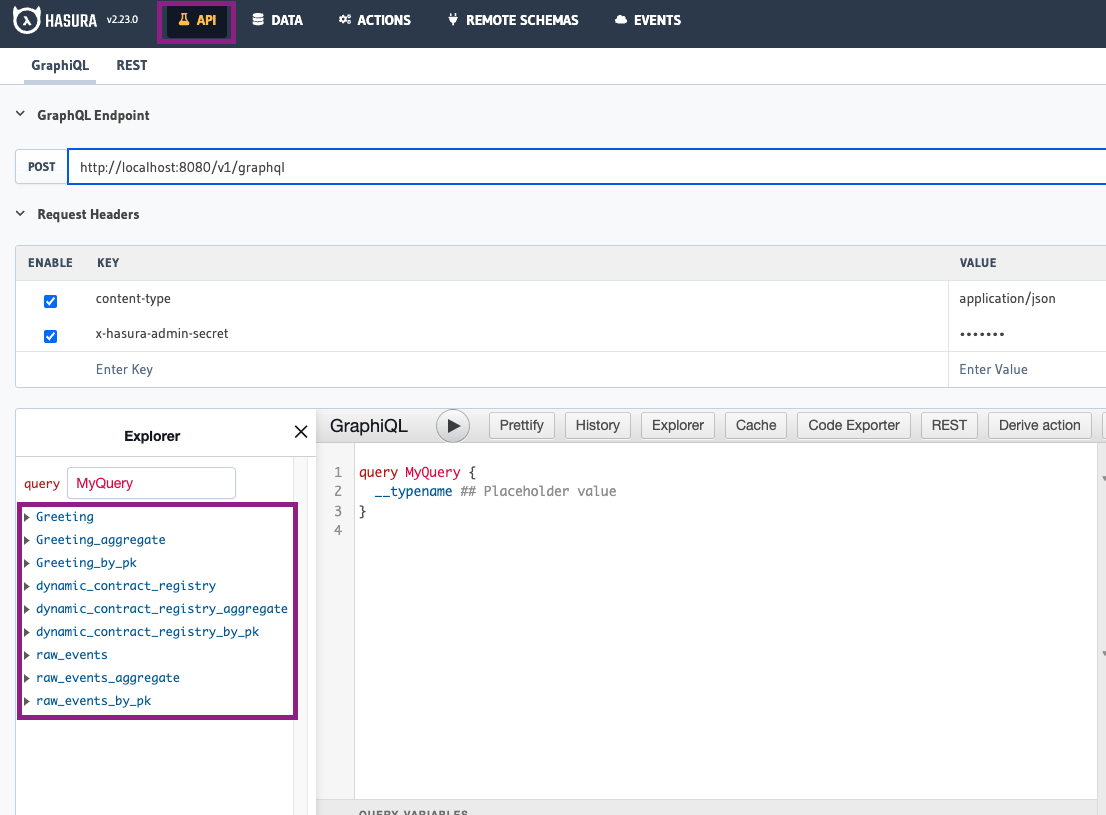 #### Features
- **Explorer Panel**: The left panel shows all available entities defined in your `schema.graphql` file
- **Query Builder**: The center area is where you write and execute GraphQL queries
- **Results Panel**: The right panel displays query results in JSON format
#### Available Entities
By default, you'll see:
- All entities defined in your `schema.graphql` file
- [`dynamic_contracts`](../Advanced/dynamic-contracts.md) (for dynamically added contracts)
- `raw_events` table (Note: This table is no longer populated by default to improve performance. To enable storage of raw events, add `raw_events: true` to your `config.yaml` file as described in the [Raw Events Storage](/docs/HyperIndex/configuration-file#raw-events-storage) section)
#### Example Query
Try a simple query to test your blockchain indexer:
```graphql
query MyQuery {
User(limit: 5) {
id
latestGreeting
numberOfGreetings
}
}
```
Click the "Play" button to execute the query and see the results.
For more advanced GraphQL query options, see Hasura's [quickstart guide](https://hasura.io/docs/latest/queries/quickstart/).
### Data Tab
The Data tab provides direct access to your database tables and relationships, allowing you to view the actual indexed data.
#### Features
- **Explorer Panel**: The left panel shows all available entities defined in your `schema.graphql` file
- **Query Builder**: The center area is where you write and execute GraphQL queries
- **Results Panel**: The right panel displays query results in JSON format
#### Available Entities
By default, you'll see:
- All entities defined in your `schema.graphql` file
- [`dynamic_contracts`](../Advanced/dynamic-contracts.md) (for dynamically added contracts)
- `raw_events` table (Note: This table is no longer populated by default to improve performance. To enable storage of raw events, add `raw_events: true` to your `config.yaml` file as described in the [Raw Events Storage](/docs/HyperIndex/configuration-file#raw-events-storage) section)
#### Example Query
Try a simple query to test your blockchain indexer:
```graphql
query MyQuery {
User(limit: 5) {
id
latestGreeting
numberOfGreetings
}
}
```
Click the "Play" button to execute the query and see the results.
For more advanced GraphQL query options, see Hasura's [quickstart guide](https://hasura.io/docs/latest/queries/quickstart/).
### Data Tab
The Data tab provides direct access to your database tables and relationships, allowing you to view the actual indexed data.
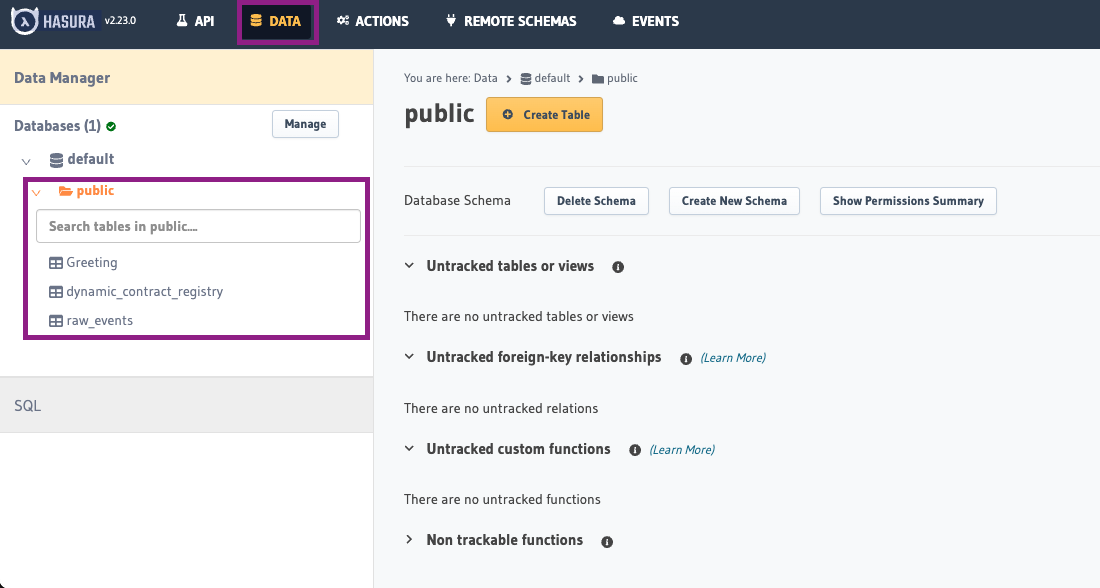 #### Features
- **Schema Browser**: View all tables in the database (left panel)
- **Table Data**: Examine and browse data within each table
- **Relationship Viewer**: See how different entities are connected
#### Working with Tables
1. Select any table from the "public" schema to view its contents
2. Use the "Browse Rows" tab to see all data in that table
3. Check the "Insert Row" tab to manually add data (useful for testing)
4. View the "Modify" tab to see the table structure
#### Verifying Indexed Data
To confirm your blockchain indexer is working correctly:
1. Check entity tables to ensure they contain the expected data
2. Query the `envio_chains` table (or use the [Metadata Query](/docs/HyperIndex/metadata-query) API) to see each chain's latest processed block and confirm the indexer is making progress
## Common Tasks
### Checking Indexing Status
To verify your blockchain indexer is actively processing new blocks:
1. Go to the Data tab
2. Select the `envio_chains` table (or query the [Metadata Query](/docs/HyperIndex/metadata-query) API) to see each chain's latest processed block
3. Monitor those values over time to ensure they're advancing
(Note the TUI is also an easy way to monitor this)
### Troubleshooting Missing Data
If expected data isn't appearing:
1. Check if you've enabled raw events storage (`raw_events: true` in `config.yaml`) and then examine the `raw_events` table to confirm events were captured
2. Verify your event handlers are correctly processing these events
3. Examine your GraphQL queries to ensure they match your schema structure
4. Check console logs for any processing errors
### Resetting Indexed Data
When testing, you may need to reset your database:
1. Stop your indexer
2. Reset your database (refer to the development guide for commands)
3. Restart your indexer to begin processing from the configured start block
## Best Practices
- **Regular Verification**: Periodically check both the API and Data tabs to ensure your blockchain indexer is functioning correctly
- **Query Testing**: Test complex queries in the API tab before implementing them in your application
- **Schema Validation**: Use the Data tab to verify that relationships between entities are correctly established
- **Performance Monitoring**: Watch for tables that grow unusually large, which might indicate inefficient indexing
## Aggregations: local vs hosted (avoid the foot‑gun)
When developing locally with Hasura, you may notice that GraphQL aggregate helpers (for example, count/sum-style aggregations) are available. On Envio Cloud, these aggregate endpoints are intentionally not exposed. Aggregations over large datasets can be very slow and unpredictable in production.
The recommended approach is to compute and store aggregates at indexing time, not at query time. In practice this means maintaining counters, sums, and other rollups in entities as part of your event handlers, and then querying those precomputed values.
### Example: indexing-time aggregation
schema.graphql
```graphql
# singleton; you hardcode the id and load it in and out
type GlobalState {
id: ID! # "global-state"
count: Int!
}
type Token {
id: ID! # incremental number
description: String!
}
```
EventHandler.ts
```typescript
import { indexer } from "envio";
const globalStateId = "global-state";
indexer.onEvent(
{ contract: "NftContract", event: "Mint" },
async ({ event, context }) => {
const globalState = await context.GlobalState.get(globalStateId);
if (!globalState) {
context.log.error("global state doesn't exist");
return;
}
const incrementedTokenId = globalState.count + 1;
context.Token.set({
id: incrementedTokenId,
description: event.params.description,
});
context.GlobalState.set({
...globalState,
count: incrementedTokenId,
});
},
);
```
This pattern scales: you can keep per-entity counters, rolling windows (daily/hourly entities keyed by date), and top-N caches by updating entities as events arrive. Your queries then read these precomputed values directly, avoiding expensive runtime aggregations.
#### Exceptional cases
If runtime aggregate queries are a hard requirement for your use case, please reach out and we can evaluate options for your project on Envio Cloud. Contact us on [Discord](https://discord.gg/envio).
## Disable Hasura for Self-Hosted Blockchain Indexers
Set the `ENVIO_HASURA` environment variable to `false` to disable Hasura integration for self-hosted blockchain indexers.
---
For more information on using GraphQL with your indexed data, refer to the [Hasura GraphQL documentation](https://hasura.io/docs/latest/queries/overview/).
---
# Running The Indexer Locally
> Learn how to start, run, and manage the Envio indexer locally with Docker and Hasura.
## Starting the Indexer
Remember to `cd` into your project directory if you have defined one during `pnpx envio init`.
Before running the Envio CLI command to start the indexer locally, please make sure you have [Docker](https://www.docker.com/products/docker-desktop/) running.
Run the indexer
```bash
pnpm dev
```
This will automatically open up the Hasura dashboard where you can view the data that has been indexed.
Admin-secret / password for local Hasura is `testing`.
## Hot Reload
When running `pnpm dev`, HyperIndex watches for changes to your **event handler** files. When you save a handler file, the indexer will automatically re-process events using your updated logic without needing to restart manually.
**What triggers a hot reload:**
- Changes to event handler files (e.g., `src/handlers`)
**What requires a full restart:**
- Changes to `config.yaml` (adding contracts, events, or chains)
- Changes to `schema.graphql` (adding or modifying entities)
- Changes to ABIs
For config or schema changes, restart the indexer:
```bash
pnpm envio start -r
```
:::tip
If hot reload doesn't seem to be picking up your handler changes, try saving the file again or check the terminal output for compilation errors that may be preventing the reload.
:::
## Avoiding Full Re-indexing During Development
By default, stopping and restarting the indexer will re-index from the start block. This can be slow for large datasets. Here are strategies to iterate faster:
### Use the testing framework
The fastest way to validate handler logic is to skip syncing entirely. Envio's built-in [testing framework](./testing) lets you mock events, simulate database state, and assert handler behavior — all without connecting to a blockchain or waiting for blocks to sync.
```bash
pnpm test
```
This is ideal for iterating on handler logic, catching bugs early, and running tests in CI. See the [Testing guide](./testing) for setup and examples.
### Use a recent start block
During development, temporarily set `start_block` in your `config.yaml` to a recent block number. This lets you test handler logic against fresh data without waiting for a full historical sync:
```yaml
- id: 1 # Ethereum mainnet
start_block: 19000000 # Recent block for faster dev iteration
```
Remember to set it back to the correct start block before deploying to production.
### Force a clean re-index
If you need to re-index from scratch (e.g., after schema changes or to clear corrupted state):
```bash
pnpm envio start -r # Restarts and re-indexes from start_block
```
## Stopping the Indexer
To delete the docker images used for the local development environment, run
```bash
pnpm envio stop
```
## What next?
## Once you have successfully run the indexer locally, you can deploy the indexer onto Envio's [Envio Cloud](./hosted-service).
---
# Entities Schema (schema.graphql)
> Learn how to define GraphQL schemas, manage entities, and handle different types in HyperIndex.
The **`schema.graphql`** file defines the data model for your HyperIndex indexer. Each entity type defined in this schema corresponds directly to a database table, with your event handlers responsible for creating and updating the records. HyperIndex automatically generates a GraphQL API based on these entity types, allowing easy access to the indexed data.
---
## Defining Entity Types
Entities in your schema are defined as GraphQL object types:
**Example:**
```graphql
type User {
id: ID!
greetings: [String!]!
latestGreeting: String!
numberOfGreetings: Int!
}
```
### Requirements:
- Every entity **must** have a unique `id` field, using one of these scalar types:
- `ID!`, `String!`, `Int!`, `Bytes!`, or `BigInt!`
---
## Scalar Types
Scalar types represent basic data types and map directly to JavaScript, TypeScript, or ReScript types.
| **GraphQL Scalar** | **Description** | **JavaScript/TypeScript** | **ReScript** |
| ------------------ | -------------------------------------------- | ------------------------- | -------------- |
| `ID` | Unique identifier | `string` | `string` |
| `String` | UTF-8 character sequence | `string` | `string` |
| `Int` | Signed 32-bit integer | `number` | `int` |
| `Float` | Signed floating-point number | `number` | `float` |
| `Boolean` | `true` or `false` | `boolean` | `bool` |
| `Bytes` | UTF-8 character sequence (hex prefixed `0x`) | `string` | `string` |
| `BigInt` | Signed integer (`int256` in Solidity) | `bigint` | `bigint` |
| `BigDecimal` | Arbitrary-size floating-point | `BigDecimal` (imported) | `BigDecimal.t` |
| `Timestamp` | Timestamp with timezone | `Date` | `Js.Date.t` |
| `Json` | JSON object | `Json` | `Js.Json.t` |
Learn more about GraphQL scalars [here](https://graphql.org/learn/).
---
## Working with BigDecimal
The `BigDecimal` scalar type in HyperIndex is based on the [bignumber.js](https://mikemcl.github.io/bignumber.js/) library, which provides arbitrary-precision decimal arithmetic. This is essential for financial calculations and handling numeric values that exceed JavaScript's native number precision.
### Importing BigDecimal
```typescript
// JavaScript/TypeScript
import { BigDecimal } from "envio";
// ReScript
open BigDecimal;
```
### Creating BigDecimal Instances
```typescript
// From string (recommended for precision)
const price = new BigDecimal("123.456789");
// From number (may lose precision for very large values)
const amount = new BigDecimal(123.45);
// From other BigDecimal
const copy = new BigDecimal(price);
```
### Arithmetic Operations
BigDecimal instances are immutable. Operations return new BigDecimal instances:
```typescript
// Basic arithmetic
const a = new BigDecimal("123.45");
const b = new BigDecimal("67.89");
const sum = a.plus(b); // 191.34
const difference = a.minus(b); // 55.56
const product = a.times(b); // 8,381.03
const quotient = a.div(b); // 1.81839...
// Power
const squared = a.pow(2); // 15,239.9025
// Square root
const root = a.sqrt(); // 11.11...
// Absolute value
const abs = new BigDecimal("-123.45").abs(); // 123.45
```
### Comparison Methods
```typescript
const x = new BigDecimal("10.5");
const y = new BigDecimal("10.5");
const z = new BigDecimal("9.9");
x.eq(y); // true (equal)
x.gt(z); // true (greater than)
x.gte(y); // true (greater than or equal)
x.lt(z); // false (less than)
x.lte(y); // true (less than or equal)
// Check for special values
x.isZero(); // false
x.isPositive(); // true
x.isNegative(); // false
x.isFinite(); // true
```
### Rounding and Formatting
```typescript
const value = new BigDecimal("123.456789");
// Get with specific decimal places
value.dp(2); // 123.46 (rounded)
value.dp(2, 1); // 123.45 (rounded down)
// Format as string
value.toString(); // "123.456789"
value.toFixed(2); // "123.46"
value.toExponential(2); // "1.23e+2"
value.toPrecision(5); // "123.46"
```
### Working with Schema-Defined BigDecimal Fields
When you've defined a `BigDecimal` field in your schema:
```graphql
type TokenPair {
id: ID!
name: String!
price: BigDecimal!
volume: BigDecimal!
}
```
You can use it in your handlers:
```typescript
// In your event handler
context.TokenPair.set({
id: event.params.pairId,
name: event.params.name,
price: new BigDecimal(event.params.price),
volume: new BigDecimal("0"), // Start with zero volume
});
// Updating a field
const tokenPair = await context.TokenPair.get(pairId);
if (tokenPair) {
const newVolume = tokenPair.volume.plus(new BigDecimal(tradeAmount));
context.TokenPair.set({
...tokenPair,
volume: newVolume,
});
}
```
### Example: Financial Calculation
```typescript
function calculateFee(amount: BigDecimal, feeRate: BigDecimal): BigDecimal {
// Calculate fee with proper rounding
return amount.times(feeRate).dp(2);
}
const tradeAmount = new BigDecimal("1250.75");
const feeRate = new BigDecimal("0.0025"); // 0.25%
const fee = calculateFee(tradeAmount, feeRate); // 3.13
```
### Best Practices for BigDecimal
1. **Always use strings for initialization** when precision matters:
```typescript
// Preferred
const value = new BigDecimal("123.456789");
// May lose precision
const value = new BigDecimal(123.456789);
```
2. **Set precision explicitly** when doing division:
```typescript
// Set to 8 decimal places for crypto prices
const price = totalValue.div(tokenAmount).dp(8);
```
3. **Handle rounding appropriately** for financial calculations:
```typescript
// Round down (floor) for user-favorable calculations
const userReceives = amount.dp(2, 1); // ROUND_DOWN
// Round up (ceil) for protocol-favorable calculations
const protocolFee = amount.dp(2, 0); // ROUND_UP
```
4. **Compare with equals method** instead of `==` or `===`:
```typescript
// Correct
if (value.eq(new BigDecimal(0))) {
/* ... */
}
// Incorrect - compares object references
if (value === new BigDecimal(0)) {
/* ... */
}
```
5. **Chain operations carefully**, remembering that each operation returns a new instance:
```typescript
// Calculate (a + b) * c with proper precision
const result = a.plus(b).times(c).dp(8);
```
---
## Enum Types
Enums allow fields to accept only a predefined set of values.
**Example:**
```graphql
enum AccountType {
ADMIN
USER
}
type User {
id: ID!
balance: Int!
accountType: AccountType!
}
```
Enums translate to string unions (TypeScript/JavaScript) or polymorphic variants (ReScript):
**TypeScript Example:**
```typescript
import { type Enum } from "envio";
let user = {
id: event.params.id,
balance: event.params.balance,
accountType: "USER" satisfies Enum<"AccountType">, // enum as string
};
```
**ReScript Example:**
```rescript
let user: Types.userEntity = {
id: event.params.id,
balance: event.params.balance,
accountType: #USER, // polymorphic variant
};
```
---
## Relationships: One-to-Many (`@derivedFrom`)
Define relationships between entities using the `@derivedFrom` directive, known as **reverse lookups**.
**Example:**
```graphql
type NftCollection {
id: ID!
contractAddress: Bytes!
name: String!
symbol: String!
maxSupply: BigInt!
currentSupply: Int!
tokens: [Token!]! @derivedFrom(field: "collection")
}
type Token {
id: ID!
tokenId: BigInt!
collection: NftCollection!
owner: User!
}
```
- The `tokens` field in `NftCollection` is a virtual field, populated automatically when querying the API.
- Set relationships in your handlers by assigning `
#### Features
- **Schema Browser**: View all tables in the database (left panel)
- **Table Data**: Examine and browse data within each table
- **Relationship Viewer**: See how different entities are connected
#### Working with Tables
1. Select any table from the "public" schema to view its contents
2. Use the "Browse Rows" tab to see all data in that table
3. Check the "Insert Row" tab to manually add data (useful for testing)
4. View the "Modify" tab to see the table structure
#### Verifying Indexed Data
To confirm your blockchain indexer is working correctly:
1. Check entity tables to ensure they contain the expected data
2. Query the `envio_chains` table (or use the [Metadata Query](/docs/HyperIndex/metadata-query) API) to see each chain's latest processed block and confirm the indexer is making progress
## Common Tasks
### Checking Indexing Status
To verify your blockchain indexer is actively processing new blocks:
1. Go to the Data tab
2. Select the `envio_chains` table (or query the [Metadata Query](/docs/HyperIndex/metadata-query) API) to see each chain's latest processed block
3. Monitor those values over time to ensure they're advancing
(Note the TUI is also an easy way to monitor this)
### Troubleshooting Missing Data
If expected data isn't appearing:
1. Check if you've enabled raw events storage (`raw_events: true` in `config.yaml`) and then examine the `raw_events` table to confirm events were captured
2. Verify your event handlers are correctly processing these events
3. Examine your GraphQL queries to ensure they match your schema structure
4. Check console logs for any processing errors
### Resetting Indexed Data
When testing, you may need to reset your database:
1. Stop your indexer
2. Reset your database (refer to the development guide for commands)
3. Restart your indexer to begin processing from the configured start block
## Best Practices
- **Regular Verification**: Periodically check both the API and Data tabs to ensure your blockchain indexer is functioning correctly
- **Query Testing**: Test complex queries in the API tab before implementing them in your application
- **Schema Validation**: Use the Data tab to verify that relationships between entities are correctly established
- **Performance Monitoring**: Watch for tables that grow unusually large, which might indicate inefficient indexing
## Aggregations: local vs hosted (avoid the foot‑gun)
When developing locally with Hasura, you may notice that GraphQL aggregate helpers (for example, count/sum-style aggregations) are available. On Envio Cloud, these aggregate endpoints are intentionally not exposed. Aggregations over large datasets can be very slow and unpredictable in production.
The recommended approach is to compute and store aggregates at indexing time, not at query time. In practice this means maintaining counters, sums, and other rollups in entities as part of your event handlers, and then querying those precomputed values.
### Example: indexing-time aggregation
schema.graphql
```graphql
# singleton; you hardcode the id and load it in and out
type GlobalState {
id: ID! # "global-state"
count: Int!
}
type Token {
id: ID! # incremental number
description: String!
}
```
EventHandler.ts
```typescript
import { indexer } from "envio";
const globalStateId = "global-state";
indexer.onEvent(
{ contract: "NftContract", event: "Mint" },
async ({ event, context }) => {
const globalState = await context.GlobalState.get(globalStateId);
if (!globalState) {
context.log.error("global state doesn't exist");
return;
}
const incrementedTokenId = globalState.count + 1;
context.Token.set({
id: incrementedTokenId,
description: event.params.description,
});
context.GlobalState.set({
...globalState,
count: incrementedTokenId,
});
},
);
```
This pattern scales: you can keep per-entity counters, rolling windows (daily/hourly entities keyed by date), and top-N caches by updating entities as events arrive. Your queries then read these precomputed values directly, avoiding expensive runtime aggregations.
#### Exceptional cases
If runtime aggregate queries are a hard requirement for your use case, please reach out and we can evaluate options for your project on Envio Cloud. Contact us on [Discord](https://discord.gg/envio).
## Disable Hasura for Self-Hosted Blockchain Indexers
Set the `ENVIO_HASURA` environment variable to `false` to disable Hasura integration for self-hosted blockchain indexers.
---
For more information on using GraphQL with your indexed data, refer to the [Hasura GraphQL documentation](https://hasura.io/docs/latest/queries/overview/).
---
# Running The Indexer Locally
> Learn how to start, run, and manage the Envio indexer locally with Docker and Hasura.
## Starting the Indexer
Remember to `cd` into your project directory if you have defined one during `pnpx envio init`.
Before running the Envio CLI command to start the indexer locally, please make sure you have [Docker](https://www.docker.com/products/docker-desktop/) running.
Run the indexer
```bash
pnpm dev
```
This will automatically open up the Hasura dashboard where you can view the data that has been indexed.
Admin-secret / password for local Hasura is `testing`.
## Hot Reload
When running `pnpm dev`, HyperIndex watches for changes to your **event handler** files. When you save a handler file, the indexer will automatically re-process events using your updated logic without needing to restart manually.
**What triggers a hot reload:**
- Changes to event handler files (e.g., `src/handlers`)
**What requires a full restart:**
- Changes to `config.yaml` (adding contracts, events, or chains)
- Changes to `schema.graphql` (adding or modifying entities)
- Changes to ABIs
For config or schema changes, restart the indexer:
```bash
pnpm envio start -r
```
:::tip
If hot reload doesn't seem to be picking up your handler changes, try saving the file again or check the terminal output for compilation errors that may be preventing the reload.
:::
## Avoiding Full Re-indexing During Development
By default, stopping and restarting the indexer will re-index from the start block. This can be slow for large datasets. Here are strategies to iterate faster:
### Use the testing framework
The fastest way to validate handler logic is to skip syncing entirely. Envio's built-in [testing framework](./testing) lets you mock events, simulate database state, and assert handler behavior — all without connecting to a blockchain or waiting for blocks to sync.
```bash
pnpm test
```
This is ideal for iterating on handler logic, catching bugs early, and running tests in CI. See the [Testing guide](./testing) for setup and examples.
### Use a recent start block
During development, temporarily set `start_block` in your `config.yaml` to a recent block number. This lets you test handler logic against fresh data without waiting for a full historical sync:
```yaml
- id: 1 # Ethereum mainnet
start_block: 19000000 # Recent block for faster dev iteration
```
Remember to set it back to the correct start block before deploying to production.
### Force a clean re-index
If you need to re-index from scratch (e.g., after schema changes or to clear corrupted state):
```bash
pnpm envio start -r # Restarts and re-indexes from start_block
```
## Stopping the Indexer
To delete the docker images used for the local development environment, run
```bash
pnpm envio stop
```
## What next?
## Once you have successfully run the indexer locally, you can deploy the indexer onto Envio's [Envio Cloud](./hosted-service).
---
# Entities Schema (schema.graphql)
> Learn how to define GraphQL schemas, manage entities, and handle different types in HyperIndex.
The **`schema.graphql`** file defines the data model for your HyperIndex indexer. Each entity type defined in this schema corresponds directly to a database table, with your event handlers responsible for creating and updating the records. HyperIndex automatically generates a GraphQL API based on these entity types, allowing easy access to the indexed data.
---
## Defining Entity Types
Entities in your schema are defined as GraphQL object types:
**Example:**
```graphql
type User {
id: ID!
greetings: [String!]!
latestGreeting: String!
numberOfGreetings: Int!
}
```
### Requirements:
- Every entity **must** have a unique `id` field, using one of these scalar types:
- `ID!`, `String!`, `Int!`, `Bytes!`, or `BigInt!`
---
## Scalar Types
Scalar types represent basic data types and map directly to JavaScript, TypeScript, or ReScript types.
| **GraphQL Scalar** | **Description** | **JavaScript/TypeScript** | **ReScript** |
| ------------------ | -------------------------------------------- | ------------------------- | -------------- |
| `ID` | Unique identifier | `string` | `string` |
| `String` | UTF-8 character sequence | `string` | `string` |
| `Int` | Signed 32-bit integer | `number` | `int` |
| `Float` | Signed floating-point number | `number` | `float` |
| `Boolean` | `true` or `false` | `boolean` | `bool` |
| `Bytes` | UTF-8 character sequence (hex prefixed `0x`) | `string` | `string` |
| `BigInt` | Signed integer (`int256` in Solidity) | `bigint` | `bigint` |
| `BigDecimal` | Arbitrary-size floating-point | `BigDecimal` (imported) | `BigDecimal.t` |
| `Timestamp` | Timestamp with timezone | `Date` | `Js.Date.t` |
| `Json` | JSON object | `Json` | `Js.Json.t` |
Learn more about GraphQL scalars [here](https://graphql.org/learn/).
---
## Working with BigDecimal
The `BigDecimal` scalar type in HyperIndex is based on the [bignumber.js](https://mikemcl.github.io/bignumber.js/) library, which provides arbitrary-precision decimal arithmetic. This is essential for financial calculations and handling numeric values that exceed JavaScript's native number precision.
### Importing BigDecimal
```typescript
// JavaScript/TypeScript
import { BigDecimal } from "envio";
// ReScript
open BigDecimal;
```
### Creating BigDecimal Instances
```typescript
// From string (recommended for precision)
const price = new BigDecimal("123.456789");
// From number (may lose precision for very large values)
const amount = new BigDecimal(123.45);
// From other BigDecimal
const copy = new BigDecimal(price);
```
### Arithmetic Operations
BigDecimal instances are immutable. Operations return new BigDecimal instances:
```typescript
// Basic arithmetic
const a = new BigDecimal("123.45");
const b = new BigDecimal("67.89");
const sum = a.plus(b); // 191.34
const difference = a.minus(b); // 55.56
const product = a.times(b); // 8,381.03
const quotient = a.div(b); // 1.81839...
// Power
const squared = a.pow(2); // 15,239.9025
// Square root
const root = a.sqrt(); // 11.11...
// Absolute value
const abs = new BigDecimal("-123.45").abs(); // 123.45
```
### Comparison Methods
```typescript
const x = new BigDecimal("10.5");
const y = new BigDecimal("10.5");
const z = new BigDecimal("9.9");
x.eq(y); // true (equal)
x.gt(z); // true (greater than)
x.gte(y); // true (greater than or equal)
x.lt(z); // false (less than)
x.lte(y); // true (less than or equal)
// Check for special values
x.isZero(); // false
x.isPositive(); // true
x.isNegative(); // false
x.isFinite(); // true
```
### Rounding and Formatting
```typescript
const value = new BigDecimal("123.456789");
// Get with specific decimal places
value.dp(2); // 123.46 (rounded)
value.dp(2, 1); // 123.45 (rounded down)
// Format as string
value.toString(); // "123.456789"
value.toFixed(2); // "123.46"
value.toExponential(2); // "1.23e+2"
value.toPrecision(5); // "123.46"
```
### Working with Schema-Defined BigDecimal Fields
When you've defined a `BigDecimal` field in your schema:
```graphql
type TokenPair {
id: ID!
name: String!
price: BigDecimal!
volume: BigDecimal!
}
```
You can use it in your handlers:
```typescript
// In your event handler
context.TokenPair.set({
id: event.params.pairId,
name: event.params.name,
price: new BigDecimal(event.params.price),
volume: new BigDecimal("0"), // Start with zero volume
});
// Updating a field
const tokenPair = await context.TokenPair.get(pairId);
if (tokenPair) {
const newVolume = tokenPair.volume.plus(new BigDecimal(tradeAmount));
context.TokenPair.set({
...tokenPair,
volume: newVolume,
});
}
```
### Example: Financial Calculation
```typescript
function calculateFee(amount: BigDecimal, feeRate: BigDecimal): BigDecimal {
// Calculate fee with proper rounding
return amount.times(feeRate).dp(2);
}
const tradeAmount = new BigDecimal("1250.75");
const feeRate = new BigDecimal("0.0025"); // 0.25%
const fee = calculateFee(tradeAmount, feeRate); // 3.13
```
### Best Practices for BigDecimal
1. **Always use strings for initialization** when precision matters:
```typescript
// Preferred
const value = new BigDecimal("123.456789");
// May lose precision
const value = new BigDecimal(123.456789);
```
2. **Set precision explicitly** when doing division:
```typescript
// Set to 8 decimal places for crypto prices
const price = totalValue.div(tokenAmount).dp(8);
```
3. **Handle rounding appropriately** for financial calculations:
```typescript
// Round down (floor) for user-favorable calculations
const userReceives = amount.dp(2, 1); // ROUND_DOWN
// Round up (ceil) for protocol-favorable calculations
const protocolFee = amount.dp(2, 0); // ROUND_UP
```
4. **Compare with equals method** instead of `==` or `===`:
```typescript
// Correct
if (value.eq(new BigDecimal(0))) {
/* ... */
}
// Incorrect - compares object references
if (value === new BigDecimal(0)) {
/* ... */
}
```
5. **Chain operations carefully**, remembering that each operation returns a new instance:
```typescript
// Calculate (a + b) * c with proper precision
const result = a.plus(b).times(c).dp(8);
```
---
## Enum Types
Enums allow fields to accept only a predefined set of values.
**Example:**
```graphql
enum AccountType {
ADMIN
USER
}
type User {
id: ID!
balance: Int!
accountType: AccountType!
}
```
Enums translate to string unions (TypeScript/JavaScript) or polymorphic variants (ReScript):
**TypeScript Example:**
```typescript
import { type Enum } from "envio";
let user = {
id: event.params.id,
balance: event.params.balance,
accountType: "USER" satisfies Enum<"AccountType">, // enum as string
};
```
**ReScript Example:**
```rescript
let user: Types.userEntity = {
id: event.params.id,
balance: event.params.balance,
accountType: #USER, // polymorphic variant
};
```
---
## Relationships: One-to-Many (`@derivedFrom`)
Define relationships between entities using the `@derivedFrom` directive, known as **reverse lookups**.
**Example:**
```graphql
type NftCollection {
id: ID!
contractAddress: Bytes!
name: String!
symbol: String!
maxSupply: BigInt!
currentSupply: Int!
tokens: [Token!]! @derivedFrom(field: "collection")
}
type Token {
id: ID!
tokenId: BigInt!
collection: NftCollection!
owner: User!
}
```
- The `tokens` field in `NftCollection` is a virtual field, populated automatically when querying the API.
- Set relationships in your handlers by assigning `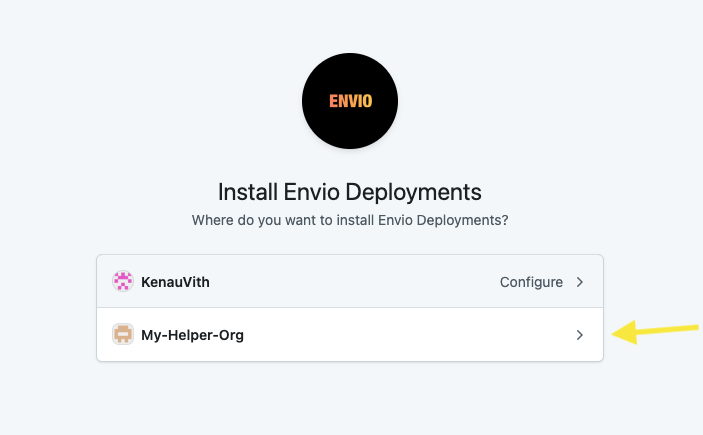
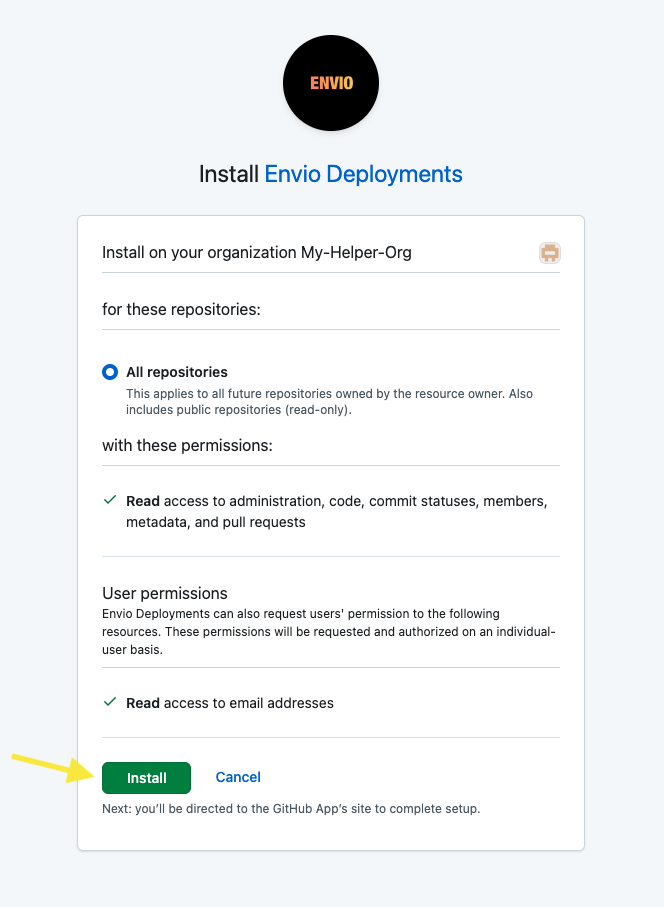
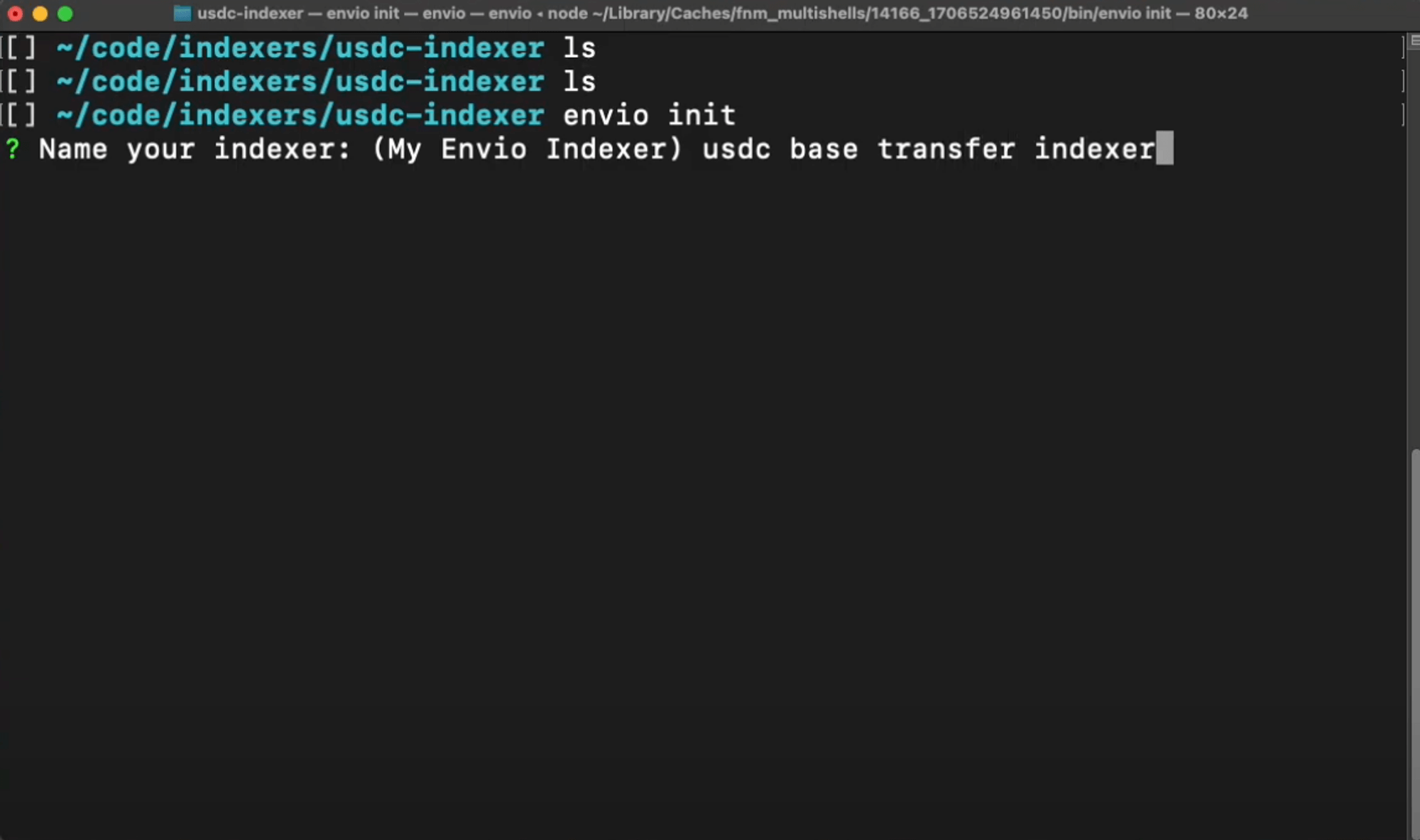 3. Choose your preferred language (TypeScript, JavaScript, or ReScript):
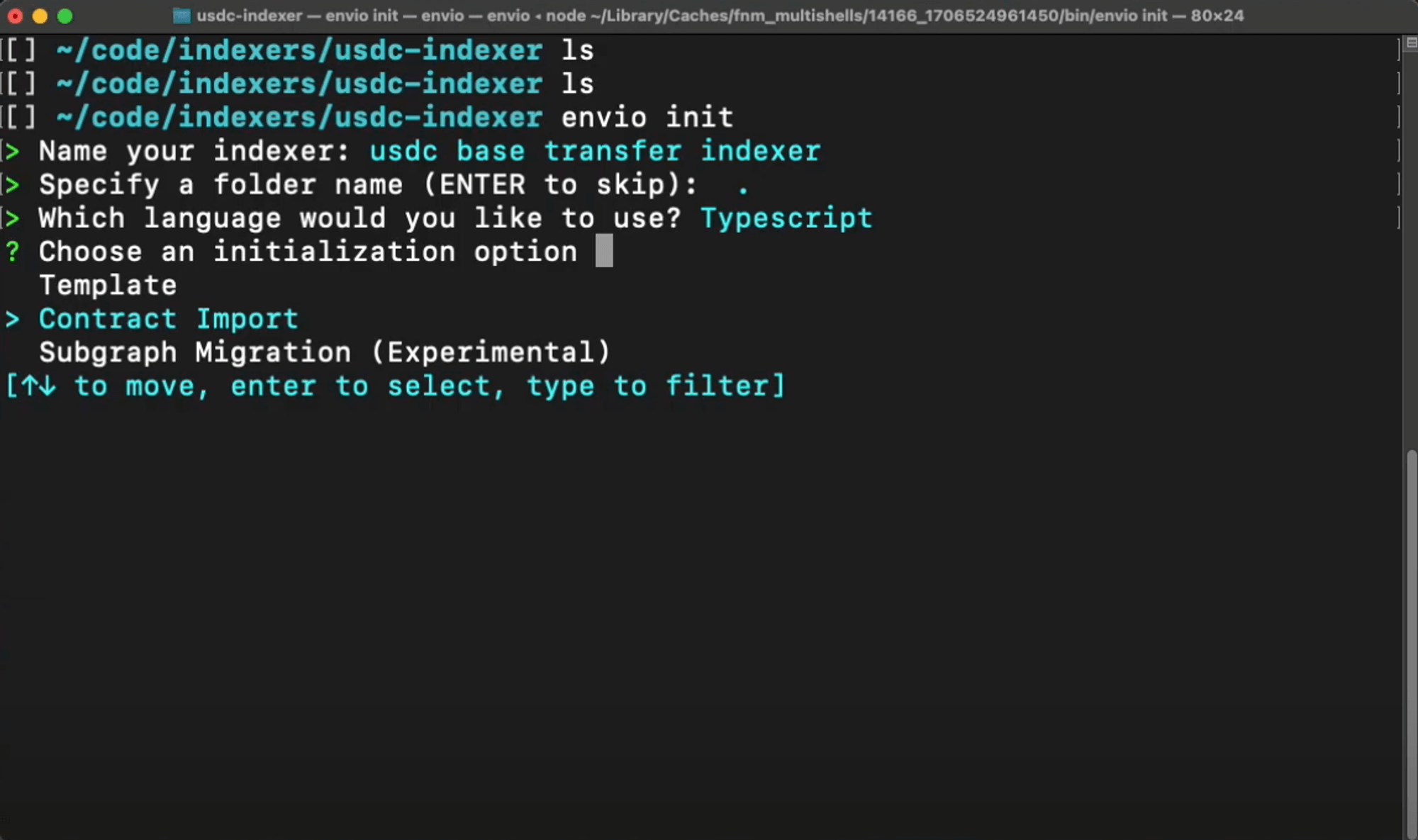 ## Step 2: Import the USDC Token Contract
1. Select **Contract Import** → **Block Explorer** → **Base**
2. Enter the USDC token contract address on Base:
```
0x833589fCD6eDb6E08f4c7C32D4f71b54bdA02913
```
[View on BaseScan](https://basescan.org/address/0x833589fcd6edb6e08f4c7c32d4f71b54bda02913)
3. Select the `Transfer` event:
- Navigate using arrow keys (↑↓)
- Press spacebar to select the event
## Step 2: Import the USDC Token Contract
1. Select **Contract Import** → **Block Explorer** → **Base**
2. Enter the USDC token contract address on Base:
```
0x833589fCD6eDb6E08f4c7C32D4f71b54bdA02913
```
[View on BaseScan](https://basescan.org/address/0x833589fcd6edb6e08f4c7c32d4f71b54bda02913)
3. Select the `Transfer` event:
- Navigate using arrow keys (↑↓)
- Press spacebar to select the event
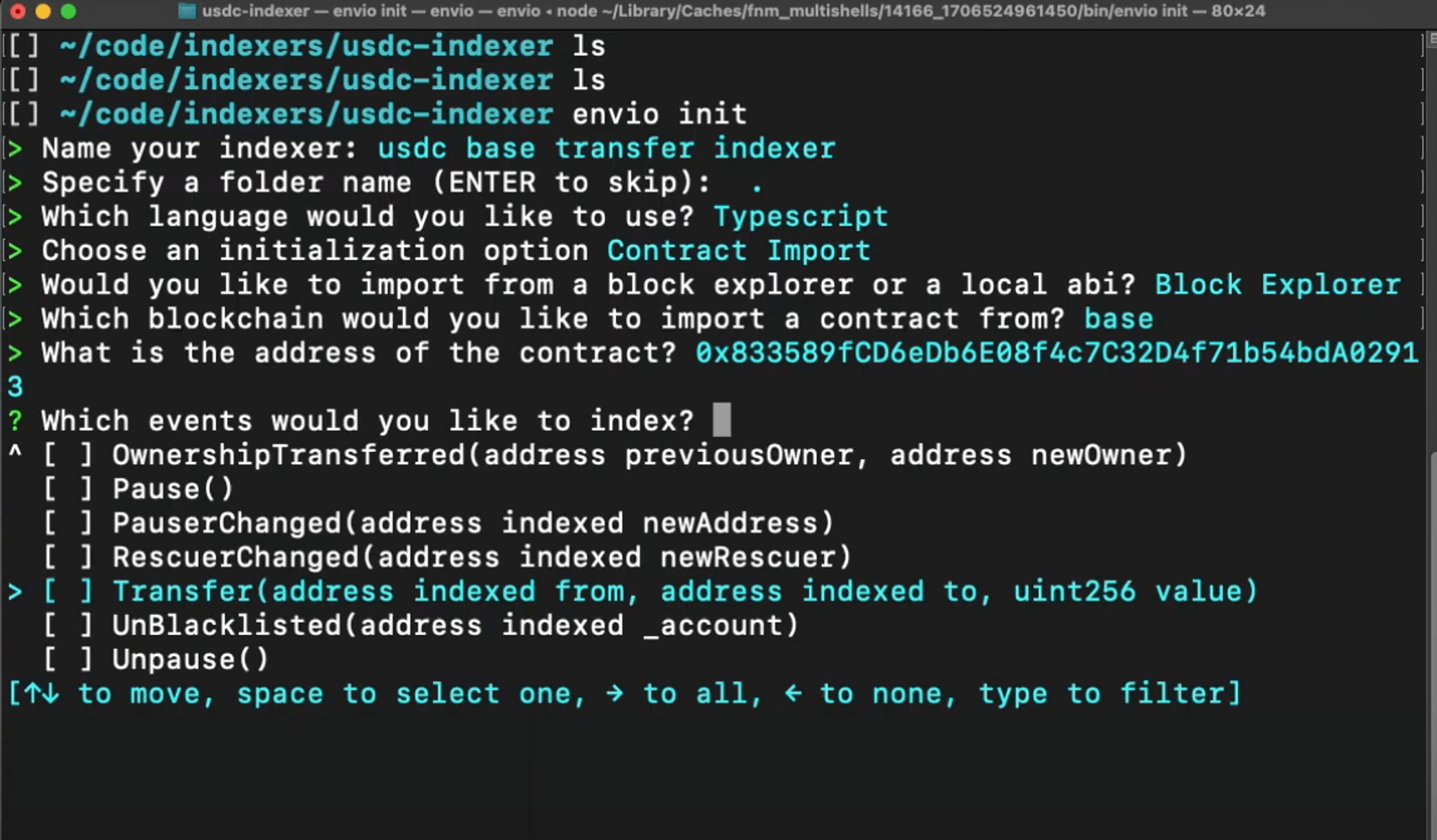 > **Tip:** You can select multiple events to index simultaneously if needed.
4. When finished adding contracts, select **I'm finished**
> **Tip:** You can select multiple events to index simultaneously if needed.
4. When finished adding contracts, select **I'm finished**
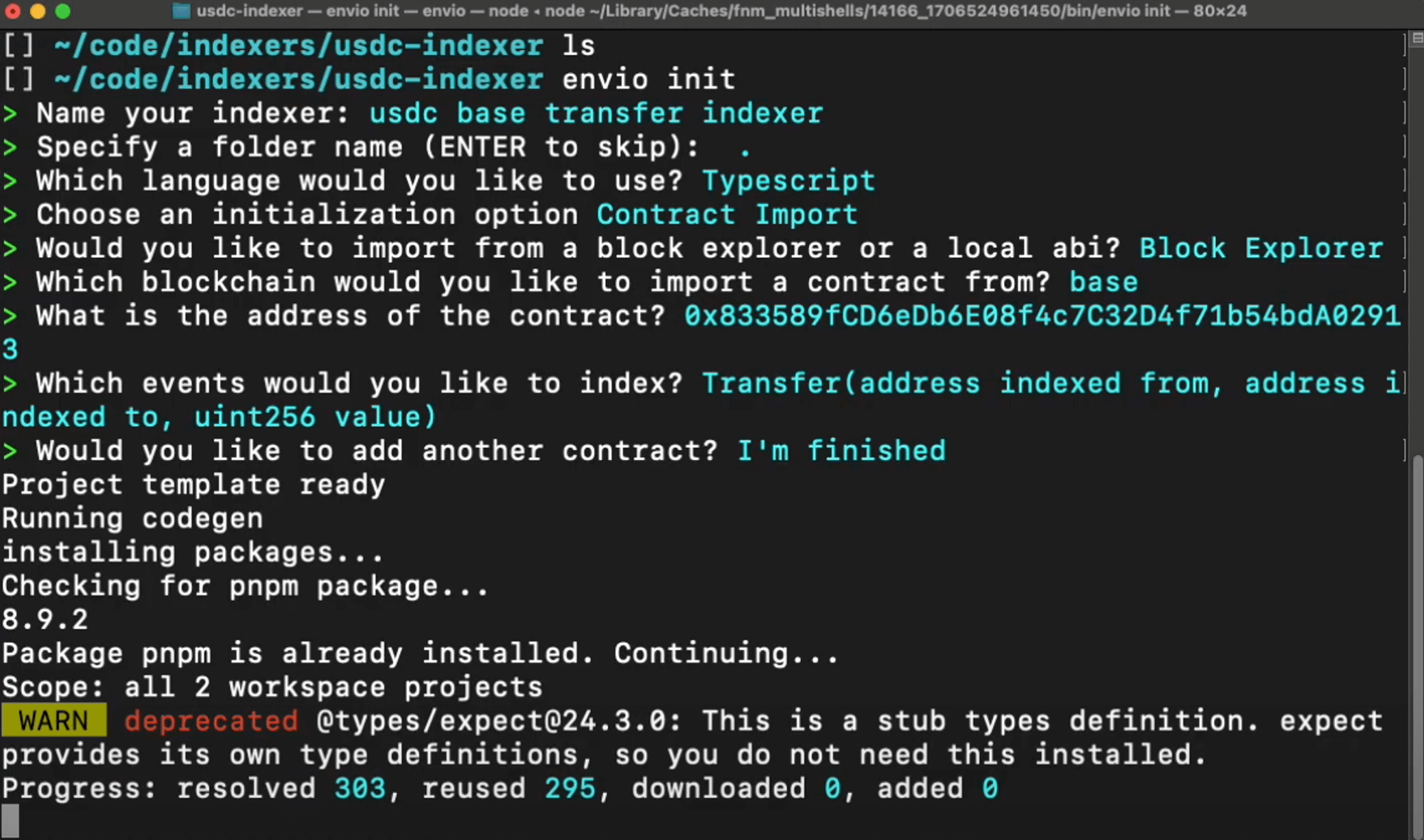 ## Step 3: Start Your Indexer
1. If you have any running indexers, stop them first:
```bash
pnpm envio stop
```
> **Note:** You can skip this step if this is your first time running an indexer.
2. Start your new indexer:
```bash
pnpm dev
```
This command:
- Starts the required Docker containers
- Sets up your database
- Launches the indexing process
- Opens the Hasura GraphQL interface
## Step 4: Understanding the Generated Code
Let's examine the key files that Envio generated:
### 1. `config.yaml`
This configuration file defines:
- Network to index (Base)
- Starting block for indexing
- Contract address and ABI details
- Events to track (Transfer)
## Step 3: Start Your Indexer
1. If you have any running indexers, stop them first:
```bash
pnpm envio stop
```
> **Note:** You can skip this step if this is your first time running an indexer.
2. Start your new indexer:
```bash
pnpm dev
```
This command:
- Starts the required Docker containers
- Sets up your database
- Launches the indexing process
- Opens the Hasura GraphQL interface
## Step 4: Understanding the Generated Code
Let's examine the key files that Envio generated:
### 1. `config.yaml`
This configuration file defines:
- Network to index (Base)
- Starting block for indexing
- Contract address and ABI details
- Events to track (Transfer)
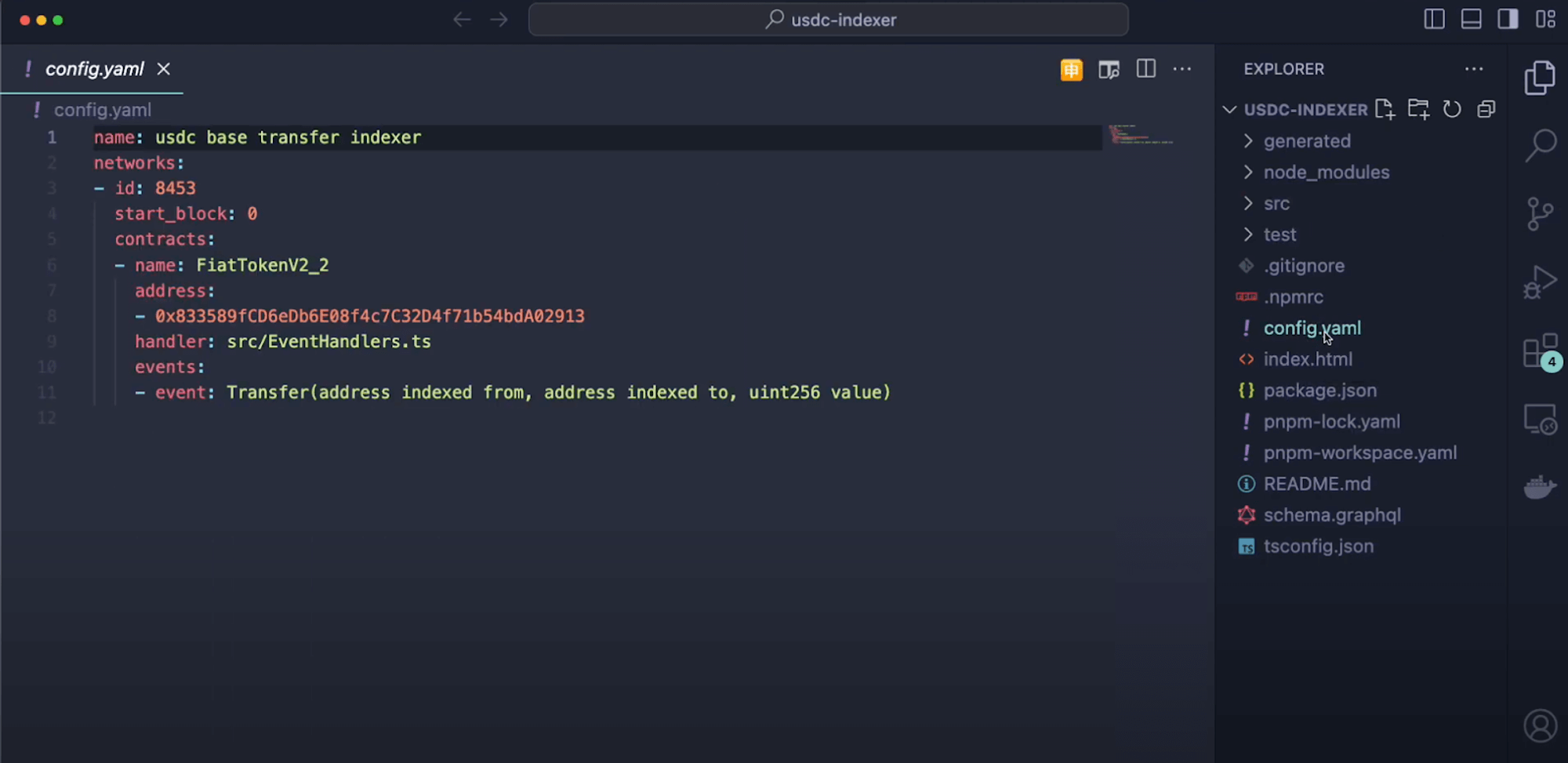 ### 2. `schema.graphql`
This schema defines the data structures for the Transfer event:
- Entity types based on event data
- Field types for sender, receiver, and amount
- Any relationships between entities
### 2. `schema.graphql`
This schema defines the data structures for the Transfer event:
- Entity types based on event data
- Field types for sender, receiver, and amount
- Any relationships between entities
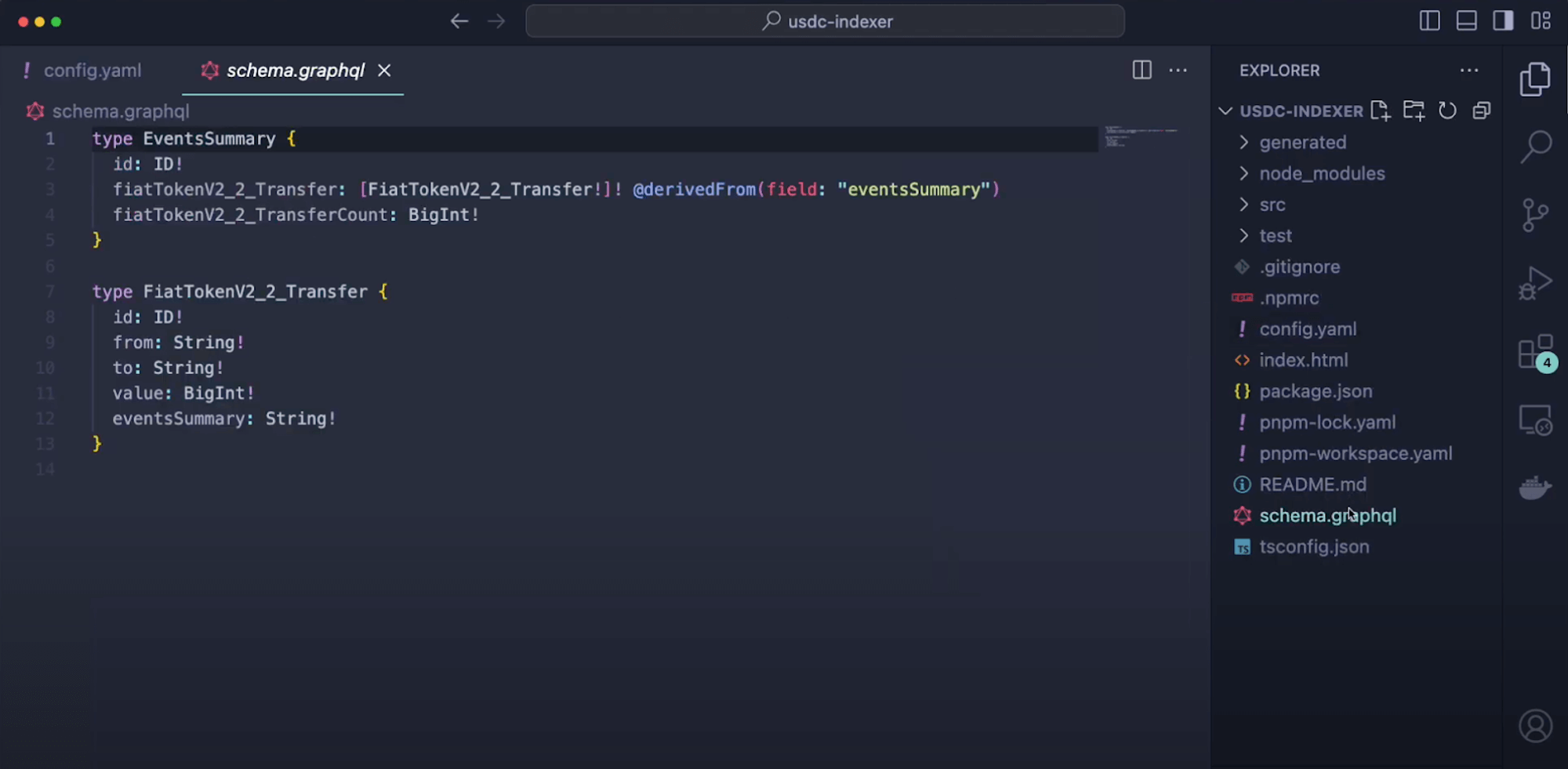 ### 3. `src/handlers`
This directory contains the business logic for processing events:
- Functions that execute when Transfer events are detected
- Data transformation and storage logic
- Entity creation and relationship management
### 3. `src/handlers`
This directory contains the business logic for processing events:
- Functions that execute when Transfer events are detected
- Data transformation and storage logic
- Entity creation and relationship management
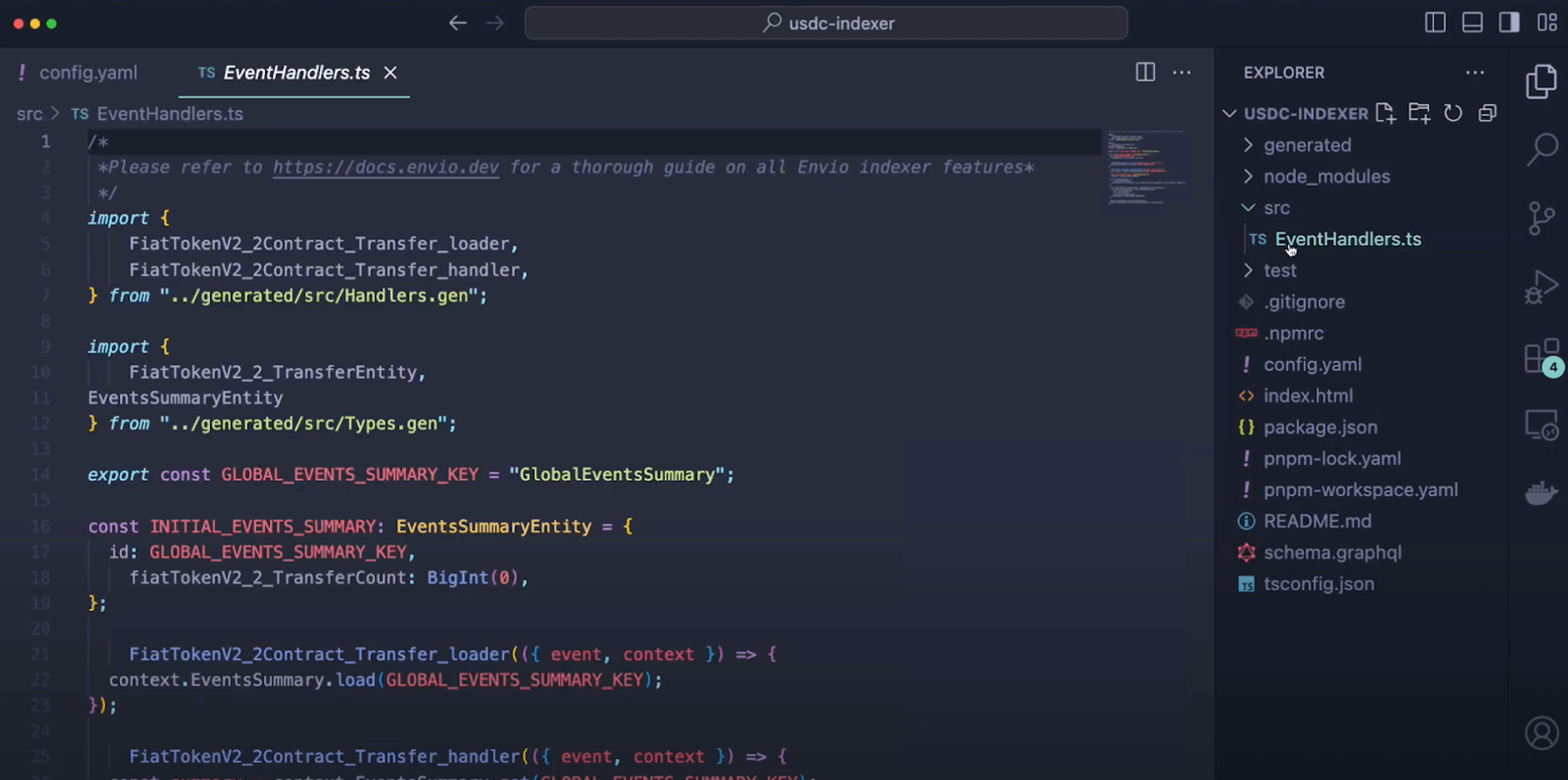 ## Step 5: Exploring Your Indexed Data
Now you can interact with your indexed USDC transfer data:
### Accessing Hasura
1. Open Hasura at [http://localhost:8080](http://localhost:8080)
2. When prompted, enter the admin password: `testing`
## Step 5: Exploring Your Indexed Data
Now you can interact with your indexed USDC transfer data:
### Accessing Hasura
1. Open Hasura at [http://localhost:8080](http://localhost:8080)
2. When prompted, enter the admin password: `testing`
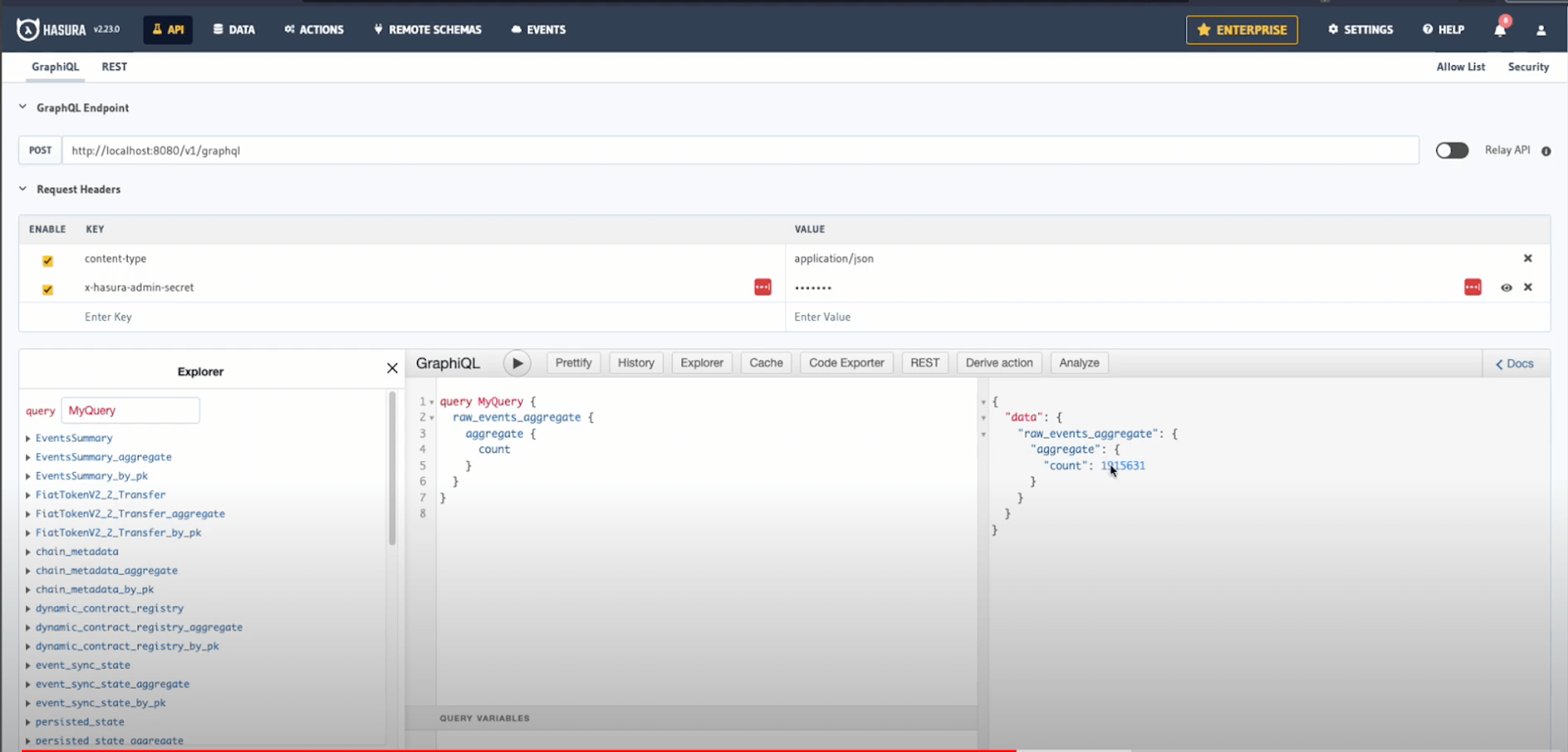 ### Monitoring Indexing Progress
1. Click the **Data** tab in the top navigation
2. Find the `_events_sync_state` table to check indexing progress
3. Observe which blocks are currently being processed
### Monitoring Indexing Progress
1. Click the **Data** tab in the top navigation
2. Find the `_events_sync_state` table to check indexing progress
3. Observe which blocks are currently being processed
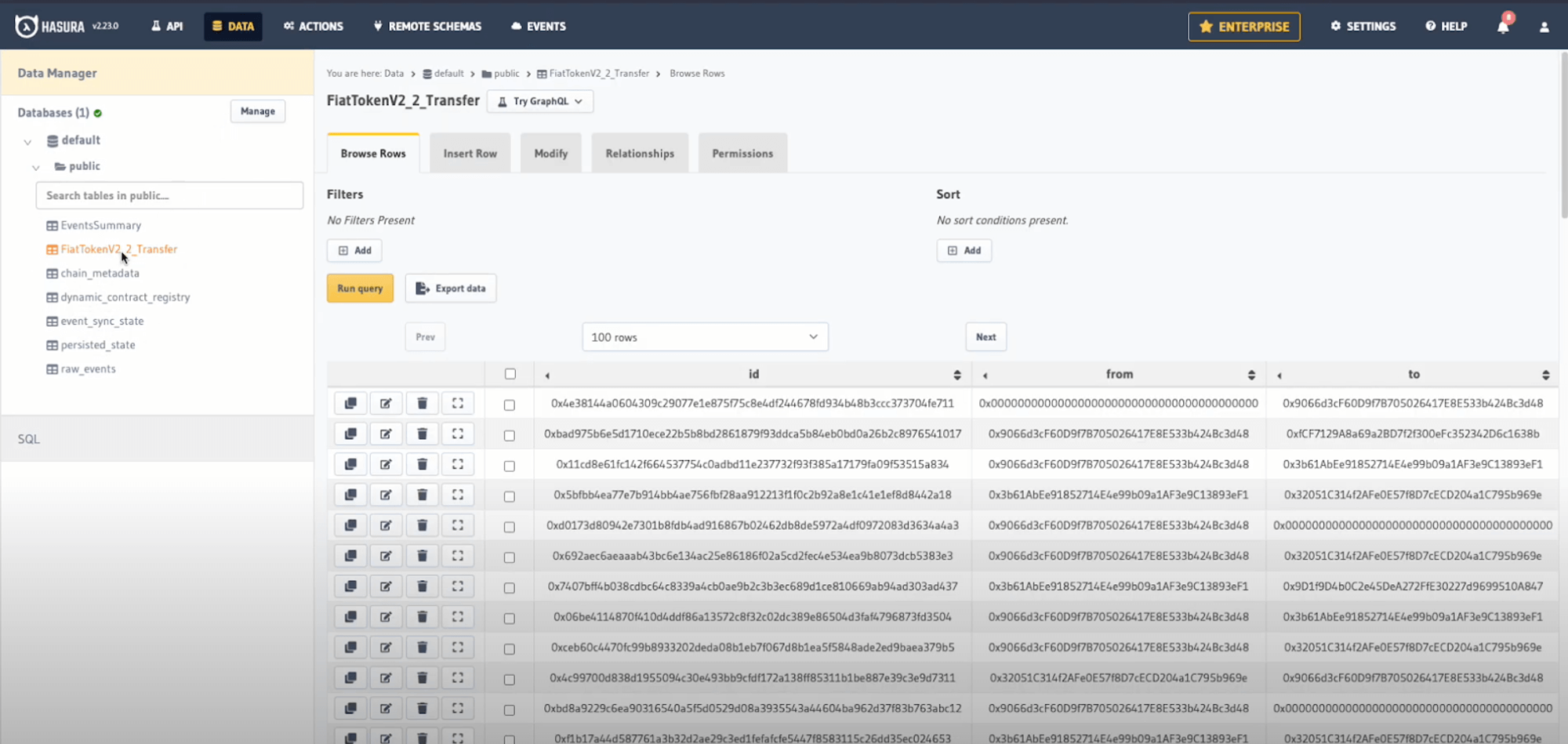 > **Note:** Thanks to Envio's [HyperSync](https://docs.envio.dev/docs/hypersync), you can index millions of USDC transfers in just minutes rather than hours or days with traditional methods.
### Querying Indexed Events
1. Click the **API** tab
2. Construct a GraphQL query to explore your data
Here's an example query to fetch the 10 largest USDC transfers:
```graphql
query LargestTransfers {
FiatTokenV2_2_Transfer(limit: 10, order_by: { value: desc }) {
from
to
value
blockTimestamp
}
}
```
3. Click the **Play** button to execute your query
> **Note:** Thanks to Envio's [HyperSync](https://docs.envio.dev/docs/hypersync), you can index millions of USDC transfers in just minutes rather than hours or days with traditional methods.
### Querying Indexed Events
1. Click the **API** tab
2. Construct a GraphQL query to explore your data
Here's an example query to fetch the 10 largest USDC transfers:
```graphql
query LargestTransfers {
FiatTokenV2_2_Transfer(limit: 10, order_by: { value: desc }) {
from
to
value
blockTimestamp
}
}
```
3. Click the **Play** button to execute your query
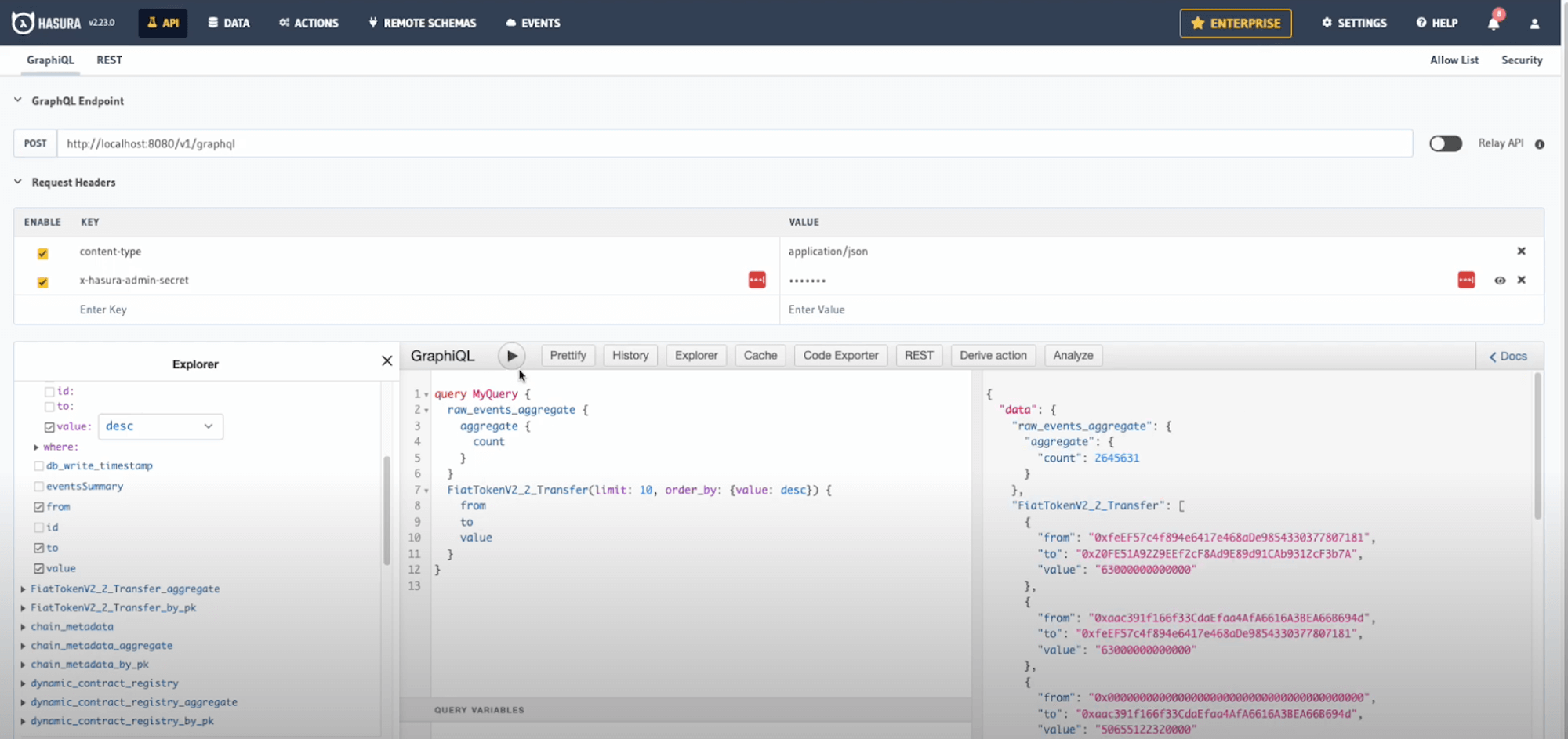 ## Conclusion
Congratulations! You've successfully created an indexer for USDC token transfers on Base. In just a few minutes, you've indexed over 3.6 million transfer events and can now query this data in real-time.
### What You've Learned
- How to initialize an indexer using Envio's contract import feature
- How to index ERC20 token transfers on the Base network
- How to query and analyze token transfer data using GraphQL
### Next Steps
- Try customizing the event handlers to add additional logic
- Create aggregated statistics about token transfers
- Add more tokens or events to your indexer
- Deploy your indexer to Envio Cloud
For more tutorials and advanced features, check out our [documentation](https://docs.envio.dev) or watch our [video walkthrough](https://www.youtube.com/watch?v=e1xznmKBLa8) on YouTube.
---
# Indexing Sway Farm on the Fuel Network
> Learn how to index Sway Farm on Fuel and track player events with Envio.
HyperIndex supports any EVM-compatible blockchain and the [Fuel](https://fuel.network/) Network.
Blockchain indexers are vital to the success of any dApp. In this tutorial, we will create an Envio indexer for the Fuel dApp [Sway Farm](https://swayfarm.xyz/) step by step.
Sway Farm is a simple farming game and for the sake of a real-world example, let's create the indexer for a leaderboard of all farmers 🧑🌾
## Conclusion
Congratulations! You've successfully created an indexer for USDC token transfers on Base. In just a few minutes, you've indexed over 3.6 million transfer events and can now query this data in real-time.
### What You've Learned
- How to initialize an indexer using Envio's contract import feature
- How to index ERC20 token transfers on the Base network
- How to query and analyze token transfer data using GraphQL
### Next Steps
- Try customizing the event handlers to add additional logic
- Create aggregated statistics about token transfers
- Add more tokens or events to your indexer
- Deploy your indexer to Envio Cloud
For more tutorials and advanced features, check out our [documentation](https://docs.envio.dev) or watch our [video walkthrough](https://www.youtube.com/watch?v=e1xznmKBLa8) on YouTube.
---
# Indexing Sway Farm on the Fuel Network
> Learn how to index Sway Farm on Fuel and track player events with Envio.
HyperIndex supports any EVM-compatible blockchain and the [Fuel](https://fuel.network/) Network.
Blockchain indexers are vital to the success of any dApp. In this tutorial, we will create an Envio indexer for the Fuel dApp [Sway Farm](https://swayfarm.xyz/) step by step.
Sway Farm is a simple farming game and for the sake of a real-world example, let's create the indexer for a leaderboard of all farmers 🧑🌾
 ## About Fuel
[Fuel](https://fuel.network/) is an operating system purpose-built for Ethereum rollups. Fuel's unique architecture allows rollups to solve for PSI (parallelization, state minimized execution, interoperability). Powered by the FuelVM, Fuel aims to expand Ethereum's capability set without compromising security or decentralization.
[Website](https://fuel.network/) | [X](https://twitter.com/fuel_network?lang=en) | [Discord](https://discord.com/invite/xfpK4Pe)
## Prerequisites
### Environment tooling
- **[Node.js](https://nodejs.org/en/download/current)** _(v22 or newer recommended)_
- **[pnpm](https://pnpm.io/installation)** _(recommended but not required)_
- **[Docker Desktop](https://www.docker.com/products/docker-desktop/)** _(required to run the Envio indexer locally)_
> **Note:** Docker is specifically required to run your blockchain indexer locally. You can skip Docker installation if you plan only to use Envio Cloud.
## Initialize the project
Now that you have installed the prerequisite packages let's begin the practical steps of setting up the indexer.
Open your terminal in an empty directory and initialize a new indexer by running the command:
```bash
pnpx envio init
```
In the following prompt, choose the directory where you want to set up your project. The default is the current directory, but in the tutorial, I'll use the indexer name:
```bash
? Specify a folder name (ENTER to skip): sway-farm-indexer
```
Then, choose a language of your choice for the event handlers. TypeScript is the most popular one, so we'll stick with it:
```bash
? Which language would you like to use?
JavaScript
> TypeScript
ReScript
[↑↓ to move, enter to select, type to filter]
```
Next, we have the new prompt for a blockchain ecosystem. Previously Envio supported only EVM, but now it's possible to choose between `Evm`, `Fuel` and other VMs in the future:
```bash
? Choose blockchain ecosystem
Evm
> Fuel
[↑↓ to move, enter to select, type to filter]
```
In the following prompt, you can choose an initialization option. There's a Greeter template for Fuel, which is an excellent way to learn more about HyperIndex. But since we have an existing contract, the `Contract Import` option is the best way to create an indexer:
```bash
? Choose an initialization option
Template
> Contract Import
[↑↓ to move, enter to select, type to filter]
```
> A separate [Tutorial](./greeter-tutorial) page provides more details about the `Greeter` template.
Next it'll ask us for an ABI file. You can find it in the `./out/debug` directory after building your [Sway](https://docs.fuel.network/docs/sway/) contract with `forc build`:
```bash
? What is the path to your json abi file? ./sway-farm/contract/out/debug/contract-abi.json
```
After the ABI file is provided, Envio parses all possible events you can use for indexing:
```bash
? Which events would you like to index?
> [x] NewPlayer
[x] PlantSeed
[x] SellItem
[x] InvalidError
[x] Harvest
[x] BuySeeds
[x] LevelUp
[↑↓ to move, space to select one, → to all, ← to none, type to filter]
```
Let's select the events we want to index. I opened the code of the [contract file](https://github.com/FuelLabs/sway-farm/blob/47e3ed5a91593ebcf8d2c67ae6fad41d9954c8a8/contract/src/abi_structs.sw#L365-L406) and realized that for a leaderboard we need only events which update player information. Hence, I left only `NewPlayer`, `LevelUp`, and `SellItem` selected in the list. We'd want to index more events in real life, but this is enough for the tutorial.
```bash
? Which events would you like to index?
> [x] NewPlayer
[ ] PlantSeed
[x] SellItem
[ ] InvalidError
[ ] Harvest
[ ] BuySeeds
[x] LevelUp
[↑↓ to move, space to select one, → to all, ← to none, type to filter]
```
> 📖 For the tutorial we only need to index `LOG_DATA` receipts, but you can also index `Mint`, `Burn`, `Transfer` and `Call` receipts. Read more about [Supported Event Types](/docs/HyperIndex/fuel#features-supported-on-fuel).
Just a few simple questions left. Let's call our contract `SwayFarm`:
```bash
? What is the name of this contract? SwayFarm
```
Set an address for the deployed contract:
```bash
? What is the address of the contract? 0xf5b08689ada97df7fd2fbd67bee7dea6d219f117c1dc9345245da16fe4e99111
[Use the proxy address if your abi is a proxy implementation]
```
Finish the initialization process:
```bash
? Would you like to add another contract?
> I'm finished
Add a new address for same contract on same network
Add a new contract (with a different ABI)
[Current contract: SwayFarm, on network: Fuel]
```
If you see the following line, it means we are already halfway through 🙌
```
Please run `cd sway-farm-indexer` to run the rest of the envio commands
```
Let's open the indexer in an IDE and start adjusting it for our farm 🍅
## Walk through initialized indexer
At this point, we should already have a working indexer. You can start it by running `pnpm dev`, which we cover in more detail later in the tutorial.
Everything is configured by modifying the 3 files below. Let's walk through each of them.
- config.yaml [`Guide`](configuration-file)
- schema.graphql [`Guide`](../Guides/schema-file.md)
- EventHandlers.\* [`Guide`](../Guides/event-handlers.mdx)
> (\* depending on the language chosen for the indexer)
### `config.yaml`
The `config.yaml` outlines the specifications for the indexer, including details such as network and contract specifications and the event information to be used in the indexing process.
```yaml
name: sway-farm-indexer
ecosystem: fuel
chains:
- id: 0
start_block: 0
contracts:
- name: SwayFarm
address:
- "0xf5b08689ada97df7fd2fbd67bee7dea6d219f117c1dc9345245da16fe4e99111"
abi_file_path: abis/swayfarm-abi.json
events:
- name: SellItem
logId: "11192939610819626128"
- name: LevelUp
logId: "9956391856148830557"
- name: NewPlayer
logId: "169340015036328252"
```
In the tutorial, we don't need to adjust it in any way. But later you can modify the file and add more events for indexing.
As a nice to have, you can use a [Sway](https://docs.fuel.network/docs/sway/) struct name without specifying a `logId`, like this:
```yaml
- name: SellItem
- name: LevelUp
- name: NewPlayer
```
### `schema.graphql`
The `schema.graphql` file serves as a representation of your application's data model. It defines entity types that directly correspond to database tables, and the event handlers you create are responsible for creating and updating records within those tables. Additionally, the GraphQL API is automatically generated based on the entity types specified in the `schema.graphql` file, to allow access to the indexed data.
> 🧠 A separate [Guide](../Guides/schema-file.md) page provides more details about the `schema.graphql` file.
For the leaderboard, we need only one entity representing the player. Let's create it:
```graphql
type Player {
id: ID!
farmingSkill: BigInt!
totalValueSold: BigInt!
}
```
We will use the user address as an ID. The fields `farmingSkill` and `totalValueSold` are `u64` in Sway, so to safely map them to JavaScript value, we'll use `BigInt`.
### `EventHandlers.ts`
The event handlers generated by contract import are quite simple and only add an entity to a DB when a related event is indexed.
```typescript
/*
* Please refer to https://docs.envio.dev for a thorough guide on all Envio indexer features
*/
import { indexer, type Entity } from "envio";
indexer.onEvent(
{ contract: "SwayFarm", event: "SellItem" },
async ({ event, context }) => {
const entity: Entity<"SwayFarm_SellItem"> = {
id: `${event.chainId}_${event.block.height}_${event.logIndex}`,
};
context.SwayFarm_SellItem.set(entity);
},
);
```
Let's modify the handlers to update the `Player` entity instead. But before we start, we need to run `pnpm codegen` to generate utility code and types for the `Player` entity we've added.
```bash
pnpm codegen
```
It's time for a little bit of coding. The indexer is very simple; it requires us only to pass event data to an entity.
```typescript
import { indexer } from "envio";
/**
Registers a handler that processes NewPlayer event
on the SwayFarm contract and stores the players in the DB
*/
indexer.onEvent(
{ contract: "SwayFarm", event: "NewPlayer" },
async ({ event, context }) => {
// Set the Player entity in the DB with the initial values
context.Player.set({
// The address in Sway is a union type of user Address and ContractID. Envio supports most of the Sway types, and the address value was decoded as a discriminated union 100% typesafe
id: event.params.address.payload.bits,
// Initial values taken from the contract logic
farmingSkill: 1n,
totalValueSold: 0n,
});
},
);
indexer.onEvent(
{ contract: "SwayFarm", event: "LevelUp" },
async ({ event, context }) => {
const playerInfo = event.params.player_info;
context.Player.set({
id: event.params.address.payload.bits,
farmingSkill: playerInfo.farming_skill,
totalValueSold: playerInfo.total_value_sold,
});
},
);
indexer.onEvent(
{ contract: "SwayFarm", event: "SellItem" },
async ({ event, context }) => {
const playerInfo = event.params.player_info;
context.Player.set({
id: event.params.address.payload.bits,
farmingSkill: playerInfo.farming_skill,
totalValueSold: playerInfo.total_value_sold,
});
},
);
```
Without overengineering, simply set the player data into the database. What's nice is that whenever your ABI or entities in `graphql.schema` change, Envio regenerates types and shows the compilation error.
> 🧠 You can find the indexer repo created during the tutorial on [GitHub](https://github.com/enviodev/sway-farm-indexer).
## Starting the Indexer
> 📢 Make sure you have docker open
The following commands will start the docker and create databases for indexed data. Make sure to re-run `pnpm dev` if you've made some changes.
```bash
pnpm dev
```
## About Fuel
[Fuel](https://fuel.network/) is an operating system purpose-built for Ethereum rollups. Fuel's unique architecture allows rollups to solve for PSI (parallelization, state minimized execution, interoperability). Powered by the FuelVM, Fuel aims to expand Ethereum's capability set without compromising security or decentralization.
[Website](https://fuel.network/) | [X](https://twitter.com/fuel_network?lang=en) | [Discord](https://discord.com/invite/xfpK4Pe)
## Prerequisites
### Environment tooling
- **[Node.js](https://nodejs.org/en/download/current)** _(v22 or newer recommended)_
- **[pnpm](https://pnpm.io/installation)** _(recommended but not required)_
- **[Docker Desktop](https://www.docker.com/products/docker-desktop/)** _(required to run the Envio indexer locally)_
> **Note:** Docker is specifically required to run your blockchain indexer locally. You can skip Docker installation if you plan only to use Envio Cloud.
## Initialize the project
Now that you have installed the prerequisite packages let's begin the practical steps of setting up the indexer.
Open your terminal in an empty directory and initialize a new indexer by running the command:
```bash
pnpx envio init
```
In the following prompt, choose the directory where you want to set up your project. The default is the current directory, but in the tutorial, I'll use the indexer name:
```bash
? Specify a folder name (ENTER to skip): sway-farm-indexer
```
Then, choose a language of your choice for the event handlers. TypeScript is the most popular one, so we'll stick with it:
```bash
? Which language would you like to use?
JavaScript
> TypeScript
ReScript
[↑↓ to move, enter to select, type to filter]
```
Next, we have the new prompt for a blockchain ecosystem. Previously Envio supported only EVM, but now it's possible to choose between `Evm`, `Fuel` and other VMs in the future:
```bash
? Choose blockchain ecosystem
Evm
> Fuel
[↑↓ to move, enter to select, type to filter]
```
In the following prompt, you can choose an initialization option. There's a Greeter template for Fuel, which is an excellent way to learn more about HyperIndex. But since we have an existing contract, the `Contract Import` option is the best way to create an indexer:
```bash
? Choose an initialization option
Template
> Contract Import
[↑↓ to move, enter to select, type to filter]
```
> A separate [Tutorial](./greeter-tutorial) page provides more details about the `Greeter` template.
Next it'll ask us for an ABI file. You can find it in the `./out/debug` directory after building your [Sway](https://docs.fuel.network/docs/sway/) contract with `forc build`:
```bash
? What is the path to your json abi file? ./sway-farm/contract/out/debug/contract-abi.json
```
After the ABI file is provided, Envio parses all possible events you can use for indexing:
```bash
? Which events would you like to index?
> [x] NewPlayer
[x] PlantSeed
[x] SellItem
[x] InvalidError
[x] Harvest
[x] BuySeeds
[x] LevelUp
[↑↓ to move, space to select one, → to all, ← to none, type to filter]
```
Let's select the events we want to index. I opened the code of the [contract file](https://github.com/FuelLabs/sway-farm/blob/47e3ed5a91593ebcf8d2c67ae6fad41d9954c8a8/contract/src/abi_structs.sw#L365-L406) and realized that for a leaderboard we need only events which update player information. Hence, I left only `NewPlayer`, `LevelUp`, and `SellItem` selected in the list. We'd want to index more events in real life, but this is enough for the tutorial.
```bash
? Which events would you like to index?
> [x] NewPlayer
[ ] PlantSeed
[x] SellItem
[ ] InvalidError
[ ] Harvest
[ ] BuySeeds
[x] LevelUp
[↑↓ to move, space to select one, → to all, ← to none, type to filter]
```
> 📖 For the tutorial we only need to index `LOG_DATA` receipts, but you can also index `Mint`, `Burn`, `Transfer` and `Call` receipts. Read more about [Supported Event Types](/docs/HyperIndex/fuel#features-supported-on-fuel).
Just a few simple questions left. Let's call our contract `SwayFarm`:
```bash
? What is the name of this contract? SwayFarm
```
Set an address for the deployed contract:
```bash
? What is the address of the contract? 0xf5b08689ada97df7fd2fbd67bee7dea6d219f117c1dc9345245da16fe4e99111
[Use the proxy address if your abi is a proxy implementation]
```
Finish the initialization process:
```bash
? Would you like to add another contract?
> I'm finished
Add a new address for same contract on same network
Add a new contract (with a different ABI)
[Current contract: SwayFarm, on network: Fuel]
```
If you see the following line, it means we are already halfway through 🙌
```
Please run `cd sway-farm-indexer` to run the rest of the envio commands
```
Let's open the indexer in an IDE and start adjusting it for our farm 🍅
## Walk through initialized indexer
At this point, we should already have a working indexer. You can start it by running `pnpm dev`, which we cover in more detail later in the tutorial.
Everything is configured by modifying the 3 files below. Let's walk through each of them.
- config.yaml [`Guide`](configuration-file)
- schema.graphql [`Guide`](../Guides/schema-file.md)
- EventHandlers.\* [`Guide`](../Guides/event-handlers.mdx)
> (\* depending on the language chosen for the indexer)
### `config.yaml`
The `config.yaml` outlines the specifications for the indexer, including details such as network and contract specifications and the event information to be used in the indexing process.
```yaml
name: sway-farm-indexer
ecosystem: fuel
chains:
- id: 0
start_block: 0
contracts:
- name: SwayFarm
address:
- "0xf5b08689ada97df7fd2fbd67bee7dea6d219f117c1dc9345245da16fe4e99111"
abi_file_path: abis/swayfarm-abi.json
events:
- name: SellItem
logId: "11192939610819626128"
- name: LevelUp
logId: "9956391856148830557"
- name: NewPlayer
logId: "169340015036328252"
```
In the tutorial, we don't need to adjust it in any way. But later you can modify the file and add more events for indexing.
As a nice to have, you can use a [Sway](https://docs.fuel.network/docs/sway/) struct name without specifying a `logId`, like this:
```yaml
- name: SellItem
- name: LevelUp
- name: NewPlayer
```
### `schema.graphql`
The `schema.graphql` file serves as a representation of your application's data model. It defines entity types that directly correspond to database tables, and the event handlers you create are responsible for creating and updating records within those tables. Additionally, the GraphQL API is automatically generated based on the entity types specified in the `schema.graphql` file, to allow access to the indexed data.
> 🧠 A separate [Guide](../Guides/schema-file.md) page provides more details about the `schema.graphql` file.
For the leaderboard, we need only one entity representing the player. Let's create it:
```graphql
type Player {
id: ID!
farmingSkill: BigInt!
totalValueSold: BigInt!
}
```
We will use the user address as an ID. The fields `farmingSkill` and `totalValueSold` are `u64` in Sway, so to safely map them to JavaScript value, we'll use `BigInt`.
### `EventHandlers.ts`
The event handlers generated by contract import are quite simple and only add an entity to a DB when a related event is indexed.
```typescript
/*
* Please refer to https://docs.envio.dev for a thorough guide on all Envio indexer features
*/
import { indexer, type Entity } from "envio";
indexer.onEvent(
{ contract: "SwayFarm", event: "SellItem" },
async ({ event, context }) => {
const entity: Entity<"SwayFarm_SellItem"> = {
id: `${event.chainId}_${event.block.height}_${event.logIndex}`,
};
context.SwayFarm_SellItem.set(entity);
},
);
```
Let's modify the handlers to update the `Player` entity instead. But before we start, we need to run `pnpm codegen` to generate utility code and types for the `Player` entity we've added.
```bash
pnpm codegen
```
It's time for a little bit of coding. The indexer is very simple; it requires us only to pass event data to an entity.
```typescript
import { indexer } from "envio";
/**
Registers a handler that processes NewPlayer event
on the SwayFarm contract and stores the players in the DB
*/
indexer.onEvent(
{ contract: "SwayFarm", event: "NewPlayer" },
async ({ event, context }) => {
// Set the Player entity in the DB with the initial values
context.Player.set({
// The address in Sway is a union type of user Address and ContractID. Envio supports most of the Sway types, and the address value was decoded as a discriminated union 100% typesafe
id: event.params.address.payload.bits,
// Initial values taken from the contract logic
farmingSkill: 1n,
totalValueSold: 0n,
});
},
);
indexer.onEvent(
{ contract: "SwayFarm", event: "LevelUp" },
async ({ event, context }) => {
const playerInfo = event.params.player_info;
context.Player.set({
id: event.params.address.payload.bits,
farmingSkill: playerInfo.farming_skill,
totalValueSold: playerInfo.total_value_sold,
});
},
);
indexer.onEvent(
{ contract: "SwayFarm", event: "SellItem" },
async ({ event, context }) => {
const playerInfo = event.params.player_info;
context.Player.set({
id: event.params.address.payload.bits,
farmingSkill: playerInfo.farming_skill,
totalValueSold: playerInfo.total_value_sold,
});
},
);
```
Without overengineering, simply set the player data into the database. What's nice is that whenever your ABI or entities in `graphql.schema` change, Envio regenerates types and shows the compilation error.
> 🧠 You can find the indexer repo created during the tutorial on [GitHub](https://github.com/enviodev/sway-farm-indexer).
## Starting the Indexer
> 📢 Make sure you have docker open
The following commands will start the docker and create databases for indexed data. Make sure to re-run `pnpm dev` if you've made some changes.
```bash
pnpm dev
```
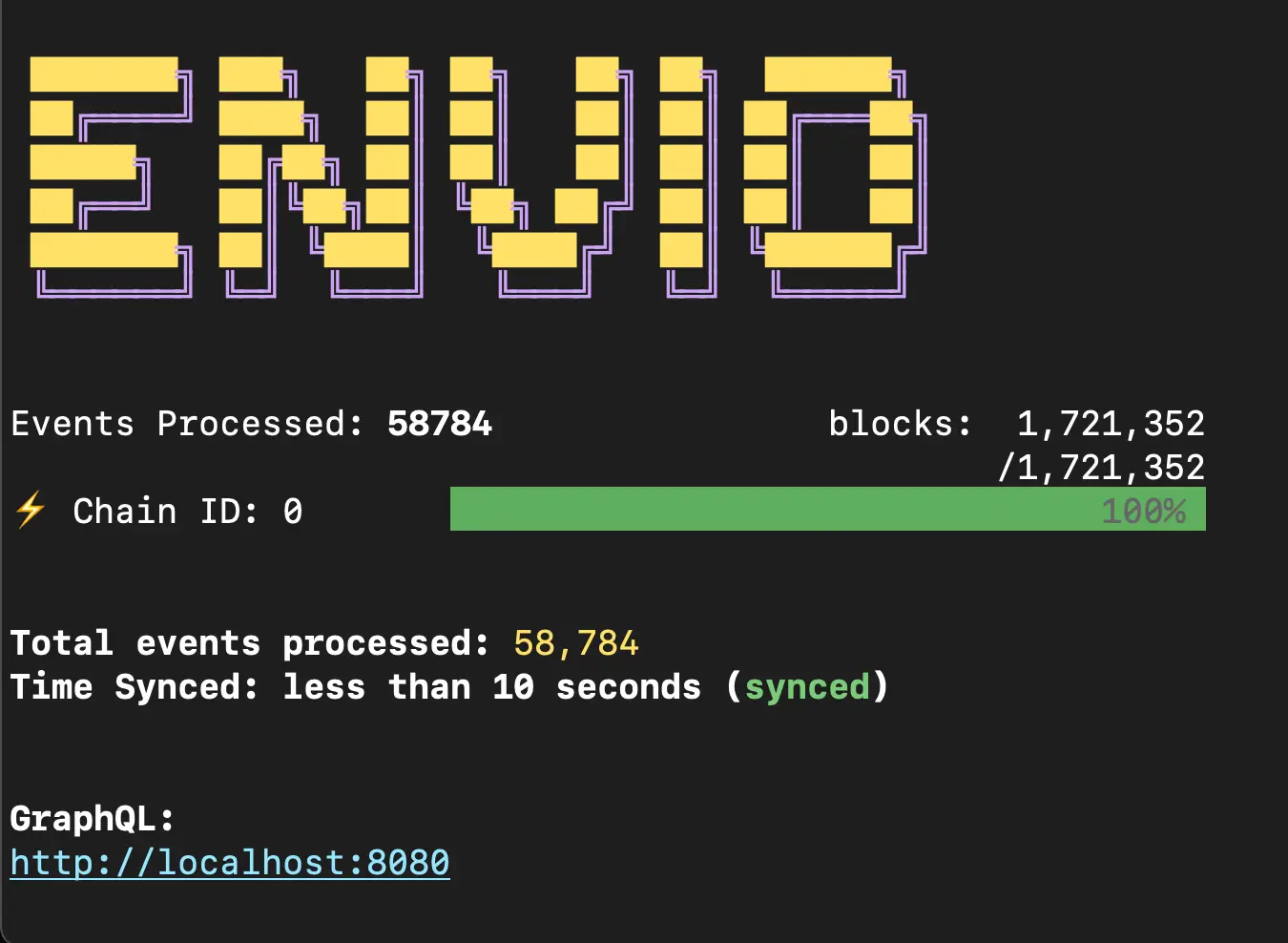 Nice, we indexed `1,721,352` blocks containing `58,784` events in 10 seconds, and they continue coming in.
## View the indexed results
Let's check indexed players on the local Hasura server.
```bash
open http://localhost:8080
```
The Hasura admin-secret / password is `testing`, and the tables can be viewed in the data tab or queried from the playground.
Nice, we indexed `1,721,352` blocks containing `58,784` events in 10 seconds, and they continue coming in.
## View the indexed results
Let's check indexed players on the local Hasura server.
```bash
open http://localhost:8080
```
The Hasura admin-secret / password is `testing`, and the tables can be viewed in the data tab or queried from the playground.
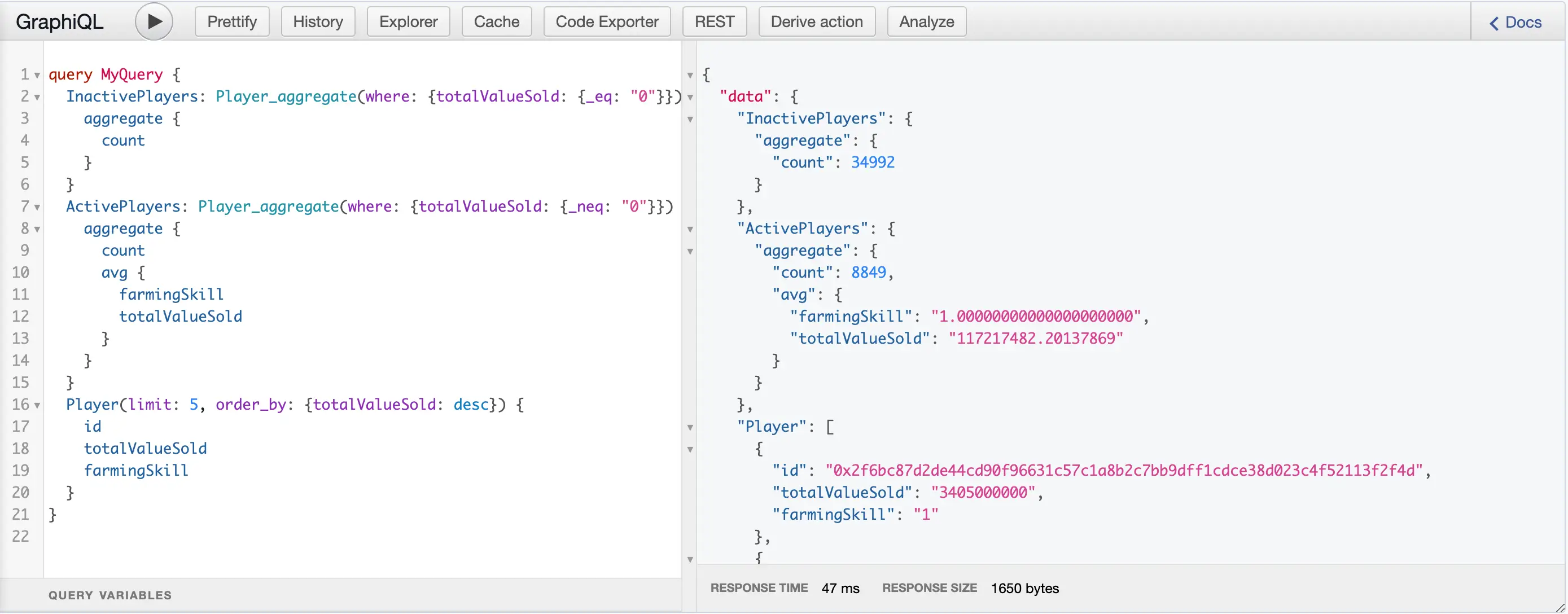 Now, we can easily get the top 5 players, the number of inactive and active players, and the average sold value. What's left is a nice UI for the Sway Farm leaderboard, but that's not the tutorial's topic.
> 🧠 A separate [Guide](./navigating-hasura) page provides more details about navigating Hasura.
## Deploy the indexer to Envio Cloud
Once you have verified that the indexer is working for your contracts, then you are ready to deploy the indexer to Envio Cloud.
Deploying an indexer to Envio Cloud allows you to extract information via graphQL queries into your front-end or some back-end application.
Navigate to the [Envio Cloud](https://envio.dev/app/login) to start deploying your indexer and refer to this [documentation](../Hosted_Service/hosted-service.md) for more information on deploying your indexer.
## What next?
Once you have successfully finished the tutorial, you are ready to become a blockchain indexing wizard!
Join our [Discord](https://discord.gg/envio) channel to make sure you catch all new releases.
---
# Indexing Optimism Bridge Deposits
> Learn to quickly index Optimism Bridge deposits and explore OP Bridge event data.
## Introduction
This tutorial will guide you through indexing Optimism Standard Bridge deposits in under 5 minutes using Envio HyperIndex's no-code [contract import](/docs/HyperIndex/quickstart) feature.
The Optimism Standard Bridge enables the movement of ETH and ERC-20 tokens between Ethereum and Optimism. We'll index bridge deposit events by extracting the `DepositFinalized` logs emitted by the bridge contracts on both networks.
## Prerequisites
Before starting, ensure you have the following installed:
- **[Node.js](https://nodejs.org/en/download/current)** _(v22 or newer recommended)_
- **[pnpm](https://pnpm.io/installation)** _(recommended but not required)_
- **[Docker Desktop](https://www.docker.com/products/docker-desktop/)** _(required to run the Envio indexer locally)_
> **Note:** Docker is specifically required to run your blockchain indexer locally. You can skip Docker installation if you plan only to use Envio Cloud.
## Step 1: Initialize Your Indexer
1. Open your terminal in an empty directory and run:
```bash
pnpx envio init
```
2. Name your indexer (we'll use "optimism-bridge-indexer" in this example):
Now, we can easily get the top 5 players, the number of inactive and active players, and the average sold value. What's left is a nice UI for the Sway Farm leaderboard, but that's not the tutorial's topic.
> 🧠 A separate [Guide](./navigating-hasura) page provides more details about navigating Hasura.
## Deploy the indexer to Envio Cloud
Once you have verified that the indexer is working for your contracts, then you are ready to deploy the indexer to Envio Cloud.
Deploying an indexer to Envio Cloud allows you to extract information via graphQL queries into your front-end or some back-end application.
Navigate to the [Envio Cloud](https://envio.dev/app/login) to start deploying your indexer and refer to this [documentation](../Hosted_Service/hosted-service.md) for more information on deploying your indexer.
## What next?
Once you have successfully finished the tutorial, you are ready to become a blockchain indexing wizard!
Join our [Discord](https://discord.gg/envio) channel to make sure you catch all new releases.
---
# Indexing Optimism Bridge Deposits
> Learn to quickly index Optimism Bridge deposits and explore OP Bridge event data.
## Introduction
This tutorial will guide you through indexing Optimism Standard Bridge deposits in under 5 minutes using Envio HyperIndex's no-code [contract import](/docs/HyperIndex/quickstart) feature.
The Optimism Standard Bridge enables the movement of ETH and ERC-20 tokens between Ethereum and Optimism. We'll index bridge deposit events by extracting the `DepositFinalized` logs emitted by the bridge contracts on both networks.
## Prerequisites
Before starting, ensure you have the following installed:
- **[Node.js](https://nodejs.org/en/download/current)** _(v22 or newer recommended)_
- **[pnpm](https://pnpm.io/installation)** _(recommended but not required)_
- **[Docker Desktop](https://www.docker.com/products/docker-desktop/)** _(required to run the Envio indexer locally)_
> **Note:** Docker is specifically required to run your blockchain indexer locally. You can skip Docker installation if you plan only to use Envio Cloud.
## Step 1: Initialize Your Indexer
1. Open your terminal in an empty directory and run:
```bash
pnpx envio init
```
2. Name your indexer (we'll use "optimism-bridge-indexer" in this example):
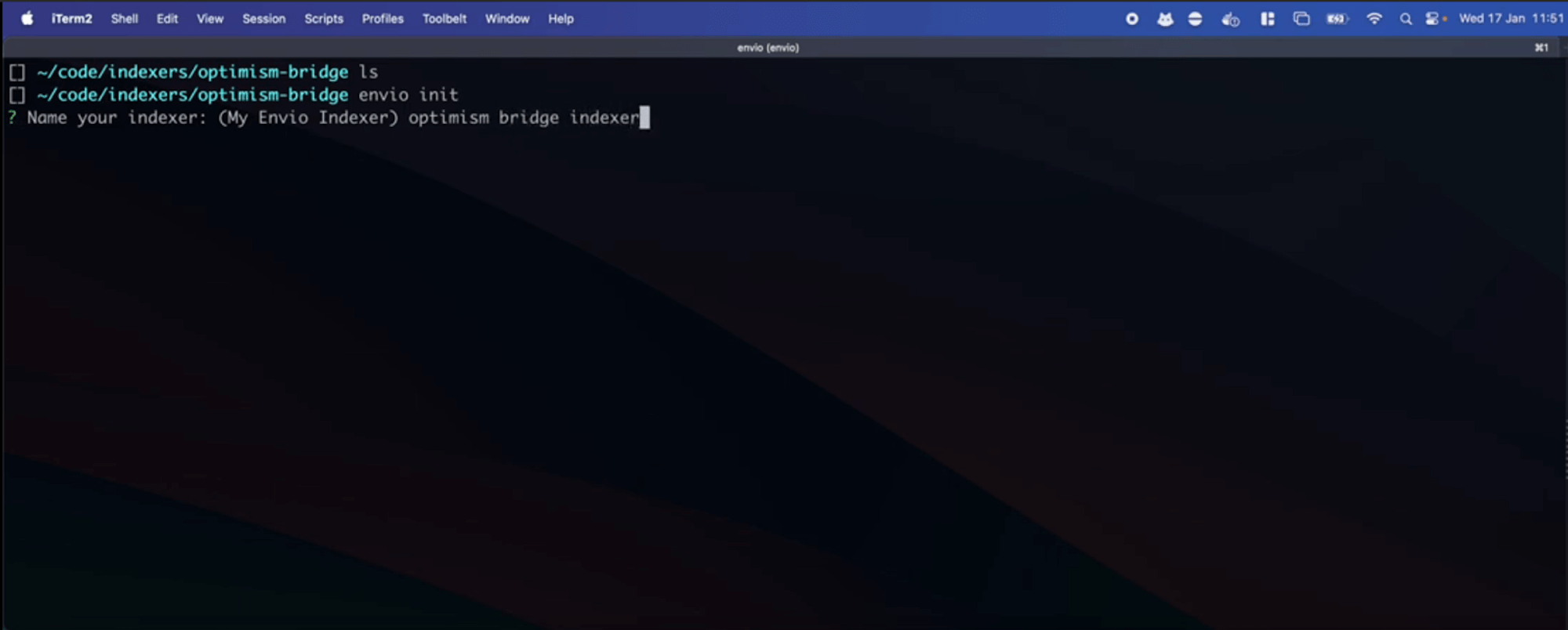 3. Choose your preferred language (TypeScript, JavaScript, or ReScript):
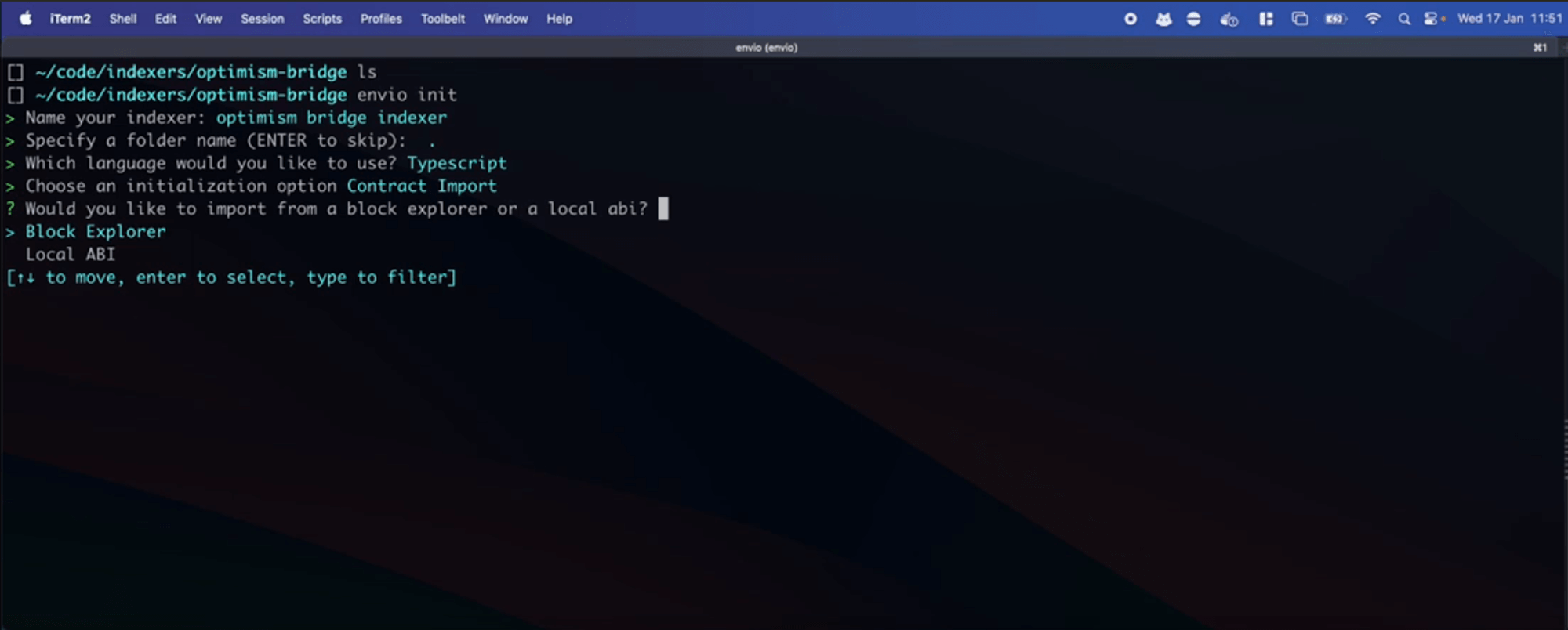 ## Step 2: Import the Optimism Bridge Contract
1. Select **Contract Import** → **Block Explorer** → **Optimism**
2. Enter the Optimism bridge contract address:
```
0x4200000000000000000000000000000000000010
```
[View on Optimistic Etherscan](https://optimistic.etherscan.io/address/0x4200000000000000000000000000000000000010)
3. Select the `DepositFinalized` event:
- Navigate using arrow keys (↑↓)
- Press spacebar to select the event
## Step 2: Import the Optimism Bridge Contract
1. Select **Contract Import** → **Block Explorer** → **Optimism**
2. Enter the Optimism bridge contract address:
```
0x4200000000000000000000000000000000000010
```
[View on Optimistic Etherscan](https://optimistic.etherscan.io/address/0x4200000000000000000000000000000000000010)
3. Select the `DepositFinalized` event:
- Navigate using arrow keys (↑↓)
- Press spacebar to select the event
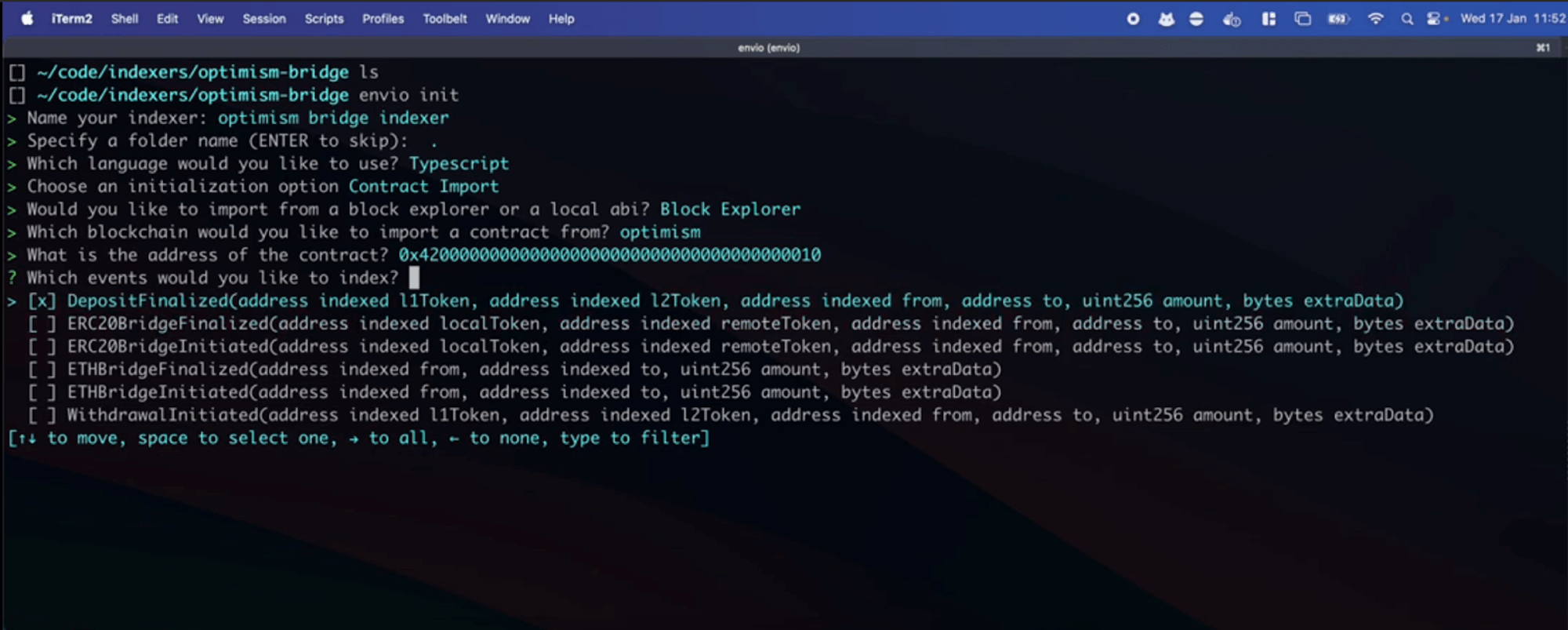 > **Tip:** You can select multiple events to index simultaneously.
## Step 3: Add the Ethereum Mainnet Bridge Contract
1. When prompted, select **Add a new contract**
2. Choose **Block Explorer** → **Ethereum Mainnet**
3. Enter the Ethereum Mainnet gateway contract address:
```
0x99C9fc46f92E8a1c0deC1b1747d010903E884bE1
```
[View on Etherscan](https://etherscan.io/address/0x99C9fc46f92E8a1c0deC1b1747d010903E884bE1)
4. Select the `ETHDepositInitiated` event
5. When finished adding contracts, select **I'm finished**
> **Tip:** You can select multiple events to index simultaneously.
## Step 3: Add the Ethereum Mainnet Bridge Contract
1. When prompted, select **Add a new contract**
2. Choose **Block Explorer** → **Ethereum Mainnet**
3. Enter the Ethereum Mainnet gateway contract address:
```
0x99C9fc46f92E8a1c0deC1b1747d010903E884bE1
```
[View on Etherscan](https://etherscan.io/address/0x99C9fc46f92E8a1c0deC1b1747d010903E884bE1)
4. Select the `ETHDepositInitiated` event
5. When finished adding contracts, select **I'm finished**
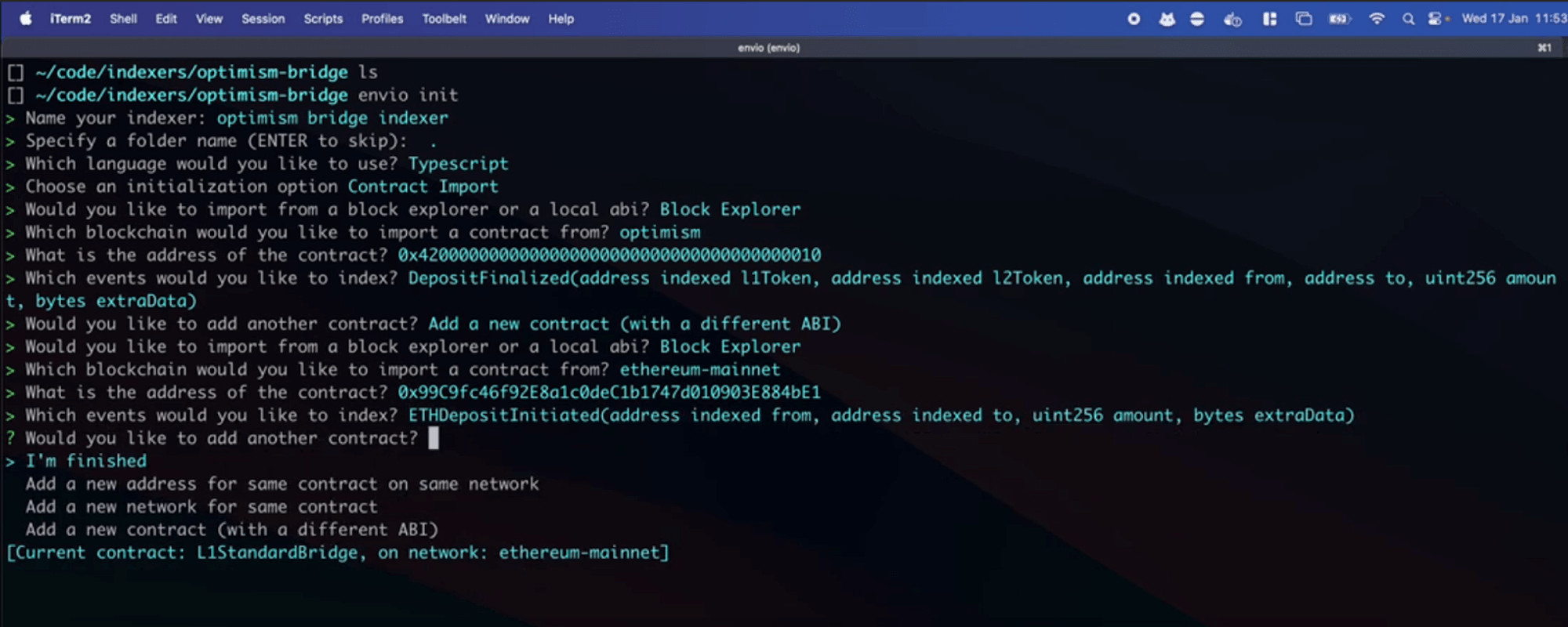 ## Step 4: Start Your Indexer
1. If you have any running indexers, stop them first:
```bash
pnpm envio stop
```
2. Start your new indexer:
```bash
pnpm dev
```
This command:
- Starts the required Docker containers
- Sets up your database
- Launches the indexing process
- Opens the Hasura GraphQL interface
## Step 5: Understanding the Generated Code
Let's examine the key files that Envio generated:
### 1. `config.yaml`
This configuration file defines:
- Networks to index (Optimism and Ethereum Mainnet)
- Starting blocks for each network
- Contract addresses and ABIs
- Events to track
## Step 4: Start Your Indexer
1. If you have any running indexers, stop them first:
```bash
pnpm envio stop
```
2. Start your new indexer:
```bash
pnpm dev
```
This command:
- Starts the required Docker containers
- Sets up your database
- Launches the indexing process
- Opens the Hasura GraphQL interface
## Step 5: Understanding the Generated Code
Let's examine the key files that Envio generated:
### 1. `config.yaml`
This configuration file defines:
- Networks to index (Optimism and Ethereum Mainnet)
- Starting blocks for each network
- Contract addresses and ABIs
- Events to track
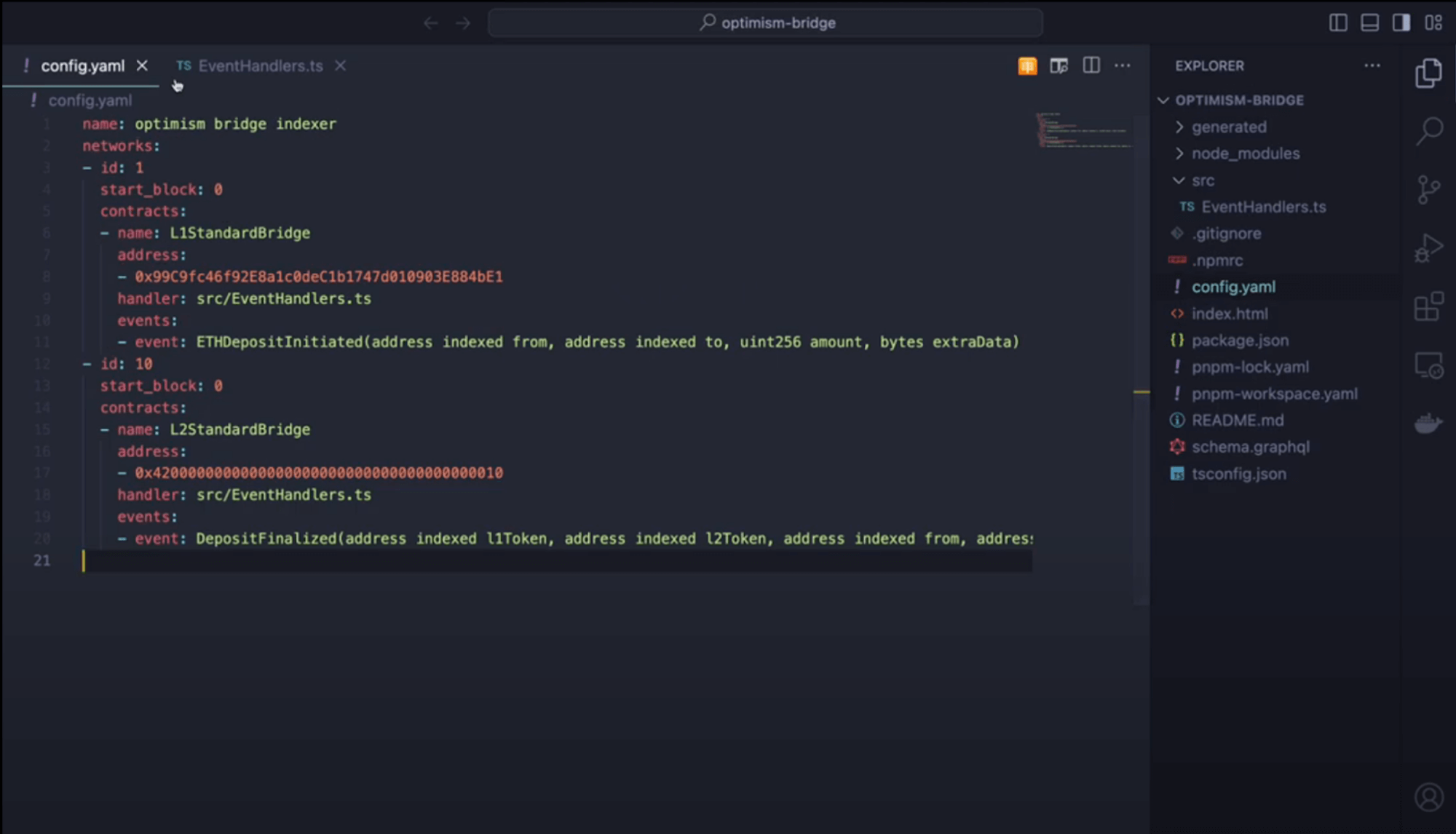 ### 2. `schema.graphql`
This schema defines the data structures for our selected events:
- Entity types based on event data
- Field types matching the event parameters
- Relationships between entities (if applicable)
### 2. `schema.graphql`
This schema defines the data structures for our selected events:
- Entity types based on event data
- Field types matching the event parameters
- Relationships between entities (if applicable)
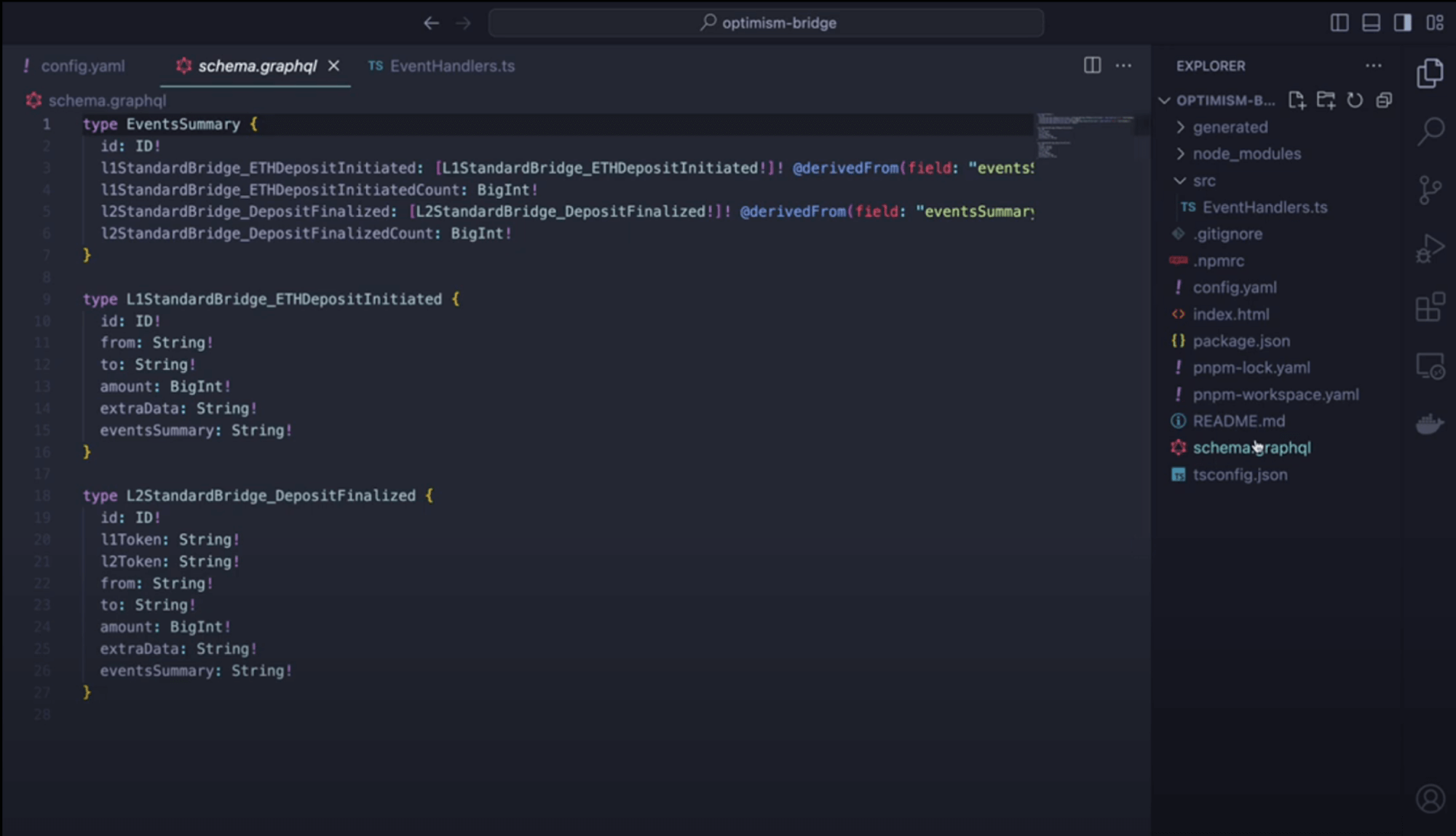 ### 3. `src/handlers`
This file contains the business logic for processing events:
- Functions that execute when events are detected
- Data transformation and storage logic
- Entity creation and relationship management
### 3. `src/handlers`
This file contains the business logic for processing events:
- Functions that execute when events are detected
- Data transformation and storage logic
- Entity creation and relationship management
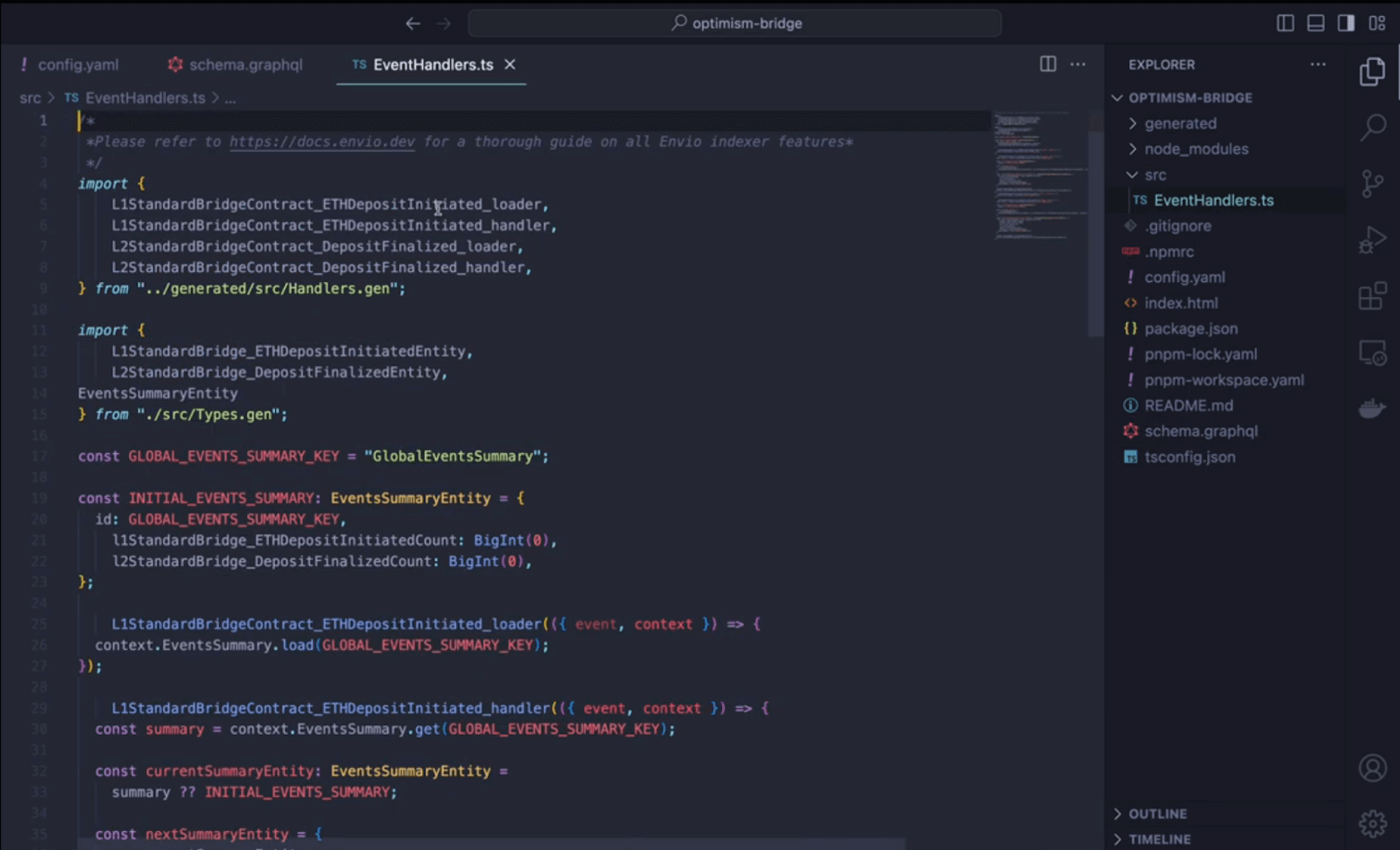 ## Step 6: Exploring Your Indexed Data
Now you can interact with your indexed data:
### Accessing Hasura
1. Open Hasura at [http://localhost:8080](http://localhost:8080)
2. When prompted, enter the admin password: `testing`
### Monitoring Indexing Progress
1. Click the **Data** tab in the top navigation
2. Find the `_events_sync_state` table to check indexing progress
3. Observe which blocks are currently being processed
## Step 6: Exploring Your Indexed Data
Now you can interact with your indexed data:
### Accessing Hasura
1. Open Hasura at [http://localhost:8080](http://localhost:8080)
2. When prompted, enter the admin password: `testing`
### Monitoring Indexing Progress
1. Click the **Data** tab in the top navigation
2. Find the `_events_sync_state` table to check indexing progress
3. Observe which blocks are currently being processed
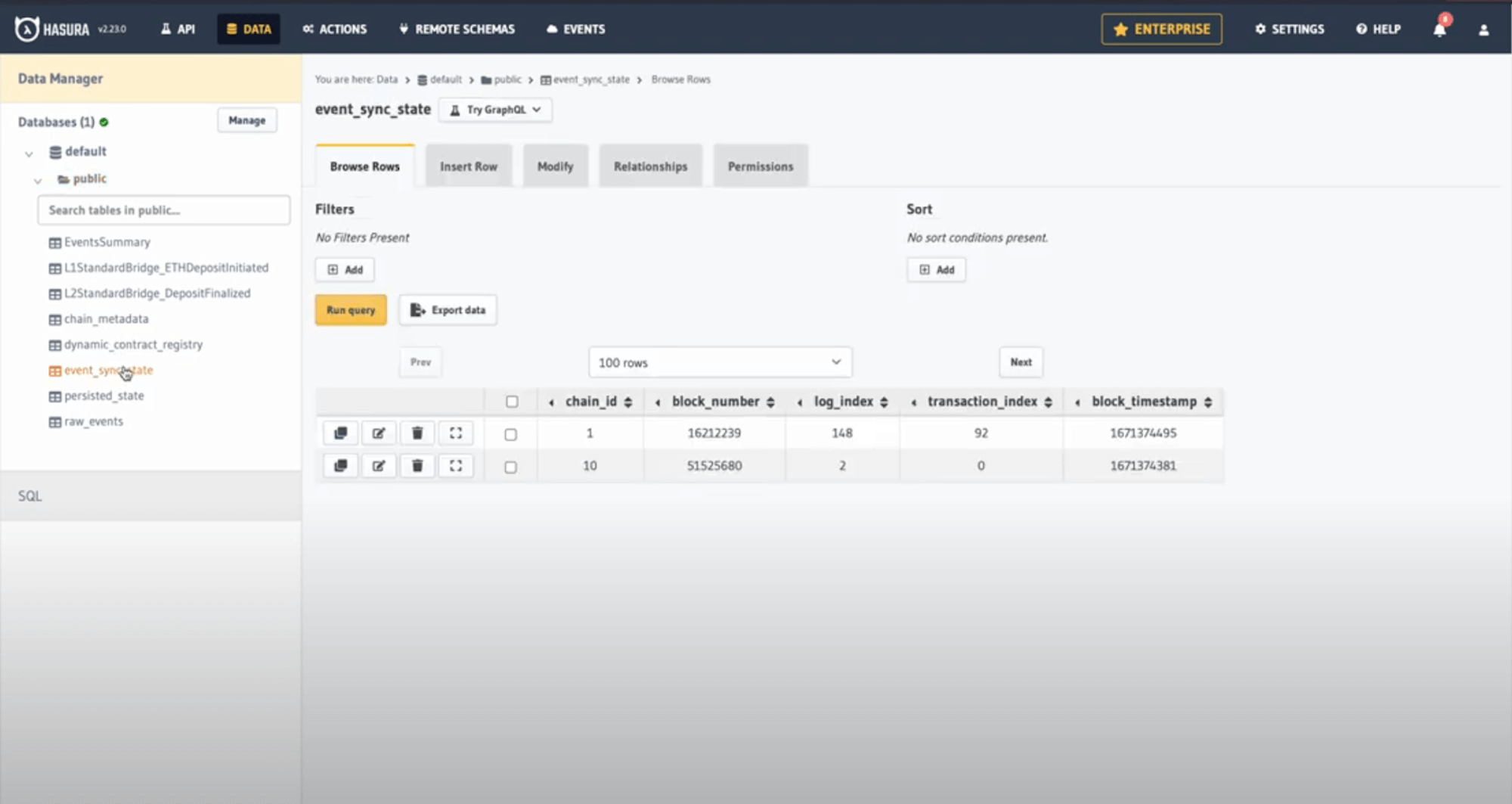 > **Note:** Thanks to Envio's [HyperSync](https://docs.envio.dev/docs/hypersync), indexing happens significantly faster than with standard RPC methods.
### Querying Indexed Events
1. Click the **API** tab
2. Construct a GraphQL query to explore your data
Here's an example query to fetch the 10 largest bridge deposits:
```graphql
query LargestDeposits {
DepositFinalized(limit: 10, order_by: { amount: desc }) {
l1Token
l2Token
from
to
amount
blockTimestamp
}
}
```
3. Click the **Play** button to execute your query
> **Note:** Thanks to Envio's [HyperSync](https://docs.envio.dev/docs/hypersync), indexing happens significantly faster than with standard RPC methods.
### Querying Indexed Events
1. Click the **API** tab
2. Construct a GraphQL query to explore your data
Here's an example query to fetch the 10 largest bridge deposits:
```graphql
query LargestDeposits {
DepositFinalized(limit: 10, order_by: { amount: desc }) {
l1Token
l2Token
from
to
amount
blockTimestamp
}
}
```
3. Click the **Play** button to execute your query
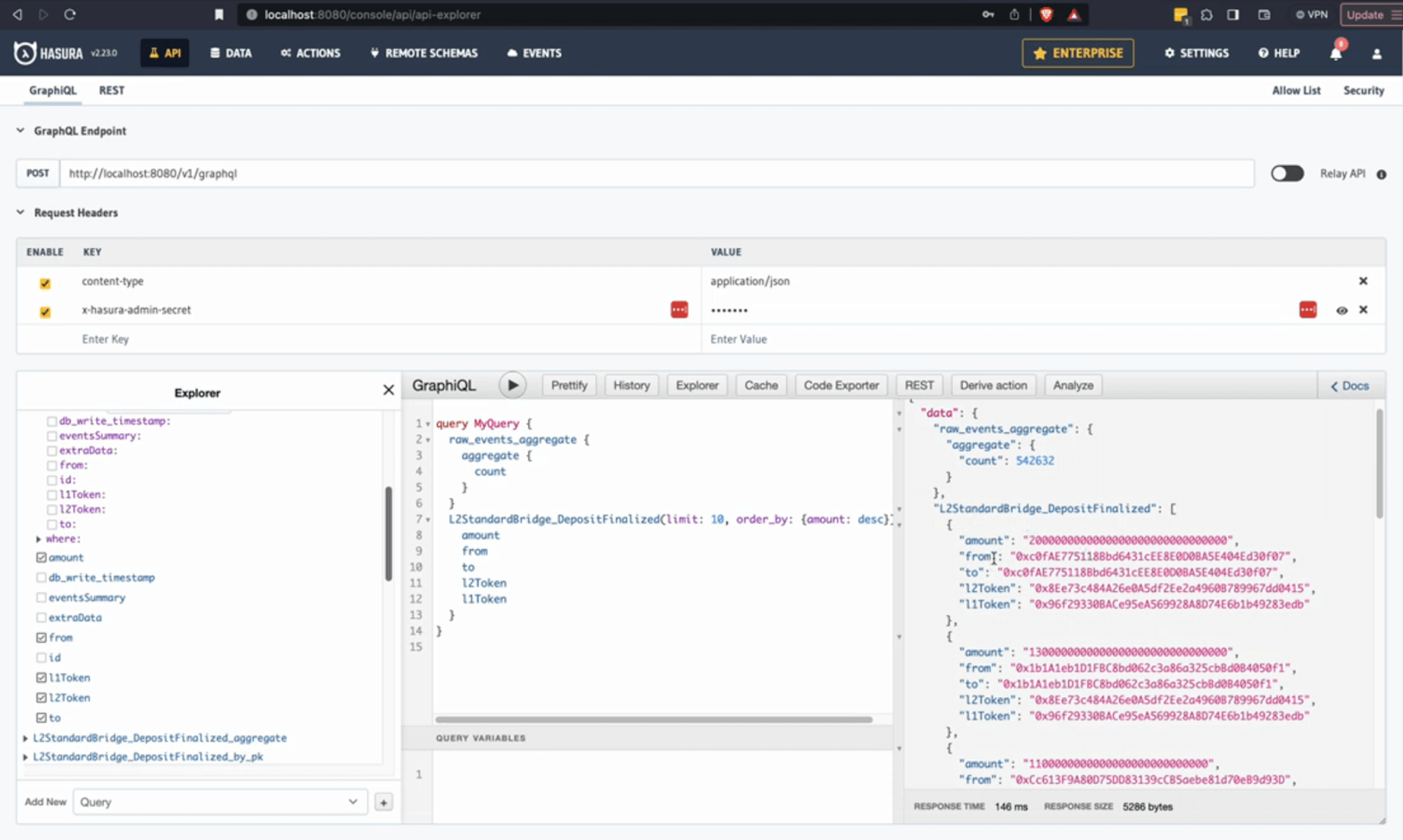 ## Conclusion
Congratulations! You've successfully created an indexer for Optimism Bridge deposits across both Ethereum and Optimism networks.
### What You've Learned
- How to initialize a multi-network indexer using Envio
- How to import contracts from different blockchains
- How to query and explore indexed blockchain data
### Next Steps
- Try customizing the event handlers to add additional logic
- Create relationships between events on different networks
- Deploy your indexer to Envio Cloud
For more tutorials and advanced features, check out our [documentation](https://docs.envio.dev) or watch our [video walkthroughs](https://www.youtube.com/watch?v=9U2MTFU9or0) on YouTube.
---
# Scaffold-Eth-2 Envio Extension
> Scaffold-ETH Extension: Get a boilerplate indexer for your deployed smart contracts and start tracking events instantly.
# Scaffold-Eth-2 Envio Extension
## Introduction
The [Scaffold-ETH 2](https://scaffoldeth.io/extensions) Envio extension makes indexing your deployed smart contracts as simple as possible. Generate a boilerplate indexer for your deployed contracts with a single click and start indexing their events immediately.
With this extension, you get:
- 🔍 **Automatic indexer generation** from your deployed contracts
- 📊 **Status dashboard** with links to Envio metrics and database
- 🔄 **One-click regeneration** to update the indexer when you deploy new contracts
- 📈 **GraphQL API** for querying your indexed blockchain data
## Prerequisites
Before starting, ensure you have the following installed:
- **[Node.js v20](https://nodejs.org/en/download/current)** _(v20 or newer required)_
- **[pnpm](https://pnpm.io/installation)** _(for Envio indexer)_
- **[Docker Desktop](https://www.docker.com/products/docker-desktop/)** _(required to run the Envio indexer locally)_
- **[Yarn](https://yarnpkg.com/getting-started/install)** _(for Scaffold-ETH)_
## Step 1: Create a New Scaffold-ETH 2 Project with Envio Extension
To create a new Scaffold-ETH 2 project with the Envio extension already integrated:
```bash
npx create-eth@latest -e enviodev/scaffold-eth-2-extension
```
## Step 2: Start the Local Blockchain
Navigate to your project directory and start the local blockchain:
```bash
cd your-project-name
yarn chain
```
This will start a local blockchain node for development.
## Step 3: Deploy Your Contracts
In a new terminal window, navigate to your project directory and deploy the default smart contracts:
```bash
cd your-project-name
yarn deploy
```
This will deploy the default contracts to the local blockchain. This step is optional and can also be done once you've created your own smart contracts and deployed them using `yarn deploy`.
## Step 4: Start Scaffold-ETH Frontend
From your project directory, start the Scaffold-ETH frontend:
```bash
yarn start
```
This will start the Scaffold-ETH frontend at `http://localhost:3000`.
## Step 5: Generate the Indexer
Navigate to the Envio page in your Scaffold-ETH frontend at `http://localhost:3000/envio` and click the **"Generate"** button. This should only be done once you've created a smart contract and ran `yarn deploy`. This will create the boilerplate indexer from your deployed contracts.
## Conclusion
Congratulations! You've successfully created an indexer for Optimism Bridge deposits across both Ethereum and Optimism networks.
### What You've Learned
- How to initialize a multi-network indexer using Envio
- How to import contracts from different blockchains
- How to query and explore indexed blockchain data
### Next Steps
- Try customizing the event handlers to add additional logic
- Create relationships between events on different networks
- Deploy your indexer to Envio Cloud
For more tutorials and advanced features, check out our [documentation](https://docs.envio.dev) or watch our [video walkthroughs](https://www.youtube.com/watch?v=9U2MTFU9or0) on YouTube.
---
# Scaffold-Eth-2 Envio Extension
> Scaffold-ETH Extension: Get a boilerplate indexer for your deployed smart contracts and start tracking events instantly.
# Scaffold-Eth-2 Envio Extension
## Introduction
The [Scaffold-ETH 2](https://scaffoldeth.io/extensions) Envio extension makes indexing your deployed smart contracts as simple as possible. Generate a boilerplate indexer for your deployed contracts with a single click and start indexing their events immediately.
With this extension, you get:
- 🔍 **Automatic indexer generation** from your deployed contracts
- 📊 **Status dashboard** with links to Envio metrics and database
- 🔄 **One-click regeneration** to update the indexer when you deploy new contracts
- 📈 **GraphQL API** for querying your indexed blockchain data
## Prerequisites
Before starting, ensure you have the following installed:
- **[Node.js v20](https://nodejs.org/en/download/current)** _(v20 or newer required)_
- **[pnpm](https://pnpm.io/installation)** _(for Envio indexer)_
- **[Docker Desktop](https://www.docker.com/products/docker-desktop/)** _(required to run the Envio indexer locally)_
- **[Yarn](https://yarnpkg.com/getting-started/install)** _(for Scaffold-ETH)_
## Step 1: Create a New Scaffold-ETH 2 Project with Envio Extension
To create a new Scaffold-ETH 2 project with the Envio extension already integrated:
```bash
npx create-eth@latest -e enviodev/scaffold-eth-2-extension
```
## Step 2: Start the Local Blockchain
Navigate to your project directory and start the local blockchain:
```bash
cd your-project-name
yarn chain
```
This will start a local blockchain node for development.
## Step 3: Deploy Your Contracts
In a new terminal window, navigate to your project directory and deploy the default smart contracts:
```bash
cd your-project-name
yarn deploy
```
This will deploy the default contracts to the local blockchain. This step is optional and can also be done once you've created your own smart contracts and deployed them using `yarn deploy`.
## Step 4: Start Scaffold-ETH Frontend
From your project directory, start the Scaffold-ETH frontend:
```bash
yarn start
```
This will start the Scaffold-ETH frontend at `http://localhost:3000`.
## Step 5: Generate the Indexer
Navigate to the Envio page in your Scaffold-ETH frontend at `http://localhost:3000/envio` and click the **"Generate"** button. This should only be done once you've created a smart contract and ran `yarn deploy`. This will create the boilerplate indexer from your deployed contracts.
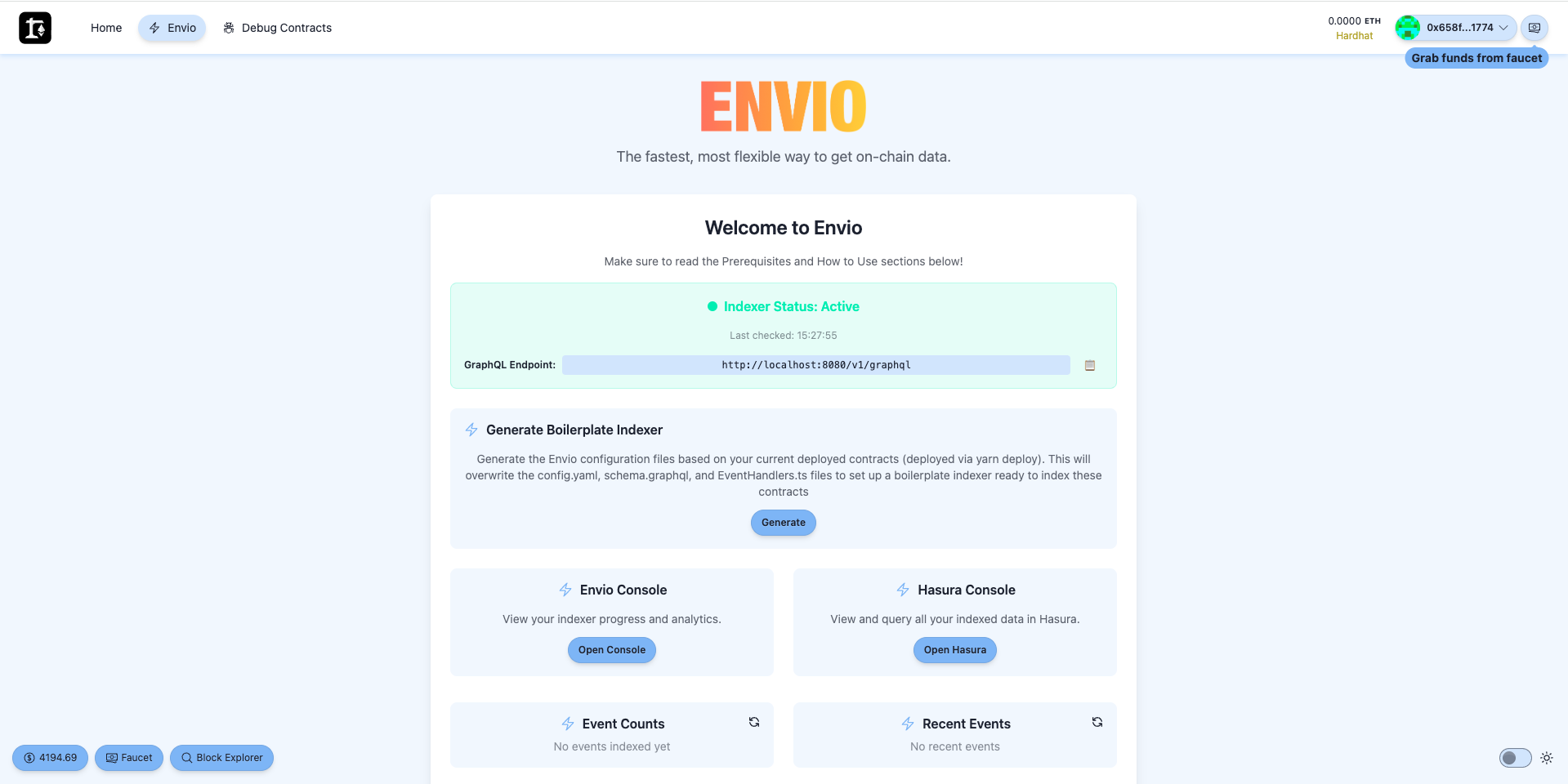 The Envio page also includes a helpful "How to Use" section with step-by-step instructions.
## Step 6: Start the Indexer
Navigate to the Envio package directory and start the indexer:
```bash
cd packages/envio
pnpm dev
```
This will begin indexing your contract events.
## Regenerating the Indexer
When you deploy new contracts or make changes to existing ones, you'll need to regenerate the indexer:
### Via Frontend Dashboard
1. Go to the Envio page at `http://localhost:3000/envio`
2. Click "Generate" to regenerate the boilerplate indexer
### Via Command Line
```bash
cd packages/envio
pnpm update
pnpm codegen
```
> **Note:** Regenerating will overwrite any custom handlers, config, and schema changes, creating a fresh boilerplate indexer based on your deployed contracts. After regenerating, you'll need to stop the running indexer (Ctrl+C) and restart it with `pnpm dev` for the changes to take effect.
---
# What's New in HyperIndex V3
> Discover the new features in HyperIndex V3 — the unified handlers API, ESM and top-level await, automatic handler registration, a new testing framework, ClickHouse storage, Solana support, and more.
# What's New in HyperIndex V3
15 full months have passed since the official HyperIndex v2.0.0. Since then, we have shipped [32 minor releases](https://github.com/enviodev/hyperindex/releases) and multiple patches with **zero breaking changes** to the documented API. We also received PRs from 6 external contributors, grew from 1 GitHub star to over 470, and saw many big projects rely on HyperIndex.
HyperIndex V3 focuses on modernizing the codebase and laying the foundation for many more months of development. This page describes everything that's new. To upgrade an existing project from V2, follow the [Migrate to V3](./migrate-to-v3) guide.
## New Features
### Unified Handlers API
In V3 all handler registrations now happen through a single `indexer` value. Contract-specific exports (`ERC20.Transfer.handler`, `UniV3.PoolFactory.contractRegister`, etc.) have been removed in favor of `indexer.onEvent`, `indexer.contractRegister`, and `indexer.onBlock`.
**Event handlers** with `indexer.onEvent`:
```typescript
import { indexer } from "envio";
indexer.onEvent(
{
contract: "ERC20",
event: "Transfer",
wildcard: true,
where: ({ chain }) => ({
params: [
{ from: chain.Safe.addresses },
{ to: chain.Safe.addresses },
],
}),
},
async ({ event, context }) => {
// Handler logic
},
);
```
**Dynamic contracts** with `indexer.contractRegister`:
```typescript
import { indexer } from "envio";
indexer.contractRegister(
{
contract: "UniV3",
event: "PoolFactory",
},
async ({ event, context }) => {
context.chain.Pool.add(event.params.poolAddress);
},
);
```
**Block handlers** with `indexer.onBlock` consolidate across chains in a single call:
```typescript
import { indexer } from "envio";
indexer.onBlock(
{ name: "EveryBlock" },
async ({ block, context }) => {
// Handler logic
},
);
```
For chain-specific or interval-based block handlers, use the `where` callback:
```typescript
indexer.onBlock(
{
name: "Ranges",
where: ({ chain }) => {
if (chain.id !== 1) return false;
return {
block: {
number: {
_gte: 20_000_000,
_lte: 22_000_000,
_every: 100,
},
},
};
},
},
async ({ block, context }) => {
// Handler logic
},
);
```
### Per-Event Start Block
Handlers can specify custom start blocks per chain via `where.block.number._gte`, overriding contract and chain configuration:
```typescript
indexer.onEvent(
{
contract: "UniV4",
event: "Pool",
where: ({ chain }) => {
let startBlock: number;
switch (chain.id) {
case 1:
startBlock = 18_000_000;
break;
case 8453:
startBlock = 2_000_000;
break;
default: {
const _exhaustive: never = chain.id;
return false;
}
}
return {
block: { number: { _gte: startBlock } },
};
},
},
async ({ event, context }) => {
// Handler logic
},
);
```
### CommonJS → ESM
We migrated HyperIndex from CommonJS-only to ESM-only. This enables:
- Using the latest versions of libraries that have long since abandoned CommonJS support
- **Top-level await** in handler files
### Top-Level Await
Thanks to the migration to ESM, you can now use `await` directly in handler and other files:
```typescript
import { indexer } from "envio";
const ZERO_ADDRESS = "0x0000000000000000000000000000000000000000";
// Load data before registering handlers
const addressesFromServer = await loadWhitelistedAddresses();
indexer.onEvent(
{
contract: "ERC20",
event: "Transfer",
wildcard: true,
where: {
params: [
{ from: ZERO_ADDRESS, to: addressesFromServer },
{ from: addressesFromServer, to: ZERO_ADDRESS },
],
},
},
async ({ event, context }) => {
// ... your handler logic
},
);
```
### 3x Historical Backfill Performance
Achieved by adding chunking logic to request events across multiple ranges at once. This also fixed overfetching for contracts with a much later `start_block` in the config, as well as speeding up dynamic contract registration. If you had data fetching as a bottleneck, 25k events per second is now a standard.
### Automatic Handler Registration (`src/handlers`)
We introduced automatic registration of handler files located in `src/handlers`.
Previously, you needed to specify an explicit path to a handler file for every contract in `config.yaml`. Now you can remove all of the paths from `config.yaml` and simply move the files to `src/handlers`. You can name the files however you want, but we suggest using contract names and having a file per contract.
If you don't like `src/handlers`, use the `handlers` option in `config.yaml` to customize it.
:::note
The explicit `handler` field in `config.yaml` still works, so you don't need to change anything immediately.
:::
### RPC for Realtime Indexing
Built by an external contributor [@cairoeth](https://github.com/cairoeth) to allow specifying `realtime` mode for an RPC data source to embrace low-latency head tracking:
```yaml
rpc:
- url: https://eth-mainnet.your-rpc-provider.com
for: realtime
```
In this case, the RPC won't be used for historical sync but will be used as the primary source once the indexer enters realtime mode.
### Chain State on Context
The Handler Context object provides chain state via the `chain` property:
```typescript
import { indexer } from "envio";
indexer.onEvent(
{ contract: "ERC20", event: "Approval" },
async ({ context }) => {
console.log(context.chain.id); // 1 - The chain id of the event
console.log(context.chain.isRealtime); // true - Whether the indexer entered realtime mode
},
);
```
### Indexer State & Config
As a replacement for the deprecated and removed `getGeneratedByChainId`, we introduce the `indexer` value. It provides nicely typed chains and contract data from your config, as well as the current indexing state, such as `isRealtime` and `addresses`. Use `indexer` either at the top level of the file or directly from handlers. It returns the latest indexer state.
With this change, we also introduce new official types: `Indexer`, `EvmChainId`, `FuelChainId`, and `SvmChainId`.
```typescript
import { indexer } from "envio";
indexer.name; // "uniswap-v4-indexer"
indexer.description; // "Uniswap v4 indexer"
indexer.chainIds; // [1, 42161, 10, 8453, 137, 56]
indexer.chains[1].id; // 1
indexer.chains[1].startBlock; // 0
indexer.chains[1].endBlock; // undefined
indexer.chains[1].isRealtime; // false
indexer.chains[1].PoolManager.name; // "PoolManager"
indexer.chains[1].PoolManager.abi; // unknown[]
indexer.chains[1].PoolManager.addresses; // ["0x000000000004444c5dc75cB358380D2e3dE08A90"]
```
On indexer restart, reading `indexer` at the top level of a handler file returns values restored from the database — including dynamically registered contract addresses — rather than only what's declared in `config.yaml`:
```typescript
import { indexer } from "envio";
// Includes initial + dynamically registered addresses persisted in the DB
console.log(indexer.chains.eth.Pool.addresses);
```
### Conditional Event Handlers
Now it's possible to return a boolean value from the `where` function to disable or enable the handler conditionally.
```typescript
import { indexer } from "envio";
indexer.onEvent(
{
contract: "ERC20",
event: "Transfer",
wildcard: true,
where: ({ chain }) => {
// Skip all ERC20 on Polygon
if (chain.id === 137) {
return false;
}
// Track all ERC20 on Ethereum Mainnet
if (chain.id === 1) {
return true;
}
// Track only whitelisted addresses on other chains
return {
params: [
{ from: ZERO_ADDRESS, to: WHITELISTED_ADDRESSES[chain.id] },
{ from: WHITELISTED_ADDRESSES[chain.id], to: ZERO_ADDRESS },
],
};
},
},
async ({ event, context }) => {
// ... your handler logic
},
);
```
### Automatic Contract Configuration
Started automatically configuring all globally defined contracts. This fixes an issue where `addContract` crashed because the contract was defined globally but not linked for a specific chain. Now it's done automatically:
```yaml
contracts:
- name: UniswapV3Factory
events: # ...
- name: UniswapV3Pool
events: # ...
chains:
- id: 1
start_block: 0
contracts:
- name: UniswapV3Factory
address: "0x1F98431c8aD98523631AE4a59f267346ea31F984"
# UniswapV3Pool no longer needed here - auto-configured from global contracts
- id: 10
start_block: 0
contracts:
- name: UniswapV3Factory
address: "0x1F98431c8aD98523631AE4a59f267346ea31F984"
# UniswapV3Pool no longer needed here - auto-configured from global contracts
```
### ClickHouse Storage (Experimental)
HyperIndex can now run with multiple storage backends at the same time. Postgres remains the primary database, and entities can additionally be written to a ClickHouse database that is restart- and reorg-resistant. Prometheus metrics carry a storage-name label so you can distinguish backends.
Enable backends in `config.yaml` and route each entity explicitly via the `@storage` directive in `schema.graphql`:
```yaml
storage:
postgres: true
clickhouse: true
```
```graphql
# Stored in both Postgres and ClickHouse
type Transfer @storage(postgres: true, clickhouse: true) {
id: ID!
from: String!
to: String!
value: BigInt!
}
# Stored only in ClickHouse
type Snapshot @storage(clickhouse: true) {
id: ID!
blockNumber: BigInt!
}
```
Per-entity routing is more verbose but lets you write some entities to Postgres and others to ClickHouse only.
`envio dev` automatically spins up a ClickHouse Docker container for local development with playground-friendly defaults so you can connect to it without configuring a password. For `envio start`, provide your own connection via the environment variables `ENVIO_CLICKHOUSE_HOST`, `ENVIO_CLICKHOUSE_DATABASE`, `ENVIO_CLICKHOUSE_USERNAME`, and `ENVIO_CLICKHOUSE_PASSWORD`.
Envio Cloud currently supports ClickHouse on the Dedicated Plan.
For high-availability ClickHouse setups, HyperIndex supports two additional environment variables:
- `ENVIO_CLICKHOUSE_REPLICATED` — set to `true` to use replicated table engines.
- `ENVIO_CLICKHOUSE_DATABASE_ENGINE` — override the database engine (for example, `Replicated`).
:::warning
Do not run multiple indexers writing to the same ClickHouse database at the same time.
:::
### HyperSync Source Improvements
Multiple updates on the HyperSync side to achieve smaller latency and less traffic:
- Server-Sent Events instead of polling to get updates about new blocks
- CapnProto instead of JSON for query serialization
- Cache for queries with repetitive filters - huge egress saving when indexing thousands of addresses
- Improved connection establishment behind a proxy
- Configurable log level support via `ENVIO_HYPERSYNC_LOG_LEVEL` environment variable
- Automatic rate-limiting handling on the client side
- Better reconnection logic, logging, and fallbacks for HyperSync SSE and RPC WebSocket height streaming for more stable indexing at the chain head
### Fuel Block Handler Support
Block handlers are now supported for Fuel indexing.
### Solana Support (Experimental)
HyperIndex now supports Solana with RPC as a source. This feature is experimental and may undergo minor breaking changes. Solana exposes its block-stream handler as `indexer.onSlot` (rather than `onBlock`) to match Solana's slot-based model.
To initialize a Solana project:
```bash
pnpx envio init svm
```
See the [Solana documentation](/docs/HyperIndex/solana) for more details.
### `pnpx envio init` Improvements
- Removed language selection to prefer TypeScript by default
- Cleaned up templates to follow the latest good practices
- Added new templates to highlight HyperIndex features: `Feature: Factory Contract`, `Feature: External Calls`
- Pre-configured GitHub Actions workflow for running tests and initialized git repository
- Generated projects include Cursor/Claude skills to support agent-driven development
### Block Handler Only Indexers
Now it's possible to create indexers with only block handlers. Previously, it was required to have at least one event handler for it to work. The `contracts` field became optional in `config.yaml`.
### Flexible Entity Fields
We no longer have restrictions on entity field names, such as `type` and others. Shape your entities any way you want. There are also improvements in generating database columns in the same order as they are defined in the `schema.graphql`.
### Unordered Multichain Mode Only
Unordered multichain mode is now the only mode in V3 — events from different chains are processed in parallel without strict cross-chain ordering, which provides better performance for most use cases. The V2 `unordered_multichain_mode` option and the `multichain: ordered` opt-in have been removed.
### Preload Optimization by Default
Preload optimization is now enabled by default, replacing the previous `loaders` and `preload_handlers` options. This improves historical sync performance automatically.
### TUI Improvements
We gave our TUI some love, making it look more beautiful and compact. It also consumes fewer resources, shares a link to the Hasura playground, and dynamically adjusts to the terminal width.
The TUI now shows an **events-per-second** indicator during backfill so you can see indexing throughput at a glance.
The TUI is also auto-disabled in CI environments and when running under AI agents, so logs stay clean without manual configuration. The legacy `TUI_OFF=true` environment variable was renamed to `ENVIO_TUI=false`.
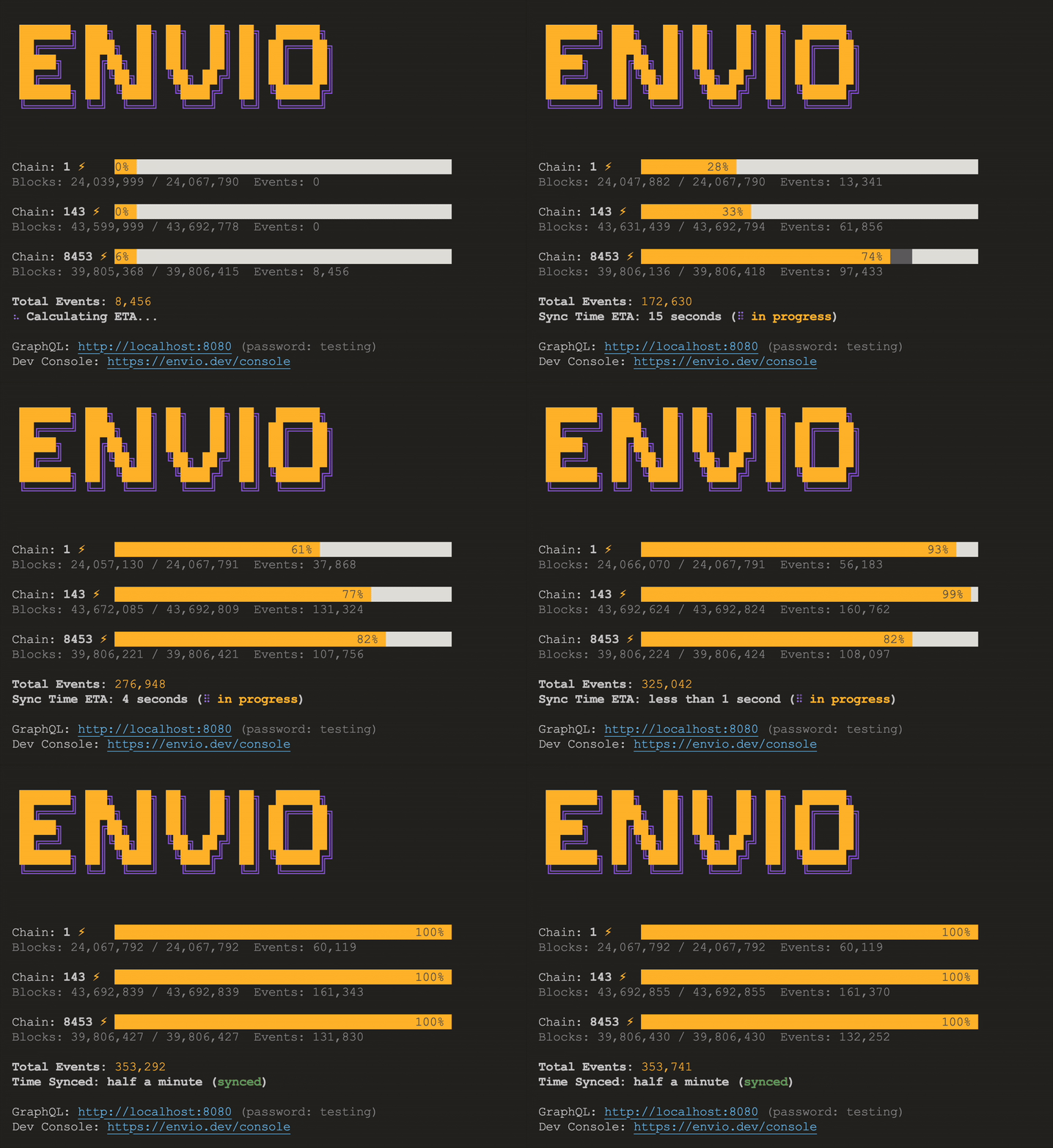
### New Testing Framework
HyperIndex ships a purpose-built testing framework powered by `createTestIndexer()`. Write tests against the same indexer that runs in production — no database, no Docker, no manual mock wiring.
The framework integrates with [Vitest](https://vitest.dev/), replacing the previous mocha/chai setup with a single package that doesn't require configuration by default and includes snapshot testing out-of-the-box. It also provides typed test assertions and utilities to read/write entities in-between processing runs.
#### Three ways to feed events
**1. Auto-exit** — processes the first block with matching events, then exits. Each subsequent call continues where the last one stopped. Zero config needed.
```typescript
import { describe, it } from "vitest";
import { createTestIndexer } from "envio";
describe("ERC20 indexer", () => {
it("processes the first block with events", async (t) => {
const indexer = createTestIndexer();
const result = await indexer.process({ chains: { 1: {} } });
// Auto-filled by Vitest on first run — just review and commit
t.expect(result).toMatchInlineSnapshot(`
{
"changes": [
{
"Transfer": {
"sets": [
{
"blockNumber": 10861674,
"from": "0x0000000000000000000000000000000000000000",
"id": "1-10861674-23",
"to": "0x41653c7d61609D856f29355E404F310Ec4142Cfb",
"transactionHash": "0x4b37d2f343608457ca...",
"value": 1000000000000000000000000000n,
},
],
},
"block": 10861674,
"chainId": 1,
"eventsProcessed": 1,
},
],
}
`);
});
});
```
**2. Explicit block range** — pin to specific blocks for deterministic CI snapshots.
```typescript
const result = await indexer.process({
chains: {
1: {
startBlock: 10_861_674,
endBlock: 10_861_674,
},
},
});
```
**3. Simulate** — feed typed synthetic events for pure unit tests. No network, no block ranges.
```typescript
await indexer.process({
chains: {
137: {
simulate: [
{
contract: "Greeter",
event: "NewGreeting",
params: { greeting: "Hello", user: "0x123..." },
},
],
},
},
});
```
#### Key capabilities
- **Snapshot-driven assertions** — `result.changes` captures every entity set/delete per block. Pair with `toMatchInlineSnapshot` for auto-generated, reviewable snapshots.
- **Direct entity access** — `indexer.Entity.get()`, `.getOrThrow()`, `.getAll()`, and `.set()` for reading and presetting state.
- **Real pipeline, real confidence** — tests exercise the full indexer pipeline including dynamic contract registration, multi-chain support, and handler context.
- **Parallel test execution** via worker thread isolation.
The test indexer also exposes chain information:
```typescript
const indexer = createTestIndexer();
indexer.chainIds; // [1, 42161]
indexer.chains[1].id; // 1
indexer.chains[1].startBlock; // 0
indexer.chains[1].ERC20.addresses; // ["0x..."]
// Read/write entities between processing runs
await indexer.Account.set({ id: "0x123...", balance: 100n });
const account = await indexer.Account.get("0x123...");
```
See the [Testing documentation](/docs/HyperIndex/testing) for more details.
### Podman Support
Beyond Docker, HyperIndex now supports [Podman](https://podman.io/) for local development environments. This provides an alternative container runtime for developers who prefer Podman or have it available in their environment.
### Nested Tuples for Contract Import
The `envio init` command now supports contracts with nested tuples in event signatures, which was previously a limitation when importing contracts.
### PostgreSQL Update for Local Docker Compose
The local development Docker Compose setup now uses PostgreSQL 18.1 (upgraded from 17.5).
### `contractName` and `eventName` on Event
Events now include `contractName` and `eventName` fields, making it easier to identify which contract and event you're working with in handlers:
```typescript
import { indexer } from "envio";
indexer.onEvent(
{ contract: "ERC20", event: "Transfer" },
async ({ event }) => {
console.log(event.contractName); // "ERC20"
console.log(event.eventName); // "Transfer"
},
);
```
### New Official Exported Types
Generated code now exports official generic types for entities, enums, and events. These replace the previous contract-specific type exports:
```typescript
import type {
MyEntity, // Still exported but Entity<"MyEntity"> is preferred
Entity, // Generic entity type — use as Entity<"MyEntity">
Enum, // Generic enum type — use as Enum<"MyEnum"> (replaces direct MyEnum export)
EvmEvent, // Generic event type — use as EvmEvent<"ERC20", "Transfer">
// Access specific fields: EvmEvent<"ERC20", "Transfer">["block"]
} from "envio";
```
### Support for DESC Indices
A nice way to improve your query performance as well:
```graphql
type PoolDayData
@index(fields: ["poolId", ["date", "DESC"]]) {
id: ID!
poolId: String!
date: Timestamp!
}
```
### RPC Source Improvements
Added `polling_interval` option for RPC source configuration. Also added missing support for receipt-only fields (`gasUsed`, `cumulativeGasUsed`, `effectiveGasPrice`) that are not available via `eth_getTransactionByHash`. HyperIndex will additionally perform the `eth_getTransactionReceipt` request when one of the fields is added in `field_selection`.
### WebSocket Support (Experimental)
Experimental WebSocket support for RPC source to improve head latency. Please create a GitHub issue if you come across any problems.
```yaml
chains:
- id: 1
rpc:
url: ${ENVIO_RPC_ENDPOINT}
ws: ${ENVIO_WS_ENDPOINT}
for: realtime
```
### Prometheus Metrics for Data Providers
Added a Prometheus metric to track requests to data providers, providing better observability into your indexer's data fetching patterns.
### GraphQL-Style `getWhere` API
The `getWhere` query API has been redesigned using GraphQL-style syntax:
```typescript
// Before
const transfers = await context.Transfer.getWhere.from.eq("0x123...");
// After
const transfers = await context.Transfer.getWhere({ from: { _eq: "0x123..." } });
```
Additionally, three new filter operators are available following Hasura-style conventions:
```typescript
context.Entity.getWhere({ amount: { _gte: 100n } })
context.Entity.getWhere({ amount: { _lte: 500n } })
context.Entity.getWhere({ status: { _in: ["active", "pending"] } })
```
### Direct RPC Client
Replaced Ethers.js with a direct RPC client implementation, reducing dependencies and improving performance.
### Block Lag Configuration
A per-chain `block_lag` option to index behind the chain head by a specified number of blocks. Replaces the global `ENVIO_INDEXING_BLOCK_LAG` environment variable. Defaults to 0. This is for advanced use cases — only use it if you know what you're doing.
```yaml
chains:
- id: 1
block_lag: 5
```
### Official `/metrics` Endpoint
Prometheus metrics are now official. We cleaned up metric names, switched time units to seconds instead of milliseconds, and followed Prometheus naming conventions more closely. Metrics also cover data points previously available only via the `--bench` feature. A separate `/metrics/runtime` endpoint with a dedicated Prometheus registry is available for runtime metrics, isolated from the default `/metrics` endpoint.
Starting from the v3.0.0 release, Prometheus metrics will follow semver and be documented.
Breaking changes:
- Cleaned up metric names and switched time units from milliseconds to seconds
- Removed [`--bench`](/docs/HyperIndex/benchmarking) support — use the `/metrics` endpoint instead
Use the new `envio metrics` CLI command to fetch the Prometheus metrics of a locally running indexer without curling the endpoint manually.
### Continue on Config Change
HyperIndex can now keep indexing through some `config.yaml` changes — `rpc` configuration is the first to land — instead of erroring out on every restart. Where a change is incompatible, the CLI prints exactly which fields were touched and offers two clear options (revert, or `envio dev -r` to wipe and re-index). More flexibility will be unlocked over time; open a GitHub issue if you need a specific field supported.
### Double Handler Registration
It's now possible to register multiple handlers for the same event with similar filters:
```typescript
import { indexer } from "envio";
indexer.onEvent(
{ contract: "ERC20", event: "Transfer" },
async ({ event, context }) => {
// Your logic here
},
);
indexer.onEvent(
{ contract: "ERC20", event: "Transfer" },
async ({ event, context }) => {
// And here
},
);
```
### Improved Multiple Data-Sources Support
After switching to a fallback source, HyperIndex now attempts to recover to the primary source 60 seconds later. Previously, it would stay on the fallback until the fallback was down or the indexer was restarted. The source selection logic has also been improved for better indexing resilience and stricter enforcement of the `realtime` mode configuration.
### Updated Dev Docker Flow
`envio dev` no longer uses a generated Docker Compose file and manages containers, network, and volumes directly for greater flexibility. For example, disabling Hasura with `ENVIO_HASURA` now prevents `envio dev` from pulling the Hasura image. Use `envio dev --restart` (or `-r`) to forcefully clear the database even if there are no config changes detected.
### Envio Dev Update
`envio dev` no longer automatically resets the database on incompatible config or schema changes. Use `envio dev -r` to explicitly allow this.
### Envio Start Update
`envio start` now has a clear role: to run HyperIndex in the production environment. Use `envio dev` for local development to enable debugging with Dev Console.
### Optimized `envio codegen`
`envio codegen` is now near-instant. We no longer run `pnpm i` for the `generated` package, and we no longer recompile ReScript every time you change `config.yaml` or `schema.graphql`. The output is also a lot quieter.
### `envio skills update` Command
Pull the latest Claude/Cursor skills into your project so agent-driven development stays in sync with the latest HyperIndex APIs:
```bash
pnpx envio skills update
```
### `envio config view` Command (Experimental)
Inspect your fully resolved indexer configuration as JSON — useful for debugging configuration issues and for tooling that needs to consume the resolved config:
```bash
pnpx envio config view
```
### Improved TypeScript Error Messages
When generated types are missing, the TypeScript error now explicitly suggests running `envio codegen` instead of leaving you to puzzle out the cause.
### Smaller `envio` Package (-88MB)
By eliminating dynamically generated ReScript code, we no longer need to ship or run a ReScript compiler at runtime. The published npm package shrank from 141MB to 53MB.
### No Hard pnpm Requirement
Internal use of pnpm is gone. The `generated` package no longer has its own dependency tree, so HyperIndex works with whichever package manager you prefer.
### Bun Support
Run HyperIndex on Bun:
```bash
bun --bun envio dev
```
### Choose Your Package Manager on `envio init`
`envio init` now accepts `--package-manager=pnpm|npm|bun|yarn` so you can scaffold projects without committing to pnpm.
### Better Tuples Developer Experience
Solidity struct components used to be generated as positional tuples in handler params, which made handler code awkward. They are now generated as objects with named fields:
```solidity
struct CreateEventCommon {
address funder;
address sender;
address recipient;
Lockup.CreateAmounts amounts;
IERC20 token;
bool cancelable;
bool transferable;
Lockup.Timestamps timestamps;
string shape;
address broker;
}
event CreateLockupTranchedStream(
uint256 indexed streamId,
Lockup.CreateEventCommon commonParams,
LockupTranched.Tranche[] tranches
);
```
```typescript
// Before
event.params.commonParams[5];
event.params.commonParams[3][0];
// After
event.params.commonParams.cancelable;
event.params.commonParams.amounts.deposit;
```
### Improved Multichain Backfill
For large multichain indexers, HyperIndex now throttles chains that have already reached the head so they don't compete for resources while the rest finish backfilling. Once every chain has caught up, throttling is lifted and all chains continue indexing equally.
### Toolchain Upgrades
- ReScript upgraded from v11 to v12 (internally and in `envio init` templates)
- TypeScript upgraded from v5 to v6 (internally and in `envio init` templates)
## Fixes
- Fixed an issue where the indexer stops progressing without any error (PostgreSQL client update)
- Fixed checksum for addresses returned by RPC in lowercase
- Fixed incorrect validation of transactions `to` field returned by RPC
- Fixed OOM error on RPC request crashing loop
- Fixed an edge case where a multichain indexer could freeze during a rollback on reorg (also backported to v2.32.10)
- Fixed external Postgres database support via `ENVIO_PG_HOST`
- Fixed `S.nullable` schema type to be `T | null` instead of `T | undefined`
## Release Notes
For detailed release notes, see:
- [v3.0.0](https://github.com/enviodev/hyperindex/releases/tag/v3.0.0)
- [v3.0.0-rc.1](https://github.com/enviodev/hyperindex/releases/tag/v3.0.0-rc.1)
- [v3.0.0-rc.0](https://github.com/enviodev/hyperindex/releases/tag/v3.0.0-rc.0)
- [v3.0.0-alpha.24](https://github.com/enviodev/hyperindex/releases/tag/v3.0.0-alpha.24)
- [v3.0.0-alpha.23](https://github.com/enviodev/hyperindex/releases/tag/v3.0.0-alpha.23)
- [v3.0.0-alpha.22](https://github.com/enviodev/hyperindex/releases/tag/v3.0.0-alpha.22)
- [v3.0.0-alpha.21](https://github.com/enviodev/hyperindex/releases/tag/v3.0.0-alpha.21)
- [v3.0.0-alpha.20](https://github.com/enviodev/hyperindex/releases/tag/v3.0.0-alpha.20)
- [v3.0.0-alpha.19](https://github.com/enviodev/hyperindex/releases/tag/v3.0.0-alpha.19)
- [v3.0.0-alpha.18](https://github.com/enviodev/hyperindex/releases/tag/v3.0.0-alpha.18)
- [v3.0.0-alpha.17](https://github.com/enviodev/hyperindex/releases/tag/v3.0.0-alpha.17)
- [v3.0.0-alpha.16](https://github.com/enviodev/hyperindex/releases/tag/v3.0.0-alpha.16)
- [v3.0.0-alpha.15](https://github.com/enviodev/hyperindex/releases/tag/v3.0.0-alpha.15)
- [v3.0.0-alpha.14](https://github.com/enviodev/hyperindex/releases/tag/v3.0.0-alpha.14)
- [v3.0.0-alpha.13](https://github.com/enviodev/hyperindex/releases/tag/v3.0.0-alpha.13)
- [v3.0.0-alpha.12](https://github.com/enviodev/hyperindex/releases/tag/v3.0.0-alpha.12)
- [v3.0.0-alpha.11](https://github.com/enviodev/hyperindex/releases/tag/v3.0.0-alpha.11)
- [v3.0.0-alpha.10](https://github.com/enviodev/hyperindex/releases/tag/v3.0.0-alpha.10)
- [v3.0.0-alpha.9](https://github.com/enviodev/hyperindex/releases/tag/v3.0.0-alpha.9)
- [v3.0.0-alpha.8](https://github.com/enviodev/hyperindex/releases/tag/v3.0.0-alpha.8)
- [v3.0.0-alpha.7](https://github.com/enviodev/hyperindex/releases/tag/v3.0.0-alpha.7)
- [v3.0.0-alpha.6](https://github.com/enviodev/hyperindex/releases/tag/v3.0.0-alpha.6)
- [v3.0.0-alpha.5](https://github.com/enviodev/hyperindex/releases/tag/v3.0.0-alpha.5)
- [v3.0.0-alpha.4](https://github.com/enviodev/hyperindex/releases/tag/v3.0.0-alpha.4)
- [v3.0.0-alpha.3](https://github.com/enviodev/hyperindex/releases/tag/v3.0.0-alpha.3)
- [v3.0.0-alpha.2](https://github.com/enviodev/hyperindex/releases/tag/v3.0.0-alpha.2)
- [v3.0.0-alpha.1](https://github.com/enviodev/hyperindex/releases/tag/v3.0.0-alpha.1)
- [v3.0.0-alpha.0](https://github.com/enviodev/hyperindex/releases/tag/v3.0.0-alpha.0)
---
# Supported Networks
> See all networks currently supported by HyperRPC, including their endpoints, network IDs, and trace support. Updated regularly as we add new chains.
:::note
Please note we are rapidly adding new supported networks. If you don't see your network here or would like us to add a network to HyperRPC, pop us a message in [Discord](https://discord.gg/envio).
:::
:::caution API Tokens Recommended
Requests without an API token will be rate limited starting **June 2025** (following the same schedule as [HyperSync](/docs/HyperSync/api-tokens)). Append your token to the endpoint URL to maintain full speed:
```text
https://100.rpc.hypersync.xyz/
The Envio page also includes a helpful "How to Use" section with step-by-step instructions.
## Step 6: Start the Indexer
Navigate to the Envio package directory and start the indexer:
```bash
cd packages/envio
pnpm dev
```
This will begin indexing your contract events.
## Regenerating the Indexer
When you deploy new contracts or make changes to existing ones, you'll need to regenerate the indexer:
### Via Frontend Dashboard
1. Go to the Envio page at `http://localhost:3000/envio`
2. Click "Generate" to regenerate the boilerplate indexer
### Via Command Line
```bash
cd packages/envio
pnpm update
pnpm codegen
```
> **Note:** Regenerating will overwrite any custom handlers, config, and schema changes, creating a fresh boilerplate indexer based on your deployed contracts. After regenerating, you'll need to stop the running indexer (Ctrl+C) and restart it with `pnpm dev` for the changes to take effect.
---
# What's New in HyperIndex V3
> Discover the new features in HyperIndex V3 — the unified handlers API, ESM and top-level await, automatic handler registration, a new testing framework, ClickHouse storage, Solana support, and more.
# What's New in HyperIndex V3
15 full months have passed since the official HyperIndex v2.0.0. Since then, we have shipped [32 minor releases](https://github.com/enviodev/hyperindex/releases) and multiple patches with **zero breaking changes** to the documented API. We also received PRs from 6 external contributors, grew from 1 GitHub star to over 470, and saw many big projects rely on HyperIndex.
HyperIndex V3 focuses on modernizing the codebase and laying the foundation for many more months of development. This page describes everything that's new. To upgrade an existing project from V2, follow the [Migrate to V3](./migrate-to-v3) guide.
## New Features
### Unified Handlers API
In V3 all handler registrations now happen through a single `indexer` value. Contract-specific exports (`ERC20.Transfer.handler`, `UniV3.PoolFactory.contractRegister`, etc.) have been removed in favor of `indexer.onEvent`, `indexer.contractRegister`, and `indexer.onBlock`.
**Event handlers** with `indexer.onEvent`:
```typescript
import { indexer } from "envio";
indexer.onEvent(
{
contract: "ERC20",
event: "Transfer",
wildcard: true,
where: ({ chain }) => ({
params: [
{ from: chain.Safe.addresses },
{ to: chain.Safe.addresses },
],
}),
},
async ({ event, context }) => {
// Handler logic
},
);
```
**Dynamic contracts** with `indexer.contractRegister`:
```typescript
import { indexer } from "envio";
indexer.contractRegister(
{
contract: "UniV3",
event: "PoolFactory",
},
async ({ event, context }) => {
context.chain.Pool.add(event.params.poolAddress);
},
);
```
**Block handlers** with `indexer.onBlock` consolidate across chains in a single call:
```typescript
import { indexer } from "envio";
indexer.onBlock(
{ name: "EveryBlock" },
async ({ block, context }) => {
// Handler logic
},
);
```
For chain-specific or interval-based block handlers, use the `where` callback:
```typescript
indexer.onBlock(
{
name: "Ranges",
where: ({ chain }) => {
if (chain.id !== 1) return false;
return {
block: {
number: {
_gte: 20_000_000,
_lte: 22_000_000,
_every: 100,
},
},
};
},
},
async ({ block, context }) => {
// Handler logic
},
);
```
### Per-Event Start Block
Handlers can specify custom start blocks per chain via `where.block.number._gte`, overriding contract and chain configuration:
```typescript
indexer.onEvent(
{
contract: "UniV4",
event: "Pool",
where: ({ chain }) => {
let startBlock: number;
switch (chain.id) {
case 1:
startBlock = 18_000_000;
break;
case 8453:
startBlock = 2_000_000;
break;
default: {
const _exhaustive: never = chain.id;
return false;
}
}
return {
block: { number: { _gte: startBlock } },
};
},
},
async ({ event, context }) => {
// Handler logic
},
);
```
### CommonJS → ESM
We migrated HyperIndex from CommonJS-only to ESM-only. This enables:
- Using the latest versions of libraries that have long since abandoned CommonJS support
- **Top-level await** in handler files
### Top-Level Await
Thanks to the migration to ESM, you can now use `await` directly in handler and other files:
```typescript
import { indexer } from "envio";
const ZERO_ADDRESS = "0x0000000000000000000000000000000000000000";
// Load data before registering handlers
const addressesFromServer = await loadWhitelistedAddresses();
indexer.onEvent(
{
contract: "ERC20",
event: "Transfer",
wildcard: true,
where: {
params: [
{ from: ZERO_ADDRESS, to: addressesFromServer },
{ from: addressesFromServer, to: ZERO_ADDRESS },
],
},
},
async ({ event, context }) => {
// ... your handler logic
},
);
```
### 3x Historical Backfill Performance
Achieved by adding chunking logic to request events across multiple ranges at once. This also fixed overfetching for contracts with a much later `start_block` in the config, as well as speeding up dynamic contract registration. If you had data fetching as a bottleneck, 25k events per second is now a standard.
### Automatic Handler Registration (`src/handlers`)
We introduced automatic registration of handler files located in `src/handlers`.
Previously, you needed to specify an explicit path to a handler file for every contract in `config.yaml`. Now you can remove all of the paths from `config.yaml` and simply move the files to `src/handlers`. You can name the files however you want, but we suggest using contract names and having a file per contract.
If you don't like `src/handlers`, use the `handlers` option in `config.yaml` to customize it.
:::note
The explicit `handler` field in `config.yaml` still works, so you don't need to change anything immediately.
:::
### RPC for Realtime Indexing
Built by an external contributor [@cairoeth](https://github.com/cairoeth) to allow specifying `realtime` mode for an RPC data source to embrace low-latency head tracking:
```yaml
rpc:
- url: https://eth-mainnet.your-rpc-provider.com
for: realtime
```
In this case, the RPC won't be used for historical sync but will be used as the primary source once the indexer enters realtime mode.
### Chain State on Context
The Handler Context object provides chain state via the `chain` property:
```typescript
import { indexer } from "envio";
indexer.onEvent(
{ contract: "ERC20", event: "Approval" },
async ({ context }) => {
console.log(context.chain.id); // 1 - The chain id of the event
console.log(context.chain.isRealtime); // true - Whether the indexer entered realtime mode
},
);
```
### Indexer State & Config
As a replacement for the deprecated and removed `getGeneratedByChainId`, we introduce the `indexer` value. It provides nicely typed chains and contract data from your config, as well as the current indexing state, such as `isRealtime` and `addresses`. Use `indexer` either at the top level of the file or directly from handlers. It returns the latest indexer state.
With this change, we also introduce new official types: `Indexer`, `EvmChainId`, `FuelChainId`, and `SvmChainId`.
```typescript
import { indexer } from "envio";
indexer.name; // "uniswap-v4-indexer"
indexer.description; // "Uniswap v4 indexer"
indexer.chainIds; // [1, 42161, 10, 8453, 137, 56]
indexer.chains[1].id; // 1
indexer.chains[1].startBlock; // 0
indexer.chains[1].endBlock; // undefined
indexer.chains[1].isRealtime; // false
indexer.chains[1].PoolManager.name; // "PoolManager"
indexer.chains[1].PoolManager.abi; // unknown[]
indexer.chains[1].PoolManager.addresses; // ["0x000000000004444c5dc75cB358380D2e3dE08A90"]
```
On indexer restart, reading `indexer` at the top level of a handler file returns values restored from the database — including dynamically registered contract addresses — rather than only what's declared in `config.yaml`:
```typescript
import { indexer } from "envio";
// Includes initial + dynamically registered addresses persisted in the DB
console.log(indexer.chains.eth.Pool.addresses);
```
### Conditional Event Handlers
Now it's possible to return a boolean value from the `where` function to disable or enable the handler conditionally.
```typescript
import { indexer } from "envio";
indexer.onEvent(
{
contract: "ERC20",
event: "Transfer",
wildcard: true,
where: ({ chain }) => {
// Skip all ERC20 on Polygon
if (chain.id === 137) {
return false;
}
// Track all ERC20 on Ethereum Mainnet
if (chain.id === 1) {
return true;
}
// Track only whitelisted addresses on other chains
return {
params: [
{ from: ZERO_ADDRESS, to: WHITELISTED_ADDRESSES[chain.id] },
{ from: WHITELISTED_ADDRESSES[chain.id], to: ZERO_ADDRESS },
],
};
},
},
async ({ event, context }) => {
// ... your handler logic
},
);
```
### Automatic Contract Configuration
Started automatically configuring all globally defined contracts. This fixes an issue where `addContract` crashed because the contract was defined globally but not linked for a specific chain. Now it's done automatically:
```yaml
contracts:
- name: UniswapV3Factory
events: # ...
- name: UniswapV3Pool
events: # ...
chains:
- id: 1
start_block: 0
contracts:
- name: UniswapV3Factory
address: "0x1F98431c8aD98523631AE4a59f267346ea31F984"
# UniswapV3Pool no longer needed here - auto-configured from global contracts
- id: 10
start_block: 0
contracts:
- name: UniswapV3Factory
address: "0x1F98431c8aD98523631AE4a59f267346ea31F984"
# UniswapV3Pool no longer needed here - auto-configured from global contracts
```
### ClickHouse Storage (Experimental)
HyperIndex can now run with multiple storage backends at the same time. Postgres remains the primary database, and entities can additionally be written to a ClickHouse database that is restart- and reorg-resistant. Prometheus metrics carry a storage-name label so you can distinguish backends.
Enable backends in `config.yaml` and route each entity explicitly via the `@storage` directive in `schema.graphql`:
```yaml
storage:
postgres: true
clickhouse: true
```
```graphql
# Stored in both Postgres and ClickHouse
type Transfer @storage(postgres: true, clickhouse: true) {
id: ID!
from: String!
to: String!
value: BigInt!
}
# Stored only in ClickHouse
type Snapshot @storage(clickhouse: true) {
id: ID!
blockNumber: BigInt!
}
```
Per-entity routing is more verbose but lets you write some entities to Postgres and others to ClickHouse only.
`envio dev` automatically spins up a ClickHouse Docker container for local development with playground-friendly defaults so you can connect to it without configuring a password. For `envio start`, provide your own connection via the environment variables `ENVIO_CLICKHOUSE_HOST`, `ENVIO_CLICKHOUSE_DATABASE`, `ENVIO_CLICKHOUSE_USERNAME`, and `ENVIO_CLICKHOUSE_PASSWORD`.
Envio Cloud currently supports ClickHouse on the Dedicated Plan.
For high-availability ClickHouse setups, HyperIndex supports two additional environment variables:
- `ENVIO_CLICKHOUSE_REPLICATED` — set to `true` to use replicated table engines.
- `ENVIO_CLICKHOUSE_DATABASE_ENGINE` — override the database engine (for example, `Replicated`).
:::warning
Do not run multiple indexers writing to the same ClickHouse database at the same time.
:::
### HyperSync Source Improvements
Multiple updates on the HyperSync side to achieve smaller latency and less traffic:
- Server-Sent Events instead of polling to get updates about new blocks
- CapnProto instead of JSON for query serialization
- Cache for queries with repetitive filters - huge egress saving when indexing thousands of addresses
- Improved connection establishment behind a proxy
- Configurable log level support via `ENVIO_HYPERSYNC_LOG_LEVEL` environment variable
- Automatic rate-limiting handling on the client side
- Better reconnection logic, logging, and fallbacks for HyperSync SSE and RPC WebSocket height streaming for more stable indexing at the chain head
### Fuel Block Handler Support
Block handlers are now supported for Fuel indexing.
### Solana Support (Experimental)
HyperIndex now supports Solana with RPC as a source. This feature is experimental and may undergo minor breaking changes. Solana exposes its block-stream handler as `indexer.onSlot` (rather than `onBlock`) to match Solana's slot-based model.
To initialize a Solana project:
```bash
pnpx envio init svm
```
See the [Solana documentation](/docs/HyperIndex/solana) for more details.
### `pnpx envio init` Improvements
- Removed language selection to prefer TypeScript by default
- Cleaned up templates to follow the latest good practices
- Added new templates to highlight HyperIndex features: `Feature: Factory Contract`, `Feature: External Calls`
- Pre-configured GitHub Actions workflow for running tests and initialized git repository
- Generated projects include Cursor/Claude skills to support agent-driven development
### Block Handler Only Indexers
Now it's possible to create indexers with only block handlers. Previously, it was required to have at least one event handler for it to work. The `contracts` field became optional in `config.yaml`.
### Flexible Entity Fields
We no longer have restrictions on entity field names, such as `type` and others. Shape your entities any way you want. There are also improvements in generating database columns in the same order as they are defined in the `schema.graphql`.
### Unordered Multichain Mode Only
Unordered multichain mode is now the only mode in V3 — events from different chains are processed in parallel without strict cross-chain ordering, which provides better performance for most use cases. The V2 `unordered_multichain_mode` option and the `multichain: ordered` opt-in have been removed.
### Preload Optimization by Default
Preload optimization is now enabled by default, replacing the previous `loaders` and `preload_handlers` options. This improves historical sync performance automatically.
### TUI Improvements
We gave our TUI some love, making it look more beautiful and compact. It also consumes fewer resources, shares a link to the Hasura playground, and dynamically adjusts to the terminal width.
The TUI now shows an **events-per-second** indicator during backfill so you can see indexing throughput at a glance.
The TUI is also auto-disabled in CI environments and when running under AI agents, so logs stay clean without manual configuration. The legacy `TUI_OFF=true` environment variable was renamed to `ENVIO_TUI=false`.

### New Testing Framework
HyperIndex ships a purpose-built testing framework powered by `createTestIndexer()`. Write tests against the same indexer that runs in production — no database, no Docker, no manual mock wiring.
The framework integrates with [Vitest](https://vitest.dev/), replacing the previous mocha/chai setup with a single package that doesn't require configuration by default and includes snapshot testing out-of-the-box. It also provides typed test assertions and utilities to read/write entities in-between processing runs.
#### Three ways to feed events
**1. Auto-exit** — processes the first block with matching events, then exits. Each subsequent call continues where the last one stopped. Zero config needed.
```typescript
import { describe, it } from "vitest";
import { createTestIndexer } from "envio";
describe("ERC20 indexer", () => {
it("processes the first block with events", async (t) => {
const indexer = createTestIndexer();
const result = await indexer.process({ chains: { 1: {} } });
// Auto-filled by Vitest on first run — just review and commit
t.expect(result).toMatchInlineSnapshot(`
{
"changes": [
{
"Transfer": {
"sets": [
{
"blockNumber": 10861674,
"from": "0x0000000000000000000000000000000000000000",
"id": "1-10861674-23",
"to": "0x41653c7d61609D856f29355E404F310Ec4142Cfb",
"transactionHash": "0x4b37d2f343608457ca...",
"value": 1000000000000000000000000000n,
},
],
},
"block": 10861674,
"chainId": 1,
"eventsProcessed": 1,
},
],
}
`);
});
});
```
**2. Explicit block range** — pin to specific blocks for deterministic CI snapshots.
```typescript
const result = await indexer.process({
chains: {
1: {
startBlock: 10_861_674,
endBlock: 10_861_674,
},
},
});
```
**3. Simulate** — feed typed synthetic events for pure unit tests. No network, no block ranges.
```typescript
await indexer.process({
chains: {
137: {
simulate: [
{
contract: "Greeter",
event: "NewGreeting",
params: { greeting: "Hello", user: "0x123..." },
},
],
},
},
});
```
#### Key capabilities
- **Snapshot-driven assertions** — `result.changes` captures every entity set/delete per block. Pair with `toMatchInlineSnapshot` for auto-generated, reviewable snapshots.
- **Direct entity access** — `indexer.Entity.get()`, `.getOrThrow()`, `.getAll()`, and `.set()` for reading and presetting state.
- **Real pipeline, real confidence** — tests exercise the full indexer pipeline including dynamic contract registration, multi-chain support, and handler context.
- **Parallel test execution** via worker thread isolation.
The test indexer also exposes chain information:
```typescript
const indexer = createTestIndexer();
indexer.chainIds; // [1, 42161]
indexer.chains[1].id; // 1
indexer.chains[1].startBlock; // 0
indexer.chains[1].ERC20.addresses; // ["0x..."]
// Read/write entities between processing runs
await indexer.Account.set({ id: "0x123...", balance: 100n });
const account = await indexer.Account.get("0x123...");
```
See the [Testing documentation](/docs/HyperIndex/testing) for more details.
### Podman Support
Beyond Docker, HyperIndex now supports [Podman](https://podman.io/) for local development environments. This provides an alternative container runtime for developers who prefer Podman or have it available in their environment.
### Nested Tuples for Contract Import
The `envio init` command now supports contracts with nested tuples in event signatures, which was previously a limitation when importing contracts.
### PostgreSQL Update for Local Docker Compose
The local development Docker Compose setup now uses PostgreSQL 18.1 (upgraded from 17.5).
### `contractName` and `eventName` on Event
Events now include `contractName` and `eventName` fields, making it easier to identify which contract and event you're working with in handlers:
```typescript
import { indexer } from "envio";
indexer.onEvent(
{ contract: "ERC20", event: "Transfer" },
async ({ event }) => {
console.log(event.contractName); // "ERC20"
console.log(event.eventName); // "Transfer"
},
);
```
### New Official Exported Types
Generated code now exports official generic types for entities, enums, and events. These replace the previous contract-specific type exports:
```typescript
import type {
MyEntity, // Still exported but Entity<"MyEntity"> is preferred
Entity, // Generic entity type — use as Entity<"MyEntity">
Enum, // Generic enum type — use as Enum<"MyEnum"> (replaces direct MyEnum export)
EvmEvent, // Generic event type — use as EvmEvent<"ERC20", "Transfer">
// Access specific fields: EvmEvent<"ERC20", "Transfer">["block"]
} from "envio";
```
### Support for DESC Indices
A nice way to improve your query performance as well:
```graphql
type PoolDayData
@index(fields: ["poolId", ["date", "DESC"]]) {
id: ID!
poolId: String!
date: Timestamp!
}
```
### RPC Source Improvements
Added `polling_interval` option for RPC source configuration. Also added missing support for receipt-only fields (`gasUsed`, `cumulativeGasUsed`, `effectiveGasPrice`) that are not available via `eth_getTransactionByHash`. HyperIndex will additionally perform the `eth_getTransactionReceipt` request when one of the fields is added in `field_selection`.
### WebSocket Support (Experimental)
Experimental WebSocket support for RPC source to improve head latency. Please create a GitHub issue if you come across any problems.
```yaml
chains:
- id: 1
rpc:
url: ${ENVIO_RPC_ENDPOINT}
ws: ${ENVIO_WS_ENDPOINT}
for: realtime
```
### Prometheus Metrics for Data Providers
Added a Prometheus metric to track requests to data providers, providing better observability into your indexer's data fetching patterns.
### GraphQL-Style `getWhere` API
The `getWhere` query API has been redesigned using GraphQL-style syntax:
```typescript
// Before
const transfers = await context.Transfer.getWhere.from.eq("0x123...");
// After
const transfers = await context.Transfer.getWhere({ from: { _eq: "0x123..." } });
```
Additionally, three new filter operators are available following Hasura-style conventions:
```typescript
context.Entity.getWhere({ amount: { _gte: 100n } })
context.Entity.getWhere({ amount: { _lte: 500n } })
context.Entity.getWhere({ status: { _in: ["active", "pending"] } })
```
### Direct RPC Client
Replaced Ethers.js with a direct RPC client implementation, reducing dependencies and improving performance.
### Block Lag Configuration
A per-chain `block_lag` option to index behind the chain head by a specified number of blocks. Replaces the global `ENVIO_INDEXING_BLOCK_LAG` environment variable. Defaults to 0. This is for advanced use cases — only use it if you know what you're doing.
```yaml
chains:
- id: 1
block_lag: 5
```
### Official `/metrics` Endpoint
Prometheus metrics are now official. We cleaned up metric names, switched time units to seconds instead of milliseconds, and followed Prometheus naming conventions more closely. Metrics also cover data points previously available only via the `--bench` feature. A separate `/metrics/runtime` endpoint with a dedicated Prometheus registry is available for runtime metrics, isolated from the default `/metrics` endpoint.
Starting from the v3.0.0 release, Prometheus metrics will follow semver and be documented.
Breaking changes:
- Cleaned up metric names and switched time units from milliseconds to seconds
- Removed [`--bench`](/docs/HyperIndex/benchmarking) support — use the `/metrics` endpoint instead
Use the new `envio metrics` CLI command to fetch the Prometheus metrics of a locally running indexer without curling the endpoint manually.
### Continue on Config Change
HyperIndex can now keep indexing through some `config.yaml` changes — `rpc` configuration is the first to land — instead of erroring out on every restart. Where a change is incompatible, the CLI prints exactly which fields were touched and offers two clear options (revert, or `envio dev -r` to wipe and re-index). More flexibility will be unlocked over time; open a GitHub issue if you need a specific field supported.
### Double Handler Registration
It's now possible to register multiple handlers for the same event with similar filters:
```typescript
import { indexer } from "envio";
indexer.onEvent(
{ contract: "ERC20", event: "Transfer" },
async ({ event, context }) => {
// Your logic here
},
);
indexer.onEvent(
{ contract: "ERC20", event: "Transfer" },
async ({ event, context }) => {
// And here
},
);
```
### Improved Multiple Data-Sources Support
After switching to a fallback source, HyperIndex now attempts to recover to the primary source 60 seconds later. Previously, it would stay on the fallback until the fallback was down or the indexer was restarted. The source selection logic has also been improved for better indexing resilience and stricter enforcement of the `realtime` mode configuration.
### Updated Dev Docker Flow
`envio dev` no longer uses a generated Docker Compose file and manages containers, network, and volumes directly for greater flexibility. For example, disabling Hasura with `ENVIO_HASURA` now prevents `envio dev` from pulling the Hasura image. Use `envio dev --restart` (or `-r`) to forcefully clear the database even if there are no config changes detected.
### Envio Dev Update
`envio dev` no longer automatically resets the database on incompatible config or schema changes. Use `envio dev -r` to explicitly allow this.
### Envio Start Update
`envio start` now has a clear role: to run HyperIndex in the production environment. Use `envio dev` for local development to enable debugging with Dev Console.
### Optimized `envio codegen`
`envio codegen` is now near-instant. We no longer run `pnpm i` for the `generated` package, and we no longer recompile ReScript every time you change `config.yaml` or `schema.graphql`. The output is also a lot quieter.
### `envio skills update` Command
Pull the latest Claude/Cursor skills into your project so agent-driven development stays in sync with the latest HyperIndex APIs:
```bash
pnpx envio skills update
```
### `envio config view` Command (Experimental)
Inspect your fully resolved indexer configuration as JSON — useful for debugging configuration issues and for tooling that needs to consume the resolved config:
```bash
pnpx envio config view
```
### Improved TypeScript Error Messages
When generated types are missing, the TypeScript error now explicitly suggests running `envio codegen` instead of leaving you to puzzle out the cause.
### Smaller `envio` Package (-88MB)
By eliminating dynamically generated ReScript code, we no longer need to ship or run a ReScript compiler at runtime. The published npm package shrank from 141MB to 53MB.
### No Hard pnpm Requirement
Internal use of pnpm is gone. The `generated` package no longer has its own dependency tree, so HyperIndex works with whichever package manager you prefer.
### Bun Support
Run HyperIndex on Bun:
```bash
bun --bun envio dev
```
### Choose Your Package Manager on `envio init`
`envio init` now accepts `--package-manager=pnpm|npm|bun|yarn` so you can scaffold projects without committing to pnpm.
### Better Tuples Developer Experience
Solidity struct components used to be generated as positional tuples in handler params, which made handler code awkward. They are now generated as objects with named fields:
```solidity
struct CreateEventCommon {
address funder;
address sender;
address recipient;
Lockup.CreateAmounts amounts;
IERC20 token;
bool cancelable;
bool transferable;
Lockup.Timestamps timestamps;
string shape;
address broker;
}
event CreateLockupTranchedStream(
uint256 indexed streamId,
Lockup.CreateEventCommon commonParams,
LockupTranched.Tranche[] tranches
);
```
```typescript
// Before
event.params.commonParams[5];
event.params.commonParams[3][0];
// After
event.params.commonParams.cancelable;
event.params.commonParams.amounts.deposit;
```
### Improved Multichain Backfill
For large multichain indexers, HyperIndex now throttles chains that have already reached the head so they don't compete for resources while the rest finish backfilling. Once every chain has caught up, throttling is lifted and all chains continue indexing equally.
### Toolchain Upgrades
- ReScript upgraded from v11 to v12 (internally and in `envio init` templates)
- TypeScript upgraded from v5 to v6 (internally and in `envio init` templates)
## Fixes
- Fixed an issue where the indexer stops progressing without any error (PostgreSQL client update)
- Fixed checksum for addresses returned by RPC in lowercase
- Fixed incorrect validation of transactions `to` field returned by RPC
- Fixed OOM error on RPC request crashing loop
- Fixed an edge case where a multichain indexer could freeze during a rollback on reorg (also backported to v2.32.10)
- Fixed external Postgres database support via `ENVIO_PG_HOST`
- Fixed `S.nullable` schema type to be `T | null` instead of `T | undefined`
## Release Notes
For detailed release notes, see:
- [v3.0.0](https://github.com/enviodev/hyperindex/releases/tag/v3.0.0)
- [v3.0.0-rc.1](https://github.com/enviodev/hyperindex/releases/tag/v3.0.0-rc.1)
- [v3.0.0-rc.0](https://github.com/enviodev/hyperindex/releases/tag/v3.0.0-rc.0)
- [v3.0.0-alpha.24](https://github.com/enviodev/hyperindex/releases/tag/v3.0.0-alpha.24)
- [v3.0.0-alpha.23](https://github.com/enviodev/hyperindex/releases/tag/v3.0.0-alpha.23)
- [v3.0.0-alpha.22](https://github.com/enviodev/hyperindex/releases/tag/v3.0.0-alpha.22)
- [v3.0.0-alpha.21](https://github.com/enviodev/hyperindex/releases/tag/v3.0.0-alpha.21)
- [v3.0.0-alpha.20](https://github.com/enviodev/hyperindex/releases/tag/v3.0.0-alpha.20)
- [v3.0.0-alpha.19](https://github.com/enviodev/hyperindex/releases/tag/v3.0.0-alpha.19)
- [v3.0.0-alpha.18](https://github.com/enviodev/hyperindex/releases/tag/v3.0.0-alpha.18)
- [v3.0.0-alpha.17](https://github.com/enviodev/hyperindex/releases/tag/v3.0.0-alpha.17)
- [v3.0.0-alpha.16](https://github.com/enviodev/hyperindex/releases/tag/v3.0.0-alpha.16)
- [v3.0.0-alpha.15](https://github.com/enviodev/hyperindex/releases/tag/v3.0.0-alpha.15)
- [v3.0.0-alpha.14](https://github.com/enviodev/hyperindex/releases/tag/v3.0.0-alpha.14)
- [v3.0.0-alpha.13](https://github.com/enviodev/hyperindex/releases/tag/v3.0.0-alpha.13)
- [v3.0.0-alpha.12](https://github.com/enviodev/hyperindex/releases/tag/v3.0.0-alpha.12)
- [v3.0.0-alpha.11](https://github.com/enviodev/hyperindex/releases/tag/v3.0.0-alpha.11)
- [v3.0.0-alpha.10](https://github.com/enviodev/hyperindex/releases/tag/v3.0.0-alpha.10)
- [v3.0.0-alpha.9](https://github.com/enviodev/hyperindex/releases/tag/v3.0.0-alpha.9)
- [v3.0.0-alpha.8](https://github.com/enviodev/hyperindex/releases/tag/v3.0.0-alpha.8)
- [v3.0.0-alpha.7](https://github.com/enviodev/hyperindex/releases/tag/v3.0.0-alpha.7)
- [v3.0.0-alpha.6](https://github.com/enviodev/hyperindex/releases/tag/v3.0.0-alpha.6)
- [v3.0.0-alpha.5](https://github.com/enviodev/hyperindex/releases/tag/v3.0.0-alpha.5)
- [v3.0.0-alpha.4](https://github.com/enviodev/hyperindex/releases/tag/v3.0.0-alpha.4)
- [v3.0.0-alpha.3](https://github.com/enviodev/hyperindex/releases/tag/v3.0.0-alpha.3)
- [v3.0.0-alpha.2](https://github.com/enviodev/hyperindex/releases/tag/v3.0.0-alpha.2)
- [v3.0.0-alpha.1](https://github.com/enviodev/hyperindex/releases/tag/v3.0.0-alpha.1)
- [v3.0.0-alpha.0](https://github.com/enviodev/hyperindex/releases/tag/v3.0.0-alpha.0)
---
# Supported Networks
> See all networks currently supported by HyperRPC, including their endpoints, network IDs, and trace support. Updated regularly as we add new chains.
:::note
Please note we are rapidly adding new supported networks. If you don't see your network here or would like us to add a network to HyperRPC, pop us a message in [Discord](https://discord.gg/envio).
:::
:::caution API Tokens Recommended
Requests without an API token will be rate limited starting **June 2025** (following the same schedule as [HyperSync](/docs/HyperSync/api-tokens)). Append your token to the endpoint URL to maintain full speed:
```text
https://100.rpc.hypersync.xyz/